


 Скачать презентацию First Class 8 0 Release Content Overview Werner
30d455005e481c3749276c4d3f4443a4.ppt
- Количество слайдов: 32
 First. Class® 8. 0 Release Content Overview Werner de Jong Professional Services Manager Open Text Corporation Copyright © 1995 -2003 Open Text Inc. All rights reserved.
 Agenda § An Investment in Quality § First. Class® 8. 0 – Release Content Overview - First. Class® Server First. Class® Client First. Class® Internet Services First. Class® Directory Services First. Class® Instant Messaging and Presence Management § The First. Class® Vision 2
 An Investment in Quality 3
 An Investment in Quality § § Major and minor releases available to customers on Maintenance & Support Service packs when needed § § First. Class® 6. 0 First. Class® 7. 1 First. Class® 8. 0 July 2001 August 2002 February 2003 May 2004 4
 First. Class® Release Principles § § § Add new features, improve usability, fix bugs Improve performance and scalability Improve product security Decrease total cost of ownership Advance the First. Class® Vision 5
 First. Class® 8. 0 Release Content Please note that this is forward looking information and is subject to change at any time. 6
 First. Class® 8. 0 Design Goals § Enhance performance, reliability and usability for existing customers § Improve collaboration experience for customers upgrading from other email-only systems § Enhance integration into standards-based IT networks and adding additional 3 rd party development tools 7
 First. Class® 8. 0 Overview § First. Class® Server - Cross-platform development toolkit enhancements Increased scalability Backup, mirroring and audit enhancements Directory Services (LDAP integration) § First. Class® Client - Contact Manager (replaces Address Book) - Instant Messaging (replaces Chat) - Browser-embedded Client § First. Class® Internet Services - Virus scanning integration - S/MIME support 8
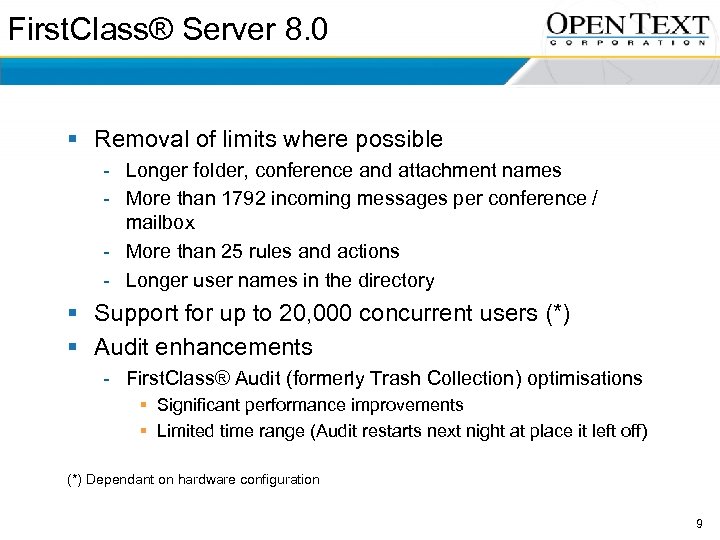 First. Class® Server 8. 0 § Removal of limits where possible - Longer folder, conference and attachment names - More than 1792 incoming messages per conference / mailbox - More than 25 rules and actions - Longer user names in the directory § Support for up to 20, 000 concurrent users (*) § Audit enhancements - First. Class® Audit (formerly Trash Collection) optimisations § Significant performance improvements § Limited time range (Audit restarts next night at place it left off) (*) Dependant on hardware configuration 9
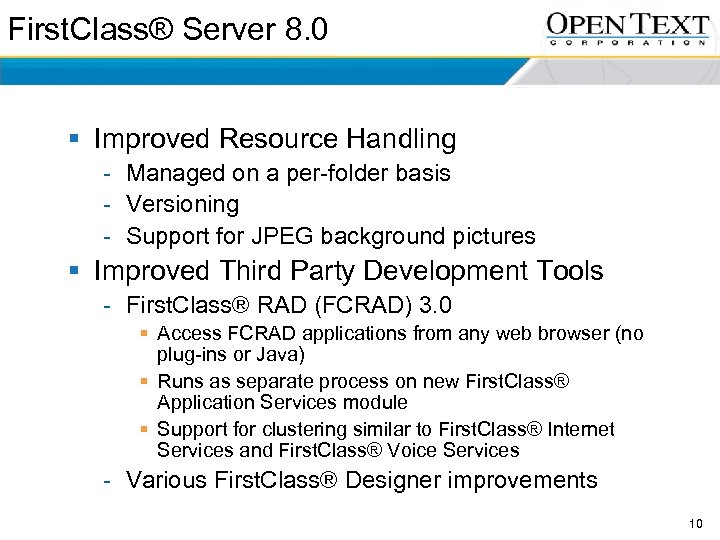 First. Class® Server 8. 0 § Improved Resource Handling - Managed on a per-folder basis - Versioning - Support for JPEG background pictures § Improved Third Party Development Tools - First. Class® RAD (FCRAD) 3. 0 § Access FCRAD applications from any web browser (no plug-ins or Java) § Runs as separate process on new First. Class® Application Services module § Support for clustering similar to First. Class® Internet Services and First. Class® Voice Services - Various First. Class® Designer improvements 10
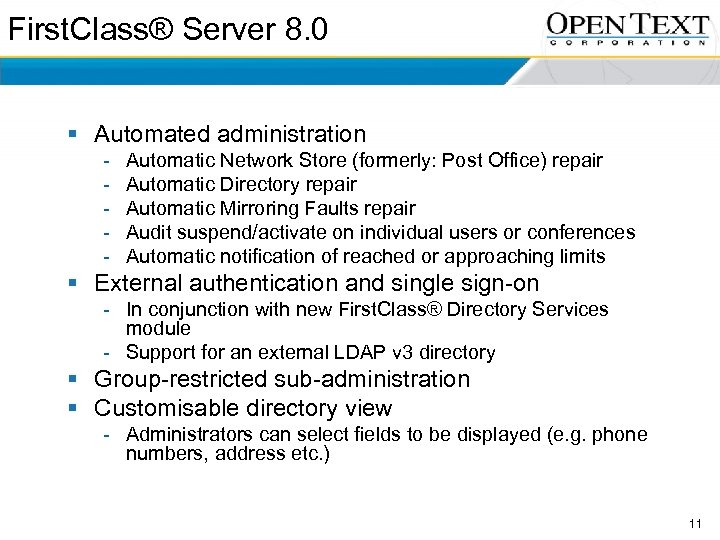 First. Class® Server 8. 0 § Automated administration - Automatic Network Store (formerly: Post Office) repair Automatic Directory repair Automatic Mirroring Faults repair Audit suspend/activate on individual users or conferences Automatic notification of reached or approaching limits § External authentication and single sign-on - In conjunction with new First. Class® Directory Services module - Support for an external LDAP v 3 directory § Group-restricted sub-administration § Customisable directory view - Administrators can select fields to be displayed (e. g. phone numbers, address etc. ) 11
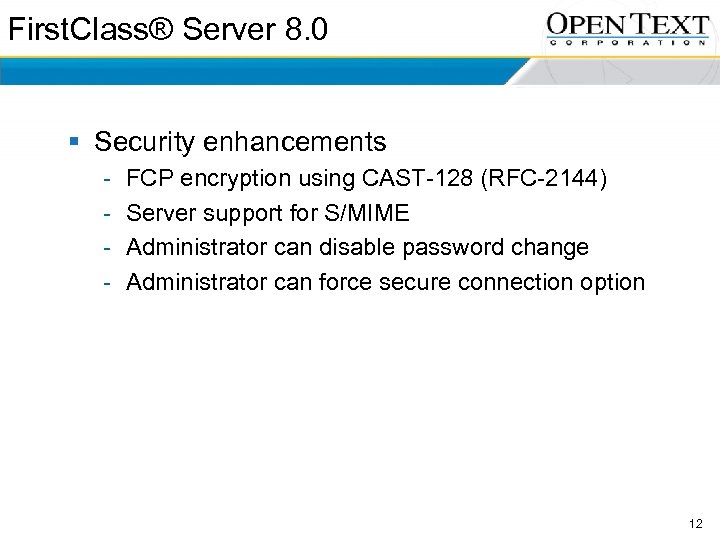 First. Class® Server 8. 0 § Security enhancements - FCP encryption using CAST-128 (RFC-2144) Server support for S/MIME Administrator can disable password change Administrator can force secure connection option 12
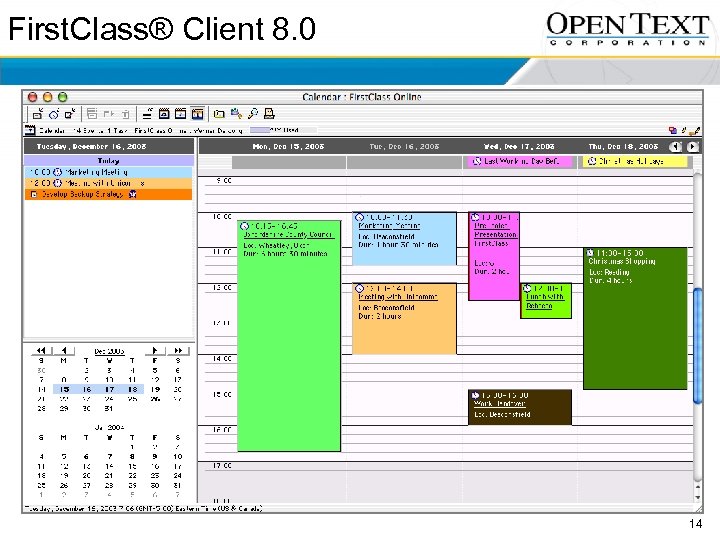
 First. Class® Client 8. 0 § Calendar enhancements - Optional delivery of new events to Mailbox Multi-day Daytimer view Improved week and month views Improved year selector and current month display All-day events Import and export events using v. Cal standard Reminder enhancements § Participants can change reminder settings § Reminder snooze feature § Default reminder preference settings 13
 First. Class® Client 8. 0 14
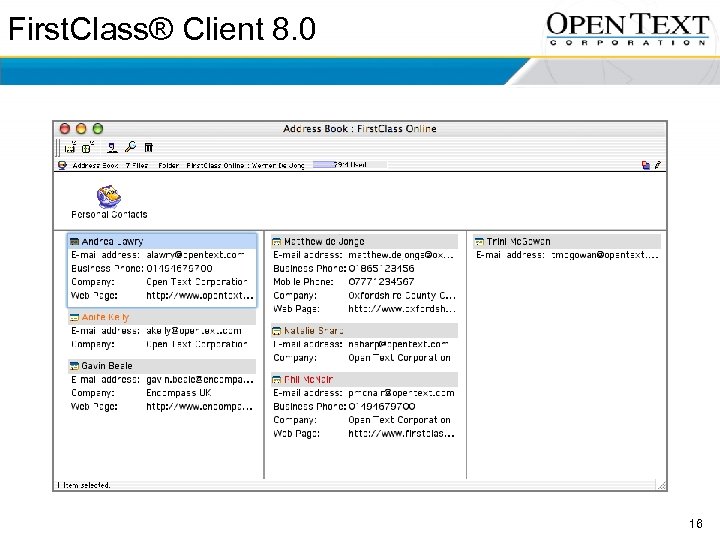
 First. Class® Client 8. 0 § New First. Class® Contact Manager - Major update of Directory and Address Book New rolodex style index card view Import and export contacts using v. Card standard Choice of contact form layouts (First. Class, Palm or Outlook) § Additional enhancements - Colour in Mailbox and Conference lists Smart image paste with automatic conversion Save Explore view and window positions Select outgoing Internet email alias Display disk usage and email alias on status bar § Filtered Mailbox and Conference views - View only Received items, Sent items or Unsent items 15
 First. Class® Client 8. 0 16
 First. Class® Client 8. 0 § Support for Tables - Full table editor Any size, height and width – fixed or proportional Each cell can hold any First. Class® object Data translation engine allows Copy&Paste of tabular data for seamless application interchange (e. g. Microsoft Excel) - Integrated with Internet Services for inbound and outbound HTML email or Web publishing § Improved printing for Contact Manager and Calendar 17
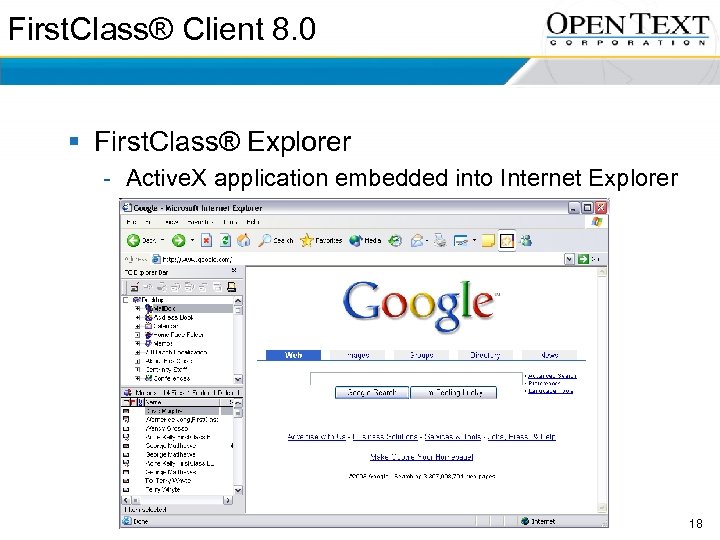 First. Class® Client 8. 0 § First. Class® Explorer - Active. X application embedded into Internet Explorer 18
 First. Class® Instant Messaging 8. 0 and First. Class® Presence Management 8. 0 § Instant Messaging and Presence Management integrated with collaboration - Immediately jump to Instant Messaging from messages, calendar, directory and address book - New features: § Allow “catch-up” option so new invitees can see previous content from Instant Messaging session § “Pause” feature to indicate others you are temporarily unavailable without exiting Instant Messaging session § Moderated Instant Messaging session, so moderator can control who can contribute while participants can request posting rights § Create transcripts of Instant Messaging sessions § Rich media Instant Messaging (text, voice, images, attachments) 19
 First. Class® Instant Messaging 8. 0 and First. Class® Presence Management 8. 0 § Advanced User Interface - Activity indicator Invite with message Decline with message Custom user icons § Instant presence indicator lists (“buddy lists”) - All addresses automatically become presence indicator lists, e. g. To and Cc names in messages, mail lists, Mailbox and conferences - Instant message with a single click 20
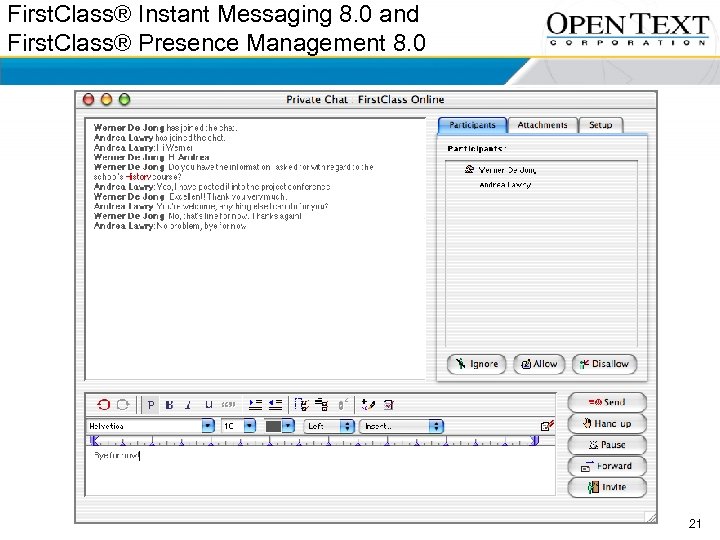 First. Class® Instant Messaging 8. 0 and First. Class® Presence Management 8. 0 21
 First. Class® Internet Services 8. 0 § Virus Scanning integration (initially Symantec only) § HTML operational improvements up to 10 x - Emphasis on template and CGI processing § SMTP performance improvements (inbound and outbound) § Support for S/MIME § Improved First. Class® Web Interfaces - Tags for visually impaired users using screen readers Expanded support for mail rules Improved calendar interface HTML-based Instant Messaging Live. Link integration § Additional SPAM filtering and reduction (wild cards and regular expressions in “Filters” document) § Support for tables on inbound and outbound HTML messages § Support for UTF-8 / Unicode § FCRAD access via Web without Java or plug-ins 22
 First. Class® Directory Services 8. 0 § Bidirectional maintenance between First. Class® and meta directories via LDAP v 3 - Slave to external LDAP server to allow automatic updating of the First. Class® directory - Slave other applications to First. Class® § LDAP v 3 client access to First. Class® - Single sign-on in a wide variety of applications authenticating against First. Class® (e. g. file servers, printers, copiers) § External authentication using LDAP v 3 - Login validation can be performed against an external LDAP v 3 directory 23
 First. Class® Voice Services 8. 0 § Support for ISDN PRI E 1 with Q. 931(e) signalling - Using Intel/Dialogic hardware - Scalable up to 60 digital channels per PC § Voice access to First. Class® content (e. g. Contact Manager and Calendar information) § Additional Telephone User Interfaces (TUI, e. g. Octel and Centigram) 24
 First. Class® Migrator 8. 0 § Client Migrator for Lotus Notes - Replicate to First. Class® from remote Lotus Domino server or Lotus Notes client: § § Private Contacts Appointments Tasks Personal messaging information 25
 The First. Class® Vision 26
 The First. Class® Vision § Integration of First. Class® and Live. Link - Open Text technology incorporated into First. Class® § Advanced search § Enhanced support for streaming media § First. Class® Education Development - Learning Management System Electronic testing Real-time whiteboard Multi-media broadcasting Ability to use standards-based objects such as SCORM 27
 The First. Class® Vision § First. Class® Authoring Tools - Continue to enhance breadth of content - Additional media types (audio, video etc. ) - Unstructured office data (spreadsheets, presentations etc. ) § More platforms - Linux, Sun Solaris, HP-UX Pocket. PC Symbian Palm RIM Blackberry 28
 The First. Class® Vision § Extended First. Class® Instant Messaging - Additional media types including streaming video and interactive white boarding - Communicate with other standards-based instant messaging systems § First. Class® Contact Manager - Mail merge, contact reminders, additional views - Integrated to all services, quickly identify all communication between First. Class® user and contact § First. Class® Synchronisation Services - All client devices e. g. laptop - Native applications e. g. mobile phone address book and calendar 29
 The First. Class® Vision § First. Class® Records Management Services - Define and enforce policies for § § Message retention Versioning Archiving Destruction - Backup and restore subsystem enabling search and retrieval of accounts, documents and messages § First. Class® Disk Services - Use any application to read and write files stored on First. Class® Desktop - First. Class® Desktop appears as a hard drive on the PC 30
 The First. Class® Vision § Security - Encryption of the First. Class® Network Store User-to-user messaging encryption Digital signatures Biometric authentication 31
 32
32