


 Скачать презентацию Fire Assessment Deployment So Cal Fires 2007 1
402e5fbe0264b0acbddcc9e477a7c475.ppt
- Количество слайдов: 10
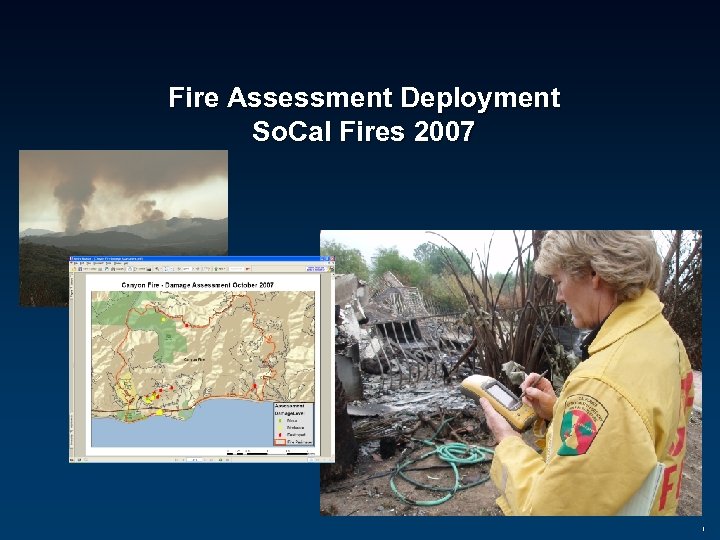 Fire Assessment Deployment So. Cal Fires 2007 1
 Business Requirements • Collect damage assessment in the field: – Location (GPS / Address / Parcel ID) – Photos – Assessment (damage level, building type, terrain, etc…) • Generate Report – Based on fire location (Canyon, Buckweed, Green Valley, etc…) – Associate report with photos collected in the field • Distribute information – Map location of assessments – Provide access of assessments information (near-real time) 2
 Application Requirements • Mobile – Access to base map information (roads, parcels, imagery) – Integrated with GPS and GPS camera – Automated forms to collect information – Disconnected/Connected environment • Database – Stores assessment and photo information – View only of roads, parcel, fire boundary information • Executive Viewer – Report and map generator – Access to other fire/assessment information – Access to weather and other critical information 3
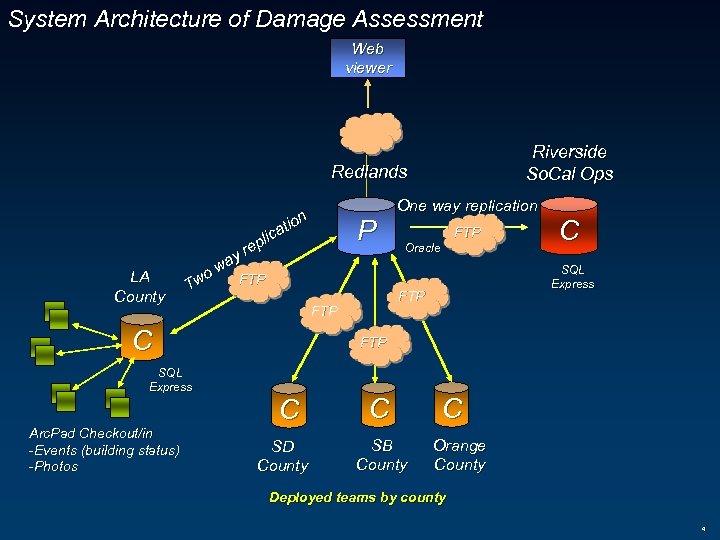 System Architecture of Damage Assessment Web viewer Riverside So. Cal Ops Redlands One way replication n tio ca pli re LA County y wa o FTP Tw SQL Express FTP Oracle C SQL Express FTP C Arc. Pad Checkout/in -Events (building status) -Photos P FTP C SD County C SB County C Orange County Deployed teams by county 4
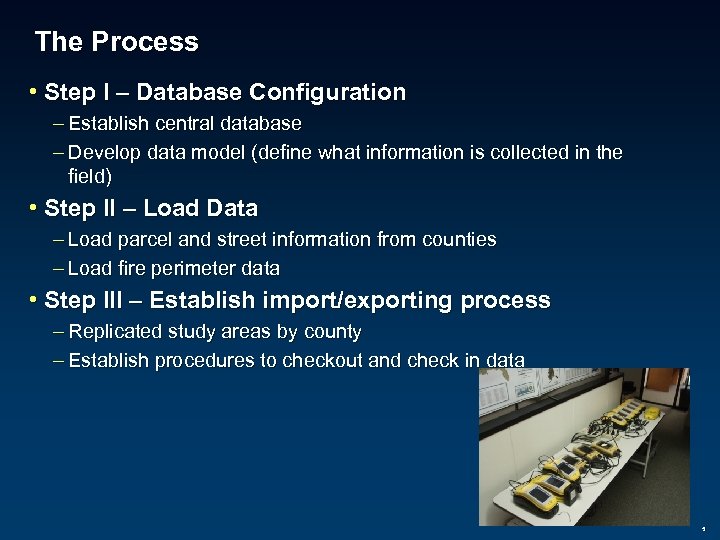 The Process • Step I – Database Configuration – Establish central database – Develop data model (define what information is collected in the field) • Step II – Load Data – Load parcel and street information from counties – Load fire perimeter data • Step III – Establish import/exporting process – Replicated study areas by county – Establish procedures to checkout and check in data 5
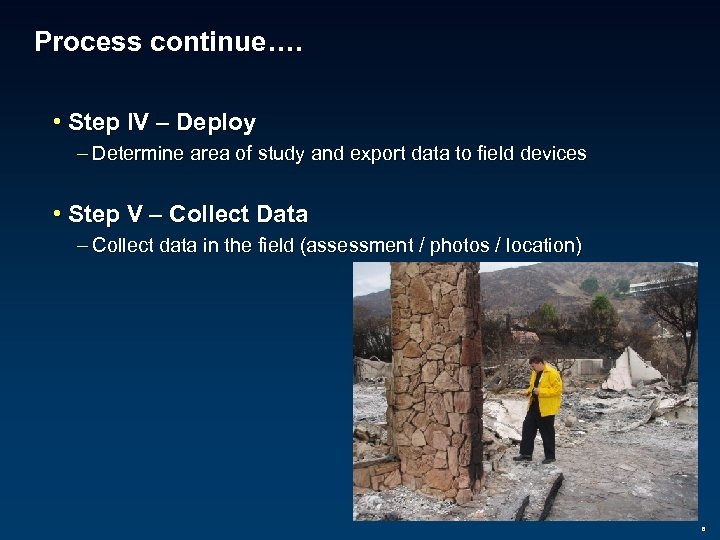 Process continue…. • Step IV – Deploy – Determine area of study and export data to field devices • Step V – Collect Data – Collect data in the field (assessment / photos / location) 6
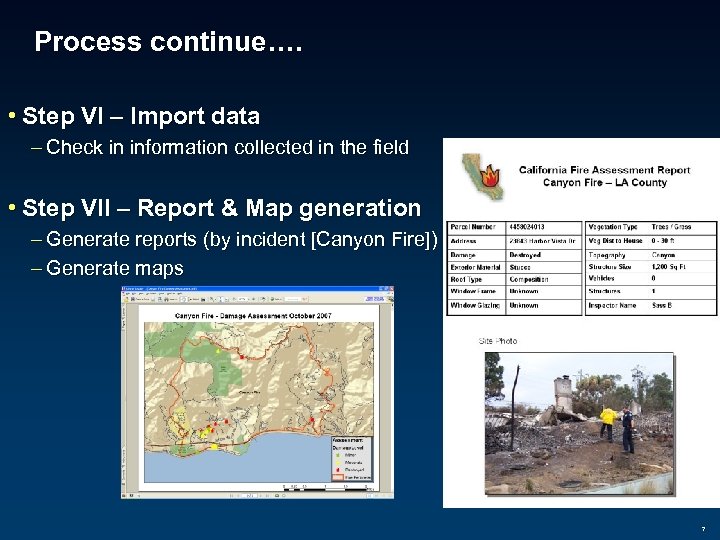 Process continue…. • Step VI – Import data – Check in information collected in the field • Step VII – Report & Map generation – Generate reports (by incident [Canyon Fire]) – Generate maps 7
 Issues • Lack of standards – Each county had their own assessment reports – Each county had their own methods of collecting information • Undocumented workflow – What agencies collected data – Distribution centers • Limited access to regional information – Parcel information • Limited Infrastructure – Hardware and network was limited – Where to host the data, what server to deploy and serve the data…. 8
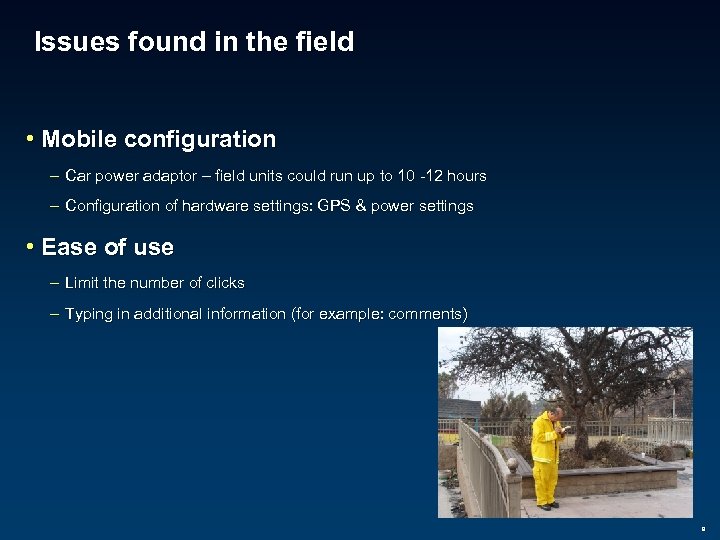 Issues found in the field • Mobile configuration – Car power adaptor – field units could run up to 10 -12 hours – Configuration of hardware settings: GPS & power settings • Ease of use – Limit the number of clicks – Typing in additional information (for example: comments) 9
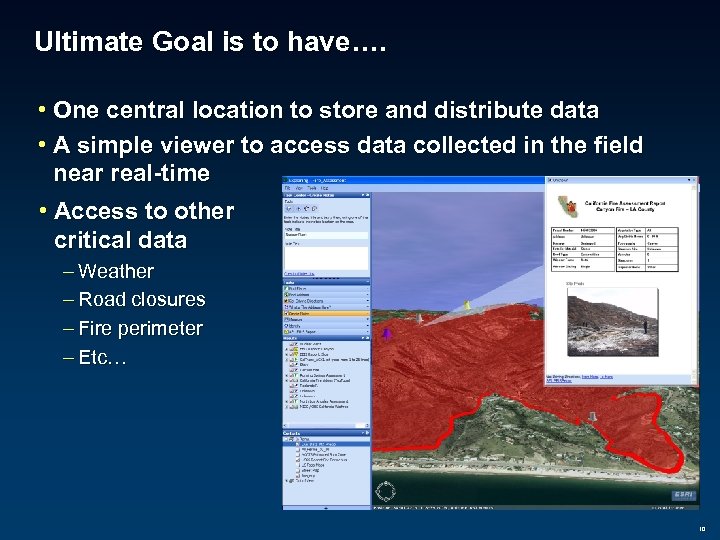 Ultimate Goal is to have…. • One central location to store and distribute data • A simple viewer to access data collected in the field near real-time • Access to other critical data – Weather – Road closures – Fire perimeter – Etc… 10