


 Скачать презентацию Files file share permissions Are
Files, file share, permissions.pptx
- Количество слайдов: 5
 Files, file share, permissions
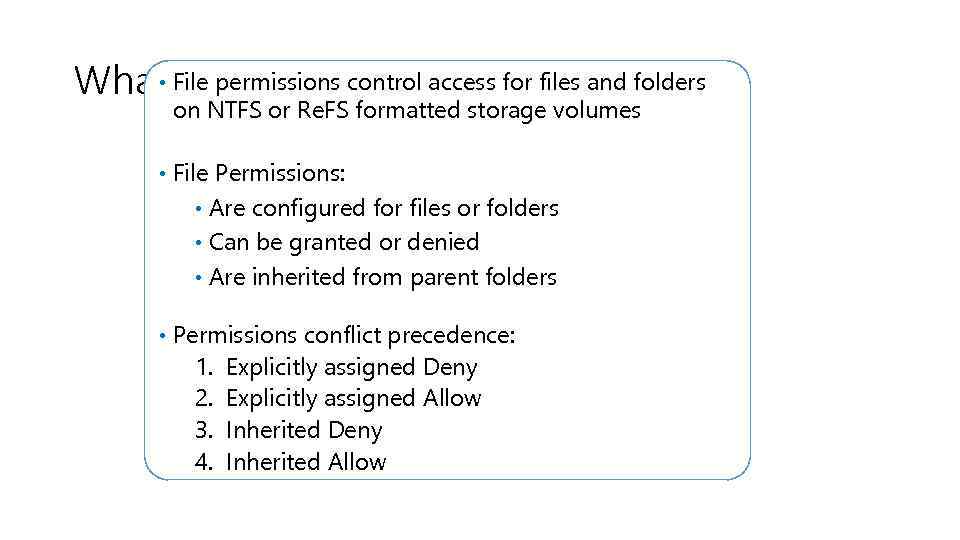 • Are File Permissions? What File permissions control access for files and folders on NTFS or Re. FS formatted storage volumes • File Permissions: • Are configured for files or folders • Can be granted or denied • Are inherited from parent folders • Permissions conflict precedence: 1. 2. 3. 4. Explicitly assigned Deny Explicitly assigned Allow Inherited Deny Inherited Allow
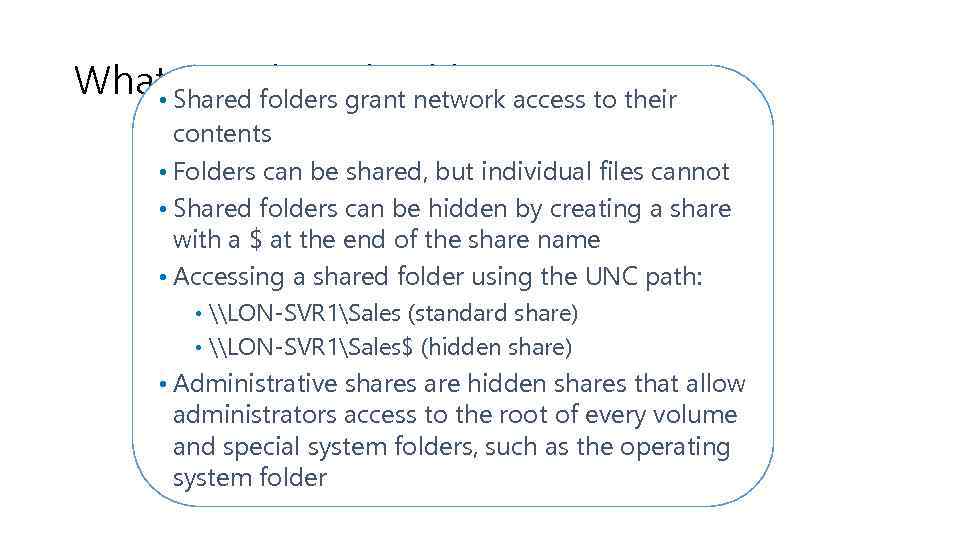 What Shared Folders? to their Are folders grant network access • contents • Folders can be shared, but individual files cannot • Shared folders can be hidden by creating a share with a $ at the end of the share name • Accessing a shared folder using the UNC path: • \LON-SVR 1Sales (standard share) • \LON-SVR 1Sales$ (hidden share) • Administrative shares are hidden shares that allow administrators access to the root of every volume and special system folders, such as the operating system folder
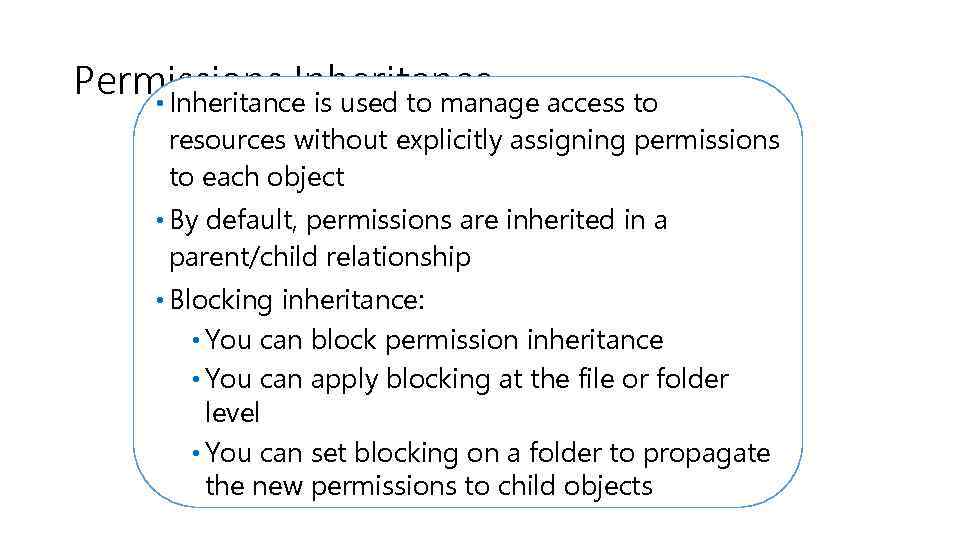 Permissions Inheritance access to • Inheritance is used to manage resources without explicitly assigning permissions to each object • By default, permissions are inherited in a parent/child relationship • Blocking inheritance: • You can block permission inheritance • You can apply blocking at the file or folder level • You can set blocking on a folder to propagate the new permissions to child objects
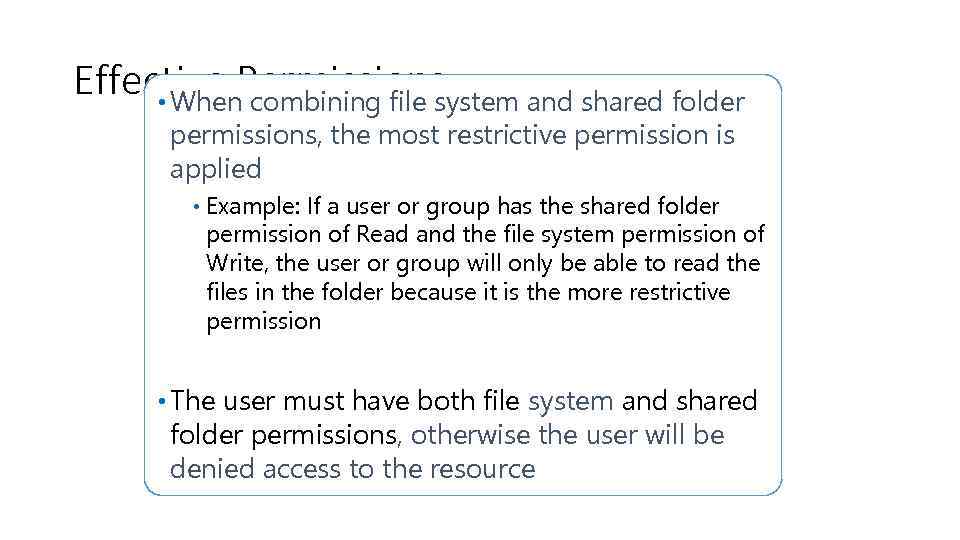 Effective Permissions • When combining file system and shared folder permissions, the most restrictive permission is applied • Example: If a user or group has the shared folder permission of Read and the file system permission of Write, the user or group will only be able to read the files in the folder because it is the more restrictive permission • The user must have both file system and shared folder permissions, otherwise the user will be denied access to the resource