 Скачать презентацию File Level Backups for Linux w o Tape Drives
d623db64efed5c9331d5b95cfaf112a6.ppt
- Количество слайдов: 38



File Level Backups for Linux w/o Tape Drives Session L 83 David Boyes Sine Nomine Associates
Agenda The Problem The Idea The Pieces The Experiment How-To Results Q&A
The Problem Most sites with automated tape hardware bought them for use with z/OS or other non-Linux OS. Sharing these drives (especially across LPARs) is a complicated and humanintensive task.
The Problem Most ATL hardware attached to 390 systems uses 3480/3490 technology. Partitioning an ATL between a traditional IBM OS and Linux introduces a lot of unnecessary operations headaches.
The Problem Tivoli support for TSM: n n n Non-existent for native VM server Limited for z/OS Slow to market and poorly thought out for Linux in 390 environment w SCSI/FCP tape only n Expensive and hard to order
The Problem Linux drivers and utilities do not play well in a classic tape library environment Linux backups with OS and VM volume dump utilities are awkward to manage and require Linux downtime for consistent dumps.
The Problem Summary questions: n n Is there a way to do Linux file-level backups without necessarily having to access the tape units directly from Linux? Is there a way to do reliable Linux file-level backups without shutting down Linux?
The Idea If…. n Linux could put backups into flat files that were somehow accessible to VM or z/OS, both systems have HSM function already built and running. Using that function, Linux doesn’t have to be able to run the tape drives directly – the HSM code takes care of all that.
The Idea If… n A Hipersocket path provides a fat IP pipe between a Linux system and a z/OS or VM system, then transferring data between the systems is reliable, fast and free of human intervention. Both Linux and the IBM OSes understand NFS, assuming the file naming restrictions for the VM and z/OS world are respected.
The Idea If… n IP connectivity to Linux guests or other systems was available and backup automation was available, the 390 is still a desirable platform for this use. The open-source tool Amanda is widely used in the Unix and Linux world, and is supported on a large number of platforms, including Linux and Windows.
The Idea What if: n A Linux system with the Amanda server software installed and configured to do backups to “disk-tapes” wrote it’s output on a chunk of disk space mounted via NFS from VM or z/OS?
The Idea Amanda handles all the interaction with the clients and spooling data to be written to “tape” in big batches. “Tape” files written to z/OS or VM DASD fall under DFSMS management, just like any other VM or z/OS dataset. DFSMS handles all the tape operations from the VM or z/OS side, invisible to Linux. Aggressive use of SMS migration policies keeps VM/z. OS disk usage to a manageable amount.
The Pieces 390/z. Series: n n n DFSMShsm and/or DFSMS/VM CMS and/or z/OS NFS Server Hipersockets or shared OSA Linux n n NFS Client Amanda 2. 4. 4 p 2
The Pieces DFSMShsm or DFSMS/VM n n Policy-based automated migration of data to and from offline storage Usually already available and configured in shops with lots of disk and tape Compatible with all 390 devices supported by VM and z/OS Available in z/OS. e
The Pieces DFSMS or DFSMS/VM n n Rarer in VM (needs ISPF for visual config) Caveats: w VM instance requires TSM/VM w VM instance requires separate SFS pool w Complex to configure
The Pieces NFS Server n n See z/OS or z/VM TCPIP Planning Guide for example setups. On z/OS use of HFS is simpler, but regular MVS syntax also works with small modification to Amanda (code that generates the file name) On CMS, works well with SFS or BFS, with mod mentioned above Follow directions in IBM docs for Unix clients mounting NFS server resources
The Pieces Hipersocket or Shared OSA n n n Ideal use for a hipersocket – high volume, primarily internal data transfer. Guest LANs work fine too. Any IP connectivity will do, but speed is the primary concern here.
The Pieces Linux NFS Client n n Included with all the distributions, just needs to be loaded. Also need mvslogin program from NFS server to get the right uid values and any necessary authentication info between systems. Should be started at boot. See use of cred= parm in /etc/fstab
The Pieces Amanda 2. 4. 4 p 2 n n n www. amanda. org/download Need to build from source – most RPMs with Linux distributions are too old to have disk-tape support. Follow build directions in docs/INSTALL
The Experiment Call for volunteers in December, 2003 2 volunteers Experiment during holidays, 2003
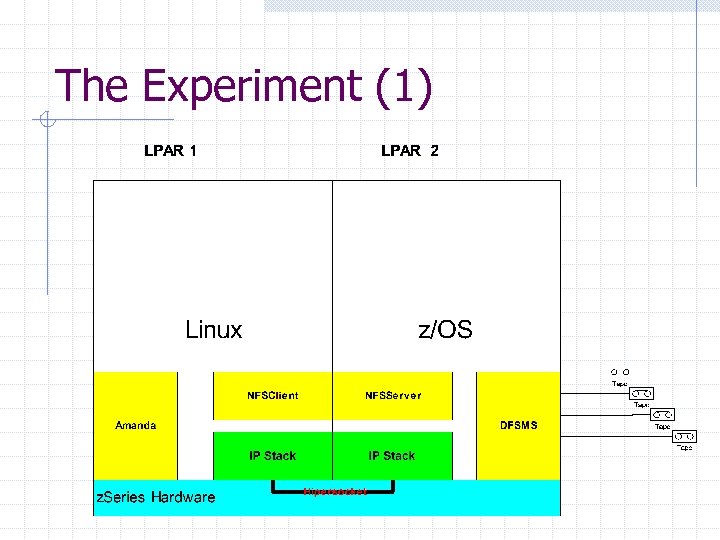
The Experiment (1)
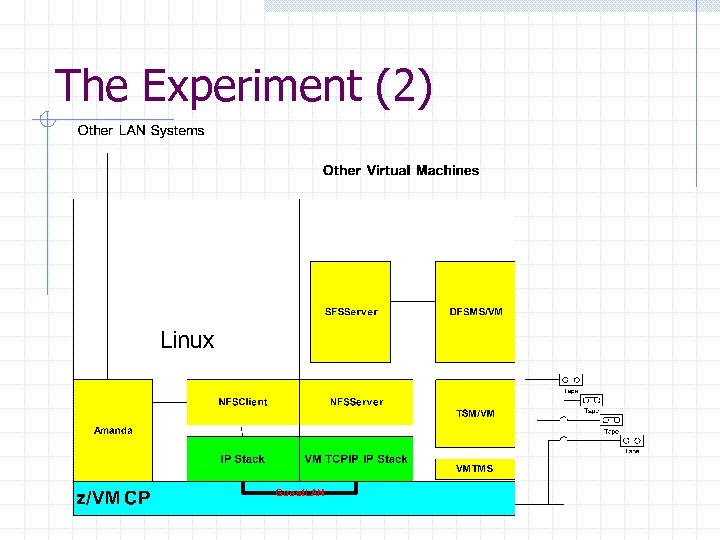
The Experiment (2)
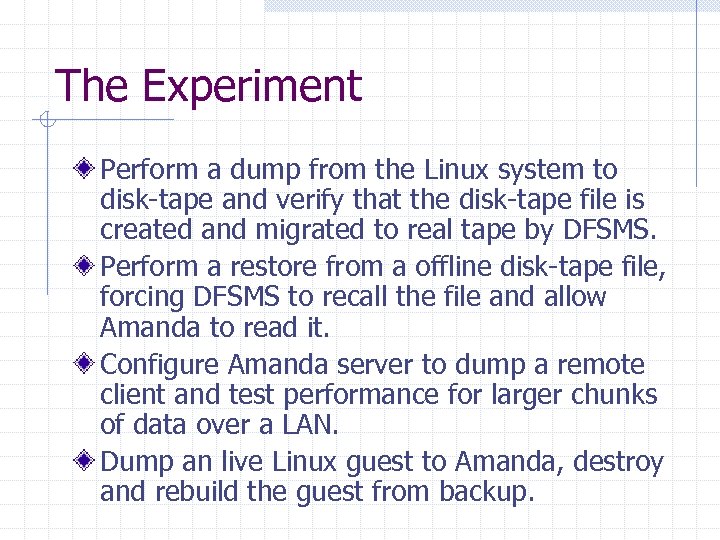
The Experiment Perform a dump from the Linux system to disk-tape and verify that the disk-tape file is created and migrated to real tape by DFSMS. Perform a restore from a offline disk-tape file, forcing DFSMS to recall the file and allow Amanda to read it. Configure Amanda server to dump a remote client and test performance for larger chunks of data over a LAN. Dump an live Linux guest to Amanda, destroy and rebuild the guest from backup.
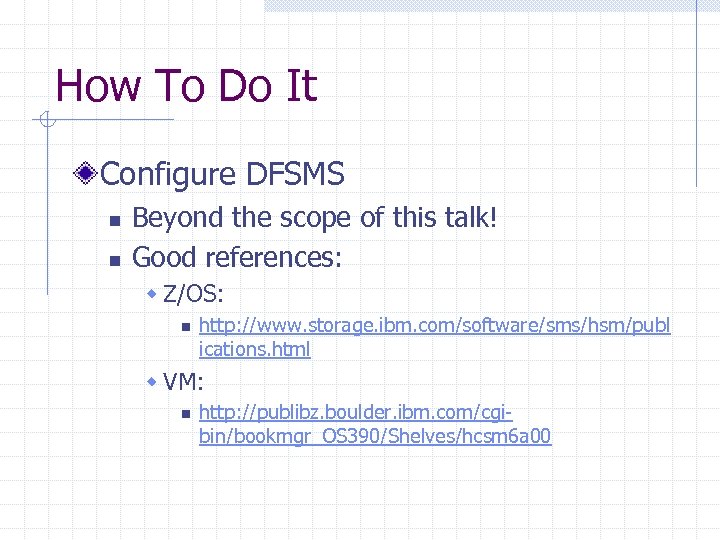
How To Do It Configure DFSMS n n Beyond the scope of this talk! Good references: w Z/OS: n http: //www. storage. ibm. com/software/sms/hsm/publ ications. html w VM: n http: //publibz. boulder. ibm. com/cgibin/bookmgr_OS 390/Shelves/hcsm 6 a 00
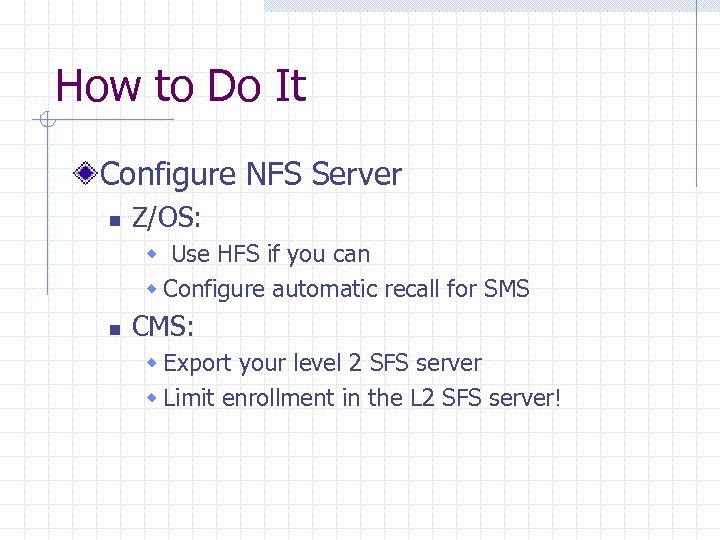
How to Do It Configure NFS Server n Z/OS: w Use HFS if you can w Configure automatic recall for SMS n CMS: w Export your level 2 SFS server w Limit enrollment in the L 2 SFS server!
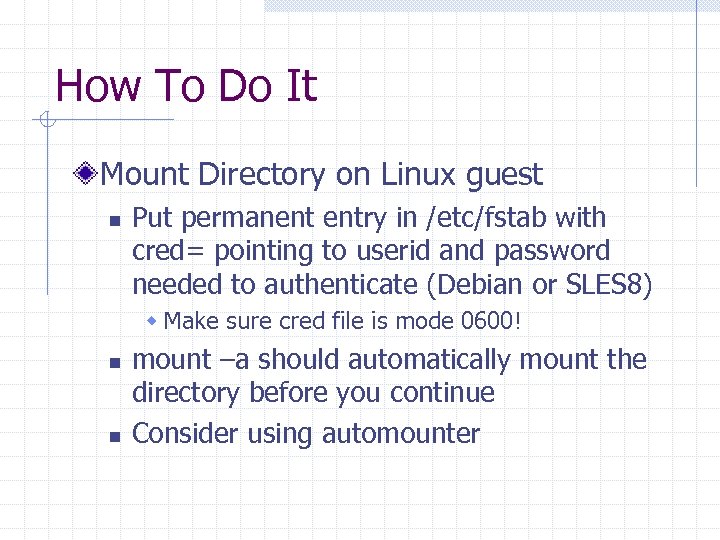
How To Do It Mount Directory on Linux guest n Put permanent entry in /etc/fstab with cred= pointing to userid and password needed to authenticate (Debian or SLES 8) w Make sure cred file is mode 0600! n n mount –a should automatically mount the directory before you continue Consider using automounter
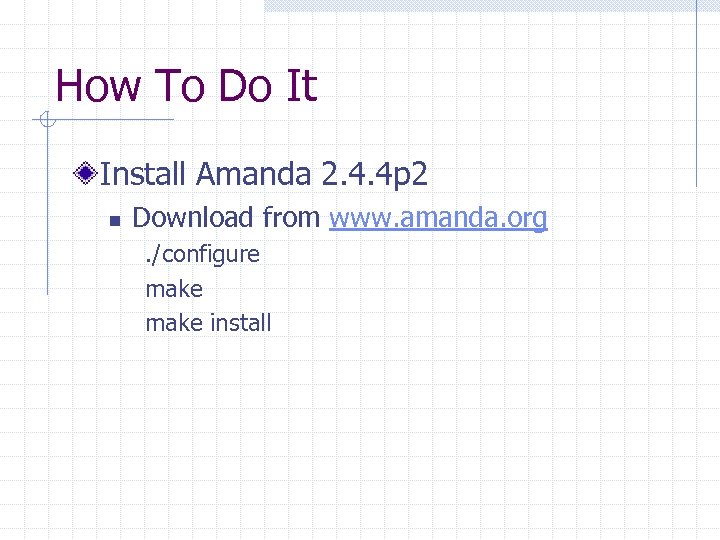
How To Do It Install Amanda 2. 4. 4 p 2 n Download from www. amanda. org. /configure make install
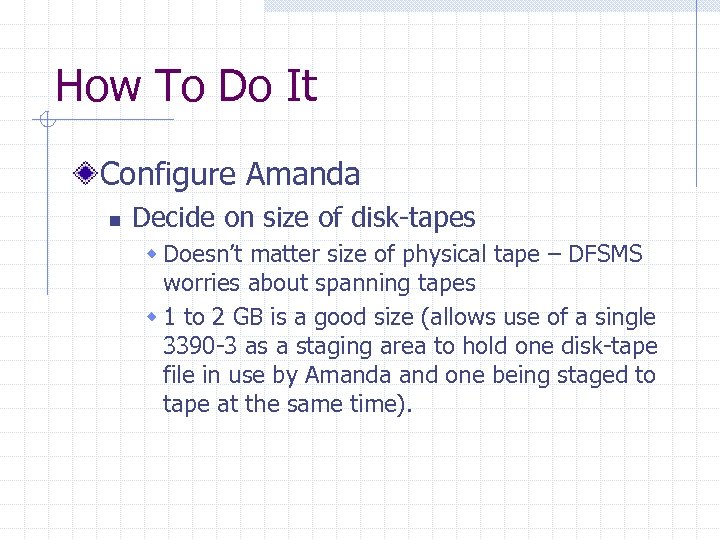
How To Do It Configure Amanda n Decide on size of disk-tapes w Doesn’t matter size of physical tape – DFSMS worries about spanning tapes w 1 to 2 GB is a good size (allows use of a single 3390 -3 as a staging area to hold one disk-tape file in use by Amanda and one being staged to tape at the same time).
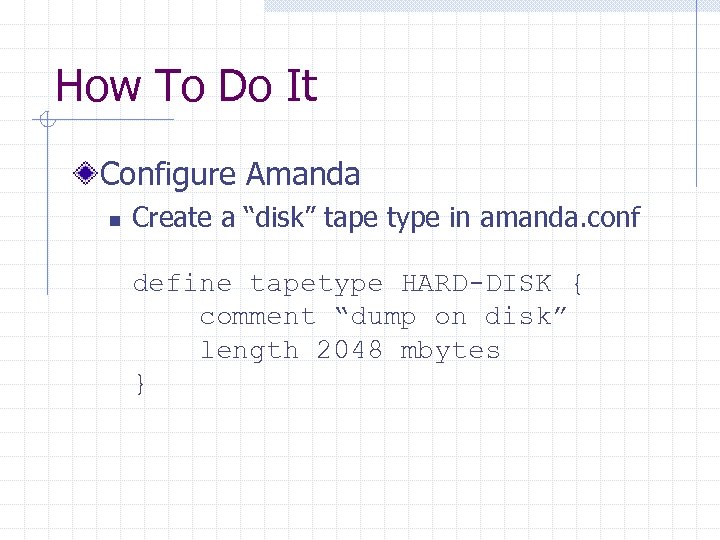
How To Do It Configure Amanda n Create a “disk” tape type in amanda. conf define tapetype HARD-DISK { comment “dump on disk” length 2048 mbytes }
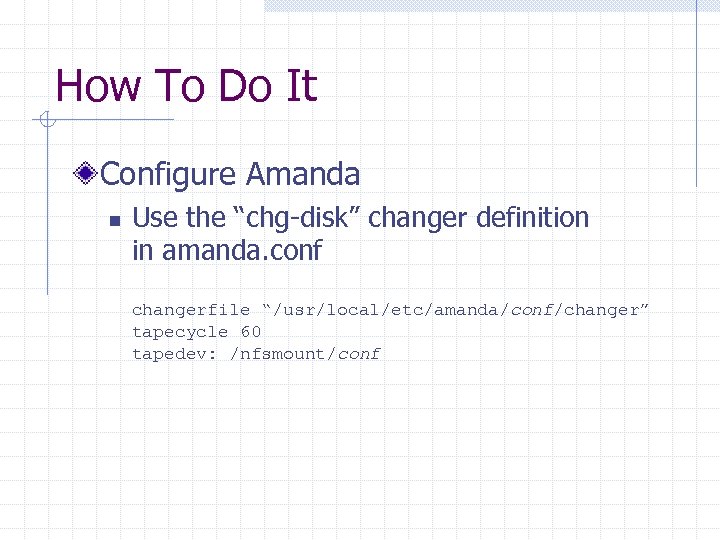
How To Do It Configure Amanda n Use the “chg-disk” changer definition in amanda. conf changerfile “/usr/local/etc/amanda/conf/changer” tapecycle 60 tapedev: /nfsmount/conf
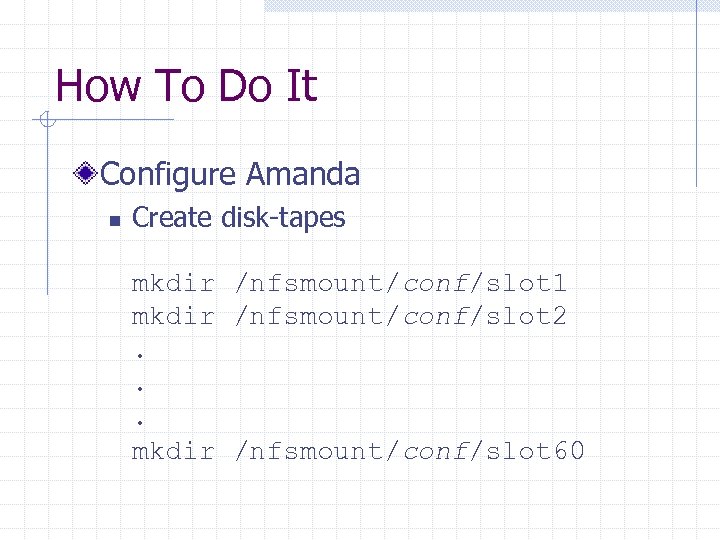
How To Do It Configure Amanda n Create disk-tapes mkdir /nfsmount/conf/slot 1 mkdir /nfsmount/conf/slot 2. . . mkdir /nfsmount/conf/slot 60
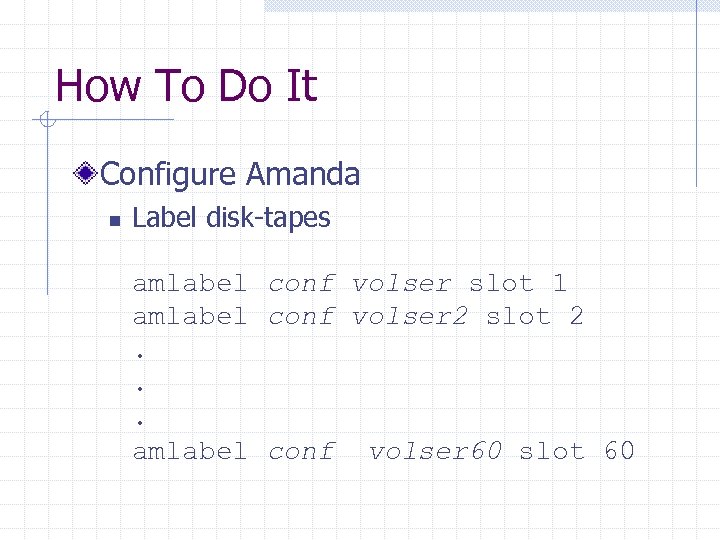
How To Do It Configure Amanda n Label disk-tapes amlabel conf volser slot 1 amlabel conf volser 2 slot 2. . . amlabel conf volser 60 slot 60
How To Do It Configure Amanda n Check configuration with amcheck conf There should be no errors shown.
How To Do It Configure Amanda n Add filesystems to dump In conf/disklist, add a local file system n Run a backup amdump conf
Results With z/OS and HFS, no problems. With OS/390 and VM: n Need small mod to Amanda to enforce 8 x 8 file names tape-src/output-tape. c modify routine ptape_open to suit your organization
Results 10 G dump operated smoothly to multiple tape files Amanda server needs some staging disk to avoid thrashing DFSMS Restore ran smoothly (just like local tape!)
Q&A
Contact Info David Boyes Sine Nomine Associates info@sinenomine. net +1 703 723 6673
Скачать презентацию File Level Backups for Linux w o Tape Drives
d623db64efed5c9331d5b95cfaf112a6.ppt