


 Скачать презентацию Fighting Technology Inertia How to get employees to
0fe6809ee15afbe835f8c56743c4222a.ppt
- Количество слайдов: 27
 Fighting Technology Inertia How to get employees to accept new technology by Sandi Jerome Computer Consulting sandi@sandijerome. com www. sandijerome. com
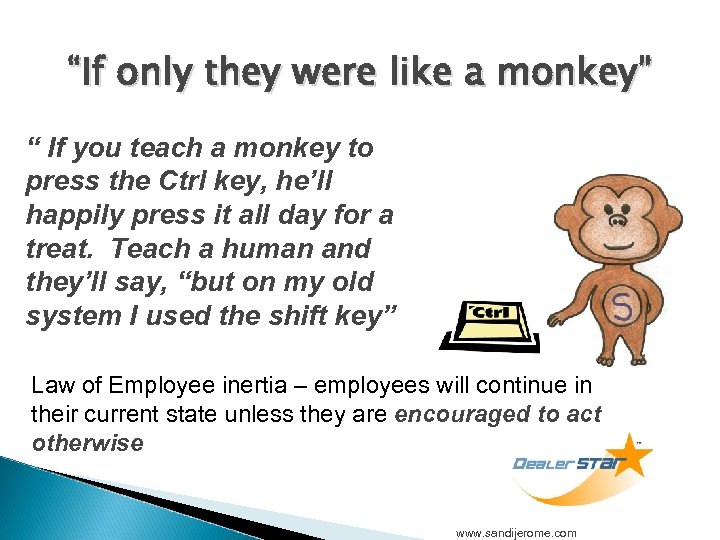 “If only they were like a monkey” “ If you teach a monkey to press the Ctrl key, he’ll happily press it all day for a treat. Teach a human and they’ll say, “but on my old system I used the shift key” Law of Employee inertia – employees will continue in their current state unless they are encouraged to act otherwise www. sandijerome. com
 Acceptance ◦ ◦ ◦ Technology committee IT director Controller Parts Manager Internet Manager General Manager/Dealer Mission Statement: The Technology Committee is the forum for reviewing, evaluating, and recommending strategies, plans, and policies for dealership information technology. The specific elements of the committee's charge include: Identify strategic directions, capabilities, and objectives IT support, including learning technologies Identify opportunities where IT can help achieve the dealership’s goals and recommend priorities Ensure a coordinated implementation of the dealership’s IT projects and initiatives www. sandijerome. com
 Training made easy "I hear and I forget. I see and I remember. I do and I understand. " www. sandijerome. com
 Training methods Manuals, Knowledge-base, FAQ Live instruction One-on-one Levels; ◦ Level 1 – Data Entry ◦ Level 2 – Search, Report ◦ Level 3 - Results What is the best way to train your employee to use the DMS better? www. sandijerome. com
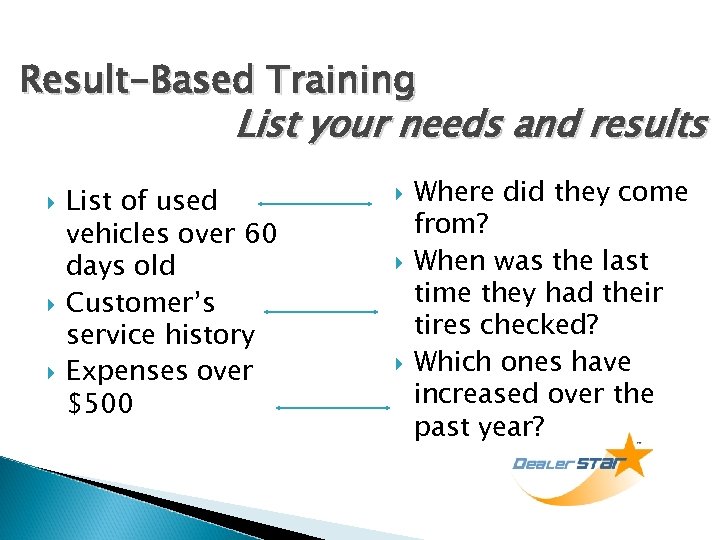 Result-Based Training List your needs and results List of used vehicles over 60 days old Customer’s service history Expenses over $500 Where did they come from? When was the last time they had their tires checked? Which ones have increased over the past year?
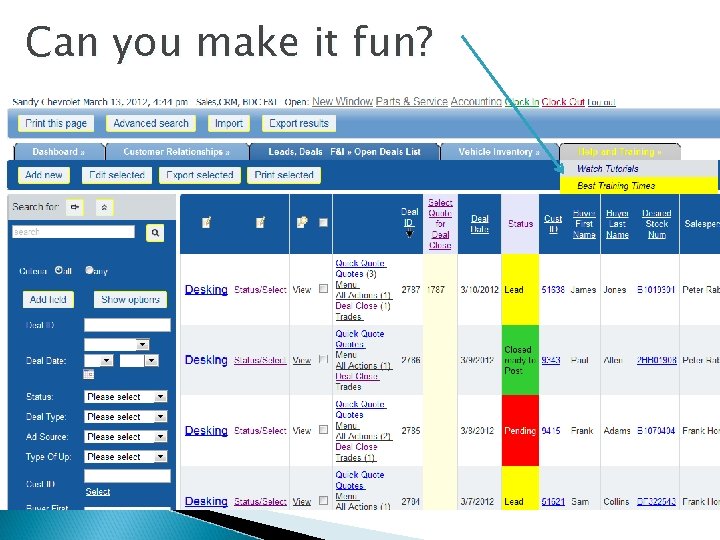 Can you make it fun?
 Why are DMS systems so difficult for humans? Integration with factory Reduced innovation Getting better with Star Standards 30 years of limited choices Uses want it to be the same Keyboard/form-based systems Integration with “modules www. sandijerome. com
 How do you determine if you need to change DMS providers? Cost, cost – need 30% savings CRM needs ◦ Integrated vs. Interfaced ◦ Access to the data Contract is up ◦ New contract is too long or costly ◦ Contract is too complicated Outgrown the system www. sandijerome. com
 Can you change systems? Take this Quiz 1. 2. 3. 4. 5. 6. Stable workforce Controller /Parts manager “on board” IT director/manager to help Cost savings – 30% Your data can be converted – not archived or held captive Your CRM is not held captive by their server www. sandijerome. com
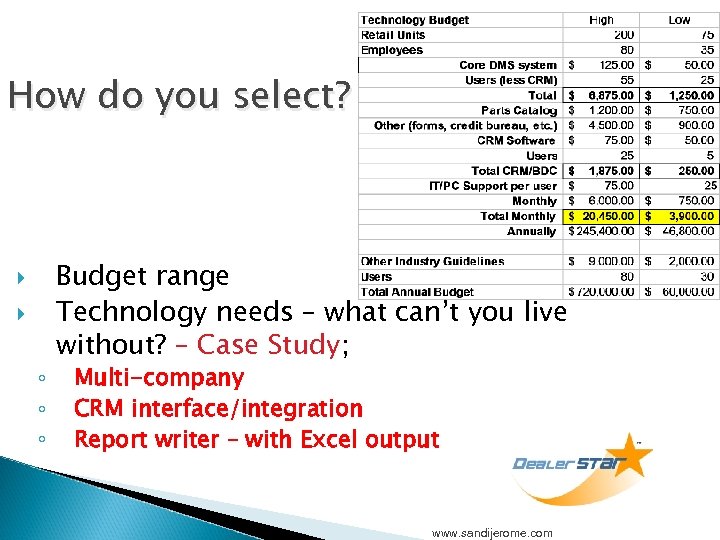 How do you select? ◦ ◦ ◦ Budget range Technology needs – what can’t you live without? – Case Study; Multi-company CRM interface/integration Report writer – with Excel output www. sandijerome. com
 What is Multi-Company? Payroll - distribution Payables – Checks, one per vendor Stock transfers, “views” ◦ Parts ◦ Vehicles ◦ Combined reporting Most important…. Customers! www. sandijerome. com
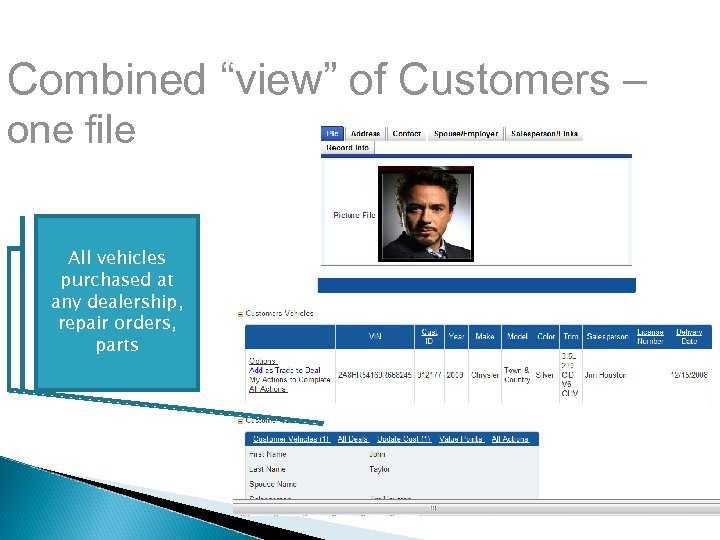 Combined “view” of Customers – one file All vehicles purchased at any dealership, repair orders, parts
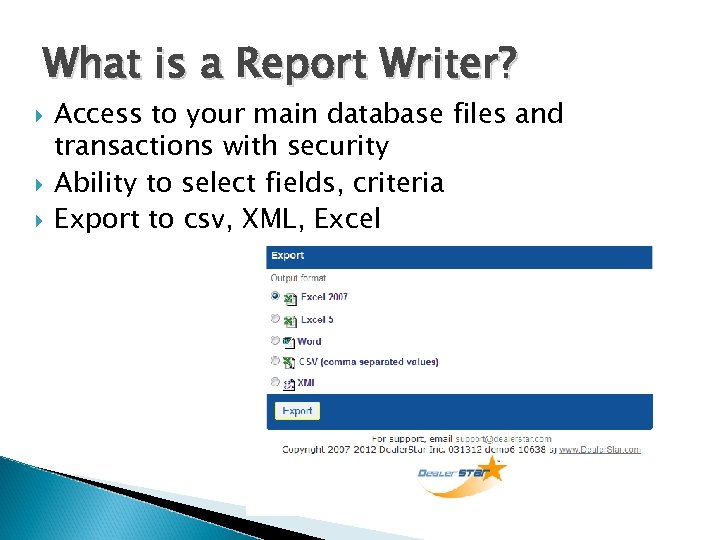 What is a Report Writer? Access to your main database files and transactions with security Ability to select fields, criteria Export to csv, XML, Excel
 What is CRM? The Big 3 1. 2. 3. Prospect and Lead Management Contact management of actions, letters, emails Data Mining of your sold customer database for service/sales www. sandijerome. com
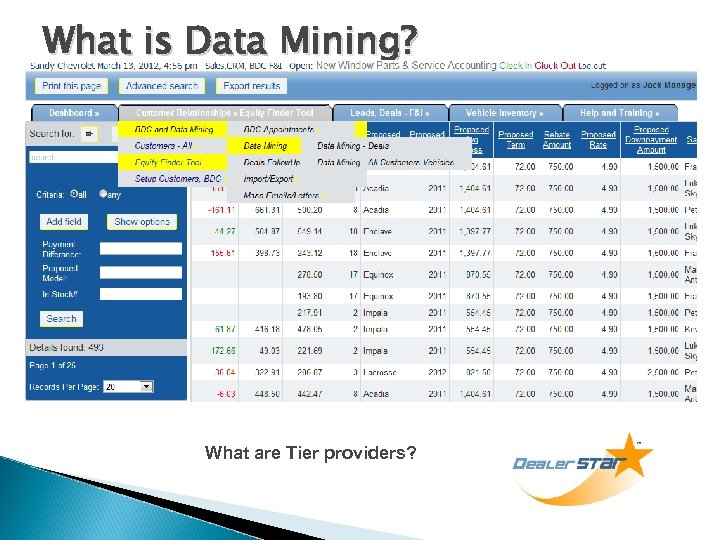 What is Data Mining? What are Tier providers?
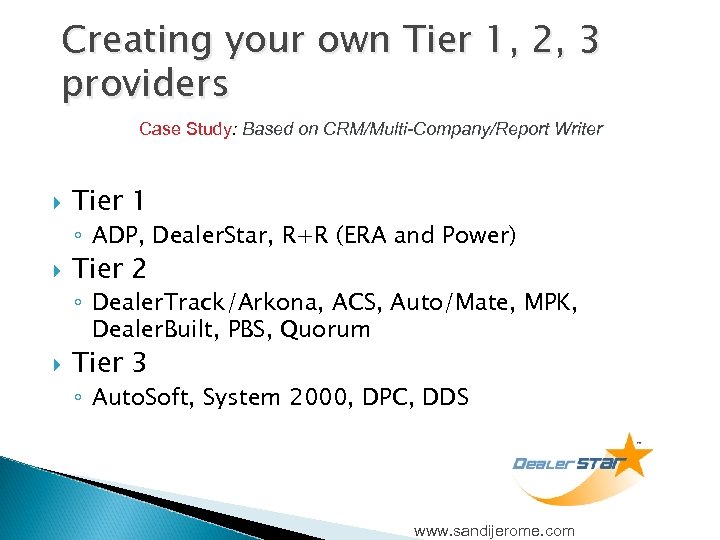 Creating your own Tier 1, 2, 3 providers Case Study: Based on CRM/Multi-Company/Report Writer Tier 1 ◦ ADP, Dealer. Star, R+R (ERA and Power) Tier 2 ◦ Dealer. Track/Arkona, ACS, Auto/Mate, MPK, Dealer. Built, PBS, Quorum Tier 3 ◦ Auto. Soft, System 2000, DPC, DDS www. sandijerome. com
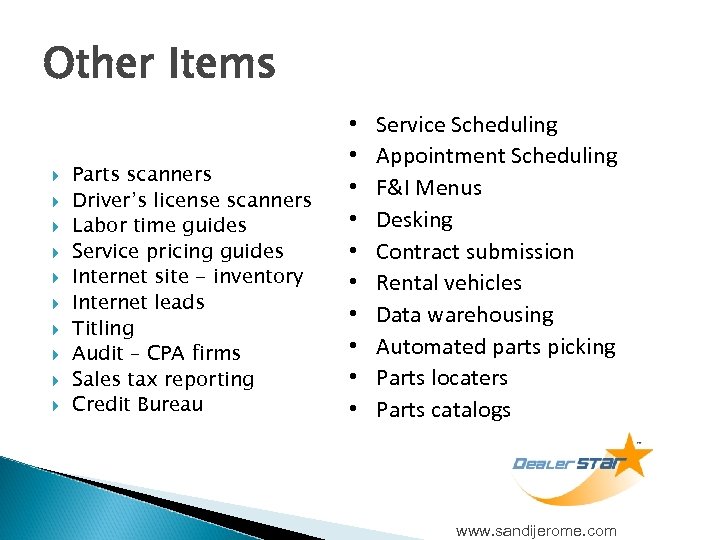 Other Items Parts scanners Driver’s license scanners Labor time guides Service pricing guides Internet site - inventory Internet leads Titling Audit – CPA firms Sales tax reporting Credit Bureau • • • Service Scheduling • Service Scheduling Appointment Scheduling • Appointment Scheduling F&I Menus • F&I Menus Desking • Desking Contract submission • Contract submission Rental vehicles • Rental vehicles Data warehousing • Data warehousing Automated parts picking • Automated parts picking Parts locaters • Parts locaters Parts catalogs • Parts catalogs www. sandijerome. com
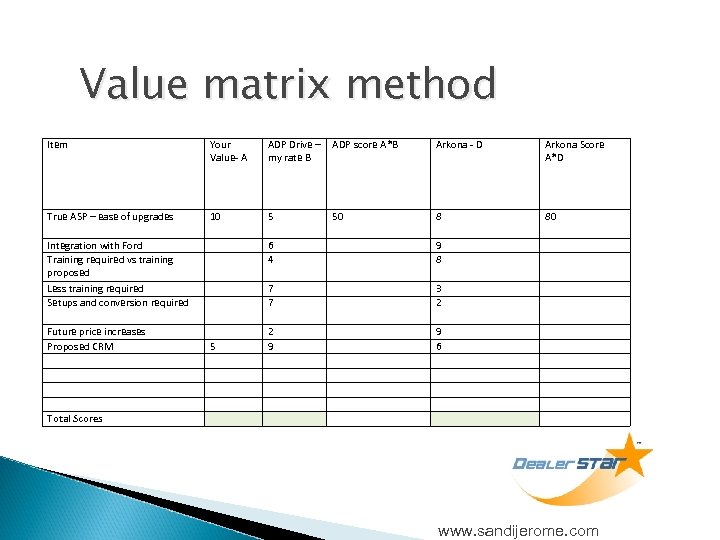 Value matrix method Item Your Value- A ADP Drive – my rate B ADP score A*B Arkona - D Arkona Score A*D True ASP – ease of upgrades 10 5 50 8 80 Integration with Ford Training required vs training proposed Less training required Setups and conversion required 6 4 9 8 7 7 3 2 Future price increases Proposed CRM 2 9 9 6 5 Total Scores www. sandijerome. com
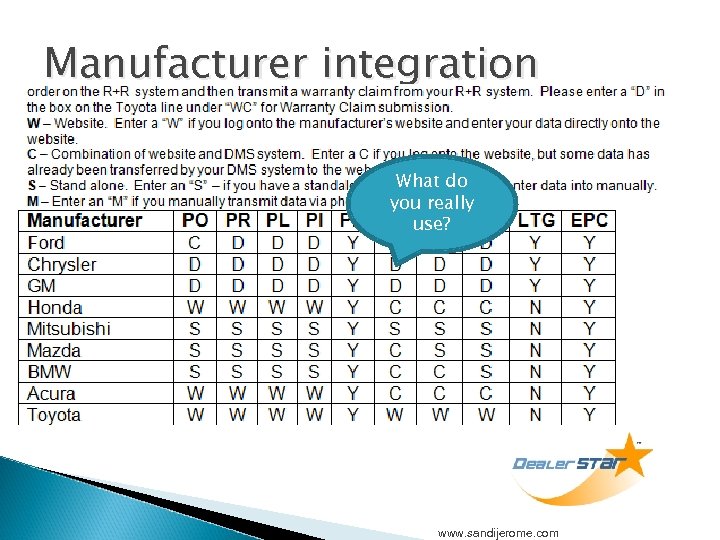 Manufacturer integration What do you really use? www. sandijerome. com
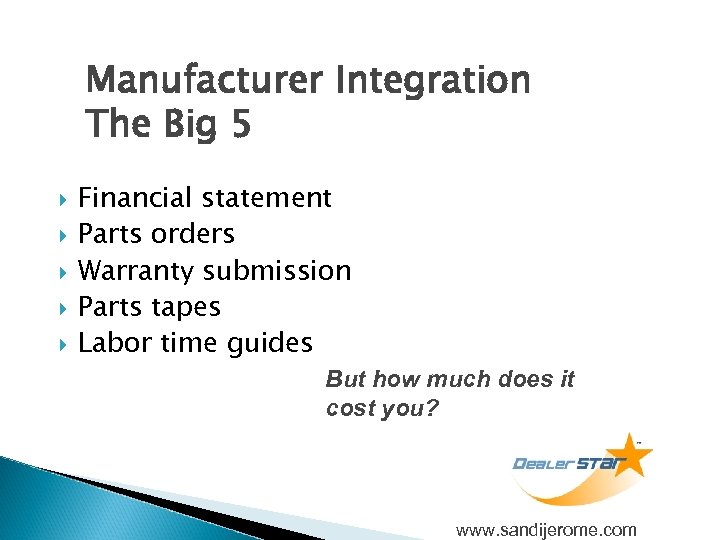 Manufacturer Integration The Big 5 Financial statement Parts orders Warranty submission Parts tapes Labor time guides But how much does it cost you? www. sandijerome. com
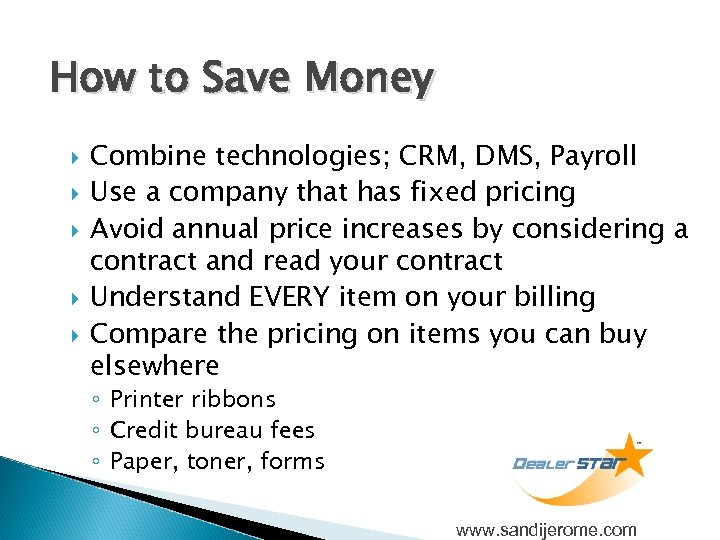 How to Save Money Combine technologies; CRM, DMS, Payroll Use a company that has fixed pricing Avoid annual price increases by considering a contract and read your contract Understand EVERY item on your billing Compare the pricing on items you can buy elsewhere ◦ Printer ribbons ◦ Credit bureau fees ◦ Paper, toner, forms www. sandijerome. com
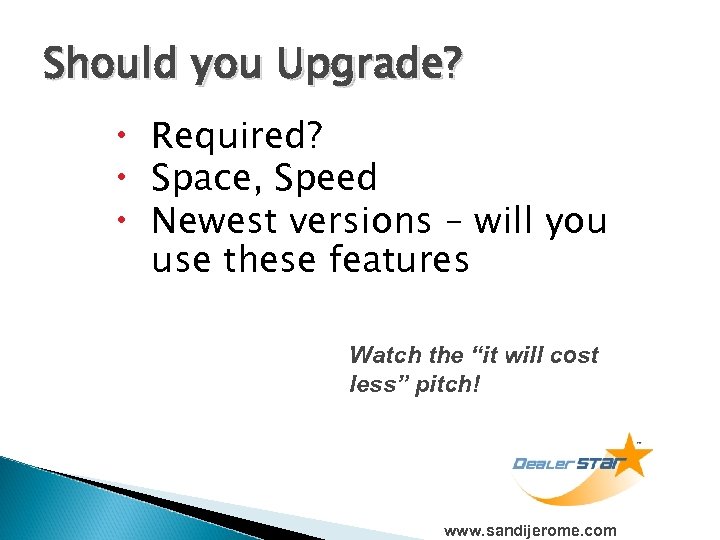 Should you Upgrade? Required? Space, Speed Newest versions – will you use these features Watch the “it will cost less” pitch! www. sandijerome. com
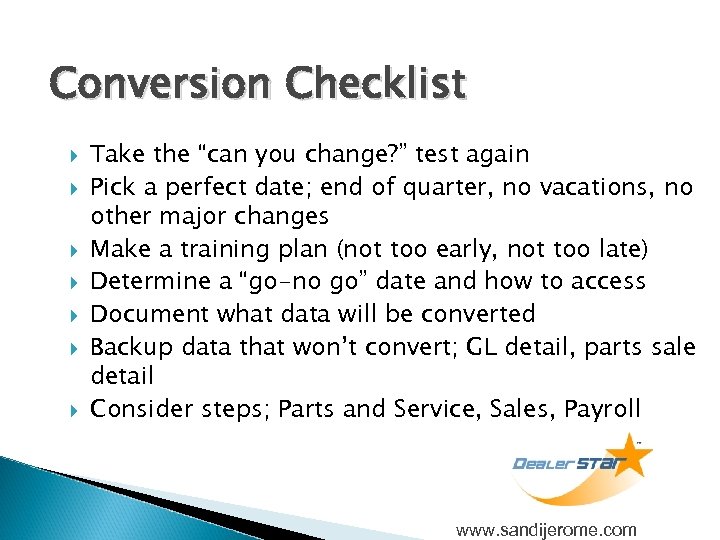 Conversion Checklist Take the “can you change? ” test again Pick a perfect date; end of quarter, no vacations, no other major changes Make a training plan (not too early, not too late) Determine a “go-no go” date and how to access Document what data will be converted Backup data that won’t convert; GL detail, parts sale detail Consider steps; Parts and Service, Sales, Payroll www. sandijerome. com
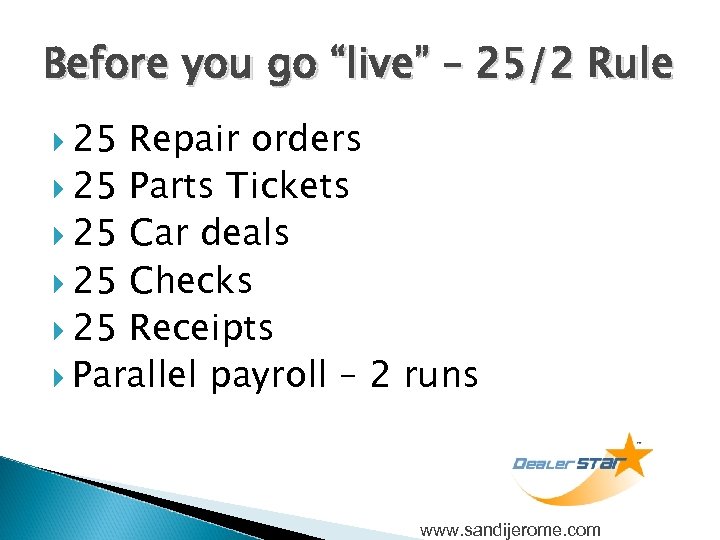 Before you go “live” – 25/2 Rule 25 Repair orders 25 Parts Tickets 25 Car deals 25 Checks 25 Receipts Parallel payroll – 2 runs www. sandijerome. com
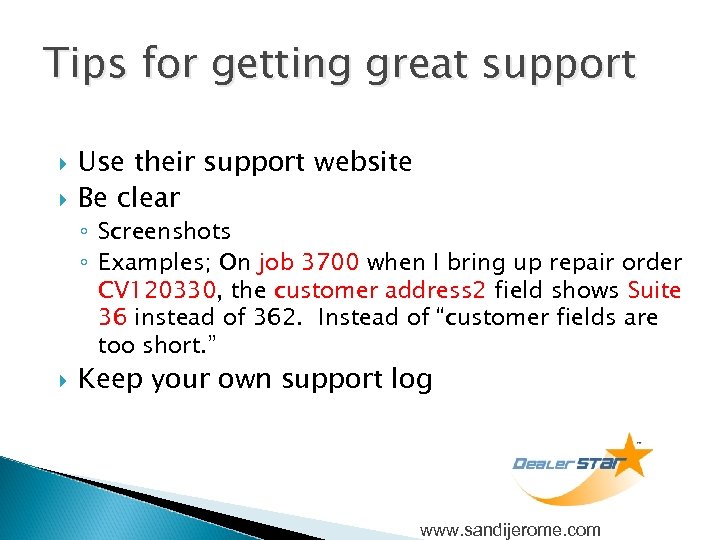 Tips for getting great support Use their support website Be clear ◦ Screenshots ◦ Examples; On job 3700 when I bring up repair order CV 120330, the customer address 2 field shows Suite 36 instead of 362. Instead of “customer fields are too short. ” Keep your own support log www. sandijerome. com
 Questions? Thank you! Sandi Jerome www. Dealer. Star. com www. sandijerome. com sandi@dealerstar. com Phone 360 -406 -5062 x 706 Fax 503 -715 -5600 www. sandijerome. com