 Скачать презентацию Fermilab Envoy CRM System Kevin Munday Xeno Media
81c752e247fc0400d6dc69ec1f041f60.ppt
- Количество слайдов: 18



Fermilab Envoy CRM System Kevin Munday, Xeno Media October 10, 2006
What is a CRM? In this case… Community Relationship Management October 10, 2006 2
Capabilities • Based on the “Customer Relationship Management” model • Centralized, Web-based database with stakeholder information and history of all contacts • Scheduling tools • Document database • Searchable October 10, 2006 3
How the CRM will help the envoy program • • Central source for updated contact information Allows scheduling of meetings, calls, tasks, etc. Individual and group calendars Central document database with the latest, best information for use and distribution • Request assistance, suggest and schedule tasks, etc. October 10, 2006 4
Critical to the envoy program Over the long-term, the CRM will: • Create a full history of communications with all stakeholders • Allow access to the latest, most accurate information related to stakeholders • Allow the envoy system to scale as needed • Allow us to recognize patterns and adapt materials and messages October 10, 2006 5
Selection Started with CRM Market Leaders • Salesforce. com ~$30, 000/year for our use + customization • Netsuite ~$20, 000+/year for our use and too feature-rich • Act ~$8, 000+ for license, plus new server, implementation, customization October 10, 2006 6
Solution Sugar. CRM • Open source (free!) • Supported by commercial firm • Highly rated • Feature-rich • Vibrant developer community • Runs on existing server • Utilizes technologies Xeno Media favors October 10, 2006 7
Our implementation – Core Concepts Users • Envoys • Managers (Elizabeth, Kurt, Judy, Doug S. ) • Admin (Kevin) Contacts • Community stakeholders Users have access to the records for all stakeholders assigned to them, plus all notes related to all stakeholders. Managers have access to all. October 10, 2006 8
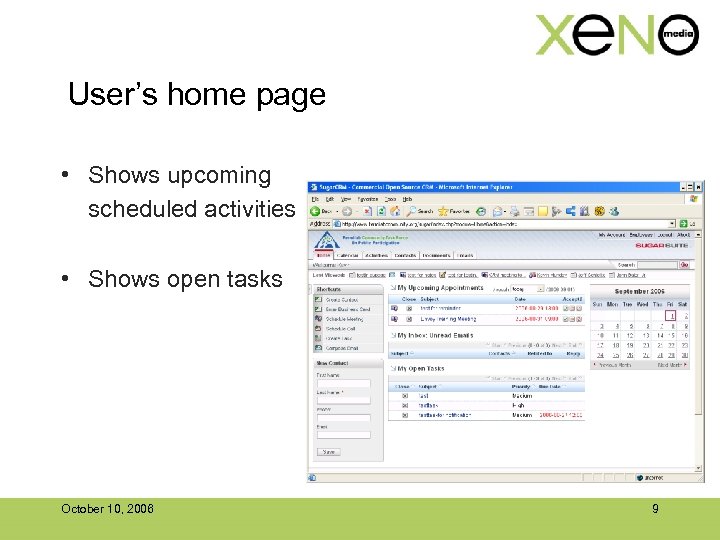
User’s home page • Shows upcoming scheduled activities • Shows open tasks October 10, 2006 9
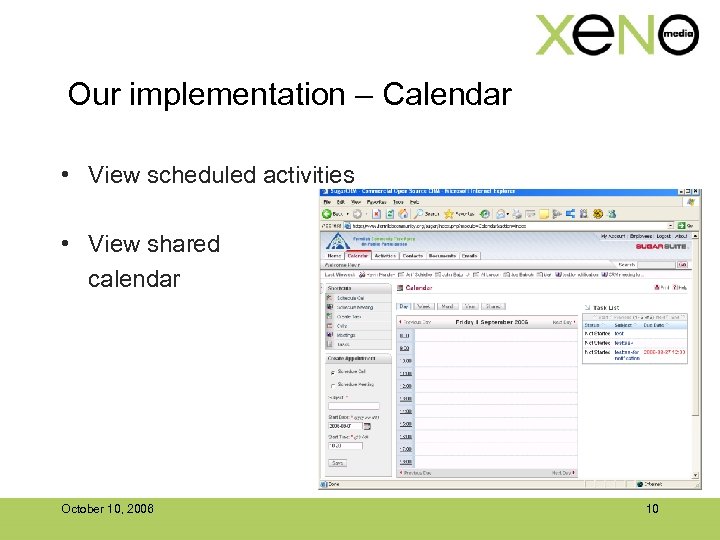
Our implementation – Calendar • View scheduled activities • View shared calendar October 10, 2006 10
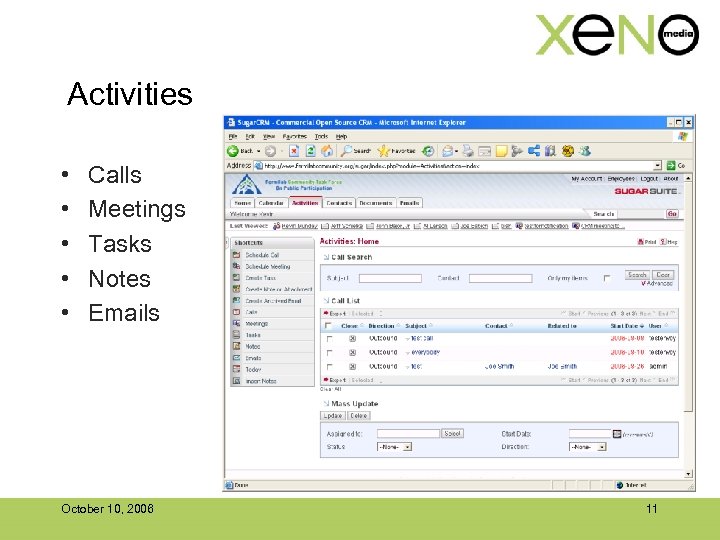
Activities • • • Calls Meetings Tasks Notes Emails October 10, 2006 11
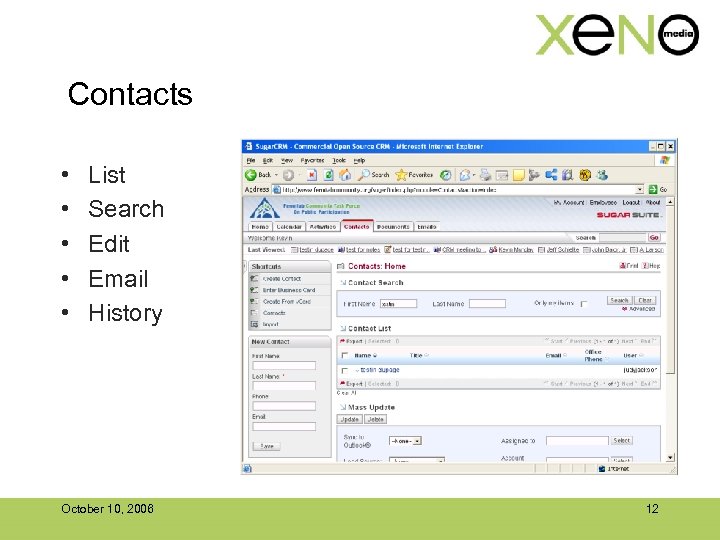
Contacts • • • List Search Edit Email History October 10, 2006 12
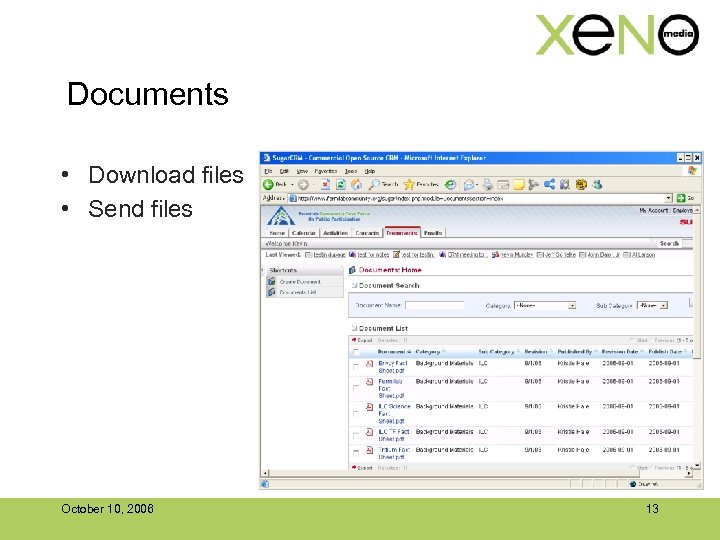
Documents • Download files • Send files October 10, 2006 13
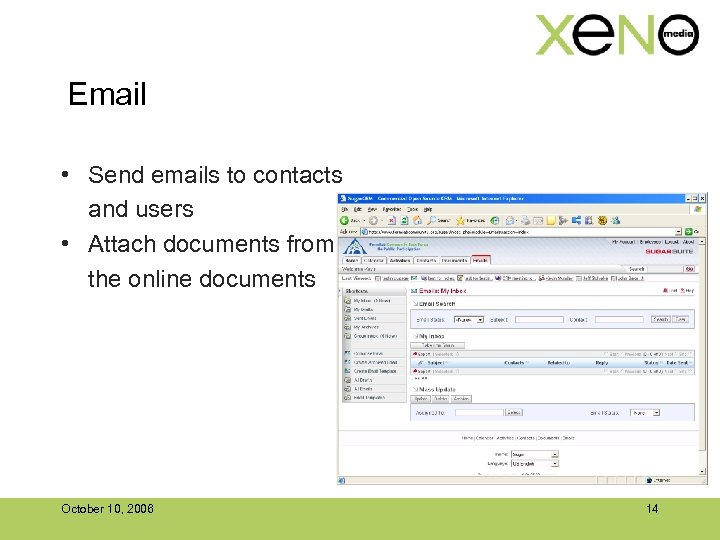
Email • Send emails to contacts and users • Attach documents from the online documents October 10, 2006 14
What we ask of envoys Use the system as central source for: • Scheduling stakeholder contacts. • Providing feedback (notes) on stakeholder contacts to build an accurate and thorough history. • Scheduling and assigning action items resulting from stakeholder contacts. • Emailing stakeholders • Keeping stakeholder contact information current and accurate. October 10, 2006 15
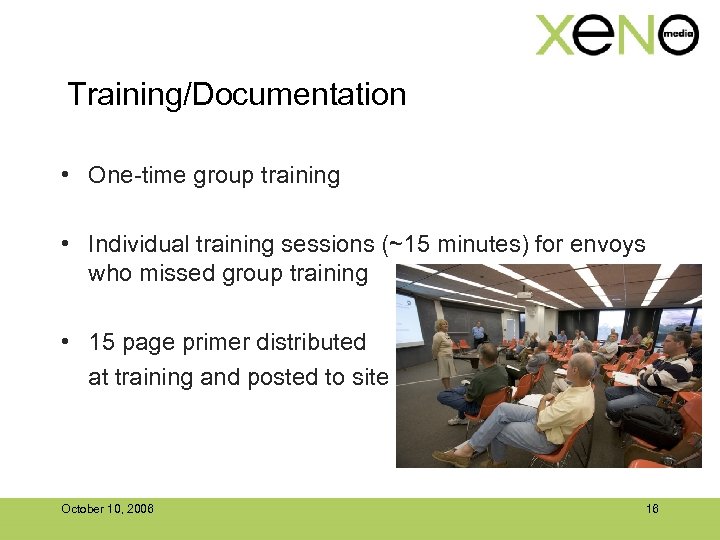
Training/Documentation • One-time group training • Individual training sessions (~15 minutes) for envoys who missed group training • 15 page primer distributed at training and posted to site October 10, 2006 16
Support • Reset passwords (~75% of support needed to-date) • Other minor issues • Correcting some un-associated tasks/meetings/notes October 10, 2006 17
Lessons learned • (These? ) Physicists are very willing to learn and adapt to new systems when there is a compelling case that it is necessary. • Err on the side of simplicity. • Bear the burden at the front end. • Show usage progress (positive “peer pressure”). • Rich, Web-based software feels slow when compared to similar software October 10, 2006 18
Скачать презентацию Fermilab Envoy CRM System Kevin Munday Xeno Media
81c752e247fc0400d6dc69ec1f041f60.ppt