


 Скачать презентацию Fedora Service Framework Sandy Payette Executive Director UK
e232cfac7cc432ca6de2c34115484778.ppt
- Количество слайдов: 20
 Fedora Service Framework Sandy Payette, Executive Director UK Fedora Training London January 22 -23, 2009
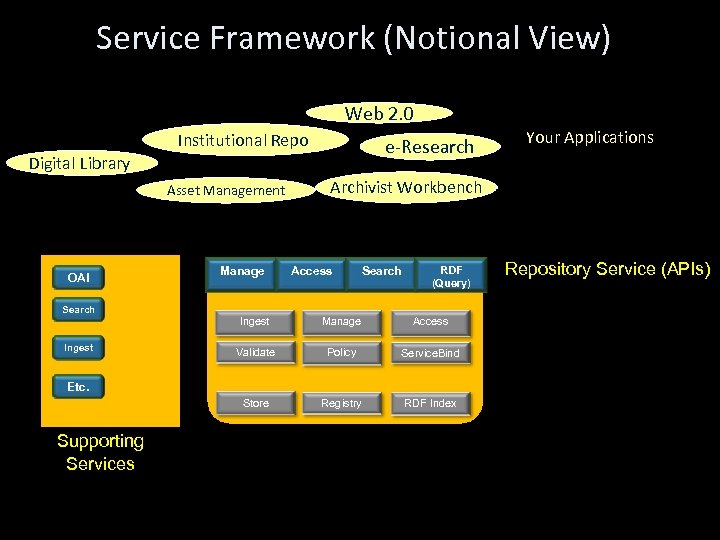 Service Framework (Notional View) Web 2. 0 Institutional Repo e-Research Digital Library Your Applications Archivist Workbench Asset Management Fedora Services OAI Search Manage Access Search RDF (Query) Manage Access Validate Policy Service. Bind Store Ingest Registry RDF Index Etc. Supporting Services Repository Service (APIs)
 Core Repository Service
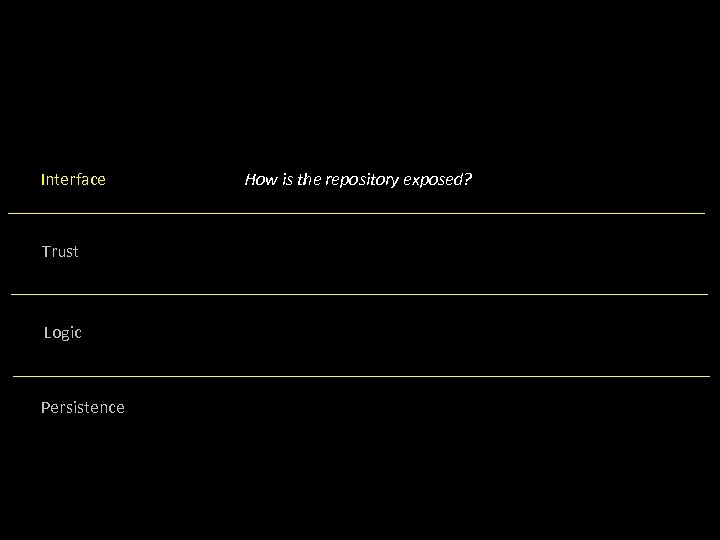 Interface Trust Logic Persistence How is the repository exposed?
 Interface Trust Logic Persistence How can it ensure appropriate access?
 Interface Trust Logic Persistence How is data manipulated to fulfill requests?
 Interface Trust Logic Persistence How is the data stored?
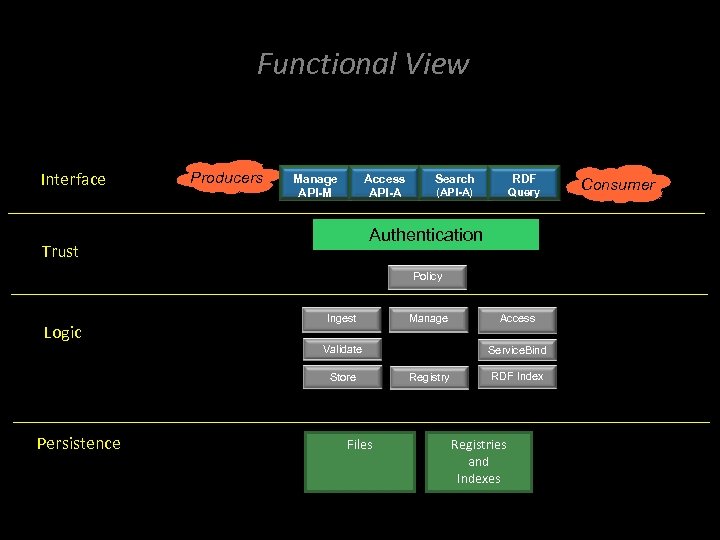 Functional View Interface Producers Manage API-M Access API-A Search RDF (API-A) Query Authentication Trust Policy Logic Ingest Manage Validate Store Persistence Files Access Service. Bind Registry RDF Index Registries and Indexes Consumer s
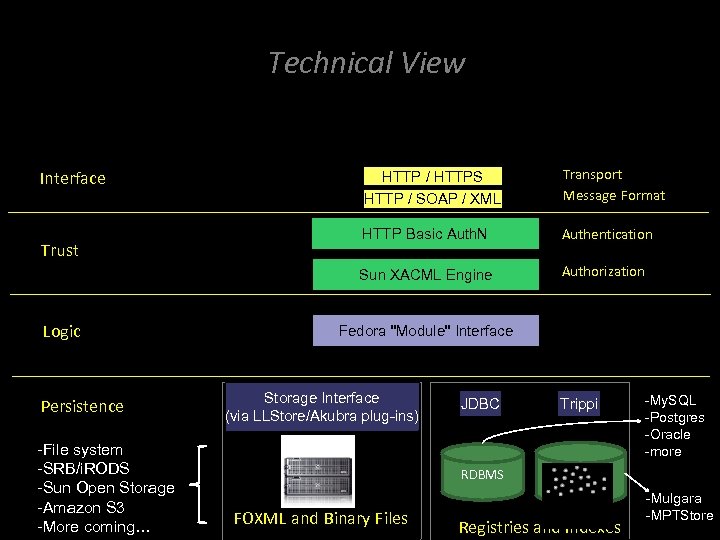 Technical View HTTP / SOAP / XML Trust Logic Persistence -File system -SRB/i. RODS -Sun Open Storage -Amazon S 3 -More coming… Transport Message Format HTTP Basic Auth. N Authentication Sun XACML Engine Interface Authorization HTTP / HTTPS Fedora "Module" Interface Storage Interface (via LLStore/Akubra plug-ins) JDBC Trippi -My. SQL -Postgres -Oracle -more RDBMS FOXML and Binary Files Registries and Indexes -Mulgara -MPTStore
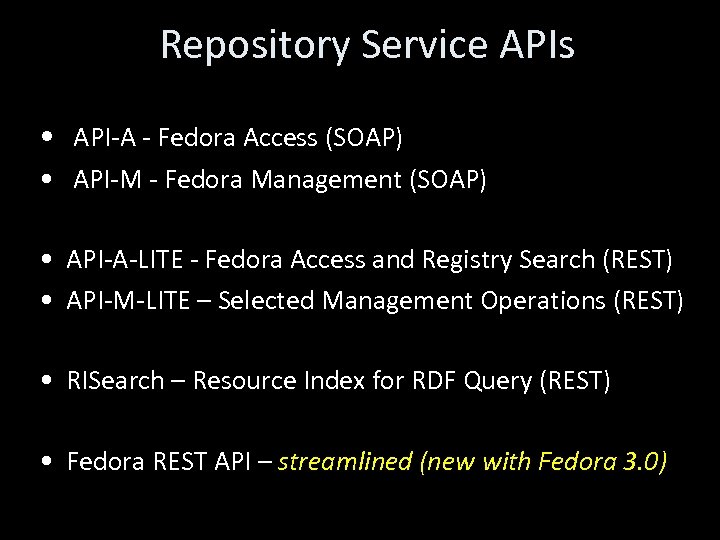 Repository Service APIs • API-A - Fedora Access (SOAP) • API-M - Fedora Management (SOAP) • API-A-LITE - Fedora Access and Registry Search (REST) • API-M-LITE – Selected Management Operations (REST) • RISearch – Resource Index for RDF Query (REST) • Fedora REST API – streamlined (new with Fedora 3. 0)
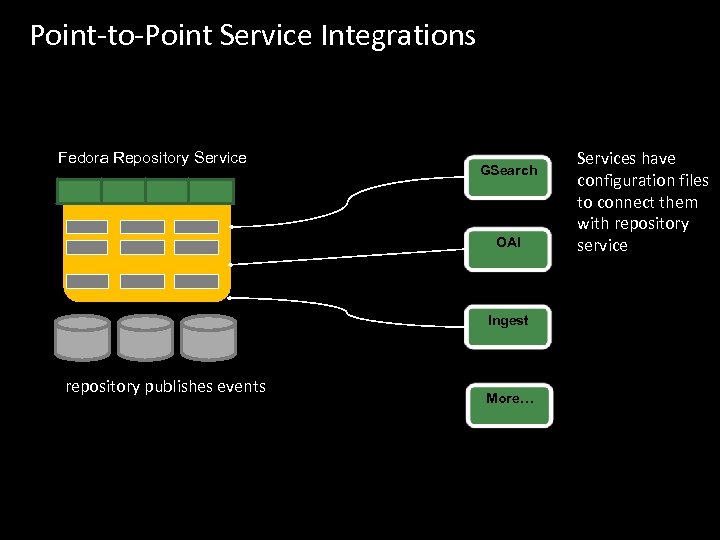 Point-to-Point Service Integrations Fedora Repository Service GSearch OAI Ingest repository publishes events More… Services have configuration files to connect them with repository service
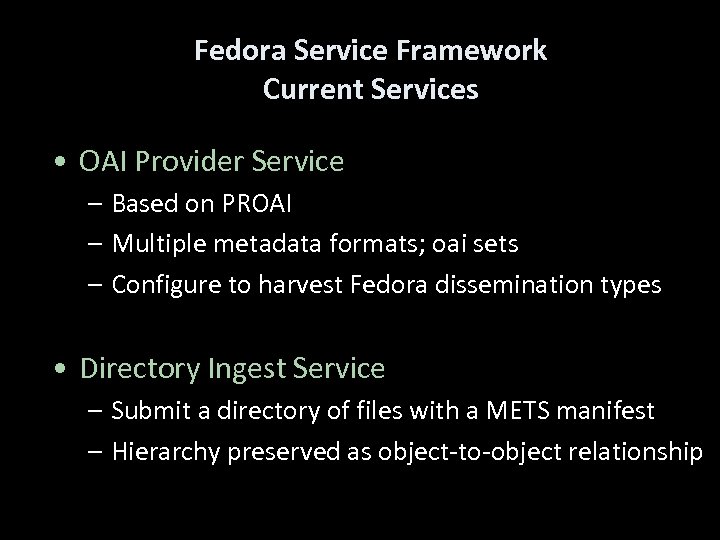 Fedora Service Framework Current Services • OAI Provider Service – Based on PROAI – Multiple metadata formats; oai sets – Configure to harvest Fedora dissemination types • Directory Ingest Service – Submit a directory of files with a METS manifest – Hierarchy preserved as object-to-object relationship
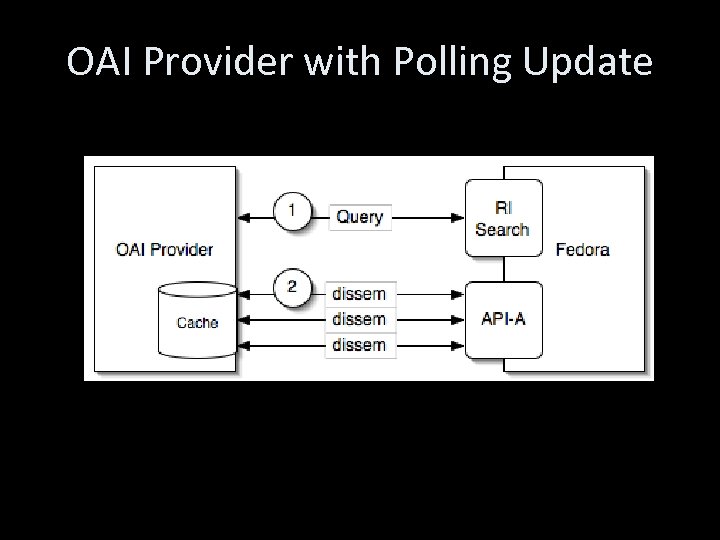 OAI Provider with Polling Update
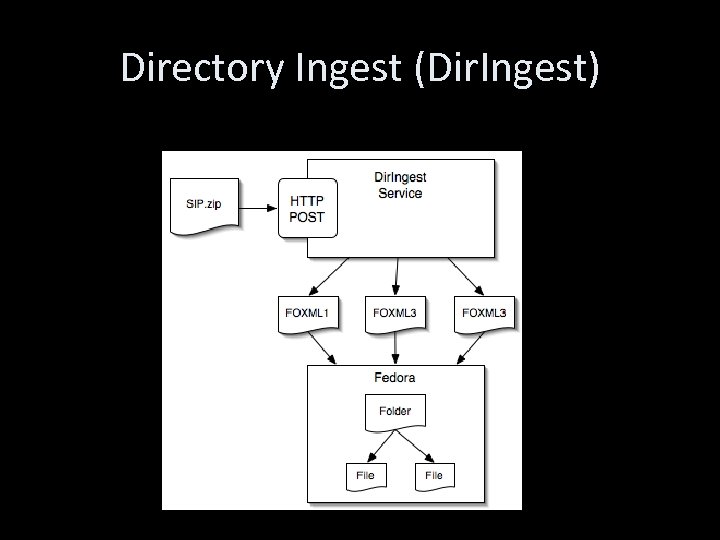 Directory Ingest (Dir. Ingest)
 Fedora Search Service (GSearch) • GSearch: Fedora Generic Search Service – Configure to index any datastreams – Configure to index any service-based dissemination – Plug in Lucene, Solr, or Zebra • Developed by Gert Schmeltz Pedersen of DTU
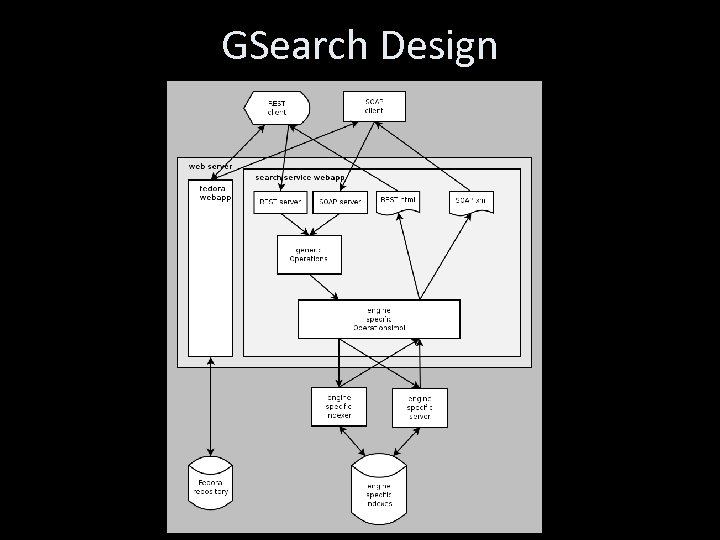 GSearch Design
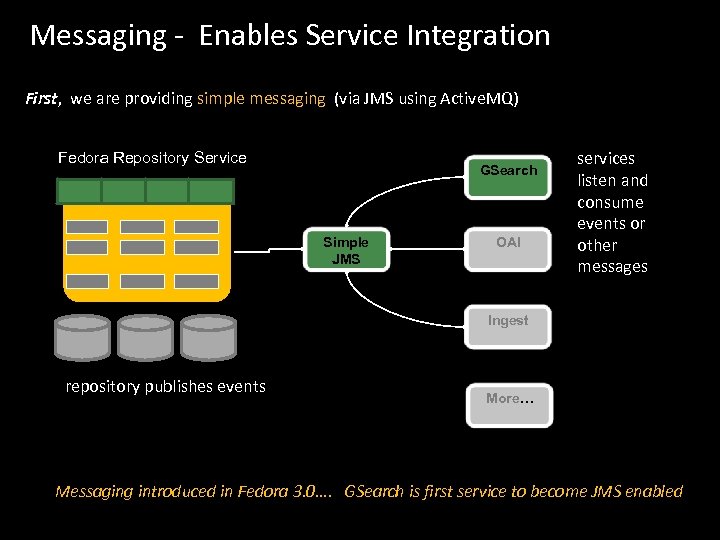 Messaging - Enables Service Integration First, we are providing simple messaging (via JMS using Active. MQ) Fedora Repository Service GSearch Simple JMS OAI services listen and consume events or other messages Ingest repository publishes events More… Messaging introduced in Fedora 3. 0…. GSearch is first service to become JMS enabled
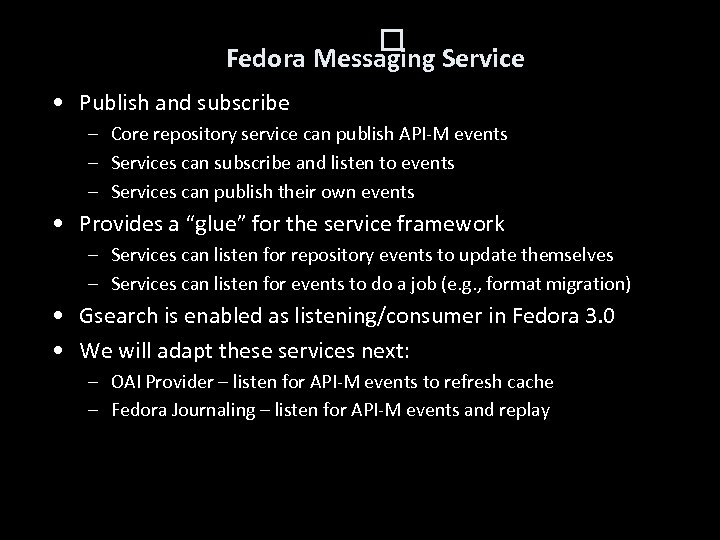 Fedora Messaging Service • Publish and subscribe – Core repository service can publish API-M events – Services can subscribe and listen to events – Services can publish their own events • Provides a “glue” for the service framework – Services can listen for repository events to update themselves – Services can listen for events to do a job (e. g. , format migration) • Gsearch is enabled as listening/consumer in Fedora 3. 0 • We will adapt these services next: – OAI Provider – listen for API-M events to refresh cache – Fedora Journaling – listen for API-M events and replay
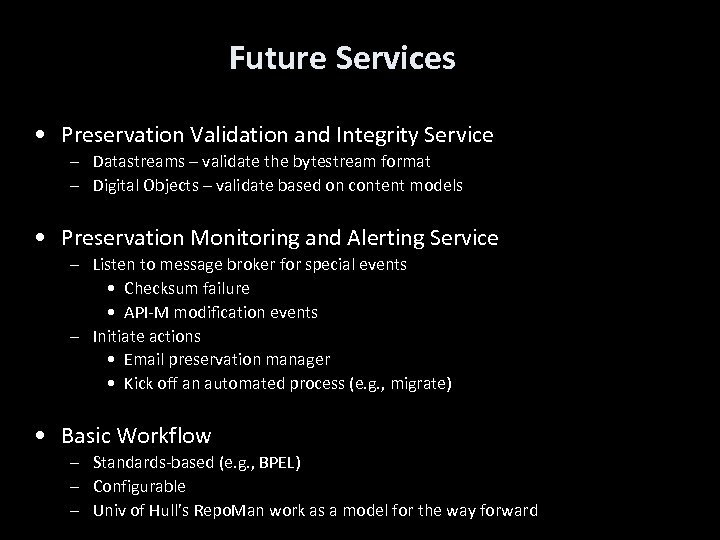 Future Services • Preservation Validation and Integrity Service – Datastreams – validate the bytestream format – Digital Objects – validate based on content models • Preservation Monitoring and Alerting Service – Listen to message broker for special events • Checksum failure • API-M modification events – Initiate actions • Email preservation manager • Kick off an automated process (e. g. , migrate) • Basic Workflow – Standards-based (e. g. , BPEL) – Configurable – Univ of Hull’s Repo. Man work as a model for the way forward
 Fedora Services http: //fedoracommons. org/documentation/3. 0/use rdocs/index. html#services