 Скачать презентацию February 2007 03 -23 -05 Updated Claim Forms
0de16f6105cd3259dff615a87c63263b.ppt
- Количество слайдов: 68



February 2007 03 -23 -05 Updated Claim Forms Presentation by the EDS Provider Field Consultants Page 1
February 2007 03 -23 -05 Pharmacy Claim Forms Presentation by the EDS Provider Field Consultants Page 2
Report Your NPI • Report your NPI to the IHCP via the online reporting tool available at www. indianamedicaid. com • Claims submitted without the necessary NPI information will not be paid. • Claims submitted with NPI information not registered with the IHCP will not be paid. • Atypical providers do not need to obtain or report a NPI. An atypical provider is one that does not meet the definition of a health care provider as defined in 45 CFR 160. 103 as follows: – A provider of medical or health services and any other person or organization who furnishes, bills, or is paid for health care in the normal course of business Updated Claim Forms Presentation February 2007 3
Pharmacy Claim Forms Summary of Compounded Prescription and Drug Claim Form Changes • NPI reporting for the prescribing physician and billing pharmacy • A taxonomy code is not required for prescription claims Reminder: There are no changes to the required fields currently reported on paper claims Updated Claim Forms Presentation February 2007 4
Pharmacy Claim Forms Compounded Prescription Drug Claim Form • Field 3 – PRESCRIBER’S NPI – Enter the Prescriber’s 10 -digit NPI. • Field 25 – BILLING PROVIDER NPI – Enter the billing provider’s 10 -digit NPI. – For Fields 3 and 25, the NPI is required effective May 23, 2007. Updated Claim Forms Presentation February 2007 5
Pharmacy Claim Forms Drug Claim Form • Field 2 – PRESCRIBER’S NPI – Enter the Prescriber’s 10 -digit NPI. • Field 21 – BILLING PROVIDER NPI – Enter the billing provider’s 10 -digit NPI. – For Fields 2 and 21, the NPI is required effective May 23, 2007. Updated Claim Forms Presentation February 2007 6
Pharmacy Claim Forms Obtaining the National Provider Identifier • Access the NPI application online at: https: //nppes. cms. hhs. gov/NPPES/Welcome. do • May request a paper application by calling the NPI enumerator (Fox Systems) at 1 -800 -465 -3203 • Submit the completed application to the NPI enumerator – Mail paper applications to: NPI Enumerator P. O. Box 6059 Fargo, ND 58108 -6059 • Access additional NPI information from the IHCP Web site at www. indianamedicaid. com Updated Claim Forms Presentation February 2007 7
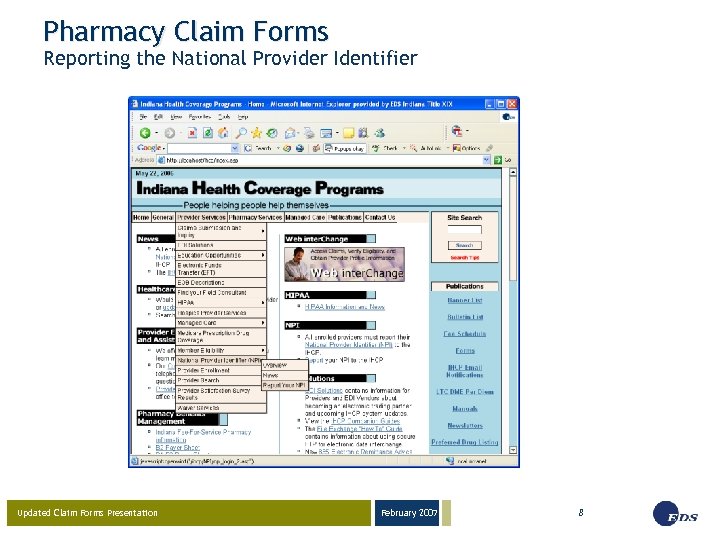
Pharmacy Claim Forms Reporting the National Provider Identifier Updated Claim Forms Presentation February 2007 8
Pharmacy Claim Forms Compounded Prescription and Drug Claim Forms • The current Drug Claim Forms will continue to be accepted through May 22, 2007 – Revised paper claim forms received before May 23, 2007 will be returned to the provider unprocessed • Only the revised Drug Claim Forms are accepted on and after May 23, 2007 – Non-compliant paper claims received on or after May 23, 2007 will be returned to the provider unprocessed • Both claim forms will be available at www. indianamedicaid. com under the Forms link, effective May 16, 2007 NOTE: There is no transition period for the Drug Claim Forms Updated Claim Forms Presentation February 2007 9
February 2007 03 -23 -05 Dental Claim Form Presentation by the EDS Provider Field Consultants Page 10
Dental Claim Form Summary of NPI Requirements • Number of detail lines increased to ten lines • NPI reporting for the billing and rendering dentist • Taxonomy Code – A 10 -digit alphanumeric number – A taxonomy code identifies the provider’s type, classification, and area of specialization • Remarks field for entry of TPL paid amount • New dental claim forms will be accepted on April 15, 2007 (date received). • Dental bulletin forthcoming Reminder: The format has changed; however, there are no changes to the required fields currently reported on paper claims Updated Claim Forms Presentation February 2007 11
Dental Claim Form Transition Period • There will be a transition period for use of the current and new claim forms – Providers may use either form from April 15, 2007, through May 22, 2007. • New claim forms received before April 15, 2007 will be returned to the provider unprocessed • Noncompliant forms received on or after May 23, 2007 will be returned to the provider unprocessed – During the transition period (April 15 through May 22, 2007) providers must use the legacy provider identifier (LPI) and may also use the NPI. • Beginning May 23, 2007, all legacy provider numbers will be replaced with the NPI. NOTE: The legacy provider identifier (LPI) is the same as your current IHCP provider number Updated Claim Forms Presentation February 2007 12
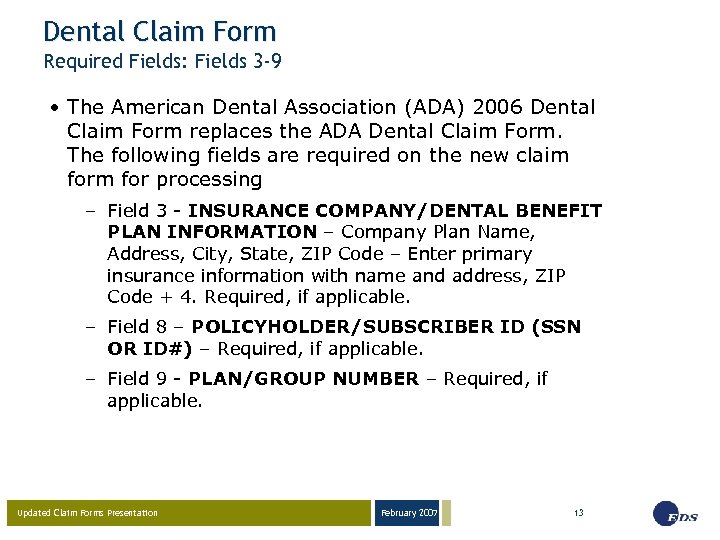
Dental Claim Form Required Fields: Fields 3 -9 • The American Dental Association (ADA) 2006 Dental Claim Form replaces the ADA Dental Claim Form. The following fields are required on the new claim for processing – Field 3 - INSURANCE COMPANY/DENTAL BENEFIT PLAN INFORMATION – Company Plan Name, Address, City, State, ZIP Code – Enter primary insurance information with name and address, ZIP Code + 4. Required, if applicable. – Field 8 – POLICYHOLDER/SUBSCRIBER ID (SSN OR ID#) – Required, if applicable. – Field 9 - PLAN/GROUP NUMBER – Required, if applicable. Updated Claim Forms Presentation February 2007 13
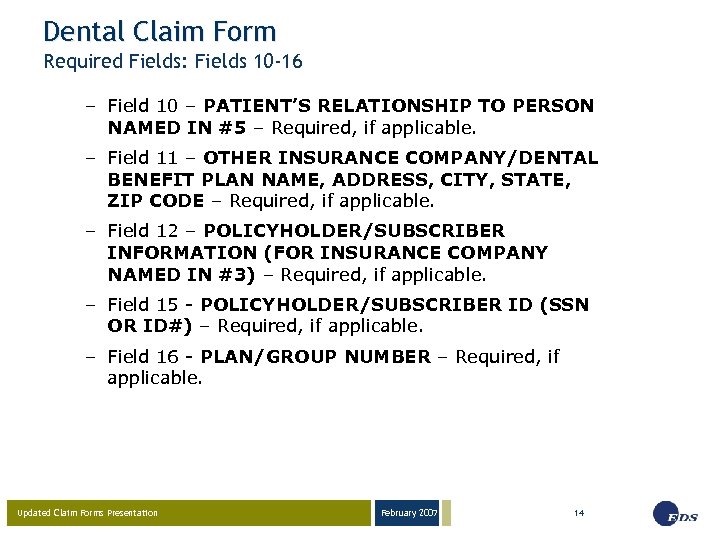
Dental Claim Form Required Fields: Fields 10 -16 – Field 10 – PATIENT’S RELATIONSHIP TO PERSON NAMED IN #5 – Required, if applicable. – Field 11 – OTHER INSURANCE COMPANY/DENTAL BENEFIT PLAN NAME, ADDRESS, CITY, STATE, ZIP CODE – Required, if applicable. – Field 12 – POLICYHOLDER/SUBSCRIBER INFORMATION (FOR INSURANCE COMPANY NAMED IN #3) – Required, if applicable. – Field 15 - POLICYHOLDER/SUBSCRIBER ID (SSN OR ID#) – Required, if applicable. – Field 16 - PLAN/GROUP NUMBER – Required, if applicable. Updated Claim Forms Presentation February 2007 14
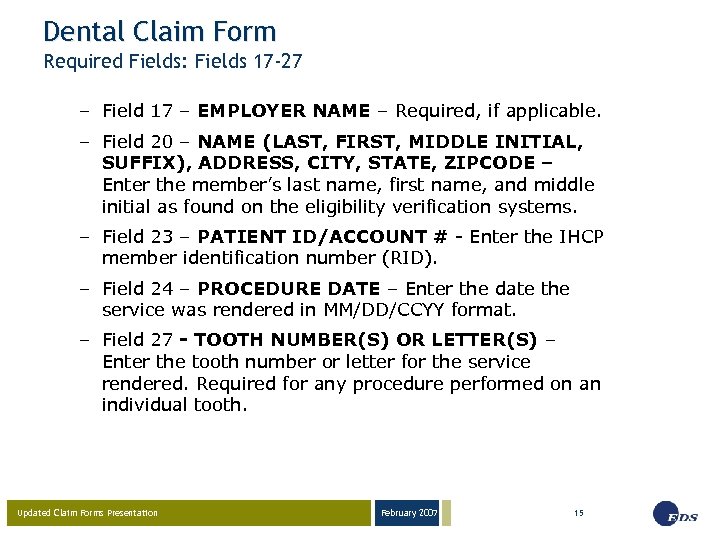
Dental Claim Form Required Fields: Fields 17 -27 – Field 17 – EMPLOYER NAME – Required, if applicable. – Field 20 – NAME (LAST, FIRST, MIDDLE INITIAL, SUFFIX), ADDRESS, CITY, STATE, ZIPCODE – Enter the member’s last name, first name, and middle initial as found on the eligibility verification systems. – Field 23 – PATIENT ID/ACCOUNT # - Enter the IHCP member identification number (RID). – Field 24 – PROCEDURE DATE – Enter the date the service was rendered in MM/DD/CCYY format. – Field 27 - TOOTH NUMBER(S) OR LETTER(S) – Enter the tooth number or letter for the service rendered. Required for any procedure performed on an individual tooth. Updated Claim Forms Presentation February 2007 15
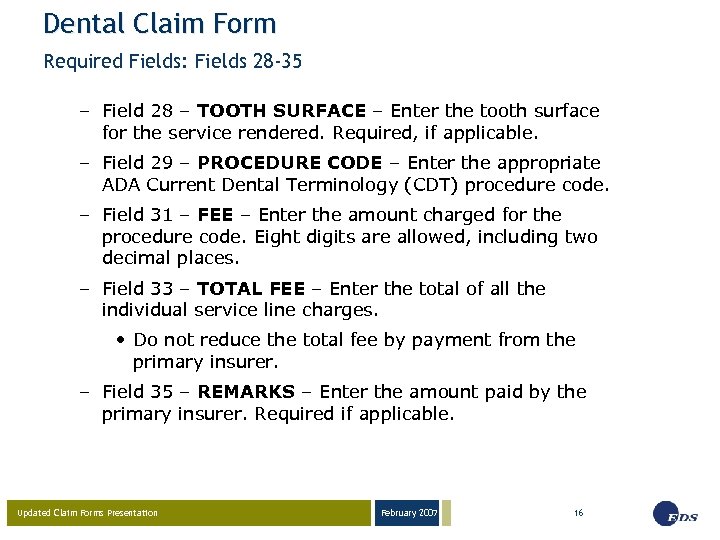
Dental Claim Form Required Fields: Fields 28 -35 – Field 28 – TOOTH SURFACE – Enter the tooth surface for the service rendered. Required, if applicable. – Field 29 – PROCEDURE CODE – Enter the appropriate ADA Current Dental Terminology (CDT) procedure code. – Field 31 – FEE – Enter the amount charged for the procedure code. Eight digits are allowed, including two decimal places. – Field 33 – TOTAL FEE – Enter the total of all the individual service line charges. • Do not reduce the total fee by payment from the primary insurer. – Field 35 – REMARKS – Enter the amount paid by the primary insurer. Required if applicable. Updated Claim Forms Presentation February 2007 16
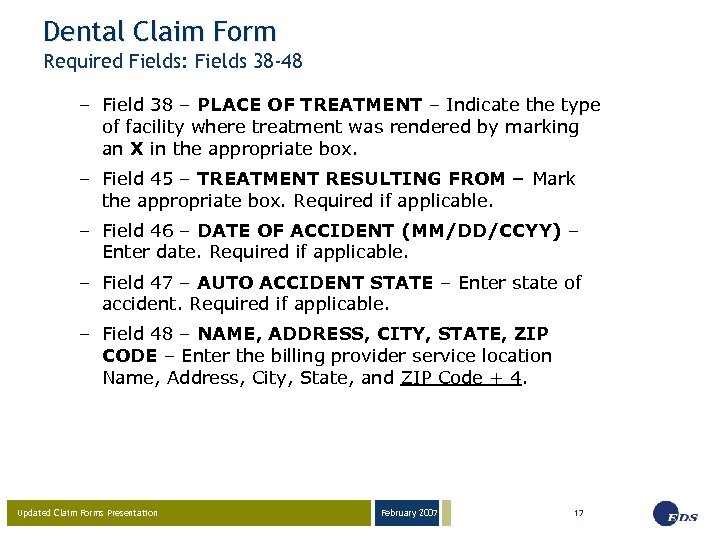
Dental Claim Form Required Fields: Fields 38 -48 – Field 38 – PLACE OF TREATMENT – Indicate the type of facility where treatment was rendered by marking an X in the appropriate box. – Field 45 – TREATMENT RESULTING FROM – Mark the appropriate box. Required if applicable. – Field 46 – DATE OF ACCIDENT (MM/DD/CCYY) – Enter date. Required if applicable. – Field 47 – AUTO ACCIDENT STATE – Enter state of accident. Required if applicable. – Field 48 – NAME, ADDRESS, CITY, STATE, ZIP CODE – Enter the billing provider service location Name, Address, City, State, and ZIP Code + 4. Updated Claim Forms Presentation February 2007 17
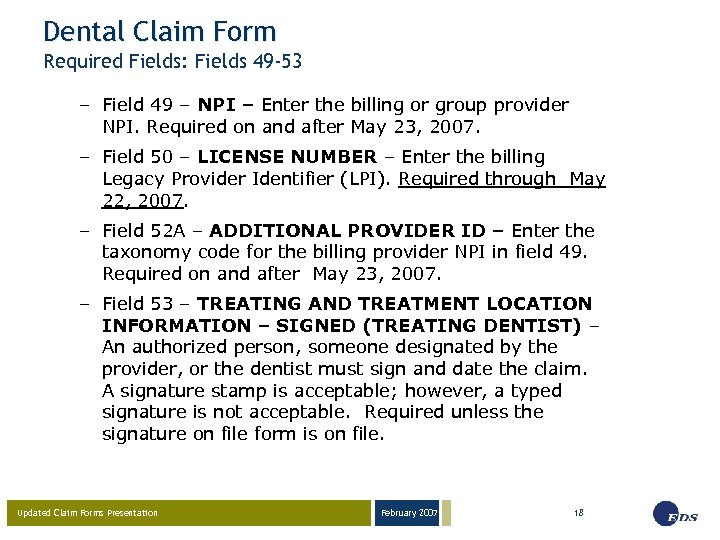
Dental Claim Form Required Fields: Fields 49 -53 – Field 49 – NPI – Enter the billing or group provider NPI. Required on and after May 23, 2007. – Field 50 – LICENSE NUMBER – Enter the billing Legacy Provider Identifier (LPI). Required through May 22, 2007. – Field 52 A – ADDITIONAL PROVIDER ID – Enter the taxonomy code for the billing provider NPI in field 49. Required on and after May 23, 2007. – Field 53 – TREATING AND TREATMENT LOCATION INFORMATION – SIGNED (TREATING DENTIST) – An authorized person, someone designated by the provider, or the dentist must sign and date the claim. A signature stamp is acceptable; however, a typed signature is not acceptable. Required unless the signature on file form is on file. Updated Claim Forms Presentation February 2007 18
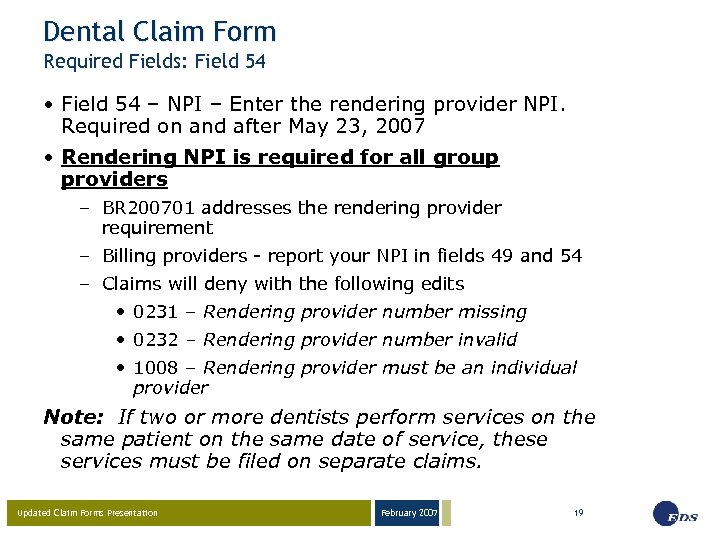
Dental Claim Form Required Fields: Field 54 • Field 54 – NPI – Enter the rendering provider NPI. Required on and after May 23, 2007 • Rendering NPI is required for all group providers – BR 200701 addresses the rendering provider requirement – Billing providers - report your NPI in fields 49 and 54 – Claims will deny with the following edits • 0231 – Rendering provider number missing • 0232 – Rendering provider number invalid • 1008 – Rendering provider must be an individual provider Note: If two or more dentists perform services on the same patient on the same date of service, these services must be filed on separate claims. Updated Claim Forms Presentation February 2007 19
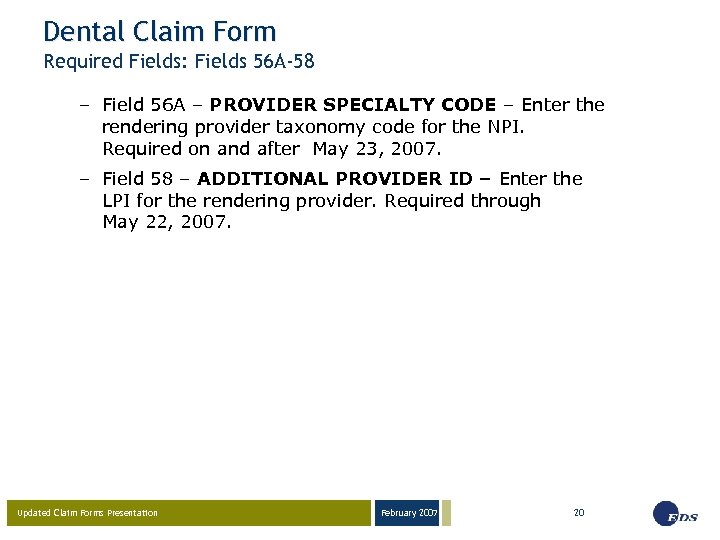
Dental Claim Form Required Fields: Fields 56 A-58 – Field 56 A – PROVIDER SPECIALTY CODE – Enter the rendering provider taxonomy code for the NPI. Required on and after May 23, 2007. – Field 58 – ADDITIONAL PROVIDER ID – Enter the LPI for the rendering provider. Required through May 22, 2007. Updated Claim Forms Presentation February 2007 20
Dental Claim Form Where to Obtain the ADA 2006 Dental Claim Form • ADA Web site at http: //www. ada. org/prof/resources/topis/claimform. asp • Purchase the new dental claim form from the ADA by calling 1 -800 -947 -4746 Updated Claim Forms Presentation February 2007 21
February 2007 03 -23 -05 UB-04 Claim Form Presentation by the EDS Provider Field Consultants Page 22
UB-04 Claim Form Definitions • Legacy Provider Identifier (LPI) – Your current IHCP provider number • National Provider Identifier (NPI) – New identifier issued through the NPPES developed by CMS. The NPI will replace all institutional IHCP provider numbers (LPIs) currently used for billing purposes • Qualifier – Two-digit code that identifies the value indicated to the immediate right on the claim form • Taxonomy – National code that identifies a provider type and specialty Updated Claim Forms Presentation February 2007 23
UB-04 Claim Form Summary of Form Changes • Covered Days – Report covered days in the Value Code field (use value code 80) • Page number = continuation billing • Creation Date = billed date • Can accept up to 66 lines of detail (3 pages) • Billing, Attending Physician, and Operating Physician NPI and taxonomy codes • No signature field • Qualifiers – B 3 – taxonomy code – 0 B – physician license number • Reference BT 200702 dated January 30, 2007 Reminder: The format has changed; however, there are no changes to the required fields currently reported on paper claims Updated Claim Forms Presentation February 2007 24
UB-04 Claim Form Obtaining the NPI • Access the NPI application online at: https: //nppes. cms. hhs. gov/NPPES/Welcome. do • May request a paper application by calling the NPI enumerator (Fox Systems) at 1 -800 -465 -3203 • Submit the completed application to the NPI enumerator – Mail paper applications to: NPI Enumerator P. O. Box 6059 Fargo, ND 58108 -6059 • Access additional NPI information from the IHCP Web site at www. indianamedicaid. com Updated Claim Forms Presentation February 2007 25
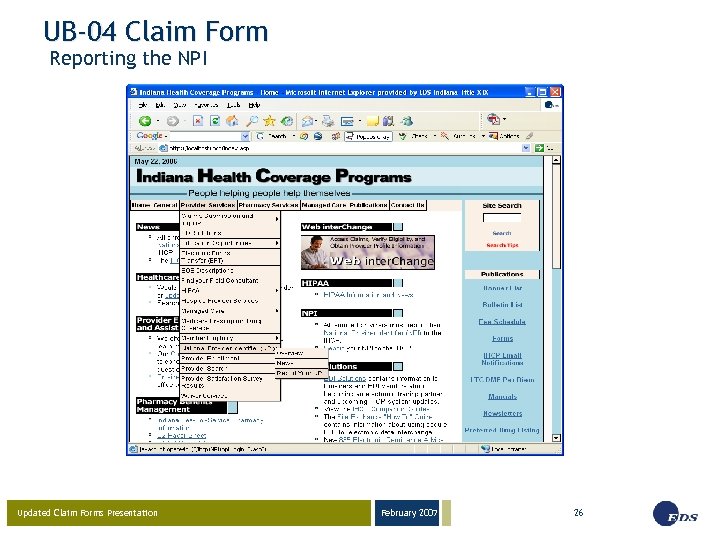
UB-04 Claim Form Reporting the NPI Updated Claim Forms Presentation February 2007 26
UB-04 Claim Form Signature on File • The UB-04 does not have a signature field • All institutional providers must have a completed Claim Certification Statement for Signature on File Addendum on file – Claims will deny with edit 0228 – Claim received without a valid signature - if the signature on file document is not completed and returned • Letters were mailed to approximately 770 providers during late December 2006 to obtain a signature on file – Return the completed Claim Certification Statement for Signature on File Addendum as soon as possible Updated Claim Forms Presentation February 2007 27
UB-04 Claim Form Signature on File • To initiate Signature on File: – Click on the Forms link at www. indianamedicaid. com – Download the Claim Certification Statement for Signature on File Addendum – Mail the completed addendum with a Provider Update Form to: EDS Provider Enrollment P. O. Box 7263 Indianapolis, IN 46207 -7263 • To verify an active Signature on File: – Call Customer Assistance at (317) 655 -3240 or 1 -800 -577 -1278 – Call Provider Enrollment at 1 -877 -707 -5750 Updated Claim Forms Presentation February 2007 28
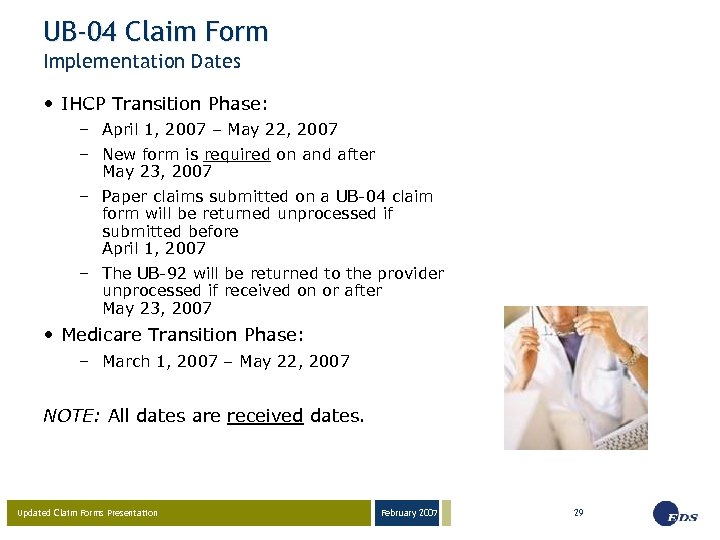
UB-04 Claim Form Implementation Dates • IHCP Transition Phase: – April 1, 2007 – May 22, 2007 – New form is required on and after May 23, 2007 – Paper claims submitted on a UB-04 claim form will be returned unprocessed if submitted before April 1, 2007 – The UB-92 will be returned to the provider unprocessed if received on or after May 23, 2007 • Medicare Transition Phase: – March 1, 2007 – May 22, 2007 NOTE: All dates are received dates. Updated Claim Forms Presentation February 2007 29
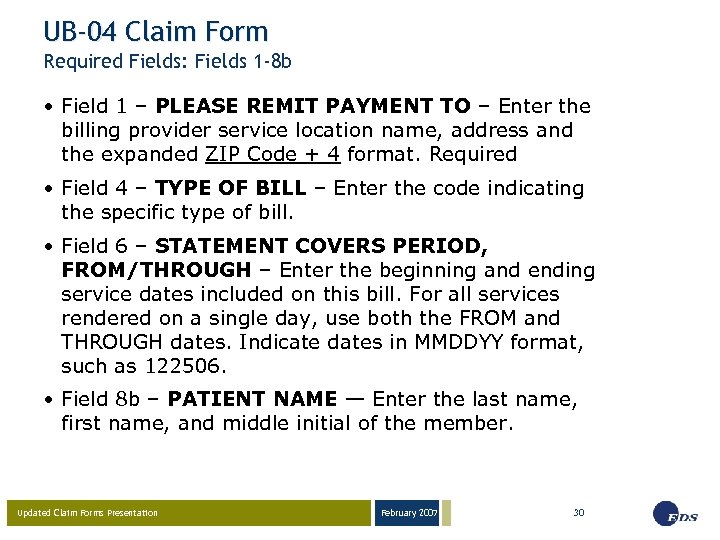
UB-04 Claim Form Required Fields: Fields 1 -8 b • Field 1 – PLEASE REMIT PAYMENT TO – Enter the billing provider service location name, address and the expanded ZIP Code + 4 format. Required • Field 4 – TYPE OF BILL – Enter the code indicating the specific type of bill. • Field 6 – STATEMENT COVERS PERIOD, FROM/THROUGH – Enter the beginning and ending service dates included on this bill. For all services rendered on a single day, use both the FROM and THROUGH dates. Indicate dates in MMDDYY format, such as 122506. • Field 8 b – PATIENT NAME — Enter the last name, first name, and middle initial of the member. Updated Claim Forms Presentation February 2007 30
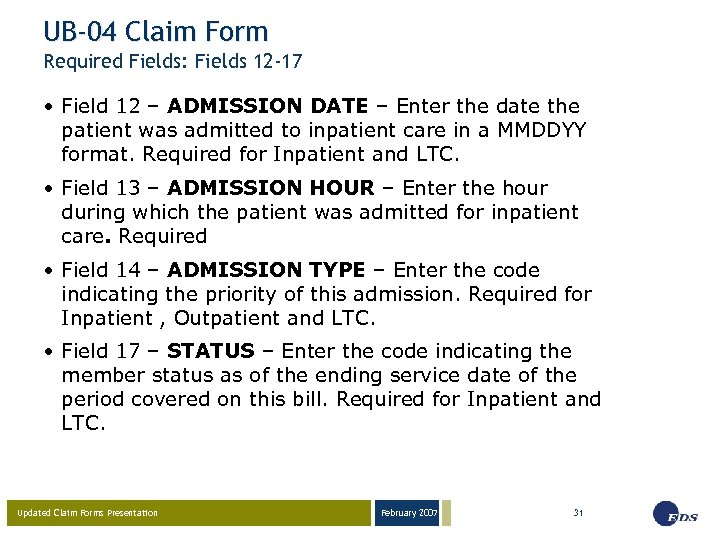
UB-04 Claim Form Required Fields: Fields 12 -17 • Field 12 – ADMISSION DATE – Enter the date the patient was admitted to inpatient care in a MMDDYY format. Required for Inpatient and LTC. • Field 13 – ADMISSION HOUR – Enter the hour during which the patient was admitted for inpatient care. Required • Field 14 – ADMISSION TYPE – Enter the code indicating the priority of this admission. Required for Inpatient , Outpatient and LTC. • Field 17 – STATUS – Enter the code indicating the member status as of the ending service date of the period covered on this bill. Required for Inpatient and LTC. Updated Claim Forms Presentation February 2007 31
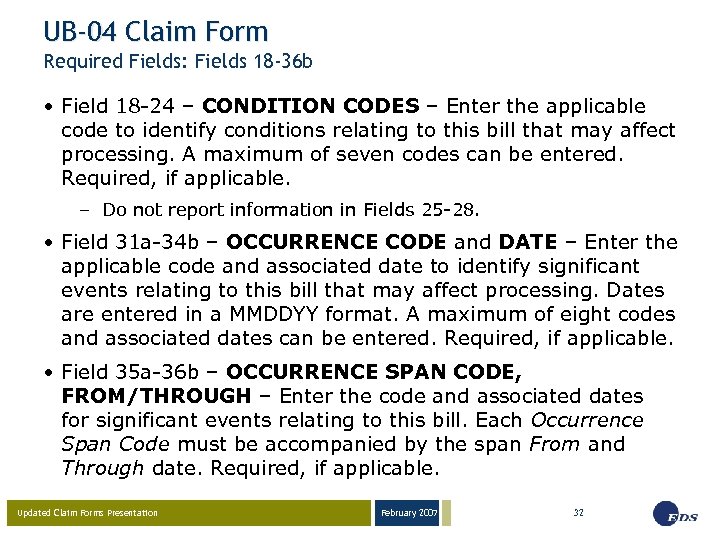
UB-04 Claim Form Required Fields: Fields 18 -36 b • Field 18 -24 – CONDITION CODES – Enter the applicable code to identify conditions relating to this bill that may affect processing. A maximum of seven codes can be entered. Required, if applicable. – Do not report information in Fields 25 -28. • Field 31 a-34 b – OCCURRENCE CODE and DATE – Enter the applicable code and associated date to identify significant events relating to this bill that may affect processing. Dates are entered in a MMDDYY format. A maximum of eight codes and associated dates can be entered. Required, if applicable. • Field 35 a-36 b – OCCURRENCE SPAN CODE, FROM/THROUGH – Enter the code and associated dates for significant events relating to this bill. Each Occurrence Span Code must be accompanied by the span From and Through date. Required, if applicable. Updated Claim Forms Presentation February 2007 32
UB-04 Claim Form Required Fields: Fields 37 -39 a • Field 37 – UNLABELED FIELD – Enter the Medicaid Select primary medical provider (PMP) two-character alphanumeric certification code for dates of service rendered. Required for Hoosier Healthwise members enrolled in Medicaid Select. • Field 39 a – 41 d – VALUE CODES –Use these fields to identify Medicare Remittance Notice (MRN) information. Value codes and the number of covered days is also entered in these fields. – Enter value code ’ 80’ followed by the number of covered days to indicate covered days. Required, if applicable. Updated Claim Forms Presentation February 2007 33
UB-04 Claim Form Required Fields: Fields 42 -44 • Field 42 – REV. CD. – Enter the applicable revenue code that identifies the specific accommodation, ancillary service, or billing calculation. • Field 44 – HCPCS/RATES – Use the Healthcare Common Procedure Coding System (HCPCS) code applicable to the service provided. Only one service code per line is permitted. Required, if applicable. Updated Claim Forms Presentation February 2007 34
UB-04 Claim Form Required Fields: Fields 45 -47 • Field 45 – SERV. DATE – Provide the date the indicated outpatient service was rendered. – Use field 45, line 23, Creation Date to identify when the bill is submitted. • Field 46 – SERV. UNITS – Provide the number of units corresponding to the revenue code or procedure code submitted. Seven digits are allowed. • Field 47 – TOTAL CHARGES – Enter the total charges pertaining to the related revenue code for the STATEMENT COVERS PERIOD. Updated Claim Forms Presentation February 2007 35
UB-04 Claim Form Required Fields: Fields 50 a-56 • Field 50 a-c – PAYER – Enter the insurance carrier name. • Field 54 a-c – PRIOR PAYMENTS – Enter the amount paid by the carrier entered in form fields 50 a-b. Required, if applicable. • Field 55 c – EST. AMOUNT DUE – Enter the amount billed, minus any TPL payment. • Field 56 – NPI – Enter the 10 -digit NPI for the billing provider. Updated Claim Forms Presentation February 2007 36
UB-04 Claim Form Required Fields: Fields 57 a-60 c • Field 57 a – OTHER PROVIDER ID – Enter the Medicaid provider number (or LPI) for the billing provider. Required through May 22, 2007. • Field 58 a-c – INSURED’S NAME – Enter member’s last name, first name, and middle initial. IHCP member information is required. Enter TPL information. Required, if applicable. • Field 60 a-c – INSURED’S UNIQUE ID – Enter the member’s identification number for the respective payers entered in form fields 50 a-c. The 12 -digit member ID (RID) number is required in form field 60 c. Other carrier information is required, if applicable. Updated Claim Forms Presentation February 2007 37
UB-04 Claim Form Required Fields: Fields 61 a-65 c • Field 61 a-c – GROUP NAME – Enter the name of the group or plan through which insurance is provided to the member by the respective payers entered in form fields 50 a–c. Required, if applicable. • Field 62 a-c – INSURANCE GROUP NO. – Enter the identification number, control number, or code assigned by the carrier or administrator to identify the group under which the individual is covered, see form fields 50 a-b. Enter the policy number as well. Required, if applicable. • Field 65 a-c – EMPLOYER NAME – Enter the name of the employer that provides health care coverage for the insured individual identified in form field 58. Required, if applicable. Updated Claim Forms Presentation February 2007 38
UB-04 Claim Form Required Fields: Fields 67 -67 q • Field 67 – PRIN. DIAG. CD. – Provide the International Classification of Diseases, 9 th Edition Clinical Modification (ICD-9 -CM) code describing the principal diagnosis. Required, if applicable. • Field 67 a-q – OTHER DIAGNOSIS CODES – Provide the ICD-9 -CM codes corresponding to additional conditions that coexist at the time of admission, or that develop subsequently, and that have an effect on the treatment received or the length of stay. Required, if applicable. Updated Claim Forms Presentation February 2007 39
UB-04 Claim Form Required Fields: Fields 69 -72 c • Field 69 – ADM. DIAG. CD – Enter the ICD-9 -CM code provided at the time of admission as stated by the physician. Required for inpatient and LTC. • Field 70 – PATIENT REASON DX - Enter the ICD-9 CM code that reflects the patient’s reason for visit at the time of outpatient registration. Optional for outpatient. • Field 72 a-c – ECI (E-CODE) – If used, use the appropriate E-code provided at the time of admission as stated by the physician. The E-code indicates the external cause of injury, poisoning, or adverse effect. Required, if applicable. Updated Claim Forms Presentation February 2007 40
UB-04 Claim Form Required Fields: Fields 74 -74 e • Field 74 – PRINCIPAL PROCEDURE CODE/DATE – Use the ICD-9 code that identifies the principal procedure performed during the period covered by this claim, and the date the principal procedure described on the claim was performed. Required for inpatient procedures. • Field 74 a-e – OTHER PROCEDURE CODE/DATE – Use the ICD-9 codes identifying all significant procedures other than the principal procedure, and the dates, identified by code, the procedures were performed. Required, when appropriate, for inpatient procedures. Updated Claim Forms Presentation February 2007 41
UB-04 Claim Form Required Fields: Fields 76 -77 • Field 76 – ATTENDING PHYS. ID – Before May 23, 2007: • Report the ‘ 0 B’ Qualifier and attending physician license number – On May 23, 2007, and thereafter: • Report the attending physician NPI • Field 77 – OPERATING PHYS ID – Before May 23, 2007: • Report the ‘ 0 B’ Qualifier and operating physician license number – On May 23, 2007 and thereafter: • Report the operating physician NPI Updated Claim Forms Presentation February 2007 42
UB-04 Claim Form Required Fields: Fields 78 -81 CCa-b • Field 78 – OTHER – Enter other physician’s (referring/PMP physician) 10 -digit numeric NPI of the referring/PMP. Required for Medicaid Select • Field 81 CCa-b – ADDITIONAL CODES – Enter provider taxonomy qualifier of ‘B 3’ and corresponding 10 -digit alphanumeric taxonomy code. – Field 81 CCa – First box ‘B 3’ qualifier, 2 nd box taxonomy code for billing provider from field 56. – Field 81 CCb – First box ‘B 3’ qualifier, 2 nd box taxonomy code for attending provider from field 76. Updated Claim Forms Presentation February 2007 43
February 2007 03 -23 -05 CMS-1500 (08 -05) Claim Form Presentation by the EDS Provider Field Consultants Page 44
CMS-1500 (08/05) Claim Form Summary of Form Changes • Providers will indicate the state where an accident occurred (for TPL purposes) • NPI and taxonomy for the referring, rendering, and billing provider • Shaded detail area for National Drug Code (NDC) information • Field locator changes in blocks 24 a-j • Elimination of block 24 k • Qualifiers – 1 D – IHCP Provider Number (or, LPI) – ZZ – Taxonomy • Reference BT 200703 dated January 30, 2007 Reminder: There are no changes to the required information currently reported on paper claims Updated Claim Forms Presentation February 2007 45
CMS-1500 (08/05) Claim Form Transition • Providers may submit both the current and new CMS-1500 forms to the IHCP beginning February 15, 2007. – New claim forms received prior to February 15, 2007, are returned to the provider unprocessed – The NPI should be reported on the claim form in addition to the legacy provider identifier – The legacy provider identifier must be reported on all claims through May 22, 2007. • Only the new claim form is accepted on and after April 1, 2007. – The legacy provider identifier will not be accepted on or after May 23, 2007 (except for non-health care providers). – Providers must report the NPI on claim forms on and after May 23, 2007. Updated Claim Forms Presentation February 2007 46
CMS-1500 (08/05) Claim Form Required Fields 1 -2 • Field 1 – INSURANCE CARRIER SELECTION – Enter X for Traditional Medicaid. • Field 1 a – INSURED’S I. D. NUMBER– Enter the member identification (RID) number. Must be 12 numeric digits. • Field 2 – PATIENT’S NAME (Last Name, First Name, Middle Initial) – Provide the member’s last name, first name, and middle initial obtained from automated voice response (AVR) system, electronic claim submission (ECS), Omni, or Web inter. Change verification. Updated Claim Forms Presentation February 2007 47
CMS-1500 (08/05) Claim Form Required Fields 9 -9 a • Field 9 – OTHER INSURED’S NAME (Last Name, First Name, Middle Initial) – If other insurance is available, and the policyholder is other than the member shown in fields 1 a and 2, enter the policyholder’s name. Required, if applicable. • Field 9 a – OTHER INSURED’S POLICY OR GROUP NUMBER – If other insurance is available, and the policyholder is other than the member noted in fields 1 a and 2, enter the policyholder’s policy and group number. Required, if applicable. Updated Claim Forms Presentation February 2007 48
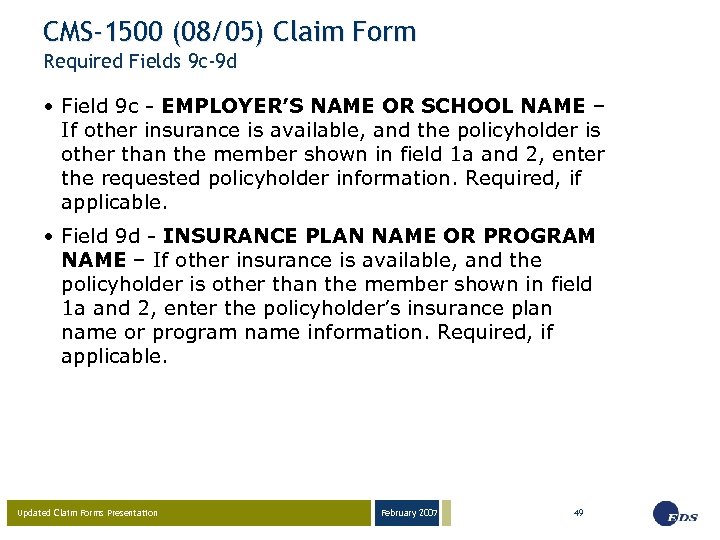
CMS-1500 (08/05) Claim Form Required Fields 9 c-9 d • Field 9 c - EMPLOYER’S NAME OR SCHOOL NAME – If other insurance is available, and the policyholder is other than the member shown in field 1 a and 2, enter the requested policyholder information. Required, if applicable. • Field 9 d - INSURANCE PLAN NAME OR PROGRAM NAME – If other insurance is available, and the policyholder is other than the member shown in field 1 a and 2, enter the policyholder’s insurance plan name or program name information. Required, if applicable. Updated Claim Forms Presentation February 2007 49
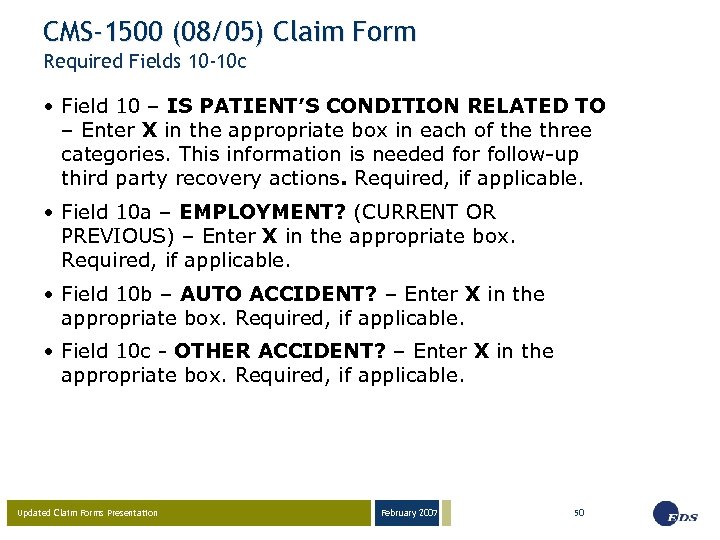
CMS-1500 (08/05) Claim Form Required Fields 10 -10 c • Field 10 – IS PATIENT’S CONDITION RELATED TO – Enter X in the appropriate box in each of the three categories. This information is needed for follow-up third party recovery actions. Required, if applicable. • Field 10 a – EMPLOYMENT? (CURRENT OR PREVIOUS) – Enter X in the appropriate box. Required, if applicable. • Field 10 b – AUTO ACCIDENT? – Enter X in the appropriate box. Required, if applicable. • Field 10 c - OTHER ACCIDENT? – Enter X in the appropriate box. Required, if applicable. Updated Claim Forms Presentation February 2007 50
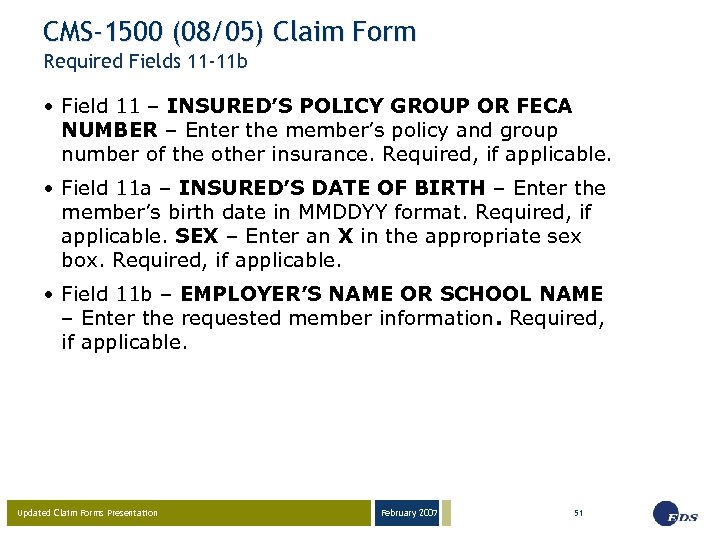
CMS-1500 (08/05) Claim Form Required Fields 11 -11 b • Field 11 – INSURED’S POLICY GROUP OR FECA NUMBER – Enter the member’s policy and group number of the other insurance. Required, if applicable. • Field 11 a – INSURED’S DATE OF BIRTH – Enter the member’s birth date in MMDDYY format. Required, if applicable. SEX – Enter an X in the appropriate sex box. Required, if applicable. • Field 11 b – EMPLOYER’S NAME OR SCHOOL NAME – Enter the requested member information. Required, if applicable. Updated Claim Forms Presentation February 2007 51
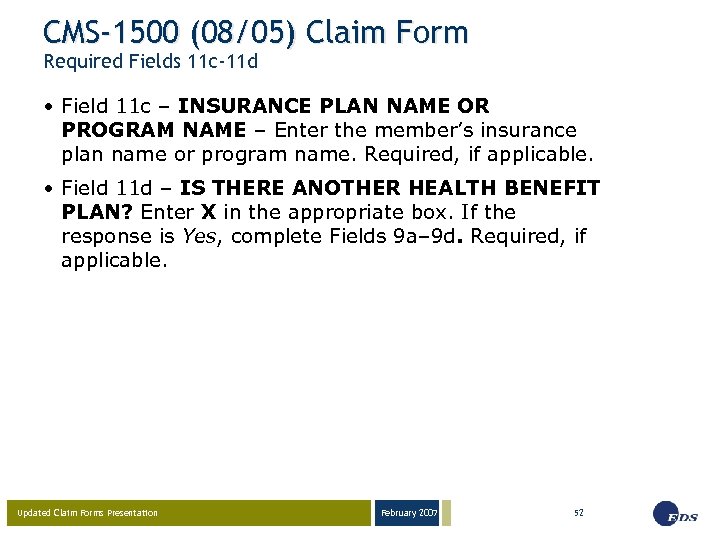
CMS-1500 (08/05) Claim Form Required Fields 11 c-11 d • Field 11 c – INSURANCE PLAN NAME OR PROGRAM NAME – Enter the member’s insurance plan name or program name. Required, if applicable. • Field 11 d – IS THERE ANOTHER HEALTH BENEFIT PLAN? Enter X in the appropriate box. If the response is Yes, complete Fields 9 a– 9 d. Required, if applicable. Updated Claim Forms Presentation February 2007 52
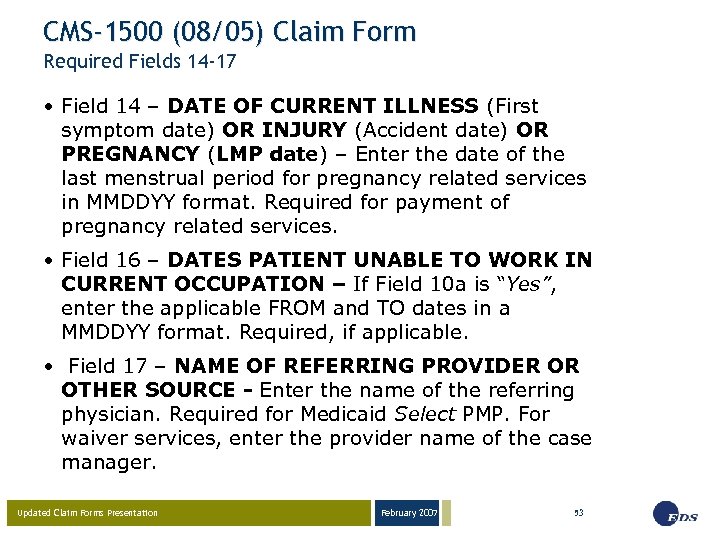
CMS-1500 (08/05) Claim Form Required Fields 14 -17 • Field 14 – DATE OF CURRENT ILLNESS (First symptom date) OR INJURY (Accident date) OR PREGNANCY (LMP date) – Enter the date of the last menstrual period for pregnancy related services in MMDDYY format. Required for payment of pregnancy related services. • Field 16 – DATES PATIENT UNABLE TO WORK IN CURRENT OCCUPATION – If Field 10 a is “Yes”, enter the applicable FROM and TO dates in a MMDDYY format. Required, if applicable. • Field 17 – NAME OF REFERRING PROVIDER OR OTHER SOURCE - Enter the name of the referring physician. Required for Medicaid Select PMP. For waiver services, enter the provider name of the case manager. Updated Claim Forms Presentation February 2007 53
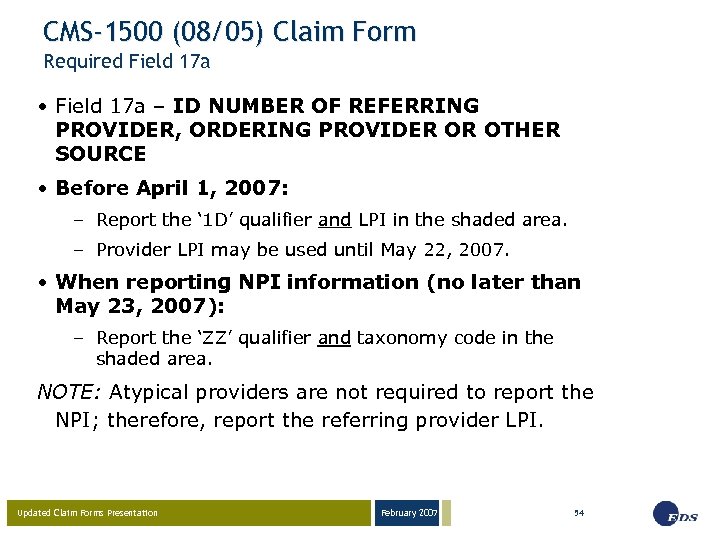
CMS-1500 (08/05) Claim Form Required Field 17 a • Field 17 a – ID NUMBER OF REFERRING PROVIDER, ORDERING PROVIDER OR OTHER SOURCE • Before April 1, 2007: – Report the ‘ 1 D’ qualifier and LPI in the shaded area. – Provider LPI may be used until May 22, 2007. • When reporting NPI information (no later than May 23, 2007): – Report the ‘ZZ’ qualifier and taxonomy code in the shaded area. NOTE: Atypical providers are not required to report the NPI; therefore, report the referring provider LPI. Updated Claim Forms Presentation February 2007 54
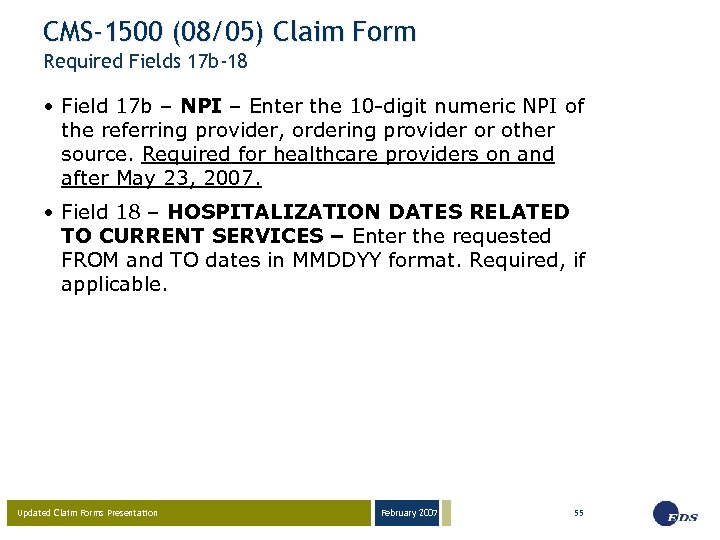
CMS-1500 (08/05) Claim Form Required Fields 17 b-18 • Field 17 b – NPI – Enter the 10 -digit numeric NPI of the referring provider, ordering provider or other source. Required for healthcare providers on and after May 23, 2007. • Field 18 – HOSPITALIZATION DATES RELATED TO CURRENT SERVICES – Enter the requested FROM and TO dates in MMDDYY format. Required, if applicable. Updated Claim Forms Presentation February 2007 55
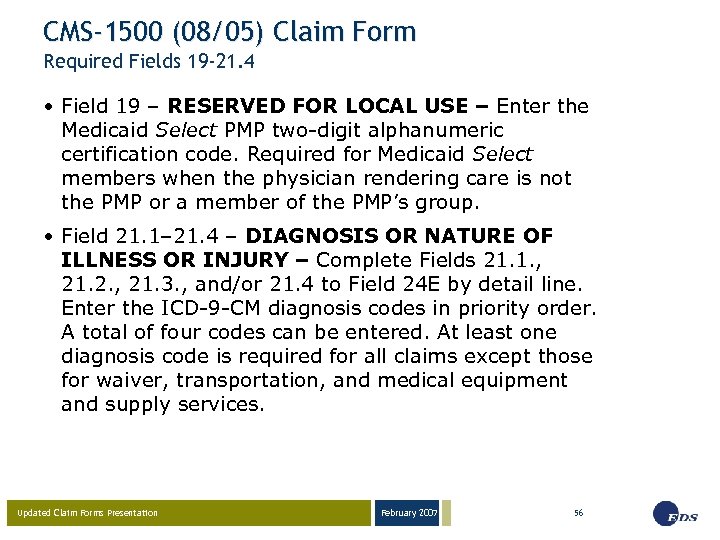
CMS-1500 (08/05) Claim Form Required Fields 19 -21. 4 • Field 19 – RESERVED FOR LOCAL USE – Enter the Medicaid Select PMP two-digit alphanumeric certification code. Required for Medicaid Select members when the physician rendering care is not the PMP or a member of the PMP’s group. • Field 21. 1– 21. 4 – DIAGNOSIS OR NATURE OF ILLNESS OR INJURY – Complete Fields 21. 1. , 21. 2. , 21. 3. , and/or 21. 4 to Field 24 E by detail line. Enter the ICD-9 -CM diagnosis codes in priority order. A total of four codes can be entered. At least one diagnosis code is required for all claims except those for waiver, transportation, and medical equipment and supply services. Updated Claim Forms Presentation February 2007 56
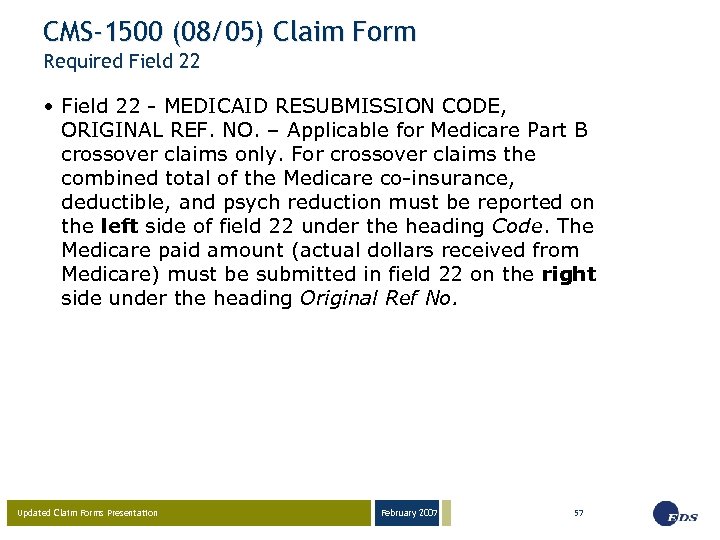
CMS-1500 (08/05) Claim Form Required Field 22 • Field 22 - MEDICAID RESUBMISSION CODE, ORIGINAL REF. NO. – Applicable for Medicare Part B crossover claims only. For crossover claims the combined total of the Medicare co-insurance, deductible, and psych reduction must be reported on the left side of field 22 under the heading Code. The Medicare paid amount (actual dollars received from Medicare) must be submitted in field 22 on the right side under the heading Original Ref No. Updated Claim Forms Presentation February 2007 57
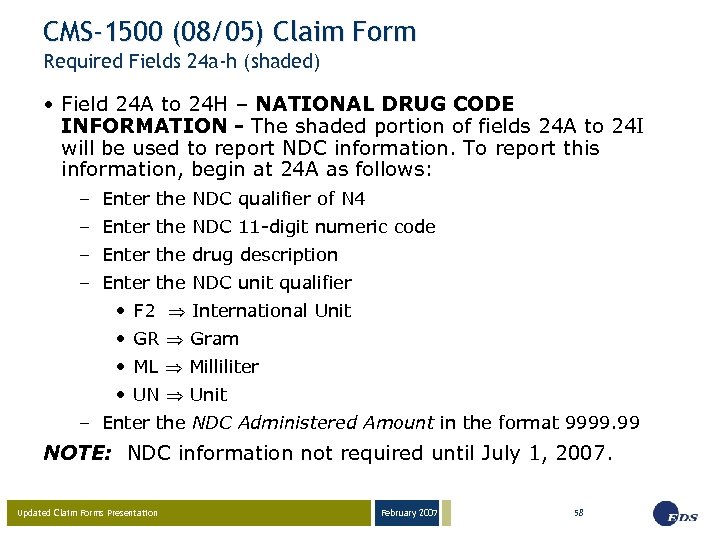
CMS-1500 (08/05) Claim Form Required Fields 24 a-h (shaded) • Field 24 A to 24 H – NATIONAL DRUG CODE INFORMATION - The shaded portion of fields 24 A to 24 I will be used to report NDC information. To report this information, begin at 24 A as follows: – Enter the NDC qualifier of N 4 – Enter the NDC 11 -digit numeric code – Enter the drug description – Enter the NDC unit qualifier • F 2 International Unit • GR Gram • ML Milliliter • UN Unit – Enter the NDC Administered Amount in the format 9999. 99 NOTE: NDC information not required until July 1, 2007. Updated Claim Forms Presentation February 2007 58
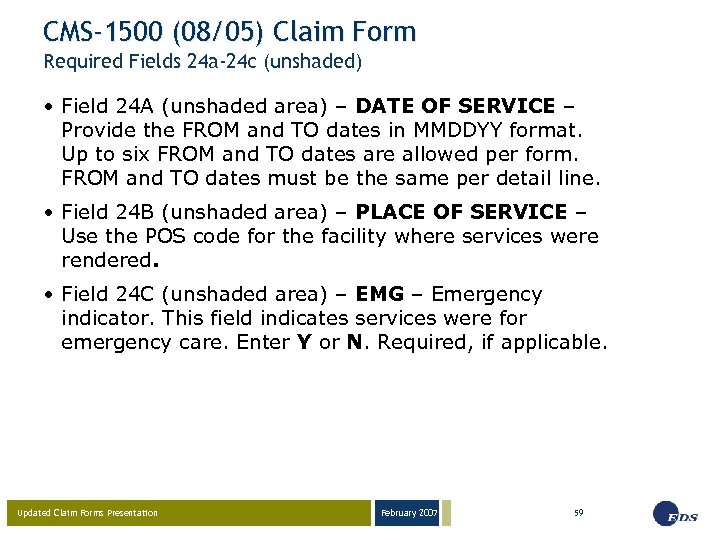
CMS-1500 (08/05) Claim Form Required Fields 24 a-24 c (unshaded) • Field 24 A (unshaded area) – DATE OF SERVICE – Provide the FROM and TO dates in MMDDYY format. Up to six FROM and TO dates are allowed per form. FROM and TO dates must be the same per detail line. • Field 24 B (unshaded area) – PLACE OF SERVICE – Use the POS code for the facility where services were rendered. • Field 24 C (unshaded area) – EMG – Emergency indicator. This field indicates services were for emergency care. Enter Y or N. Required, if applicable. Updated Claim Forms Presentation February 2007 59
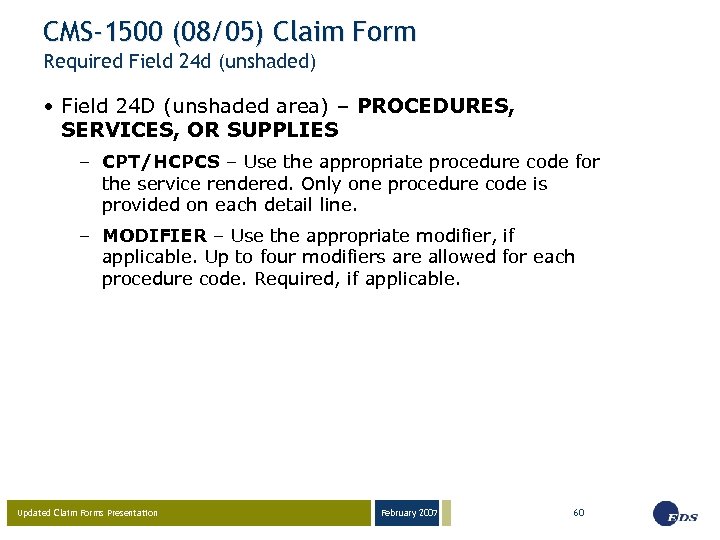
CMS-1500 (08/05) Claim Form Required Field 24 d (unshaded) • Field 24 D (unshaded area) – PROCEDURES, SERVICES, OR SUPPLIES – CPT/HCPCS – Use the appropriate procedure code for the service rendered. Only one procedure code is provided on each detail line. – MODIFIER – Use the appropriate modifier, if applicable. Up to four modifiers are allowed for each procedure code. Required, if applicable. Updated Claim Forms Presentation February 2007 60
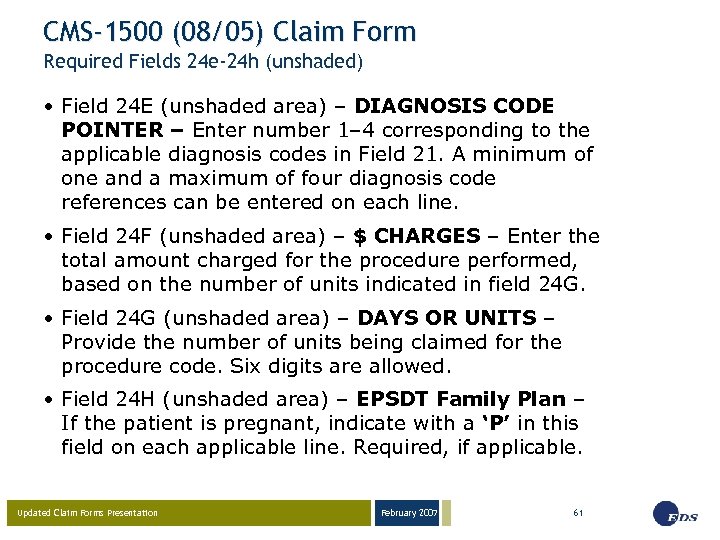
CMS-1500 (08/05) Claim Form Required Fields 24 e-24 h (unshaded) • Field 24 E (unshaded area) – DIAGNOSIS CODE POINTER – Enter number 1– 4 corresponding to the applicable diagnosis codes in Field 21. A minimum of one and a maximum of four diagnosis code references can be entered on each line. • Field 24 F (unshaded area) – $ CHARGES – Enter the total amount charged for the procedure performed, based on the number of units indicated in field 24 G. • Field 24 G (unshaded area) – DAYS OR UNITS – Provide the number of units being claimed for the procedure code. Six digits are allowed. • Field 24 H (unshaded area) – EPSDT Family Plan – If the patient is pregnant, indicate with a ‘P’ in this field on each applicable line. Required, if applicable. Updated Claim Forms Presentation February 2007 61
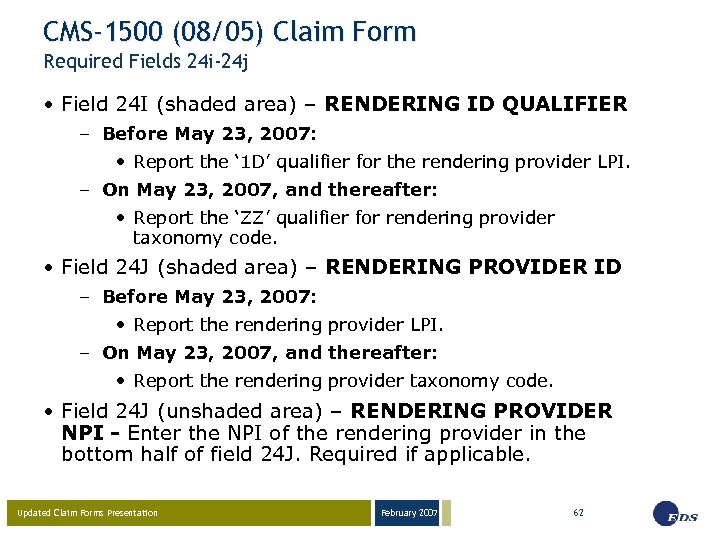
CMS-1500 (08/05) Claim Form Required Fields 24 i-24 j • Field 24 I (shaded area) – RENDERING ID QUALIFIER – Before May 23, 2007: • Report the ‘ 1 D’ qualifier for the rendering provider LPI. – On May 23, 2007, and thereafter: • Report the ‘ZZ’ qualifier for rendering provider taxonomy code. • Field 24 J (shaded area) – RENDERING PROVIDER ID – Before May 23, 2007: • Report the rendering provider LPI. – On May 23, 2007, and thereafter: • Report the rendering provider taxonomy code. • Field 24 J (unshaded area) – RENDERING PROVIDER NPI - Enter the NPI of the rendering provider in the bottom half of field 24 J. Required if applicable. Updated Claim Forms Presentation February 2007 62
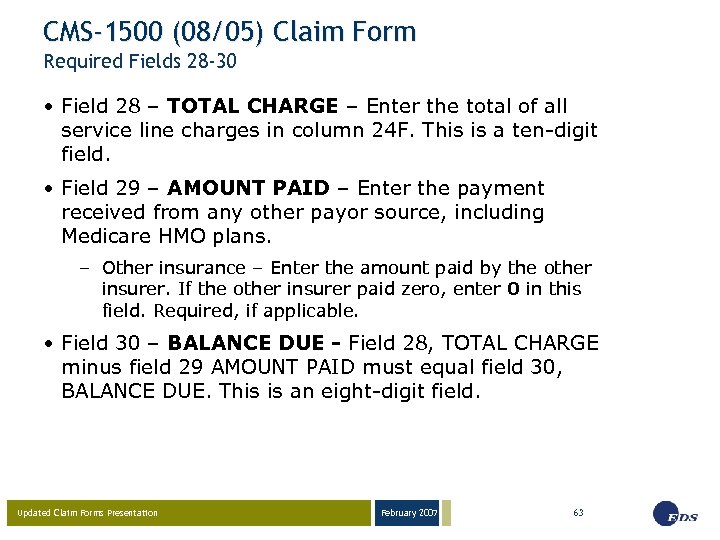
CMS-1500 (08/05) Claim Form Required Fields 28 -30 • Field 28 – TOTAL CHARGE – Enter the total of all service line charges in column 24 F. This is a ten-digit field. • Field 29 – AMOUNT PAID – Enter the payment received from any other payor source, including Medicare HMO plans. – Other insurance – Enter the amount paid by the other insurer. If the other insurer paid zero, enter 0 in this field. Required, if applicable. • Field 30 – BALANCE DUE - Field 28, TOTAL CHARGE minus field 29 AMOUNT PAID must equal field 30, BALANCE DUE. This is an eight-digit field. Updated Claim Forms Presentation February 2007 63
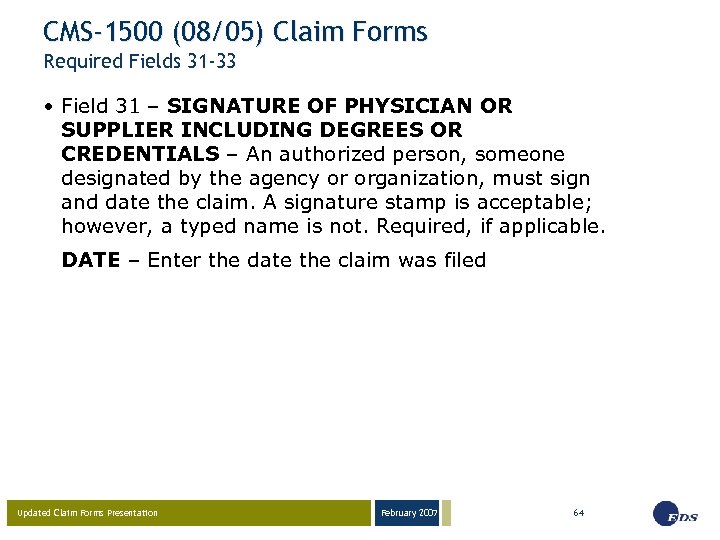
CMS-1500 (08/05) Claim Forms Required Fields 31 -33 • Field 31 – SIGNATURE OF PHYSICIAN OR SUPPLIER INCLUDING DEGREES OR CREDENTIALS – An authorized person, someone designated by the agency or organization, must sign and date the claim. A signature stamp is acceptable; however, a typed name is not. Required, if applicable. DATE – Enter the date the claim was filed Updated Claim Forms Presentation February 2007 64
CMS-1500 (08/05) Claim Forms Required Fields 31 -33 • Field 33 – BILLING PROVIDER INFO & PH # Enter the billing provider service location name, address and the expanded ZIP Code + 4 format. – Field 33 a – Enter the billing provider NPI. Required, if applicable. – Field 33 b – Enter a billing provider qualifier of ‘ZZ’ and taxonomy code for a NPI. • Providers with a NPI must report the ‘ 1 D’ qualifier and LPI through May 22, 2007. • Atypical providers must always enter the qualifier ‘ 1 D’ and the LPI. Updated Claim Forms Presentation February 2007 65
CMS-1500 (08/05) Claim Forms Resources • IHCP Web site at http: //www. indianamedicaid. com • NPI information at https: //nppes. cms. hhs. gov/NPPES or by telephone 1 -800 -465 -3203 • Taxonomy information at http: //www. wpc-edi. com/taxonomy/more_information • Atypical provider information at http: //www. wedi. org/npioi • Customer Assistance (317) 655 -3240 1 -800 -577 -1278 • Written Correspondence P. O. Box 7263 Indianapolis, IN 46207 -7263 • Provider Field Consultants Updated Claim Forms Presentation February 2007 66
Questions Updated Claim Forms Presentation February 2007 67
February 2007 03 -23 -05 Presentation by EDS Provider Field Consultants EDS 950 N. Meridian St. , Suite 1150 Indianapolis, IN 46204 EDS and the EDS logo are registered trademarks of Electronic Data Systems Corporation. EDS is an equal opportunity employer and values the diversity of its people. © 2005 Electronic Data Systems Corporation. All rights reserved. Page 68
Скачать презентацию February 2007 03 -23 -05 Updated Claim Forms
0de16f6105cd3259dff615a87c63263b.ppt