


 Скачать презентацию Features Version 3 0 RC 1 PVSS II
c5b31644b7f7a0bb8a5848c876c7dff1.ppt
- Количество слайдов: 38
 Features Version 3. 0 (RC 1) PVSS II V 3. 0
 Key Objectives n Increasing of performance and optimizations n Reduction of memory requirements n Improved fault tolerance and stability n Simplification of parameterization n Improved redundancy configuration n Reengineering of distributed systems n Improved quality standards PVSS II V 3. 0
 Performance & Resources n Increased archiving performance for the value archives n Increased archiving performance for the alarm archives n Reduced start-up time (System start) n Increased engineering performance (ASCII-Manager-Input) n Reduced memory consumption (Configs, identification, . . . ) PVSS II V 3. 0
 Fault Tolerance and Stability n Improved overload handling » Detection of load source, classification of load, alive monitoring » Short temporary overloads will be buffered as before and processed without loss of events » Longterm overloads will lead to intelligent data discarding n Detection of parameterization faults » Query Limits in time and size n Telegram verification » Non-PVSS telegrams (Port scans etc. ) are rejected in advance PVSS II V 3. 0
 Redundancy n Significantly simplified parameterization n Accelerated redundancy replication n Increased operability during replication n Redundant network connections (LAN) between all PVSS II managers » Two network interface cards / two logic networks » Internal alive monitoring and automated hand-over » Eg. : UI-Event, Event-Driver, Event-Event, Dist-Dist PVSS II V 3. 0
 Redundancy n New operating mode: SPLIT MODE » Splitting up a redundant server pair into two single systems for testing purposes (Leading system / test system) » Remote user interfaces can choose which server to connect » Automatic return to redundancy based on the selected system (Leading or testing system) n New Panel: System Overview » Single systems, distributed systems, redundant systems as well as mixed systems can be monitored » The fault state is calculated first on initialization and actualized continuously (optimal state is 0) » All managers, TCP connections, selected datapoint elements, RAM and hard disk capacity will be monitored PVSS II V 3. 0
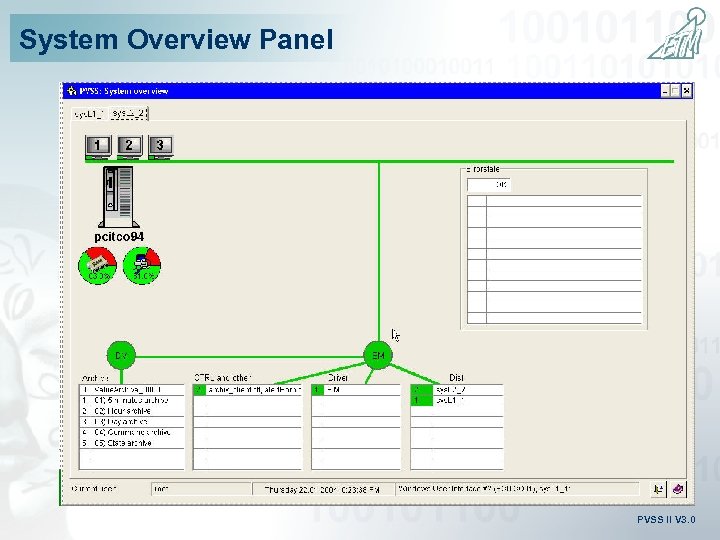 System Overview Panel PVSS II V 3. 0
 Distributed Systems n Entirely new core technology n Significantly simplified parameterization n Applicable for more than 100 systems n Reduced memory consumption n Selection for which managers a remote identification is requested n Managers in between are only „routing“ messages – no hotlink administration n Datapoint types may be different on all systems n Redundant networks possible also between Dist- Managers, alive telegrams PVSS II V 3. 0
 Numerous New Features n User interface n Archiving n User security / FDA Compliance n Network management n OPC Alarms&Events n Drivers n Licensing PVSS II V 3. 0
 Remote Installation UI (Windows) n Installation of a remote PVSS II user interface without a CD-ROM via WEB access n Target computer opens a browser and requests a client UI from an HTTP site (SCADA server) n No access to file system required, communication via 2 TCP ports n Automated installation n User interface may run in a browser (Internet Explorer) n Automated update after changes (of the server system / application) n Low administration effort PVSS II V 3. 0
 New Alarms & Event Screen n Split-Screen: Two separate resizable table areas n New graphical representation (text color, font style, several different font styles within one row) n Freely adjustable column order and visibility n Freely extendable: New columns definable, formatting of alert attributes, calculation of new information (integration of own DLL’s) PVSS II V 3. 0
 Enhanced Trending n Zooming of trend area with the mouse (dragging) n Reduced space for scales n Background color for scale and trend area adjustable separately n Enhanced scale inscription (even time indications, font adaption, . . . ) n Context menu on Trend n Logarithmic scales PVSS II V 3. 0
 FDA Compliance n User authorisation from Windows n Automatic logout after inactivity n Cyclic authorisation n Command logging n Audit-Trail (List reporting of all commands and system events) PVSS II V 3. 0
 Manager Monitoring n Console/Service/pv 2 mon are replaced by background process: „PMON – Process Monitor“ (Linux & Windows) n Clear separation between process supervision and project administration n Administration interface now also implemented as PVSS II panels n PMON provides SNMP and HTTP-Interface n Project status also requestable from a standard WEB browser n New powerful Log. Viewer PVSS II V 3. 0
 Project Administration n Project administration panel provides an overview of currently existing PVSS II projects n Several functions make the handling of PVSS II projects easier » » Extraction of hardware code Registration of projects Copying of projects (with/without registration) … n Revised Console panel » Automatically assigned manager numbers » Representation of manager status » Protection against changes » … PVSS II V 3. 0
 Database and Interfacing n Extensions to Mass Parametrization » Revision, more Power. Configs, representation in PARA » New format V 4 (1 DPE per line) n CTRL-ADO compliant database access on LINUX: » Native interfaces for Oracle, My. SQL, UNIX-ODBC n Information-Server supports My. SQL (in addition to Oracle, MS-SQL-Server and Access) PVSS II V 3. 0
 Database and Interfacing n Extensions to OLE-DB Provider » OLE-DB access to alarms » OLE-DB access to identification data (description, unit, format. . . ) » Secure communication independent from DCOM! » Prioritization of queries PVSS II V 3. 0
 Scheduler n Timer for » Day and week programs, all possibilities of timed. Func() » Periodic tasks, singular tasks, time lists n Reaction programs » Automatic reactions to value changes n Executable actions » Set a datapoint element, value change of a list of DPE » Activation of a recipe » Execution of a control script » Reminder alarm, reminder popup n Easy to use graphical user interface n Holiday program / special days list PVSS II V 3. 0
 Miscellaneous n True online language switch n Pure server licensing n Dongle (Windows) or hardware dependent software key n Port-Scan-Security n IP access control lists for all managers possible (It can be defined which computers are allowed to communicate with PVSS, wildcard definitions possible) n Enlarged WMF library (400+ scaleable, vector oriented illustrations concerning automation) n Rotation of WMFs and BMPs at runtime PVSS II V 3. 0
 Miscellaneous n Several new features in table (cell colors, font settings, . . . ) n “Event. Selection. Changed“ indicates tab change n Enable / Disable: graphics modified automatically n Preview in file selector in Native Gedi (. pnl, . gif, . bmp, . wmf) n Handling of large panels improved (own GDI object handling) n Sequenical loading of panels (Decluttering) n Trackable size and (pixel) position of a module n Modul size != panel size PVSS II V 3. 0
 Miscellaneous n Backtracking of sum alerts (Detect the triggering alarm) n Maximal number of managers: 254 n Transforming IP address computer name (DNS) n Error handler discards multiple repeats of the same error message (decreases needless flow of messages (Log. Viewer)) n Load statement for libraries in Ctrl (#uses “my. New. Ctrl. Lib. ctl“) n shield. txt (not only shield without an extension) will be identified too PVSS II V 3. 0
 Miscellaneous n Areas extends user authorization concept n Translator tool: comfortable user interface for translating a project (incl. dictionary function) n New smoothing-method: % of the previous value PVSS II V 3. 0
 Miscellaneous n Hierarchy of config files » config. level for the project overall settings, e. g. load. Ctrl. Libs » config. redu for (project overall) redundancy settings, e. g. Fwd. Dp, copy. DP » config.
 Miscellaneous n Registration has been adjusted (progs file) n New command line options for PVSS 00 NV and PVSS 00 ui » -centered » -proj. Admin » -console PVSS II V 3. 0
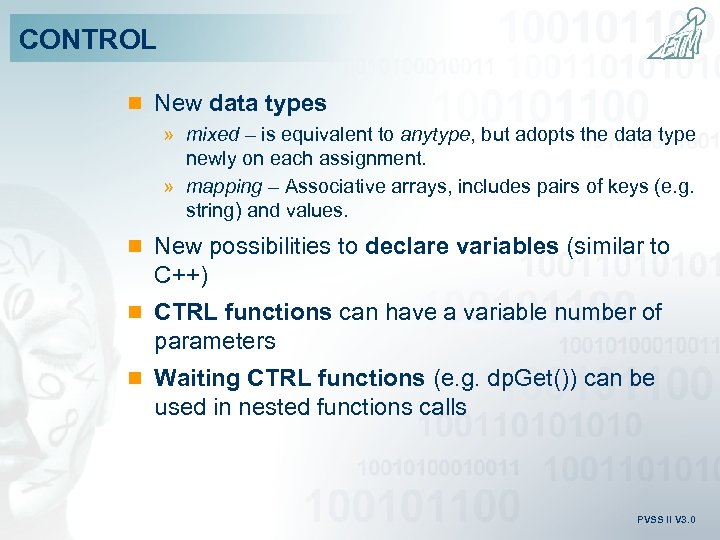 CONTROL n New data types » mixed – is equivalent to anytype, but adopts the data type newly on each assignment. » mapping – Associative arrays, includes pairs of keys (e. g. string) and values. n New possibilities to declare variables (similar to C++) n CTRL functions can have a variable number of parameters n Waiting CTRL functions (e. g. dp. Get()) can be used in nested functions calls PVSS II V 3. 0
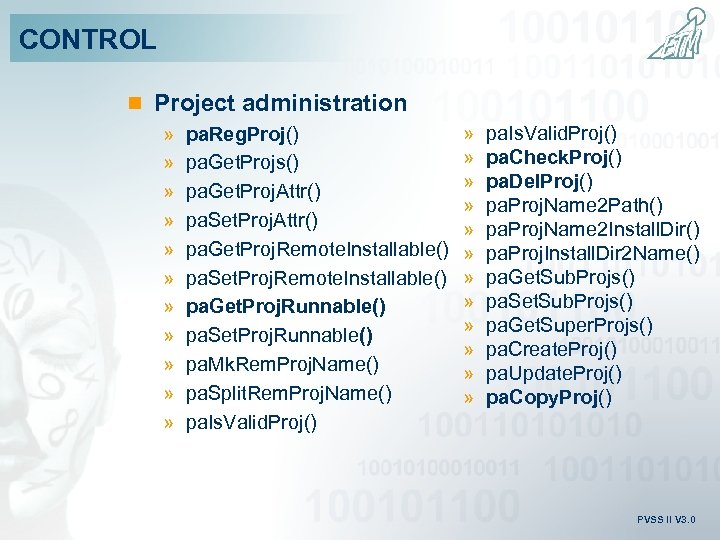 CONTROL n Project administration » pa. Reg. Proj() » pa. Get. Projs() » pa. Get. Proj. Attr() » pa. Set. Proj. Attr() » pa. Get. Proj. Remote. Installable() » pa. Set. Proj. Remote. Installable() » pa. Get. Proj. Runnable() » pa. Set. Proj. Runnable() » pa. Mk. Rem. Proj. Name() » pa. Split. Rem. Proj. Name() » pa. Is. Valid. Proj() » » » pa. Is. Valid. Proj() pa. Check. Proj() pa. Del. Proj() pa. Proj. Name 2 Path() pa. Proj. Name 2 Install. Dir() pa. Proj. Install. Dir 2 Name() pa. Get. Sub. Projs() pa. Set. Sub. Projs() pa. Get. Super. Projs() pa. Create. Proj() pa. Update. Proj() pa. Copy. Proj() PVSS II V 3. 0
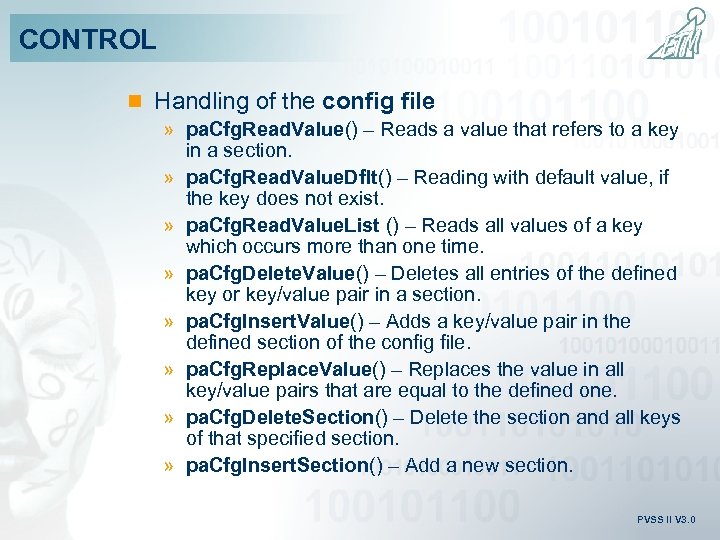 CONTROL n Handling of the config file » pa. Cfg. Read. Value() – Reads a value that refers to a key in a section. » pa. Cfg. Read. Value. Dflt() – Reading with default value, if the key does not exist. » pa. Cfg. Read. Value. List () – Reads all values of a key which occurs more than one time. » pa. Cfg. Delete. Value() – Deletes all entries of the defined key or key/value pair in a section. » pa. Cfg. Insert. Value() – Adds a key/value pair in the defined section of the config file. » pa. Cfg. Replace. Value() – Replaces the value in all key/value pairs that are equal to the defined one. » pa. Cfg. Delete. Section() – Delete the section and all keys of that specified section. » pa. Cfg. Insert. Section() – Add a new section. PVSS II V 3. 0
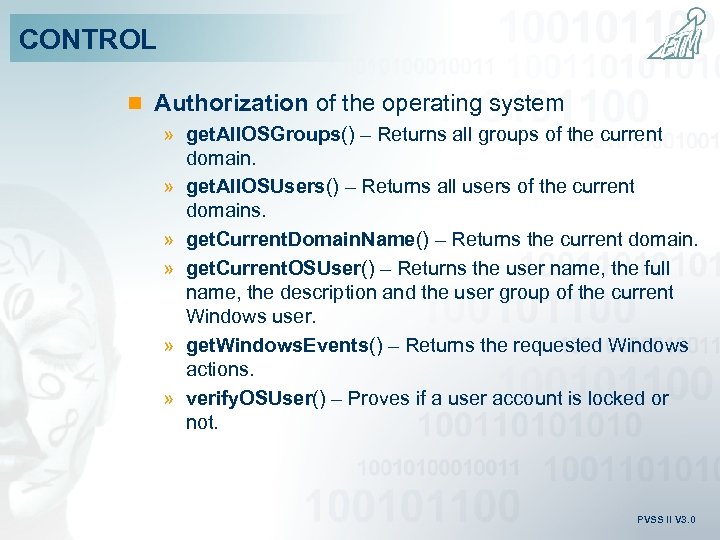 CONTROL n Authorization of the operating system » get. All. OSGroups() – Returns all groups of the current domain. » get. All. OSUsers() – Returns all users of the current domains. » get. Current. Domain. Name() – Returns the current domain. » get. Current. OSUser() – Returns the user name, the full name, the description and the user group of the current Windows user. » get. Windows. Events() – Returns the requested Windows actions. » verify. OSUser() – Proves if a user account is locked or not. PVSS II V 3. 0
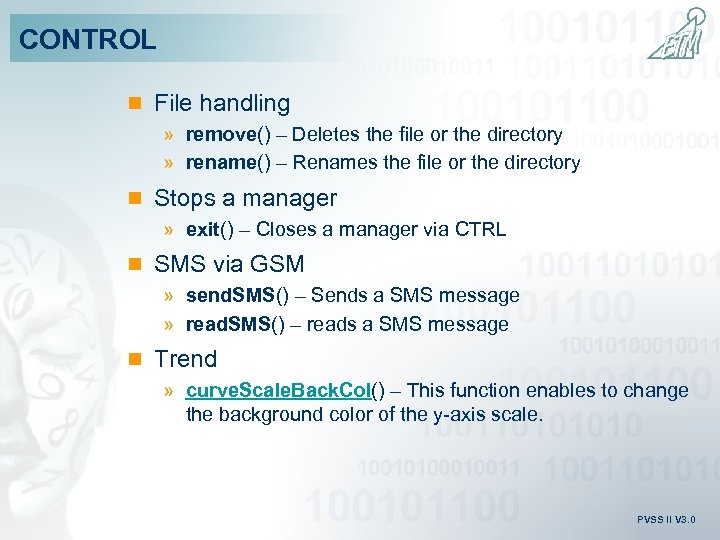 CONTROL n File handling » remove() – Deletes the file or the directory » rename() – Renames the file or the directory n Stops a manager » exit() – Closes a manager via CTRL n SMS via GSM » send. SMS() – Sends a SMS message » read. SMS() – reads a SMS message n Trend » curve. Scale. Back. Col() – This function enables to change the background color of the y-axis scale. PVSS II V 3. 0
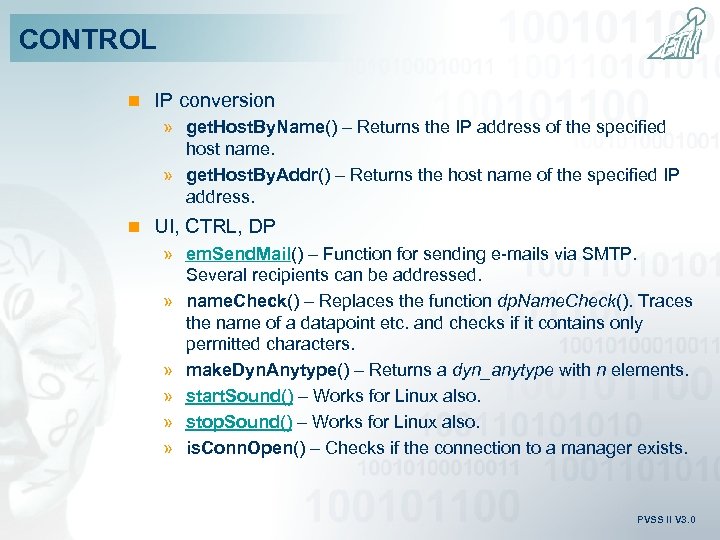 CONTROL n IP conversion » get. Host. By. Name() – Returns the IP address of the specified host name. » get. Host. By. Addr() – Returns the host name of the specified IP address. n UI, CTRL, DP » em. Send. Mail() – Function for sending e-mails via SMTP. Several recipients can be addressed. » name. Check() – Replaces the function dp. Name. Check(). Traces the name of a datapoint etc. and checks if it contains only permitted characters. » make. Dyn. Anytype() – Returns a dyn_anytype with n elements. » start. Sound() – Works for Linux also. » stop. Sound() – Works for Linux also. » is. Conn. Open() – Checks if the connection to a manager exists. PVSS II V 3. 0
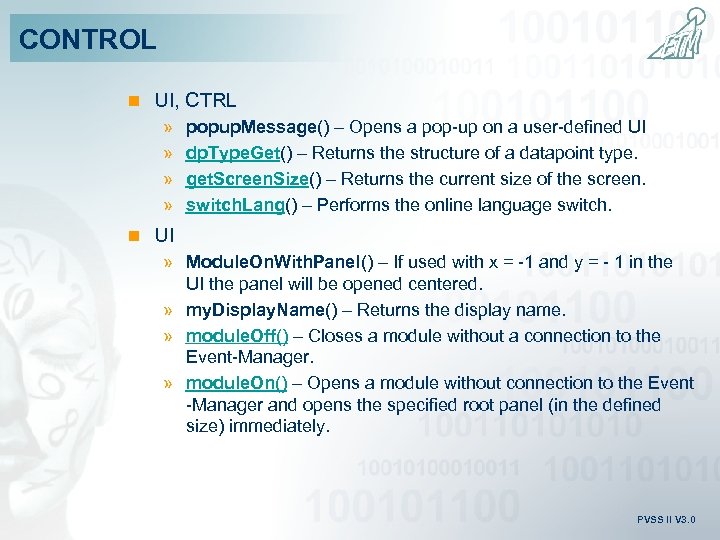 CONTROL n UI, CTRL » » popup. Message() – Opens a pop-up on a user-defined UI dp. Type. Get() – Returns the structure of a datapoint type. get. Screen. Size() – Returns the current size of the screen. switch. Lang() – Performs the online language switch. n UI » Module. On. With. Panel() – If used with x = -1 and y = - 1 in the UI the panel will be opened centered. » my. Display. Name() – Returns the display name. » module. Off() – Closes a module without a connection to the Event-Manager. » module. On() – Opens a module without connection to the Event -Manager and opens the specified root panel (in the defined size) immediately. PVSS II V 3. 0
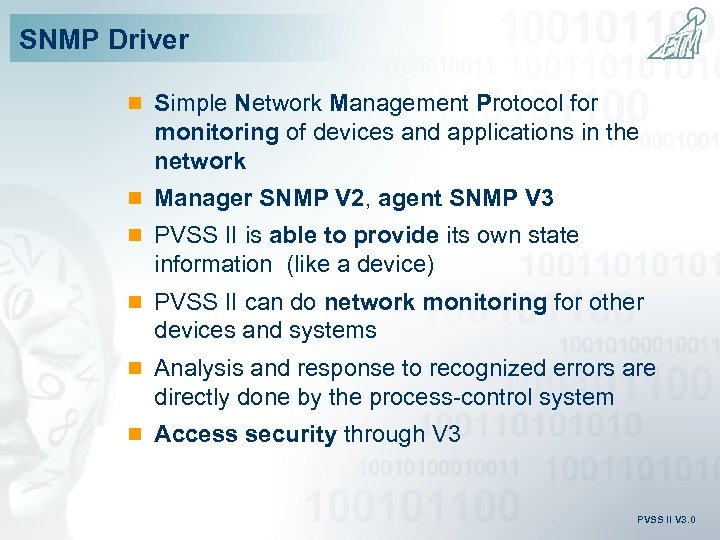 SNMP Driver n Simple Network Management Protocol for monitoring of devices and applications in the network n Manager SNMP V 2, agent SNMP V 3 n PVSS II is able to provide its own state information (like a device) n PVSS II can do network monitoring for other devices and systems n Analysis and response to recognized errors are directly done by the process-control system n Access security through V 3 PVSS II V 3. 0
 Drivers – General n In addition to “input“ and “output“ “bidirectional“ data direction is possible as well n Transition bit for immediate command display in the UI with command control » If a command is set in the UI, it will be taken over into the process image with the note „IN TRANSITION“ – the transition bit will not be deleted until the same value has been received mirrored. » If the command does not return mirrored, the value in the process image falls back into the previous state - the command setting has failed. n All cyclic drivers can work with unified polling groups PVSS II V 3. 0
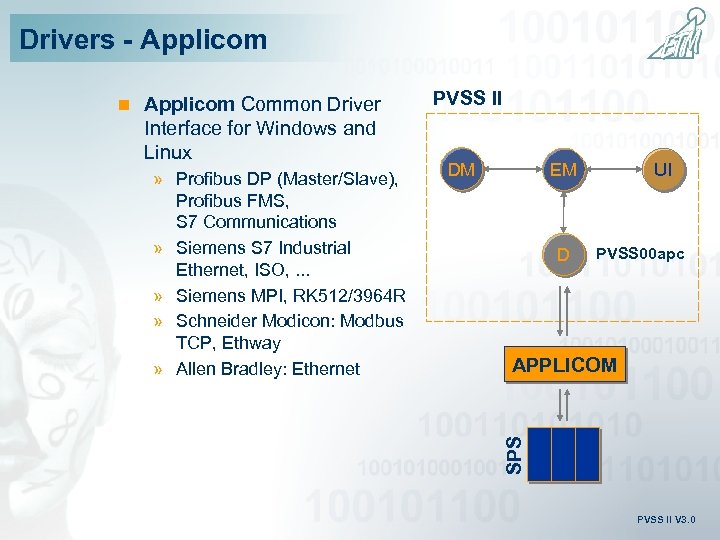 Drivers - Applicom Interface for Windows and Linux » Profibus DP (Master/Slave), Profibus FMS, S 7 Communications » Siemens S 7 Industrial Ethernet, ISO, . . . » Siemens MPI, RK 512/3964 R » Schneider Modicon: Modbus TCP, Ethway » Allen Bradley: Ethernet PVSS II DM EM D UI PVSS 00 apc APPLICOM SPS n Applicom Common Driver PVSS II V 3. 0
 PVSS II Report 3. 3 n Spontaneous triggering of report generation directly out of PVSS II n Signature of the protocol by the inducing user n Charge protocols n Tracing of changes in protocols with input option into XLS-File (Audit-Trail) PVSS II V 3. 0
 XML for process mimics (panels) n Import and Export of graphical user interfaces (panels) in XML-Format n Integrated in Native Gedi n Command line usable PVSS II V 3. 0
 Final version only: n Remote user-interfaces: the identification (loaded on start-up of any manager) can be locally stored on a file. This speeds up the start-up of a user interface especially on slow connections. n Know-How-Protection for partners: encrypted Control libraries and runtime scripts with own license protection n Emergency licensing n New Alarm&Event. Screen (Included but "under construction") n Remote Installation (Included but "under construction") PVSS II V 3. 0
 Profit from an Idea PVSS II V 3. 0