


 Скачать презентацию FACULTY MENTORING FACULTY INSTRUCTIONAL TECHNOLOGY THAT FLIPS THE
2ef1748d5a011993d7aa9e3c93272fba.ppt
- Количество слайдов: 31
 FACULTY MENTORING FACULTY: INSTRUCTIONAL TECHNOLOGY THAT FLIPS THE CLASSROOM Liz Hartmann, Ph. D, Assistant Professor of Education ehartmann@lasell. edu Lori Rosenthal, Ph. D, Associate Professor and Chair, Social Sciences lrosenthal@Lasell. edu Cathy Zeek, Ed. D, Associate Professor and Director, Teaching and Learning Center czeek@lasell. edu Ye Liu, Coordinator of Instructional Technology yliu@Lasell. edu Workshop evaluation address: bit. ly/nercomp_moodle 13 Lasell College
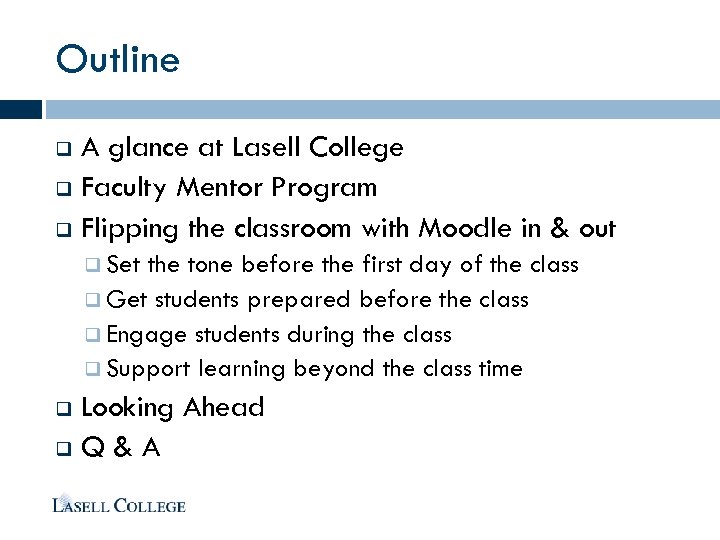 Outline A glance at Lasell College q Faculty Mentor Program q Flipping the classroom with Moodle in & out q q Set the tone before the first day of the class q Get students prepared before the class q Engage students during the class q Support learning beyond the class time Looking Ahead q Q & A q
 Lasell College Overview Student Population Undergrad and Grad Programs Faculty Support Moodle Upgrade
 Faculty Mentor Program Framework q Getting buy-in from senior management How faculty works with faculty q
 Flipping the classroom with Moodle in & out Set the tone before the first day of the class Get students prepared before the class Engage students during the class Support learning beyond the class time
 Flipping the Classroom – st before 1 Day Must-read syllabus: Syllabus Worth Reading (Hagen, 2012) Rethink and redesign the course syllabus Change the tone: from requirement tone to student promise/learner-centered tone Page/book module in Moodle or newsletter/flip book format – interactive and visually attractive
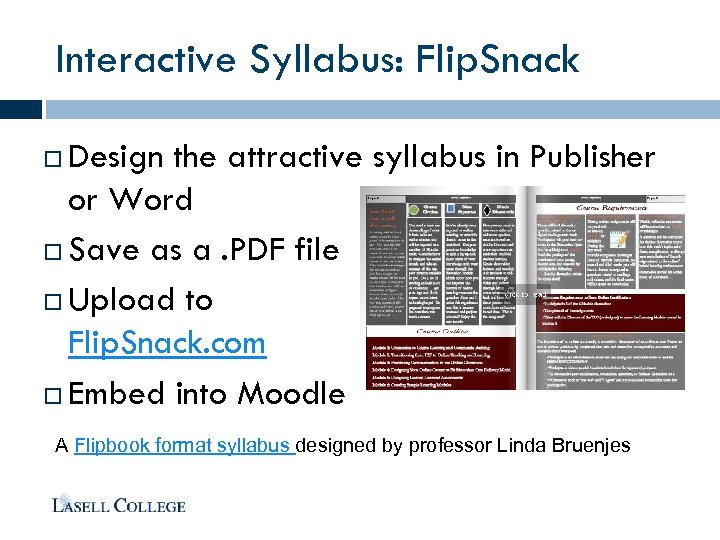 Interactive Syllabus: Flip. Snack Design the attractive syllabus in Publisher or Word Save as a. PDF file Upload to Flip. Snack. com Embed into Moodle A Flipbook format syllabus designed by professor Linda Bruenjes
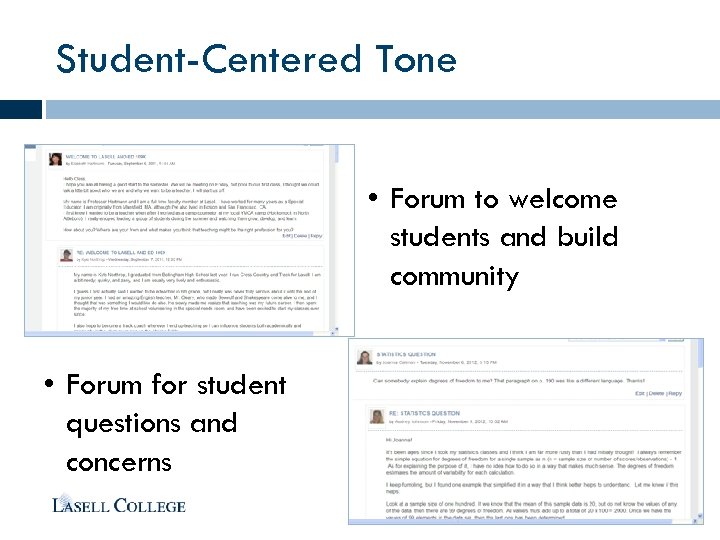 Student-Centered Tone • Forum to welcome students and build community • Forum for student questions and concerns
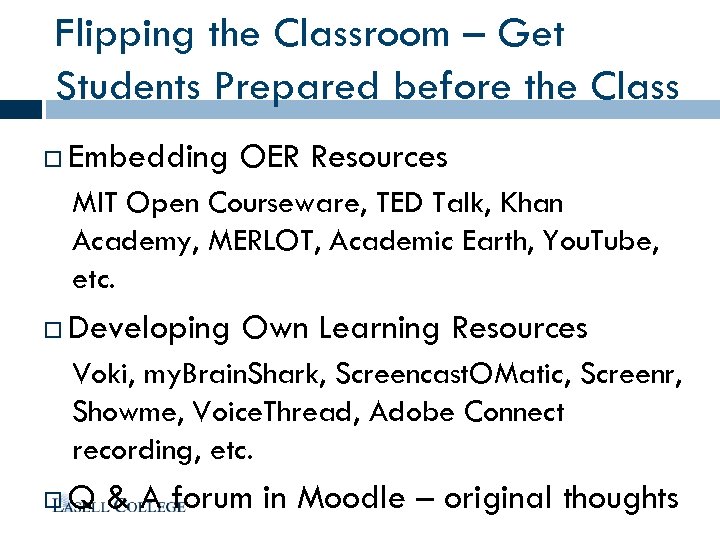 Flipping the Classroom – Get Students Prepared before the Class Embedding OER Resources MIT Open Courseware, TED Talk, Khan Academy, MERLOT, Academic Earth, You. Tube, etc. Developing Own Learning Resources Voki, my. Brain. Shark, Screencast. OMatic, Screenr, Showme, Voice. Thread, Adobe Connect recording, etc. Q & A forum in Moodle – original thoughts
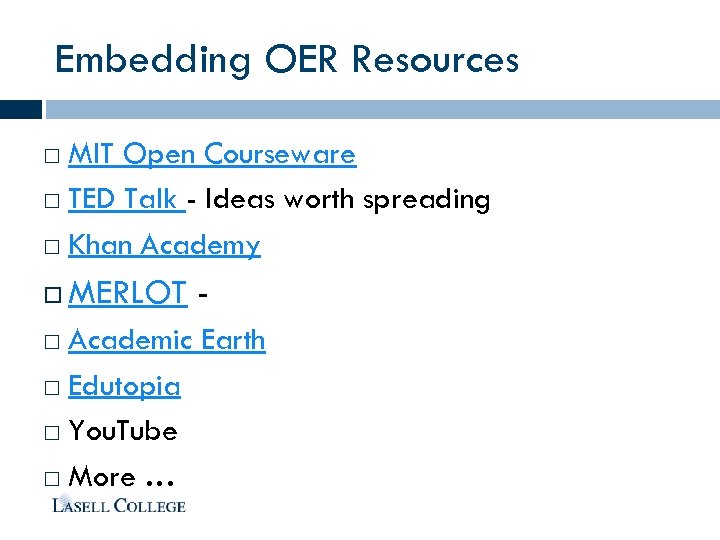 Embedding OER Resources MIT Open Courseware TED Talk - Ideas worth spreading Khan Academy MERLOT - Academic Earth Edutopia You. Tube More …
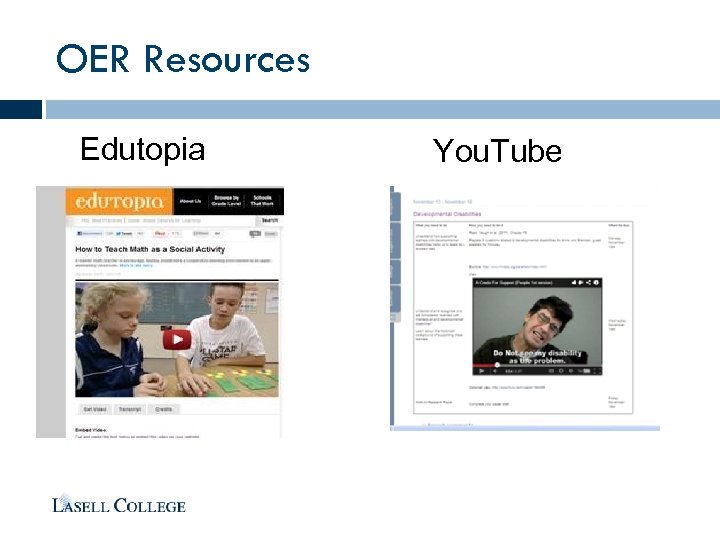 OER Resources Edutopia You. Tube
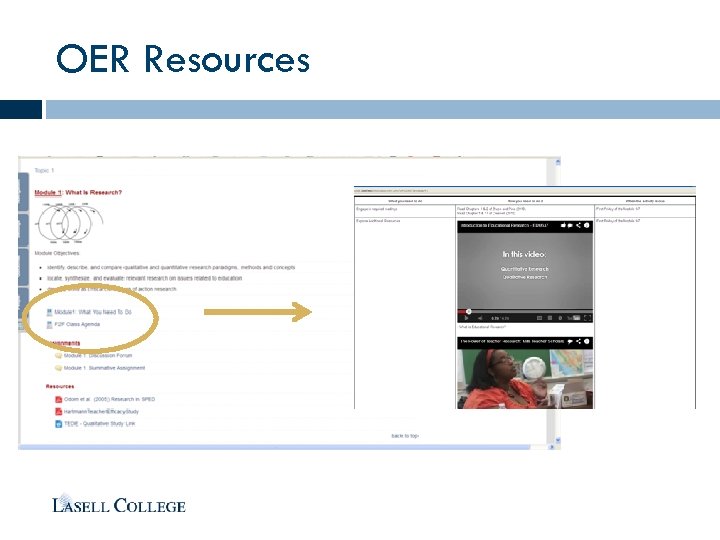 OER Resources
 Developing Own Learning Resources Voki Weekly Announcement in Online Course Direct link of a sample voki announcement
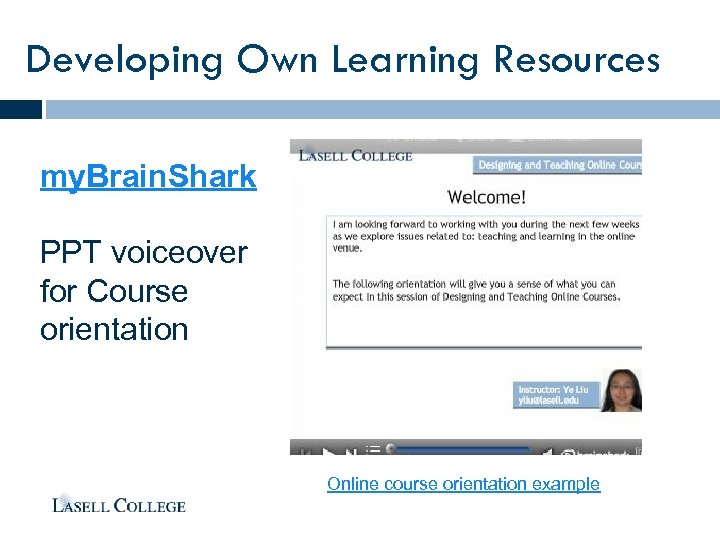 Developing Own Learning Resources my. Brain. Shark PPT voiceover for Course orientation Online course orientation example
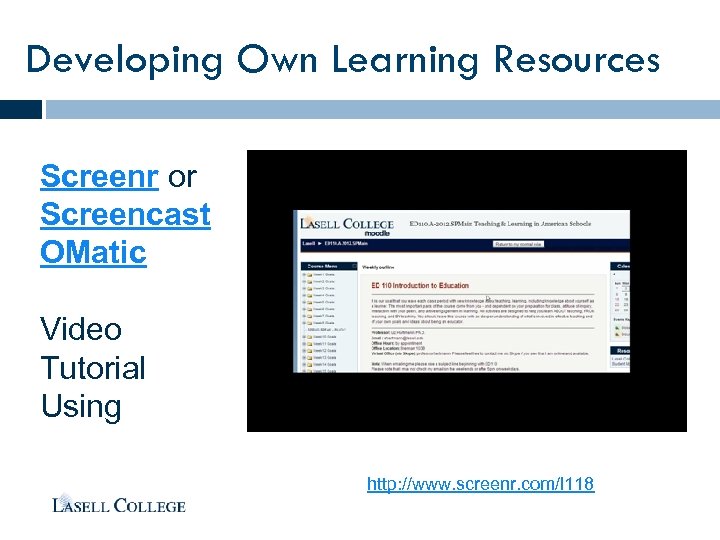 Developing Own Learning Resources Screenr or Screencast OMatic Video Tutorial Using http: //www. screenr. com/l 118
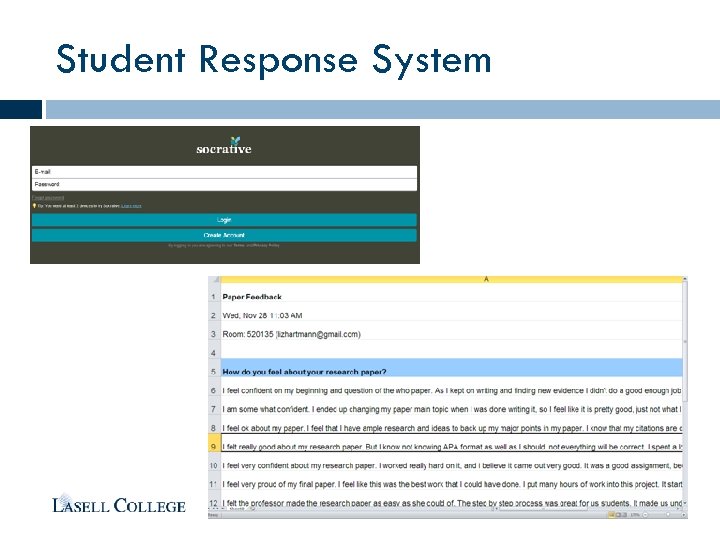
 Flipping the Classroom – Engage Students during the Class Time Mobile Smart. Board - Air. Sketch i. Pad app Student Response System Poll Everywhere (polleverywhere. com) Socrative i. Pad app Instructional Videos – boost discussion Group learning – creatively use Quiz
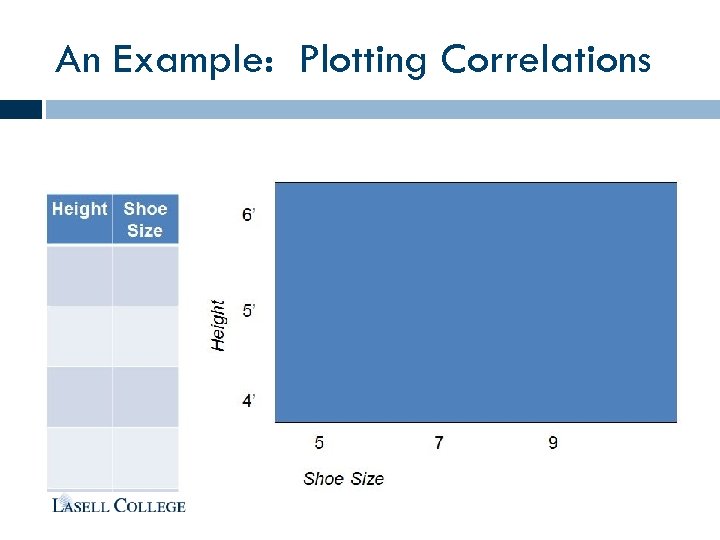
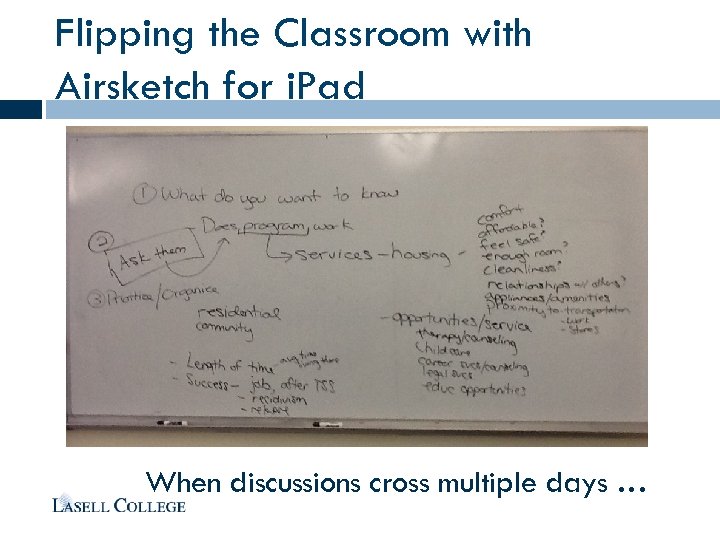 Flipping the Classroom with Airsketch for i. Pad When discussions cross multiple days …
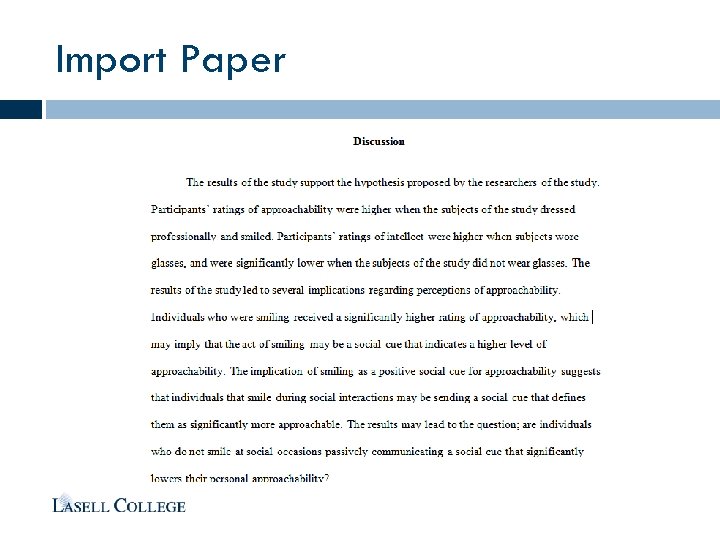
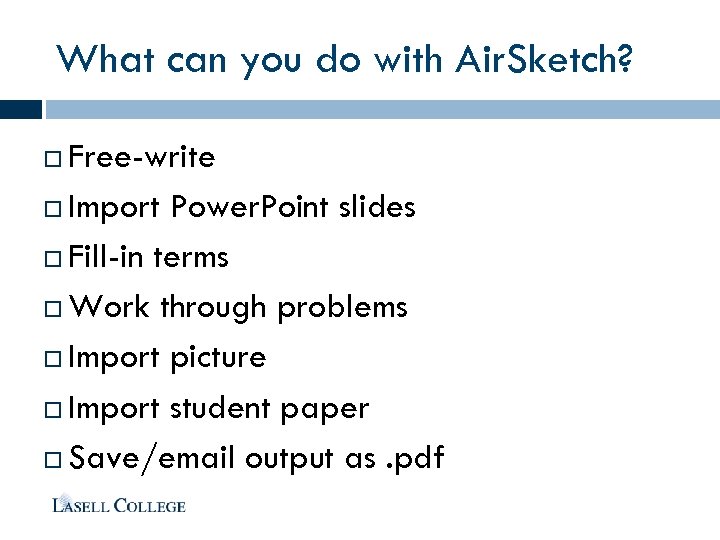 What can you do with Air. Sketch? Free-write Import Power. Point slides Fill-in terms Work through problems Import picture Import student paper Save/email output as. pdf
 What if. . . (Free-write Brainstorm)
 Fill-In PPT • What were the best things you learned today? 1. __________ 2. __________ 3. __________ 4. __________
 An Example: Plotting Correlations
 Import Paper
 Student Response System – Poll Everywhere View the live poll online
 Student Response System
 Flipping the Classroom – Support Learning Beyond the Class Time Grading with i. Pad Teacher-Student Private Communication: Private forum to follow up Gradebook & Attendance Group forum and Chat – group project Self assessment and development – Quiz Web meetings
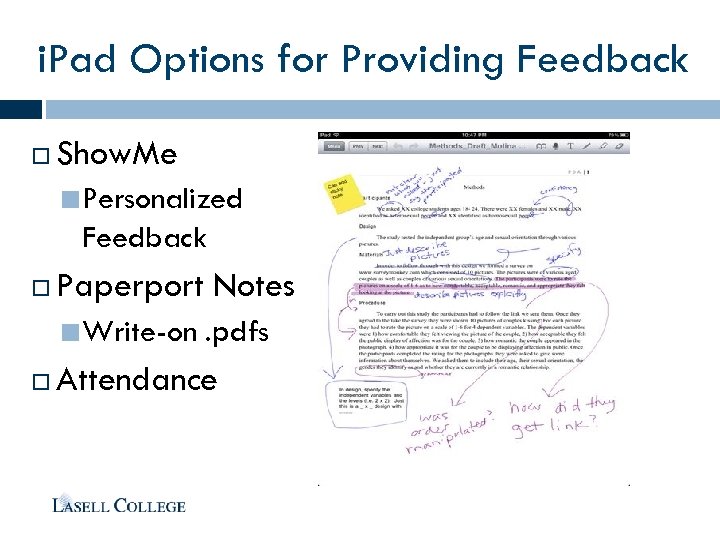 i. Pad Options for Providing Feedback Show. Me Personalized Feedback Paperport Notes Write-on . pdfs Attendance
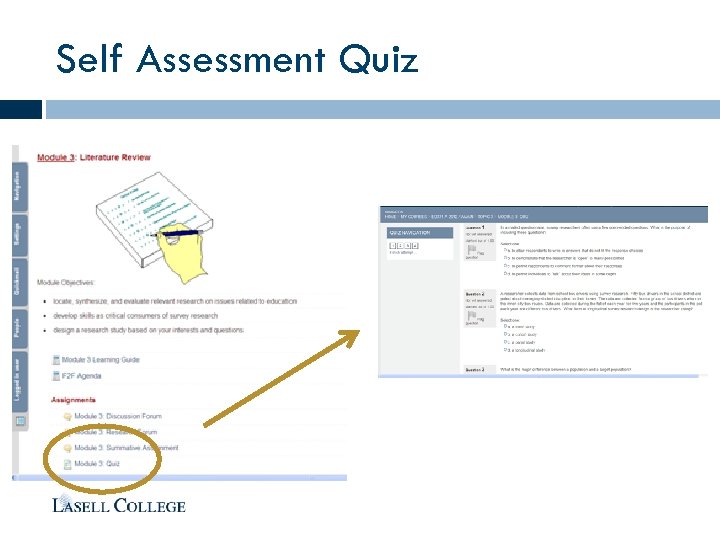 Self Assessment Quiz
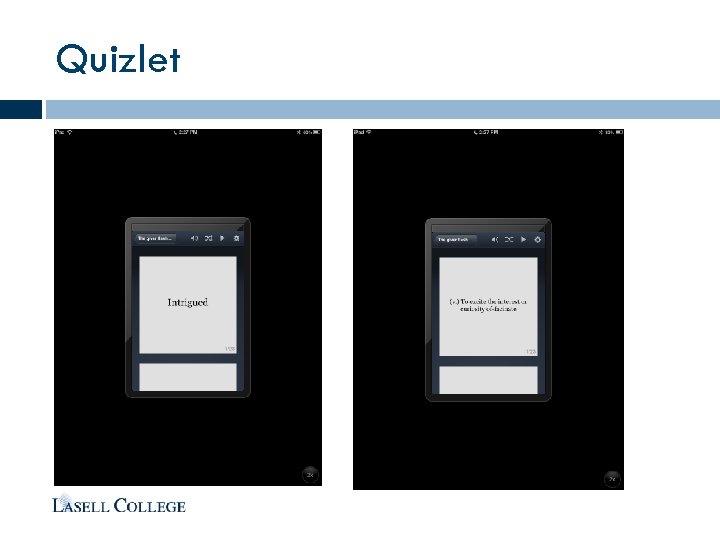 Quizlet
 Private Forum Moodle Group & each student in one group Private communication channel Follow up with feedback provided with the instructor
 Looking Ahead Faculty Mentors – Continue and expanding Apple TV – beyond Air. Sketch More Moodle plugins i. PAL iclicker (build-in clickers in Moodle) e. Portfolio
 Questions? Please submit the workshop evaluation to: bit. ly/nercomp_moodle 13