


 Скачать презентацию External HDD Case Virtual Drive ZM-VE 300
4518236fa67dba4780b0f7ad03420b58.ppt
- Количество слайдов: 11
 External HDD Case / Virtual Drive ZM-VE 300 Sales Guide 2011. ⓒ Zalman Tech Co. , Ltd. ⓒ 20112010 Zalman Tech Co. , Ltd.
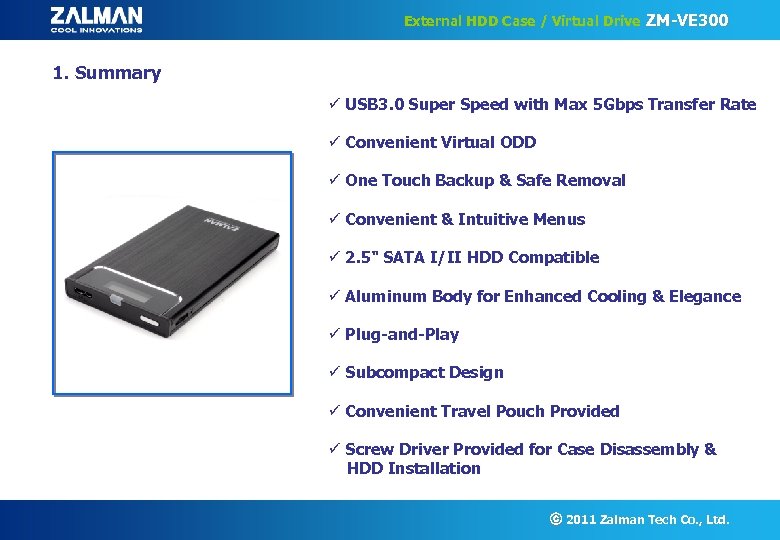 External HDD Case / Virtual Drive ZM-VE 300 1. Summary ü USB 3. 0 Super Speed with Max 5 Gbps Transfer Rate ü Convenient Virtual ODD ü One Touch Backup & Safe Removal ü Convenient & Intuitive Menus ü 2. 5" SATA I/II HDD Compatible ü Aluminum Body for Enhanced Cooling & Elegance ü Plug-and-Play ü Subcompact Design ü Convenient Travel Pouch Provided ü Screw Driver Provided for Case Disassembly & HDD Installation ⓒ 2011 Zalman Tech Co. , Ltd.
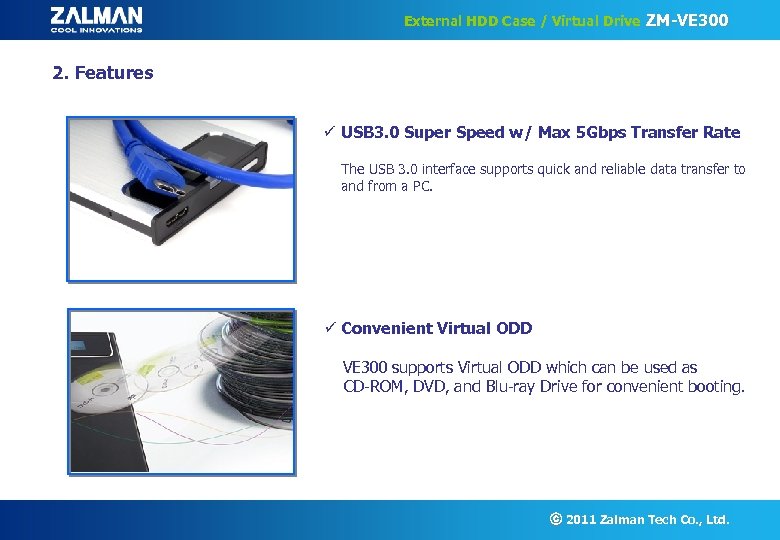 External HDD Case / Virtual Drive ZM-VE 300 2. Features ü USB 3. 0 Super Speed w/ Max 5 Gbps Transfer Rate The USB 3. 0 interface supports quick and reliable data transfer to and from a PC. ü Convenient Virtual ODD VE 300 supports Virtual ODD which can be used as CD-ROM, DVD, and Blu-ray Drive for convenient booting. ⓒ 2011 Zalman Tech Co. , Ltd.
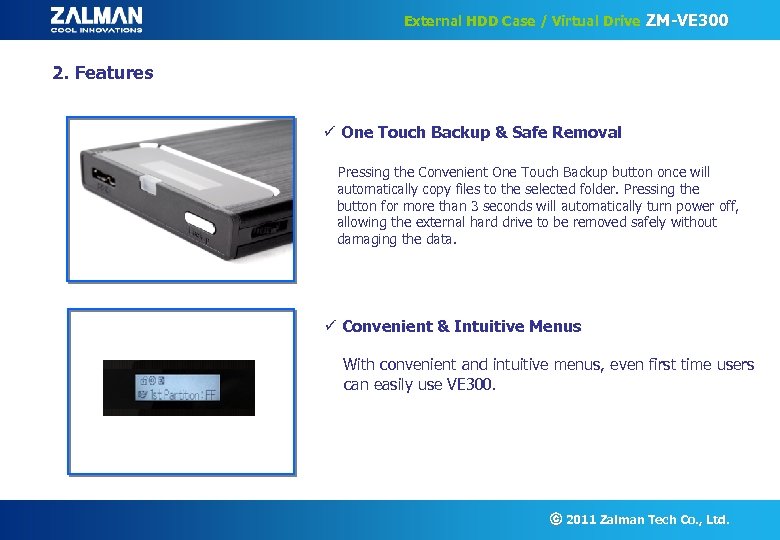 External HDD Case / Virtual Drive ZM-VE 300 2. Features ü One Touch Backup & Safe Removal Pressing the Convenient One Touch Backup button once will automatically copy files to the selected folder. Pressing the button for more than 3 seconds will automatically turn power off, allowing the external hard drive to be removed safely without damaging the data. ü Convenient & Intuitive Menus With convenient and intuitive menus, even first time users can easily use VE 300. ⓒ 2011 Zalman Tech Co. , Ltd.
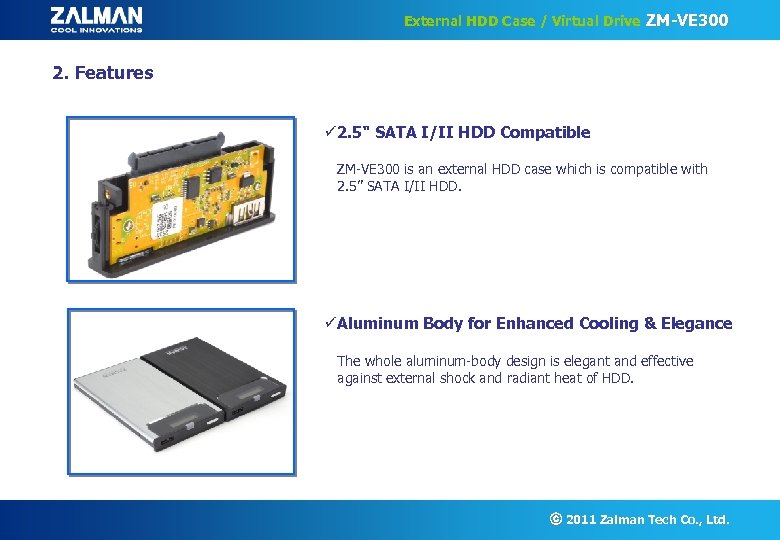 External HDD Case / Virtual Drive ZM-VE 300 2. Features ü 2. 5" SATA I/II HDD Compatible ZM-VE 300 is an external HDD case which is compatible with 2. 5” SATA I/II HDD. üAluminum Body for Enhanced Cooling & Elegance The whole aluminum-body design is elegant and effective against external shock and radiant heat of HDD. ⓒ 2011 Zalman Tech Co. , Ltd.
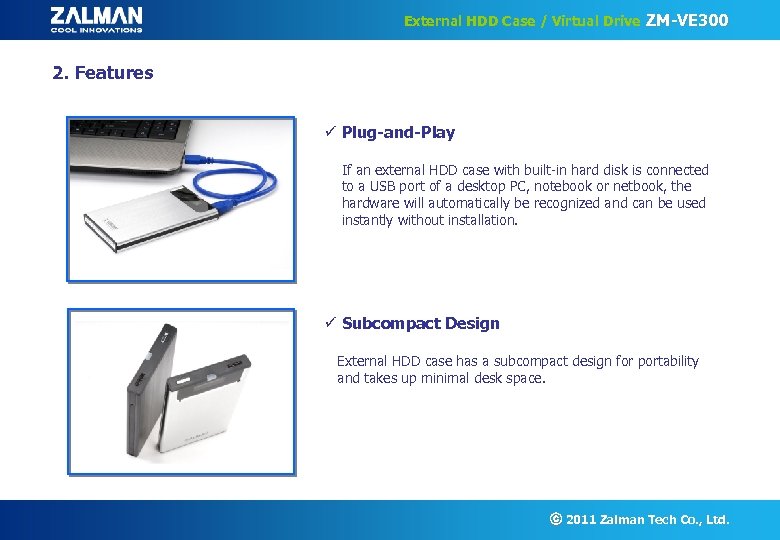 External HDD Case / Virtual Drive ZM-VE 300 2. Features ü Plug-and-Play If an external HDD case with built-in hard disk is connected to a USB port of a desktop PC, notebook or netbook, the hardware will automatically be recognized and can be used instantly without installation. ü Subcompact Design External HDD case has a subcompact design for portability and takes up minimal desk space. ⓒ 2011 Zalman Tech Co. , Ltd.
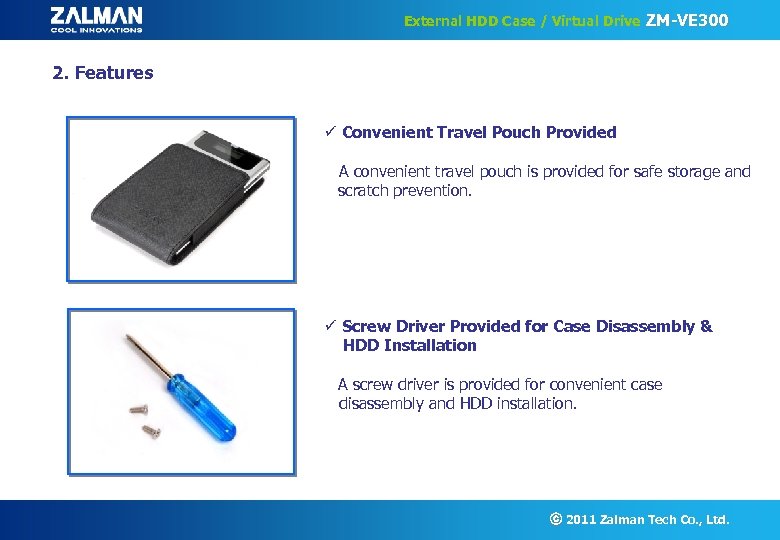 External HDD Case / Virtual Drive ZM-VE 300 2. Features ü Convenient Travel Pouch Provided A convenient travel pouch is provided for safe storage and scratch prevention. ü Screw Driver Provided for Case Disassembly & HDD Installation A screw driver is provided for convenient case disassembly and HDD installation. ⓒ 2011 Zalman Tech Co. , Ltd.
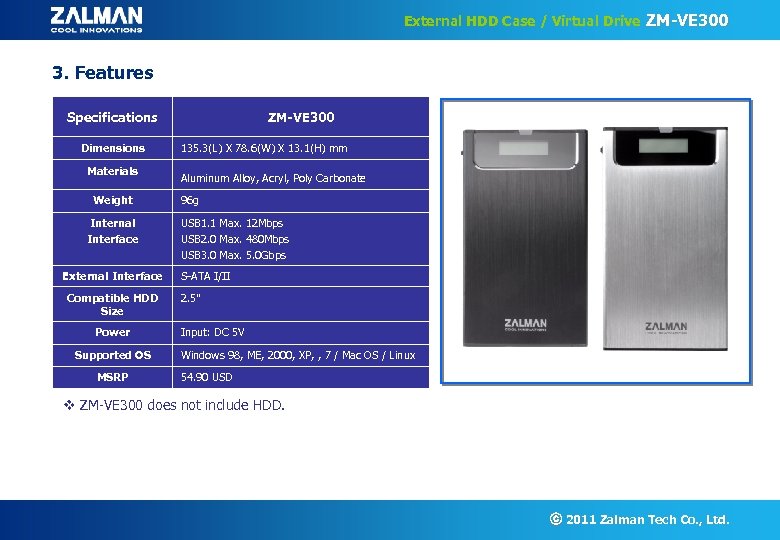 External HDD Case / Virtual Drive ZM-VE 300 3. Features Specifications Dimensions Materials Weight Internal Interface External Interface Compatible HDD Size Power Supported OS MSRP ZM-VE 300 135. 3(L) X 78. 6(W) X 13. 1(H) mm Aluminum Alloy, Acryl, Poly Carbonate 96 g USB 1. 1 Max. 12 Mbps USB 2. 0 Max. 480 Mbps USB 3. 0 Max. 5. 0 Gbps S-ATA I/II 2. 5” Input: DC 5 V Windows 98, ME, 2000, XP, , 7 / Mac OS / Linux 54. 90 USD v ZM-VE 300 does not include HDD. ⓒ 2011 Zalman Tech Co. , Ltd.
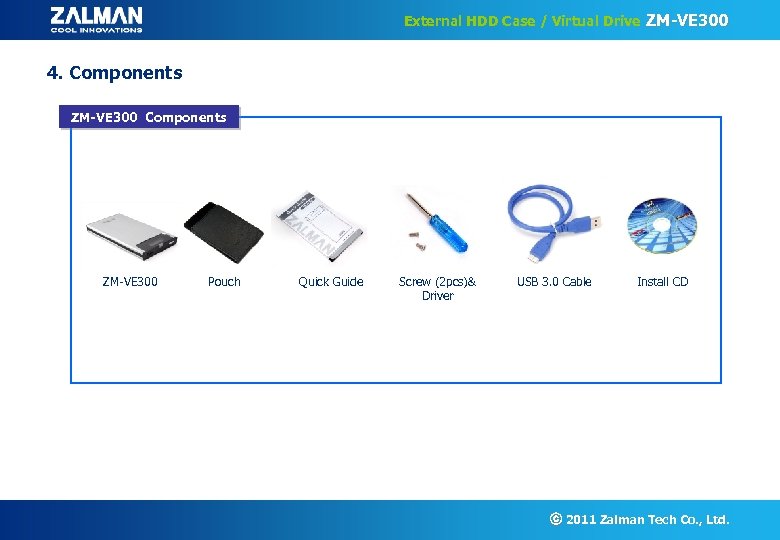 External HDD Case / Virtual Drive ZM-VE 300 4. Components ZM-VE 300 Pouch Quick Guide Screw (2 pcs)& Driver USB 3. 0 Cable Install CD ⓒ 2011 Zalman Tech Co. , Ltd.
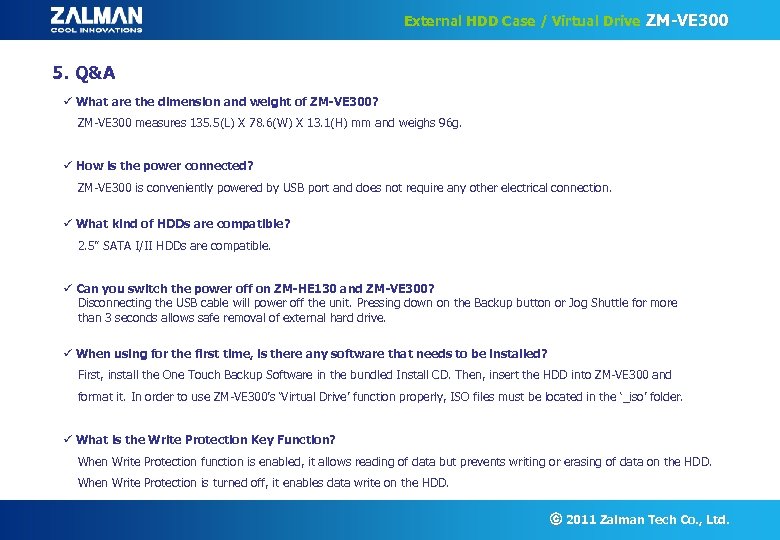 External HDD Case / Virtual Drive ZM-VE 300 5. Q&A ü What are the dimension and weight of ZM-VE 300? ZM-VE 300 measures 135. 5(L) X 78. 6(W) X 13. 1(H) mm and weighs 96 g. ü How is the power connected? ZM-VE 300 is conveniently powered by USB port and does not require any other electrical connection. ü What kind of HDDs are compatible? 2. 5” SATA I/II HDDs are compatible. ü Can you switch the power off on ZM-HE 130 and ZM-VE 300? Disconnecting the USB cable will power off the unit. Pressing down on the Backup button or Jog Shuttle for more than 3 seconds allows safe removal of external hard drive. ü When using for the first time, is there any software that needs to be installed? First, install the One Touch Backup Software in the bundled Install CD. Then, insert the HDD into ZM-VE 300 and format it. In order to use ZM-VE 300’s ‘Virtual Drive’ function properly, ISO files must be located in the ‘_iso’ folder. ü What is the Write Protection Key Function? When Write Protection function is enabled, it allows reading of data but prevents writing or erasing of data on the HDD. When Write Protection is turned off, it enables data write on the HDD. ⓒ 2011 Zalman Tech Co. , Ltd.
 External HDD Case / Virtual Drive ZM-VE 300 Thank You ⓒ 2011 Zalman Tech Co. , Ltd.