 Скачать презентацию Extending Condor Week 2010 Todd Tannenbaum Condor
8f1af5cc14406df2c22bf55eecf49c27.ppt
- Количество слайдов: 62




Extending Condor Week 2010 › Todd Tannenbaum Condor Project Computer Sciences Department University of Wisconsin-Madison
Some classifications Application Program Interfaces (APIs) Job Control › Operational Monitoring › Extensions www. cs. wisc. edu/Condor 2
Job Control APIs The biggies: › Command Line Tools › Web Service Interface (SOAP) http: //condor-wiki. cs. wisc. edu/index. cgi/wiki? p=Soap. Wisdom › DRMAA › Condor DBQ www. cs. wisc. edu/Condor 3
Operational Monitoring APIs › Via Web Services (SOAP) › Via Relational Database: Quill Job, Machine, and Matchmaking data echoed into Postgre. SQL RDBMS › Via a file: the Event Log Structured journal of job events Sample code in C++ to read/parse these events › Via Enterprise messaging: Condor AMQP Event. Log events echoed into Qpid Plug: Vidhya Murali’s talk tomorrow afternoon www. cs. wisc. edu/Condor 4
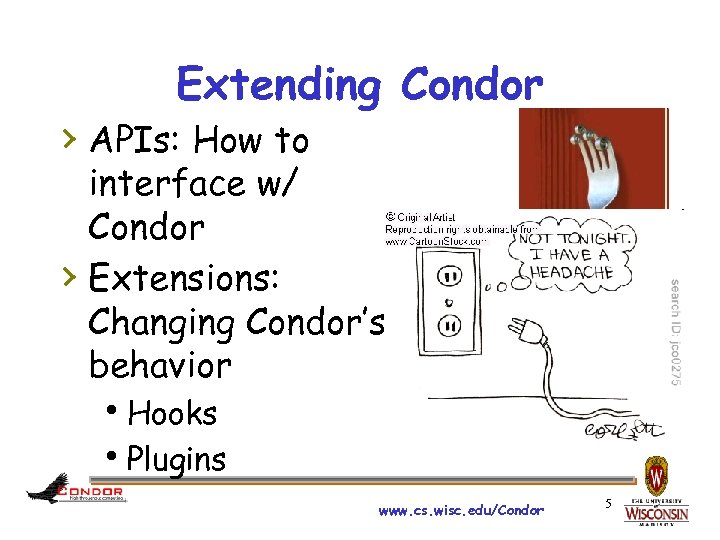
Extending Condor › APIs: How to interface w/ Condor › Extensions: Changing Condor’s behavior Hooks Plugins www. cs. wisc. edu/Condor 5
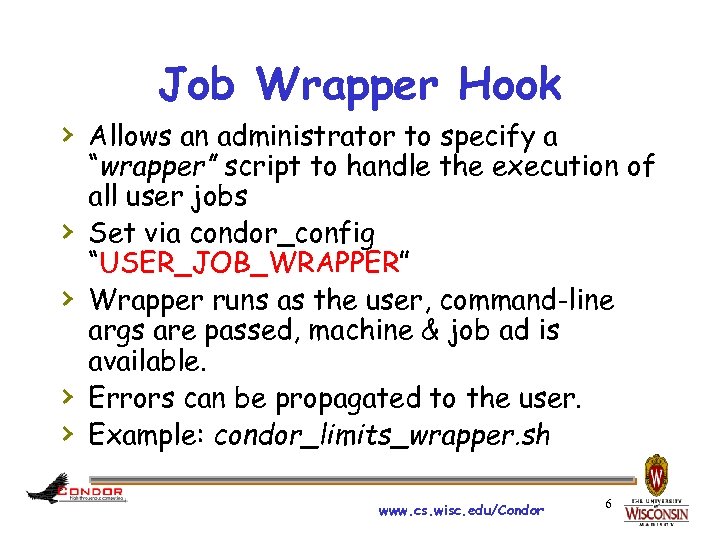
Job Wrapper Hook › Allows an administrator to specify a › › “wrapper” script to handle the execution of all user jobs Set via condor_config “USER_JOB_WRAPPER” Wrapper runs as the user, command-line args are passed, machine & job ad is available. Errors can be propagated to the user. Example: condor_limits_wrapper. sh www. cs. wisc. edu/Condor 6
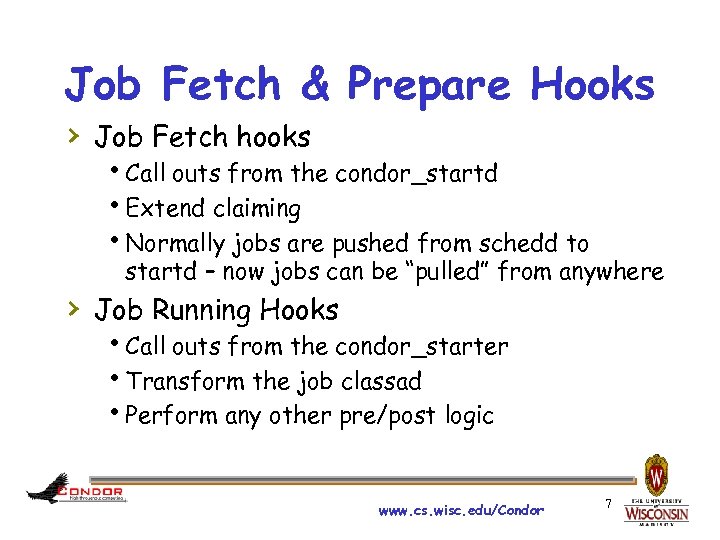
Job Fetch & Prepare Hooks › Job Fetch hooks Call outs from the condor_startd Extend claiming Normally jobs are pushed from schedd to startd – now jobs can be “pulled” from anywhere › Job Running Hooks Call outs from the condor_starter Transform the job classad Perform any other pre/post logic www. cs. wisc. edu/Condor 7
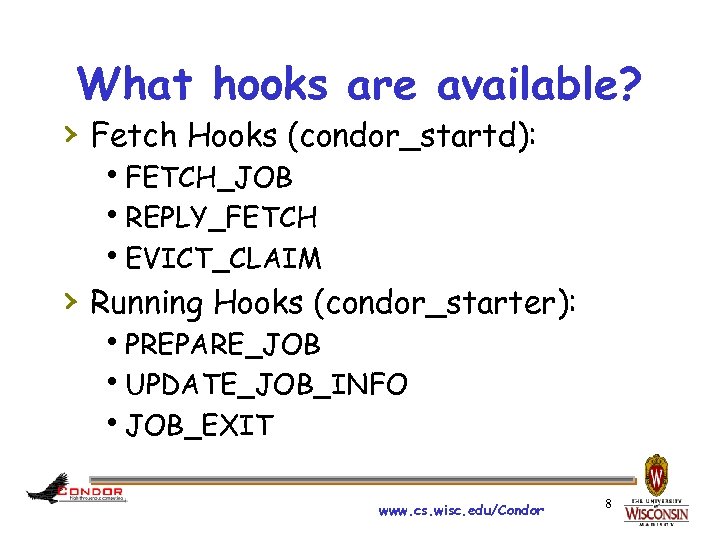
What hooks are available? › Fetch Hooks (condor_startd): FETCH_JOB REPLY_FETCH EVICT_CLAIM › Running Hooks (condor_starter): PREPARE_JOB UPDATE_JOB_INFO JOB_EXIT www. cs. wisc. edu/Condor 8
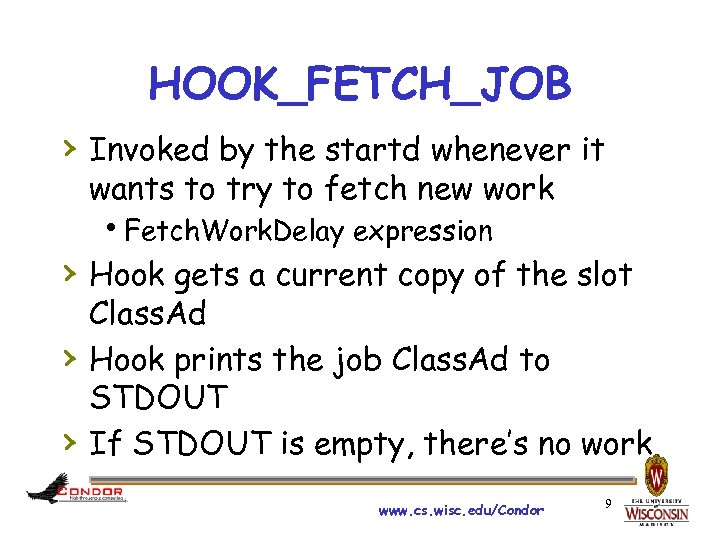
HOOK_FETCH_JOB › Invoked by the startd whenever it wants to try to fetch new work Fetch. Work. Delay expression › Hook gets a current copy of the slot › › Class. Ad Hook prints the job Class. Ad to STDOUT If STDOUT is empty, there’s no work www. cs. wisc. edu/Condor 9
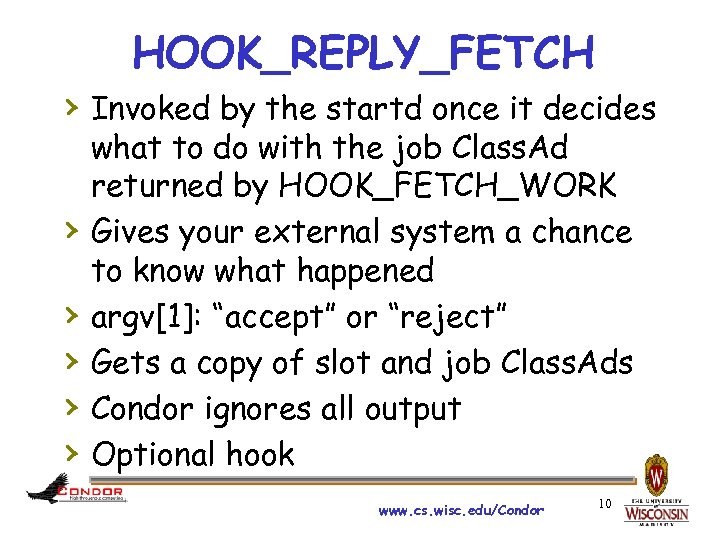
HOOK_REPLY_FETCH › Invoked by the startd once it decides › › › what to do with the job Class. Ad returned by HOOK_FETCH_WORK Gives your external system a chance to know what happened argv[1]: “accept” or “reject” Gets a copy of slot and job Class. Ads Condor ignores all output Optional hook www. cs. wisc. edu/Condor 10
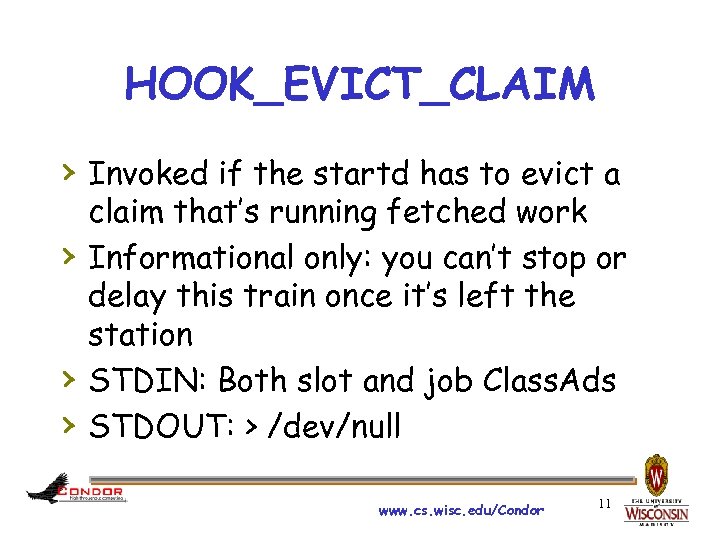
HOOK_EVICT_CLAIM › Invoked if the startd has to evict a › › › claim that’s running fetched work Informational only: you can’t stop or delay this train once it’s left the station STDIN: Both slot and job Class. Ads STDOUT: > /dev/null www. cs. wisc. edu/Condor 11
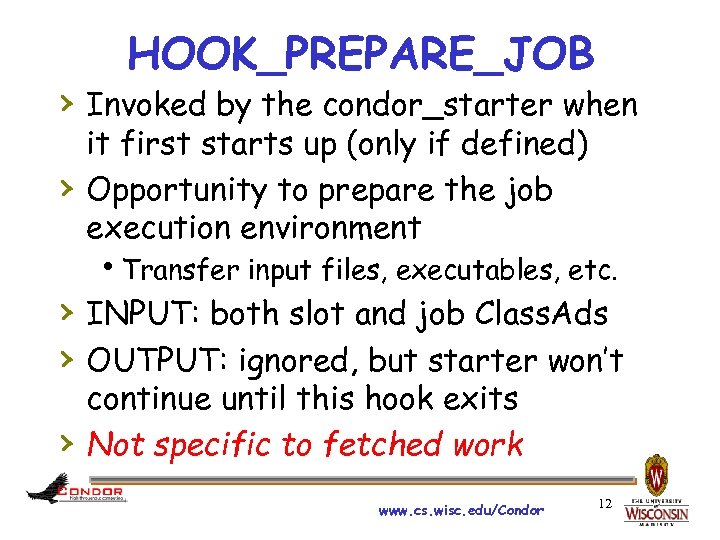
HOOK_PREPARE_JOB › Invoked by the condor_starter when › it first starts up (only if defined) Opportunity to prepare the job execution environment Transfer input files, executables, etc. › INPUT: both slot and job Class. Ads › OUTPUT: ignored, but starter won’t › continue until this hook exits Not specific to fetched work www. cs. wisc. edu/Condor 12
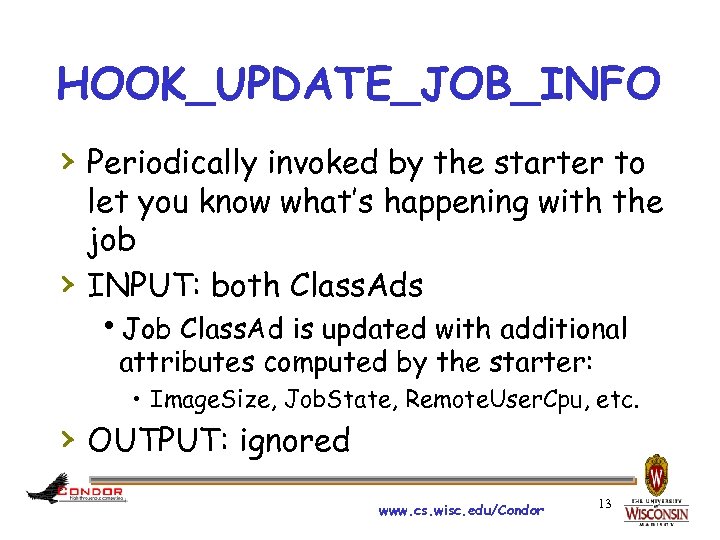
HOOK_UPDATE_JOB_INFO › Periodically invoked by the starter to › let you know what’s happening with the job INPUT: both Class. Ads Job Class. Ad is updated with additional attributes computed by the starter: • Image. Size, Job. State, Remote. User. Cpu, etc. › OUTPUT: ignored www. cs. wisc. edu/Condor 13
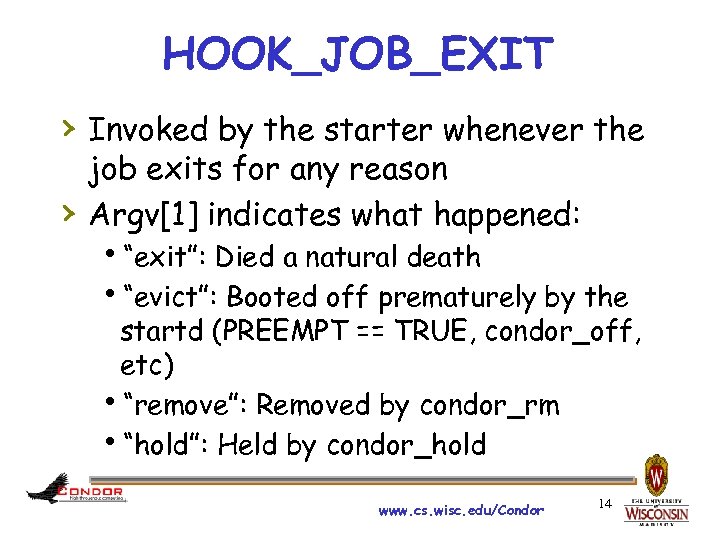
HOOK_JOB_EXIT › Invoked by the starter whenever the › job exits for any reason Argv[1] indicates what happened: “exit”: Died a natural death “evict”: Booted off prematurely by the startd (PREEMPT == TRUE, condor_off, etc) “remove”: Removed by condor_rm “hold”: Held by condor_hold www. cs. wisc. edu/Condor 14

POP QUIZ!!! Given Job Wrapper hook Job Fetch hooks Job Running hooks Quiz? This is so bogus Mr. Todd!! Which one is redundent? Why? www. cs. wisc. edu/Condor 15
Sidebar: “Toppings” If work arrived via fetch hook “foo”, then prepare hooks “foo” will be used. What if an individual job could specify a job prepare hook to use? ? ? Prepare hook to use can be alternatively specified in job classad via attribute “Hook. Keyword” How cool is that? ? ? www. cs. wisc. edu/Condor 16
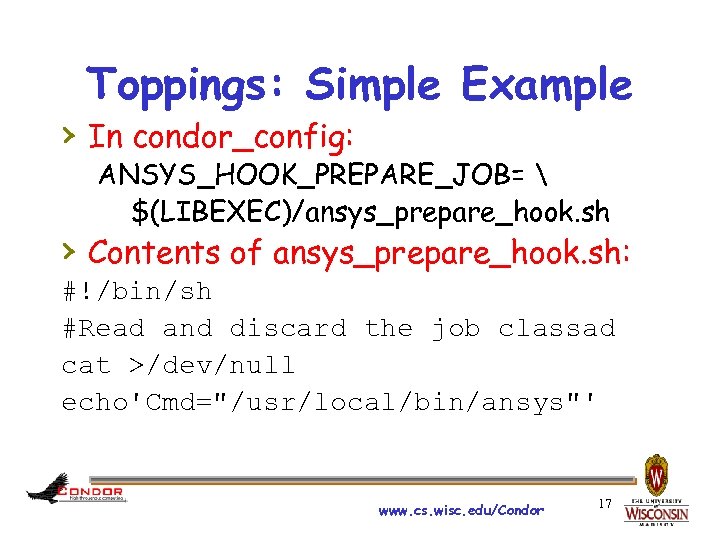
Toppings: Simple Example › In condor_config: ANSYS_HOOK_PREPARE_JOB= $(LIBEXEC)/ansys_prepare_hook. sh › Contents of ansys_prepare_hook. sh: #!/bin/sh #Read and discard the job classad cat >/dev/null echo'Cmd="/usr/local/bin/ansys"' www. cs. wisc. edu/Condor 17
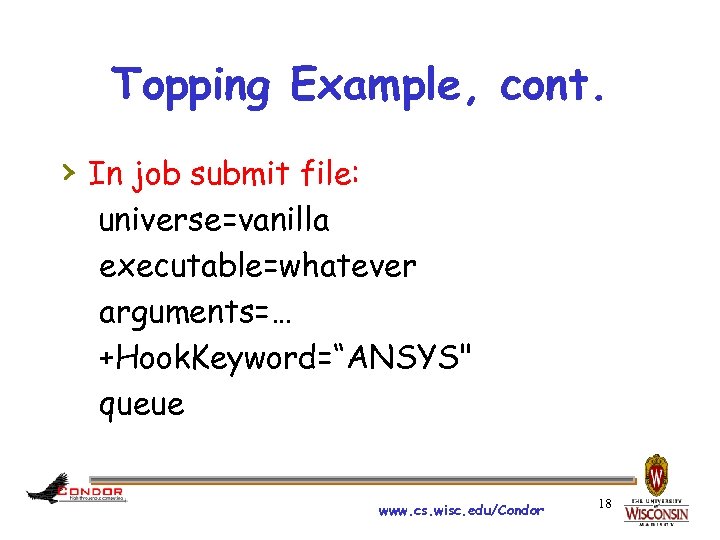
Topping Example, cont. › In job submit file: universe=vanilla executable=whatever arguments=… +Hook. Keyword=“ANSYS" queue www. cs. wisc. edu/Condor 18
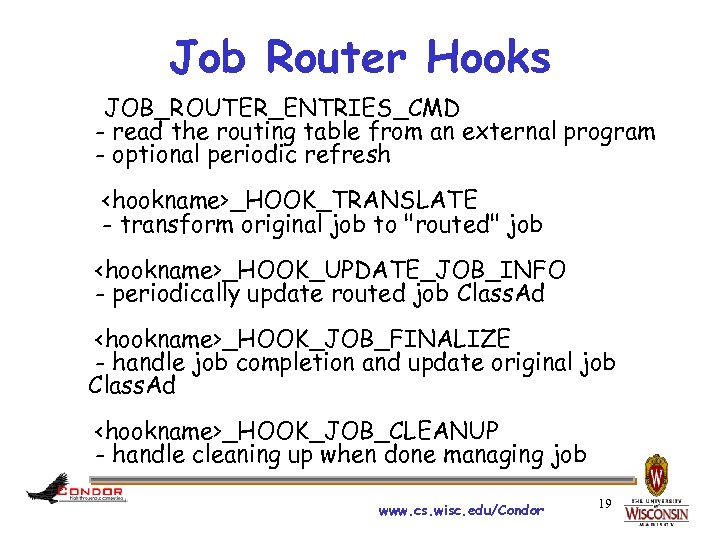
Job Router Hooks JOB_ROUTER_ENTRIES_CMD - read the routing table from an external program - optional periodic refresh <hookname>_HOOK_TRANSLATE - transform original job to "routed" job <hookname>_HOOK_UPDATE_JOB_INFO - periodically update routed job Class. Ad <hookname>_HOOK_JOB_FINALIZE - handle job completion and update original job Class. Ad <hookname>_HOOK_JOB_CLEANUP - handle cleaning up when done managing job www. cs. wisc. edu/Condor 19
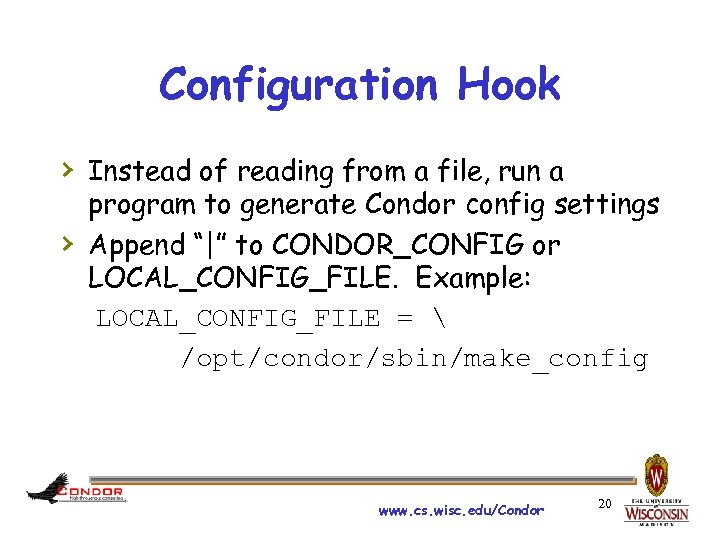
Configuration Hook › Instead of reading from a file, run a › program to generate Condor config settings Append “|” to CONDOR_CONFIG or LOCAL_CONFIG_FILE. Example: LOCAL_CONFIG_FILE = /opt/condor/sbin/make_config www. cs. wisc. edu/Condor 20
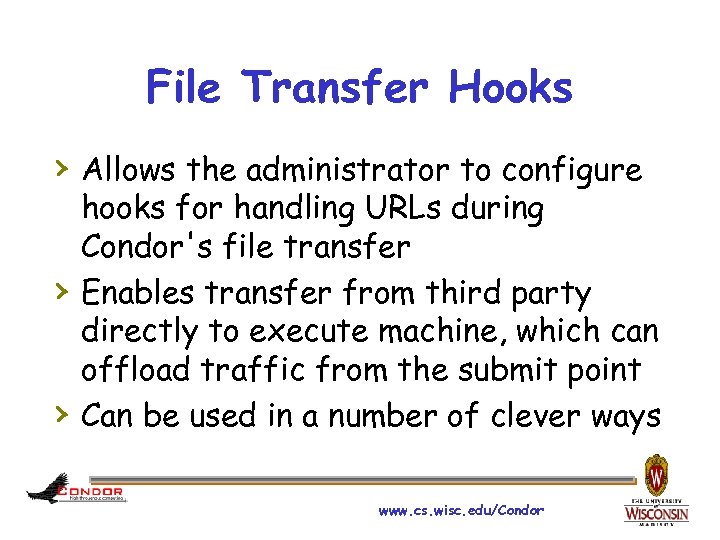
File Transfer Hooks › Allows the administrator to configure › › hooks for handling URLs during Condor's file transfer Enables transfer from third party directly to execute machine, which can offload traffic from the submit point Can be used in a number of clever ways www. cs. wisc. edu/Condor
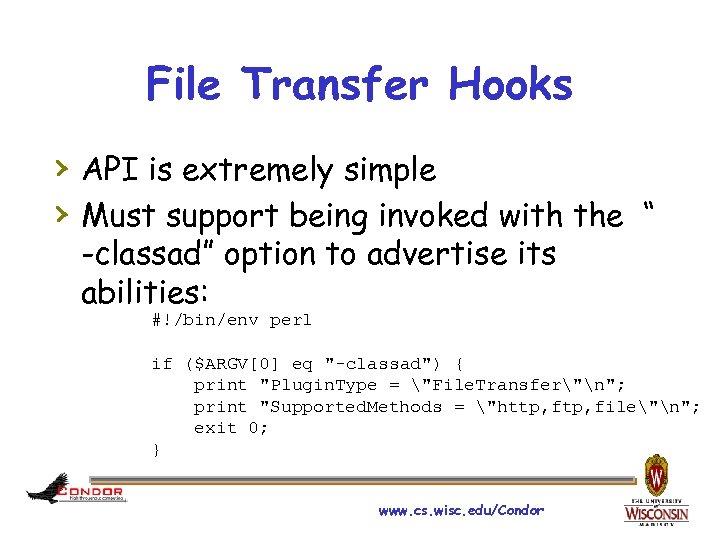
File Transfer Hooks › API is extremely simple › Must support being invoked with the “ -classad” option to advertise its abilities: #!/bin/env perl if ($ARGV[0] eq "-classad") { print "Plugin. Type = "File. Transfer"n"; print "Supported. Methods = "http, file"n"; exit 0; } www. cs. wisc. edu/Condor
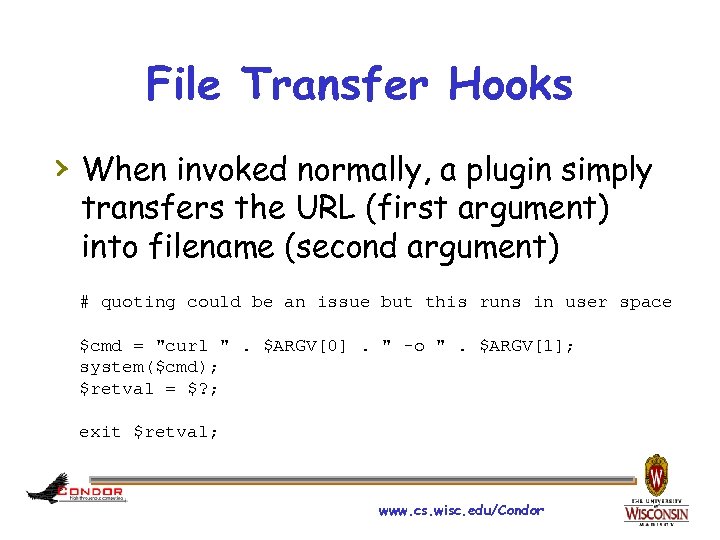
File Transfer Hooks › When invoked normally, a plugin simply transfers the URL (first argument) into filename (second argument) # quoting could be an issue but this runs in user space $cmd = "curl ". $ARGV[0]. " -o ". $ARGV[1]; system($cmd); $retval = $? ; exit $retval; www. cs. wisc. edu/Condor
File Transfer Hooks › In the condor_config file, the › › administrator lists the transfer hooks that can be used Condor invokes each one to find out its abilities If something that looks like a URL is added to the list of input files, the plugin is invoked on the execute machine www. cs. wisc. edu/Condor
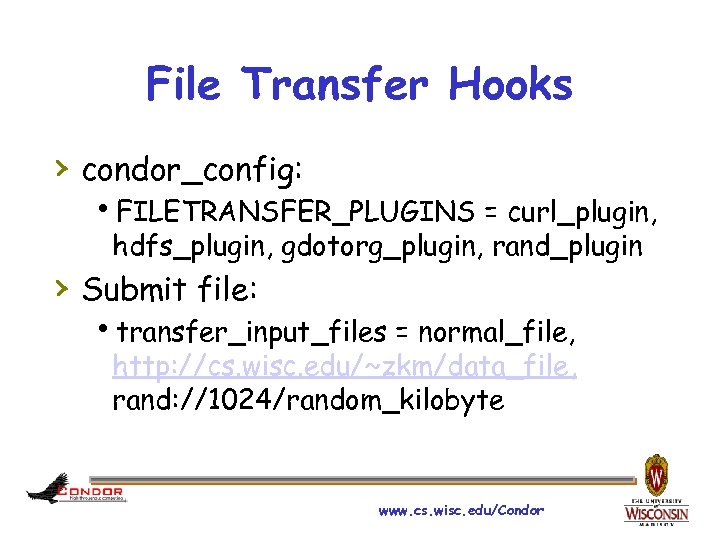
File Transfer Hooks › condor_config: FILETRANSFER_PLUGINS = curl_plugin, hdfs_plugin, gdotorg_plugin, rand_plugin › Submit file: transfer_input_files = normal_file, http: //cs. wisc. edu/~zkm/data_file, rand: //1024/random_kilobyte www. cs. wisc. edu/Condor
File Transfer Hooks › As you can see, the format of the URL › › is relatively arbitrary and is interpreted by the hook This allows for tricks like rand: //, blastdb: //, data: //, etc. Currently a bug prevents this from working for VMWare images but soon we'll support vm: // as well. www. cs. wisc. edu/Condor

Plugins www. cs. wisc. edu/Condor 27
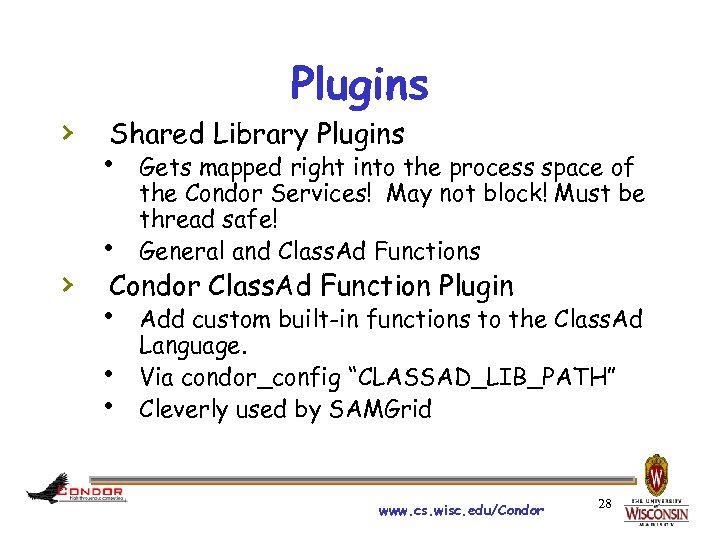
› › Plugins Shared Library Plugins Gets mapped right into the process space of the Condor Services! May not block! Must be thread safe! General and Class. Ad Functions Condor Class. Ad Function Plugin Add custom built-in functions to the Class. Ad Language. Via condor_config “CLASSAD_LIB_PATH” Cleverly used by SAMGrid www. cs. wisc. edu/Condor 28
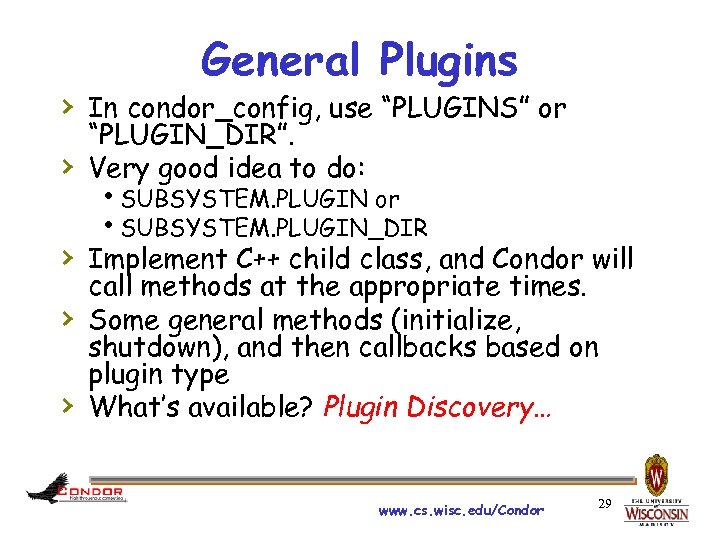
General Plugins › In condor_config, use “PLUGINS” or › “PLUGIN_DIR”. Very good idea to do: SUBSYSTEM. PLUGIN or SUBSYSTEM. PLUGIN_DIR › Implement C++ child class, and Condor will › › call methods at the appropriate times. Some general methods (initialize, shutdown), and then callbacks based on plugin type What’s available? Plugin Discovery… www. cs. wisc. edu/Condor 29
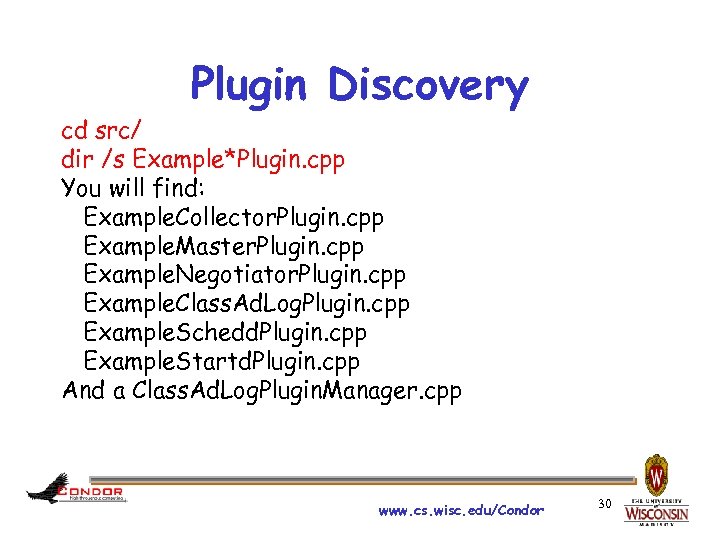
Plugin Discovery cd src/ dir /s Example*Plugin. cpp You will find: Example. Collector. Plugin. cpp Example. Master. Plugin. cpp Example. Negotiator. Plugin. cpp Example. Class. Ad. Log. Plugin. cpp Example. Schedd. Plugin. cpp Example. Startd. Plugin. cpp And a Class. Ad. Log. Plugin. Manager. cpp www. cs. wisc. edu/Condor 30
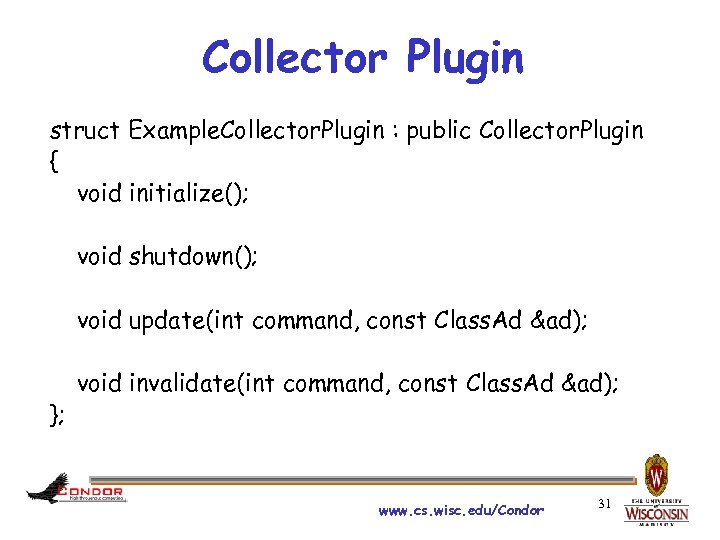
Collector Plugin struct Example. Collector. Plugin : public Collector. Plugin { void initialize(); void shutdown(); void update(int command, const Class. Ad &ad); }; void invalidate(int command, const Class. Ad &ad); www. cs. wisc. edu/Condor 31
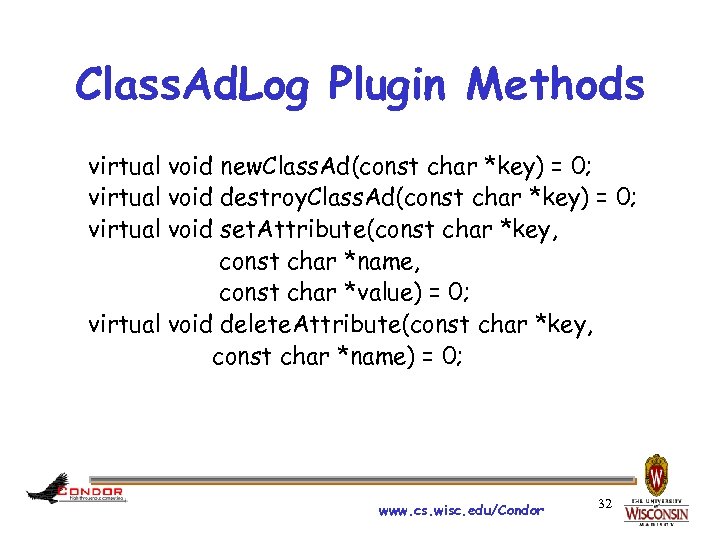
Class. Ad. Log Plugin Methods virtual void new. Class. Ad(const char *key) = 0; virtual void destroy. Class. Ad(const char *key) = 0; virtual void set. Attribute(const char *key, const char *name, const char *value) = 0; virtual void delete. Attribute(const char *key, const char *name) = 0; www. cs. wisc. edu/Condor 32

Other Extending Ideas… www. cs. wisc. edu/Condor 33
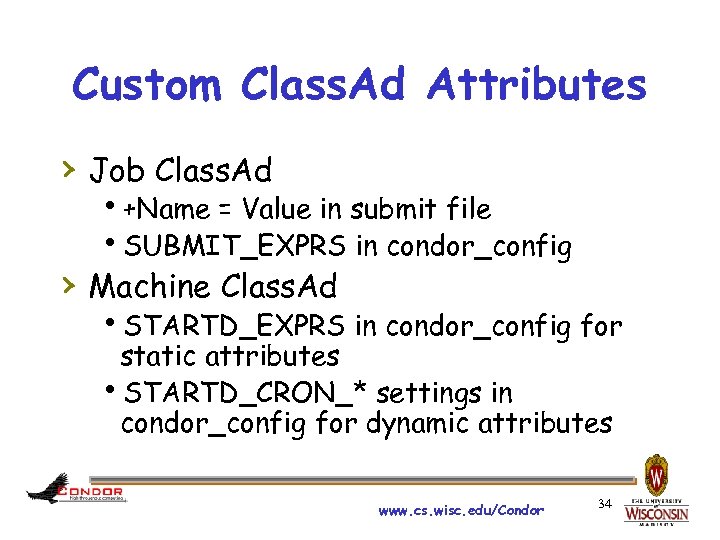
Custom Class. Ad Attributes › Job Class. Ad +Name = Value in submit file SUBMIT_EXPRS in condor_config › Machine Class. Ad STARTD_EXPRS in condor_config for static attributes STARTD_CRON_* settings in condor_config for dynamic attributes www. cs. wisc. edu/Condor 34
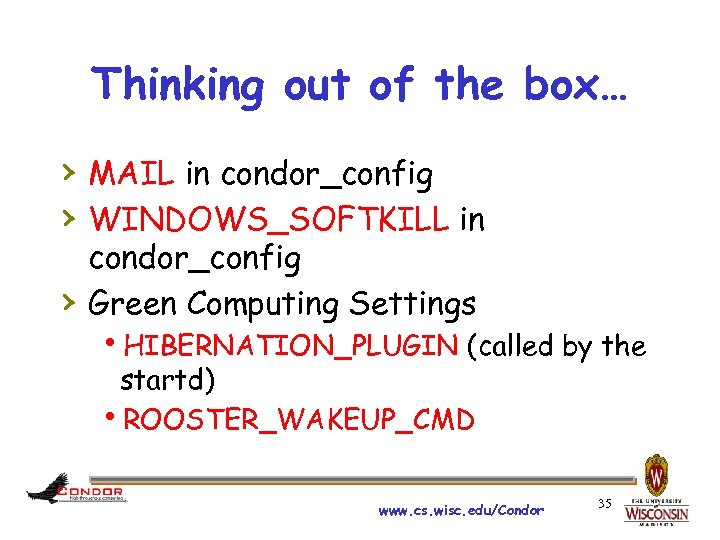
Thinking out of the box… › MAIL in condor_config › WINDOWS_SOFTKILL in › condor_config Green Computing Settings HIBERNATION_PLUGIN (called by the startd) ROOSTER_WAKEUP_CMD www. cs. wisc. edu/Condor 35

All else fails? Grab Source! Condor is open source ya know… Thank you! Questions? www. cs. wisc. edu/Condor 36

Extra Slides www. cs. wisc. edu/Condor 37
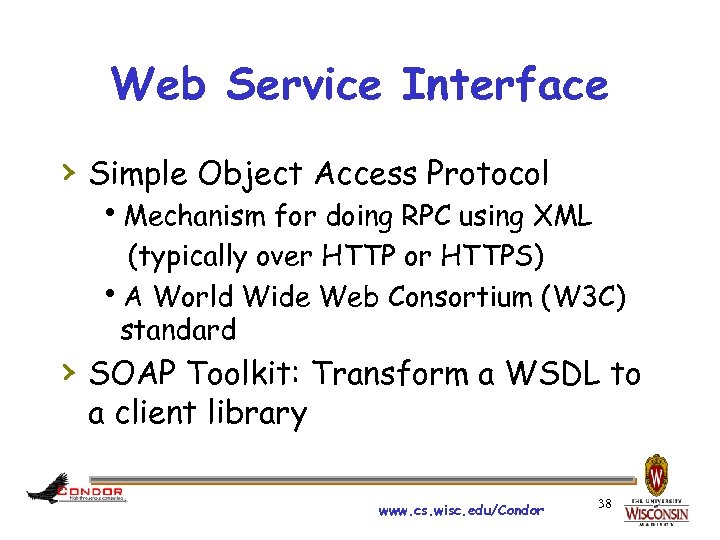
Web Service Interface › Simple Object Access Protocol Mechanism for doing RPC using XML (typically over HTTP or HTTPS) A World Wide Web Consortium (W 3 C) standard › SOAP Toolkit: Transform a WSDL to a client library www. cs. wisc. edu/Condor 38
Benefits of a Condor SOAP API › Can be accessed with standard web › › service tools Condor accessible from platforms where its command-line tools are not supported Talk to Condor with your favorite language and SOAP toolkit www. cs. wisc. edu/Condor 39
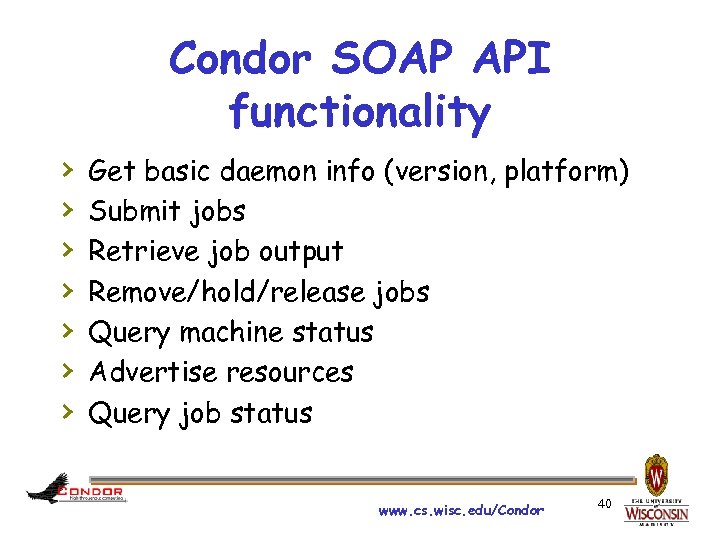
Condor SOAP API functionality › › › › Get basic daemon info (version, platform) Submit jobs Retrieve job output Remove/hold/release jobs Query machine status Advertise resources Query job status www. cs. wisc. edu/Condor 40
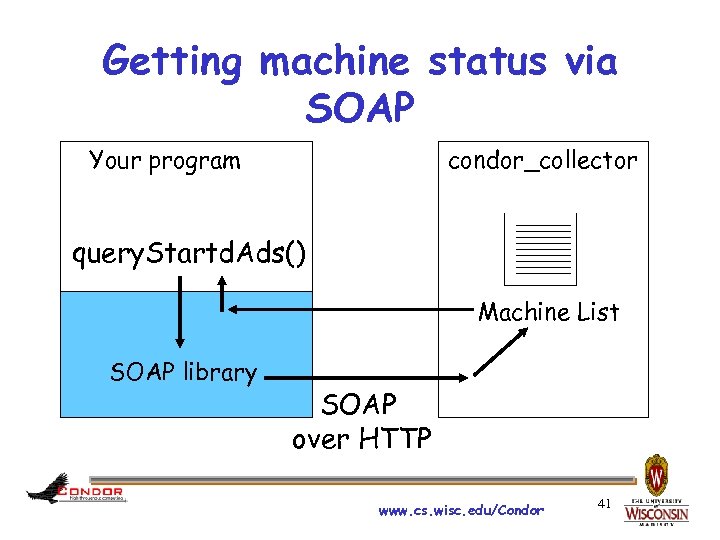
Getting machine status via SOAP Your program condor_collector query. Startd. Ads() Machine List SOAP library SOAP over HTTP www. cs. wisc. edu/Condor 41

Lets get some details… www. cs. wisc. edu/Condor 42
The API › Core API, described with WSDL, is designed to be as flexible as possible File transfer is done in chunks Transactions are explicit › Wrapper libraries aim to make common tasks as simple as possible Currently in Java and C# Expose an object-oriented interface www. cs. wisc. edu/Condor 43
Things we will cover › › › Condor setup Necessary tools Job Submission Job Querying Job Retrieval Authentication with SSL and X. 509 www. cs. wisc. edu/Condor 44
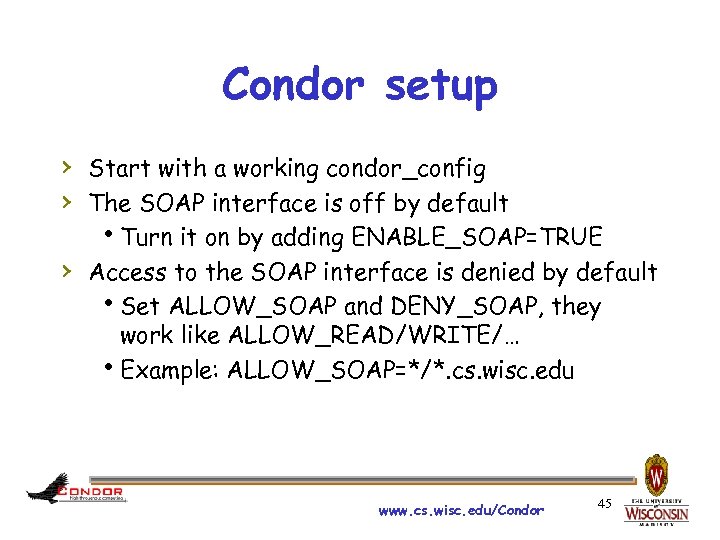
Condor setup › Start with a working condor_config › The SOAP interface is off by default Turn it on by adding ENABLE_SOAP=TRUE › Access to the SOAP interface is denied by default Set ALLOW_SOAP and DENY_SOAP, they work like ALLOW_READ/WRITE/… Example: ALLOW_SOAP=*/*. cs. wisc. edu www. cs. wisc. edu/Condor 45
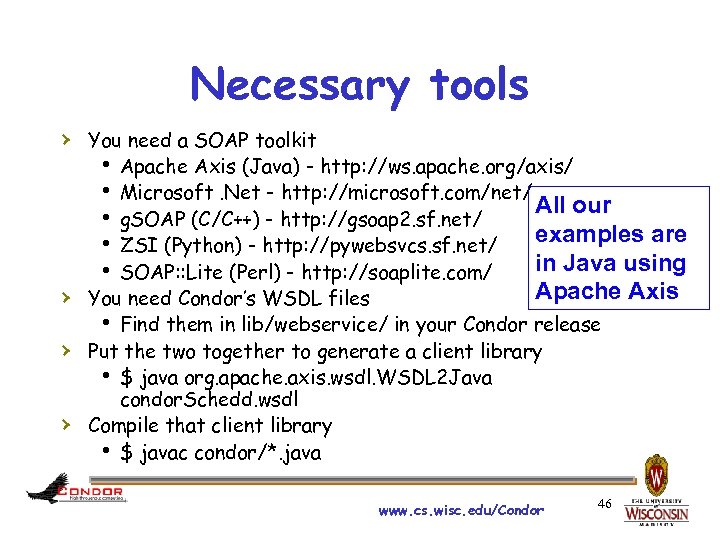
Necessary tools › You need a SOAP toolkit Apache Axis (Java) - http: //ws. apache. org/axis/ Microsoft. Net - http: //microsoft. com/net/ All our g. SOAP (C/C++) - http: //gsoap 2. sf. net/ examples are ZSI (Python) - http: //pywebsvcs. sf. net/ in Java using SOAP: : Lite (Perl) - http: //soaplite. com/ Apache Axis › You need Condor’s WSDL files Find them in lib/webservice/ in your Condor release › Put the two together to generate a client library $ java org. apache. axis. wsdl. WSDL 2 Java › condor. Schedd. wsdl Compile that client library $ javac condor/*. java www. cs. wisc. edu/Condor 46
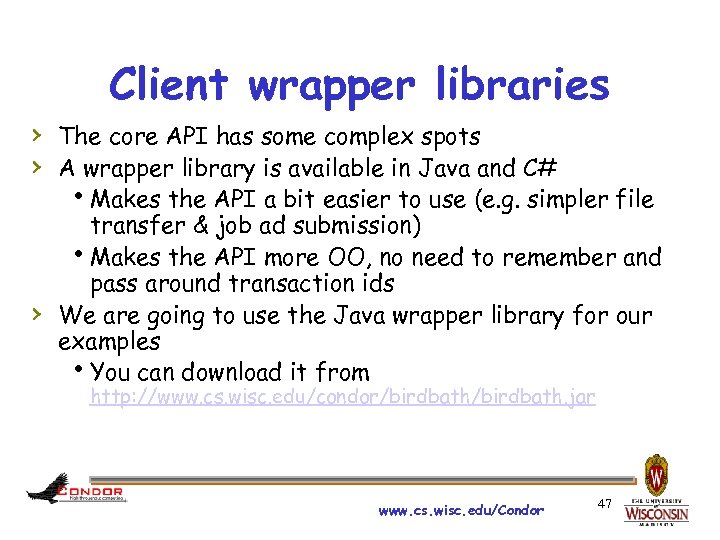
Client wrapper libraries › The core API has some complex spots › A wrapper library is available in Java and C# Makes the API a bit easier to use (e. g. simpler file › transfer & job ad submission) Makes the API more OO, no need to remember and pass around transaction ids We are going to use the Java wrapper library for our examples You can download it from http: //www. cs. wisc. edu/condor/birdbath. jar www. cs. wisc. edu/Condor 47
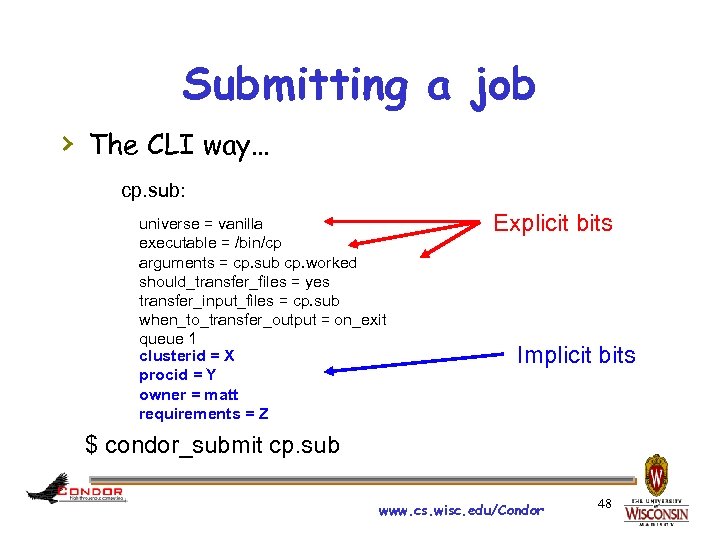
Submitting a job › The CLI way… cp. sub: universe = vanilla executable = /bin/cp arguments = cp. sub cp. worked should_transfer_files = yes transfer_input_files = cp. sub when_to_transfer_output = on_exit queue 1 clusterid = X procid = Y owner = matt requirements = Z Explicit bits Implicit bits $ condor_submit cp. sub www. cs. wisc. edu/Condor 48
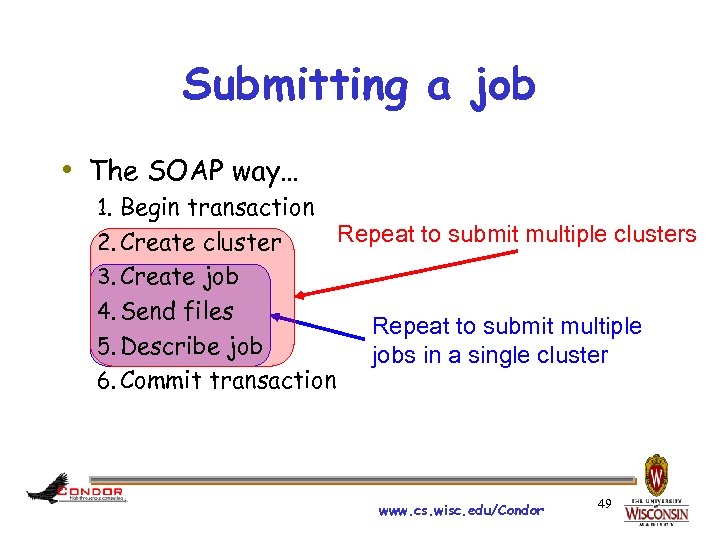
Submitting a job • The SOAP way… 1. Begin transaction 2. Create cluster Repeat to submit multiple clusters 3. Create job 4. Send files 5. Describe job 6. Commit transaction Repeat to submit multiple jobs in a single cluster www. cs. wisc. edu/Condor 49
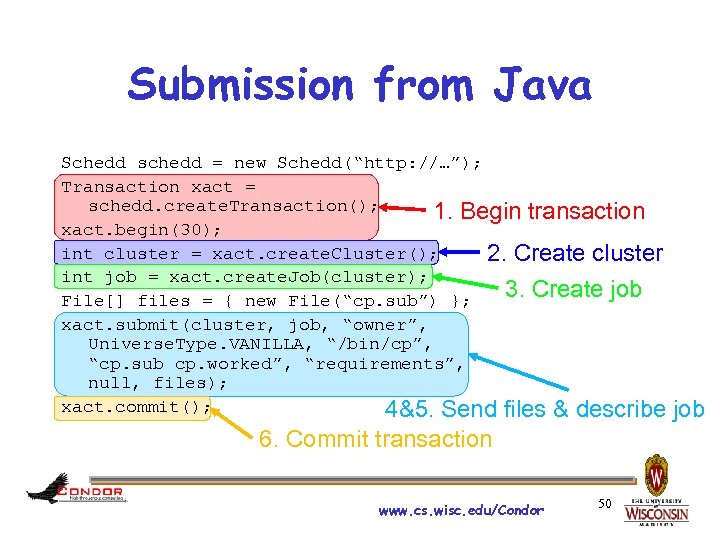
Submission from Java Schedd schedd = new Schedd(“http: //…”); Transaction xact = schedd. create. Transaction(); 1. Begin transaction xact. begin(30); int cluster = xact. create. Cluster(); 2. Create cluster int job = xact. create. Job(cluster); 3. Create job File[] files = { new File(“cp. sub”) }; xact. submit(cluster, job, “owner”, Universe. Type. VANILLA, “/bin/cp”, “cp. sub cp. worked”, “requirements”, null, files); xact. commit(); 4&5. Send files & describe 6. Commit transaction www. cs. wisc. edu/Condor 50 job
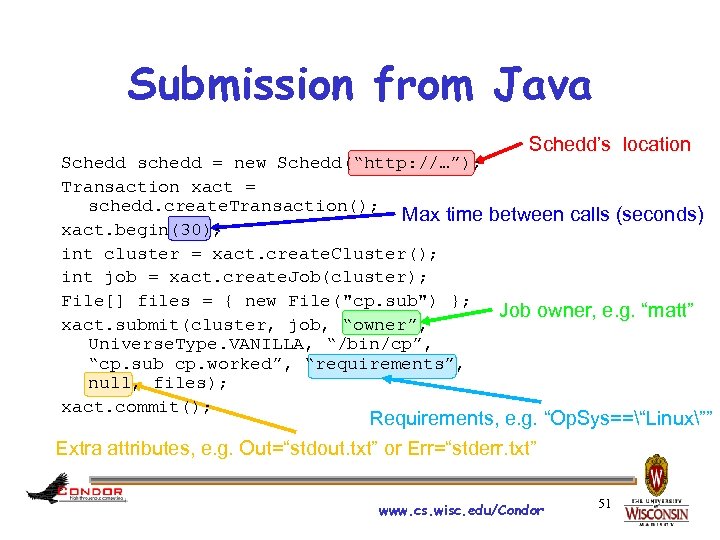
Submission from Java Schedd’s location Schedd schedd = new Schedd(“http: //…”); Transaction xact = schedd. create. Transaction(); Max time between calls (seconds) xact. begin(30); int cluster = xact. create. Cluster(); int job = xact. create. Job(cluster); File[] files = { new File("cp. sub") }; Job owner, e. g. “matt” xact. submit(cluster, job, “owner”, Universe. Type. VANILLA, “/bin/cp”, “cp. sub cp. worked”, “requirements”, null, files); xact. commit(); Requirements, e. g. “Op. Sys==“Linux”” Extra attributes, e. g. Out=“stdout. txt” or Err=“stderr. txt” www. cs. wisc. edu/Condor 51
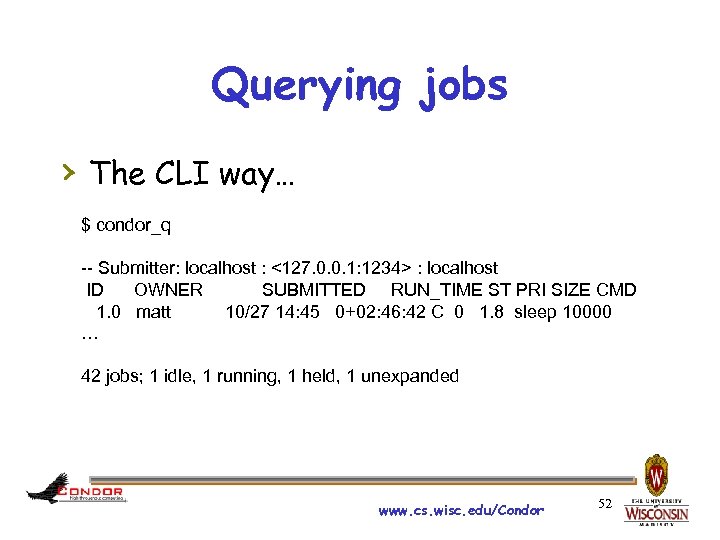
Querying jobs › The CLI way… $ condor_q -- Submitter: localhost : <127. 0. 0. 1: 1234> : localhost ID OWNER SUBMITTED RUN_TIME ST PRI SIZE CMD 1. 0 matt 10/27 14: 45 0+02: 46: 42 C 0 1. 8 sleep 10000 … 42 jobs; 1 idle, 1 running, 1 held, 1 unexpanded www. cs. wisc. edu/Condor 52
![Querying jobs › The SOAP way from Java… String[] status. Name = { “”,](https://present5.com/presentation/8f1af5cc14406df2c22bf55eecf49c27/image-53.jpg "Querying jobs › The SOAP way from Java… String[] status. Name = { “”,")
Querying jobs › The SOAP way from Java… String[] status. Name = { “”, “Idle”, “Running”, “Removed”, “Completed”, “Held” }; Also, get. Job. Ads given a int cluster = 1; int job = 0; constraint, e. g. “Owner==“matt”” Schedd schedd = new Schedd(“http: //…”); Class. Ad ad = new Class. Ad(schedd. get. Job. Ad(cluster, job)); int status = Integer. value. Of(ad. get(“Job. Status”)); System. out. println(“Job is “ + status. Name[status]); www. cs. wisc. edu/Condor 53
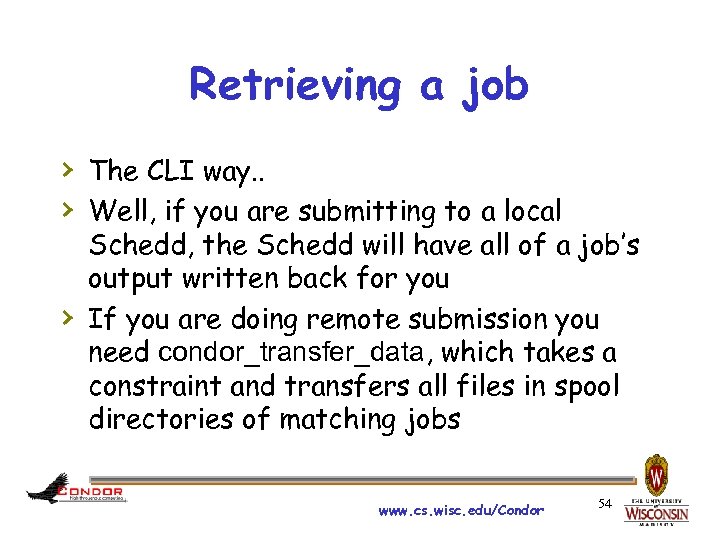
Retrieving a job › The CLI way. . › Well, if you are submitting to a local › Schedd, the Schedd will have all of a job’s output written back for you If you are doing remote submission you need condor_transfer_data, which takes a constraint and transfers all files in spool directories of matching jobs www. cs. wisc. edu/Condor 54
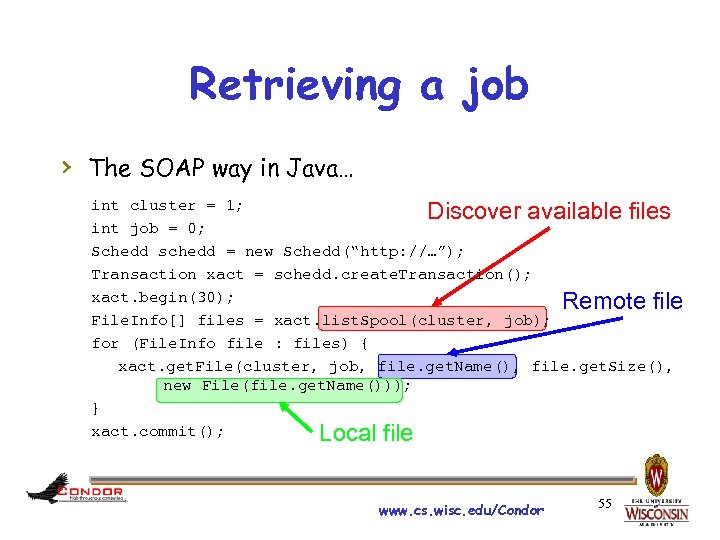
Retrieving a job › The SOAP way in Java… int cluster = 1; Discover available files int job = 0; Schedd schedd = new Schedd(“http: //…”); Transaction xact = schedd. create. Transaction(); xact. begin(30); Remote file File. Info[] files = xact. list. Spool(cluster, job); for (File. Info file : files) { xact. get. File(cluster, job, file. get. Name(), file. get. Size(), new File(file. get. Name())); } xact. commit(); Local file www. cs. wisc. edu/Condor 55
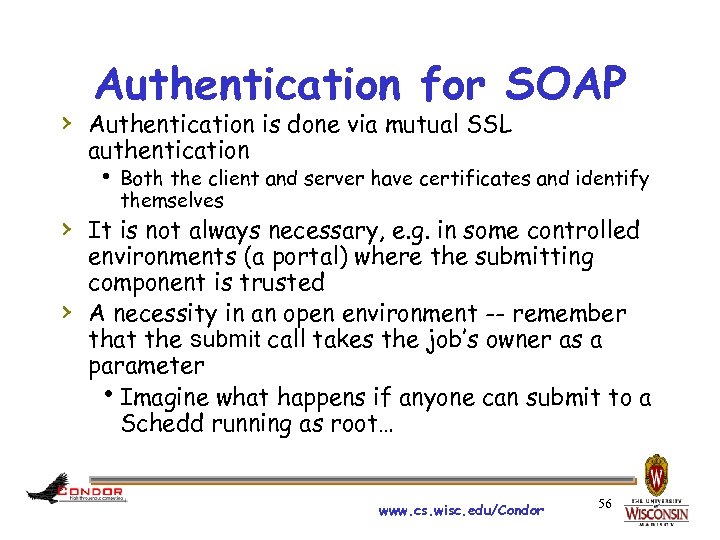
Authentication for SOAP › Authentication is done via mutual SSL authentication Both the client and server have certificates and identify themselves › It is not always necessary, e. g. in some controlled › environments (a portal) where the submitting component is trusted A necessity in an open environment -- remember that the submit call takes the job’s owner as a parameter Imagine what happens if anyone can submit to a Schedd running as root… www. cs. wisc. edu/Condor 56
Details on setting up authenticated SOAP over HTTPS www. cs. wisc. edu/Condor 57
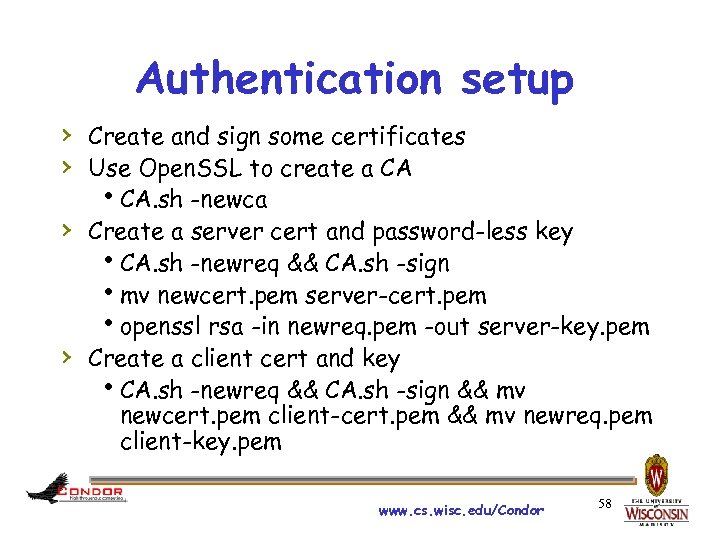
Authentication setup › Create and sign some certificates › Use Open. SSL to create a CA CA. sh -newca › Create a server cert and password-less key CA. sh -newreq && CA. sh -sign mv newcert. pem server-cert. pem openssl rsa -in newreq. pem -out server-key. pem › Create a client cert and key CA. sh -newreq && CA. sh -sign && mv newcert. pem client-cert. pem && mv newreq. pem client-key. pem www. cs. wisc. edu/Condor 58
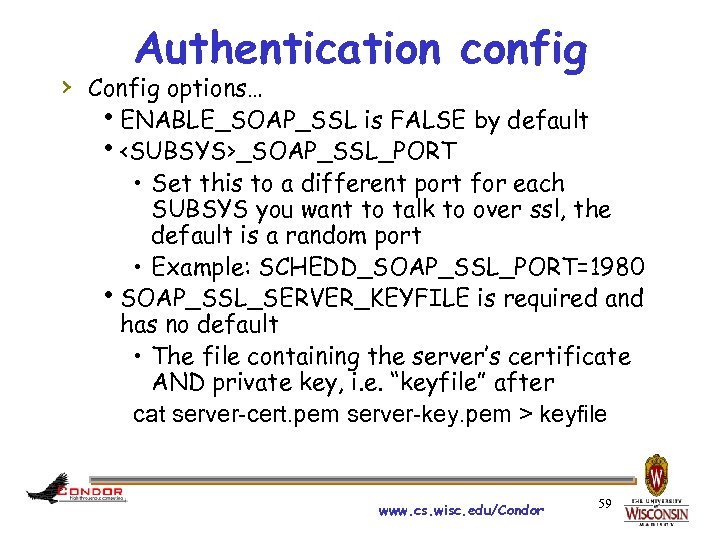
Authentication config › Config options… ENABLE_SOAP_SSL is FALSE by default <SUBSYS>_SOAP_SSL_PORT • Set this to a different port for each SUBSYS you want to talk to over ssl, the default is a random port • Example: SCHEDD_SOAP_SSL_PORT=1980 SOAP_SSL_SERVER_KEYFILE is required and has no default • The file containing the server’s certificate AND private key, i. e. “keyfile” after cat server-cert. pem server-key. pem > keyfile www. cs. wisc. edu/Condor 59
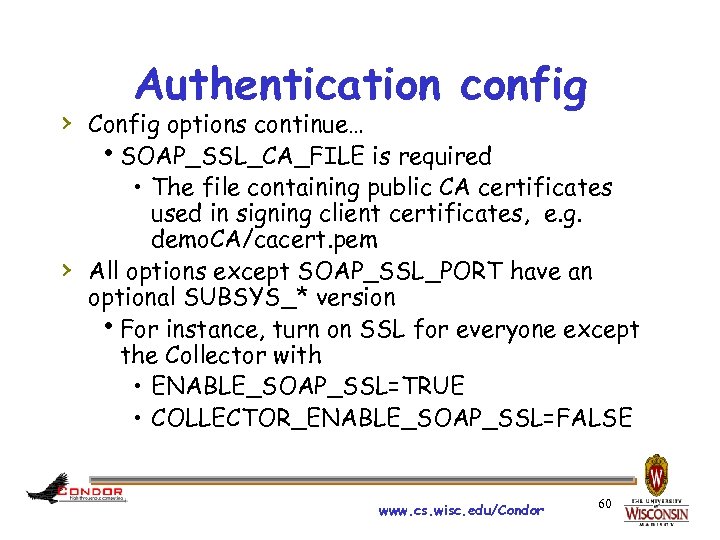
Authentication config › Config options continue… SOAP_SSL_CA_FILE is required • The file containing public CA certificates used in signing client certificates, e. g. demo. CA/cacert. pem › All options except SOAP_SSL_PORT have an optional SUBSYS_* version For instance, turn on SSL for everyone except the Collector with • ENABLE_SOAP_SSL=TRUE • COLLECTOR_ENABLE_SOAP_SSL=FALSE www. cs. wisc. edu/Condor 60
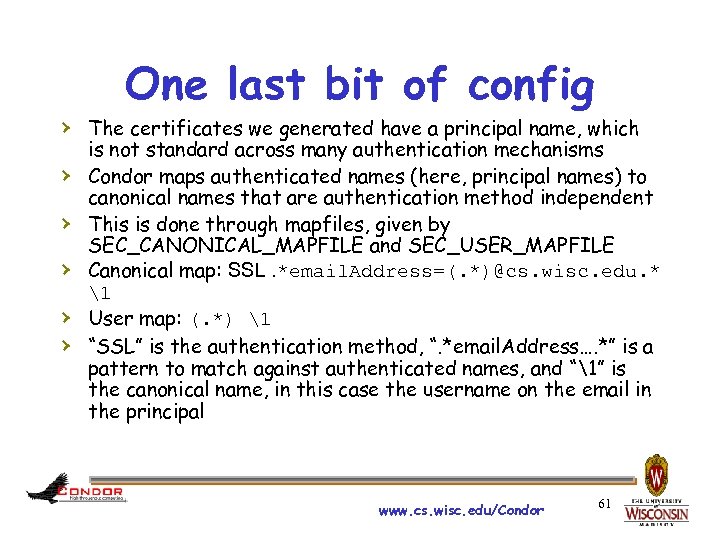
One last bit of config › The certificates we generated have a principal name, which › › › is not standard across many authentication mechanisms Condor maps authenticated names (here, principal names) to canonical names that are authentication method independent This is done through mapfiles, given by SEC_CANONICAL_MAPFILE and SEC_USER_MAPFILE Canonical map: SSL. *email. Address=(. *)@cs. wisc. edu. * 1 User map: (. *) 1 “SSL” is the authentication method, “. *email. Address…. *” is a pattern to match against authenticated names, and “1” is the canonical name, in this case the username on the email in the principal www. cs. wisc. edu/Condor 61
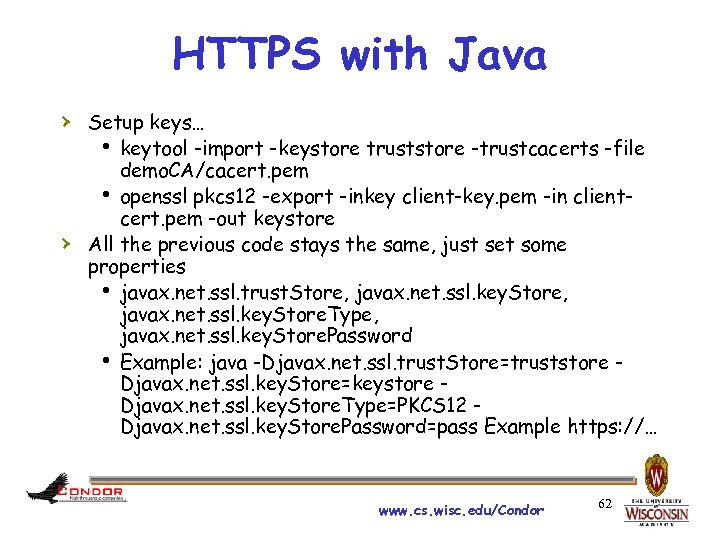
HTTPS with Java › Setup keys… keytool -import -keystore truststore -trustcacerts -file › demo. CA/cacert. pem openssl pkcs 12 -export -inkey client-key. pem -in clientcert. pem -out keystore All the previous code stays the same, just set some properties javax. net. ssl. trust. Store, javax. net. ssl. key. Store. Type, javax. net. ssl. key. Store. Password Example: java -Djavax. net. ssl. trust. Store=truststore Djavax. net. ssl. key. Store=keystore Djavax. net. ssl. key. Store. Type=PKCS 12 Djavax. net. ssl. key. Store. Password=pass Example https: //… www. cs. wisc. edu/Condor 62
Скачать презентацию Extending Condor Week 2010 Todd Tannenbaum Condor
8f1af5cc14406df2c22bf55eecf49c27.ppt