


 Скачать презентацию EXT 330 SDA PVO Complaints Administration
bbb8618607955c72d2b19dd4b4a62006.ppt
- Количество слайдов: 108
 EXT 330 – SDA & PVO Complaints Administration
 1. Complaints Process 2. Domestic & International Complaint Types 3. Domestic Complaints 4. International Complaints 5. Submitted Complaints
 • Improve Procurement practices & technologies to increase efficiencies • Decrease administrative costs associated with procurement & contract management, and technology • Enable USDA to become more efficient at meeting customer needs • Improve order cycle times, financial processing, and customer relationship management to reduce costs • Leverage advanced planning and collaboration tools to enable USDA to match supply and demand more effectively and efficiently
 You will start stop § USAID, FAS, & FSA complaints process will now be done electronically (in WBSCM) You will continue § FNS complaints process remains handled electronically (in WBSCM)
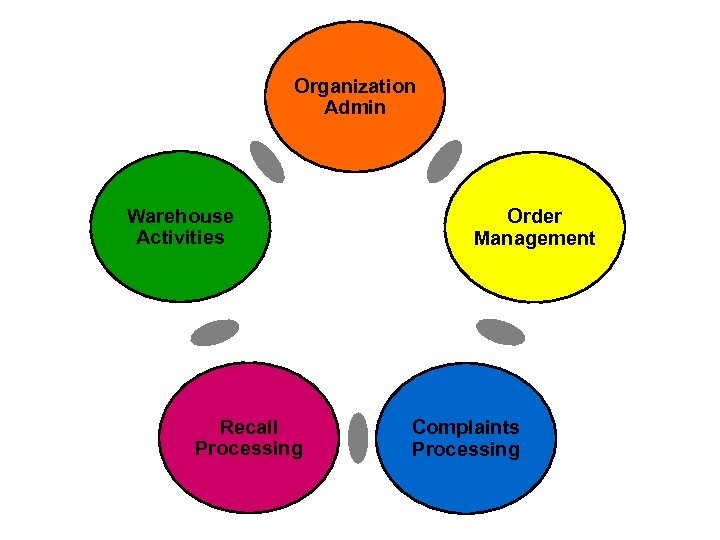 Organization Admin Warehouse Activities Recall Processing Order Management Complaints Processing
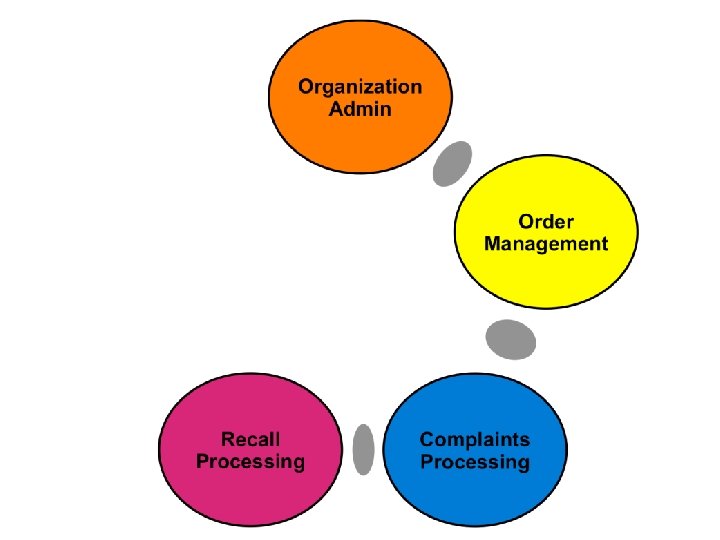
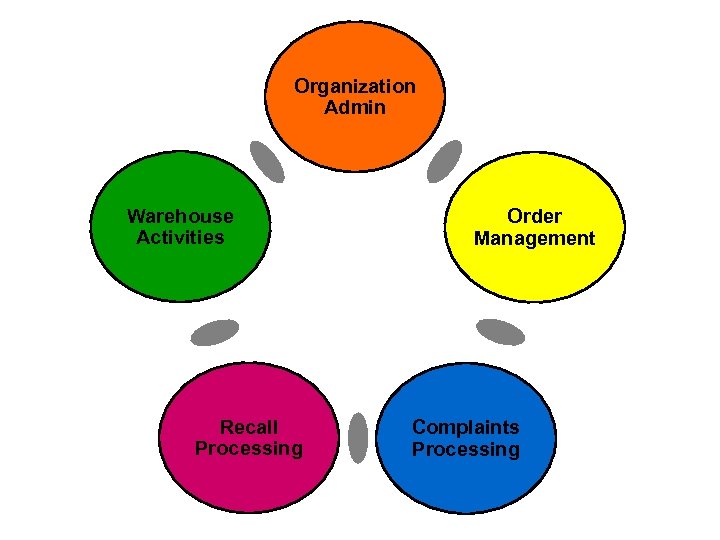 Organization Admin Warehouse Activities Recall Processing Order Management Complaints Processing
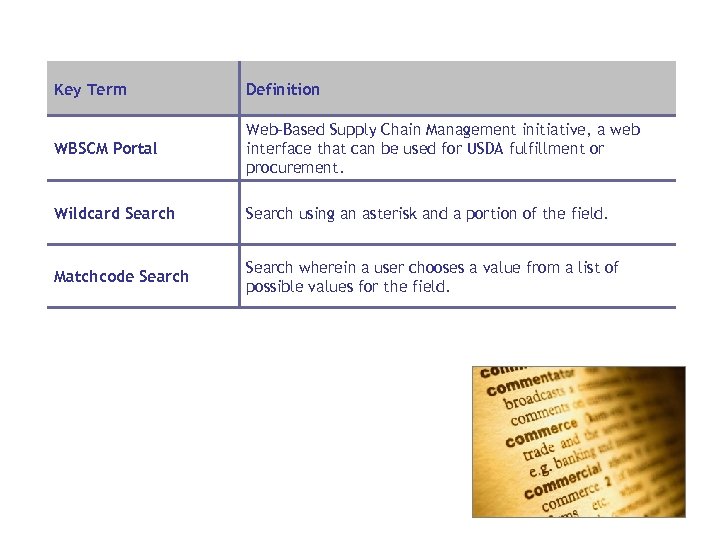 Key Term Definition WBSCM Portal Web-Based Supply Chain Management initiative, a web interface that can be used for USDA fulfillment or procurement. Wildcard Search using an asterisk and a portion of the field. Matchcode Search wherein a user chooses a value from a list of possible values for the field.
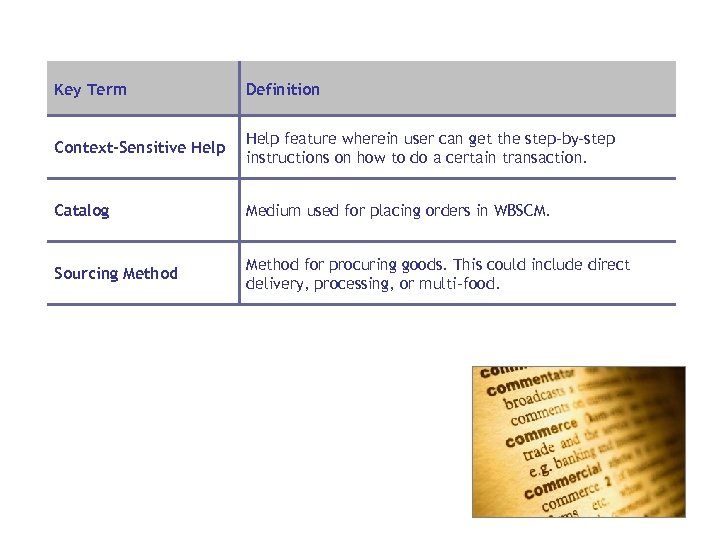 Key Term Definition Context-Sensitive Help feature wherein user can get the step-by-step instructions on how to do a certain transaction. Catalog Medium used for placing orders in WBSCM. Sourcing Method for procuring goods. This could include direct delivery, processing, or multi-food.
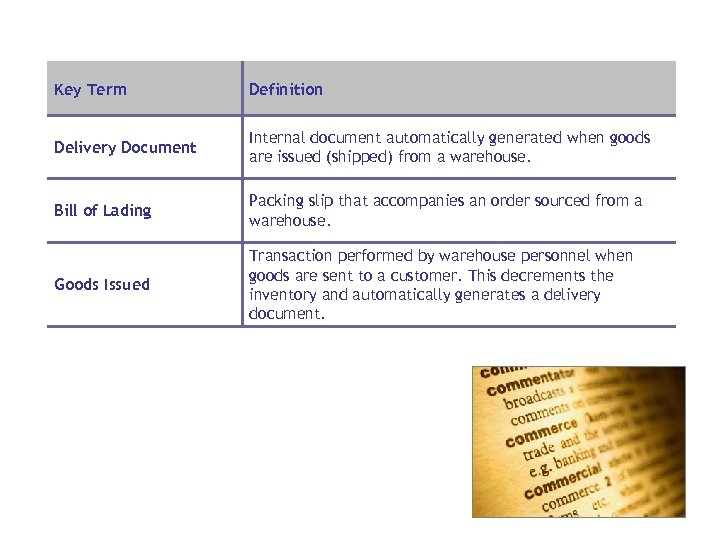 Key Term Definition Delivery Document Internal document automatically generated when goods are issued (shipped) from a warehouse. Bill of Lading Packing slip that accompanies an order sourced from a warehouse. Goods Issued Transaction performed by warehouse personnel when goods are sent to a customer. This decrements the inventory and automatically generates a delivery document.
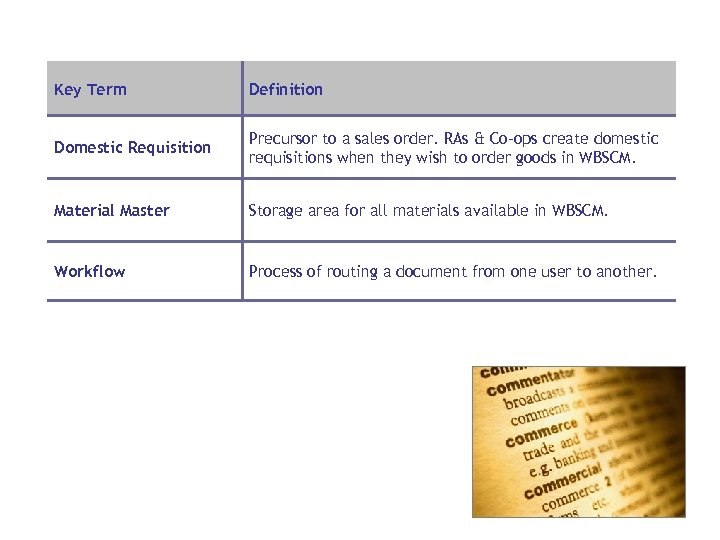 Key Term Definition Domestic Requisition Precursor to a sales order. RAs & Co-ops create domestic requisitions when they wish to order goods in WBSCM. Material Master Storage area for all materials available in WBSCM. Workflow Process of routing a document from one user to another.
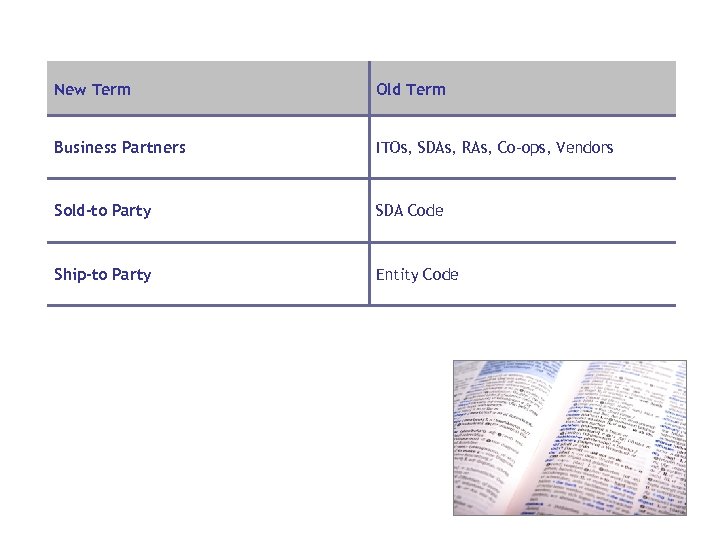 New Term Old Term Business Partners ITOs, SDAs, RAs, Co-ops, Vendors Sold-to Party SDA Code Ship-to Party Entity Code
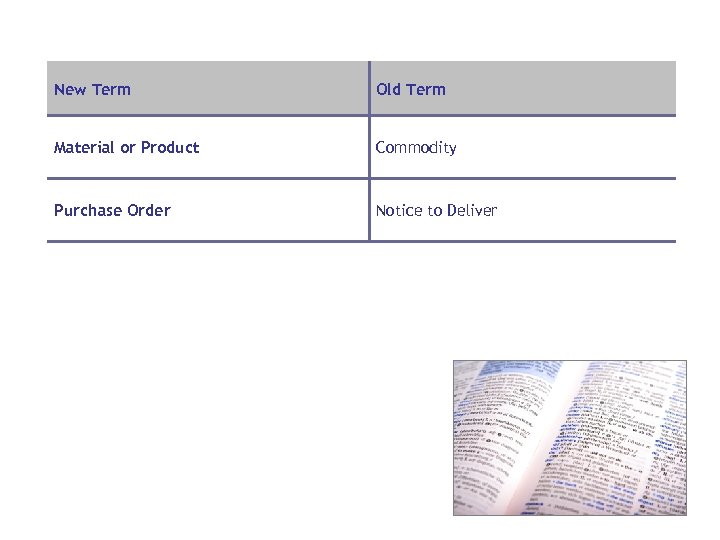 New Term Old Term Material or Product Commodity Purchase Order Notice to Deliver
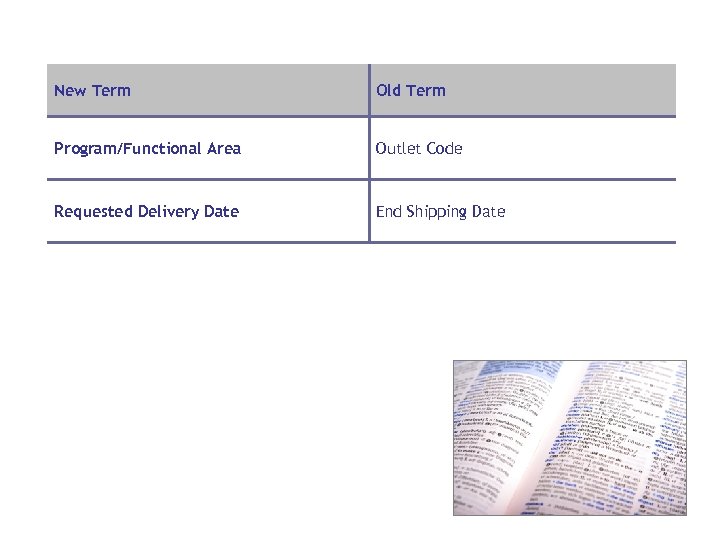 New Term Old Term Program/Functional Area Outlet Code Requested Delivery Date End Shipping Date
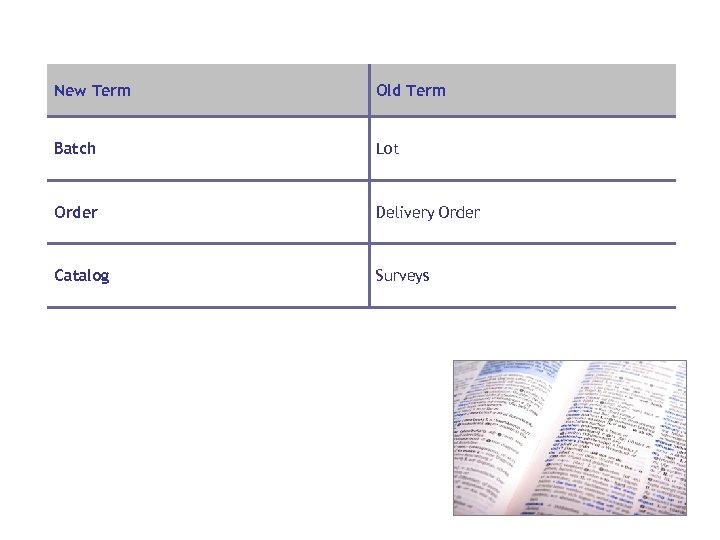 New Term Old Term Batch Lot Order Delivery Order Catalog Surveys
 Lesson Objectives • Describe what triggers a Complaint • Describe the Complaints Process • Describe the initial steps involved in creating a complaint
 • An expression of dissatisfaction made in relation to a commodity or service • Can be made on the accuracy and efficiency of a sales order delivery, the quality or safety of goods received, or other order-related topics • Can be food safety related or non-food safety related (packaging, delivery dates, etc. )
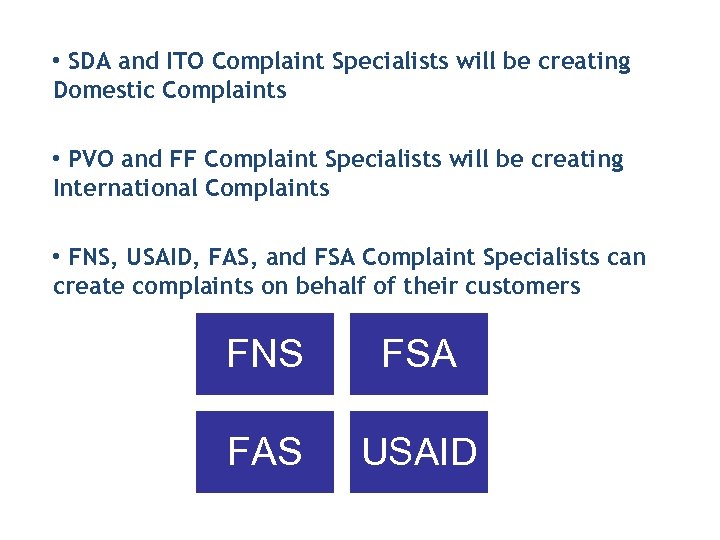 • SDA and ITO Complaint Specialists will be creating Domestic Complaints • PVO and FF Complaint Specialists will be creating International Complaints • FNS, USAID, FAS, and FSA Complaint Specialists can create complaints on behalf of their customers FNS FSA FAS USAID
 • USDA/USAID Complaint Specialist is notified of the complaint created. • The complaint specialist will: • Research the issue • Determine who is liable • Decide on a course of action
 • List communications with customer • Attach documents related to the complaint • Change the status of the complaint
 • For both Domestic and International, a complaint must reference a Sales Order • Complaints can only be created against Sales Orders with line items in “Delivered” status
 • SDA/ITO Complaint Specialists can create FNS Complaints • RA’s and Co-ops cannot create complaints, but should escalate concerns to their sponsoring SDA/ITO • PVOs/IOs can create USAID and FAS Complaints • Only FSA Complaint Specialists can create FSA Complaints Pre-requisites • User must have Complaint Specialist role assigned to their ID • External users can only create complaints against orders created by their organization • Line items on the order must be in “delivered” status
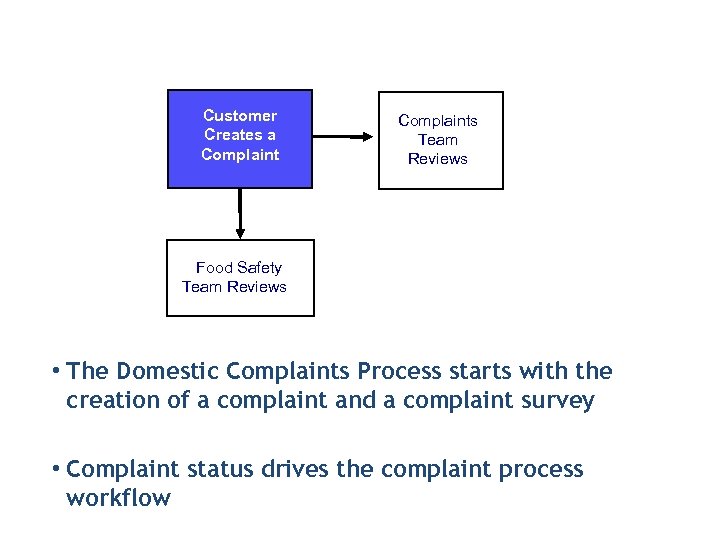 Customer Creates a Complaints Team Reviews Food Safety Team Reviews • The Domestic Complaints Process starts with the creation of a complaint and a complaint survey • Complaint status drives the complaint process workflow
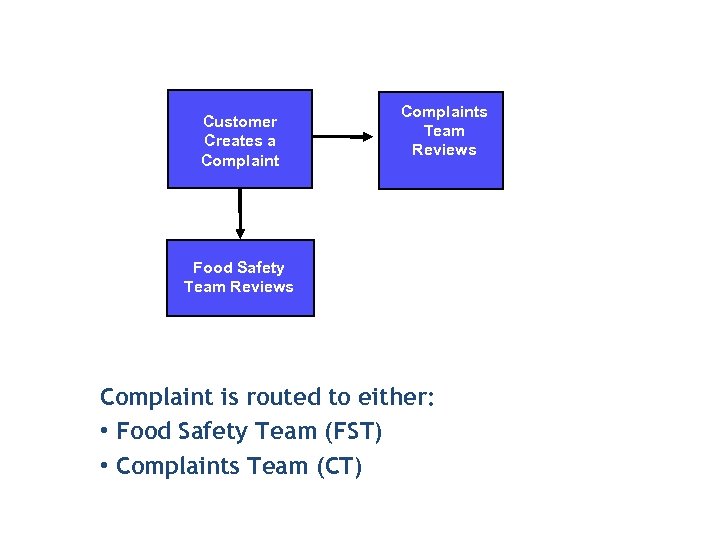 Customer Creates a Complaints Team Reviews Food Safety Team Reviews Complaint is routed to either: • Food Safety Team (FST) • Complaints Team (CT)
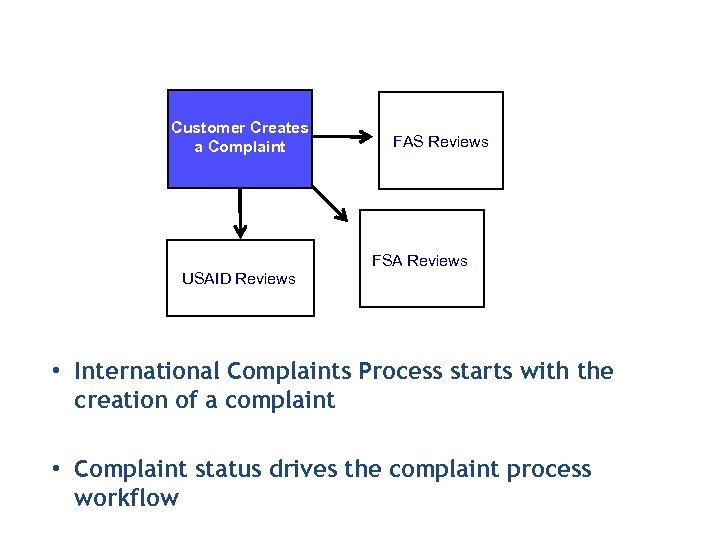 Customer Creates a Complaint FAS Reviews FSA Reviews USAID Reviews • International Complaints Process starts with the creation of a complaint • Complaint status drives the complaint process workflow
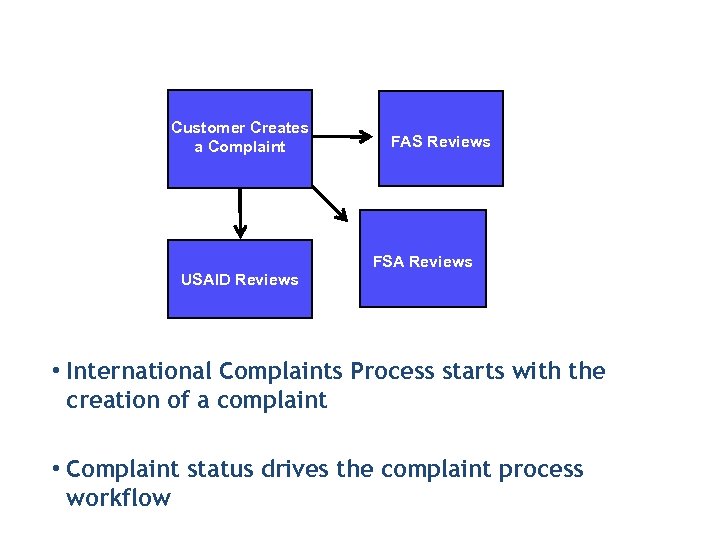 Customer Creates a Complaint FAS Reviews FSA Reviews USAID Reviews • International Complaints Process starts with the creation of a complaint • Complaint status drives the complaint process workflow
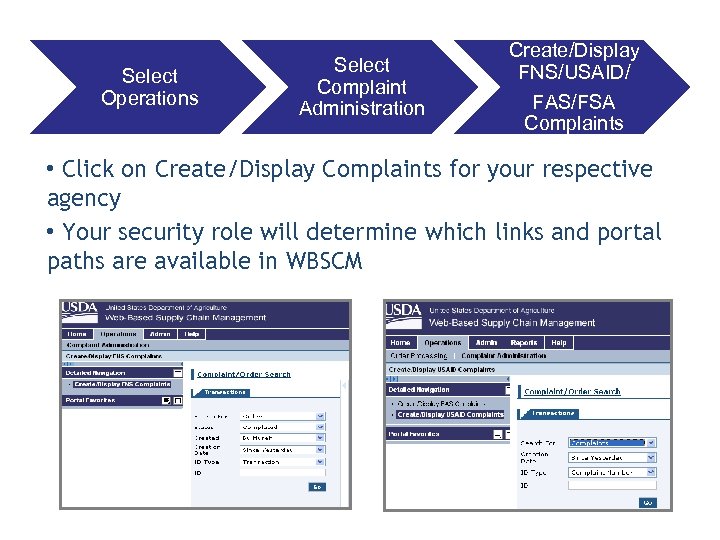 Select Operations Select Complaint Administration Create/Display FNS/USAID/ FAS/FSA Complaints • Click on Create/Display Complaints for your respective agency • Your security role will determine which links and portal paths are available in WBSCM
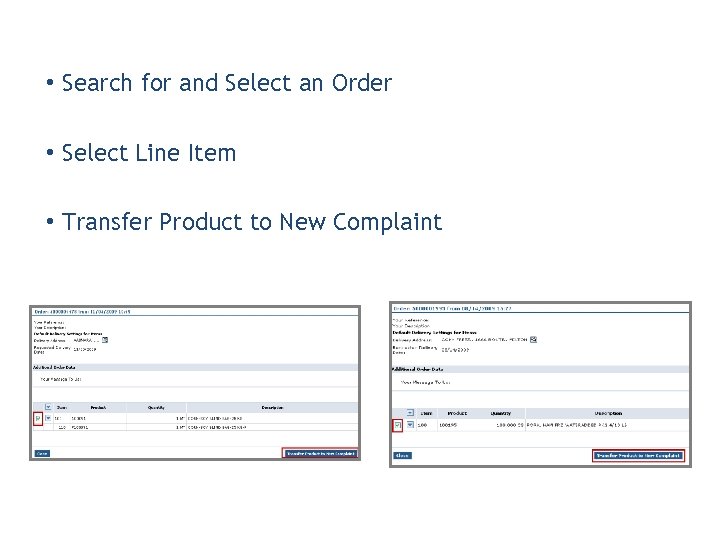 • Search for and Select an Order • Select Line Item • Transfer Product to New Complaint
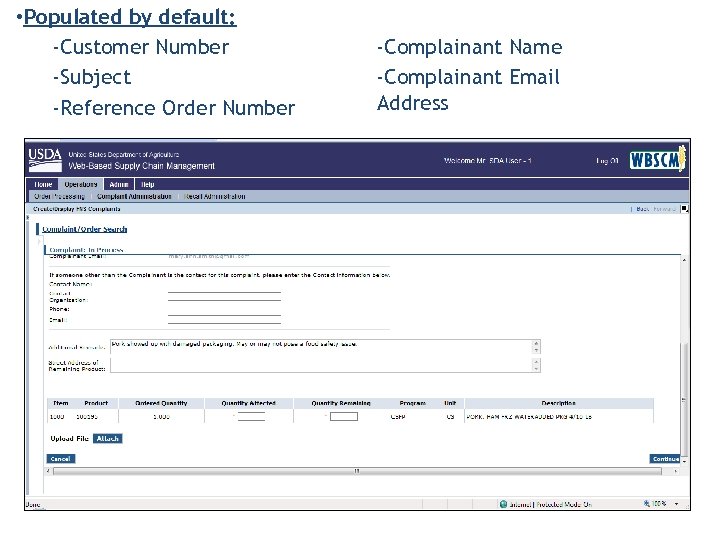 • Populated by default: -Customer Number -Subject -Reference Order Number -Complainant Name -Complainant Email Address
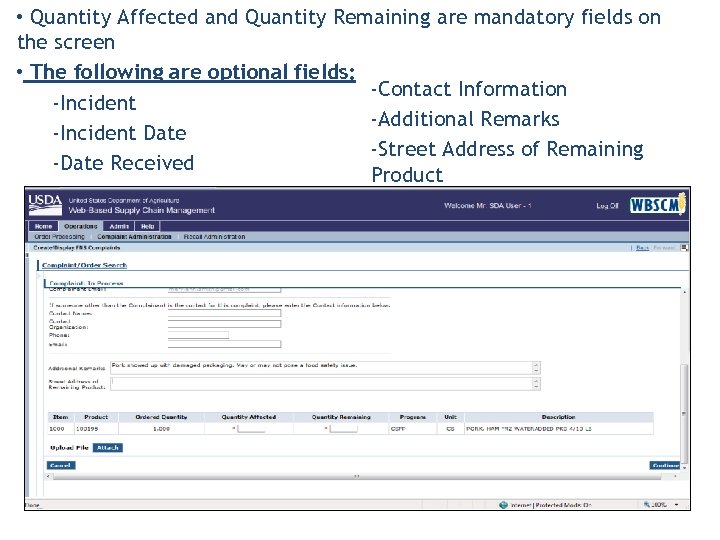 • Quantity Affected and Quantity Remaining are mandatory fields on the screen • The following are optional fields: -Contact Information -Incident -Additional Remarks -Incident Date -Street Address of Remaining -Date Received Product
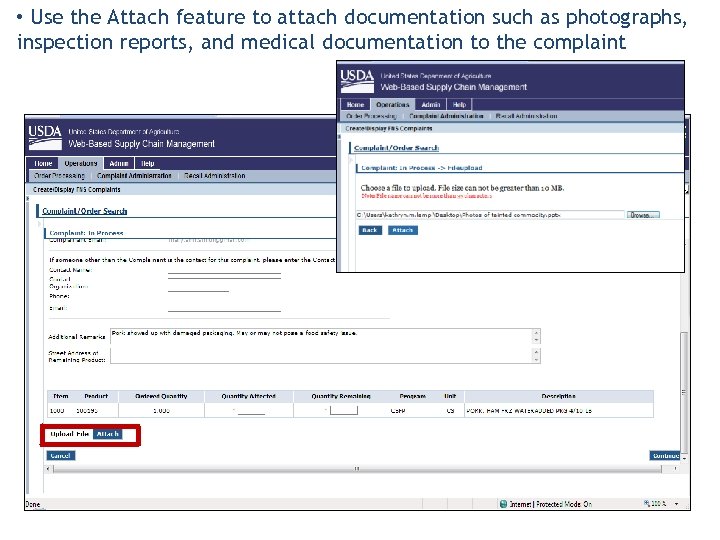 • Use the Attach feature to attach documentation such as photographs, inspection reports, and medical documentation to the complaint
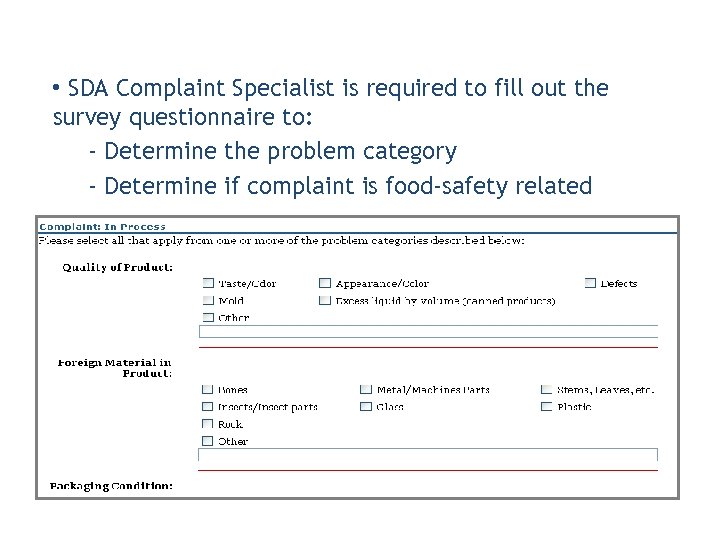 • SDA Complaint Specialist is required to fill out the survey questionnaire to: - Determine the problem category - Determine if complaint is food-safety related
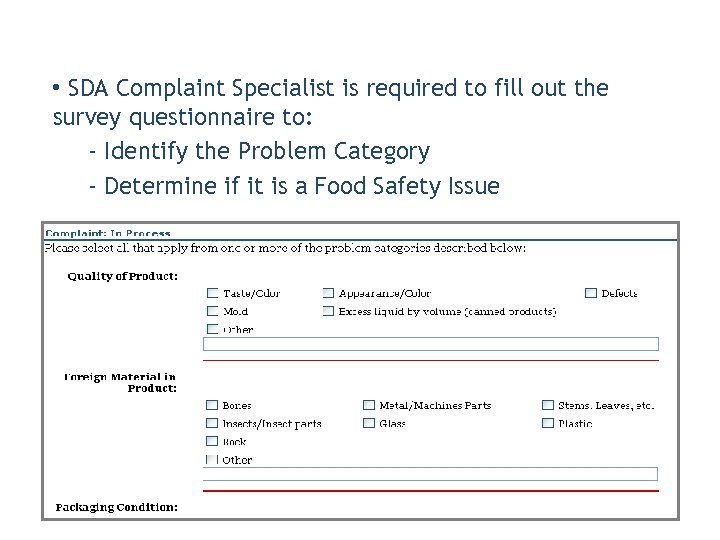 • SDA Complaint Specialist is required to fill out the survey questionnaire to: - Identify the Problem Category - Determine if it is a Food Safety Issue
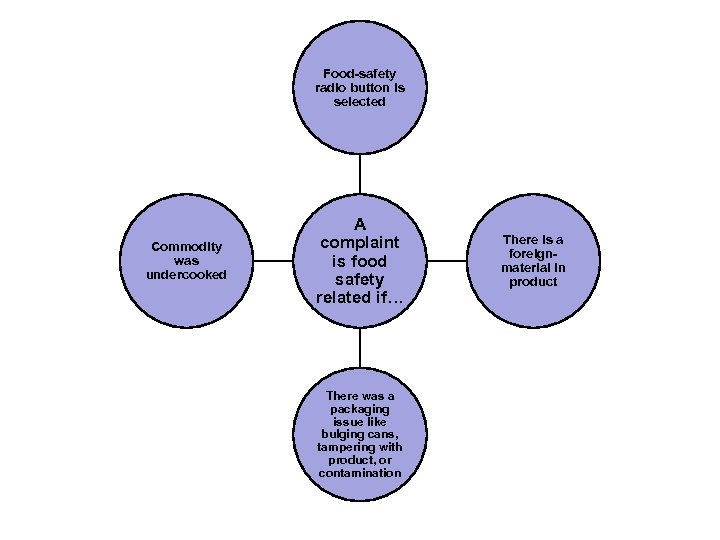 Food-safety radio button is selected Commodity was undercooked A complaint is food safety related if… There was a packaging issue like bulging cans, tampering with product, or contamination There is a foreignmaterial in product
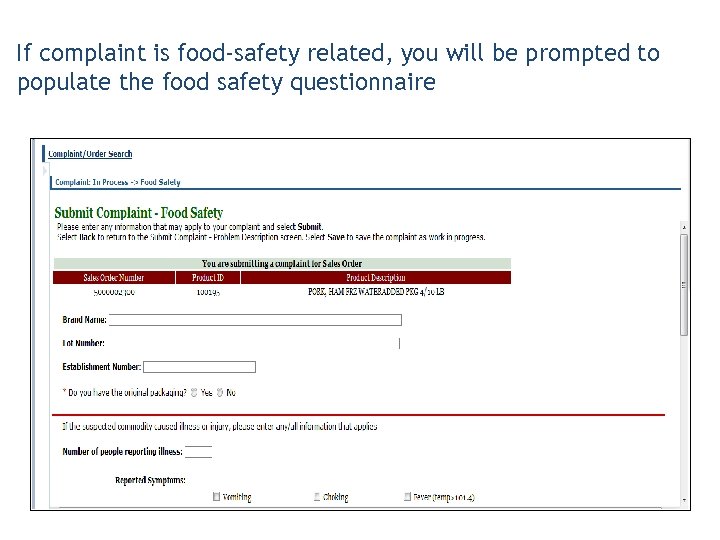 If complaint is food-safety related, you will be prompted to populate the food safety questionnaire
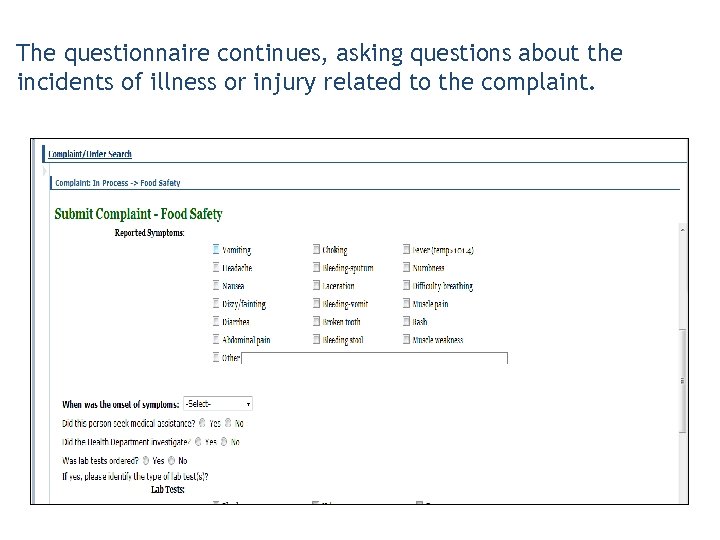 The questionnaire continues, asking questions about the incidents of illness or injury related to the complaint.
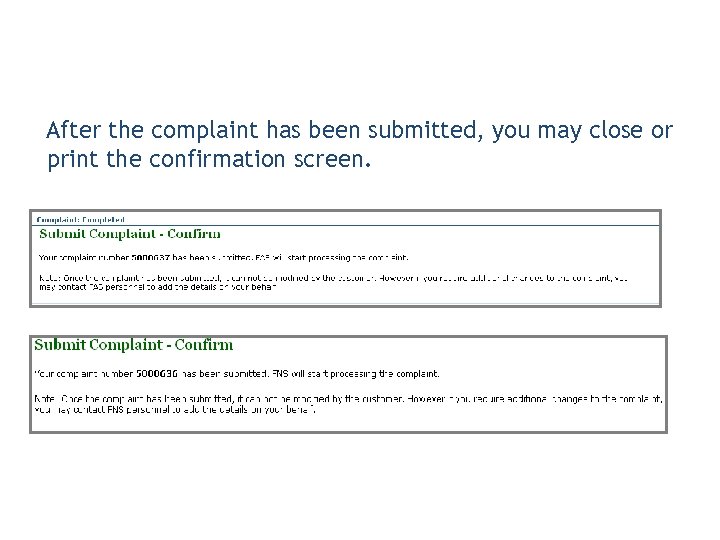 After the complaint has been submitted, you may close or print the confirmation screen.
 • The Complaint Status reflects the state the entered complaint is in • Each complaint has a status • Statuses are different for FNS, FSA, FAS, and USAID • Statuses can range from Draft or Action Approved to Closed
 WBSCM Benefit: Multiple status options available for parallel processing!

 1. A complaint status: A. Is required for each complaint B. Reflects what state the complaint is in C. Can range from Draft to Closed D. All of the above 2. True or False: SDA, ITO, and PVO Complaint Specialists can create complaints in the WBSCM system. A. True B. False
 Lesson Objectives • List the Domestic Complaint Types • List the International Complaint Types
 • Categorizes the reason for the complaint • Determines routing for the complaint • Is automatically assigned to the complaint based on your responses on the questionnaire • Can be viewed by FNS and the SDA, after complaint is submitted • Can only be edited by FNS
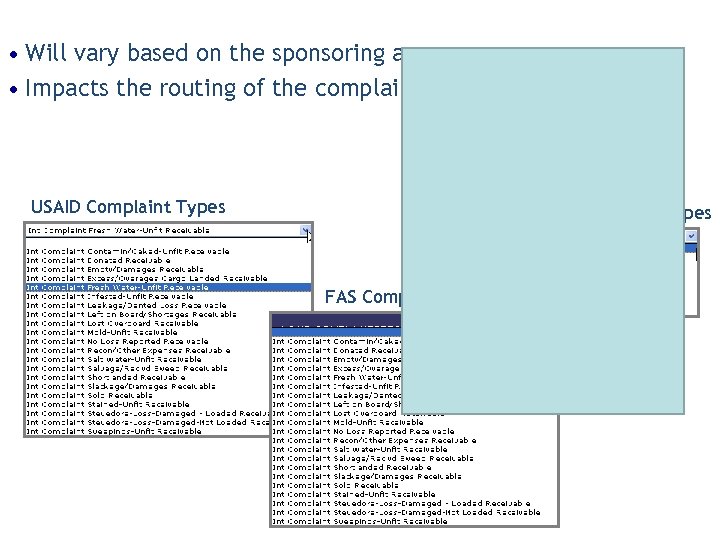 • Will vary based on the sponsoring agency • Impacts the routing of the complaint USAID Complaint Types FNS Complaint Types FAS Complaint Types
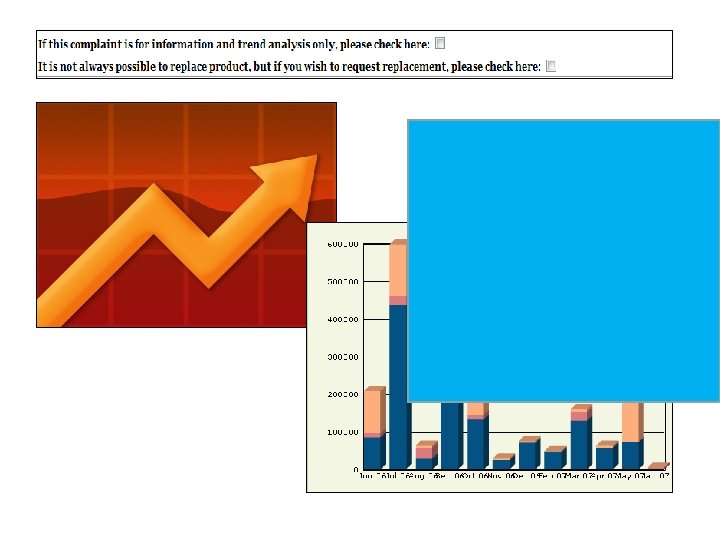
 • CT Review • CT-Spec Change • CT-Re-Inspection • CT-Vendor Response Request • CT-Replacement Request • FST Review • FST-Contact FSIS/FSA/AMS • CT-Information and Trend Analysis
 • Contamin-Caked Unfit Receivable • Donated Receivable • Empty/Damages Receivable • Excess/Overage Cargo Receivable • Fresh Water Unfit Receivable • Infested-Unfit Receivable • Leakage/Dented Loss Receivable • Left on Board/Shortage Receivable • Lost Overboard Receivable • Mold-Unfit Receivable • No Loss Reported Receivable • Recon/Other Expenses Receivable • Salt Water Unfit Receivable • Salvage/Rec’vd Sweep Receivable • Shortlanded Receivable • Slackage/Damage Receivable • Sold Receivable • Stained/Unfit Receivable • Stevedore-Loss Damaged-Loaded Receivable • Stevedore-Loss Damaged-Not loaded Receivable • Sweeping Unfit Receivable

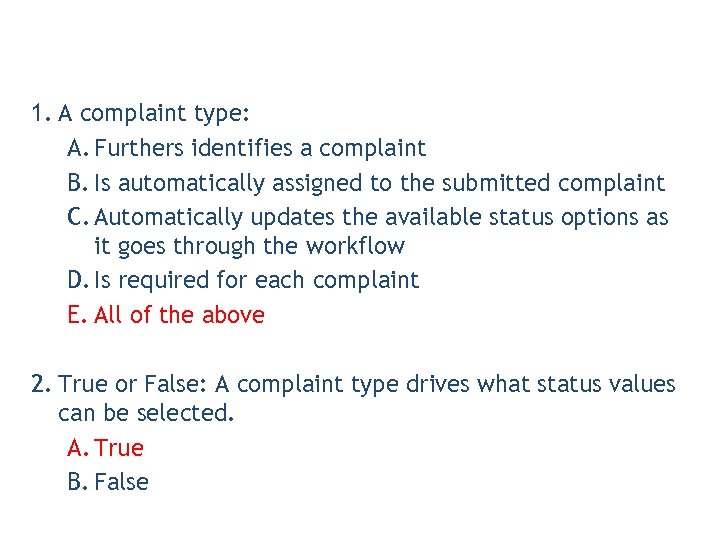 1. A complaint type: A. Furthers identifies a complaint B. Is automatically assigned to the submitted complaint C. Automatically updates the available status options as it goes through the workflow D. Is required for each complaint E. All of the above 2. True or False: A complaint type drives what status values can be selected. A. True B. False
 Lesson Objectives • Describe the Domestic Complaints Process • Describe the Domestic Complaint Problem Categories • Describe the role of the Food Safety Team & Complaints Team • List Domestic Complaint Statuses
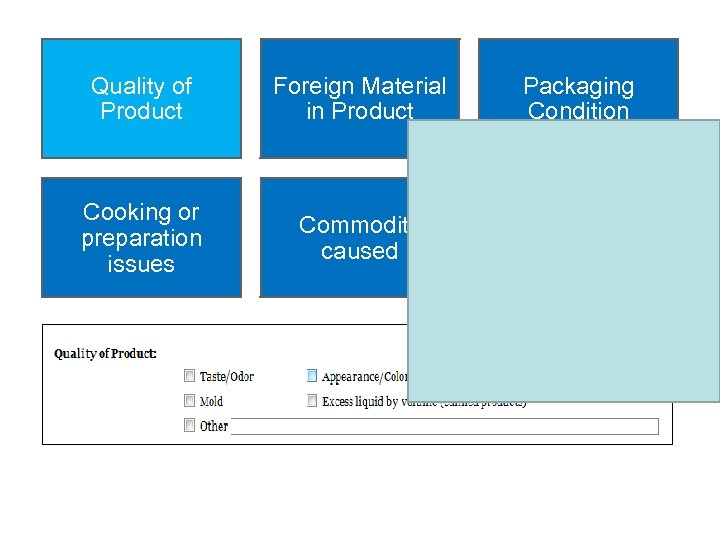 Quality of Product Cooking or preparation issues Foreign Material in Product Packaging Condition Commodity caused Food Safety Concern Checkbox
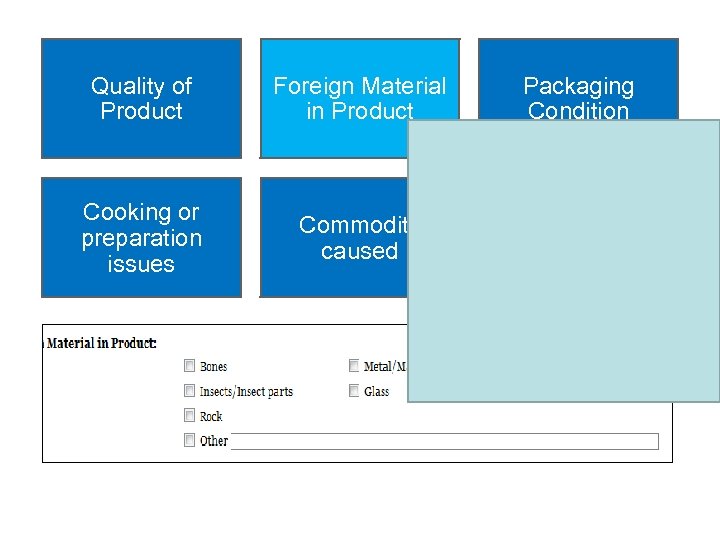 Quality of Product Cooking or preparation issues Foreign Material in Product Packaging Condition Commodity caused Food Safety Concern Checkbox
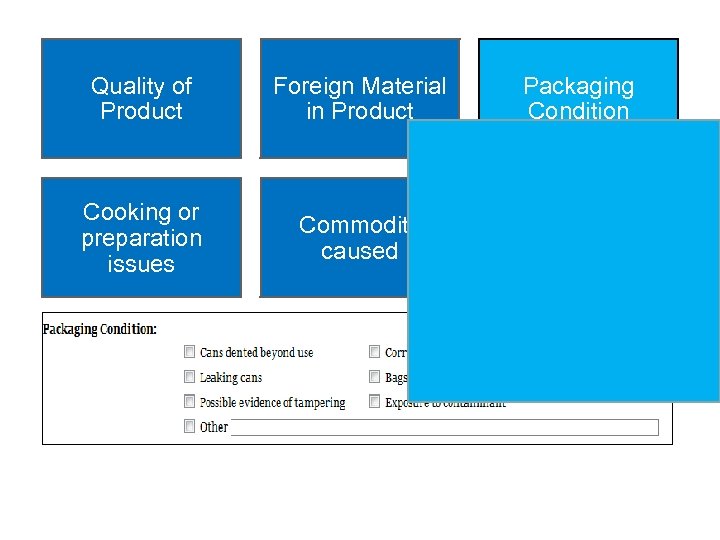 Quality of Product Cooking or preparation issues Foreign Material in Product Packaging Condition Commodity caused Food Safety Concern Checkbox
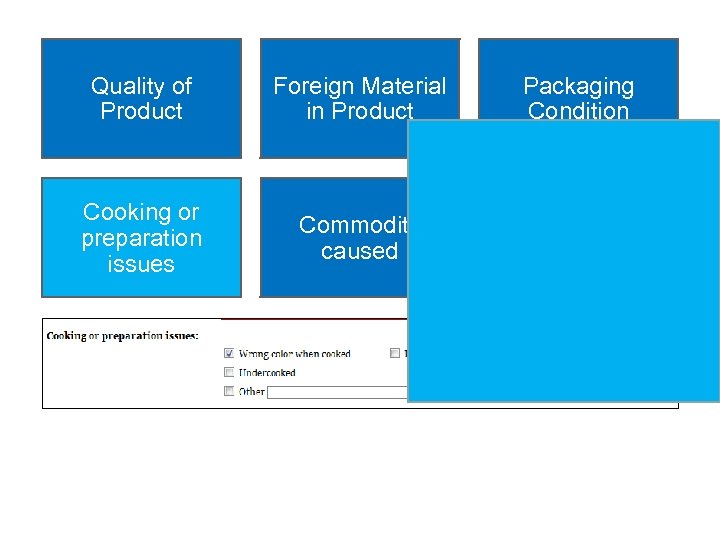 Quality of Product Cooking or preparation issues Foreign Material in Product Packaging Condition Commodity caused Food Safety Concern Checkbox
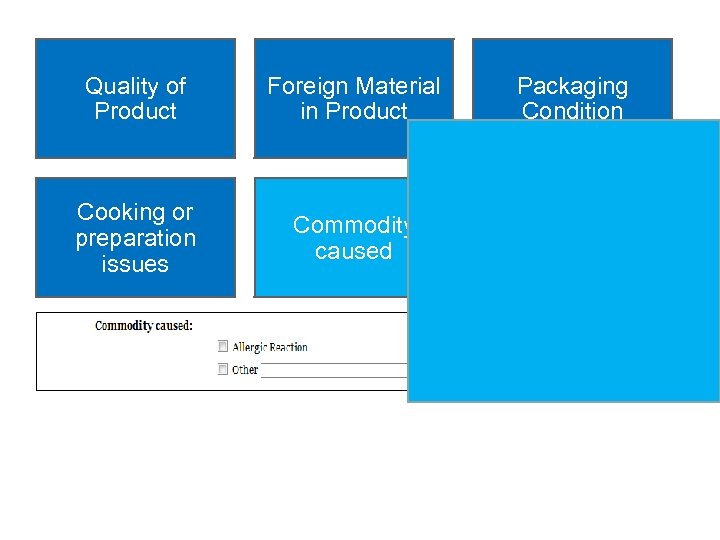 Quality of Product Cooking or preparation issues Foreign Material in Product Packaging Condition Commodity caused Food Safety Concern Checkbox
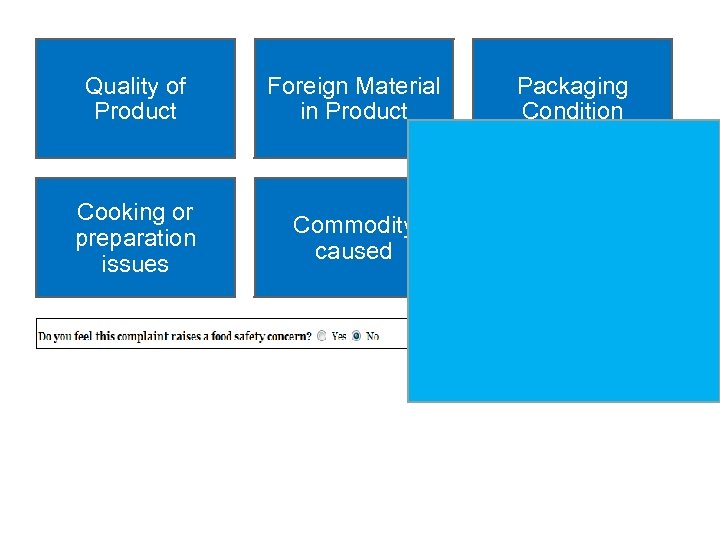 Quality of Product Cooking or preparation issues Foreign Material in Product Packaging Condition Commodity caused Food Safety Concern Checkbox
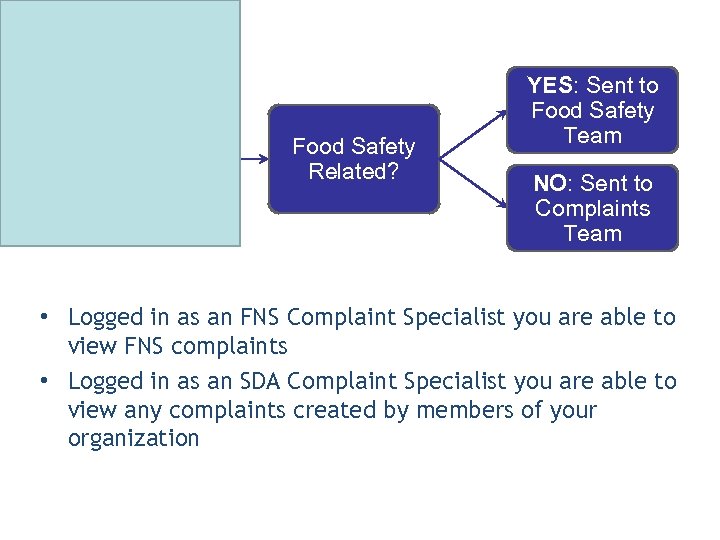 Customer Creates Domestic Complaint Food Safety Related? YES: Sent to Food Safety Team NO: Sent to Complaints Team • Logged in as an FNS Complaint Specialist you are able to view FNS complaints • Logged in as an SDA Complaint Specialist you are able to view any complaints created by members of your organization
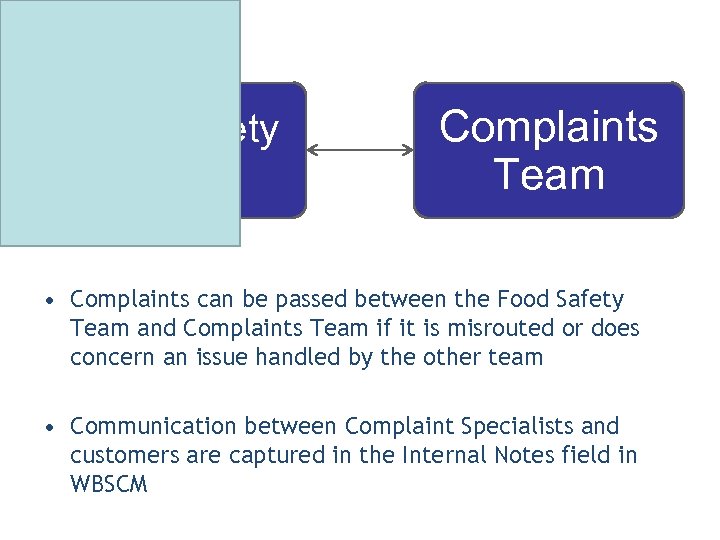 Food Safety Team Complaints Team • Complaints can be passed between the Food Safety Team and Complaints Team if it is misrouted or does concern an issue handled by the other team • Communication between Complaint Specialists and customers are captured in the Internal Notes field in WBSCM
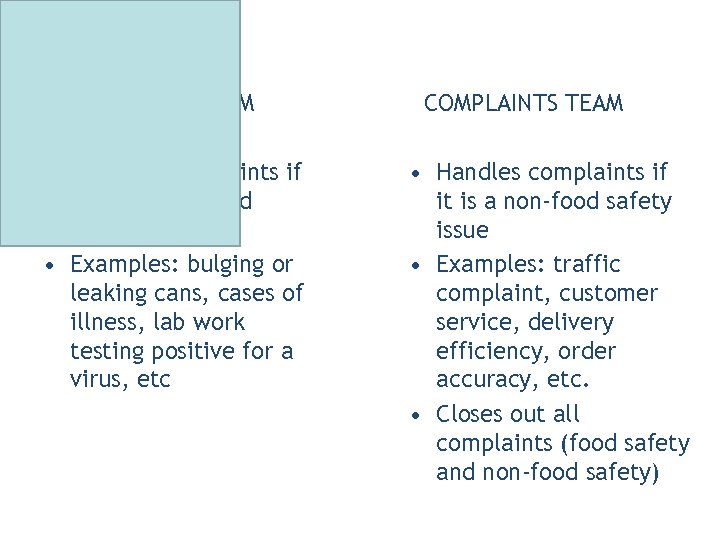 FOOD SAFETY TEAM • Handles complaints if related to a food safety issue • Examples: bulging or leaking cans, cases of illness, lab work testing positive for a virus, etc COMPLAINTS TEAM • Handles complaints if it is a non-food safety issue • Examples: traffic complaint, customer service, delivery efficiency, order accuracy, etc. • Closes out all complaints (food safety and non-food safety)
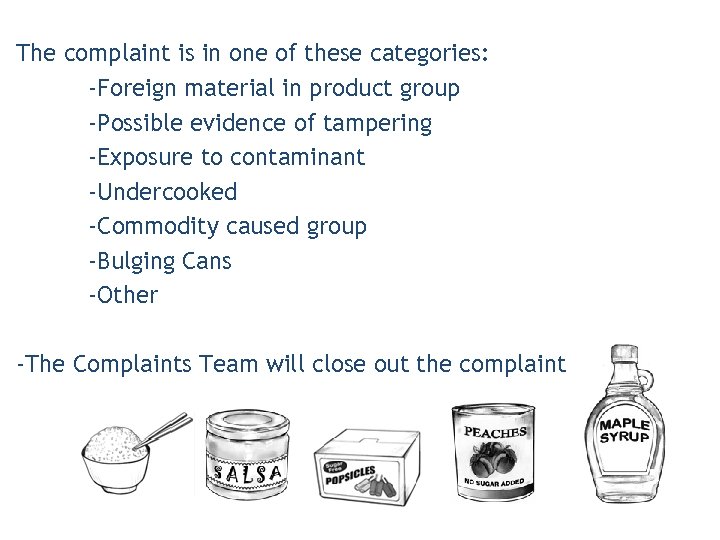 The complaint is in one of these categories: -Foreign material in product group -Possible evidence of tampering -Exposure to contaminant -Undercooked -Commodity caused group -Bulging Cans -Other -The Complaints Team will close out the complaint
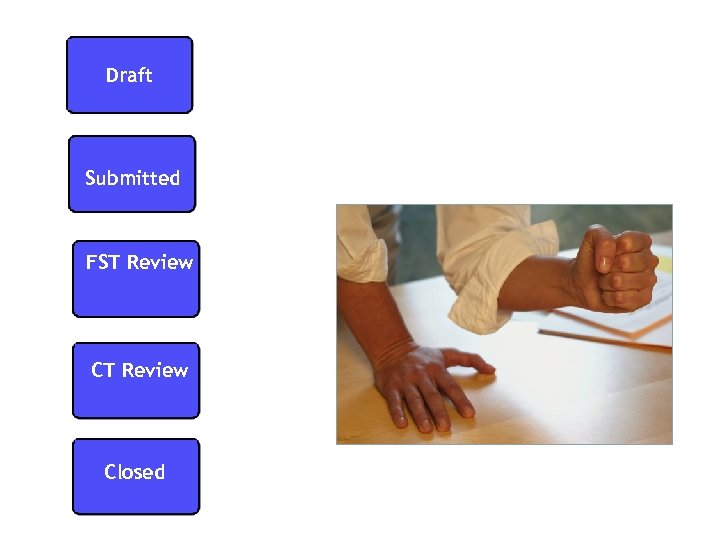 Draft Submitted FST Review Closed
 Draft • SDA/ITO started the complaint process • Complaint not submitted to FNS
 Submitted • SDA/ITO/RA submitted complaint to FNS
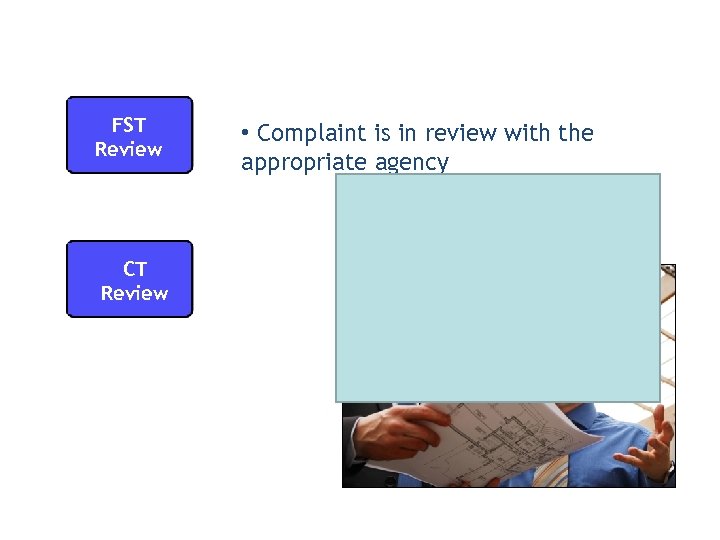 FST Review CT Review • Complaint is in review with the appropriate agency
 Closed • Complaint is resolved and closed by the FNS Complaint Specialist
 Auto Playback Tutorial: watch the simulation with no user input required
 Standard Tutorial: guide yourself through the simulation by clicking certain areas when prompted

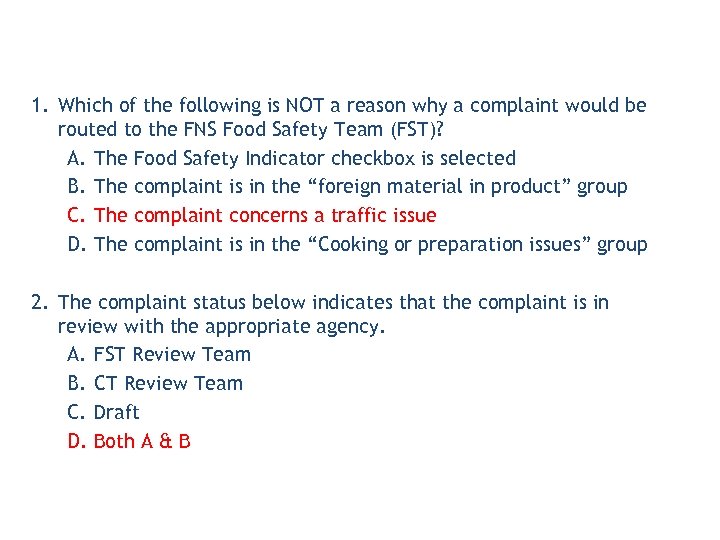 1. Which of the following is NOT a reason why a complaint would be routed to the FNS Food Safety Team (FST)? A. The Food Safety Indicator checkbox is selected B. The complaint is in the “foreign material in product” group C. The complaint concerns a traffic issue D. The complaint is in the “Cooking or preparation issues” group 2. The complaint status below indicates that the complaint is in review with the appropriate agency. A. FST Review Team B. CT Review Team C. Draft D. Both A & B
 Lesson Objectives • Describe the International Complaints Process • List USAID, FAS, & FSA Complaint Statuses
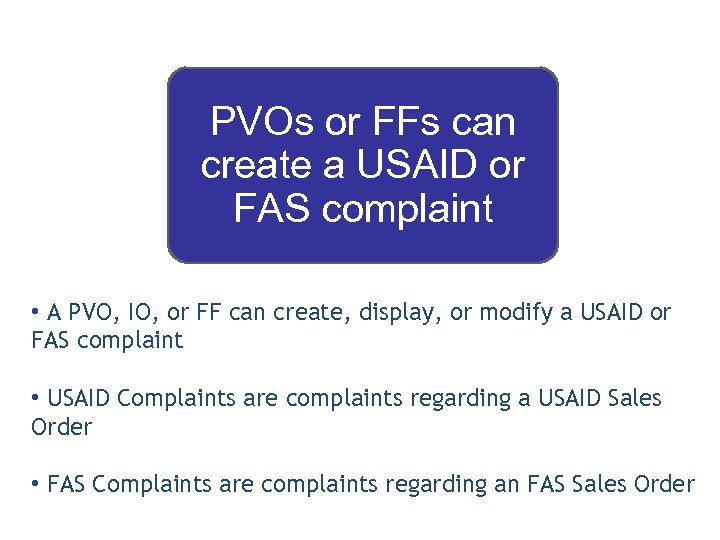 PVOs or FFs can create a USAID or FAS complaint • A PVO, IO, or FF can create, display, or modify a USAID or FAS complaint • USAID Complaints are complaints regarding a USAID Sales Order • FAS Complaints are complaints regarding an FAS Sales Order
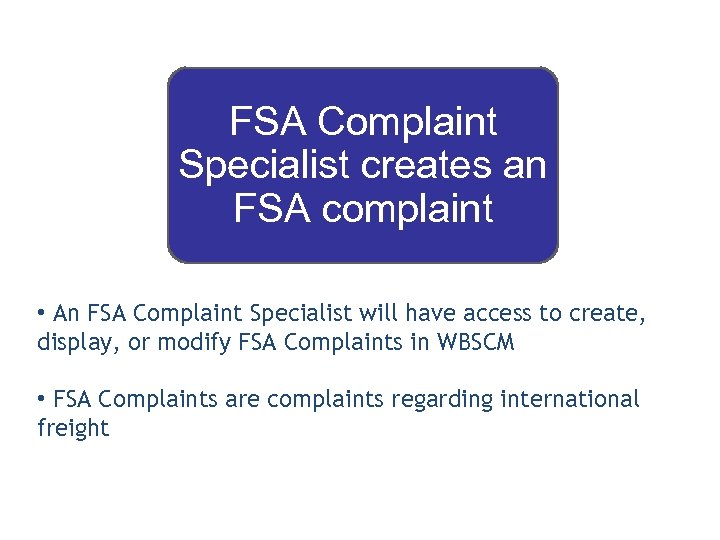 FSA Complaint Specialist creates an FSA complaint • An FSA Complaint Specialist will have access to create, display, or modify FSA Complaints in WBSCM • FSA Complaints are complaints regarding international freight
 An International Complaint is routed to the corresponding complaint specialist. An email notification will be sent to the appropriate people within these agencies. Once notified, the status will be changed. For example, it may be changed to: • Chief TLB Contacted • Ag Attache Contacted • Under Inspection
 PVO • • • Enters: USAID or FAS complaint Nature of concern Sales Order FSA • • • Complaint Specialist Enters: FSA complaint Nature of shipping concern Sales Order
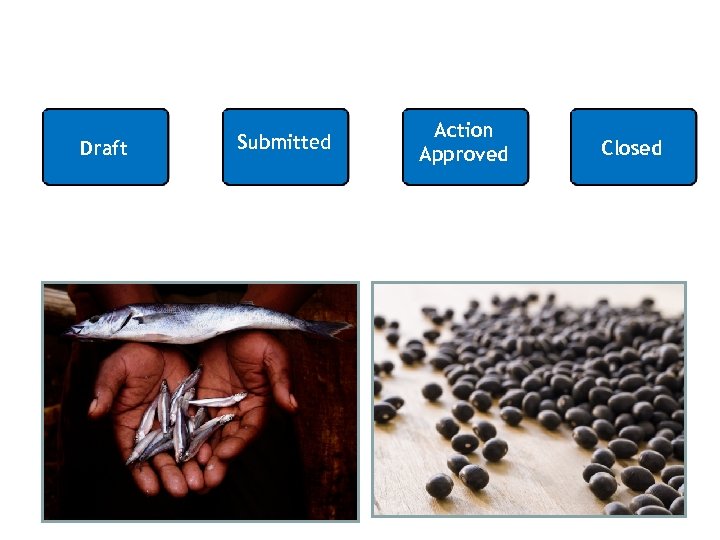 Draft Submitted Action Approved Closed
 Draft • PVO/IO/FF created a complaint • Complaint has not been submitted to sponsoring agency
 Submitted • PVO/IO/FF submitted complaint to USAID or FAS
 Action Approved • Complaint has been entered and the action has been approved
 Closed • Complaint resolved
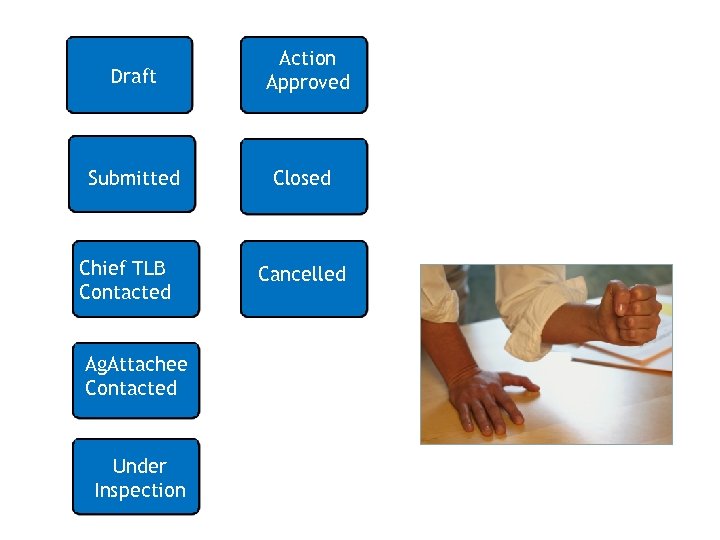 Draft Action Approved Submitted Closed Chief TLB Contacted Ag. Attachee Contacted Under Inspection Cancelled
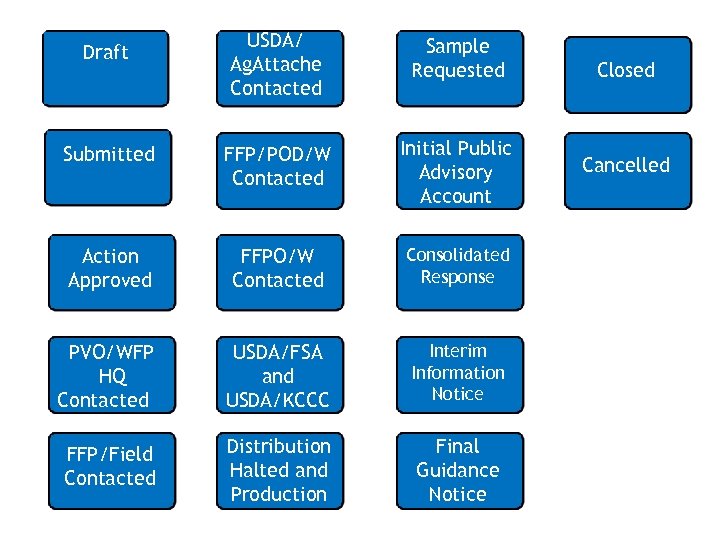 USDA/ Ag. Attache Contacted Sample Requested Submitted FFP/POD/W Contacted Initial Public Advisory Account Action Approved FFPO/W Contacted Consolidated Response PVO/WFP HQ Contacted USDA/FSA and USDA/KCCC Interim Information Notice FFP/Field Contacted Distribution Halted and Production Final Guidance Notice Draft Closed Cancelled
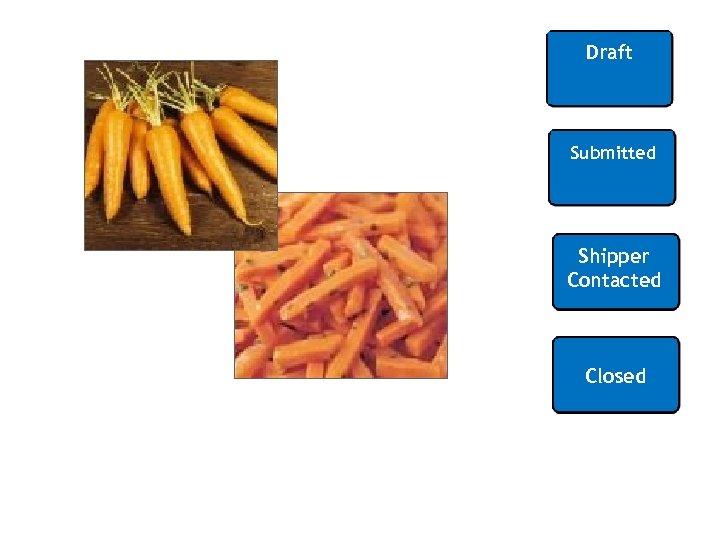 Draft Submitted Shipper Contacted Closed
 Auto Playback Tutorial: watch the simulation with no user input required
 Standard Tutorial: guide yourself through the simulation by clicking certain areas when prompted

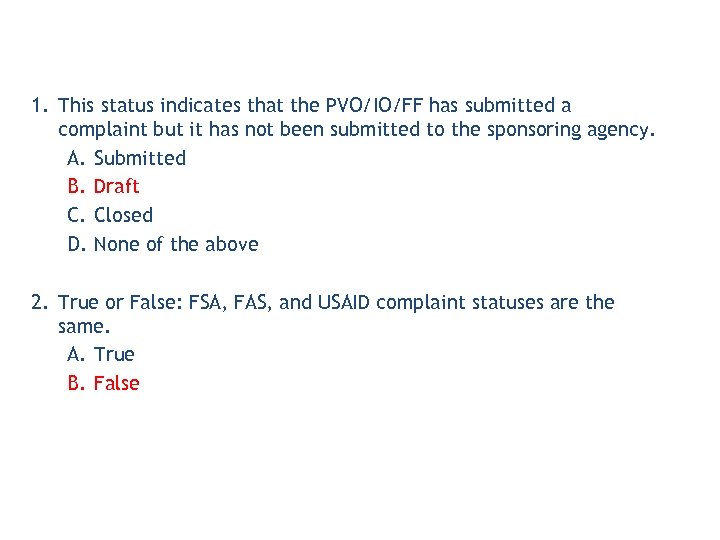 1. This status indicates that the PVO/IO/FF has submitted a complaint but it has not been submitted to the sponsoring agency. A. Submitted B. Draft C. Closed D. None of the above 2. True or False: FSA, FAS, and USAID complaint statuses are the same. A. True B. False
 Lesson Objectives • Explain what it means to Save a Complaint • Describe how to access Domestic and International Complaint Changes • Describe Status History • Explain the process for Complaints Resolution
 • Saving means the complaint has not been submitted to FNS, FAS, FSA or USAID • Complaint Specialists have access to modify a saved (not submitted) complaint that has been created • Once they submit it, however, they may only display (not modify) the complaint
 • AMS and FSA have view only access to FNS complaints • FNS Complaint Specialists can change some of the fields on the complaints
 • Transportation Logistics Branch (TLB), Ag Attache, and other agencies have view only access • FSA/FAS/USAID Complaint Specialists can change some of the fields on the complaints
 • Displays who created the complaint, the date, and the complaint’s status • Lists all users who have made status changes to the specific complaint and the timestamp
 • A Domestic Complaint can be closed only by FNS-CT • The Complaints Team is the final step in the Domestic Complaints routing process
 • During the closing process, FNS-CT must complete the following fields: – Add Resolution Code – Change Status to Close Complaint • It is recommended to also complete the following fields: – Recommended Solution (a free-text field)
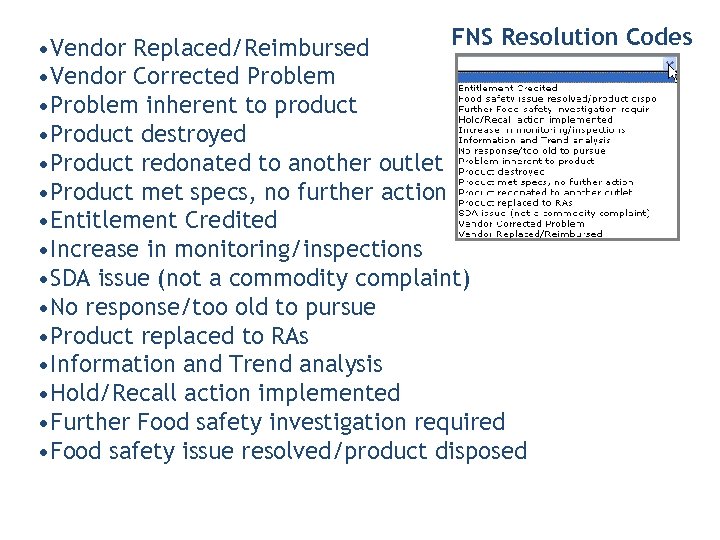 FNS Resolution Codes • Vendor Replaced/Reimbursed • Vendor Corrected Problem • Problem inherent to product • Product destroyed • Product redonated to another outlet • Product met specs, no further action • Entitlement Credited • Increase in monitoring/inspections • SDA issue (not a commodity complaint) • No response/too old to pursue • Product replaced to RAs • Information and Trend analysis • Hold/Recall action implemented • Further Food safety investigation required • Food safety issue resolved/product disposed
 • An International Complaint can be closed only by respective Complaint Specialist for each agency
 • During the closing process, the Complaints Specialist must complete the following fields: – Add Resolution Code – Close Status to Close Complaint • It is recommended to also complete the following fields: – Recommended Solution (a free-text field)
 FAS & USAID complaints: • Claims Initiated • Customer Reimbursed • Product Disposed • Invalid Complaint FSA complaints: • Shipping Company Warned • Shipping Company Blocked • Invalid Complaint
 • Display your complaint to see: – The Status of the Complaint – The Resolution – The Details You Entered • You cannot modify a complaint once it has been submitted • If you have additional details to add, email your Complaint Specialist • You can only see complaints created for your organization
 Auto Playback Tutorial: watch the simulation with no user input required
 Standard Tutorial: guide yourself through the simulation by clicking certain areas when prompted
 Auto Playback Tutorial: watch the simulation with no user input required
 Standard Tutorial: guide yourself through the simulation by clicking certain areas when prompted

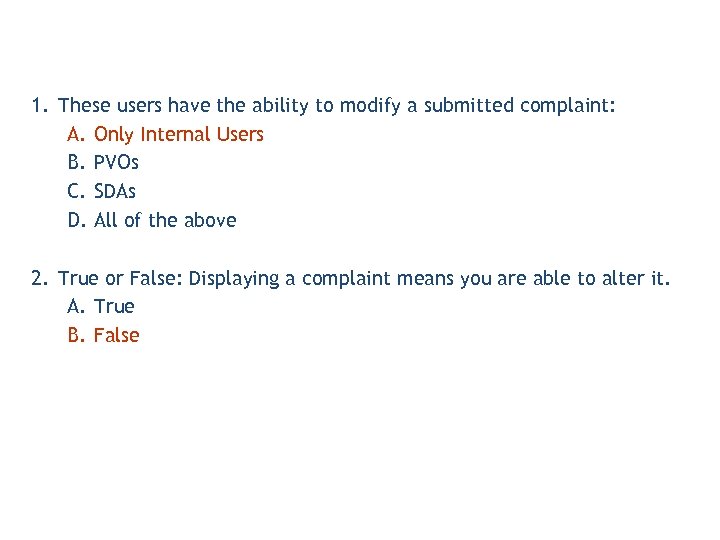 1. These users have the ability to modify a submitted complaint: A. Only Internal Users B. PVOs C. SDAs D. All of the above 2. True or False: Displaying a complaint means you are able to alter it. A. True B. False
 You have successfully completed your e. Learning course! Thank You!