 Скачать презентацию Exploring Microsoft Office 2007 The Online Experience Robert
46304cd7678b677aae350bdbe5542ca2.ppt
- Количество слайдов: 31



Exploring Microsoft Office 2007 The Online Experience Robert Grauer, Keith Mulbery, Linda Ericksen Committed to Shaping the Next Generation of IT Experts. 1 Copyright © 2008 Pearson Prentice Hall. All rights reserved.
Objectives Understand the World Wide Web n Access and navigate a Web site n Print Web pages n Download information and graphics n Work with Favorites and the History list n Copyright © 2008 Pearson Prentice Hall. All rights reserved. 2
Objectives (continued) Manage Internet options n Use search engines n Communicate through Windows Mail n Communicate through instant messages and blogs n Copyright © 2008 Pearson Prentice Hall. All rights reserved. 3
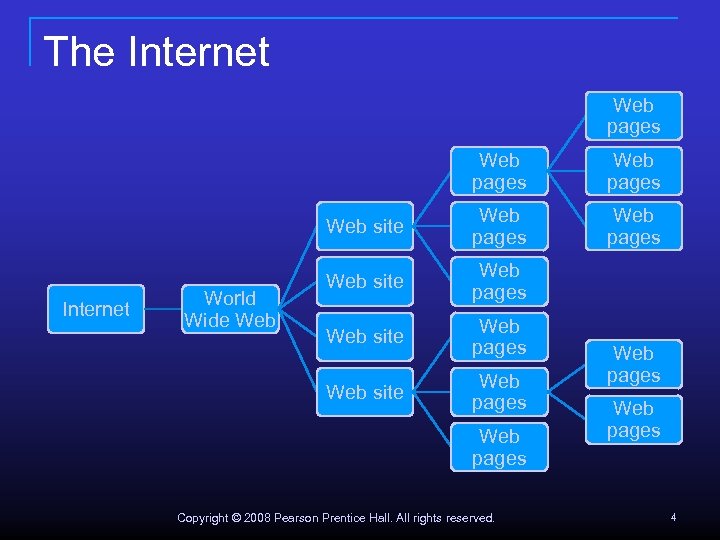
The Internet Web pages Web site Web pages Web site World Wide Web pages Copyright © 2008 Pearson Prentice Hall. All rights reserved. Web pages 4
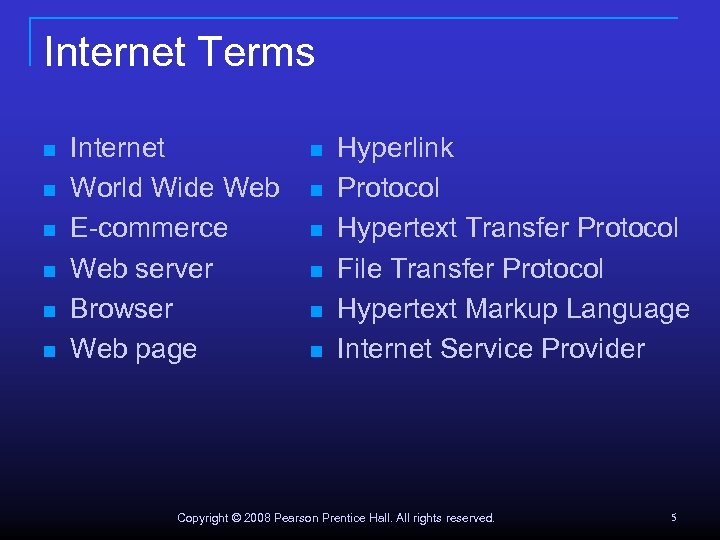
Internet Terms n n n Internet World Wide Web E-commerce Web server Browser Web page n n n Hyperlink Protocol Hypertext Transfer Protocol File Transfer Protocol Hypertext Markup Language Internet Service Provider Copyright © 2008 Pearson Prentice Hall. All rights reserved. 5
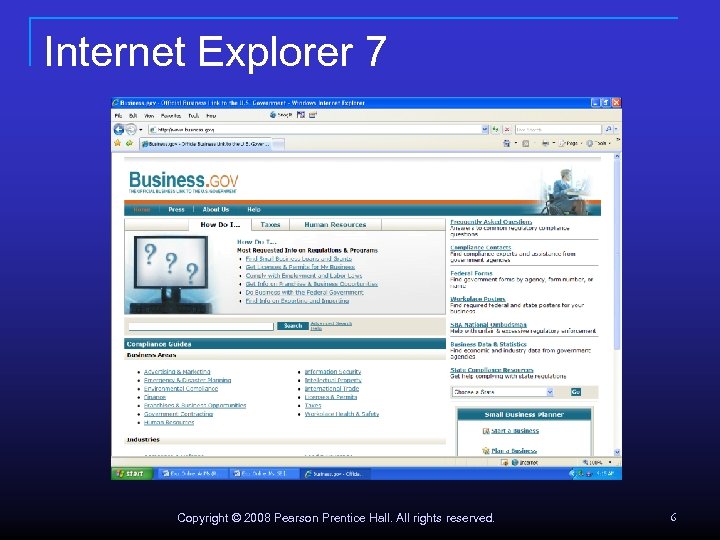
Internet Explorer 7 Copyright © 2008 Pearson Prentice Hall. All rights reserved. 6
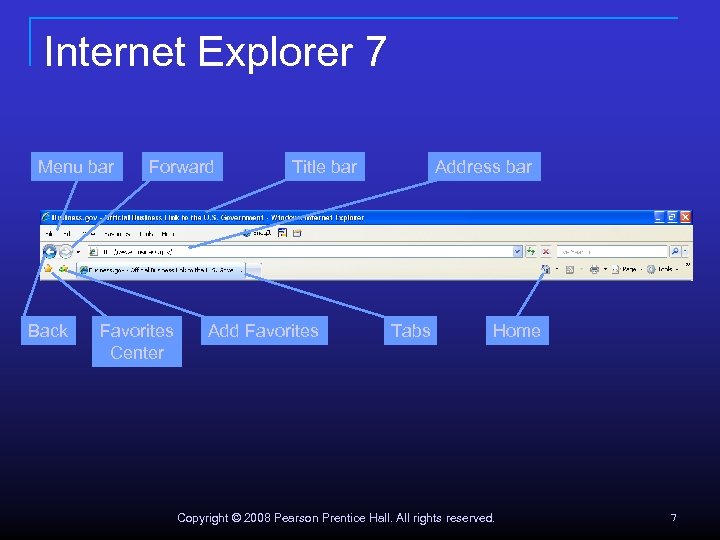
Internet Explorer 7 Menu bar Back Forward Favorites Center Title bar Add Favorites Address bar Tabs Home Copyright © 2008 Pearson Prentice Hall. All rights reserved. 7
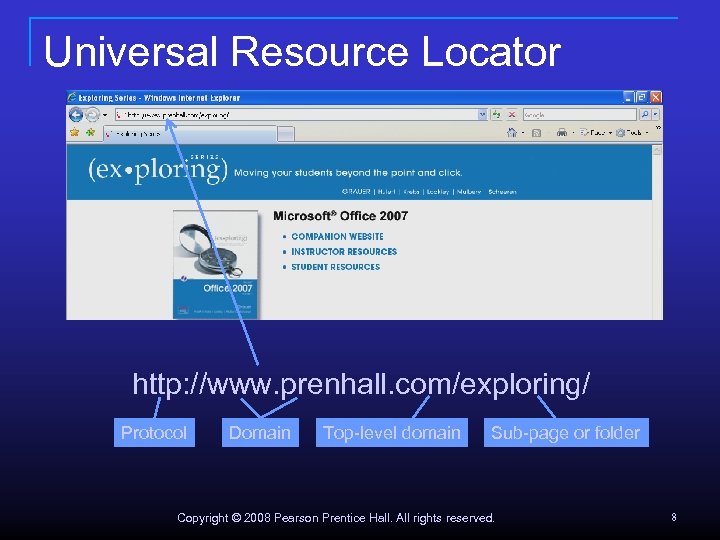
Universal Resource Locator http: //www. prenhall. com/exploring/ Protocol Domain Top-level domain Sub-page or folder Copyright © 2008 Pearson Prentice Hall. All rights reserved. 8
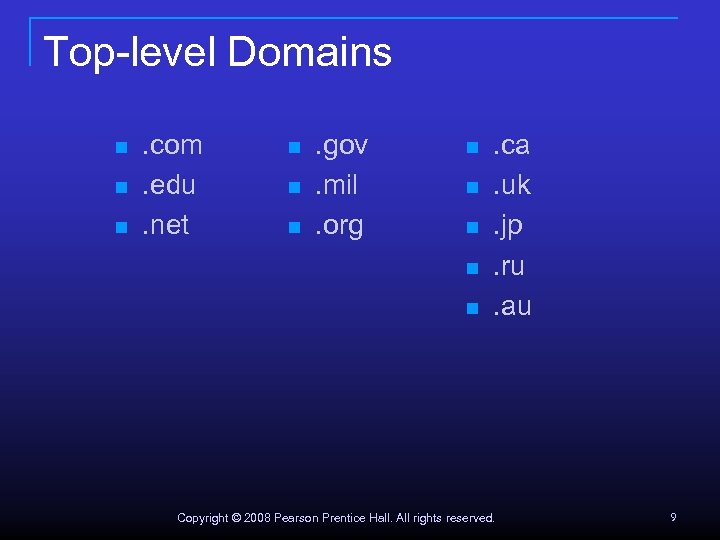
Top-level Domains n n n . com. edu. net n n n . gov. mil. org n n n . ca. uk. jp. ru. au Copyright © 2008 Pearson Prentice Hall. All rights reserved. 9
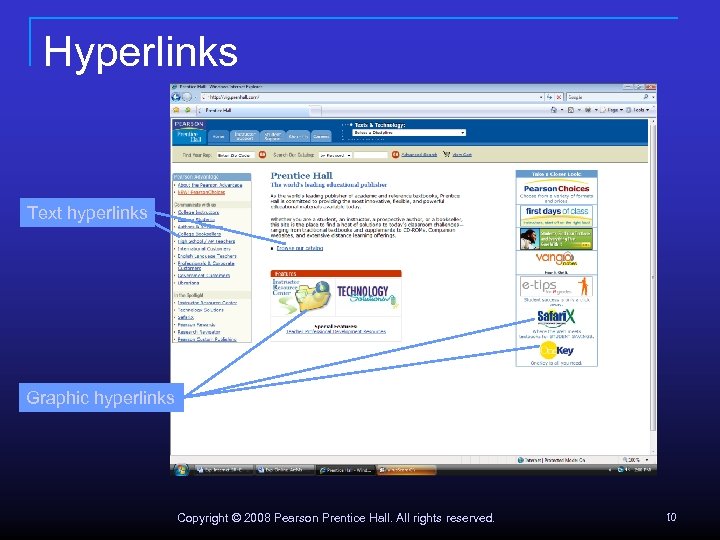
Hyperlinks Text hyperlinks Graphic hyperlinks Copyright © 2008 Pearson Prentice Hall. All rights reserved. 10
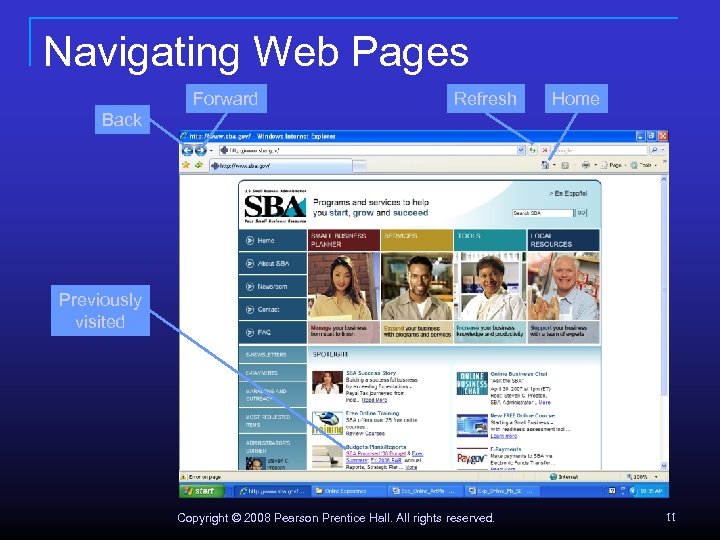
Navigating Web Pages Forward Refresh Home Back Previously visited Copyright © 2008 Pearson Prentice Hall. All rights reserved. 11
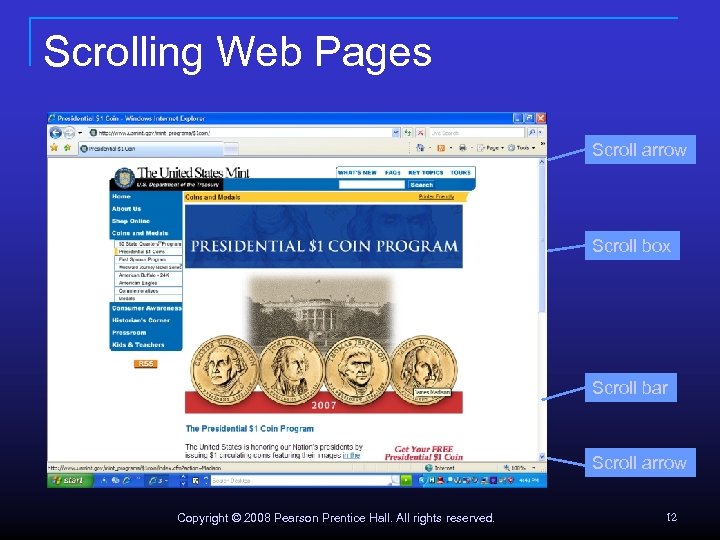
Scrolling Web Pages Scroll arrow Scroll box Scroll bar Scroll arrow Copyright © 2008 Pearson Prentice Hall. All rights reserved. 12
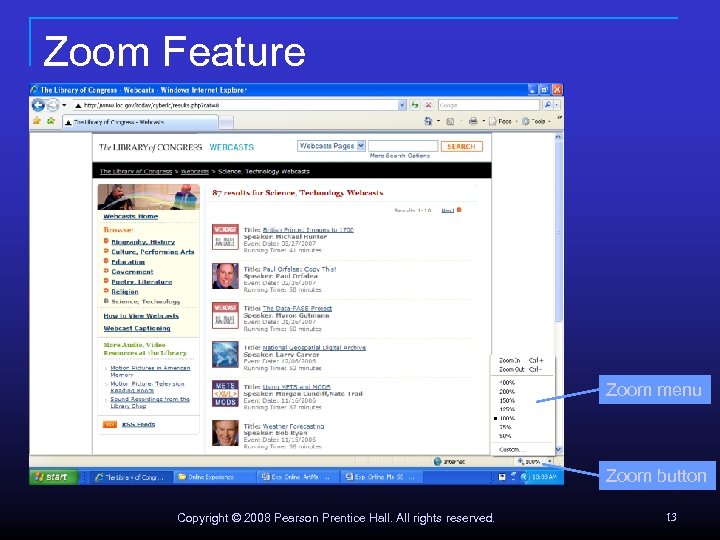
Zoom Feature Zoom menu Zoom button Copyright © 2008 Pearson Prentice Hall. All rights reserved. 13
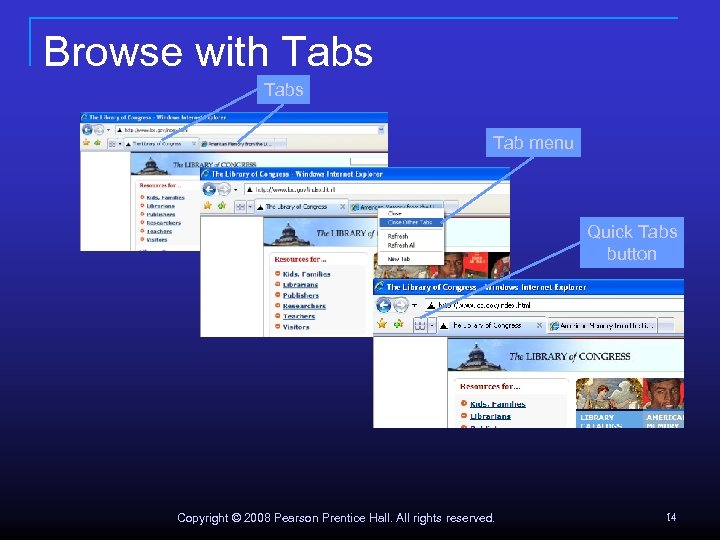
Browse with Tabs Tab menu Quick Tabs button Copyright © 2008 Pearson Prentice Hall. All rights reserved. 14
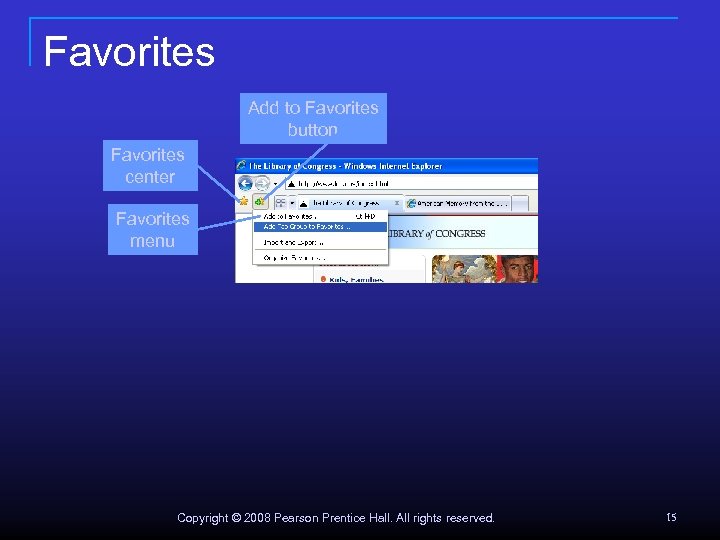
Favorites Add to Favorites button Favorites center Favorites menu Copyright © 2008 Pearson Prentice Hall. All rights reserved. 15
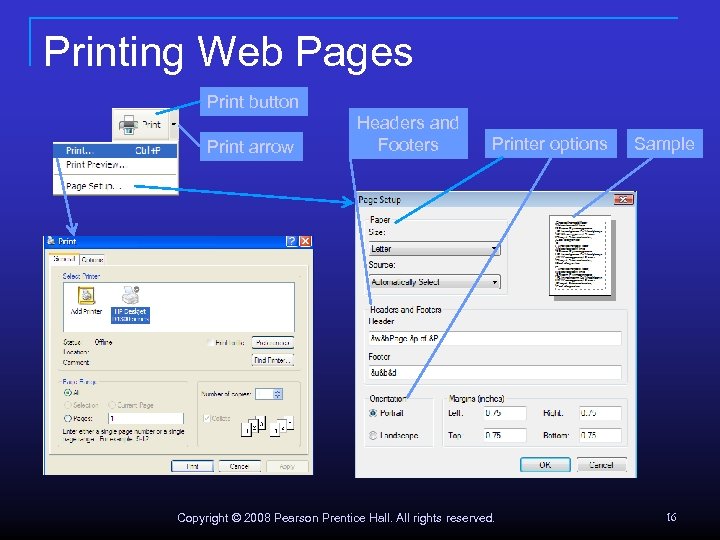
Printing Web Pages Print button Print arrow Headers and Footers Printer options Copyright © 2008 Pearson Prentice Hall. All rights reserved. Sample 16
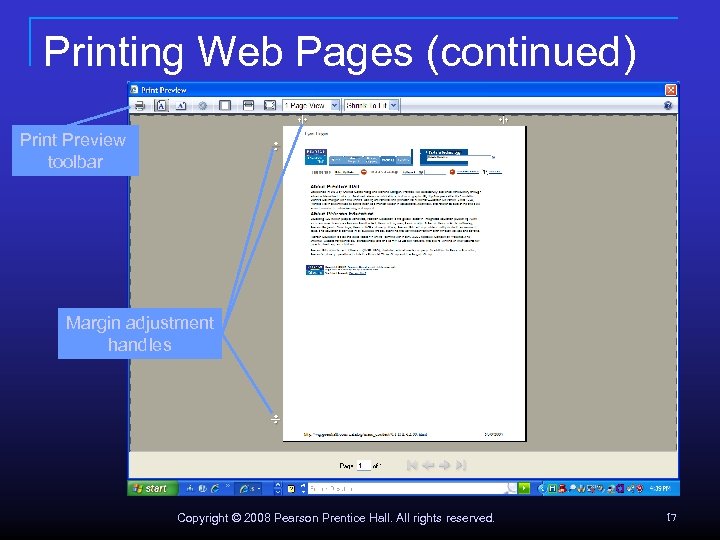
Printing Web Pages (continued) Print Preview toolbar Margin adjustment handles Copyright © 2008 Pearson Prentice Hall. All rights reserved. 17
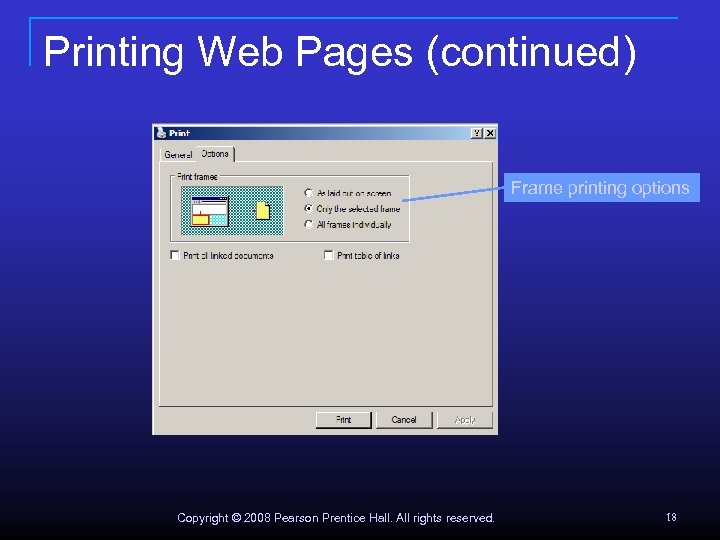
Printing Web Pages (continued) Frame printing options Copyright © 2008 Pearson Prentice Hall. All rights reserved. 18
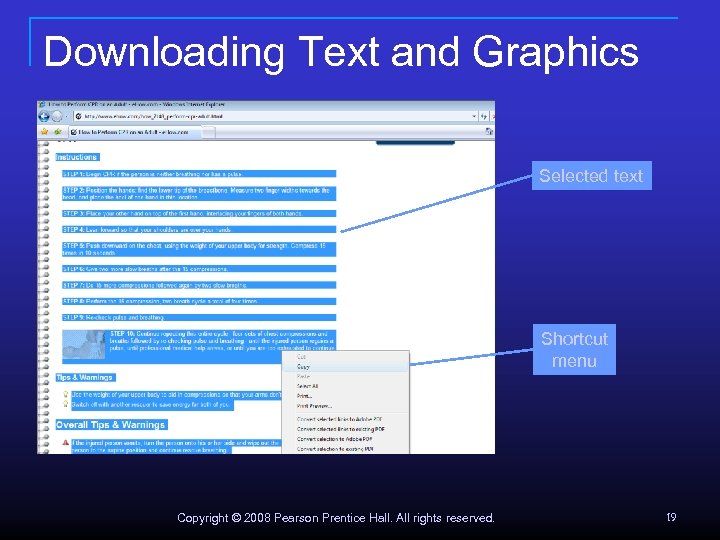
Downloading Text and Graphics Selected text Shortcut menu Copyright © 2008 Pearson Prentice Hall. All rights reserved. 19
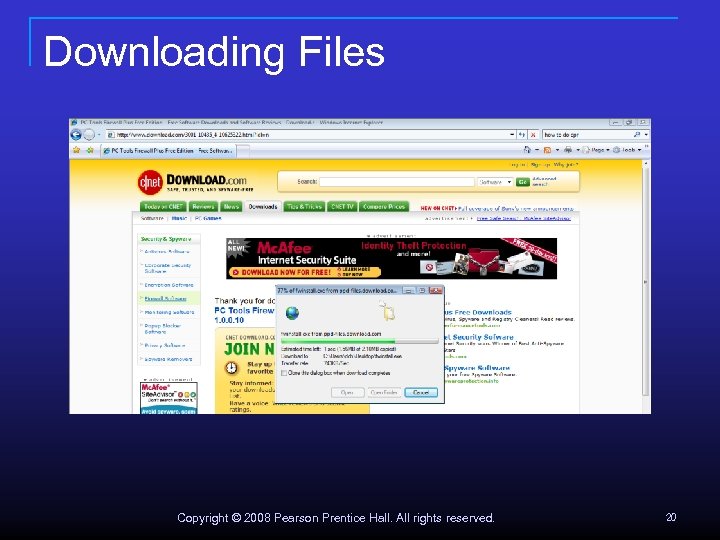
Downloading Files Copyright © 2008 Pearson Prentice Hall. All rights reserved. 20
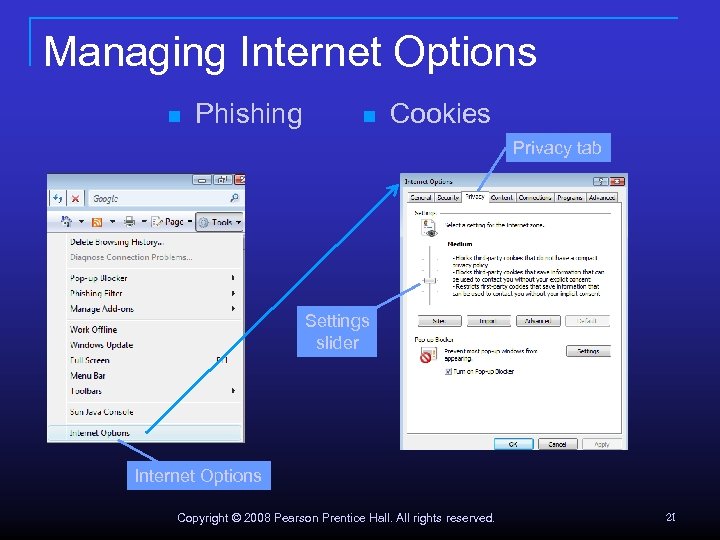
Managing Internet Options n Phishing n Cookies Privacy tab Settings slider Internet Options Copyright © 2008 Pearson Prentice Hall. All rights reserved. 21
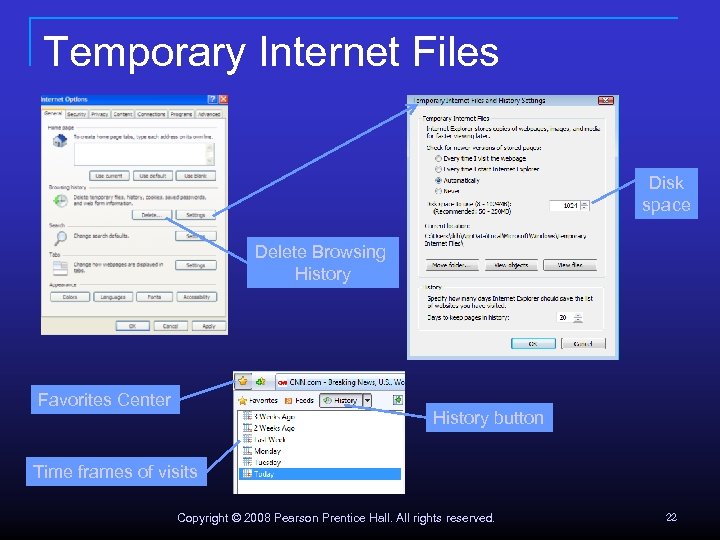
Temporary Internet Files Disk space Delete Browsing History Favorites Center History button Time frames of visits Copyright © 2008 Pearson Prentice Hall. All rights reserved. 22
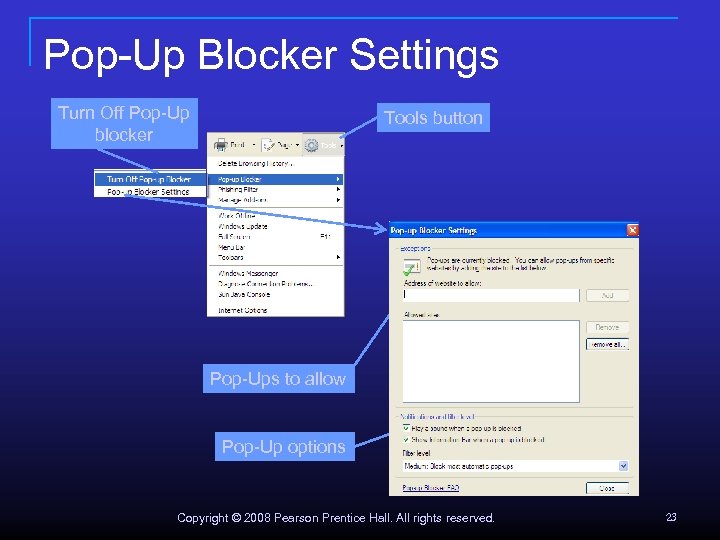
Pop-Up Blocker Settings Turn Off Pop-Up blocker Tools button Pop-Ups to allow Pop-Up options Copyright © 2008 Pearson Prentice Hall. All rights reserved. 23
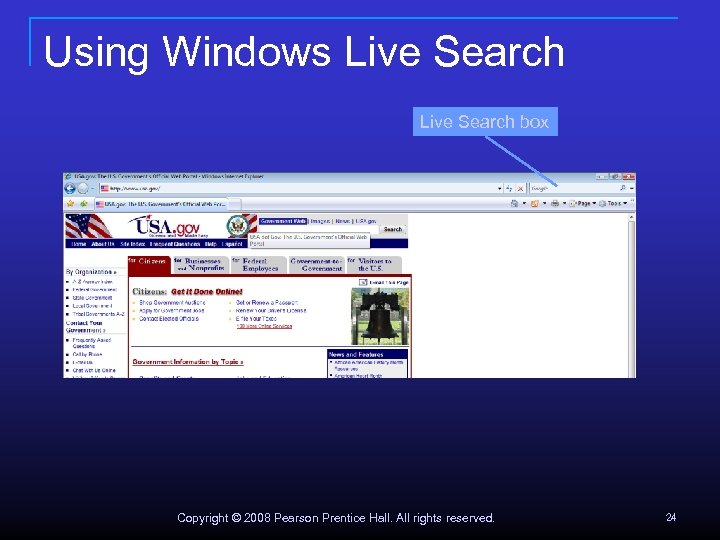
Using Windows Live Search box Copyright © 2008 Pearson Prentice Hall. All rights reserved. 24
Online Communication n E-mail q q n n Windows Mail Window Contacts Instant Messaging Blogs Copyright © 2008 Pearson Prentice Hall. All rights reserved. 25
Netiquette n n n n Use upper and lower case Be concise Proper spelling and punctuation Respond quickly Never send angry e-mail Avoid “urgent” or “important” Consider not forwarding e-mail chains Copyright © 2008 Pearson Prentice Hall. All rights reserved. 26
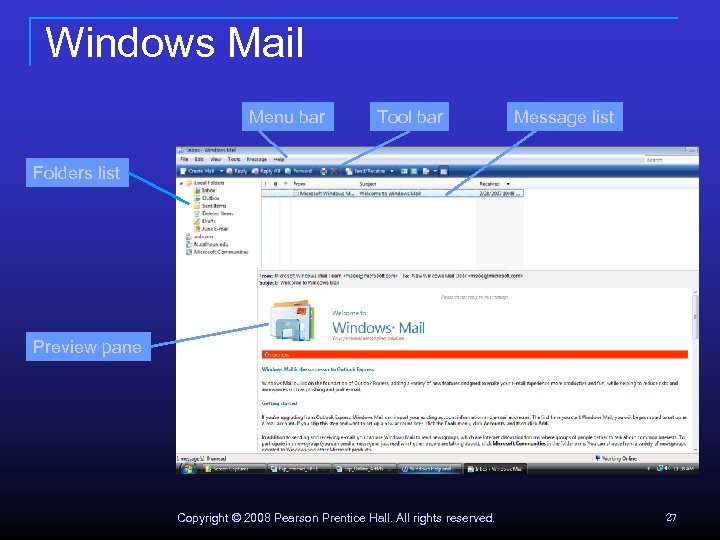
Windows Mail Menu bar Tool bar Message list Folders list Preview pane Copyright © 2008 Pearson Prentice Hall. All rights reserved. 27
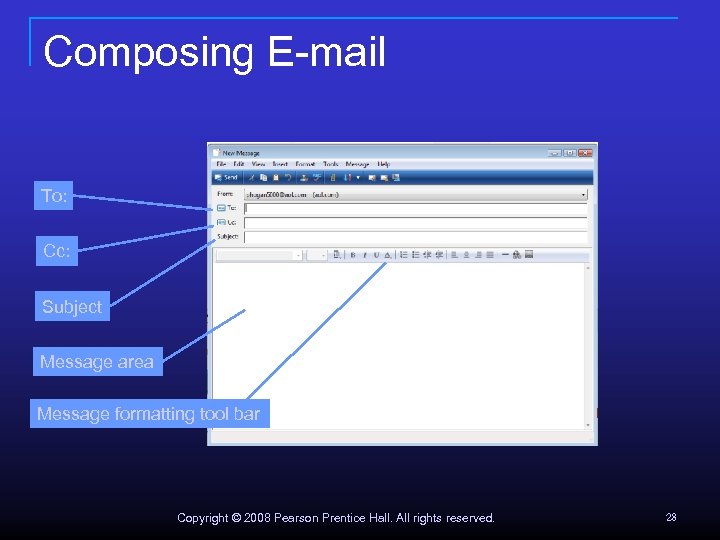
Composing E-mail To: Cc: Subject Message area Message formatting tool bar Copyright © 2008 Pearson Prentice Hall. All rights reserved. 28
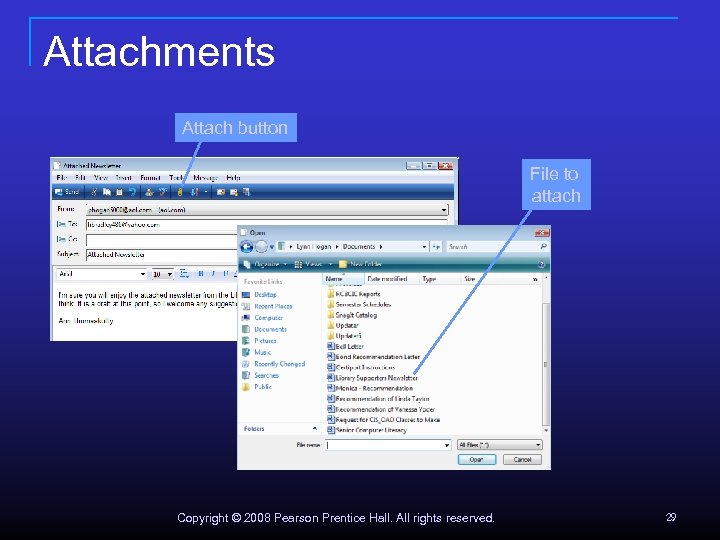
Attachments Attach button File to attach Copyright © 2008 Pearson Prentice Hall. All rights reserved. 29
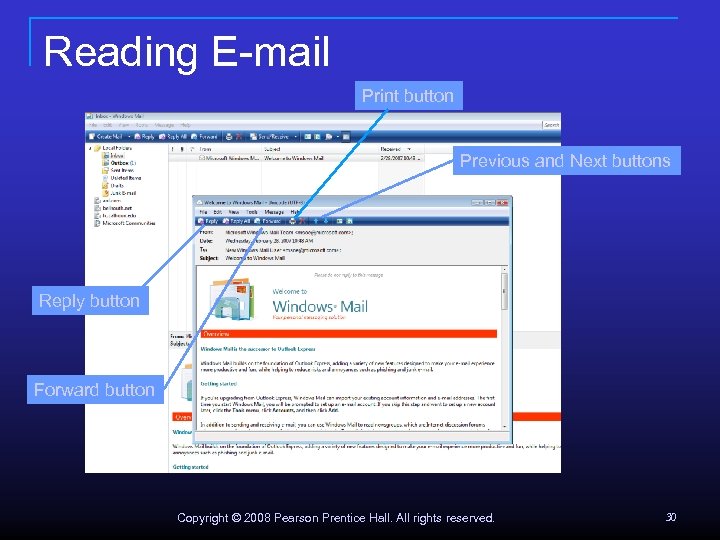
Reading E-mail Print button Previous and Next buttons Reply button Forward button Copyright © 2008 Pearson Prentice Hall. All rights reserved. 30
Questions? Copyright © 2008 Pearson Prentice Hall. All rights reserved. 31
Скачать презентацию Exploring Microsoft Office 2007 The Online Experience Robert
46304cd7678b677aae350bdbe5542ca2.ppt