 Скачать презентацию Experiences with AWS and Right Scale By Max
1e93f9121e24963758e0ea68230a90df.ppt
- Количество слайдов: 29



Experiences with AWS and Right. Scale By: Max Gribov max@sigilsoftware. com Presented at New York PHP, March 22, 2011 http: //www. nyphp. org
AWS Basic Services EC 2 – Elastic Computing platform, “servers” EBS – Elastic Block Storage, “presistent storage” S 3 – Simple Storage, “offline backups” API to manage it all
AWS Advanced Services These are all supported by Right. Scale Elastic Load Balancing Relational Database Service (RDS) Simple Queue Service (SQS) Virtual Private Cloud (VPC)
AWS Advanced Services These are NOT supported by Right. Scale (at least on my paid account) Simple Notification Service (SNS) Simple Email Service (SES)
AWS Advanced Services These will compete with Right. Scale (uh-0 h) Elastic Beanstalk Cloud. Formation
AWS Regions US East US West EU AP-Tokyo AP-Singapore Different pricing Extra charge when transferring data between regions
AWS Availability Zones Contained with a Region US East has 4 No extra charge to transfer data within same zone Extra charge to transfer data between availability zones Will also have to pay if using public IP's during transfer (EIP to EIP) regardless of zoning
AWS Instances On-Demand Instances – the basic instance Reserved Instances - pay low fee, reserve instance, pay less per hour and don't pay if not using. End up being cheaper than on-demand. Spot Instances (NOT in Right. Scale) - bid on unused capacity, pricing fluctuates with demand. Can use it as long as your bid exceeds current price. Good for batch processing. Micro Instances – do not have their own storage, have to use EBS to boot. Weak and cheap.
Question! I have all these EC 2 instances and EBS volumes and S 3 snapshots, but how do I make them into an architecture?
Well, what did we do before AWS Buy some machines Put some OS on them Configure some services Deploy as an “architecture” (redundancy, monitoring, etc) Deploy our application Monitor Run out of capacity Go to Step 1
The Promise of the Cloud Provisioning is fast Pay for what you use Use no more than you need now Grow and shrink as needed
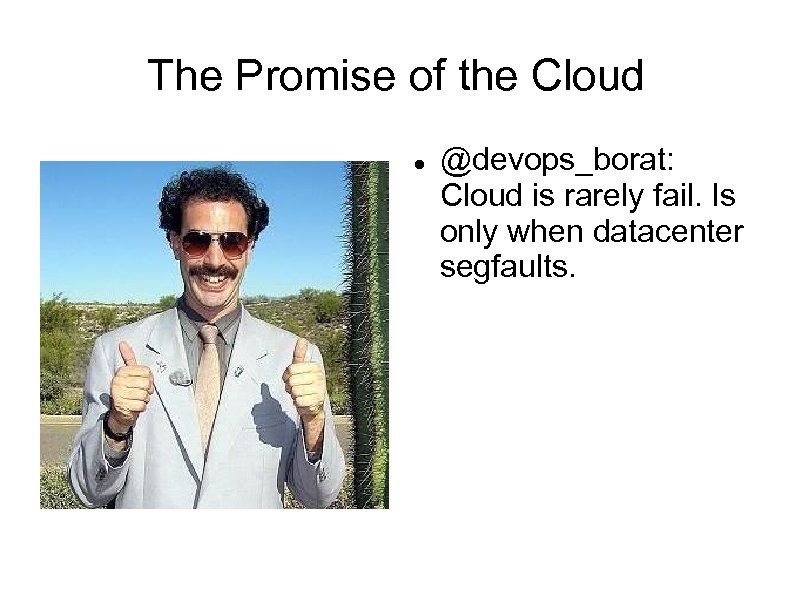
The Promise of the Cloud @devops_borat: Cloud is rarely fail. Is only when datacenter segfaults.
Enter Right. Scale An advanced web GUI, built on top of AWS API, to manage and monitor a cloud deployment Has a RESTful API to perform same tasks as the GUI (in beta) Handles provisioning, configuration, management and monitoring of cloud servers (EC 2+EBS+S 3) Also allows management of some of the advanced AWS services
Right. Scale basics Free account: No access to advanced Server Templates No auto-scaling Server Arrays No multiple user accounts http: //www. rightscale. com/products/plans-pricing
Right. Scale Basics Multicloud Images – turn EC 2 instances into servers Templates – turn a generic server into “web server”, “database server”, etc Right. Scripts – essential components of templates, run during boot/shutdown/operation
Right. Scale Basics Deployment – contains individual servers and Server Arrays (e. g. QA, Prod, Dev) Server Array – contains a number of identical servers performing same function (i. e. a cluster) Server Arrays can grow and shrink based on Alert Escalations or on a schedule Alert - “My CPU is 100% used” ( + notification) Alert Escalation - “Now that my CPU is so used, I vote to grow array by n members”
Some Details Everything can be cloned - make your QA deployment a copy of your Prod deployment Everything can be customized – start with Right. Scale My. SQL Template and turn it into your own Mongo. DB Template Right. Scale keeps your custom stuff in Version Control
Multi. Cloud Images AMI Can be restricted to specific AWS Regions Provides basic OS
Templates Turns an instance into a specific server Is a collection of Right. Scripts and their Inputs For example, My. SQL EBS template provides a My. SQL server with a striped EBS volume, automated backups and replication Can clone an existing template and customize it by manipulating its Right. Scripts Live in revision control
Right. Scripts Can be in any language a server supports Get their parameters from the Right. Scale GUI Configure servers on boot Can be used during operation (ex: create full My. SQL backup, promote slave to master) Can run on server shut down Can write your own and plug them into existing (or custom) Server. Templates Live in revision control
Right. Scale Monitoring All servers run collectd Right. Scale collects and graphs a lot of data Email alerts No SMS alerts – this can be changed by using mobile@carrier. com though
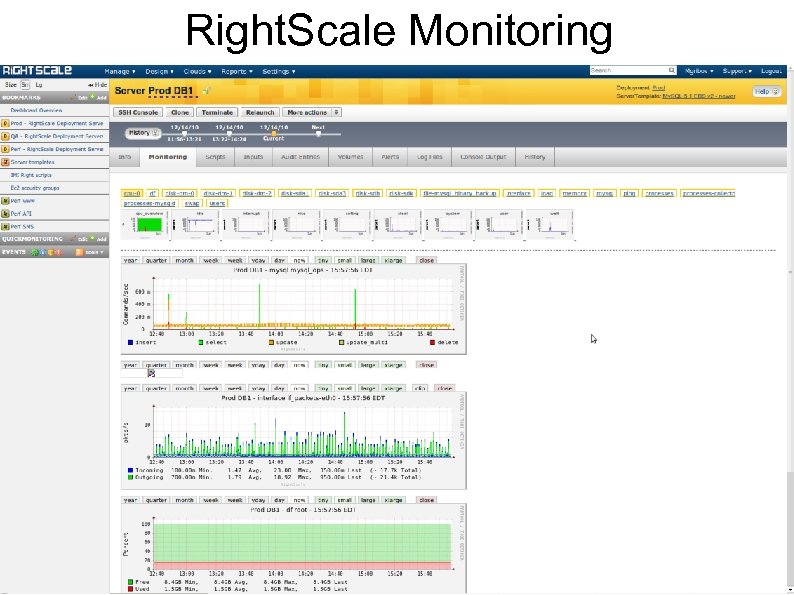
Right. Scale Monitoring
Our Setup 2 Deployments: QA and Prod Built Prod first, then cloned it and changed instance types to build QA Has 3 auto-scale web server arrays Has My. SQL master/slave Has Mongo. DB replica pair
Load Balancing Using Right. Scale template with nginx and haproxy as LB's Haproxy is used because Right. Scale wrote pool management script for it – in reality could have used only nginx Using real server instead of AWS LB provides greater flexibility and customization, like rewrite rules Had to modify Right. Scripts and Templates to have a multi-pool LB
Database Right. Scale My. SQL failover is done via DNS and low TTL on the record DNSMade. Easy is used to dynamically assign My. SQL servers to master. domain. com and slave. domain. com Failover is manual, as per Right. Scale suggestion (but could be automated) My. SQL backup is part of the template My. SQL template includes EBS striping Had to roll own Mongo. DB template
Webserver Pools Have 3 pools in each deployment nginx+php-cgi Heavily customized Right. Scale PHP server template – no nginx+php-cgi template Customization was pretty easy Auto-scale by 2 if CPU load is high on more than 51% of the servers
Backups All backups are S 3 snapshots My. SQL template comes with snapshotting out of the box Created own scripts to do S 3 snapshots on other servers
Conclusion Right. Scale gave us a good base (templates and scripts) to set up our own architecture Right. Scale provided good support for some high-level engineering/arch questions as well as small daily issues Did not have to write any code to take advantage of the Promise of the Cloud(tm)
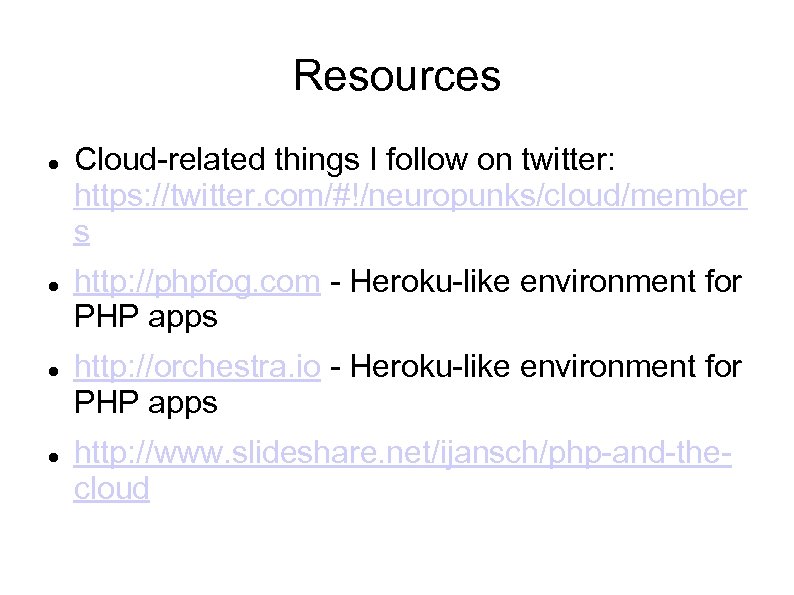
Resources Cloud-related things I follow on twitter: https: //twitter. com/#!/neuropunks/cloud/member s http: //phpfog. com - Heroku-like environment for PHP apps http: //orchestra. io - Heroku-like environment for PHP apps http: //www. slideshare. net/ijansch/php-and-thecloud
Скачать презентацию Experiences with AWS and Right Scale By Max
1e93f9121e24963758e0ea68230a90df.ppt