 Скачать презентацию Experiences of Using Podcasts Blogs And Web 2
15c4f17abb53582b5de5ea0791aeee2a.ppt
- Количество слайдов: 53



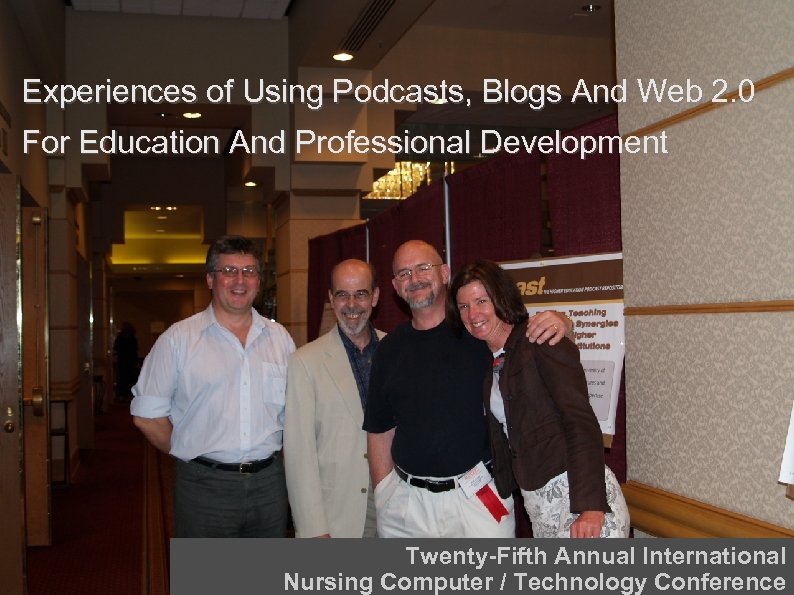
Experiences of Using Podcasts, Blogs And Web 2. 0 For Education And Professional Development Twenty-Fifth Annual International Nursing Computer / Technology Conference

Margaret Hansen Associate Professor, The University of San Francisco, USA W. Scott Erdley Clinical Associate Professor, University at Buffalo, NY, USA Peter J. Murray Founding Fellow and Director, CHIRAD, UK
Collaborating on blogs, podcasts, vodcasts and other projects www. hi-blogs. info http: //differance-engine. net/rutgers 2007/ http: //differance-engine. net/SINI 2007 blog/
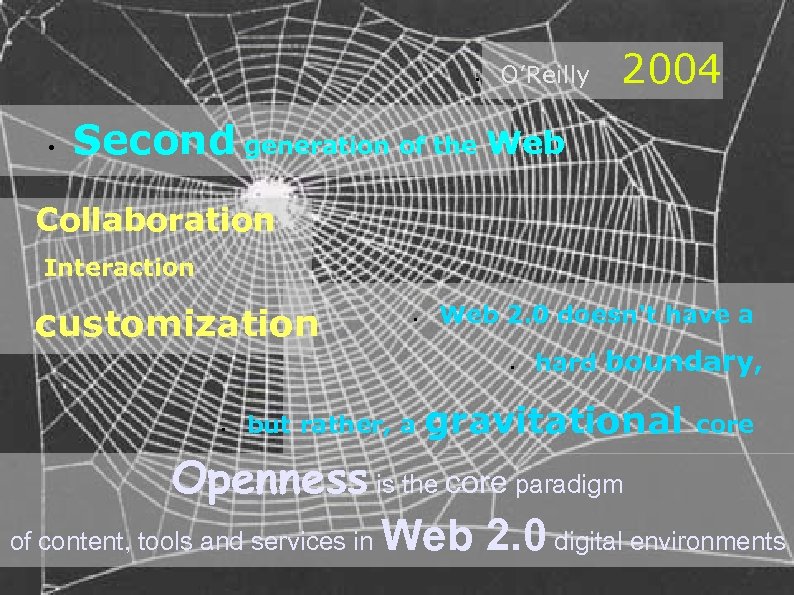
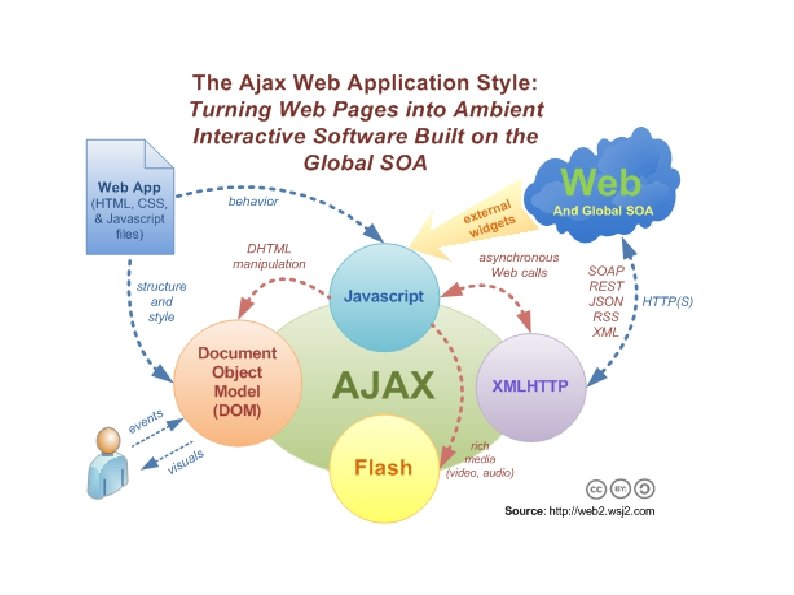
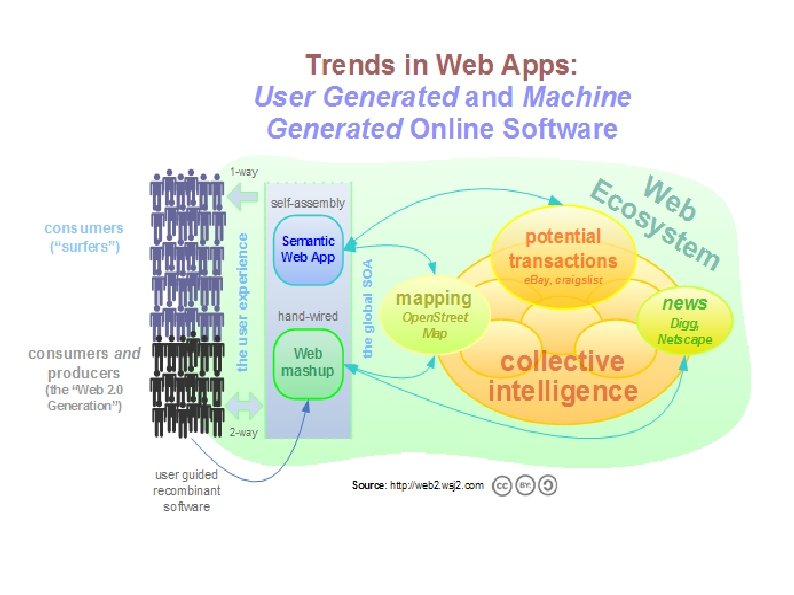
• • O’Reilly 2004 Second generation of the Web Collaboration Interaction customization • Web 2. 0 doesn't have a • • but rather, a hard boundary, gravitational core Openness is the core paradigm of content, tools and services in Web 2. 0 digital environments
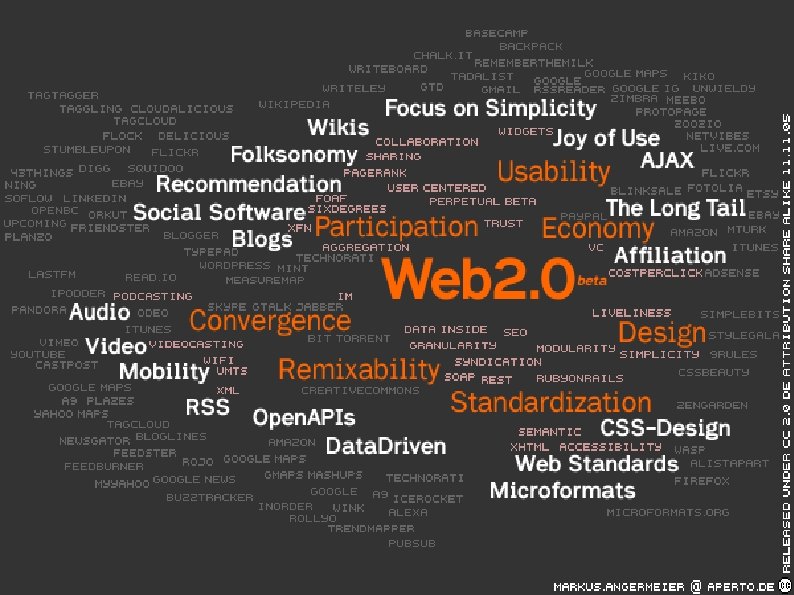

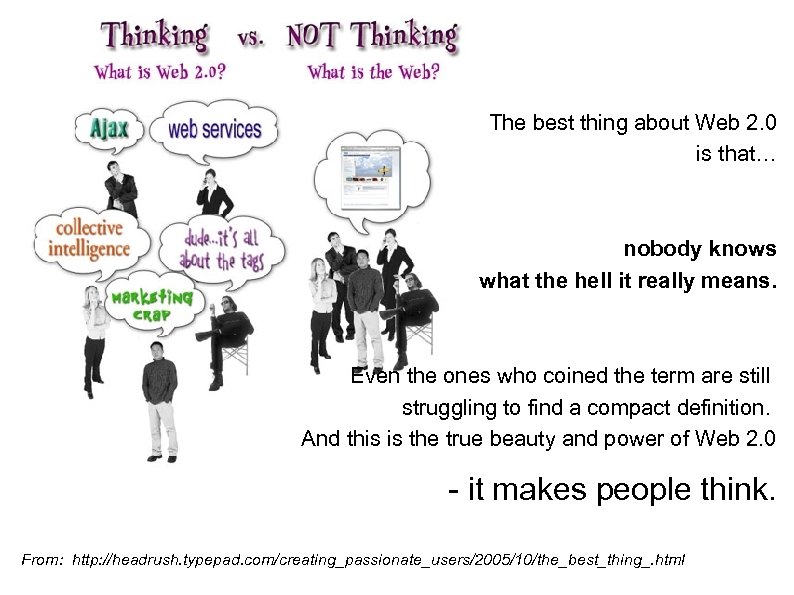
The best thing about Web 2. 0 is that… nobody knows what the hell it really means. Even the ones who coined the term are still struggling to find a compact definition. And this is the true beauty and power of Web 2. 0 - it makes people think. From: http: //headrush. typepad. com/creating_passionate_users/2005/10/the_best_thing_. html
Web 2. 0 websites are different from those of early web development, retroactively labeled Web 1. 0. They are designed to deliver interactive, versus static, applications to end-users. Their content is characterised by open communication, decentralised authority, and freedom to share and re-use materials across a more dynamic, interlinked and interactive World Wide Web. They are often referred to as 'read/write web' applications.
Ajax = Asynchronous Java. Script and XML Not a single technology – rather a group of technologies working together Truly interactive 2. 0 applications Uses XHTML and CSS for markup applications Java. Script or Jscript to interact with display XHR (xmlhttprequest) as API
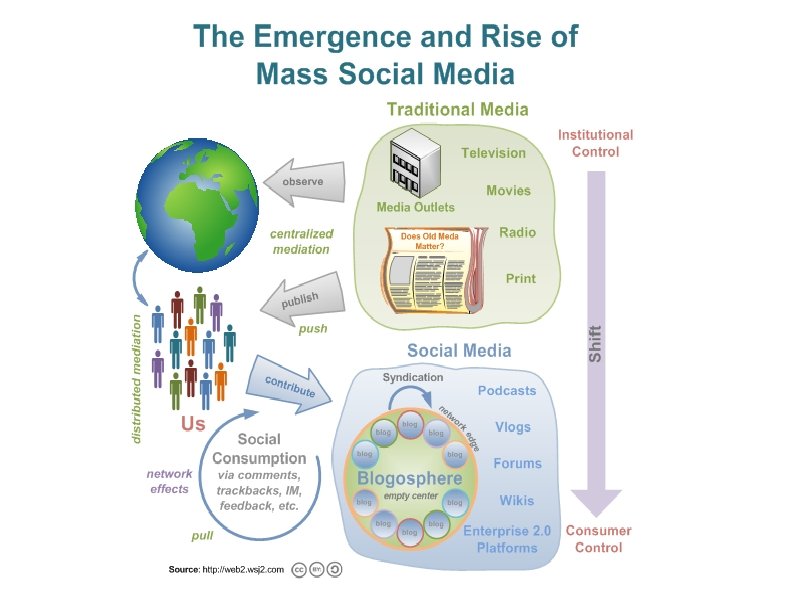
Blogs (web logs), podcasts, and wikis constitute a sub-set of what are commonly described as Web 2. 0 or social networking tools. They increasingly provide international online communication and collaboration among nurses and health informaticians. Many applications are available as libre/free and open source software and will run on all operating systems – eg GNU/Linux, Mac OS. . . (and Windoze if you must).
Blogs – some basics A blog (or weblog) is a website in which messages are posted and displayed with the newest at the top. . . blogs often focus on a particular subject. . . Some blogs function as online diaries. A typical blog combines text, images, and links to other blogs, web pages, and other media related to its topic. http: //en. wikipedia. org/wiki/Blog
Blogs – structure A blog is usually edited, organised and published using a Content Management System (CMS). . . many of are built with Linux/Apache/My. SQL/PHP (LAMP) architecture. Blogger (www. blogger. com) - owned by Google Word. Press (www. wordpress. com) - FLOSS Serendipity (s 9 y. org ) - FLOSS
Blogs – structure And then it starts to get interesting ; -)) Other embellishments we have used: - automatic podcasts with text-to-speech software eg Talkr, feed 2 podcast - RSS feeds – Feedburner, etc. - tags –Technorati, etc - added swickis and other things - new for 2007 - accessible on a mobile phone
Conferences provide an opportunity for both formal and informal professional development, social networking, and collaborative knowledge development. Web 2. 0 tools, many of which are also often described as social networking software, afford connection and collaboration among individuals who wish to affiliate with one another.
Why do we want to provide blogs for virtual conference participation? - not everyone can get to conferences - what goes on at such events may not be shared with others - so much good learning may be 'lost' to most colleagues – or those most in need of it
Why do we want to provide blogs for virtual conference participation? - to provide virtual interaction for those unable to attend - to promote the event - to play with (explore) the technology - to explore/research a collaborative model of blogging
Blogs for virtual conference participation What we hoped for: - lots of people wanting to post items - lots of comments - lots of readers - demonstration of the collaborative model working.
Blogs for virtual conference participation What we found: - many promised but few delivered - the principal providers were the main bloggers - levels of use were lower than hoped - reminders to people help in readership levels - interaction is lower than hoped for
Blogs, interaction and participation – some evaluation data - Generally felt to be a useful adjunct to events - Most felt was easy to use - Should be available post-event (archive) '. . . personal ancedotes give a sense of voyeurism. . . being there without actually being physically there. ' 'I like the first person 'conversation' style - as though speaking directly to me. Informal, easy to follow and relate to. If I disagreed or had comments, I knew I could add the blog to benefit other readers. '
Blogs, interaction and participation – some lessons learned Must be as easy as possible to access and participate - eg wireless – or people won't post during the event Reminders boost readership RSS feeds to email/browser
Blogs, interaction and participation – is it worth the effort? - where next? We currently do new clean install for each blog - to try out new tools – but labour-intensive May look at one site for multiple events – but possible confusion here We believe it is worth it, and valuable to those who do use it - but need to boost both readership and interaction

Further information and contact www. hi-blogs. info peterjmurray@gmail. com
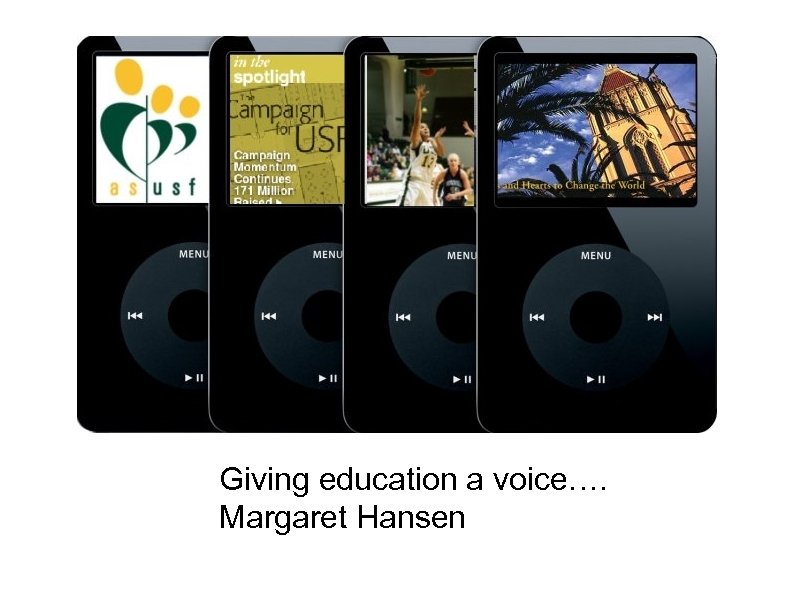
Podcasting Giving education a voice…. Margaret Hansen
Podcasting A portmanteau of “broadcasting” and “i. Pod” Audio event, conversation, lecture, song, speech, group presentation Uses RSS 2. 0 Enclosures + Podcasting software (e. g. , Mix. Craft) to let users subscribe to audio content and have it automatically sync to the desired MP 3 device “Push” not “Pull” technology Portable On Demand-casting Tivo for your i. Pod (radio delivered via blogs)
Brief History Termed by Dannie J. Gregoire A shared vision from Adam Curry and Dave Winer (blog fathers) A. Curry wrote i. Podder Apple Script 2004 Cross platform i. Podder application released 2004 http: //www. ippodder. org Over 10, 000 podcasts online today
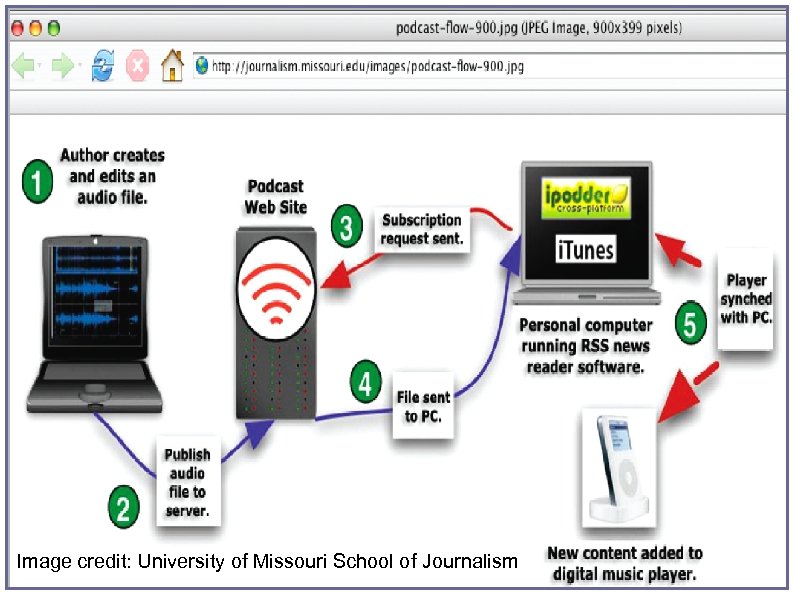
Image credit: University of Missouri School of Journalism
Listen You can listen to podcasts on: Macintosh laptops and desktops Windows or Linux laptops and desktops Any other MP 3 players PDAs MP 3 -enabled mobile/cell phones
Podcasting Strengths Instructor’s desire to assist students’ meta-cognitive skills Keep up with the reality of the students’ lives and use of media (Net Gen) Academic podcasts easy to use: faculty and students Easy to access via i. Tunes or desktop Now i. Tunes University via USF Connect Students report being more engaged in lecture
Learning “Podcasting can really enrich the educational experience and can be a tremendous help to nontraditional learners. . . People learn differently. Some are auditory learners, where listening to a lecture is great, but looking at a page full of notes is a nightmare. Students with learning disabilities or ADHD might learn better through repetition, and with podcasting, they could replay lectures to their heart’s content. . . ” -Meredith Farkas, Librarian, Norwich University http: //meredith. wolfwater. com/wordpress/index. php? p=186
Learning “…why not share a single high quality set of notes, rather than making lectures a speed-writing test…” D’Arcy Norman, University of Calgary http: //www. darcynorman. net/2004/10/30/podcasting-for-education
Podcasting Concerns Slackers will skip class! Visual images not captured as in F 2 F Remedy may be podcasts with video Research Empirical research being done http: //catalyst. washington. edu/research_development/ Steve Schastain: U of Tennessee http: //schastain. jot. com/? login=1&login. Code=Login. Please N 340 Principles and Methods
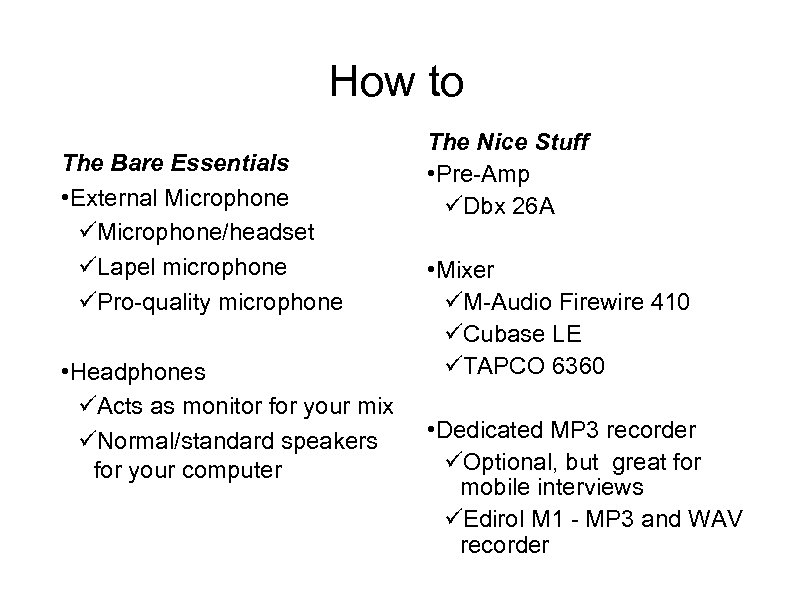
How to The Bare Essentials • External Microphone/headset Lapel microphone Pro-quality microphone • Headphones Acts as monitor for your mix Normal/standard speakers for your computer The Nice Stuff • Pre-Amp Dbx 26 A • Mixer M-Audio Firewire 410 Cubase LE TAPCO 6360 • Dedicated MP 3 recorder Optional, but great for mobile interviews Edirol M 1 - MP 3 and WAV recorder
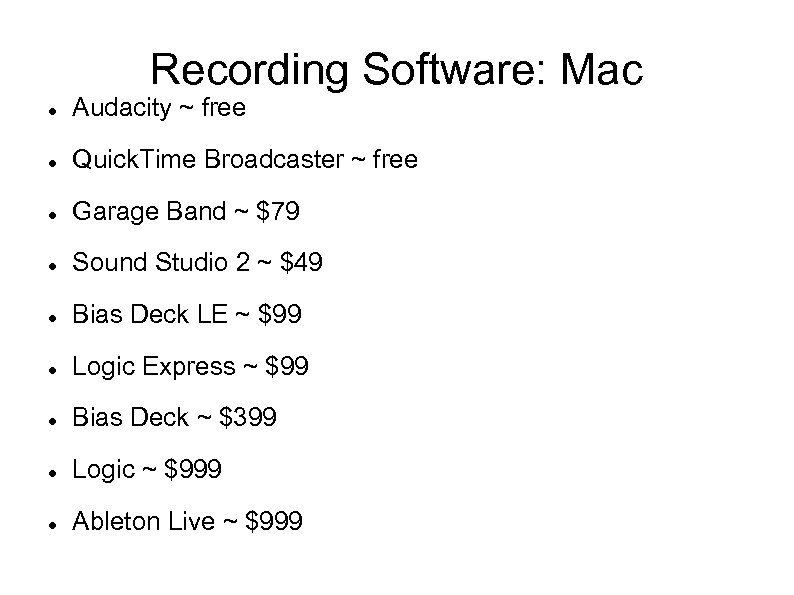
Recording Software: Mac Audacity ~ free Quick. Time Broadcaster ~ free Garage Band ~ $79 Sound Studio 2 ~ $49 Bias Deck LE ~ $99 Logic Express ~ $99 Bias Deck ~ $399 Logic ~ $999 Ableton Live ~ $999
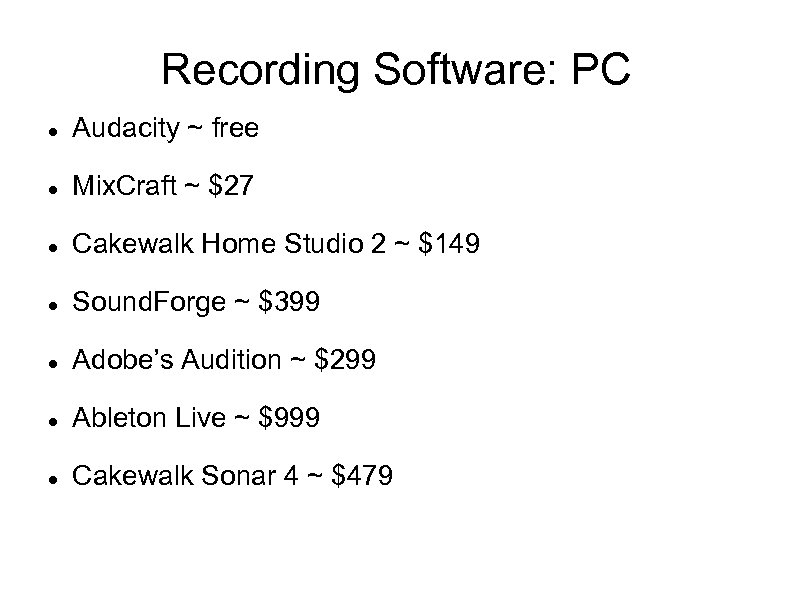
Recording Software: PC Audacity ~ free Mix. Craft ~ $27 Cakewalk Home Studio 2 ~ $149 Sound. Forge ~ $399 Adobe’s Audition ~ $299 Ableton Live ~ $999 Cakewalk Sonar 4 ~ $479
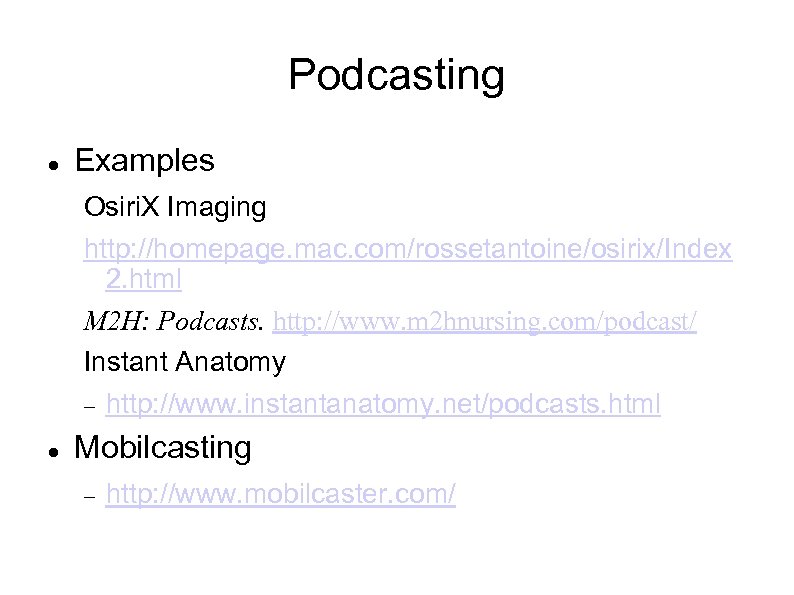
Podcasting Examples Osiri. X Imaging http: //homepage. mac. com/rossetantoine/osirix/Index 2. html M 2 H: Podcasts. http: //www. m 2 hnursing. com/podcast/ Instant Anatomy http: //www. instantanatomy. net/podcasts. html Mobilcasting http: //www. mobilcaster. com/
Podcasting Medical podcasts Access Medicine http: //books. mcgraw-hill. com/podcast/acm/ Johns Hopkins Medicine http: //www. ahsl. arizona. edu/weblinks/Medical_podcasts. cfm http: //www. hopkinsmedicine. org/media. II/Podcasts. html Profcast http: //www. profcast. com
Lions & tiggers & wikis, oh my! the ‘beast’ & ‘taming’ it W. Scott Erdley
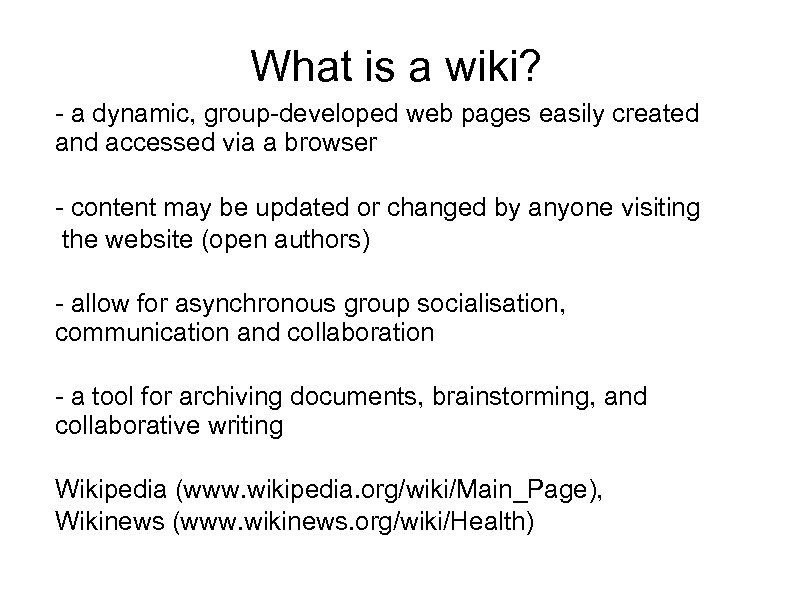
What is a wiki? - a dynamic, group-developed web pages easily created and accessed via a browser - content may be updated or changed by anyone visiting the website (open authors) - allow for asynchronous group socialisation, communication and collaboration - a tool for archiving documents, brainstorming, and collaborative writing Wikipedia (www. wikipedia. org/wiki/Main_Page), Wikinews (www. wikinews. org/wiki/Health)
Wiki - examples Deltadigital http: //www. deltadigital. no/tikiwiki/tiki-index. php Wikiproject http: //en. wikipedia. org/wiki/Wikipedia: Wiki. Project_National_H ealth_Service Nursing Wiki http: //en. nursingwiki. org/wiki/Main_Page PB wiki http: //pbwiki. com/
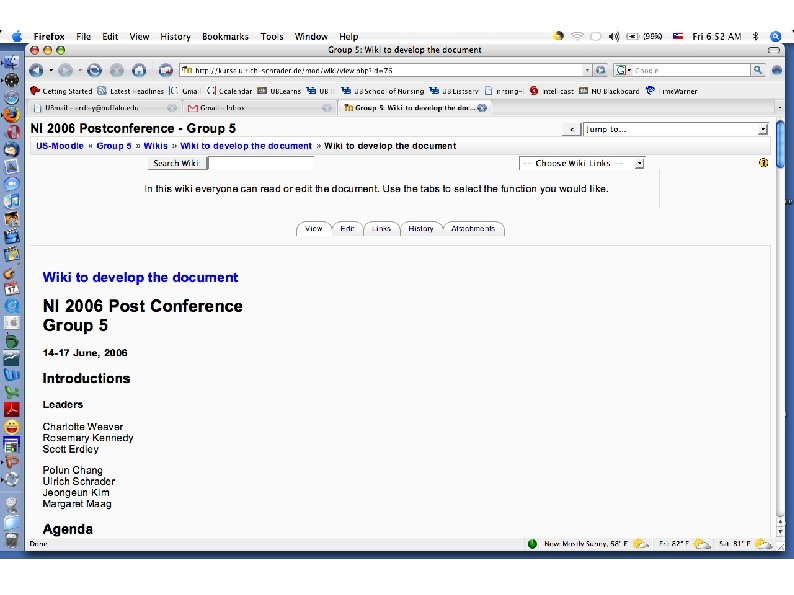
Case study NI 2006 Post-conference 5 ‘groups’ Site hosted by group participant http: //kurse. ulrich-schrader. de/course/view. php? id=6 Site available - June 2006
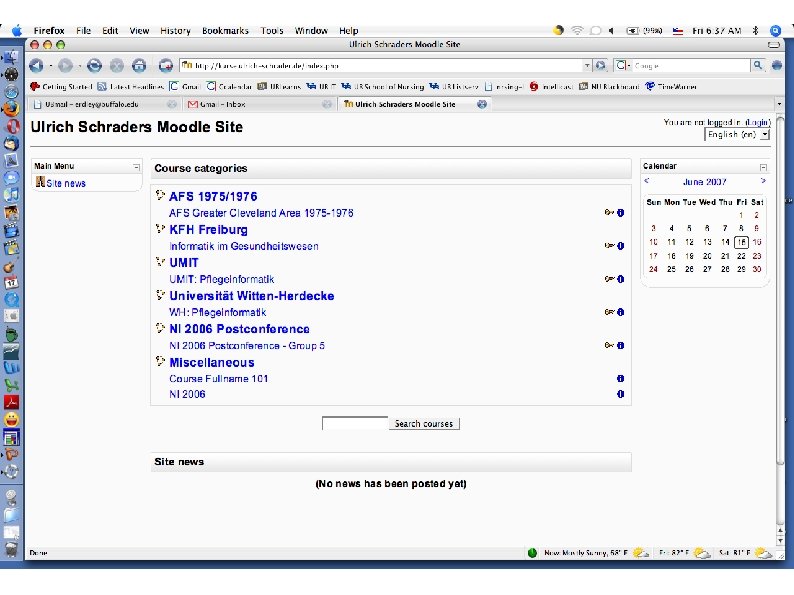
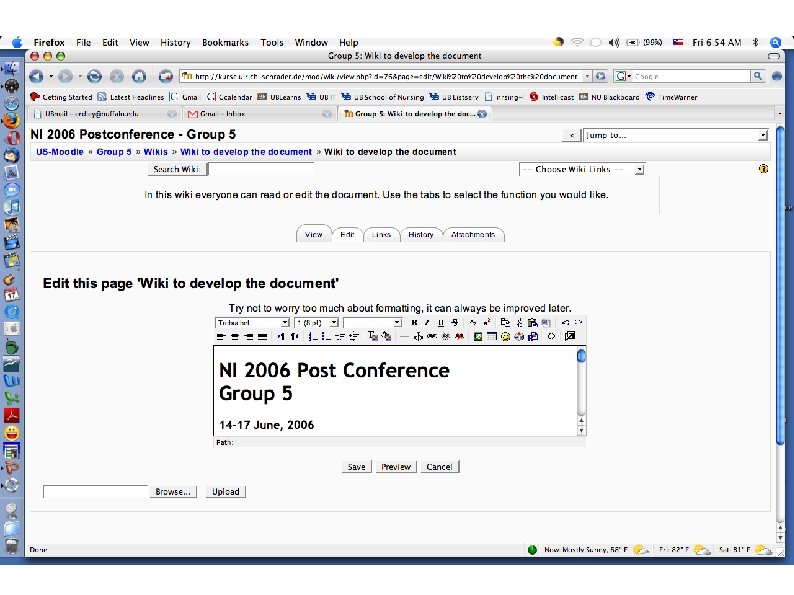
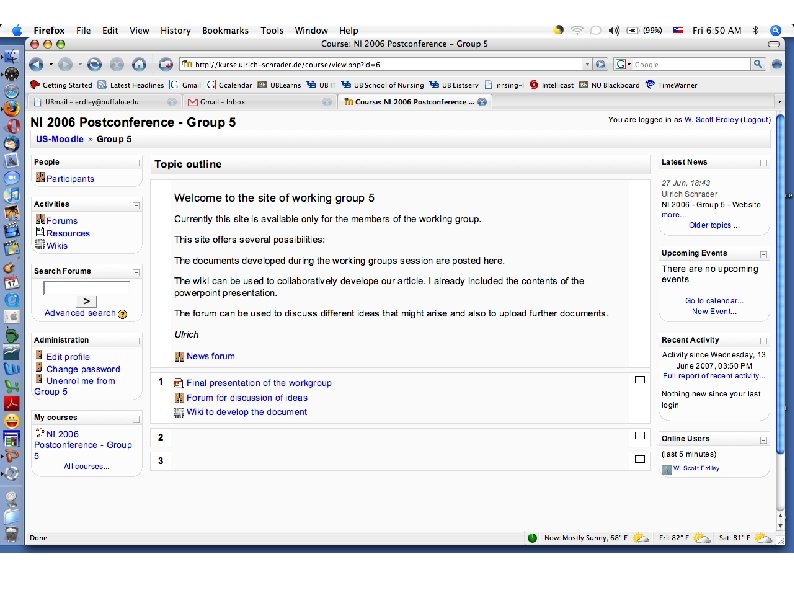
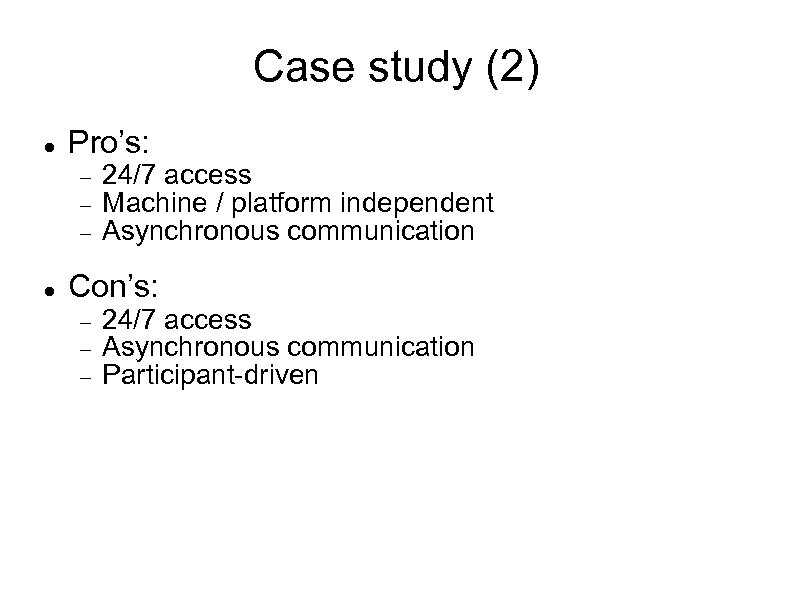
Case study (2) Pro’s: 24/7 access Machine / platform independent Asynchronous communication Con’s: 24/7 access Asynchronous communication Participant-driven
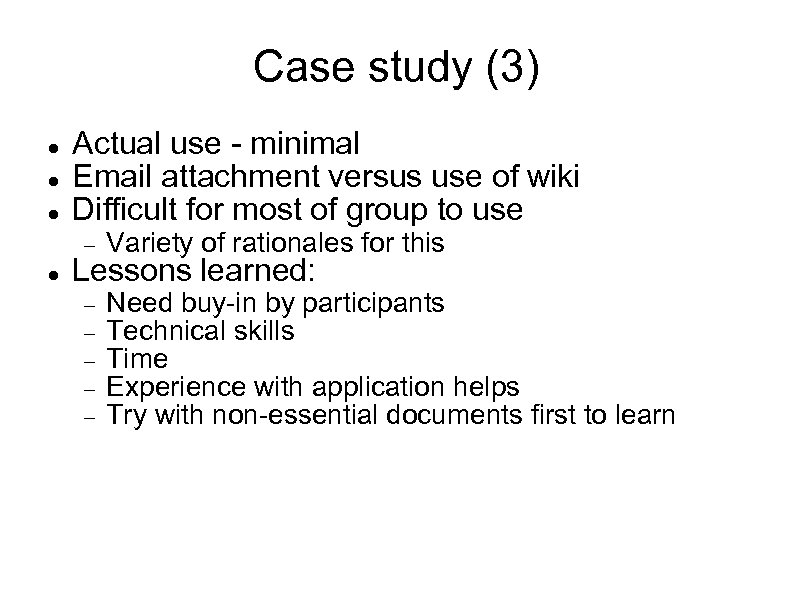
Case study (3) Actual use - minimal Email attachment versus use of wiki Difficult for most of group to use Variety of rationales for this Need buy-in by participants Technical skills Time Experience with application helps Try with non-essential documents first to learn Lessons learned:
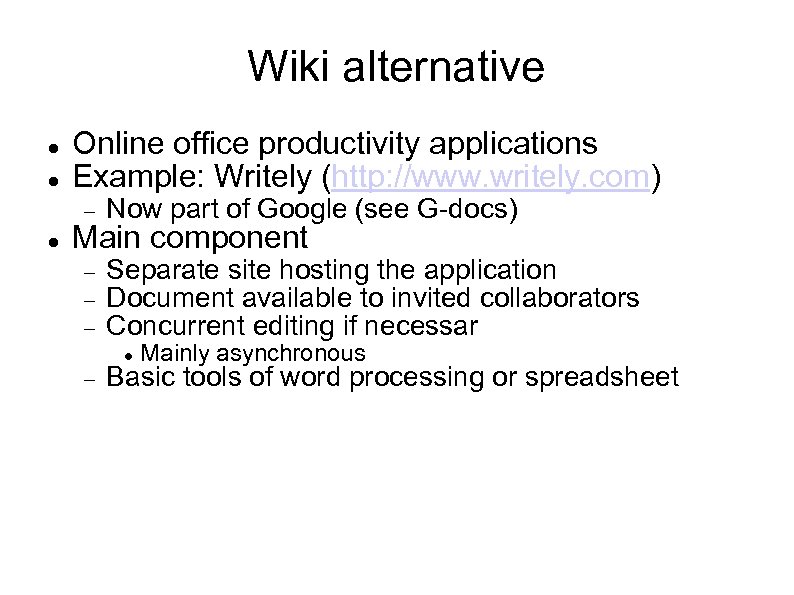
Wiki alternative Online office productivity applications Example: Writely (http: //www. writely. com) Now part of Google (see G-docs) Separate site hosting the application Document available to invited collaborators Concurrent editing if necessar Main component Mainly asynchronous Basic tools of word processing or spreadsheet
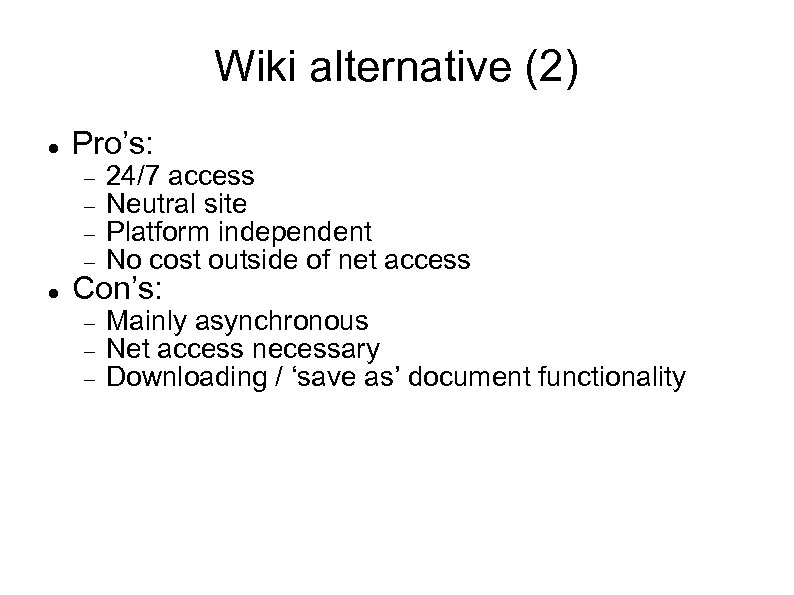
Wiki alternative (2) Pro’s: 24/7 access Neutral site Platform independent No cost outside of net access Mainly asynchronous Net access necessary Downloading / ‘save as’ document functionality Con’s:
Wiki & alternative summation Pro’s and con’s with both More than these options Learn prior to ‘needed use’ Have fun! Thanks to Peter Young & Steve Shastain For information in the podcasting and wiki presentation
Скачать презентацию Experiences of Using Podcasts Blogs And Web 2
15c4f17abb53582b5de5ea0791aeee2a.ppt