


 Скачать презентацию Experience with Virtual Slides at Stanford Medical School
1699b23d1ab4cfbd9e392abdc1118291.ppt
- Количество слайдов: 29
 Experience with Virtual Slides at Stanford Medical School: Perspective of a Medical Educator Andrew Connolly, MD, Ph. D Director of Medical School Laboratories Stanford University School of Medicine
 Medical School New Curriculum: Integrated, Flexible, Broad, Prolonged 1) 2) 3) 4) 5) Started in 2004 at Stanford. Similar to the trend at many med schools. Integrated curriculum with organ system approach teaching anatomy, histology, physiology, pathology, and clinical practice all together. More efficient for more material. Flexible: Most students take 5 years and individually tailor their curriculum. We want more diversity of outcome. Digital curriculum lends more flexibility. Broad: All students are required to develop an individual scholarly concentration and perform research. Prolonged: Didactics extend into 3 rd and 4 th year Emphasize life-long learning, CME. (rumors of the Boards exam changing to one later Gateway exam).
 Medical School New Curriculum: Issues • Integrated curriculum has less time available for basic science. Relevance is critically evaluated for all basic science training. Quality has to be excellent. • Integrated curriculum is actually less flexible for course selections for students. Need to counteract this with new methods. • More use of M. D. instructors. Efficiency is key. • Our target audiences of students are accustomed to digital media.
 Stanford Medical Students 1) 2) 3) 4) Lectures attended by only 30/86 med students on average. Most of the rest view the lecture on webcast later, with pause and speed control, the hardcopy of notes and Powerpoint in front of them. The web has become the primary source of information. Only 50% of students buy the required textbook. The others go to the electronic version online. Case-based small group session attendance is mandatory, and this has become the only live experience for many of them in the first two years. We are trying to increase active learning settings, and emphasize communication and professionalism. Very interactive through digital means.
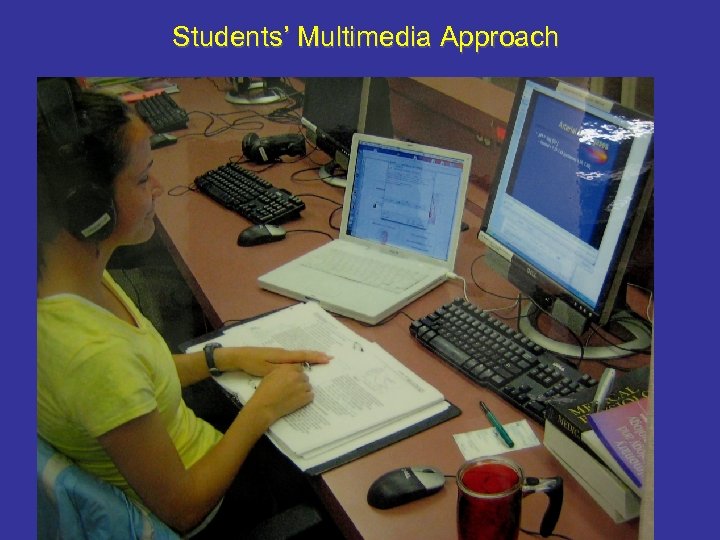 Students’ Multimedia Approach
 Benefits of Virtual Slides in Med School 1) The slides are uniform, high quality, easily distributed and can be linked to other digital content. 2) Able to distribute the material to the students in a flexible curriculum over several years. 3) Increasing efficiency of instruction. Many busy expert M. D. instructors are being used in integrated curriculum. Team-based learning can benefit from virtual slides. 4) Ability to share materials between schools.
 Problems of Virtual Slides in Med School 1) Technical support required and technical difficulties arise. (Should lessen with time) 2) Decreased proficiency of students with microscopes. (problem? ) 3) Digital shortcuts in problem-based learning and improper sharing. (The rules need to be clear; switching cases among med schools will help) 4) Unclear effects on interpersonal skills. What are the new group settings? Effects of email, IM, i. Chat, video conferencing, social networking sites.
 Most popular sites for Pathology study 1) Course Content website (Blackboard) • • • 2) 3) 4) 5) 6) 7) Learning Objectives. Syllabus. Handouts. Problem sets. Online Textbooks (must be free) Google (and hunt for best resource) Wikipedia Instant Message a friend online. Webpath (suggested by Course) Iowa Virtual Slidebox (suggested by Course)
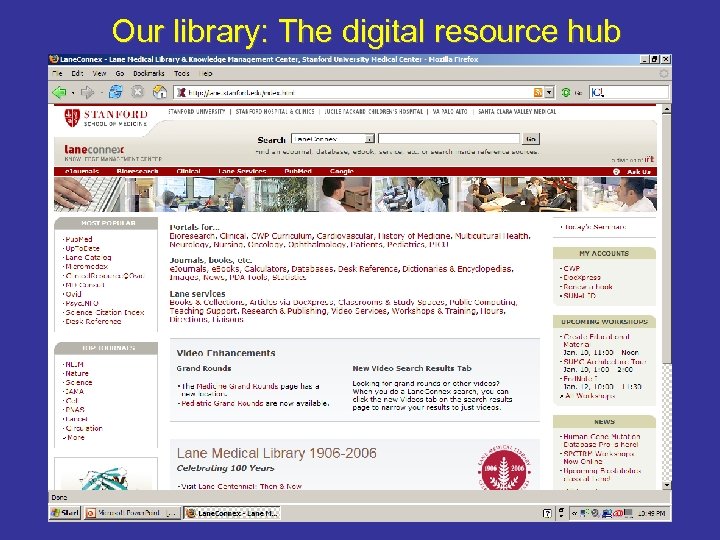 Our library: The digital resource hub
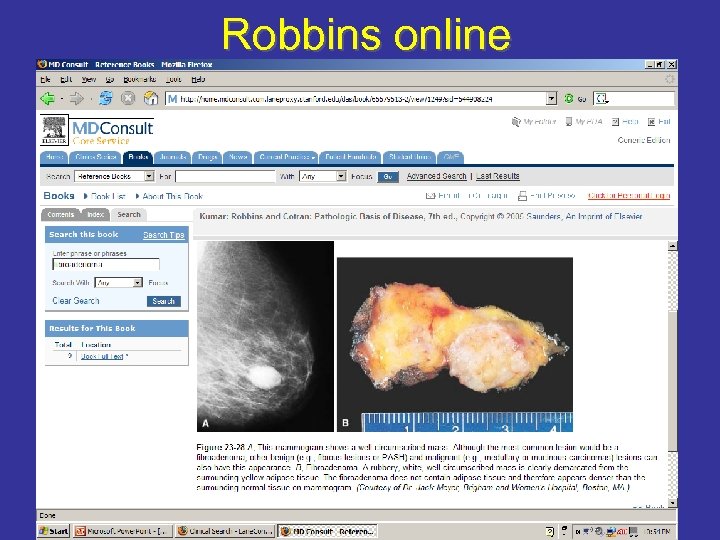 Robbins online
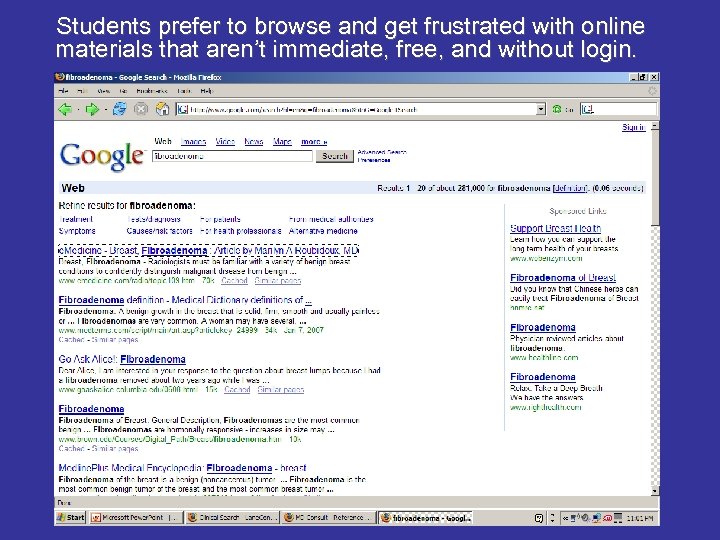 Students prefer to browse and get frustrated with online materials that aren’t immediate, free, and without login.
 Our Educational Uses of Virtual Slides 1) 2) 3) 4) 5) 6) Course website with 24/7 access to histology & histopathology slides with associated digital content. Use of virtual slide unknowns for problem-based learning and exams. Recorded narrated movies (in Camtasia or Captivate) of expert tour of virtual slides usually of Image. Scope window. Team-based learning using sharing of slides between laptops and central projector (Synchron. Eyes). Use of virtual slides extended to Pathology post-graduate medical education (residents) and assessment. Use of virtual slides in CME courses run by our Pathology Department.
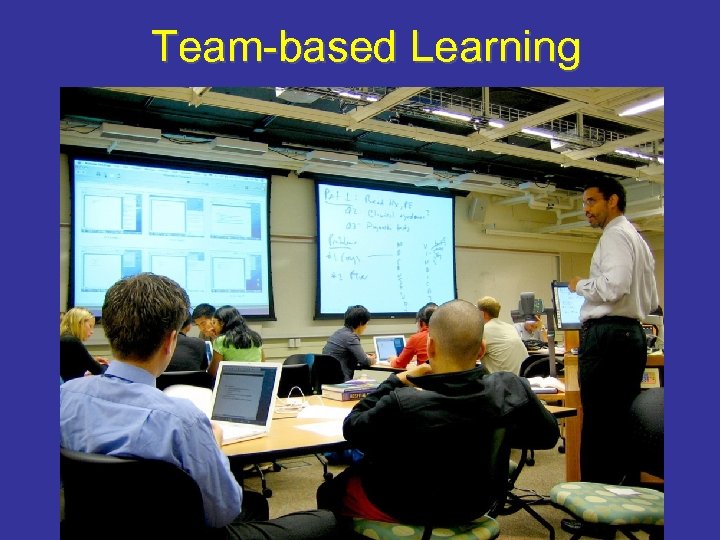 Team-based Learning
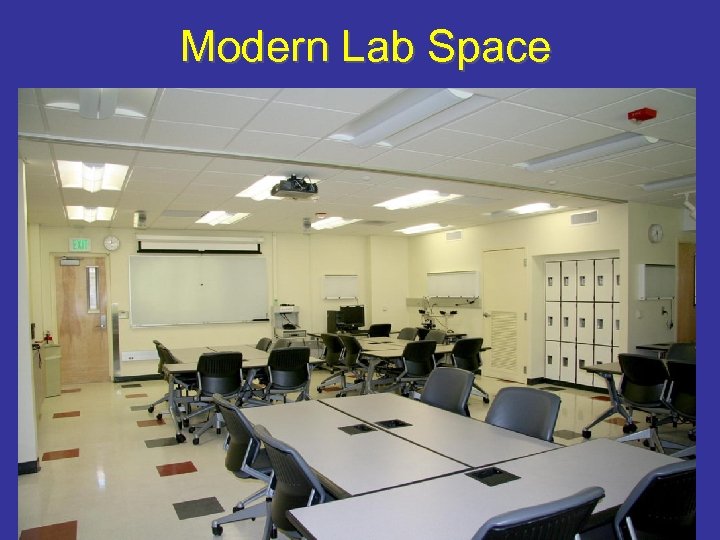 Modern Lab Space
 Stanford Virtual Slide Project Assets: 1) An Aperio T 2 Scan. Scope robotic slide scanner at the Palo Alto VA Hospital. 2) Some tech-savvy pathologists and students. 3) 4) 5) Problems: Modest support from the educational technology folks. We bought and support our own server (and now use it for much post-graduate training). Very time-consuming during start up. Sharing materials among schools should make this easier.
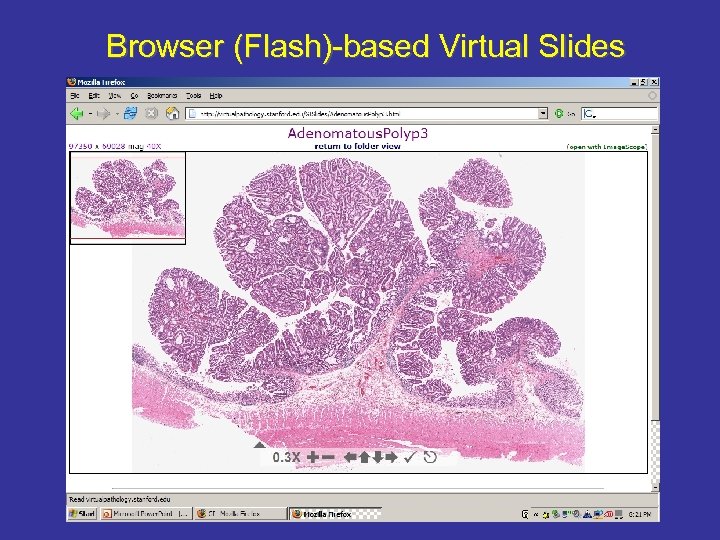
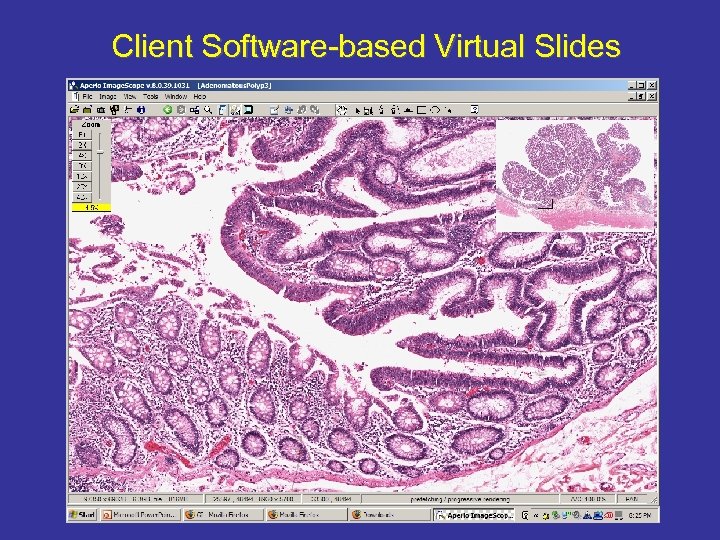
 The Virtual Slide Details 1) Glass slides are selected that are suitable. (Some don’t work due to slide thickness, coverslip aberrations, air bubbles, poor tissue prep) Scanning is performed using 40 x objective in SVSJPEG (1 inch x 3/4 inch; 100, 000 x 75, 000 pixels; 500 MB for many) SVSJPEG files are converted to easily served folders of JPEGs: 2) 3) • • 4) 5) CWS format (with Digital Slide Studio) or Zoomify conversion of. svs (SVSJPEG) renamed. tif Our server running Apache uses HTML files to allow the user to see virtual slides either in a browser window (via Flash. Player) or as a connection to the Image. Scope client software. Slides are very fast on campus (with Gigabit networking) and slow off campus. Students can’t resist downloading whole slides with Image. Scope.
 The Server 1) Typical Dell Power. Edge Server with internal hard drives and attached rack of hard drives. Performance helped by: 2) • • 3) More memory (>8 GB) Preloading of INI files to memory. Fast internal SCSI drives with cache of most commonly used slides. Switch to Linux and XFS file system. Troubles: • • • 4) Networking issues: Security, bandwidth, firewall, style. Image loading speed slowed mostly by clients’ connection speed. Inconvenience of Linux for server-side applications (requiring us to run Windows with VMware) Questions: • • CWS vs. Zoomify system of JPEGs? Linux vs. Windows server? Flash vs. Java vs. Client software? Scalability and capacity?
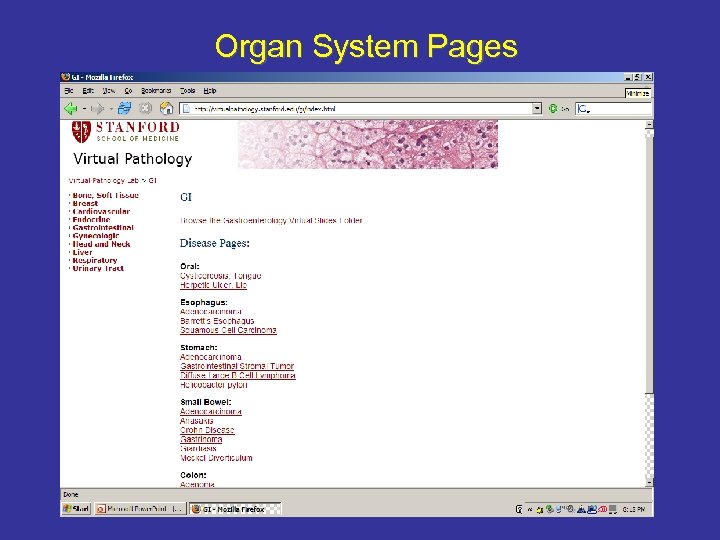 Organ System Pages
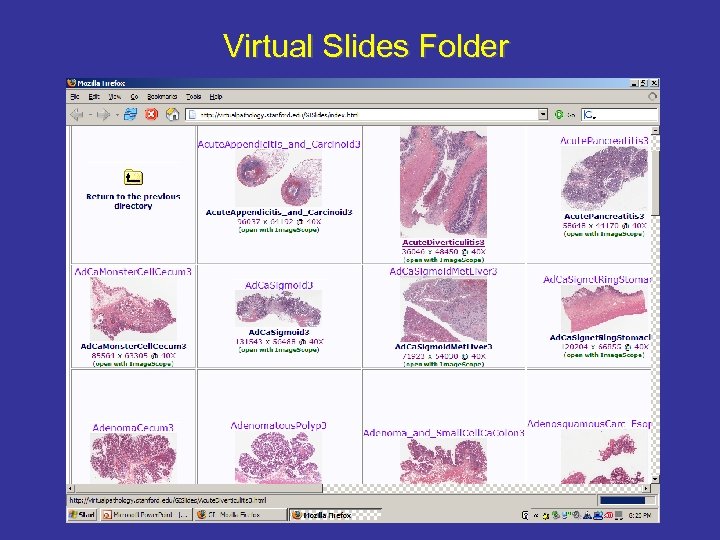 Virtual Slides Folder
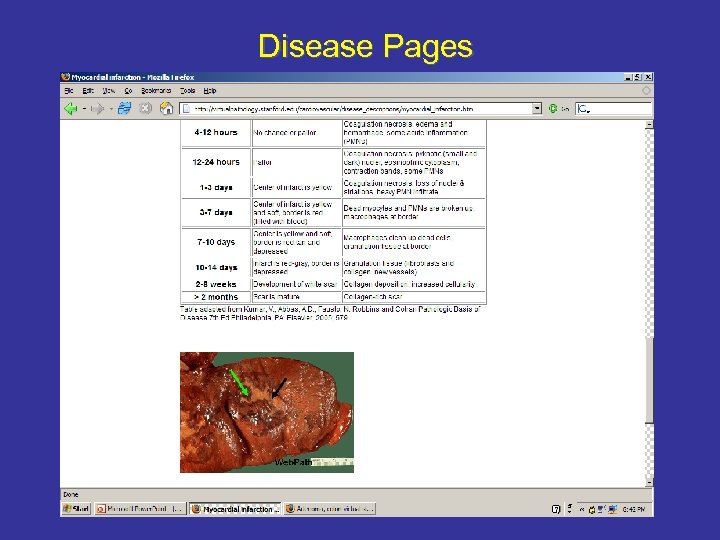 Disease Pages
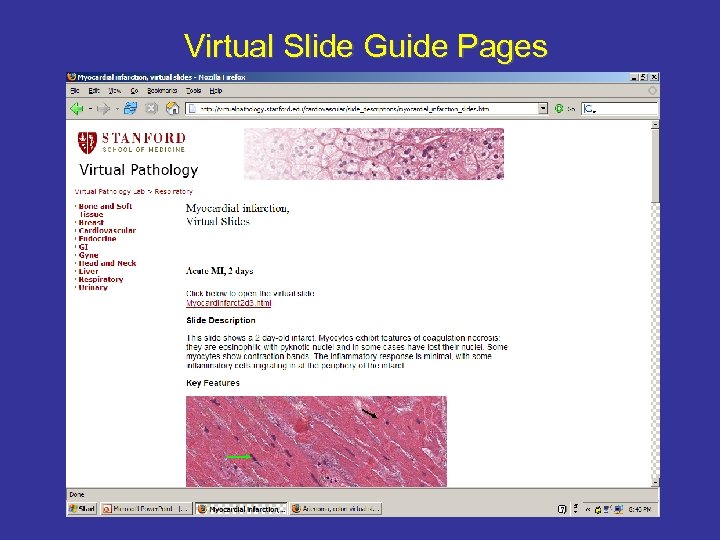 Virtual Slide Guide Pages
 Browser (Flash)-based Virtual Slides
 Client Software-based Virtual Slides
 Section thickness: Depends on what you want to show Gland: 2 microns Gland: 5 microns Gland: 12 microns
 Urge to improve slide composition: Due to better low power, more links, sharing
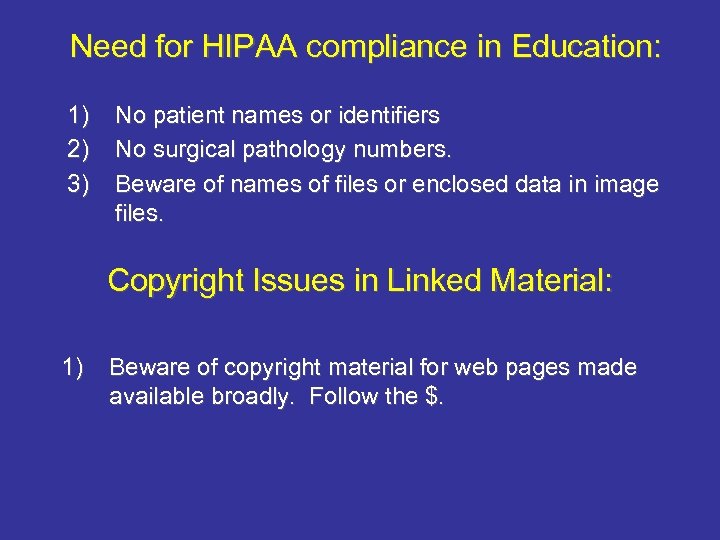 Need for HIPAA compliance in Education: 1) 2) 3) No patient names or identifiers No surgical pathology numbers. Beware of names of files or enclosed data in image files. Copyright Issues in Linked Material: 1) Beware of copyright material for web pages made available broadly. Follow the $.
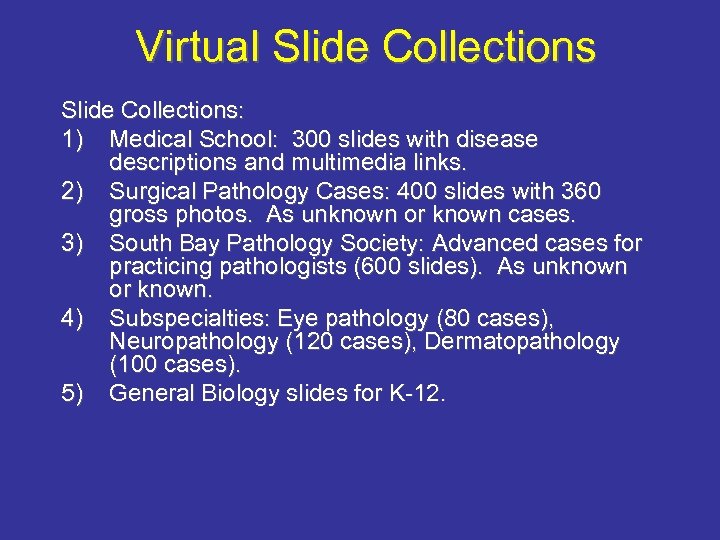 Virtual Slide Collections: 1) Medical School: 300 slides with disease descriptions and multimedia links. 2) Surgical Pathology Cases: 400 slides with 360 gross photos. As unknown or known cases. 3) South Bay Pathology Society: Advanced cases for practicing pathologists (600 slides). As unknown or known. 4) Subspecialties: Eye pathology (80 cases), Neuropathology (120 cases), Dermatopathology (100 cases). 5) General Biology slides for K-12.
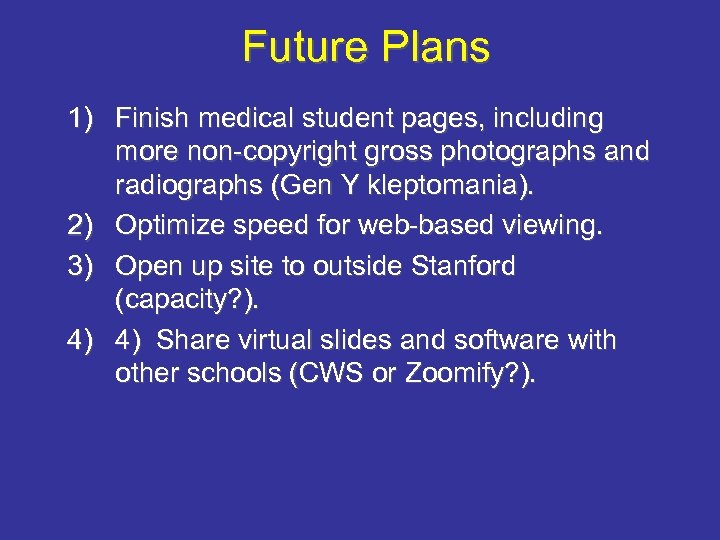 Future Plans 1) Finish medical student pages, including more non-copyright gross photographs and radiographs (Gen Y kleptomania). 2) Optimize speed for web-based viewing. 3) Open up site to outside Stanford (capacity? ). 4) 4) Share virtual slides and software with other schools (CWS or Zoomify? ).
 Acknowledgements Stanford Don Regula, MD Brian Tobin, BS Jenny Wilson, SMS-V Aperio Technical Support