


 Скачать презентацию Exceptions Interrupts and the OS STOP Do this
fb0c4810b80b30bbf2f60c10eabe7737.ppt
- Количество слайдов: 33
 Exceptions, Interrupts, and the OS STOP!! Do this!!! 1
 Interrupts “External condition related to IO devices” • Have device tell OS/CPU it is ready • Requires hardware to support. • OS/CPU can then interrupt what it is doing to: • Determine what device wants service • Determine what service it wants • Perform or start the service • Go back to what OS/CPU was doing 2
 Interrupts Examples of Interrupts • Disk drive at sector/track position (old days) • Mouse moved • Keyboard key pressed • Printer out of paper • Video card wants memory access • Modem sending or receiving • USB scanner has data 3
 Interrupts Interrupt Properties • They arrive asynchronously • Can’t communicate with a running program (no args or return values) • They are associated with various priorities • You want to handle them soon (interrupt latency) • (usually) want to resume program 4
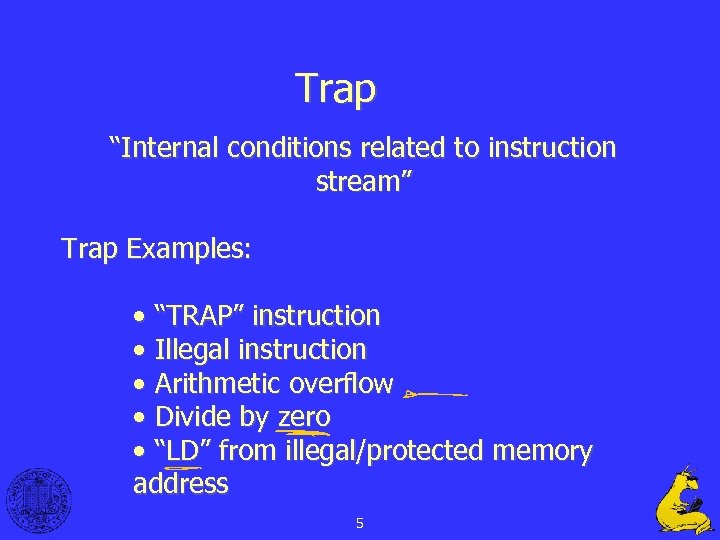 Trap “Internal conditions related to instruction stream” Trap Examples: • “TRAP” instruction • Illegal instruction • Arithmetic overflow • Divide by zero • “LD” from illegal/protected memory address 5
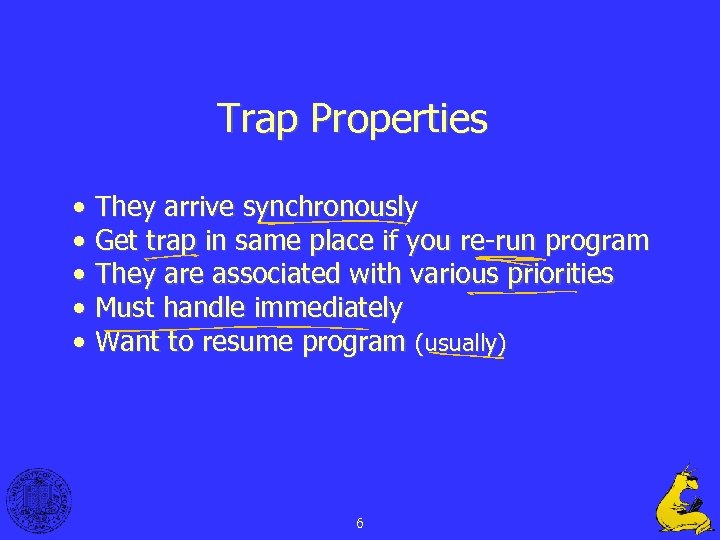 Trap Properties • They arrive synchronously • Get trap in same place if you re-run program • They are associated with various priorities • Must handle immediately • Want to resume program (usually) 6
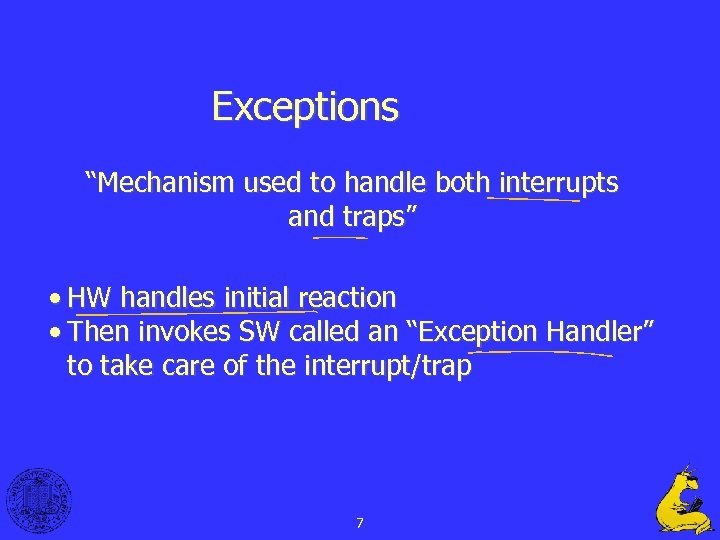 Exceptions “Mechanism used to handle both interrupts and traps” • HW handles initial reaction • Then invokes SW called an “Exception Handler” to take care of the interrupt/trap 7
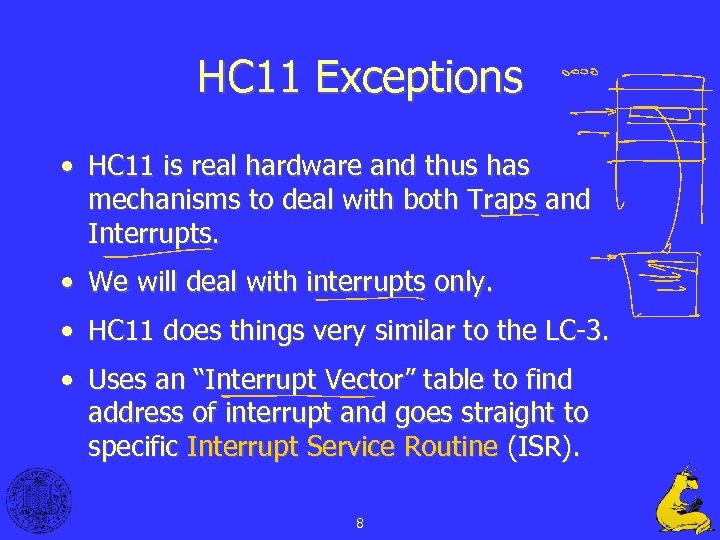 HC 11 Exceptions • HC 11 is real hardware and thus has mechanisms to deal with both Traps and Interrupts. • We will deal with interrupts only. • HC 11 does things very similar to the LC-3. • Uses an “Interrupt Vector” table to find address of interrupt and goes straight to specific Interrupt Service Routine (ISR). 8
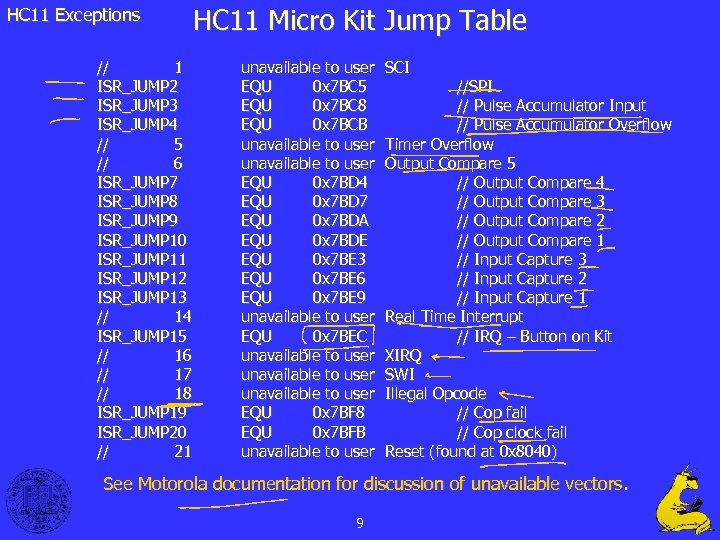 HC 11 Exceptions // 1 ISR_JUMP 2 ISR_JUMP 3 ISR_JUMP 4 // 5 // 6 ISR_JUMP 7 ISR_JUMP 8 ISR_JUMP 9 ISR_JUMP 10 ISR_JUMP 11 ISR_JUMP 12 ISR_JUMP 13 // 14 ISR_JUMP 15 // 16 // 17 // 18 ISR_JUMP 19 ISR_JUMP 20 // 21 HC 11 Micro Kit Jump Table unavailable to user EQU 0 x 7 BC 5 EQU 0 x 7 BC 8 EQU 0 x 7 BCB unavailable to user EQU 0 x 7 BD 4 EQU 0 x 7 BD 7 EQU 0 x 7 BDA EQU 0 x 7 BDE EQU 0 x 7 BE 3 EQU 0 x 7 BE 6 EQU 0 x 7 BE 9 unavailable to user EQU 0 x 7 BEC unavailable to user EQU 0 x 7 BF 8 EQU 0 x 7 BFB unavailable to user SCI //SPI // Pulse Accumulator Input // Pulse Accumulator Overflow Timer Overflow Output Compare 5 // Output Compare 4 // Output Compare 3 // Output Compare 2 // Output Compare 1 // Input Capture 3 // Input Capture 2 // Input Capture 1 Real Time Interrupt // IRQ – Button on Kit XIRQ SWI Illegal Opcode // Cop fail // Cop clock fail Reset (found at 0 x 8040) See Motorola documentation for discussion of unavailable vectors. 9
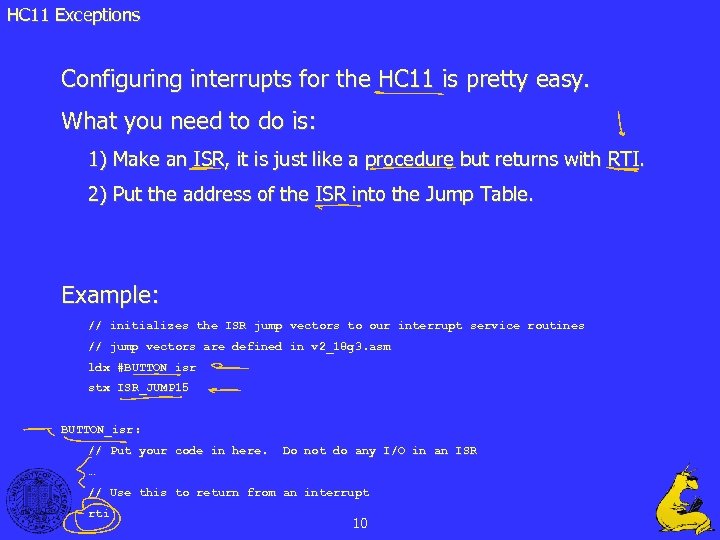 HC 11 Exceptions Configuring interrupts for the HC 11 is pretty easy. What you need to do is: 1) Make an ISR, it is just like a procedure but returns with RTI. 2) Put the address of the ISR into the Jump Table. Example: // initializes the ISR jump vectors to our interrupt service routines // jump vectors are defined in v 2_18 g 3. asm ldx #BUTTON_isr stx ISR_JUMP 15 BUTTON_isr: // Put your code in here. Do not do any I/O in an ISR … // Use this to return from an interrupt rti 10
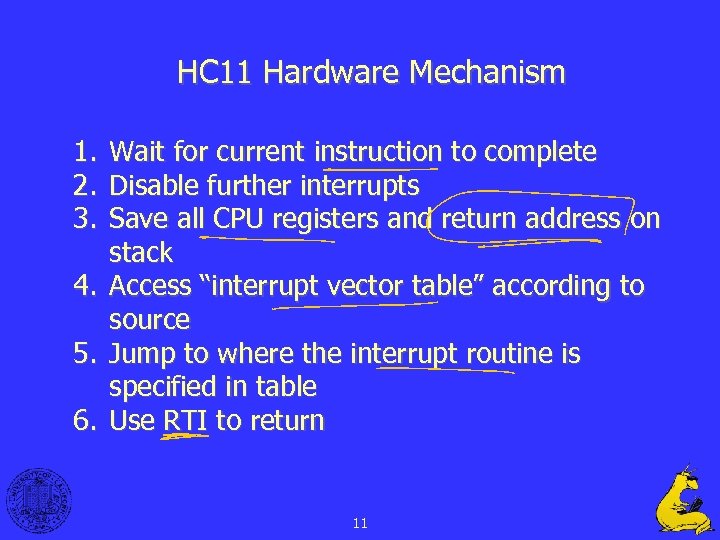 HC 11 Hardware Mechanism 1. Wait for current instruction to complete 2. Disable further interrupts 3. Save all CPU registers and return address on stack 4. Access “interrupt vector table” according to source 5. Jump to where the interrupt routine is specified in table 6. Use RTI to return 11
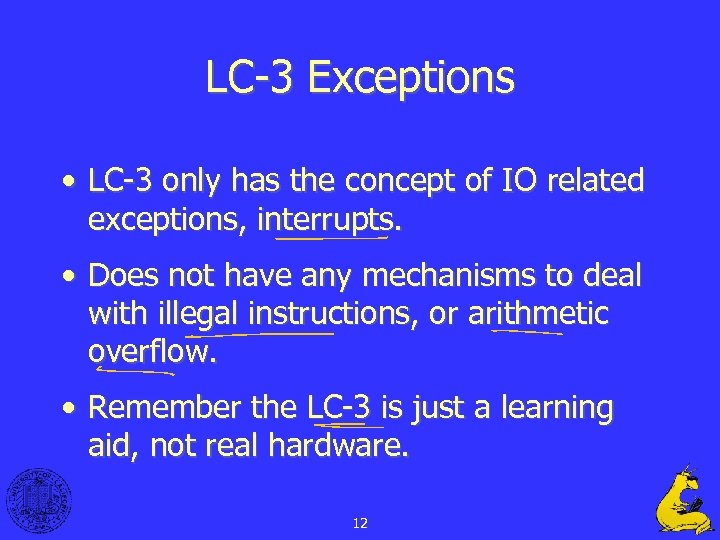 LC-3 Exceptions • LC-3 only has the concept of IO related exceptions, interrupts. • Does not have any mechanisms to deal with illegal instructions, or arithmetic overflow. • Remember the LC-3 is just a learning aid, not real hardware. 12
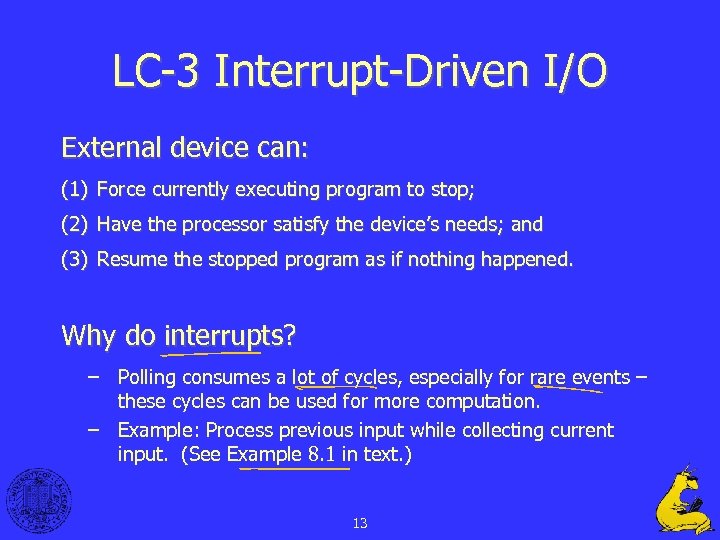 LC-3 Interrupt-Driven I/O External device can: (1) Force currently executing program to stop; (2) Have the processor satisfy the device’s needs; and (3) Resume the stopped program as if nothing happened. Why do interrupts? – Polling consumes a lot of cycles, especially for rare events – these cycles can be used for more computation. – Example: Process previous input while collecting current input. (See Example 8. 1 in text. ) 13
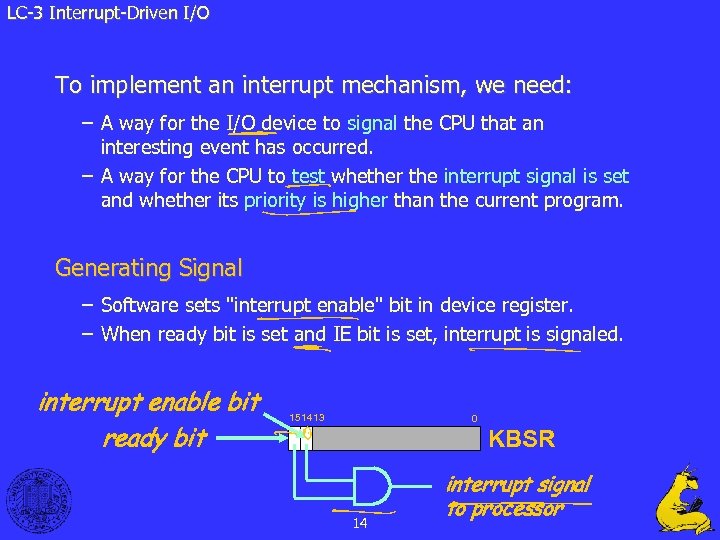 LC-3 Interrupt-Driven I/O To implement an interrupt mechanism, we need: – A way for the I/O device to signal the CPU that an interesting event has occurred. – A way for the CPU to test whether the interrupt signal is set and whether its priority is higher than the current program. Generating Signal – Software sets "interrupt enable" bit in device register. – When ready bit is set and IE bit is set, interrupt is signaled. interrupt enable bit ready bit 0 1514 13 KBSR 14 interrupt signal to processor
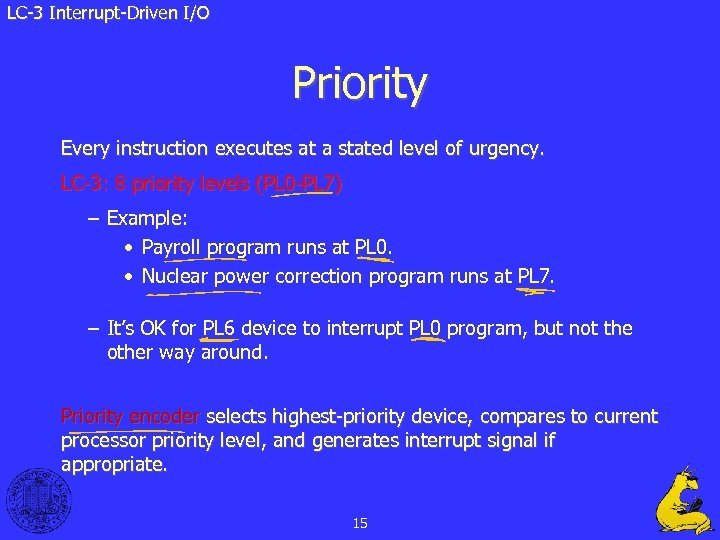 LC-3 Interrupt-Driven I/O Priority Every instruction executes at a stated level of urgency. LC-3: 8 priority levels (PL 0 -PL 7) – Example: • Payroll program runs at PL 0. • Nuclear power correction program runs at PL 7. – It’s OK for PL 6 device to interrupt PL 0 program, but not the other way around. Priority encoder selects highest-priority device, compares to current processor priority level, and generates interrupt signal if appropriate. 15
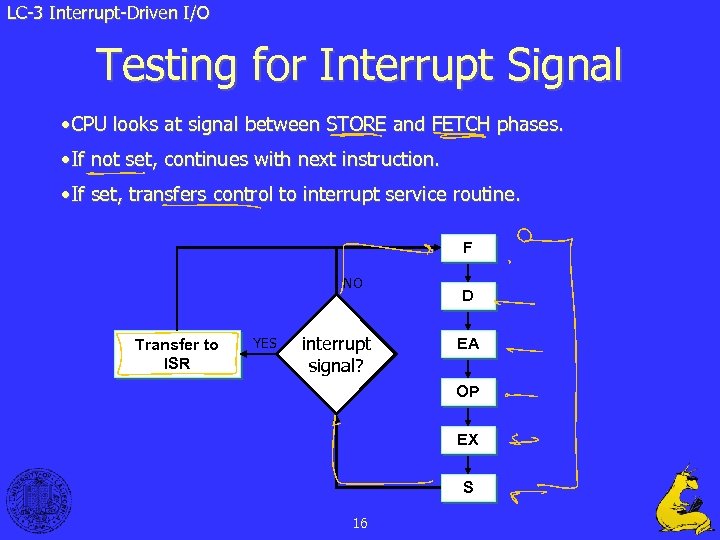 LC-3 Interrupt-Driven I/O Testing for Interrupt Signal • CPU looks at signal between STORE and FETCH phases. • If not set, continues with next instruction. • If set, transfers control to interrupt service routine. F NO Transfer to ISR YES interrupt signal? D EA OP EX S 16
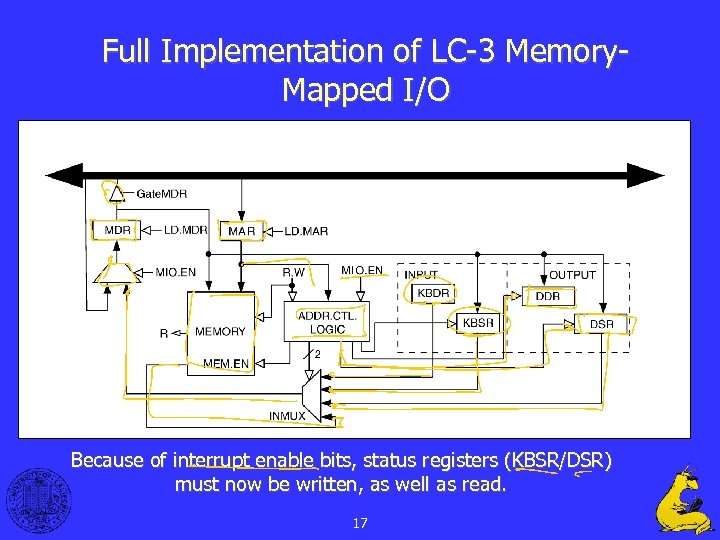 Full Implementation of LC-3 Memory. Mapped I/O Because of interrupt enable bits, status registers (KBSR/DSR) must now be written, as well as read. 17
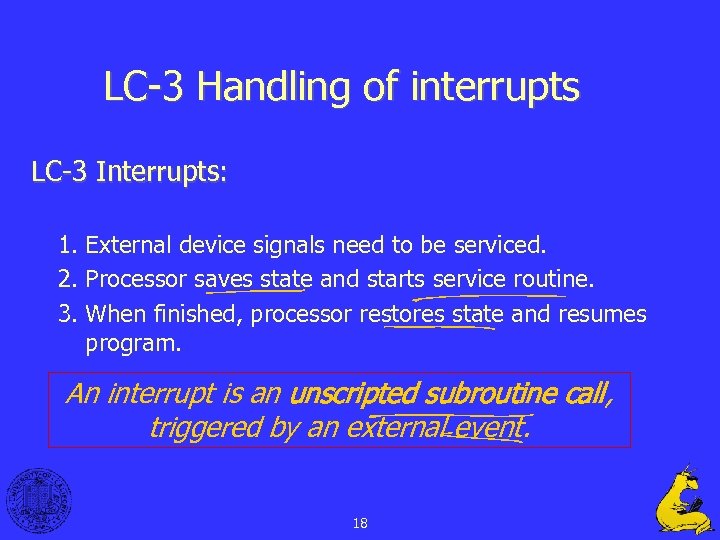 LC-3 Handling of interrupts LC-3 Interrupts: 1. External device signals need to be serviced. 2. Processor saves state and starts service routine. 3. When finished, processor restores state and resumes program. An interrupt is an unscripted subroutine call, triggered by an external event. 18
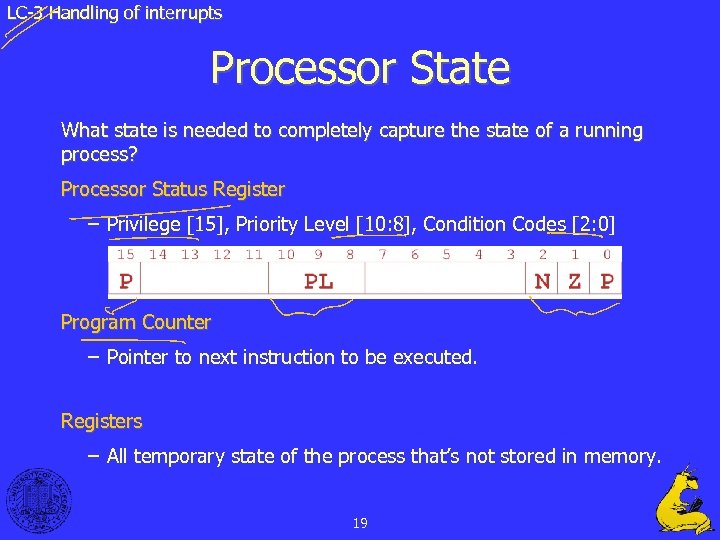 LC-3 Handling of interrupts Processor State What state is needed to completely capture the state of a running process? Processor Status Register – Privilege [15], Priority Level [10: 8], Condition Codes [2: 0] Program Counter – Pointer to next instruction to be executed. Registers – All temporary state of the process that’s not stored in memory. 19
 LC-3 Handling of interrupts Where to Save Processor State? Can’t use registers. – Programmer doesn’t know when interrupt might occur, so she can’t prepare by saving critical registers. – When resuming, need to restore state exactly as it was. Memory allocated by service routine? – Must save state before invoking routine, so we wouldn’t know where. – Also, interrupts may be nested – that is, an interrupt service routine might also get interrupted! Use a stack! – Location of stack “hard-wired”. – Push state to save, pop to restore. 20
 Operating Systems • The “program” that runs the user programs and deals with exceptions. • How does the operating system deal with such things as simultaneous exceptions? • What happens on machines that have many users “on” at once? 21
 Operating Systems Multiple Exceptions Problem: How about multiple simultaneous exceptions? Solution: Have priorities in HW / SW • Handle highest-priority exception first • Equal priority exceptions handled arbitrarily • Give higher priority • more serious (e. g. , power failing) • can’t wait long (e. g. , rotating disk) 22
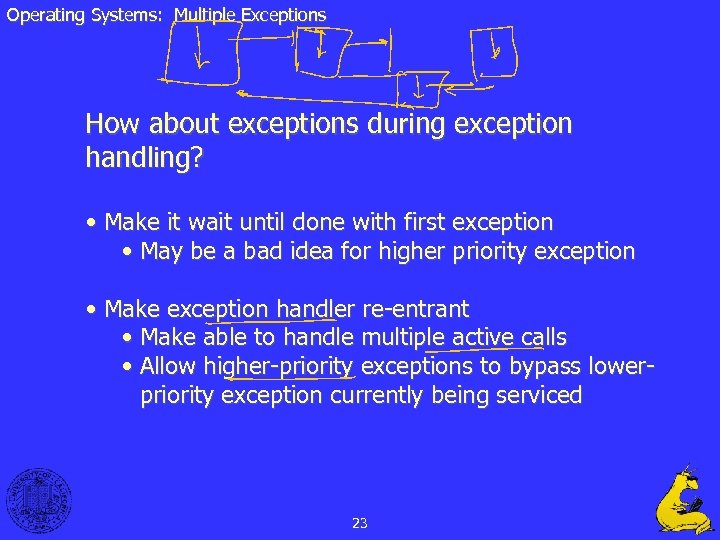 Operating Systems: Multiple Exceptions How about exceptions during exception handling? • Make it wait until done with first exception • May be a bad idea for higher priority exception • Make exception handler re-entrant • Make able to handle multiple active calls • Allow higher-priority exceptions to bypass lowerpriority exception currently being serviced 23
 Operating Systems: Multiple Exceptions Implementing a Re-entrant exception handler • Initial exception disables all interrupts • Exception handler (EH) determines exception’s priority • EH saves any state that could be clobbered by higher priority interrupts (e. g. EPC) • EH re-enables higher-priority interrupts • Higher-priority interrupts may or may nor occur • This EH eventually finishes 24
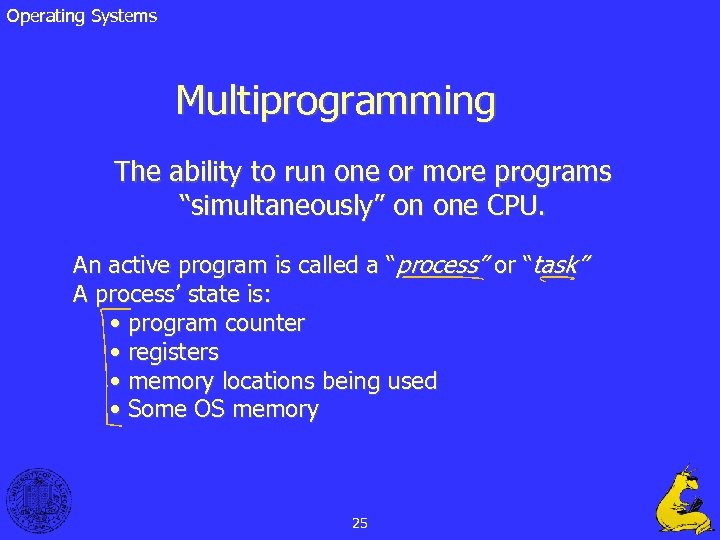 Operating Systems Multiprogramming The ability to run one or more programs “simultaneously” on one CPU. An active program is called a “process” or “task” A process’ state is: • program counter • registers • memory locations being used • Some OS memory 25
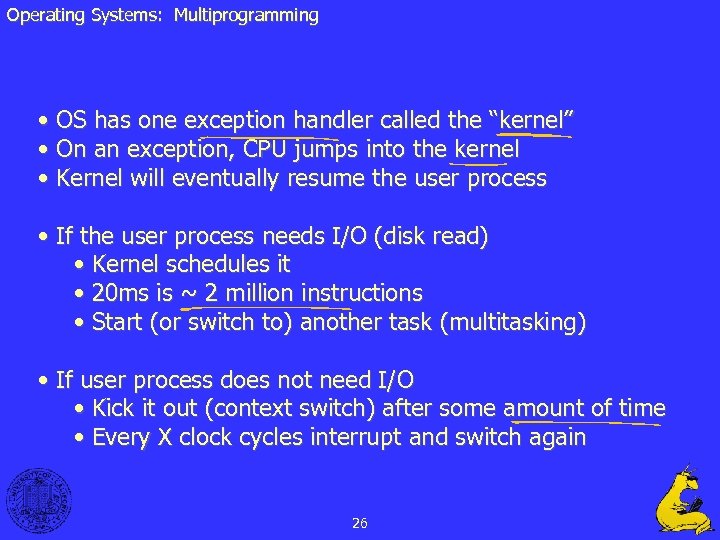 Operating Systems: Multiprogramming • OS has one exception handler called the “kernel” • On an exception, CPU jumps into the kernel • Kernel will eventually resume the user process • If the user process needs I/O (disk read) • Kernel schedules it • 20 ms is ~ 2 million instructions • Start (or switch to) another task (multitasking) • If user process does not need I/O • Kick it out (context switch) after some amount of time • Every X clock cycles interrupt and switch again 26
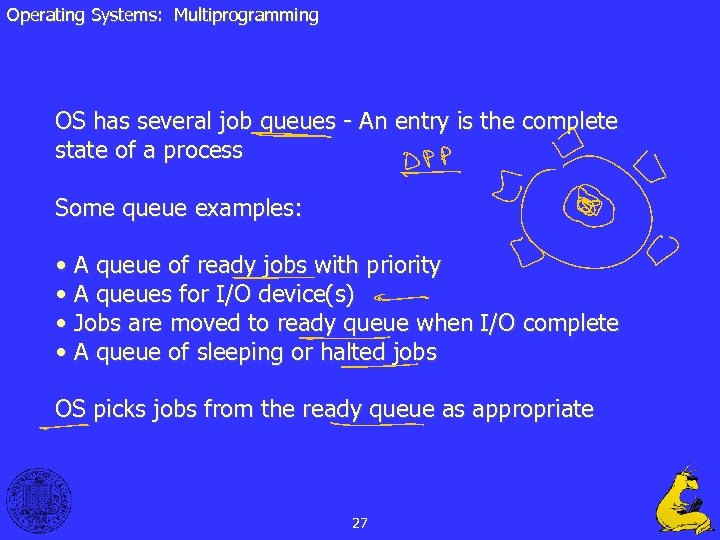 Operating Systems: Multiprogramming OS has several job queues - An entry is the complete state of a process Some queue examples: • A queue of ready jobs with priority • A queues for I/O device(s) • Jobs are moved to ready queue when I/O complete • A queue of sleeping or halted jobs OS picks jobs from the ready queue as appropriate 27
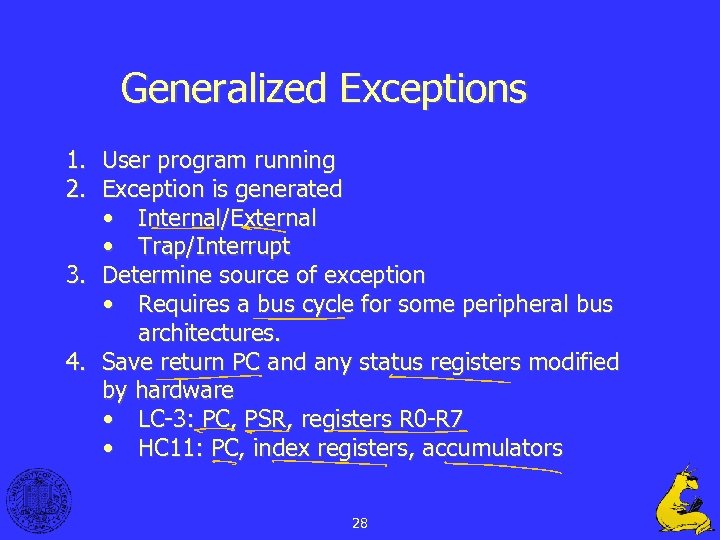 Generalized Exceptions 1. User program running 2. Exception is generated • Internal/External • Trap/Interrupt 3. Determine source of exception • Requires a bus cycle for some peripheral bus architectures. 4. Save return PC and any status registers modified by hardware • LC-3: PC, PSR, registers R 0 -R 7 • HC 11: PC, index registers, accumulators 28
 Generalized Exceptions 5. Jump to exception handler • LC-3: Uses a jump table • HC 11: Jump table starting at 0 x. FFD 6 • 68000: Jump to location specified by interrupt device – vectored interrupts 6. Save state used by exception handler 7. Go to specific case • Check exception type • Query device • Check syscall register 29
 Generalized Exceptions 8. Process Exception • Enable higher-priority interrupts if possible • For interrupt, clear device’s interrupt flag • Check device for multiple conditions 9. Restore state used by exception handler 10. Return from exception • Restore mode • Restore hardware-saved state • Jump back to user program • or exception handler 30
 Exceptions Summary • Exceptions (interrupts and traps) are a combination of hardware and software. • The hardware detects the exception and then calls software (OS or service routines) to handle it. • Much more efficient than polling but requires specialized hardware. 31
 Questions? 32
 33
33