 Скачать презентацию Evaluating Websites Knowing What s What and What s Not
43fed0d65b9bed074a4a95c37bb01080.ppt
- Количество слайдов: 25



Evaluating Websites Knowing What’s What and What’s Not : The Five Ws (and One “H”) of Cyberspace K. Marsh & J. Fink Glenforest Resource Centre
Why the 5 W's & one H? This is the tried and true formula used by police, journalists, and researchers – Who, What, When, Where, Why, and How – which can easily be applied in cyberspace to help identify credible online information sources.
Ask yourself: l Has someone taken responsibility for the content of this Web site? l Is information about the author or organization clearly stated? l Are there any links to in-depth information about the author or organization? l Can you contact the company or author through a real world postal address or phone number? l Can you confirm that the company or author is a credible, authoritative source of information? l Can you verify the authority of any of the site's content that is attributed to other sources?
l l l l Is the information biased in any way? Does the site rely on loaded language or broad, unsubstantiated statements? Is emotion used as a means of persuasion? Does the site offer more than one viewpoint? Are there links to other or alternative viewpoints? Does the site's information seem thorough and well organized? Does the site clearly state the topics it intends to address? Does it follow through on the information it has promised? Does the information seem complete and consistent? Is the information well written and easy to understand? Does the site offer a list of further in-depth resources or links to such resources? What is the copyright status of material found on the site? www. media-awareness. ca © 2007 Media Awareness Network Fact or Folly: Authenticating online information
l Is it important that the information you’re looking for be absolutely current? l Is a reference date provided to show when the material was put online, or when it was last updated? l Do the links work?
Learn to deconstruct a Uniform Resource Locator (better known as a URL, or "site address") l Let’s use the Media Awareness Network URL as an example: http: //www. media-awareness. ca/english/teachers/index. cfm
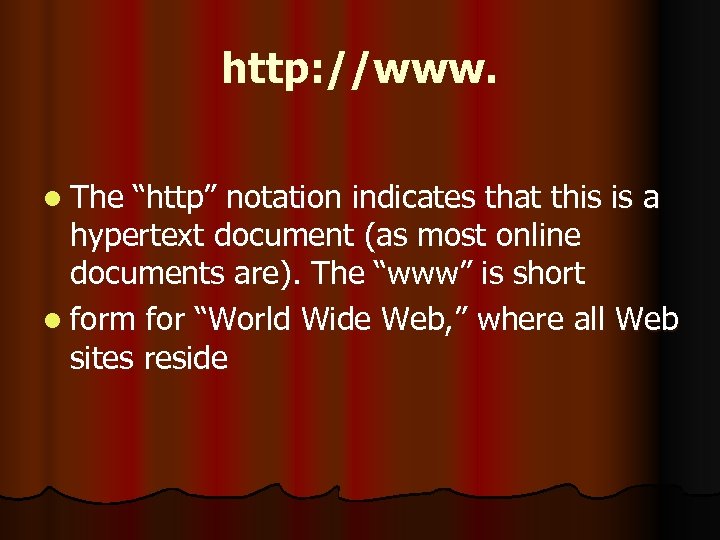
http: //www. l The “http” notation indicates that this is a hypertext document (as most online documents are). The “www” is short l form for “World Wide Web, ” where all Web sites reside
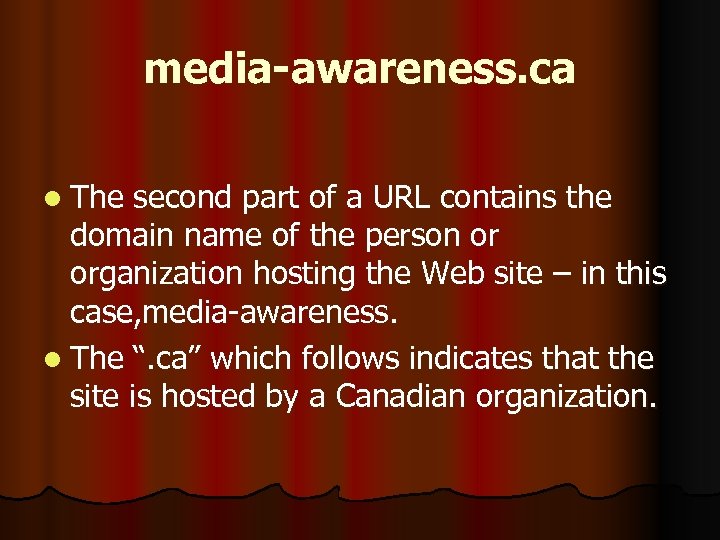
media-awareness. ca l The second part of a URL contains the domain name of the person or organization hosting the Web site – in this case, media-awareness. l The “. ca” which follows indicates that the site is hosted by a Canadian organization.
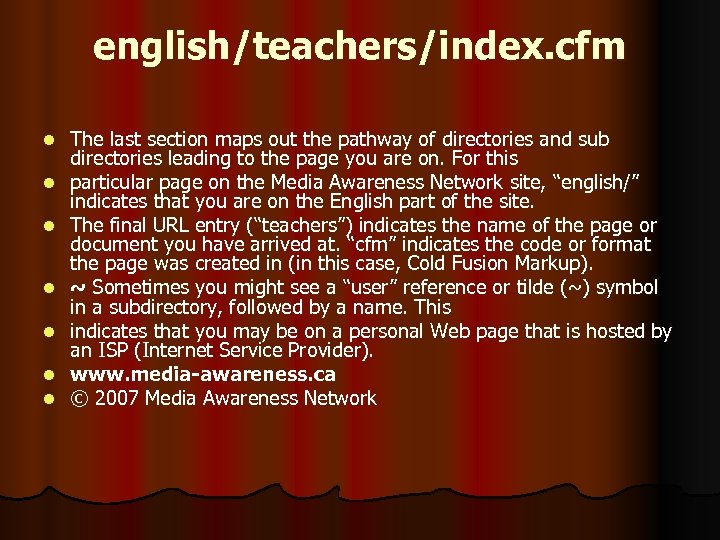
english/teachers/index. cfm l l l l The last section maps out the pathway of directories and sub directories leading to the page you are on. For this particular page on the Media Awareness Network site, “english/” indicates that you are on the English part of the site. The final URL entry (“teachers”) indicates the name of the page or document you have arrived at. “cfm” indicates the code or format the page was created in (in this case, Cold Fusion Markup). ~ Sometimes you might see a “user” reference or tilde (~) symbol in a subdirectory, followed by a name. This indicates that you may be on a personal Web page that is hosted by an ISP (Internet Service Provider). www. media-awareness. ca © 2007 Media Awareness Network
Authenticating online information The type of organization behind a Web site can give some clues to its credibility.
. gov l In the US, . gov applies to federal departments. In Canada, provincial governments use. gov followed by a l provincial or territorial abbreviation and. ca.
. gc l The federal government in Canada uses . gc in its domain name and in the domain names of many of its l departments, such as Industry Canada and Canadian Heritage. However, some government Web sites, such as l the Canadian Human Rights Commission (www. chrc-ccdp. ca), opt for just. ca
. ca l l The Canadian Internet Registration Authority (CIRA) is the non-profit corporation responsible for overseeing and keeping a registry of the “. ca” Internet country code domain for Canada. Schools, educational organizations, libraries, museums, and some government departments may be registered under a 2 -digit country-of-origin code, such as. ca, . uk or. au. However, it’s important to remember that any Canadian organization can obtain a. ca domain.
. edu l The United States originally created. edu to indicate American colleges and universities offering 4 -year degree l programs. Most Canadian universities tend to use. ca.
. org. com. net l Back in the early days of the Web, . org indicated a wide assortment of groups, including non-profit organizations;
. com indicated commercial organizations; and. net was intended for organizations directly involved in Internet operations, such as Internet service providers l Now, anyone can apply for and use these letters in their domain names. For example, the YWCA Web site in Oakville l ends with. com, in Vancouver, it ends with. org; and in Montreal it ends with. ca. l
Before you saddle up and ride out into cyberspace, it's a good idea to stop and consider whether or not the Internet is even the best place to go. Ask yourself: l Can I get the information faster offline? l Does the online material I'm finding suit my needs? l Am I able to verify this information?
When in doubt, doubt. Skepticism should be the rule of thumb on the Net. l Apply the Five Ws of cyberspace to the Web sites you visit. l Double-check your facts and sources – and then check them some more! l Use Meta-Web information searches to assess the credibility of Web sites. This can be done by entering the author’s name into a search engine to conduct a quick background check. Or you can find which sites link to a specific site by going to a search engine like Alta Vista and entering a “link”: command in the “Search” box, followed by the page’s URL.
Practice Now, let's see what you've learned. Using the 5 Ws and H Rule, go to the websites below and decide if they are legitimate: l l l l l www. dowethics. com www. getoutraged. com www. whirledbank. org www. moonmovie. com/moonmovie/ www. malepregnancy. com www. sandman. com/telco. html www. dhmo. org www. whyfiles. org/020 radiation/ www. kevdo. com/lipbalm/addict. html www. nidsci. org/
Frustrated? l Perhaps you should try using a library database instead …
What is a library database? l l l A website that requires a paid subscription in order to access information. Contains information from published works such as articles from magazines or encyclopedias. Can be used to search for titles, authors, magazines, dates, etc. Often give you access to full-text articles that can be printed or e-mailed. Are selected by librarians to meet the needs of their library patrons.
How is a database different from a website? Library Databases l Get their information from professionals or experts in the field. l Contain published works where facts are checked. l Easy to cite in a bibliography and may create the citation for you. l Help you narrow down your topic or suggest related subjects. l Updated frequently and include the date of publication. l Available to anyone using a computer in a library that subscribes to databases or any library cardholder using a computer outside the library. Websites l Can be written by anyone regardless of expertise. l Content is not necessarily checked by anyone, expert or not. l Don't provide the information necessary to create a complete citation. l Aren't often organized to support student research needs. l May not contain current information or indicate when a page is updated. l Available to anyone with an internet connection inside or outside the library.
How do I access the databases in the Glenforest Resource Centre? l Go to www. glenforestlibrary. com l Find the Library button l Scroll down to Databases l Find the required usernames and passwords underneath the icons
What are the databases that are available to me? l l l Tumble. Readables Global Issues in Context Big. Chalk (elibrary, History Study Centre, Proquest Literature) Culture. Grams Statistics Canada Ebsco Canadiana Encyclopedia Britannica Encarta Infotrac Science Research Centre
And always remember … l A good resource does not hide its identity from the user. l Good luck with your research!
Скачать презентацию Evaluating Websites Knowing What s What and What s Not
43fed0d65b9bed074a4a95c37bb01080.ppt