


 Скачать презентацию Evaluating the User Interface Michigan State University E
20a9923554bb902b93688fd719c6a5d0.ppt
- Количество слайдов: 93
 Evaluating the User Interface Michigan State University E. Kraemer CSE 491, Fall 2007
 Outline n The Role of Evaluation n Usage Data: Observations, Monitoring, User’s Opinions n Experiments and Benchmarking n Interpretive Evaluation n Predictive Evaluation n Comparing Methods
 The Role of Evaluation n What do you want to know and why? n When and how do you do evaluation?
 Evaluation n Concerned with gathering data about the usability of – a design or product – by a specific group of users – for a particular activity – in a specified environment or work context n Informal feedback …… controlled lab experiments
 What do you want to know? Why? n What do users want? n What problems do they experience? n Formative -- meshed closely with design, guides the design process n Summative -- judgments about the finished product
 Reasons for doing evaluations n Understanding the real world • How employed in workplace? • Better fit with work environment? n Comparing designs • compare with competitors or among design options n Engineering towards a target • x% of novice users should be able to print correctly on first try n Checking conformance to a standard • screen legibility, etc.
 When and how do you do evaluation? n Early to • Predict usability of product or aspect of product • Check design team’s understanding of user requirements • Test out ideas quickly and informally n Later to • identify user difficulties / fine tune • improve an upgrade of product
 Case Study: 1984 Olympic Messaging System Voice mail for 10, 000 athletes in LA -> was successful n Kiosks place around village -- 12 languages n Approach to design (user-centered design) n – printed scenarios of UI prepared, comments obtained from designers, management prospective users -> functions altered, dropped – produced brief user guides, tested on Olympians, families& friends, 200+ iterations before final form decided – early simulations constructed, tested with users --> need ‘undo’ – toured Olympic village sites, early demos, interviews with people involved in Olympics, ex-Olympian on the design team -> early prototype -> more iterations and testing
 Case Study: 1984 Olympic Messaging System n Approach to design (continued) – “Hallway” method: -- put prototype in hallway, collect opinions on height and layout from people who walk past – “Try to destroy it” method -- CS students invited to test robustness by trying to “crash” it n Principles of User-Centered Design: – focus on users & tasks early in design process – measure reactions using prototype manuals, interfaces, simulations – design iteratively – usability factors must evolve together
 Case Study: Air Traffic Control CAA in the UK, 1991 n Original system -- data in variety of formats n – analog and digital dials – CCTV, paper, books – some line of sight, others on desks or ceiling mountings outside view Goal: integrated display system, as much info as practical on common displays n Major concern: safety n
 Air Traffic Control, continued n Evaluate controller’s task – want key info sources on one workstation(windspeed, direction, time, runway use, visual range, meteorological data, maps, special procedures) Develop first-cut design (London City airport, then Heathrow) n Establish user-systems design group n Concept testing / user feedback n • modify info requirements • different layouts for different controllers and tasks • greater use of color for exceptional situations and different lighting conditions • ability to make own pages for specific local conditions • simple editing facilities for rapid updates
 ATC, continued Produce upgraded prototype n “Road Show” to five airports n Develop system specification n Build and Install system n – Heathrow , 1989 – other airports, 1991 n Establish new needs
 Case Study: Forte Travelodge n System goal: more efficient central room booking n IBM Usability Evaluation Centre, London n Evaluation goals: • • identify and eliminate problems before going live avoid business difficulties during implementation ensure system easy to use by inexperienced staff develop improved training material and documentation
 The Usability Lab n Similar to TV studio: microphones, audio, video, one-way mirror n set up to resemble Travelodge reception area, attempt to be non-threatening
 Particular aspects of interest n n n System navigation, speed of use screen design: ease of use, clarity, efficiency effectiveness of onscreen help and error messages complexity of keyboard for computer novices effectiveness of training program clarity and ease-of-use of documentation
 Procedure n n n Developed set of 15 common scenarios, enacted by cross-section of staff eight half-day sessions, several scenarios per session emphasize that evaluation is of system not staff video cameras operated by remote control debriefing sessions after each testing period, get info about problems and feelings about system and doc
 Results: Operators and staff had received useful training n 62 usability failures identified n Priority given to: n – – – n speed of navigation through system problems with titles and screen formats operators unable to find key points in doc need to redesign telephone headsets uncomfortable furniture New system: higher productivity, low turnover, faster booking, greater customer satisfaction
 Evaluation Methods n Observing and monitoring usage – field or lab – observer takes notes / video – keystroke logging / interaction logging n Collecting users’ opinions – interviews / surveys n Experiments and benchmarking – semi-scientific approach (can’t control all variables, size of sample)
 Methods, continued n Interpretive Evaluation – informal, try not to disturb user; user participation common – includes participatory evaluation, contextual evaluation n Predictive Evaluation – predict problems users will encounter without actually testing the system with the users – keystroke analysis or expert review based on specification, mock-up, low-level prototype n Pilot Study for all types!! -- small study before main study to work out problems with experiment itself n Human Subjects concerns --
 Usage Data: Observations, Monitoring, User’s Opinions n Observing users n Verbal protocols n Software logging n Users’ opinions: Interviews and Questionnaires
 Direct Observation n Difficulties: – people “see what they want to see” – “Hawthorne effect” -- users aware that performance is monitored, altering behavior and performance levels – single pass / record of observation usually incomplete – Example: Eurochange system, new multimedia system in school Useful: early, looking for informal feedback, want to know the kinds of things that users do, what they like, what they don’t n Know exactly what you’re looking for -> checklist/count n Want permanent record: video, audio, or interaction logging n
 Eurochange System n n n Machine that exchanges one form of European currency for another and also dispenses currency for credit/debit cards -- like an ATM machine Intended for installation in airports and railway stations Prototype machine installed in Oxford Street Your goal: find out how long average transaction takes; note any problems with user’s experience Problems you might experience? ? ?
 New school multimedia system n Being tried out by groups of 13 year olds n Don’t interfere with children’s activities – note the kinds of things they do and the problems they encounter … n What problems might you encounter?
 Indirect Observation: Video recording Alleviates some difficulties of direct observation n Can be synchronized with keystroke logging or interaction logging n Problems: n – effort required to synchronize multiple data sources – time required to analyze – users aware they’re being filmed • set up and leave for several days, they get used to it
 Indirect Observation: Morae n n n Recorder captures screen video, camera video and audio Observers can view in real time or post-event Observers can annotate captured data Additional features for analysis and reporting Created by local company: Tech. Smith – Other related software as well (Camtasia, User. Vue, …)
 Analyzing video data n Task-based analysis – determine how users tackled tasks, where major difficulties lie, what can be done n Performance-based analysis – obtain clearly defined performance measures from the data collected (frequency of task completion, task timing, use of commands, frequency of errors, time for cognitive tasks) – classification of errors – repeatability of study – time (5: 1) -- tools can help
 Verbal protocols n User’s spoken observations, provides info on: – what user planned to do – user’s identification of menu names or icons for controlling the system – reactions when things go wrong, tone of voice, subjective feelings about activity n “Think aloud protocol” -- user says out loud what he is thinking while working on a task or problem-solving n Post-Event protocols -- users view videos of their actions and provide commentary on what they were trying to do
 Software Logging n n n Researcher need not be present part of data analysis process automated Time-stamped key presses Interaction logging-- recording made in real time and can be replayed in real time so evaluator can see interaction as it happened Neal & Simons playback system -- researcher adds own comments to timestamped log Remaining problems: expense, volume
 Interviews and Questionnaires n Structured interviews – predetermined questions, asked in a set way – no exploration of individual attitudes – structure useful in comparing responses, claiming statistics n Flexible interviews – some set topics, no set sequence – interviewer can follow replies – less formal, for requirements gathering
 Interviews, continued n Semi-structured interview – set of questions available for interviewer to draw on if interviewee digresses or doesn’t say much n Prompted interview – draw out more information from interviewee • based on screen design or prototype • or “… and what do you mean by …”
 Example: semi-structured using checklist n n n n Why do you do this? (To get the user’s goal. ) How do you do it? (To get the subtasks -- ask recursively for each subtask) Why not do it this way instead? (Mention alternative -- in order to get rationale for choice of method actually used. ) What are the preconditions for doing this? What are the results of doing this? May we see your work product? Do errors ever occur when doing this? How do you discover and correct these errors?
 Variations on interviews n Card sorting – users asked to group or classify cards to answer questions, answers recorded on data collection sheet n Twenty questions – interviewer asks only yes/no questions
 Interviews -- summary Focus is on style of presentation and flexibility of data gathering n More structured -> easier to analyze n Less structured -> richer information n Good idea: transcribe interviews to permit detailed examination (also true for verbal protocols) n
 Questionnaires and surveys Focus is on preparation of unambiguous questions n Again, pilot study important n closed questions: n – respondent selects from set of alternative replies – usually some form of rating scale n open questions: – respondent free to provide own answer
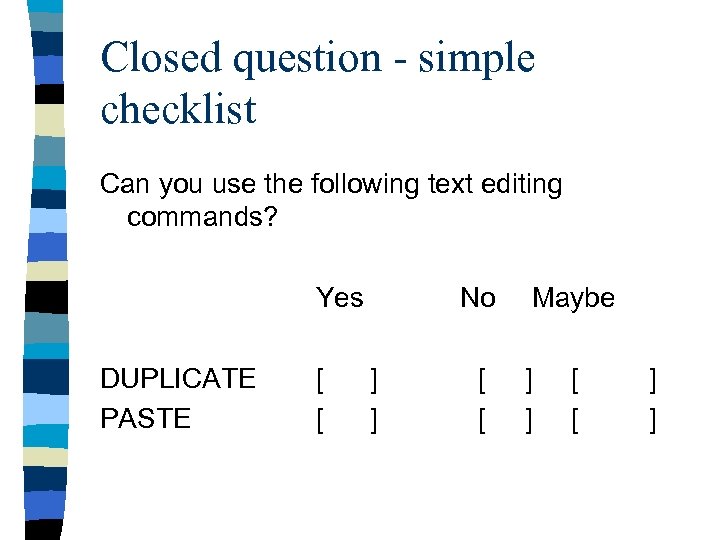 Closed question - simple checklist Can you use the following text editing commands? Yes DUPLICATE PASTE No Maybe [ ] [ ]
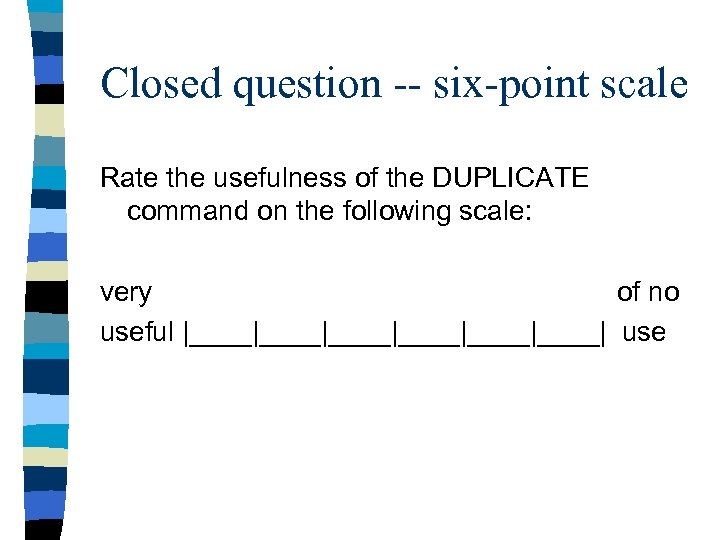 Closed question -- six-point scale Rate the usefulness of the DUPLICATE command on the following scale: very of no useful |____|____|____| use
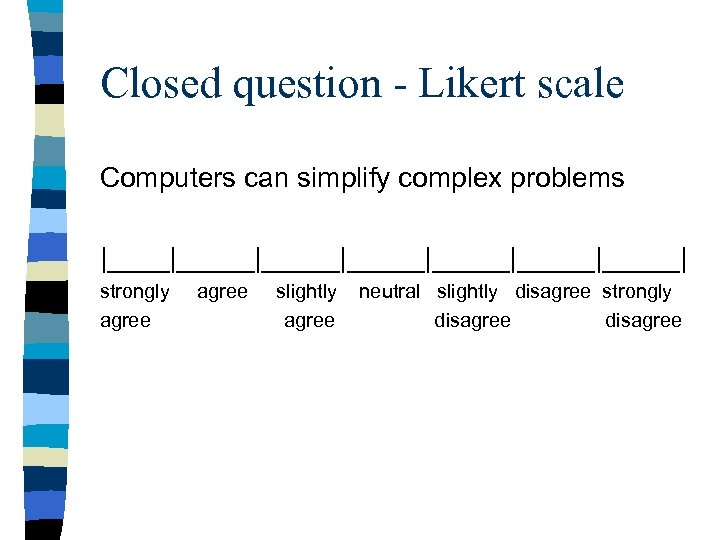 Closed question - Likert scale Computers can simplify complex problems |_____|_____|_____|_____| strongly agree slightly neutral slightly disagree strongly agree disagree
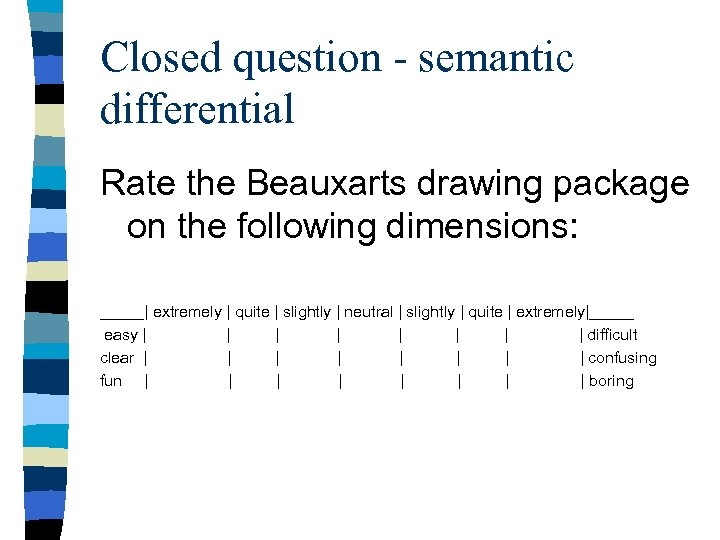 Closed question - semantic differential Rate the Beauxarts drawing package on the following dimensions: _____| extremely | quite | slightly | neutral | slightly | quite | extremely|_____ easy | | | | difficult clear | | | | confusing fun | | | | boring
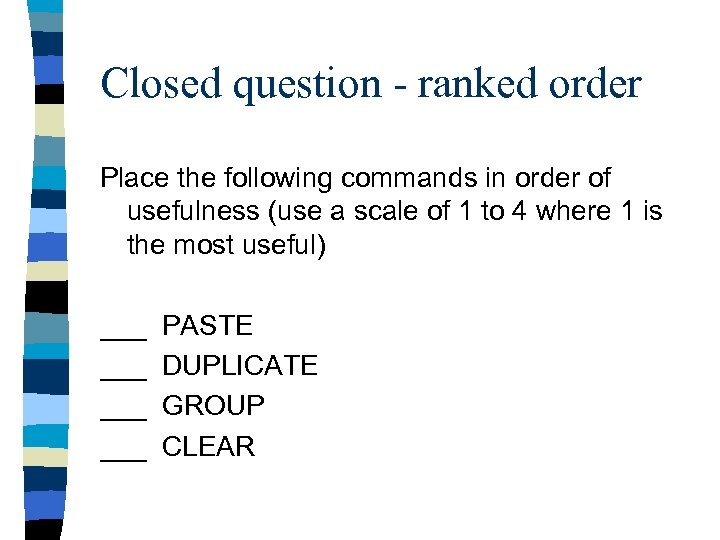 Closed question - ranked order Place the following commands in order of usefulness (use a scale of 1 to 4 where 1 is the most useful) ___ PASTE ___ DUPLICATE ___ GROUP ___ CLEAR
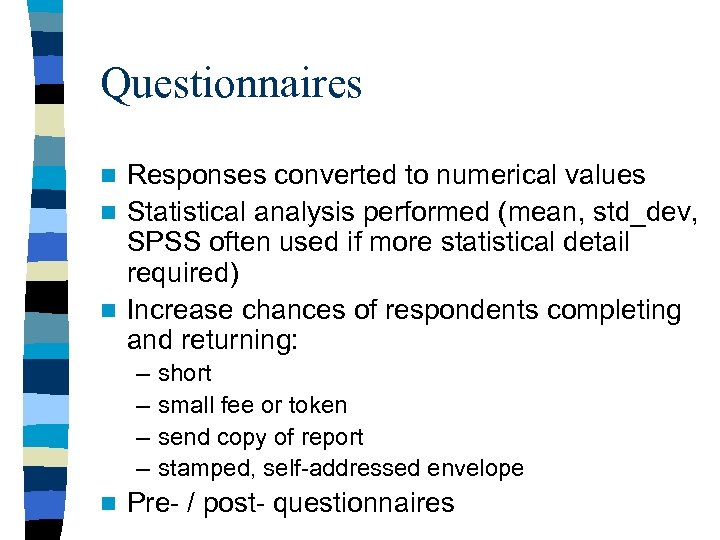 Questionnaires Responses converted to numerical values n Statistical analysis performed (mean, std_dev, SPSS often used if more statistical detail required) n Increase chances of respondents completing and returning: n – – n short small fee or token send copy of report stamped, self-addressed envelope Pre- / post- questionnaires
 Example: Eurochange questionnaire n Eurochange. pdf n Identify strengths and weaknesses. n How could this be improved?
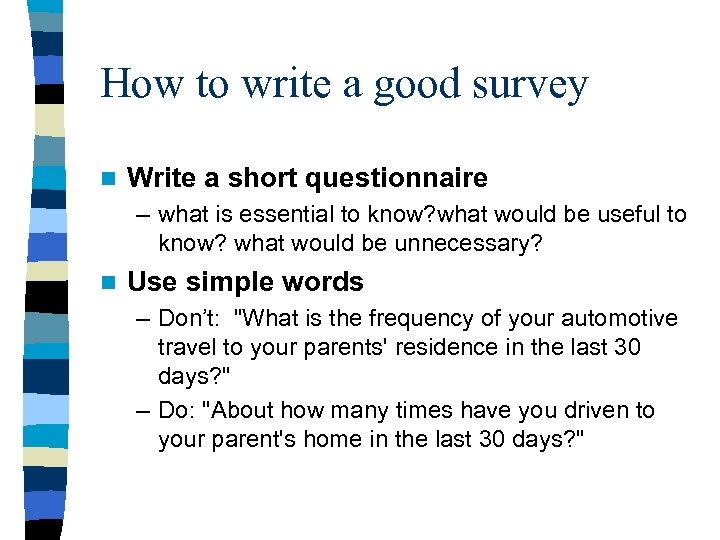 How to write a good survey n Write a short questionnaire – what is essential to know? what would be useful to know? what would be unnecessary? n Use simple words – Don’t: "What is the frequency of your automotive travel to your parents' residence in the last 30 days? " – Do: "About how many times have you driven to your parent's home in the last 30 days? "
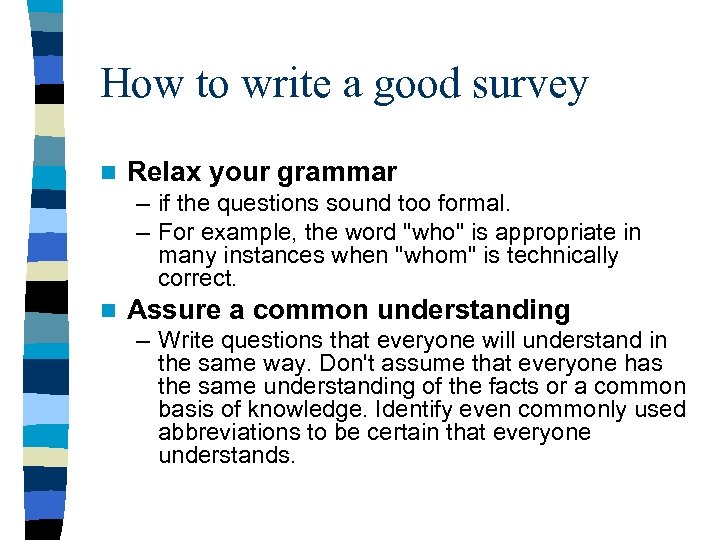 How to write a good survey n Relax your grammar – if the questions sound too formal. – For example, the word "who" is appropriate in many instances when "whom" is technically correct. n Assure a common understanding – Write questions that everyone will understand in the same way. Don't assume that everyone has the same understanding of the facts or a common basis of knowledge. Identify even commonly used abbreviations to be certain that everyone understands.
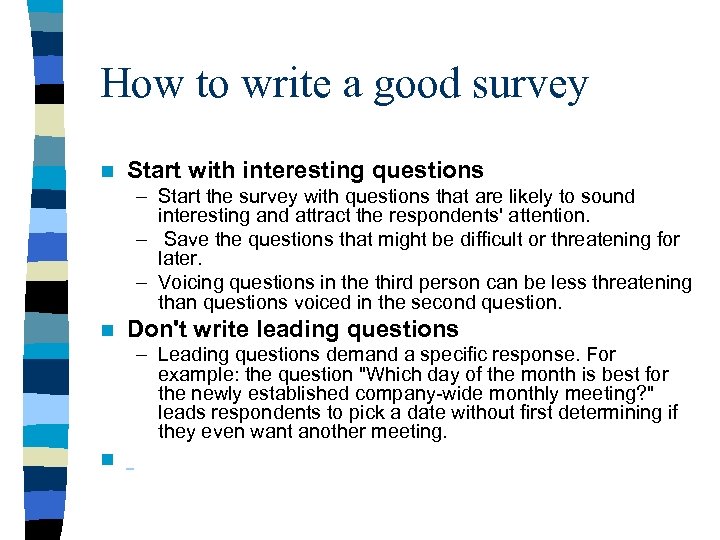 How to write a good survey n Start with interesting questions – Start the survey with questions that are likely to sound interesting and attract the respondents' attention. – Save the questions that might be difficult or threatening for later. – Voicing questions in the third person can be less threatening than questions voiced in the second question. n Don't write leading questions – Leading questions demand a specific response. For example: the question "Which day of the month is best for the newly established company-wide monthly meeting? " leads respondents to pick a date without first determining if they even want another meeting. n
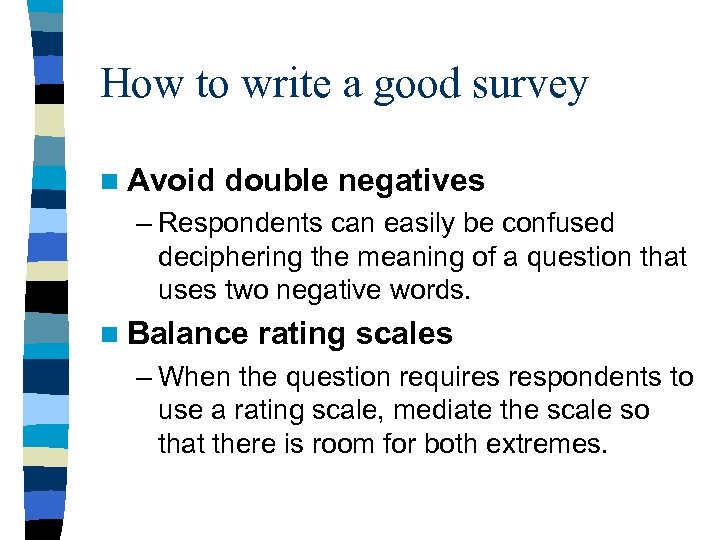 How to write a good survey n Avoid double negatives – Respondents can easily be confused deciphering the meaning of a question that uses two negative words. n Balance rating scales – When the question requires respondents to use a rating scale, mediate the scale so that there is room for both extremes.
 How to write a good survey n Don't make the list of choices too long – If the list of answer categories is long and unfamiliar, it is difficult for respondents to evaluate all of them. Keep the list of choices short. n Avoid difficult concepts – Some questions involve concepts that are difficult for many people to understand.
 How to write a good survey n Avoid difficult recall questions – People's memories are increasingly unreliable as you ask them to recall events farther and farther back in time. You will get more accurate information from people if you ask about the recent past (past month) versus the more distant past (last year). n Use closed-ended questions rather than openended ones – Closed-ended are useful because the respondents know clearly the purpose of the question and are limited to a set of choices where one answer is right for them. Easier to analyze. – An open-ended question is a written response. For example: "If you do not want a company picnic, please explain why". . . Can provide new ideas/info.
 How to write a good survey n Put your questions in a logical order – The issues raised in one question can influence how people think about subsequent questions. – It is good to ask a general question and then ask more specific questions. . n Pre-test your survey – First test to a small number of people. – Then brainstorm with them to see if they had problems answering any questions. Have them explain what the question meant to them.
 How to write a good survey n Name your survey – If you send it out by email, it may be mistaken for “spam”. Also want to pique the interest of the recipients. – Here are examples of survey names that might be successful in getting attention: • • Memo From the Chief Executive Officer Evaluation of Services of the Benefits Office Your Opinion About Financial Services Free T-shirt Win a Trip to Paris Please Respond By Friday Free Subscription Win a notebook computer –. . But some of these look like spam to me. . Proceed with caution.
 How to write a good survey n Cover memo or introduction – If sending by US mail or email, may still need to motivate recipient to complete it. – A good cover memo or introduction should be short and includes: • Purpose of the survey • Why it is important to hear from the respondent • What may be done with the results and what possible impacts may occur with the results. • Address identification • Person to contact for questions about the survey. • Due date for response
 Your job now … n Design/revise your survey for P 2 B. – p. s. – you need to include this in your submission for human subjects approval n Exchange n Critique n Refine …
 Example Usability Study: n See: Api. DB Workshop Study n And online materials at: – www. apidb. org/workshop
 Interpretive Evaluation n Contextual inquiry n Cooperative and participative evaluation n Ethnography rather than emphasizing statement of goals, objective tests, research reports, instead emphasizes usefulness of findings to the people concerned n good for feasibility study, design feedback, post-implementation review n
 Contextual Inquiry Users and researchers participate to identify and understand usability problems within the normal working environment of the user n Differences from other methods include: n – – work context -- larger tasks time context -- longer times motivational context -- more user control social context -- social support included that is normally lacking in experiments
 Why use contextual inquiry? n Usability issues located that go undetected in laboratory testing. – Line counting in word processing – unpacking and setting up equipment n Issues identified by users or by user/evaluator
 Contextual interview: topics of interest n Structure and language used in work n individual and group actions and intentions n culture affecting the work n explicit and implicit aspects of the work
 Cooperative evaluation n A technique to improve a user interface specification by detecting the possible usability problems in an early prototype or partial simulation n low cost, little training needed n think aloud protocols collected during evaluation
 Cooperative Evaluation n Typical user(s) recruited n representative tasks selected n user verbalizes problems/ evaluator makes notes n debriefing sessions held n Summarize and report back to design team
 Participative Evaluation n More open than cooperative evaluation n subject to greater control by users n cooperative prototyping, facilitated by – focus groups – designers work with users to prepare prototypes – stable prototypes provided, users evaluate – tight feedback loop with designers
 Ethnography Standard practice in anthropology n Researchers strive to immerse themselves in the situation they want to learn about n Goal: understand the ‘real’ work situation n typically applies video - videos viewed, reviewed, logged, analyzed, collections made, often placed in databases, retrieved, visualized …. n
 Predictive Evaluation n Predict aspects of usage rather than observe and measure n doesn’t involve users n cheaper
 Predictive Evaluation Methods n Inspection Methods – Standards inspections – Consistency inspection – Heuristic evaluation – “Discount” usability evaluation – Walkthroughs n Modeling: The keystroke level model
 Standards inspections n Standards experts inspect the interface for compliance with specified standards n relatively little task knowledge required
 Consistency inspections n Teams of designers inspect a set of interfaces for a family of products – usually one designer from each project
 Usage simulations n a. k. a. - “expert review”, “expert simulation” n Experts simulate behavior of less- experienced users, try to anticipate usability problems n more efficient than user trials n prescriptive feedback
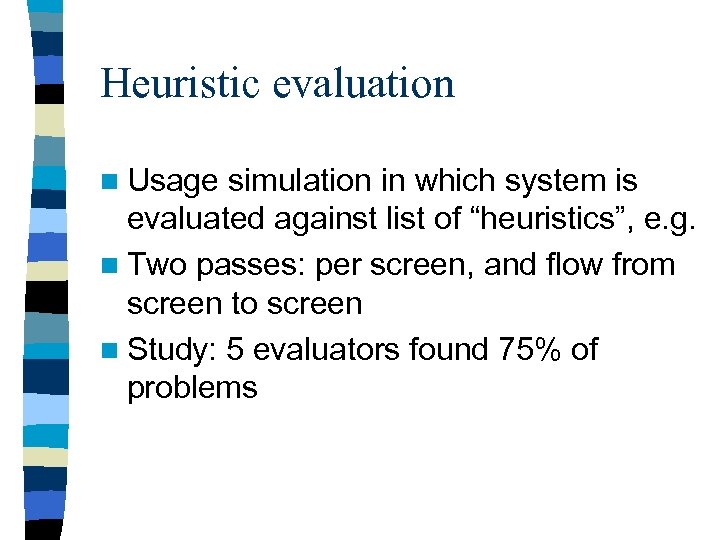 Heuristic evaluation n Usage simulation in which system is evaluated against list of “heuristics”, e. g. n Two passes: per screen, and flow from screen to screen n Study: 5 evaluators found 75% of problems
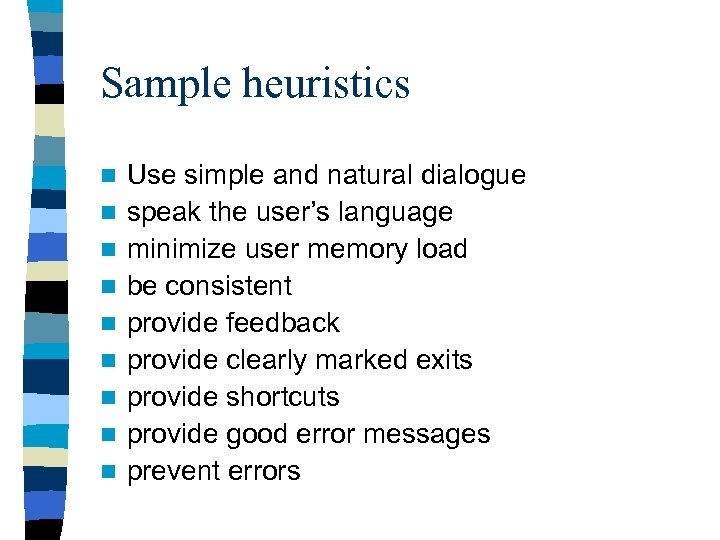 Sample heuristics n n n n n Use simple and natural dialogue speak the user’s language minimize user memory load be consistent provide feedback provide clearly marked exits provide shortcuts provide good error messages prevent errors
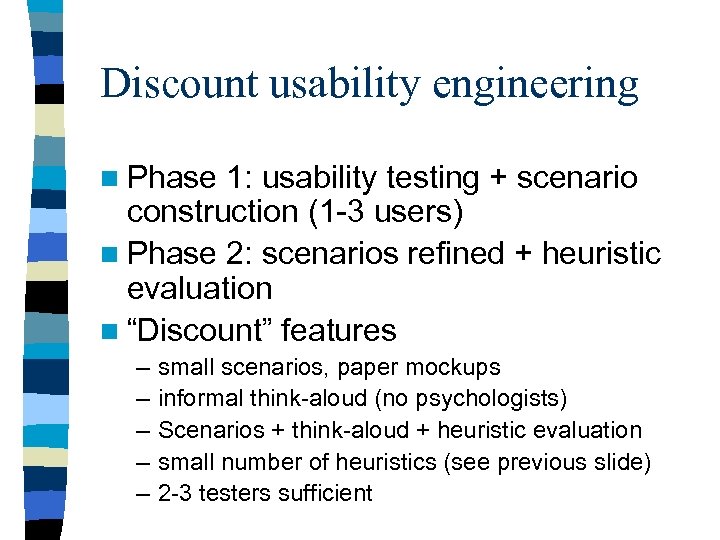 Discount usability engineering n Phase 1: usability testing + scenario construction (1 -3 users) n Phase 2: scenarios refined + heuristic evaluation n “Discount” features – – – small scenarios, paper mockups informal think-aloud (no psychologists) Scenarios + think-aloud + heuristic evaluation small number of heuristics (see previous slide) 2 -3 testers sufficient
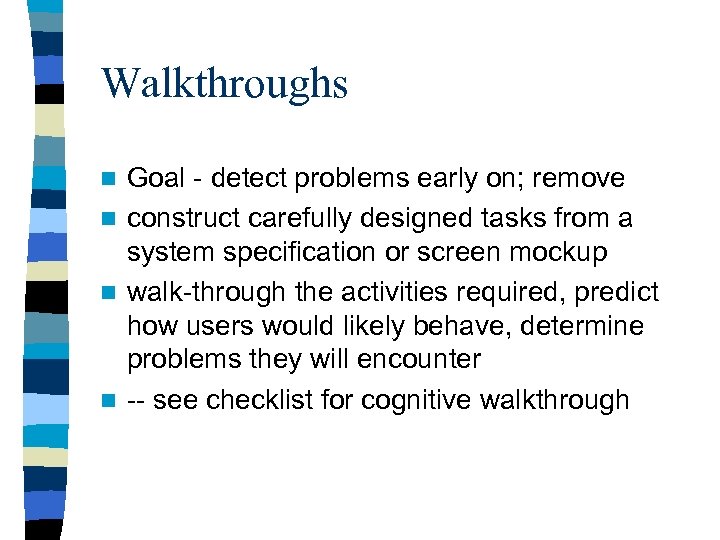 Walkthroughs Goal - detect problems early on; remove n construct carefully designed tasks from a system specification or screen mockup n walk-through the activities required, predict how users would likely behave, determine problems they will encounter n -- see checklist for cognitive walkthrough n
 Modeling: keystroke level model n Goal: calculate task performance times for experienced users n Requires – specification of system functionality – task analysis, breakdown of each task into its components
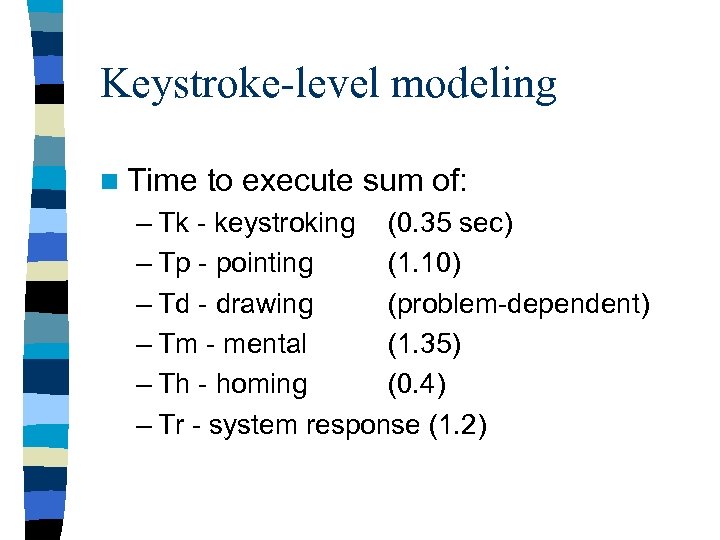 Keystroke-level modeling n Time to execute sum of: – Tk - keystroking (0. 35 sec) – Tp - pointing (1. 10) – Td - drawing (problem-dependent) – Tm - mental (1. 35) – Th - homing (0. 4) – Tr - system response (1. 2)
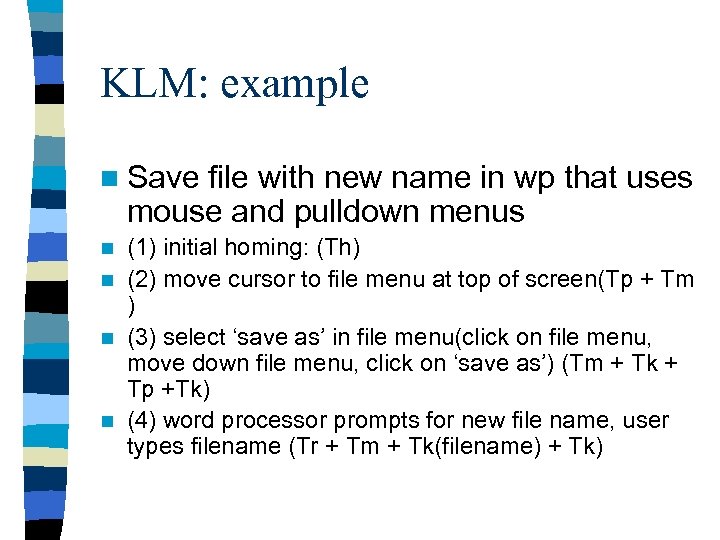 KLM: example n Save file with new name in wp that uses mouse and pulldown menus (1) initial homing: (Th) n (2) move cursor to file menu at top of screen(Tp + Tm ) n (3) select ‘save as’ in file menu(click on file menu, move down file menu, click on ‘save as’) (Tm + Tk + Tp +Tk) n (4) word processor prompts for new file name, user types filename (Tr + Tm + Tk(filename) + Tk) n
 Experiments and Benchmarking n Traditional experiments n Usability Engineering
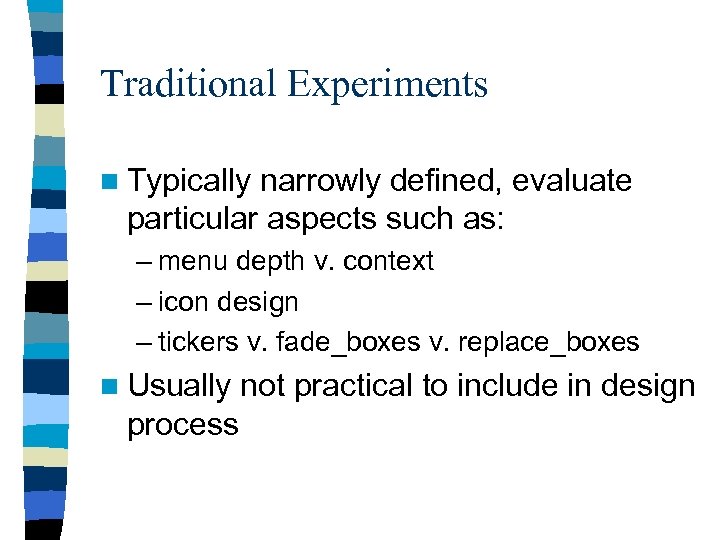 Traditional Experiments n Typically narrowly defined, evaluate particular aspects such as: – menu depth v. context – icon design – tickers v. fade_boxes v. replace_boxes n Usually not practical to include in design process
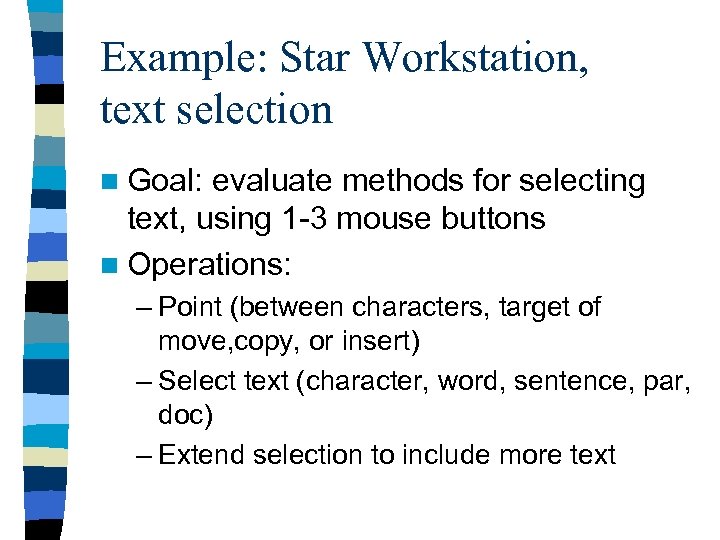 Example: Star Workstation, text selection n Goal: evaluate methods for selecting text, using 1 -3 mouse buttons n Operations: – Point (between characters, target of move, copy, or insert) – Select text (character, word, sentence, par, doc) – Extend selection to include more text
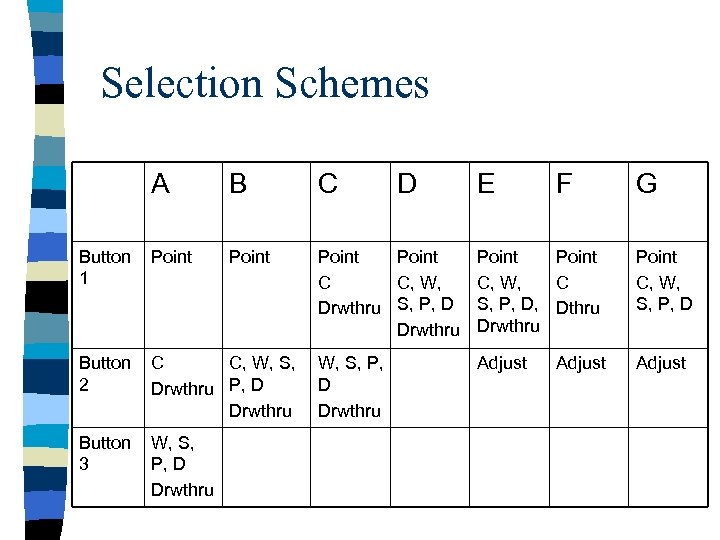 Selection Schemes C A B Button 1 Point Button 2 C C, W, S, P, D Drwthru P, D Drwthru Button 3 W, S, P, D Drwthru D Point C C, W, Drwthru S, P, D Drwthru E F G Point C, W, C S, P, D, Dthru Drwthru Point C, W, S, P, D Adjust
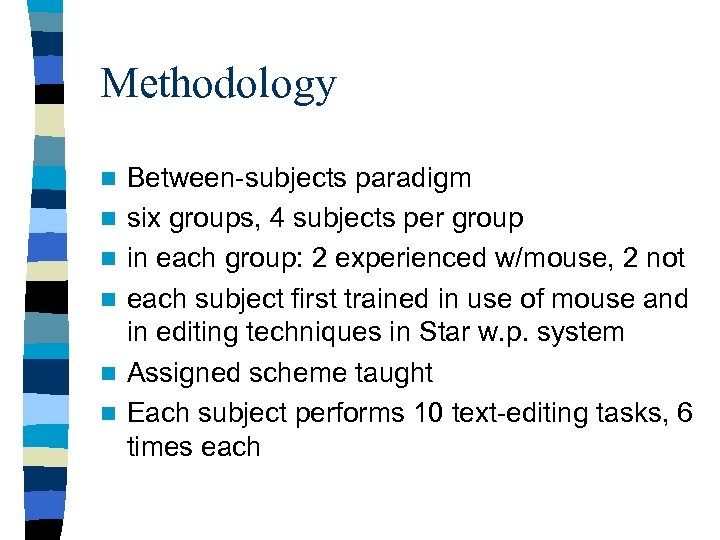 Methodology n n n Between-subjects paradigm six groups, 4 subjects per group in each group: 2 experienced w/mouse, 2 not each subject first trained in use of mouse and in editing techniques in Star w. p. system Assigned scheme taught Each subject performs 10 text-editing tasks, 6 times each
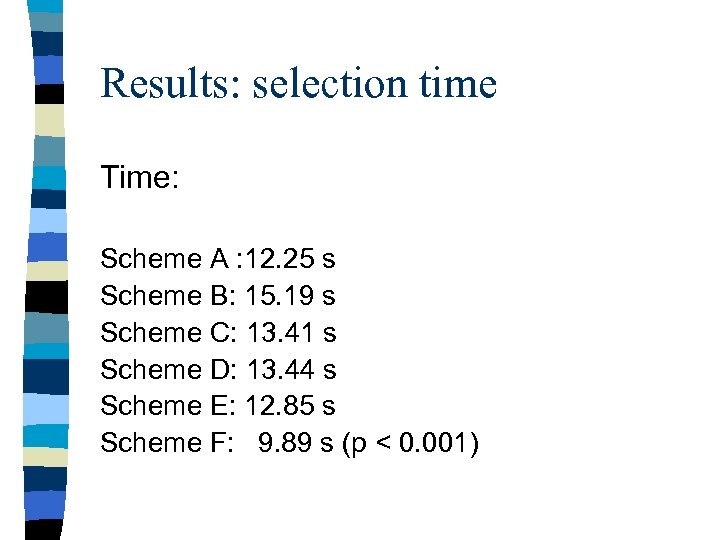 Results: selection time Time: Scheme A : 12. 25 s Scheme B: 15. 19 s Scheme C: 13. 41 s Scheme D: 13. 44 s Scheme E: 12. 85 s Scheme F: 9. 89 s (p < 0. 001)
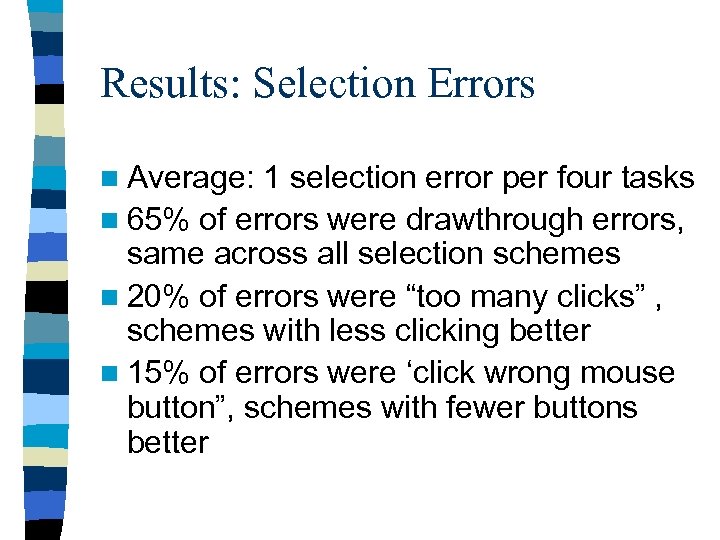 Results: Selection Errors n Average: 1 selection error per four tasks n 65% of errors were drawthrough errors, same across all selection schemes n 20% of errors were “too many clicks” , schemes with less clicking better n 15% of errors were ‘click wrong mouse button”, schemes with fewer buttons better
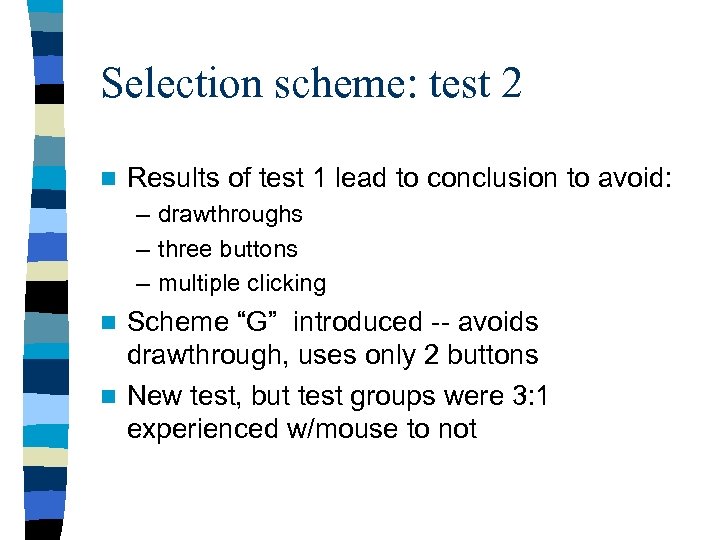 Selection scheme: test 2 n Results of test 1 lead to conclusion to avoid: – drawthroughs – three buttons – multiple clicking Scheme “G” introduced -- avoids drawthrough, uses only 2 buttons n New test, but test groups were 3: 1 experienced w/mouse to not n
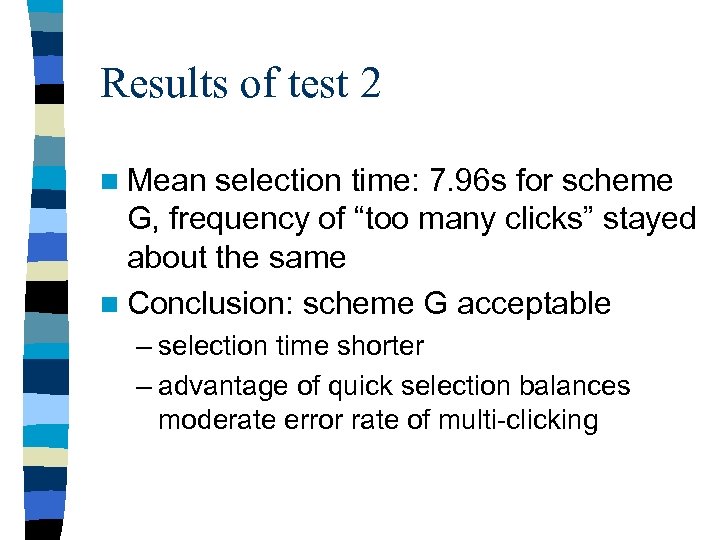 Results of test 2 n Mean selection time: 7. 96 s for scheme G, frequency of “too many clicks” stayed about the same n Conclusion: scheme G acceptable – selection time shorter – advantage of quick selection balances moderate error rate of multi-clicking
 Experimental design - concerns n What to change? What to keep constant? What to measure? n Hypothesis, stated in a way that can be tested. n Statistical tests: which ones, why?
 Variables Independent variable - the one the experimenter manipulates (input) n Dependent variable - affected by the independent variable (output) n experimental effect - changes in dependent caused by changes in independent n confounded -- when dependent changes because of other variables (task order, learning, fatigue, etc. ) n
 Selecting subjects - avoiding bias n Age bias -- Cover target age range n Gender bias -- equal numbers of male/female n Experience bias -- similar level of experience with computers n etc. .
 Experimental Designs n Independent subject design – single group of subjects allocated randomly to each of the experimental conditions n Matched subject design – subjects matched in pairs, pairs allocated randomly to each of the experimental conditions n Repeated measures design – all subjects appear in all experimental conditions – Concerns: order of tasks, learning effects n Single subject design – in-depth experiments on just one subject
 Critical review of experimental procedure n User preparation – adequate instructions and training? n Impact of variables – how do changes in independent variables affect users n Structure of the tasks – were tasks complex enough, did users know aim? n Time taken – fatigue or boredom?
 Critical review of experimental results n Size of effect – statistically significant? Practically significant? n Alternative interpretations – other possible causes for results found? n Consistency between dependent variables – task completion and error scores versus user preferences and learning scores n Generalization of results – to other tasks, users, working environments?
 Usability Engineering n Usability of product specified quantitatively, and in advance n As product is built, it can be demonstrated that it does or does not reach required levels of usability
 Usability Engineering Define usability goals through metrics n Set planned levels of usability that need to be achieved n Analyze the impact of various design solutions n Incorporate user-defined feedback in product design n Iterate through design-evaluate-design loop until planned levels are achieved n
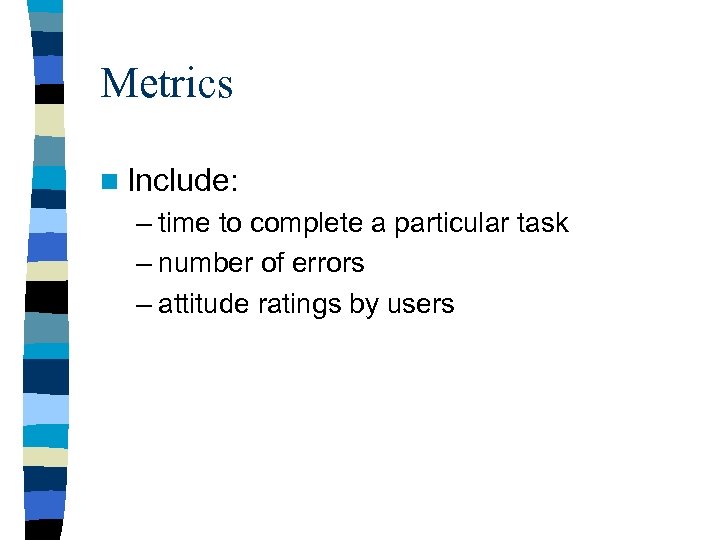 Metrics n Include: – time to complete a particular task – number of errors – attitude ratings by users
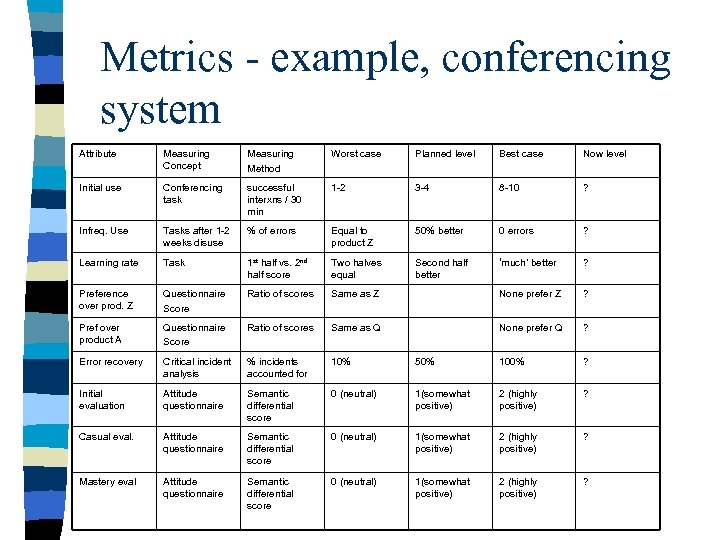 Metrics - example, conferencing system Attribute Measuring Concept Measuring Method Worst case Planned level Best case Now level Initial use Conferencing task successful interxns / 30 min 1 -2 3 -4 8 -10 ? Infreq. Use Tasks after 1 -2 weeks disuse % of errors Equal to product Z 50% better 0 errors ? Learning rate Task 1 st half vs. 2 nd half score Two halves equal Second half better ‘much’ better ? Preference over prod. Z Questionnaire Score Ratio of scores Same as Z None prefer Z ? Pref over product A Questionnaire Score Ratio of scores Same as Q None prefer Q ? Error recovery Critical incident analysis % incidents accounted for 10% 50% 100% ? Initial evaluation Attitude questionnaire Semantic differential score 0 (neutral) 1(somewhat positive) 2 (highly positive) ? Casual eval. Attitude questionnaire Semantic differential score 0 (neutral) 1(somewhat positive) 2 (highly positive) ? Mastery eval Attitude questionnaire Semantic differential score 0 (neutral) 1(somewhat positive) 2 (highly positive) ?
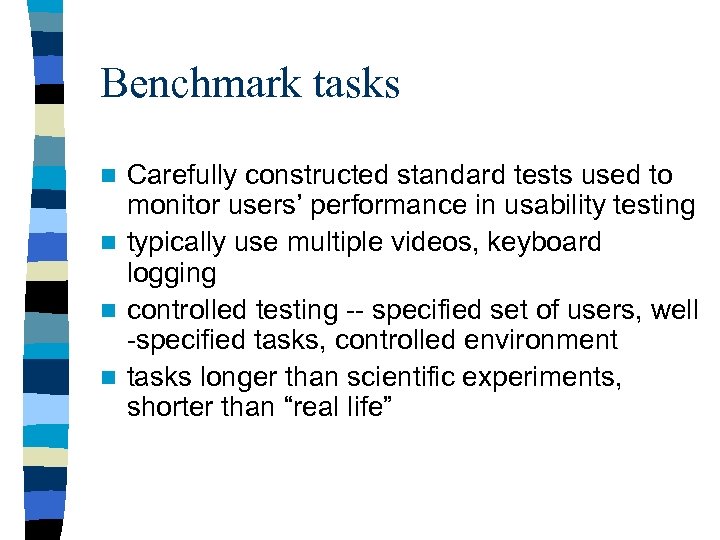 Benchmark tasks Carefully constructed standard tests used to monitor users’ performance in usability testing n typically use multiple videos, keyboard logging n controlled testing -- specified set of users, well -specified tasks, controlled environment n tasks longer than scientific experiments, shorter than “real life” n
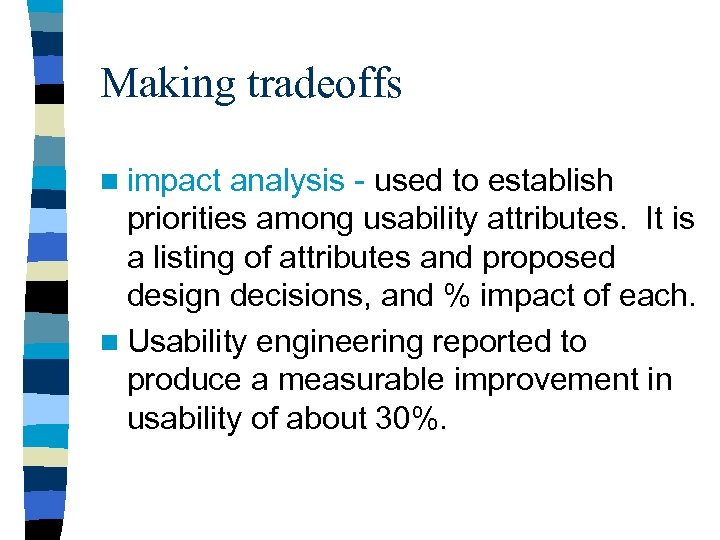 Making tradeoffs n impact analysis - used to establish priorities among usability attributes. It is a listing of attributes and proposed design decisions, and % impact of each. n Usability engineering reported to produce a measurable improvement in usability of about 30%.