


 Скачать презентацию EUMETCast served three ways David Taylor Sat Signal
c2d624fd46ef1b474e6b5b0baff70a1f.ppt
- Количество слайдов: 26
 EUMETCast served three ways David Taylor Sat. Signal Software
 Basics of EUMETCast • It’s a network link between EUMETSAT in Darmstadt and your home. • Packets of data are sent out from EUMETSAT (actually from Usingen). • They look like digital TV signals but have more robust protection. • Your job is to capture them.
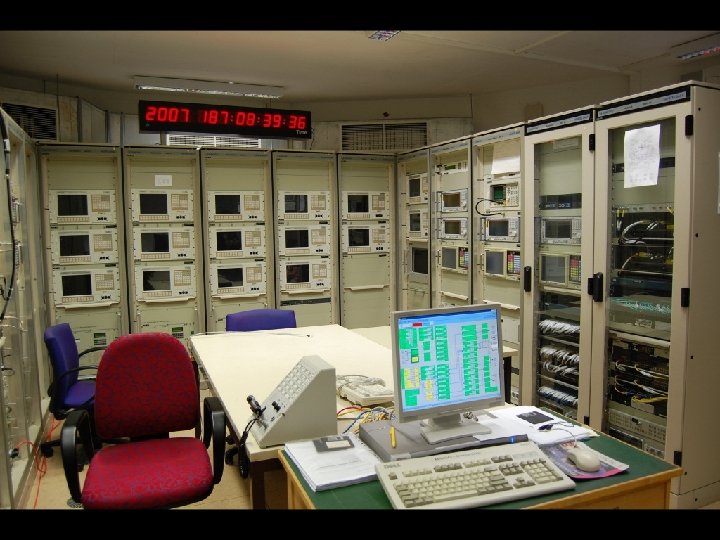 Usingen ground station
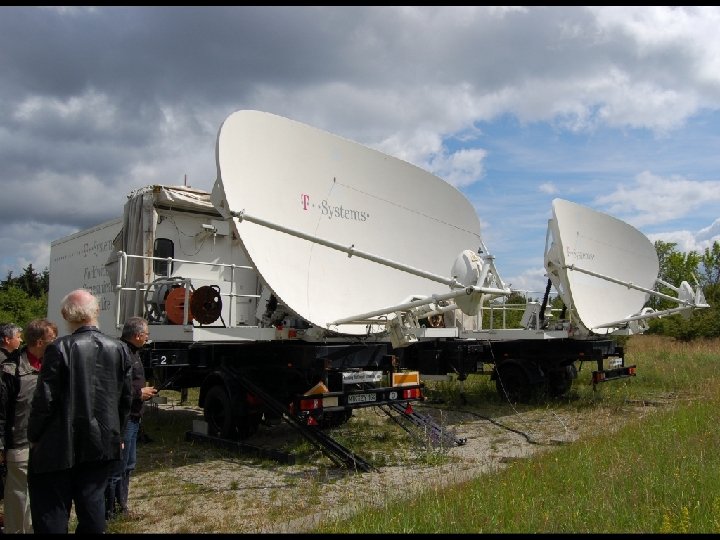 Usingen older antennas
 Packets to files • Need to convert DVB (digital video broadcast) packets into data packets, like those sent over your Wi-Fi or LAN. • Packets are broadcast to your network, so you need a “network card” to receive them. • The Telli. Cast software converts the packets to files, and needs to know your “network card” address.
 1 - Served with a Sky. Star card • PCI card inside your PC • Software installation adds device driver named Sky. NET. sys • Appears as a new network card • IP address: 192. 168. 238 • You set this yourself in Control Panel • DHCP is not used
 2 - Served with a DVB World box • USB box outside your PC • Software installation adds device driver named DVBNet. sys • Appears as a new network card • IP address: 192. 168. 238 • You set this yourself in Control Panel • DHCP is not used
 3 - Served with an IP receiver • New network card inside your PC • Or motherboard port if you use Wi-Fi for your “house network” • Software installation adds device driver – Windows usually does this automatically. • IP address: 192. 168. 103 • You set this yourself in Control Panel • DHCP is not used
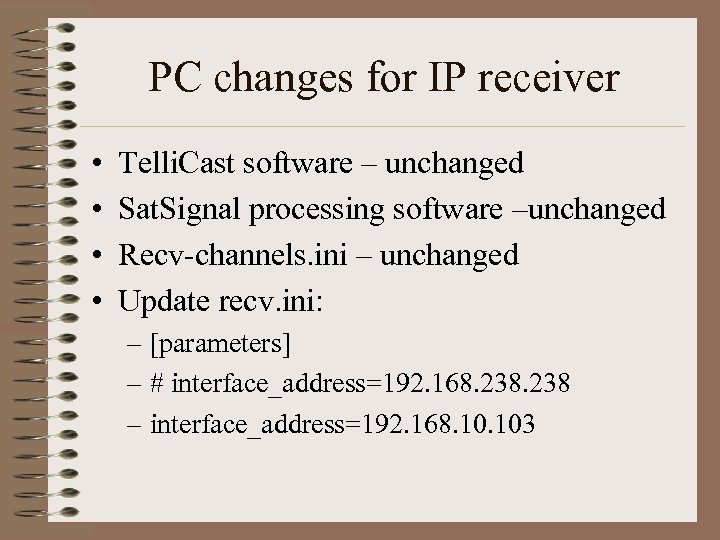 PC changes for IP receiver • • Telli. Cast software – unchanged Sat. Signal processing software –unchanged Recv-channels. ini – unchanged Update recv. ini: – [parameters] – # interface_address=192. 168. 238 – interface_address=192. 168. 103
 Later DVB S 2 changes • Re-point your dish when the new service is available. • Adjust for new service parameters. • Maybe you will need a bigger dish?
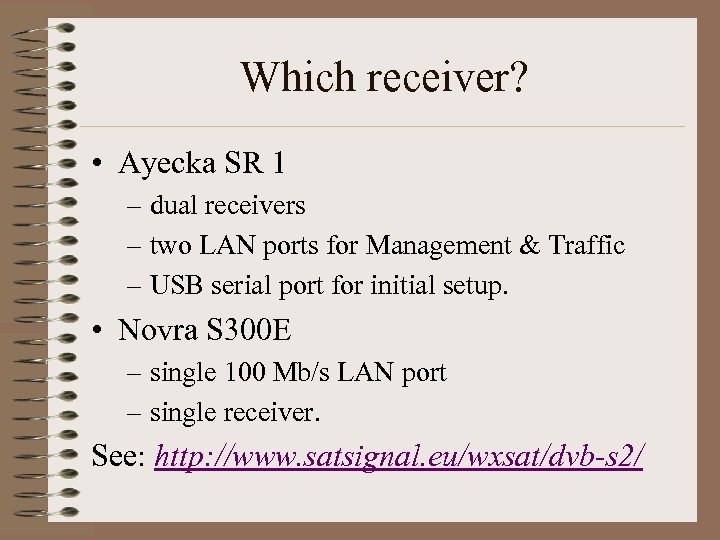 Which receiver? • Ayecka SR 1 – dual receivers – two LAN ports for Management & Traffic – USB serial port for initial setup. • Novra S 300 E – single 100 Mb/s LAN port – single receiver. See: http: //www. satsignal. eu/wxsat/dvb-s 2/
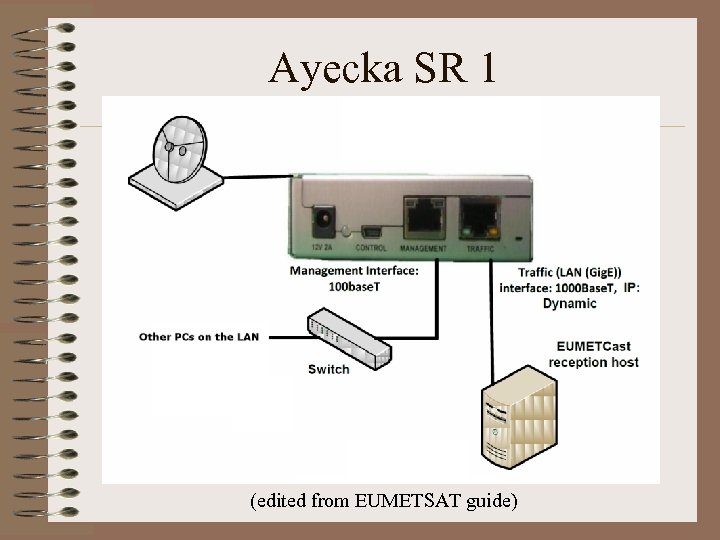 Ayecka SR 1 (edited from EUMETSAT guide)
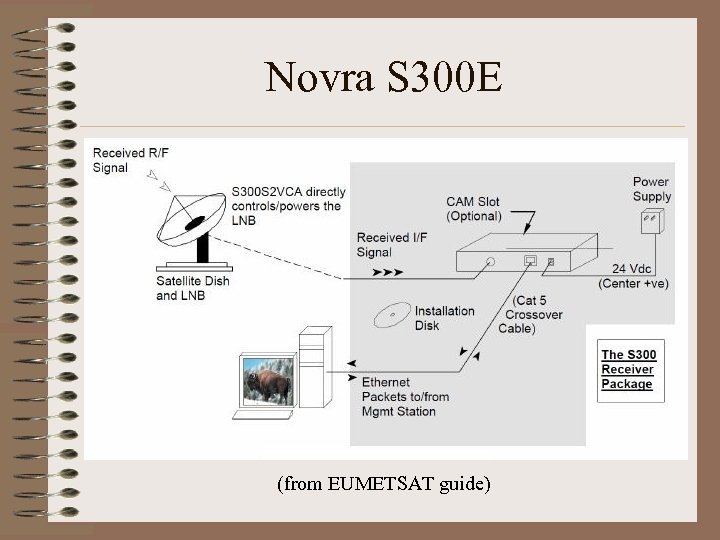 Novra S 300 E (from EUMETSAT guide)
 IP Receiver settings • For the Ayecka SR 1 receiver, EUMETSAT provide a file which can be used to configure automatically. – Requires the USB serial connection enabled • Manual configuration possible. – over a USB serial connection – over a telnet session to the management port
 What can possibly go wrong! • Dish issues • Network issues
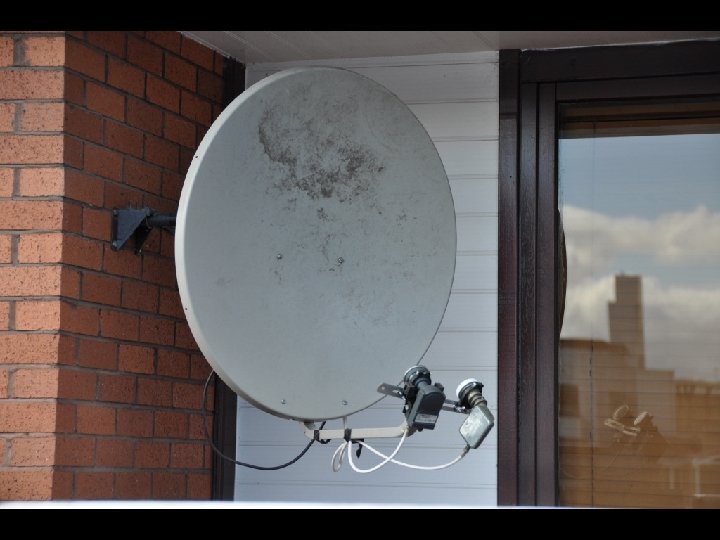 LNBs too far apart
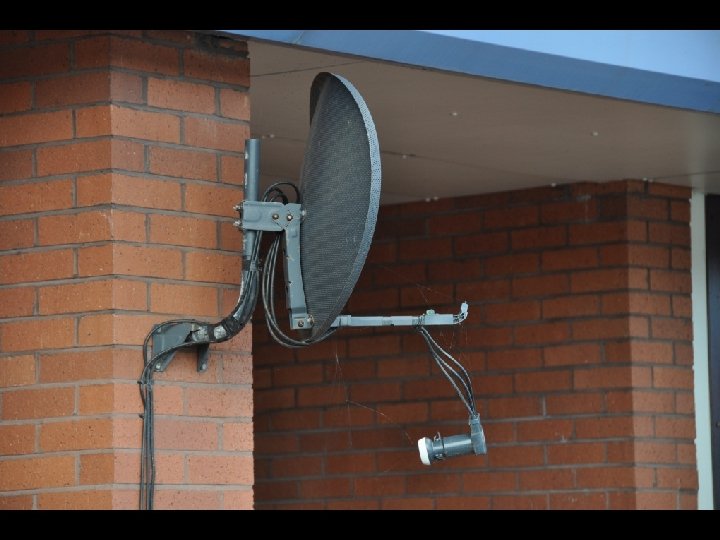 LNB fallen off
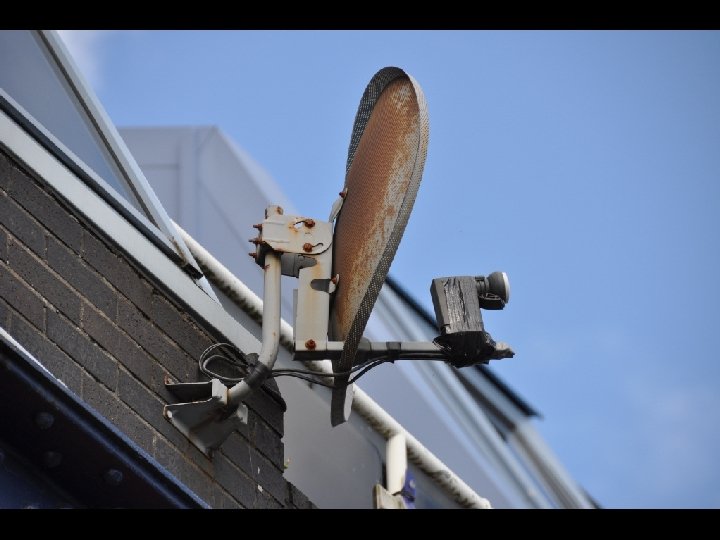 LNB pointing in the wrong direction
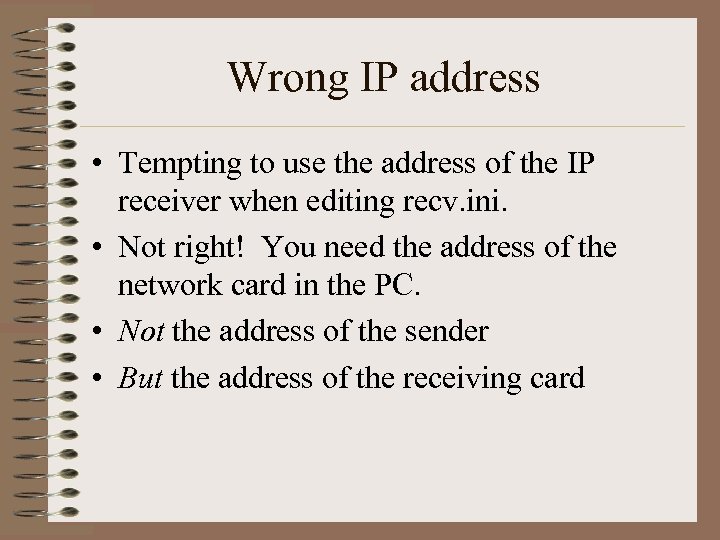 Wrong IP address • Tempting to use the address of the IP receiver when editing recv. ini. • Not right! You need the address of the network card in the PC. • Not the address of the sender • But the address of the receiving card
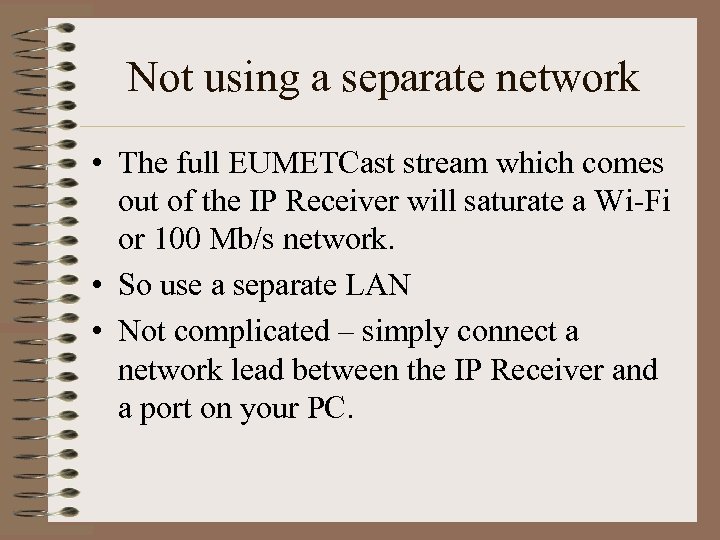 Not using a separate network • The full EUMETCast stream which comes out of the IP Receiver will saturate a Wi-Fi or 100 Mb/s network. • So use a separate LAN • Not complicated – simply connect a network lead between the IP Receiver and a port on your PC.
 Using poor cables or 100 Mb/s network • Using 100 Mb/s switch and random cables, found some odd missed packet events in early tests, but most packets recovered. • Not seen since using 1 Gb/s switch and 1 Gb/s LAN cards. • Should check cables are “gigabit” certified.
 Need to wake network card? • On one PC, found the need to PING the remote receiver before starting Telli. Cast. • Perhaps the LAN port sleeps even though UDP packets are present? • Solved with a simple. CMD file – – – PING
 What can go right? • Add a £ 20 5 -port Gigabit switch and you can feed up to four PCs with EUMETCast data – e. g. to spread the processing load. – Each PC needs Telli. Cast software & and e. Token • Generally, receiver performance is better than we have been used to. – More modern design – Professional, not consumer-level design. • Ayecka receiver provides limited SNMP, allowing performance monitoring and logging.
 Conclusions • Update receiver hardware • Change one line in recv. ini • Dish re-pointed when S 2 starts. . and you are up and running!. . all being well!
 Acknowledgements • To Ayecka, Novra and GEO for procuring test receivers. • To EUMETSAT for providing User Guides • To David Simmons, Alan Banks and others for their testing and for discovering some of the issues and asking helpful questions!
 Questions?