 Скачать презентацию EPLS Lab Orientation Educational Policy and Leadership Studies
87a81d25c17ebf7c896eb601706a2263.ppt
- Количество слайдов: 17



EPLS Lab Orientation Educational Policy and Leadership Studies Research Lab N 494 Lindquist Center
History of EPLS Lab Created in the summer of 1996. l Contains a multitude of resources. l Designed to assist graduate students and faculty members in their teaching, research, and professional development. l
Teaching Tools l l Smart Board Microsoft Office Products l Power. Point l Excel l Word Web page design l Microsoft Share. Point l Macromedia Dreamweaver MX (all stations) l Macromedia Fireworks MX (all stations) l Macromedia Flash MX (all stations) Inspiration
Research Tools l l l Context (Type) l Discovery and Description (Find and Describe) l Verification (Theory testing) Research Design l Experimental l Non-experimental l Qualitative vs. Quantitative Research Collection Analysis Presentation l EPLS Lab can help w/ Collection, Analysis, and Presentation of data.
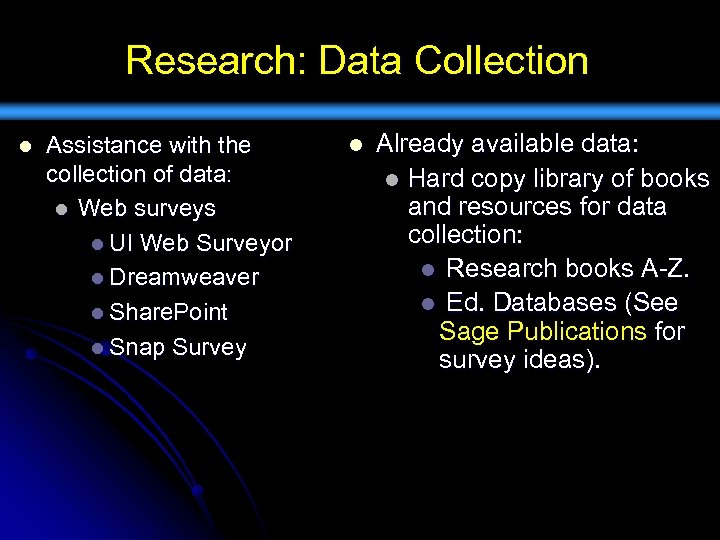
Research: Data Collection l Assistance with the collection of data: l Web surveys l UI Web Surveyor l Dreamweaver l Share. Point l Snap Survey l Already available data: l Hard copy library of books and resources for data collection: l Research books A-Z. l Ed. Databases (See Sage Publications for survey ideas).
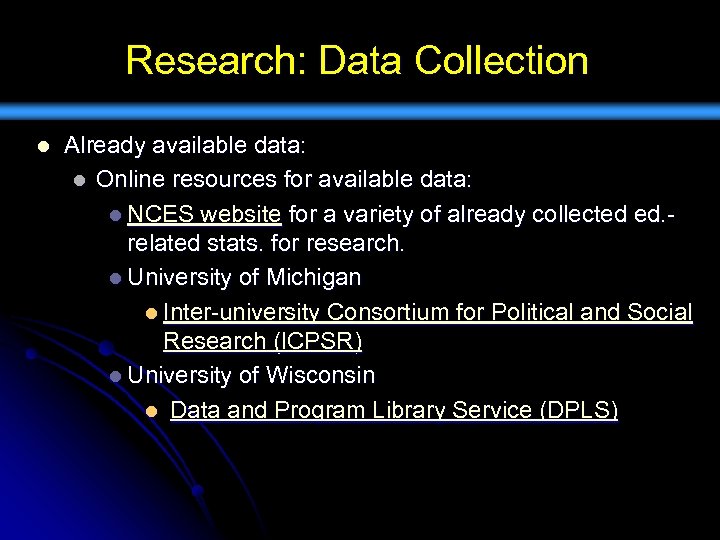
Research: Data Collection l Already available data: l Online resources for available data: l NCES website for a variety of already collected ed. related stats. for research. l University of Michigan l Inter-university Consortium for Political and Social Research (ICPSR) l University of Wisconsin l Data and Program Library Service (DPLS)
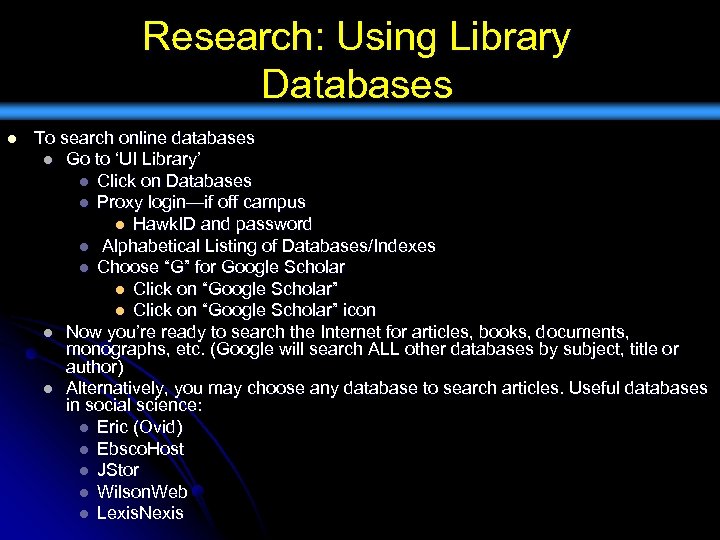
Research: Using Library Databases l To search online databases l Go to ‘UI Library’ l Click on Databases l Proxy login—if off campus l Hawk. ID and password l Alphabetical Listing of Databases/Indexes l Choose “G” for Google Scholar l Click on “Google Scholar” icon l Now you’re ready to search the Internet for articles, books, documents, monographs, etc. (Google will search ALL other databases by subject, title or author) l Alternatively, you may choose any database to search articles. Useful databases in social science: l Eric (Ovid) l Ebsco. Host l JStor l Wilson. Web l Lexis. Nexis
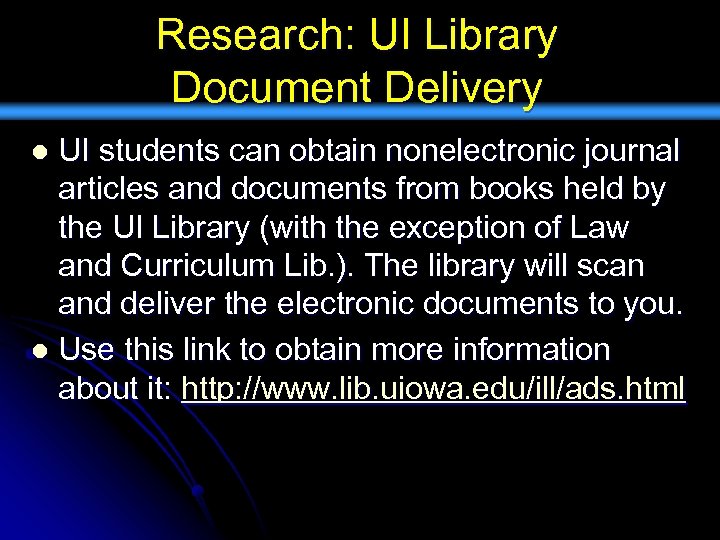
Research: UI Library Document Delivery UI students can obtain nonelectronic journal articles and documents from books held by the UI Library (with the exception of Law and Curriculum Lib. ). The library will scan and deliver the electronic documents to you. l Use this link to obtain more information about it: http: //www. lib. uiowa. edu/ill/ads. html l
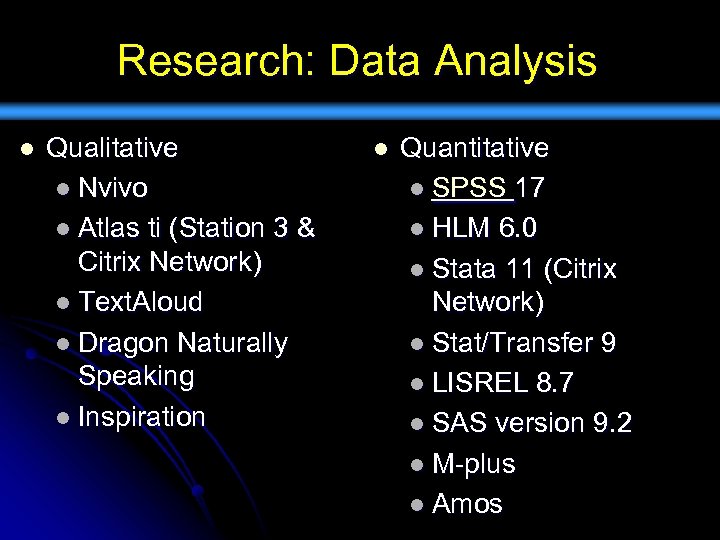
Research: Data Analysis l Qualitative l Nvivo l Atlas ti (Station 3 & Citrix Network) l Text. Aloud l Dragon Naturally Speaking l Inspiration l Quantitative l SPSS 17 l HLM 6. 0 l Stata 11 (Citrix Network) l Stat/Transfer 9 l LISREL 8. 7 l SAS version 9. 2 l M-plus l Amos
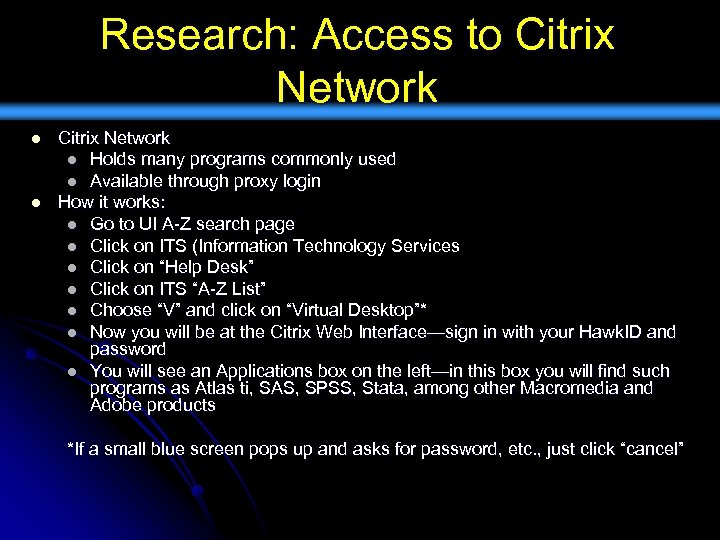
Research: Access to Citrix Network l l Citrix Network l Holds many programs commonly used l Available through proxy login How it works: l Go to UI A-Z search page l Click on ITS (Information Technology Services l Click on “Help Desk” l Click on ITS “A-Z List” l Choose “V” and click on “Virtual Desktop”* l Now you will be at the Citrix Web Interface—sign in with your Hawk. ID and password l You will see an Applications box on the left—in this box you will find such programs as Atlas ti, SAS, SPSS, Stata, among other Macromedia and Adobe products *If a small blue screen pops up and asks for password, etc. , just click “cancel”
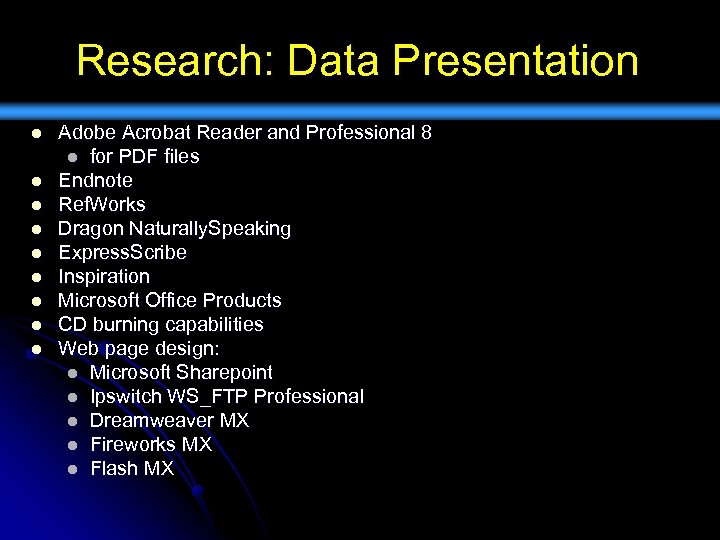
Research: Data Presentation l l l l l Adobe Acrobat Reader and Professional 8 l for PDF files Endnote Ref. Works Dragon Naturally. Speaking Express. Scribe Inspiration Microsoft Office Products CD burning capabilities Web page design: l Microsoft Sharepoint l Ipswitch WS_FTP Professional l Dreamweaver MX l Fireworks MX l Flash MX
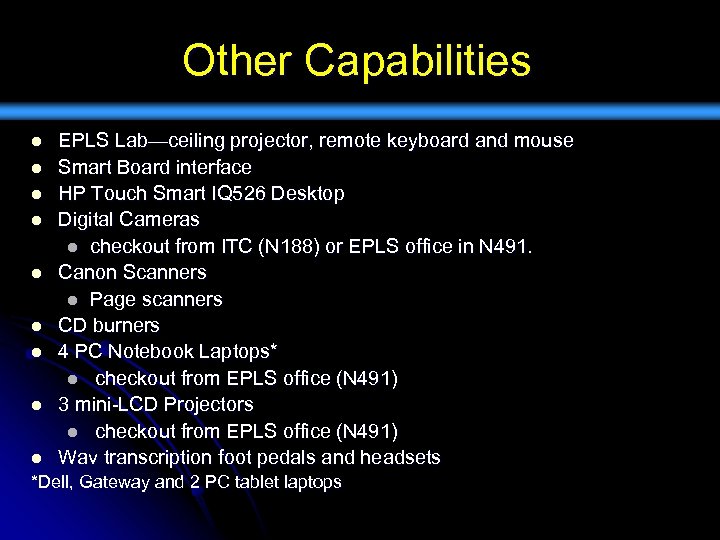
Other Capabilities l l l l l EPLS Lab—ceiling projector, remote keyboard and mouse Smart Board interface HP Touch Smart IQ 526 Desktop Digital Cameras l checkout from ITC (N 188) or EPLS office in N 491. Canon Scanners l Page scanners CD burners 4 PC Notebook Laptops* l checkout from EPLS office (N 491) 3 mini-LCD Projectors l checkout from EPLS office (N 491) Wav transcription foot pedals and headsets *Dell, Gateway and 2 PC tablet laptops
Other Capabilities l l l Logitech cams l For digital video conferencing, recording of MPEG’s. l One is set up, others are capable of being set up for each computer as needed (see lab staff for help) Iris. Pen Executive pen scanner Docu. Pen R 700® pen scanners l USB and infrared capabilities l available for checkout from EPLS office (N 491). Mini-disc, digital audio recorders l Available for checkout from EPLS office (N 491) l USB and infrared capabilities l available for checkout from EPLS office (N 491) Portable printer l USB capabilities l available for checkout from EPLS office (N 491) Portable page scanner l USB capabilities l Available for checkout from EPLS office (N 491)
General Policies l l Log on w/ Hawk ID and password. Log out or lock computers upon leaving them: l ctrl + alt + del while logged on to lock computer no more than 5 minutes as courtesy to others No inappropriate websites (no porn, etc. ). Printing policy: l l You may print the following: l SPSS, SAS, Nvivo, Atlas ti research work (be mindful of page length—an excessive amount would be 50 pages) l Course syllabi if you are a Teaching Assistant l Other work as approved by Dr. Morphew
General Policies Access to books and research materials: l Please see a lab assistant for checkout l Be mindful of others using this space l Pick up after yourselves l Shut off lights and fans if last person l
Access to EPLS Lab Attend one orientation session l Approval form signed by lab assistant l See Karen Bixby in N 491—for assigned passcode l
Questions? l l You can contact any of the EPLS Lab Assistants via e-mail—find them at: http: //www. education. uiowa. edu/eplslab/staff. htm See Dr. Christopher Morphew, lab/RA supervisor l christopher-morphew@uiowa. edu l Office N 491 B
Скачать презентацию EPLS Lab Orientation Educational Policy and Leadership Studies
87a81d25c17ebf7c896eb601706a2263.ppt