 Скачать презентацию EPA Recruitment Web Training What is EPA
d1b6c465a57534fb1ccad32c59689951.ppt
- Количество слайдов: 24




EPA Recruitment Web Training
What is EPA Recruitment. Web? A web based recruitment and applicant tracking system designed to streamline the recruitment and hiring process for EPA Faculty and Non-Faculty positions.
Use EPA Recruitment. Web to: Process all recruitment and hiring actions for all EPA Faculty and Non-Faculty positions.
Project Scope: EPA Faculty and Non-Faculty Recruitment n n n Recruitment Plan (Requisition) Waiver of Recruitment Automated posting of approved positions. Web-based application process … no paper or e-mailed resumes. Electronic collection of applicant EEO and Veterans Preference data.
Timeline n Project Start l 11/2006 n Project Organization & Consultation l 11/2006 to 12/2006 n Requirements & Prototype l 12/2006 to 05/2007 n Develop & Test l 05/2007 to 12/2007 n Training l 1 st Qtr, 2008 n Implementation l 1 st Qtr, 2008
Advantages n Increased efficiency when posting vacant positions. n A consistent and streamlined application process for EPA Faculty and Non-Faculty applicants. n Immediate electronic access to applicant materials by hiring managers and search committees members. n All interim and final EPA EEO documentation provided electronically.
Advantages (continued) n Direct collection of mandatory Applicant EEO and Veterans Preference compliance data at the time of application. n Effective EEO monitoring without burdensome paperwork requirements. n Ability to quickly respond to Federal OFCCP audit documentation requests. n Electronic feed of applicant and hiring data to EEO monitoring software tools.
Paper/Manual Processes Eliminated n Recruitment Plan (EOF-1) Interim Equal Opportunity Statement (EOF-2) n Applicant Flow Form (EOF-2 A) n Final Equal Opportunity Statement (EOF-3) n Request for Waiver of Recruitment (EOF-5) n
Paper/Manual Processes Eliminated n n n EEO Procedures for Certain Employment Pursuant to Grants (EOF-6) EEO Employment Data Form (Applicant Data) Paper resumes; or printing e-mailed resumes and related applicant materials Generating current department employee counts from Data Warehouse Tallying applicant counts for those interviewed or excluded
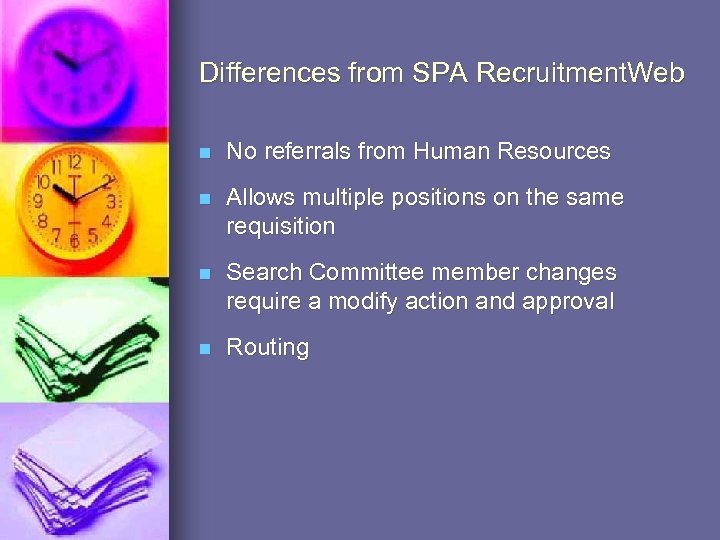
Differences from SPA Recruitment. Web n No referrals from Human Resources n Allows multiple positions on the same requisition n Search Committee member changes require a modify action and approval n Routing

EEO Policies – EPA Recruitment. Web Use of EPA Recruitment. Web is required.
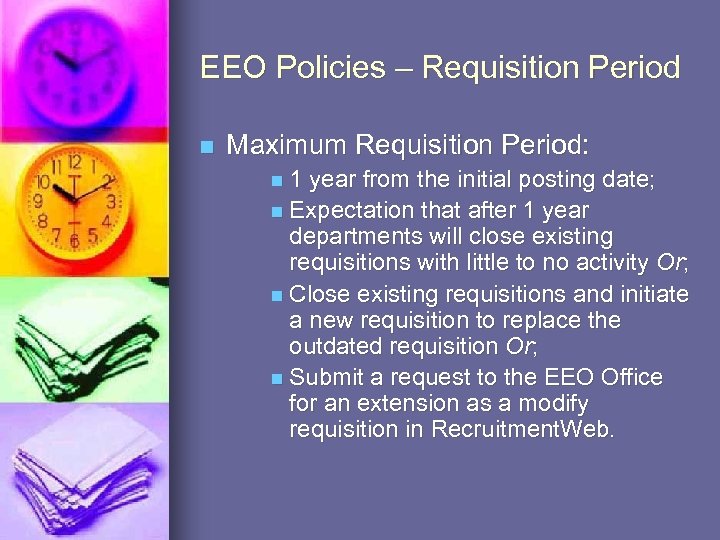
EEO Policies – Requisition Period n Maximum Requisition Period: n 1 year from the initial posting date; n Expectation that after 1 year departments will close existing requisitions with little to no activity Or; n Close existing requisitions and initiate a new requisition to replace the outdated requisition Or; n Submit a request to the EEO Office for an extension as a modify requisition in Recruitment. Web.
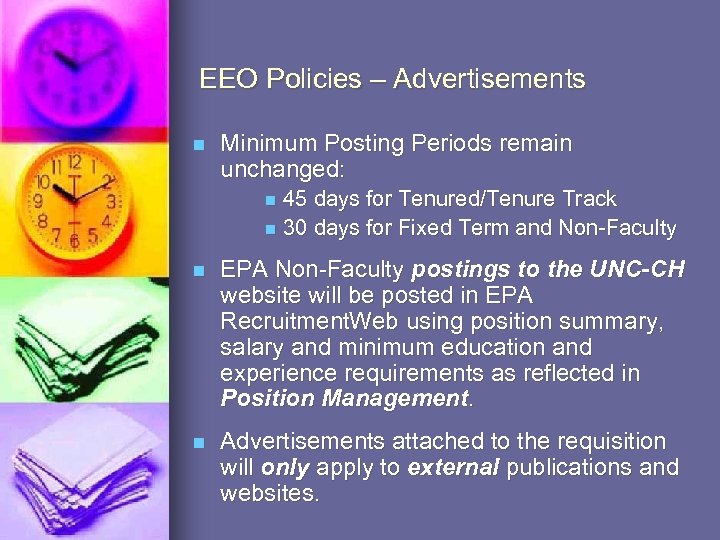
EEO Policies – Advertisements n Minimum Posting Periods remain unchanged: 45 days for Tenured/Tenure Track n 30 days for Fixed Term and Non-Faculty n n EPA Non-Faculty postings to the UNC-CH website will be posted in EPA Recruitment. Web using position summary, salary and minimum education and experience requirements as reflected in Position Management. n Advertisements attached to the requisition will only apply to external publications and websites.
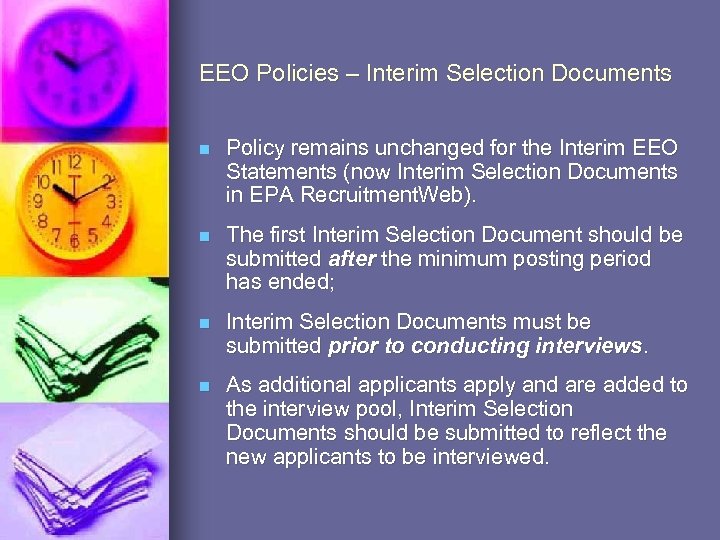
EEO Policies – Interim Selection Documents n Policy remains unchanged for the Interim EEO Statements (now Interim Selection Documents in EPA Recruitment. Web). n The first Interim Selection Document should be submitted after the minimum posting period has ended; n Interim Selection Documents must be submitted prior to conducting interviews. n As additional applicants apply and are added to the interview pool, Interim Selection Documents should be submitted to reflect the new applicants to be interviewed.
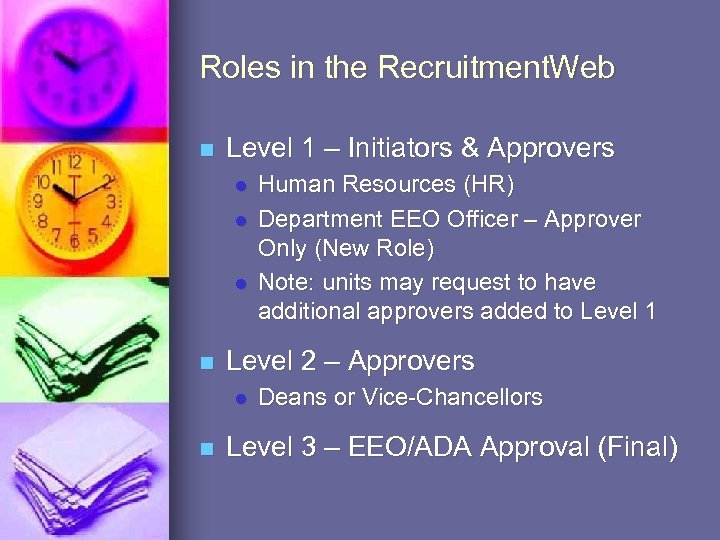
Roles in the Recruitment. Web n Level 1 – Initiators & Approvers l l l n Level 2 – Approvers l n Human Resources (HR) Department EEO Officer – Approver Only (New Role) Note: units may request to have additional approvers added to Level 1 Deans or Vice-Chancellors Level 3 – EEO/ADA Approval (Final)
Training Topics n n RW home and navigation Create Recruitment Requisition Applying for a position (demo) View Applicants l l n n n Release Applicant Data Download Applicant Data Interim/Final Selection Create Waiver Other Actions/Functionality l Modify Requisition, Cancel/End, activate and Action Search Re-

RW Home and Navigation
Create Requisition Create New n Copy n Required Fields n Link to Position Management n Process for External Committee members n Counts Data n
Applicant Web (Demo) n Review Search Process n Review Applicant Process
View Applicants n Release Applicant Data Displayed fields l Attachments l n Download of applicant data
Interim/Final Selection Update of selection document n Submit Interim n Required information l Possible errors/warnings l n Submit Final (incl multiple pos) Required information l Possible errors/warnings l
Create Waiver n Policy on Waivers n Required information n Possible errors/warnings
Other Actions/Functionality n Modify Requisition n Cancel/End Recruitment n Re-activate Requisition n Action Search

Questions Contact Information: Equal Opportunity/ADA Office 966 -3576 equalopportunity@unc. edu February 2008
Скачать презентацию EPA Recruitment Web Training What is EPA
d1b6c465a57534fb1ccad32c59689951.ppt