


 Скачать презентацию End UNCTAD 2000 1 End Direct Trader
6341503c892bb35fce190f4244680594.ppt
- Количество слайдов: 29
 End ©UNCTAD 2000 1
 End Direct Trader Input A short description of how Direct Trader Input ( ‘DTI’) is implemented using the ASYCUDA++ Customs computer system. Mouse ‘Click’ to move on to the next slide ©UNCTAD 2000 Next 2
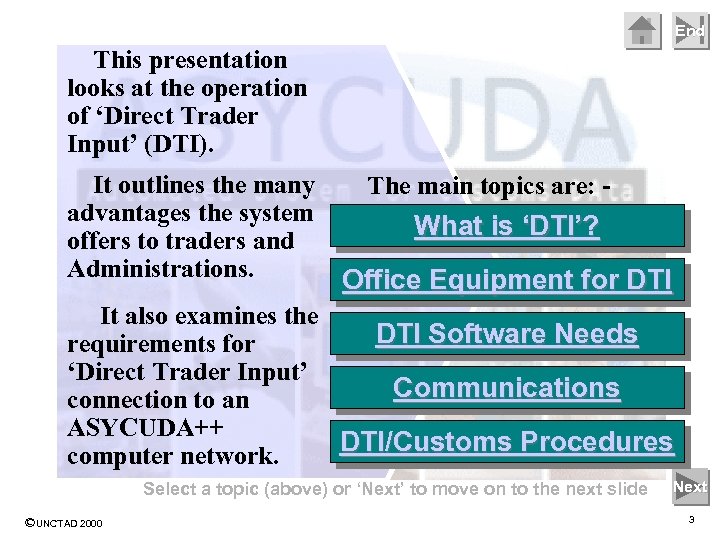 End This presentation looks at the operation of ‘Direct Trader Input’ (DTI). It outlines the many advantages the system offers to traders and Administrations. The main topics are: - What is ‘DTI’? Office Equipment for DTI It also examines the DTI Software Needs requirements for ‘Direct Trader Input’ Communications connection to an ASYCUDA++ DTI/Customs Procedures computer network. Select a topic (above) or ‘Next’ to move on to the next slide ©UNCTAD 2000 Next 3
 ASYCUDA++ End What is ‘DTI’? Most countries have Customs laws that require a trader, (i. e. any person importing or exporting), to declare the details of import or export transactions. Details of a declaration are used for any tax calculations and for national controls and trade statistics. Next ©UNCTAD 2000 4
 ASYCUDA++ End What is ‘DTI’? The trader may provide the declaration to Customs, or the trader may employ an agent or broker, skilled in Customs procedures. (We call the person giving the declaration to Customs the ‘Declarant’. ) Next ©UNCTAD 2000 5
 ASYCUDA++ End What is ‘DTI’? Conventional Customs processes require that Declarants prepare a Customs document (a ‘Declaration’ or ‘Entry’) that fully describes their transaction. This Declaration was originally prepared and processed as a paper document. With the introduction of electronic systems, the details were then keyed into a computer. Next ©UNCTAD 2000 6
 ASYCUDA++ End Customs Data Input staff copied declaration details from the paper document. (In many cases, the original paper declaration had been prepared on a computer by the Declarant. ) Problems included: - § Duplication of effort and high costs § Errors arising from the copying/keying process § Delays due to work backlogs with data entry Next ©UNCTAD 2000 7
 ASYCUDA++ Direct access to the Customs computer gives major benefits to both Customs and the trader or broker. End Direct access – or ‘Direct Trader Input’ - is needed for a fully electronic processing system. Next ©UNCTAD 2000 8
 ASYCUDA++ End Direct Trader Input gives a Declarant the capability to complete the full Customs process or formalities remotely – from that Declarant’s office. For Customs, it removes the need for a costly and essentially nonproductive process. Next ©UNCTAD 2000 9
 ASYCUDA++ End The Declarant, with DTI access, may prepare, check and print declarations. Processing is subject to full Customs controls! Declarations may be forwarded electronically to Customs for registration and acceptance. Payment of any duties may d be pre-arranged, through se aa le facility. credit or pre-payment Re be y a M ©UNCTAD 2000 Next 10
 ASYCUDA++ End Customs control processes for DTI declarations are similar to declarations lodged as paper documents. § Calculations are validated against current data. § Declaration details are checked against Customs control criteria (such as manifest, national prohibitions and restrictions, risk profiles). § Goods may be directed for examinations, as needed. Next ©UNCTAD 2000 11
 ASYCUDA++ End So…. what is required for DTI? § Computer equipment, programs or software. DTI requirements are further explained in the following sections. § Communications – the ability for the Declarant to electronically connect to the Customs computer system. § Agreement on procedures (Asycuda++ allows step-by-step introduction of processing options. ) Select ‘Back’ to return to main topic index, or ‘Next’ to go on Back Next ©UNCTAD 2000 12
 ASYCUDA++ End Office Equipment for DTI The Declarant’s office, (trader or broker), needs a personal computer (PC) and a computer printer, as basic equipment. The ASYCUDA++ software is not technically demanding as regards hardware; the choice of computer is usually determined by what other uses within the office that the computer is to be put to. See http: //www. asycuda. org/recommendedhardware. htm at the ASYCUDA website for specific recommendations. Next ©UNCTAD 2000 13
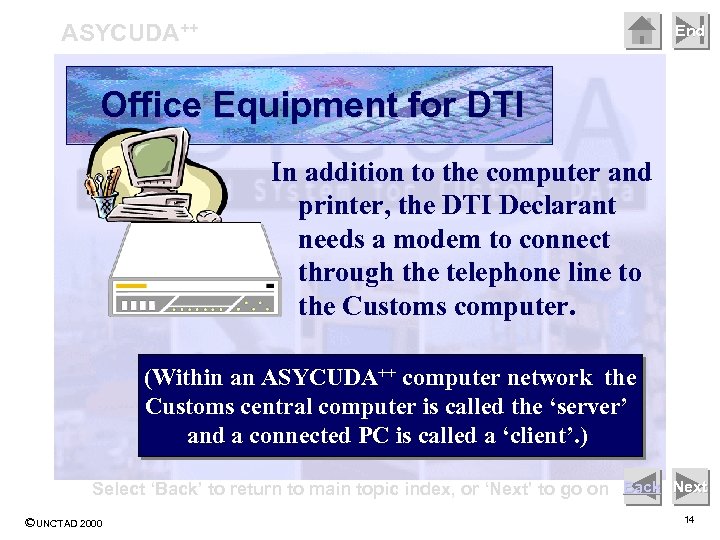 ASYCUDA++ End Office Equipment for DTI In addition to the computer and printer, the DTI Declarant needs a modem to connect through the telephone line to the Customs computer. (Within an ASYCUDA++ computer network the Customs central computer is called the ‘server’ and a connected PC is called a ‘client’. ) Select ‘Back’ to return to main topic index, or ‘Next’ to go on Back Next ©UNCTAD 2000 14
 ASYCUDA++ End DTI Software Needs The Declarant’s computer must have the operating system installed. (MS Windows or DOS. ) Using the computer for DTI requires both ASYCUDA++ client software and communications software Next ©UNCTAD 2000 15
 ASYCUDA++ End DTI Software Needs ASYCUDA++ software for DTI is a program called ‘MODBRK’. (Customs Broker module. ) Functions available within MODBRK are explained in the Power. Point Presentation Library: ‘Modules’ at http: //www. asycuda. org/pptlibrary. htm Next ©UNCTAD 2000 16
 ASYCUDA++ End DTI Software Needs Communications software handles the transfer of messages or data between the DTI client computer and the Customs server. The form of message is TCP/IP, or Internet Protocol Select ‘Back’ to return to main topic index, or ‘Next’ to go on Back Next ©UNCTAD 2000 17
 ASYCUDA++ End Communications The simplest means of communication between the DTI Declarant and Customs is to use an existing Internet connection service. (ISP) A direct connection can be made to the Customs server by using the server’s internet address. An alternative is to install communications software (TCP/IP protocol) that allows a direct connection from the Declarant’s modem to the Customs dial-in modem. Next ©UNCTAD 2000 18
 ASYCUDA++ End Communications Many factors are involved in deciding the best means of communication for DTI connections. The available telecommunications infrastructure and local pricing policies are important in making a decision. In some situations a leased line may be viable, as may a fixed line connected to the Customs network. Next ©UNCTAD 2000 19
 ASYCUDA++ End ASYCUDA’s security controls limit access to authorised users. Declarants with DTI authorisation are restricted to accessing only their own Customs declarations. …and Individual Customs Administrations may choose to limit the range of functions made available within the Customs Broker module. Select ‘Back’ to return to main topic index, or ‘Next’ to go on Back Next ©UNCTAD 2000 20
 End DTI/Customs Procedures The Declarant uses the transaction details, together with the reference tables of the ASYCUDA++ software, to prepare the declaration. ‘Reference tables’ are part of the DTI software; all codes, (such as tariff, countries and currencies), tax and calculation details, are on the ‘client’ computer. Next ©UNCTAD 2000 21
 End DTI/Customs Procedures The new declaration can be prepared, checked and saved on the Declarant’s DTI computer, ready for presentation to Customs. Connection to the Customs server is NOT needed for these processes. Next ©UNCTAD 2000 22
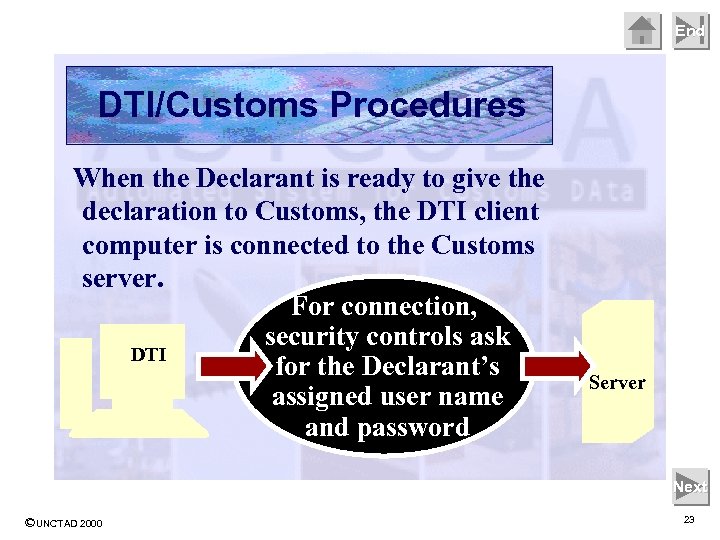 End DTI/Customs Procedures When the Declarant is ready to give the declaration to Customs, the DTI client computer is connected to the Customs server. For connection, security controls ask DTI for the Declarant’s assigned user name and password Server Next ©UNCTAD 2000 23
 End DTI/Customs Procedures After connection, the server first checks that the client PC’s reference files are current. If not, the server transfers an automatic update of non-current files to the client PC. The Declarant can then ‘give’ the declaration to Customs, by asking for Registration or Assessment of the electronic document. Next ©UNCTAD 2000 24
 End DTI/Customs Procedures On receiving the declaration The system transmission from the DTI assigns an Declarant the declaration identifying number is registered. and notifies the Progress on further processes, (such as assessment, payment and release), are determined by the controls set by Customs. status of the declaration. Server Next ©UNCTAD 2000 25
 End DTI/Customs Procedures The Declarant has access to his or her own declarations held on the Customs server: § Declarations can be viewed at any time and status checked § Lists of previous declarations can be prepared § Declarations can be brought to screen and printed (or to become the basis of a new declaration). Manifest details may be viewed. Transit movements can be initiated. Next ©UNCTAD 2000 26
 End For Declarants, DTI means convenience, time and cost savings, including: - § Quicker service for clients, with lower costs § Freedom to work outside of Customs normal hours of business § Reduced traveling, delays and queues at Customs § Easy access to own declaration data held within the Customs computer § Access to up-to-date trade related information § The opportunity to integrate with own internal systems Next ©UNCTAD 2000 27
 End § Frees resources, by relieving Customs of necessary but unproductive work of data input. For Customs, § Spreads workload and DTI means reduces demand at peak times increased efficiencies, § Reduces data input errors and encourages a ‘selfreduced costs and assessment’ environment greatly improved § Facilitates trade and the service delivery. achievement of organisational objectives, without compromising Customs controls Select ‘Back’ to return to main topic index, or ‘Next’ to go on Back Next ©UNCTAD 2000 28
 End See also the presentations on: - ASYCUDA++ User Interface ASYCUDA++ Modules ASYCUDA++ System Overview End Show ©UNCTAD 2000 29