


Embedded SQL N. P. Saparkhojayev, Ph. D, Head of IT Department, Assistant-Professor
Embedded SQL Direct SQL is rarely used: usually, SQL is embedded in some application code. We need some method to reference SQL statements. But: there is an impedance mismatch problem
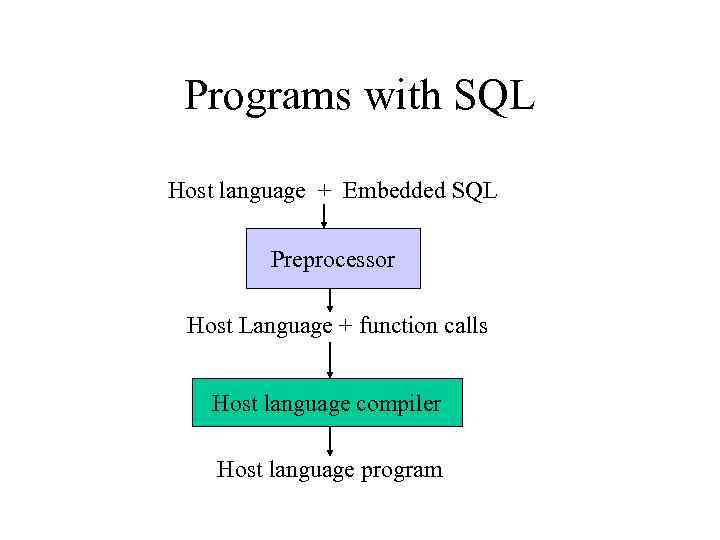
Programs with SQL Host language + Embedded SQL Preprocessor Host Language + function calls Host language compiler Host language program
The Impedance Mismatch Problem Impedance mismatch occurs when you need to map objects used in an application to tables stored in a relational database. The host language manipulates variables, values, pointers SQL manipulates relations. There is no construct in the host language for manipulating relations. Why not use only one language? • Forgetting SQL: definitely not a good idea! • SQL cannot do everything that the host language can do.
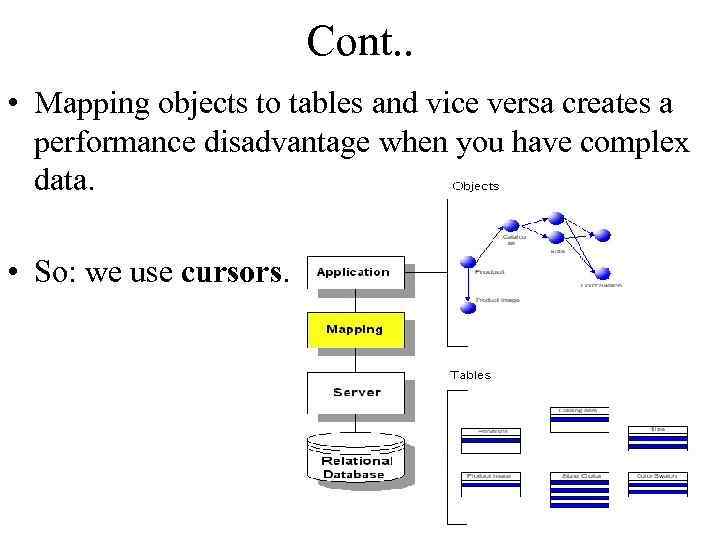
Cont. . • Mapping objects to tables and vice versa creates a performance disadvantage when you have complex data. • So: we use cursors.
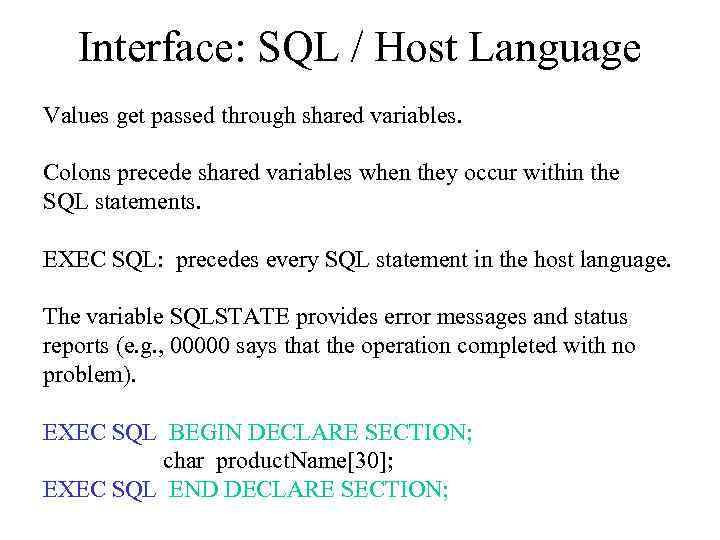
Interface: SQL / Host Language Values get passed through shared variables. Colons precede shared variables when they occur within the SQL statements. EXEC SQL: precedes every SQL statement in the host language. The variable SQLSTATE provides error messages and status reports (e. g. , 00000 says that the operation completed with no problem). EXEC SQL BEGIN DECLARE SECTION; char product. Name[30]; EXEC SQL END DECLARE SECTION;
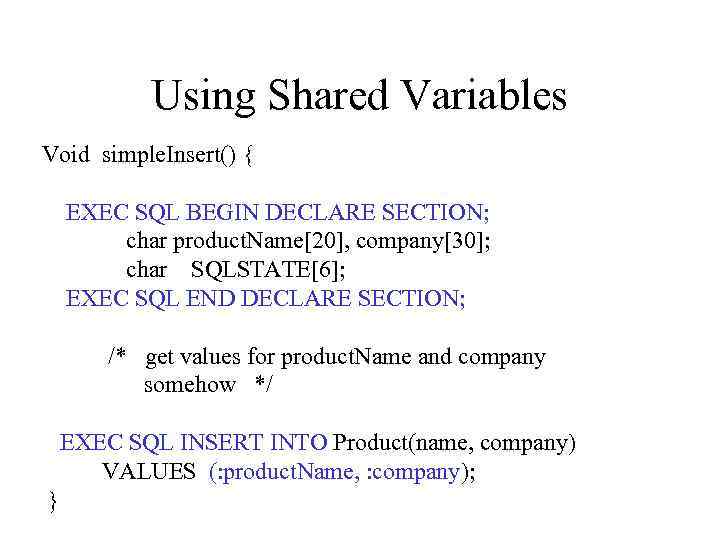
Using Shared Variables Void simple. Insert() { EXEC SQL BEGIN DECLARE SECTION; char product. Name[20], company[30]; char SQLSTATE[6]; EXEC SQL END DECLARE SECTION; /* get values for product. Name and company somehow */ EXEC SQL INSERT INTO Product(name, company) VALUES (: product. Name, : company); }
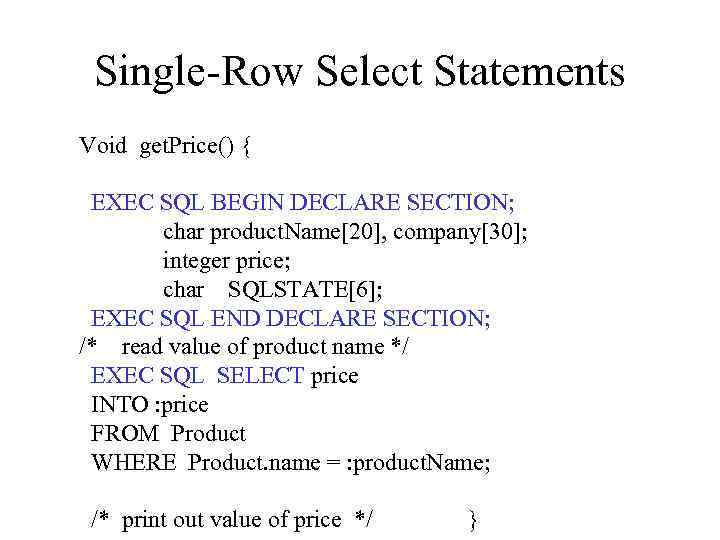
Single-Row Select Statements Void get. Price() { EXEC SQL BEGIN DECLARE SECTION; char product. Name[20], company[30]; integer price; char SQLSTATE[6]; EXEC SQL END DECLARE SECTION; /* read value of product name */ EXEC SQL SELECT price INTO : price FROM Product WHERE Product. name = : product. Name; /* print out value of price */ }
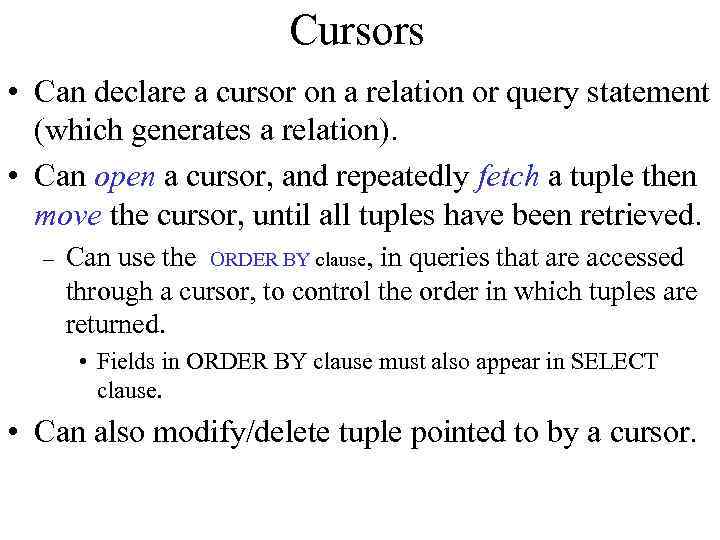
Cursors • Can declare a cursor on a relation or query statement (which generates a relation). • Can open a cursor, and repeatedly fetch a tuple then move the cursor, until all tuples have been retrieved. – Can use the ORDER BY clause, in queries that are accessed through a cursor, to control the order in which tuples are returned. • Fields in ORDER BY clause must also appear in SELECT clause. • Can also modify/delete tuple pointed to by a cursor.
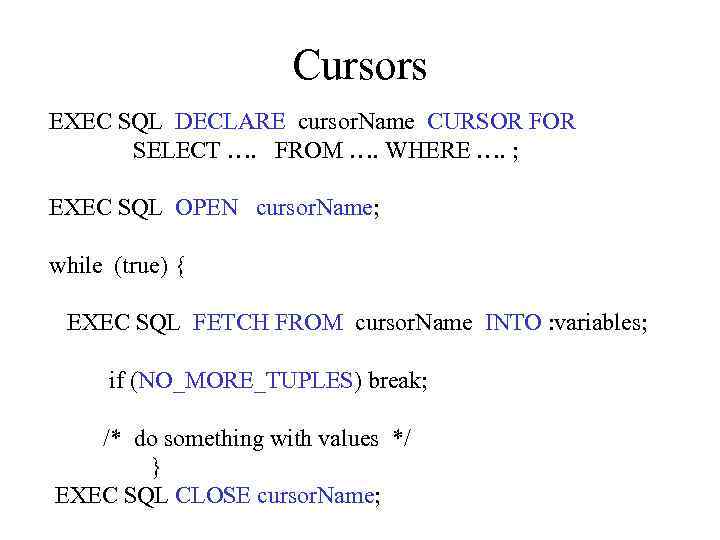
Cursors EXEC SQL DECLARE cursor. Name CURSOR FOR SELECT …. FROM …. WHERE …. ; EXEC SQL OPEN cursor. Name; while (true) { EXEC SQL FETCH FROM cursor. Name INTO : variables; if (NO_MORE_TUPLES) break; /* do something with values */ } EXEC SQL CLOSE cursor. Name;
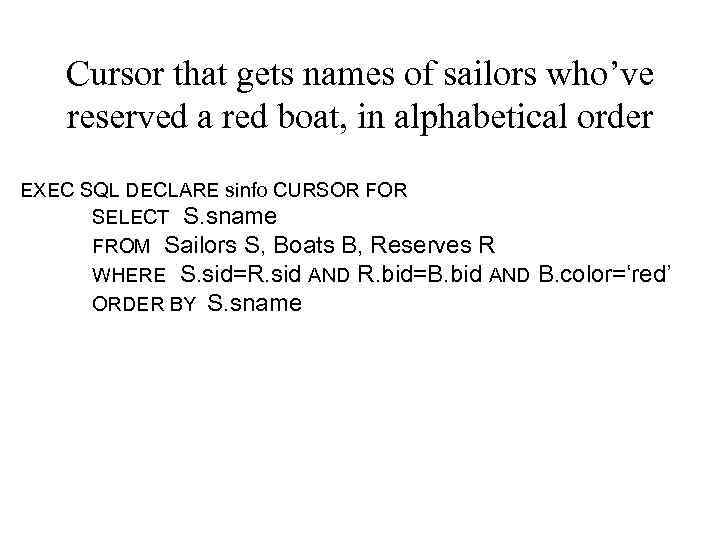
Cursor that gets names of sailors who’ve reserved a red boat, in alphabetical order EXEC SQL DECLARE sinfo CURSOR FOR SELECT S. sname FROM Sailors S, Boats B, Reserves R WHERE S. sid=R. sid AND R. bid=B. bid AND ORDER BY S. sname B. color=‘red’
![Embedding SQL in C: An char SQLSTATE[6]; Example EXEC SQL BEGIN DECLARE SECTION ;](https://present5.com/presentation/205110987_443661053/image-12.jpg "Embedding SQL in C: An char SQLSTATE[6]; Example EXEC SQL BEGIN DECLARE SECTION ;")
Embedding SQL in C: An char SQLSTATE[6]; Example EXEC SQL BEGIN DECLARE SECTION ; (=>declare section) char c_sname[20]; short c_minrating; float c_age; EXEC SQL END DECLARE SECTION c_minrating = random(); EXEC SQL DECLARE sinfo CURSOR FOR ; (=>declare section) SELECT S. sname, S. age FROM Sailors S WHERE S. rating > : c_minrating ORDER BY S. sname; EXEC SQL OPEN CURSOR sinfo ; (=>statement) do { EXEC SQL FETCH sinfo INTO : c_sname, : c_age; (=>statement) printf(“%s is %d years oldn”, c_sname, c_age); } while (SQLSTATE != ‘ 02000’); EXEC SQL CLOSE sinfo; ; (=>statement)
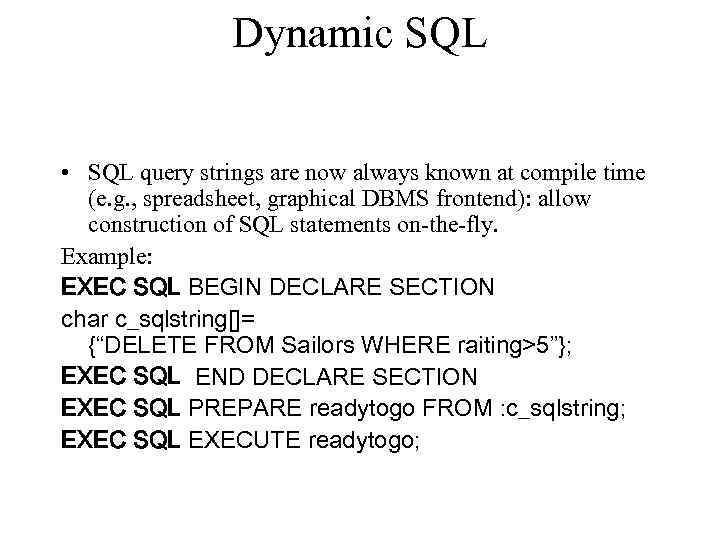
Dynamic SQL • SQL query strings are now always known at compile time (e. g. , spreadsheet, graphical DBMS frontend): allow construction of SQL statements on-the-fly. Example: EXEC SQL BEGIN DECLARE SECTION char c_sqlstring[]= {“DELETE FROM Sailors WHERE raiting>5”}; EXEC SQL END DECLARE SECTION EXEC SQL PREPARE readytogo FROM : c_sqlstring; EXEC SQL EXECUTE readytogo;
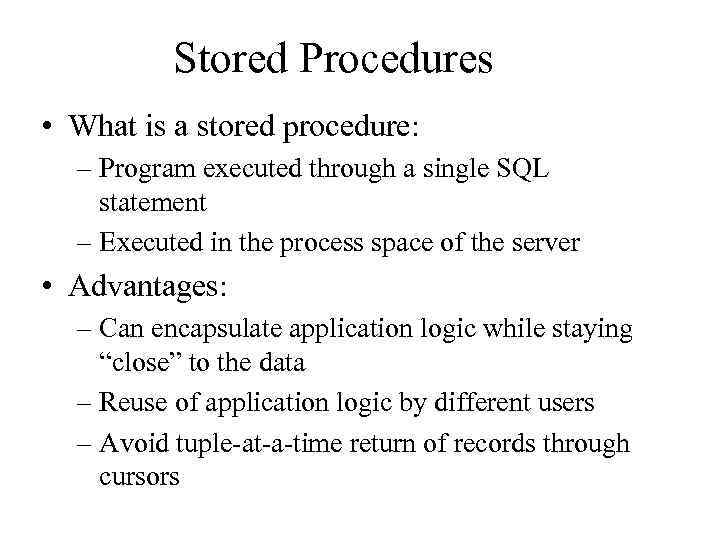
Stored Procedures • What is a stored procedure: – Program executed through a single SQL statement – Executed in the process space of the server • Advantages: – Can encapsulate application logic while staying “close” to the data – Reuse of application logic by different users – Avoid tuple-at-a-time return of records through cursors
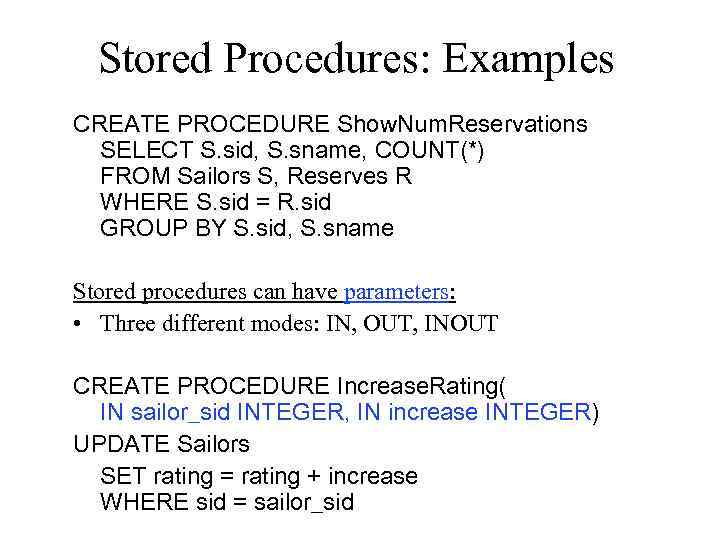
Stored Procedures: Examples CREATE PROCEDURE Show. Num. Reservations SELECT S. sid, S. sname, COUNT(*) FROM Sailors S, Reserves R WHERE S. sid = R. sid GROUP BY S. sid, S. sname Stored procedures can have parameters: • Three different modes: IN, OUT, INOUT CREATE PROCEDURE Increase. Rating( IN sailor_sid INTEGER, IN increase INTEGER) UPDATE Sailors SET rating = rating + increase WHERE sid = sailor_sid
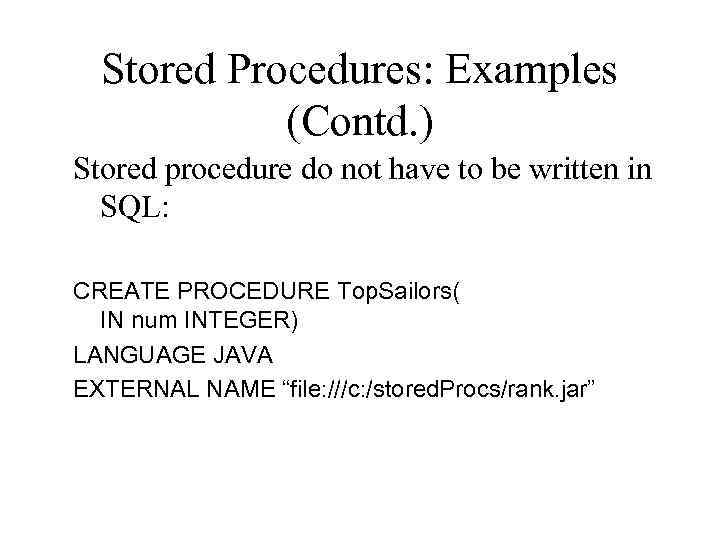
Stored Procedures: Examples (Contd. ) Stored procedure do not have to be written in SQL: CREATE PROCEDURE Top. Sailors( IN num INTEGER) LANGUAGE JAVA EXTERNAL NAME “file: ///c: /stored. Procs/rank. jar”
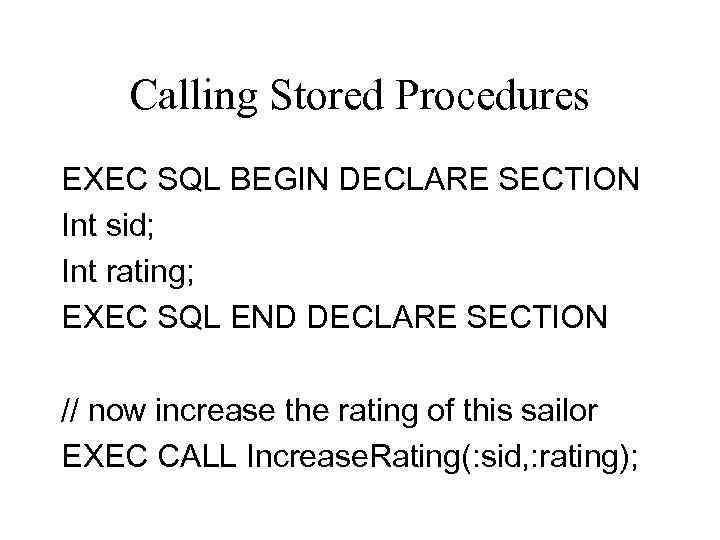
Calling Stored Procedures EXEC SQL BEGIN DECLARE SECTION Int sid; Int rating; EXEC SQL END DECLARE SECTION // now increase the rating of this sailor EXEC CALL Increase. Rating(: sid, : rating);
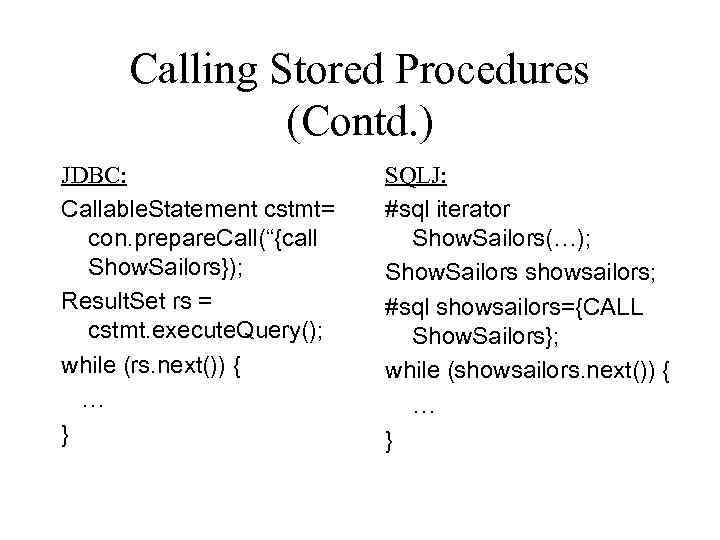
Calling Stored Procedures (Contd. ) JDBC: Callable. Statement cstmt= con. prepare. Call(“{call Show. Sailors}); Result. Set rs = cstmt. execute. Query(); while (rs. next()) { … } SQLJ: #sql iterator Show. Sailors(…); Show. Sailors showsailors; #sql showsailors={CALL Show. Sailors}; while (showsailors. next()) { … }
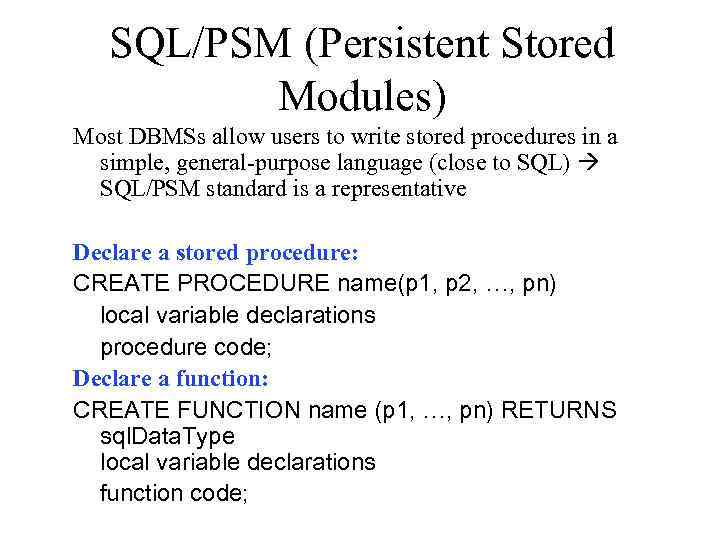
SQL/PSM (Persistent Stored Modules) Most DBMSs allow users to write stored procedures in a simple, general-purpose language (close to SQL) SQL/PSM standard is a representative Declare a stored procedure: CREATE PROCEDURE name(p 1, p 2, …, pn) local variable declarations procedure code; Declare a function: CREATE FUNCTION name (p 1, …, pn) RETURNS sql. Data. Type local variable declarations function code;
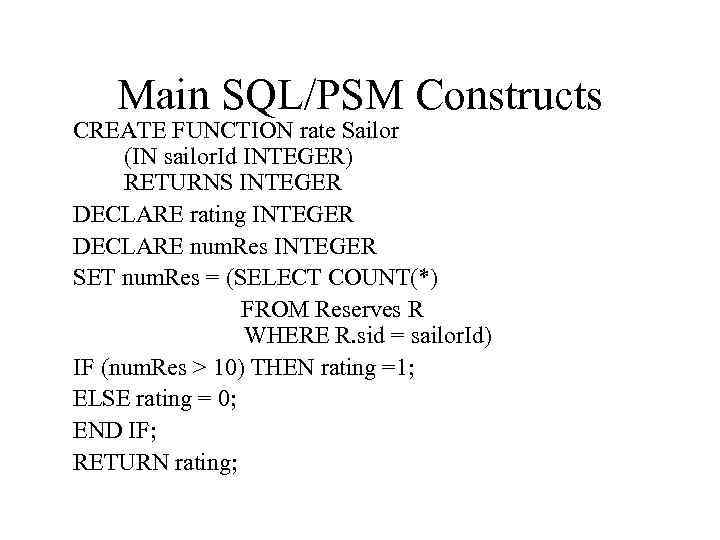
Main SQL/PSM Constructs CREATE FUNCTION rate Sailor (IN sailor. Id INTEGER) RETURNS INTEGER DECLARE rating INTEGER DECLARE num. Res INTEGER SET num. Res = (SELECT COUNT(*) FROM Reserves R WHERE R. sid = sailor. Id) IF (num. Res > 10) THEN rating =1; ELSE rating = 0; END IF; RETURN rating;
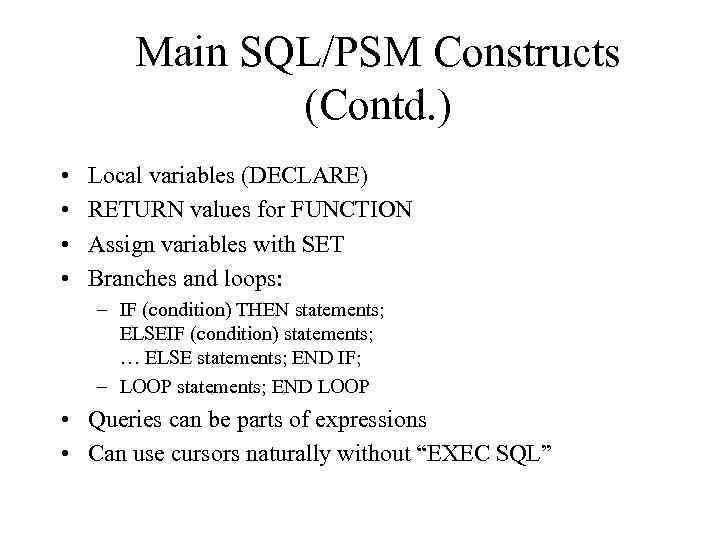
Main SQL/PSM Constructs (Contd. ) • • Local variables (DECLARE) RETURN values for FUNCTION Assign variables with SET Branches and loops: – IF (condition) THEN statements; ELSEIF (condition) statements; … ELSE statements; END IF; – LOOP statements; END LOOP • Queries can be parts of expressions • Can use cursors naturally without “EXEC SQL”
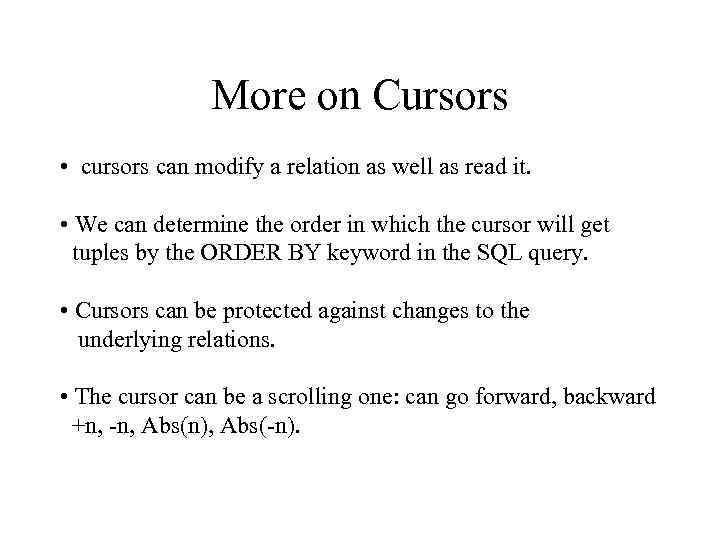
More on Cursors • cursors can modify a relation as well as read it. • We can determine the order in which the cursor will get tuples by the ORDER BY keyword in the SQL query. • Cursors can be protected against changes to the underlying relations. • The cursor can be a scrolling one: can go forward, backward +n, -n, Abs(n), Abs(-n).
The end of lecture • Questions? • Notes? • Comments?
