 Скачать презентацию Email Attachment Filtering Strategies and Lessons Learned Brian
c1d59f18a1e61153eb2d25347fd39de1.ppt
- Количество слайдов: 31



Email Attachment Filtering: Strategies and Lessons Learned Brian Reilly Georgetown University, UIS reillyb@georgetown. edu http: //security. georgetown. edu
Overview Introduction n What’s the problem? n What did we do? n What did we learn? n 2
A bit about me… 6 years at Georgetown n Security guy, not an email guy n Pine is my email client of choice (so what’s all this fuss about clicking on attachments? ) n 3
Once Upon a Time… Historically, very little filtering done n Last resort, only in the event of negative impact on server or service n sendmail. cf modifications for Melissa (ca. 1999) and ILOVEYOU (ca. 2000) n Viruses typically addressed by desktop AV software. n 4
Jump to the Present Multiple years of many, many email viruses n Multiple years of users clicking on many, many infected attachments n Client-side AV software is good, but it’s not solving the problem. n 5
Current Email Architecture n n n Sun IMS IMAP Store; access via IMAP/SSL IMS Webmail via HTTPS Multiple external MTAs running freeware Sendmail Multiple internal MTAs running freeware Sendmail; STMP AUTH over SSL required 300 K-500 K inbound messages delivered a day 6
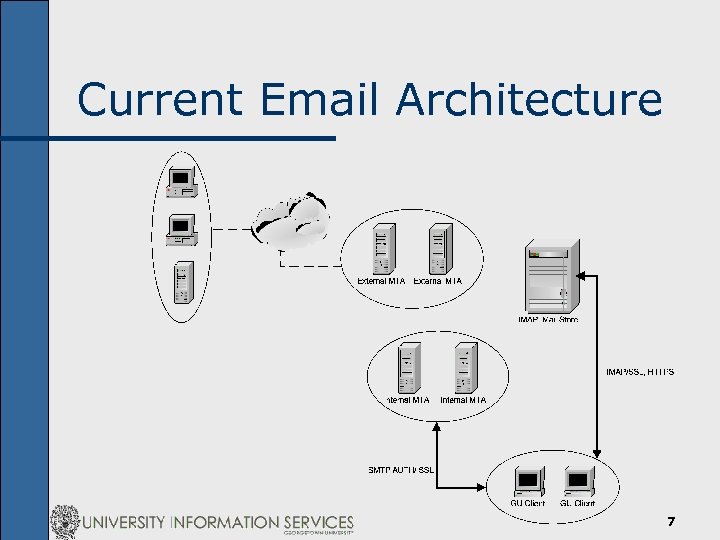
Current Email Architecture 7
The Problems n Same recommendations for each new virus n n Configure AV software to auto-update daily Enable automatic file system protection Don’t click on suspicious attachments Huge productivity losses n n n Desktop and Res. Net spending more than 50% of time on virus tickets Users impacted by system disinfection and/or re-building Users frustrated; IT staff frustrated 8
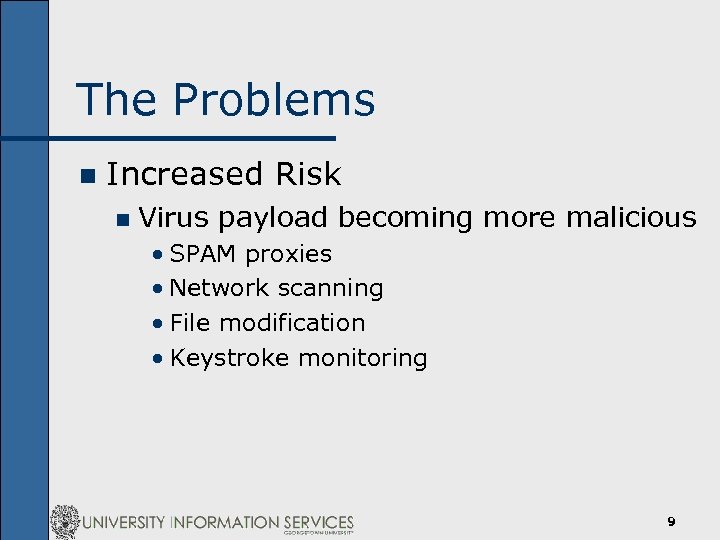
The Problems n Increased Risk n Virus payload becoming more malicious • SPAM proxies • Network scanning • File modification • Keystroke monitoring 9
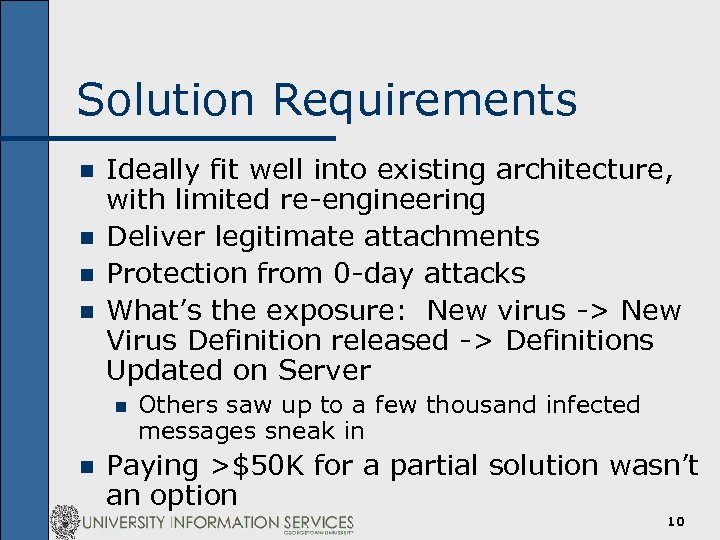
Solution Requirements n n Ideally fit well into existing architecture, with limited re-engineering Deliver legitimate attachments Protection from 0 -day attacks What’s the exposure: New virus -> New Virus Definition released -> Definitions Updated on Server n n Others saw up to a few thousand infected messages sneak in Paying >$50 K for a partial solution wasn’t an option 10
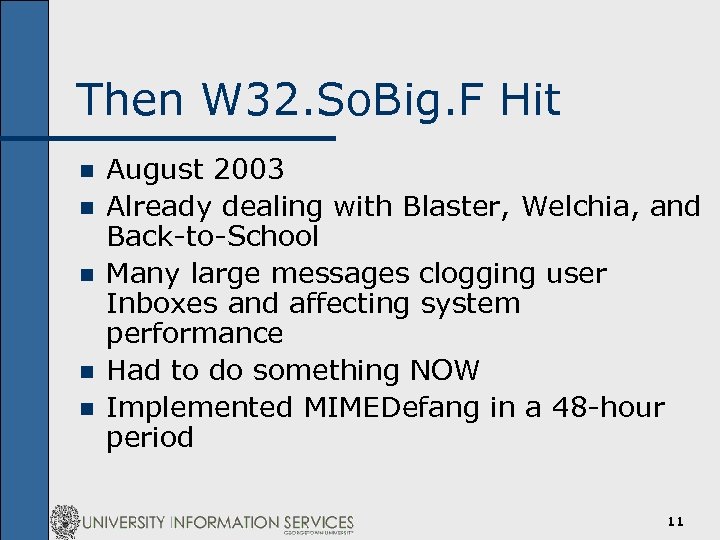
Then W 32. So. Big. F Hit n n n August 2003 Already dealing with Blaster, Welchia, and Back-to-School Many large messages clogging user Inboxes and affecting system performance Had to do something NOW Implemented MIMEDefang in a 48 -hour period 11
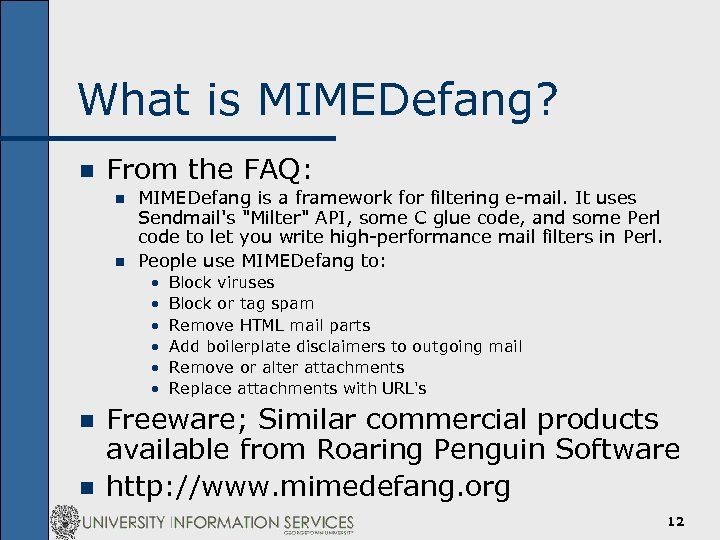
What is MIMEDefang? n From the FAQ: n n MIMEDefang is a framework for filtering e-mail. It uses Sendmail's "Milter" API, some C glue code, and some Perl code to let you write high-performance mail filters in Perl. People use MIMEDefang to: • • • n n Block viruses Block or tag spam Remove HTML mail parts Add boilerplate disclaimers to outgoing mail Remove or alter attachments Replace attachments with URL's Freeware; Similar commercial products available from Roaring Penguin Software http: //www. mimedefang. org 12
MIMEDefang: Take 1 So. Big messages silently dropped n Other suspicious attachments logged n Worked well, but was a very reactive solution n No protection against the next email -borne virus n 13
MIMEDefang: Take 2 n New filters added n Additional requirements • File names • File sizes • Hash Contents Worked OK, but prone to false negatives n Non-trivial toll on system resources n 14
Making the Case n Ultimately left with a choice between nonperfect solutions: n Status Quo: No filters • No Messages or attachments dropped • Viruses continue to be a huge burden • Looming “big incident” n Option #1: Attachment filtering • Low Capital cost • Protection from 0 -day threats • Potential impact on users and productivity, due to dropped legitimate attachments or inconvenience 15
Making the Case n Option #2: Commercial Solution • Significant capital expense • Limited protection against 0 -day • May not fix the problem 16
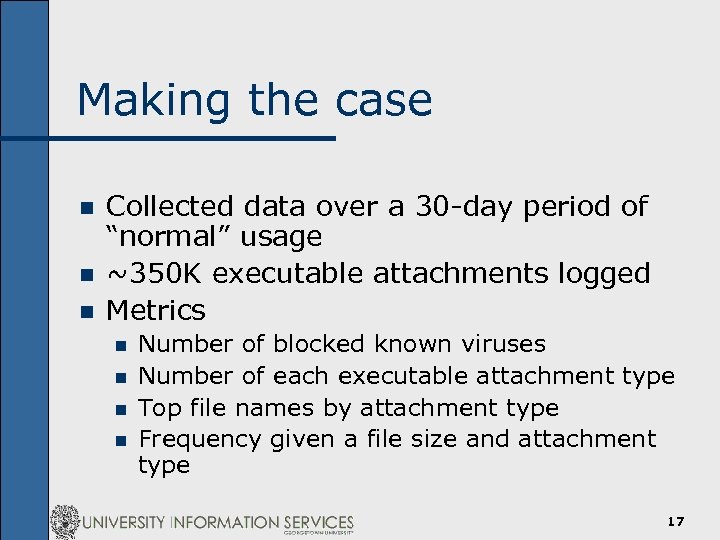
Making the case n n n Collected data over a 30 -day period of “normal” usage ~350 K executable attachments logged Metrics n n Number of blocked known viruses Number of each executable attachment type Top file names by attachment type Frequency given a file size and attachment type 17
Some of the highlights 18
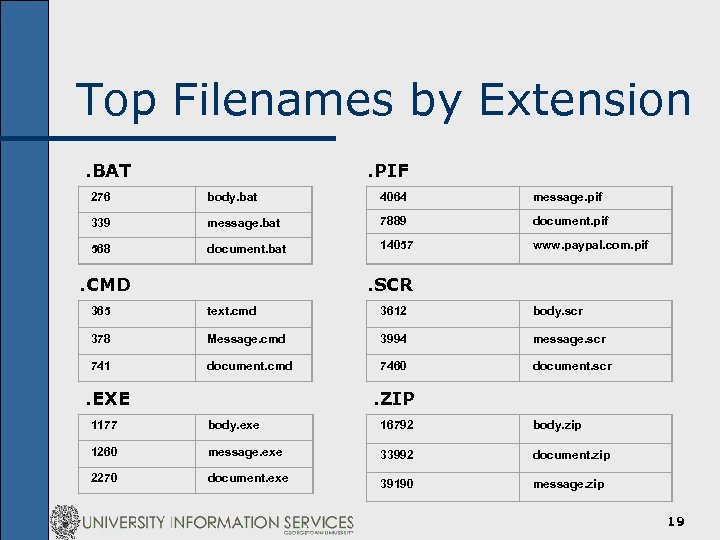
Top Filenames by Extension. BAT . PIF 276 body. bat 4064 message. pif 339 message. bat 7889 document. pif 568 document. bat 14057 www. paypal. com. pif . CMD . SCR 365 text. cmd 3612 body. scr 378 Message. cmd 3994 message. scr 741 document. cmd 7460 document. scr . EXE . ZIP 1177 body. exe 16792 body. zip 1260 message. exe 33992 document. zip 2270 document. exe 39190 message. zip 19
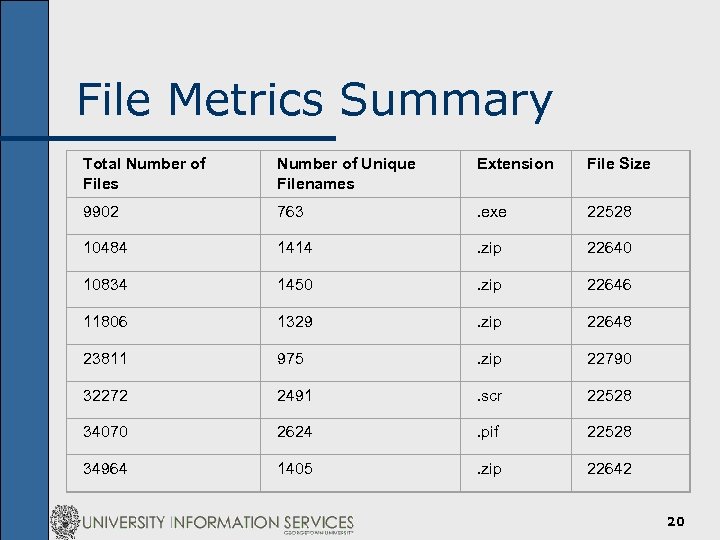
File Metrics Summary Total Number of Files Number of Unique Filenames Extension File Size 9902 763 . exe 22528 10484 1414 . zip 22640 10834 1450 . zip 22646 11806 1329 . zip 22648 23811 975 . zip 22790 32272 2491 . scr 22528 34070 2624 . pif 22528 34964 1405 . zip 22642 20
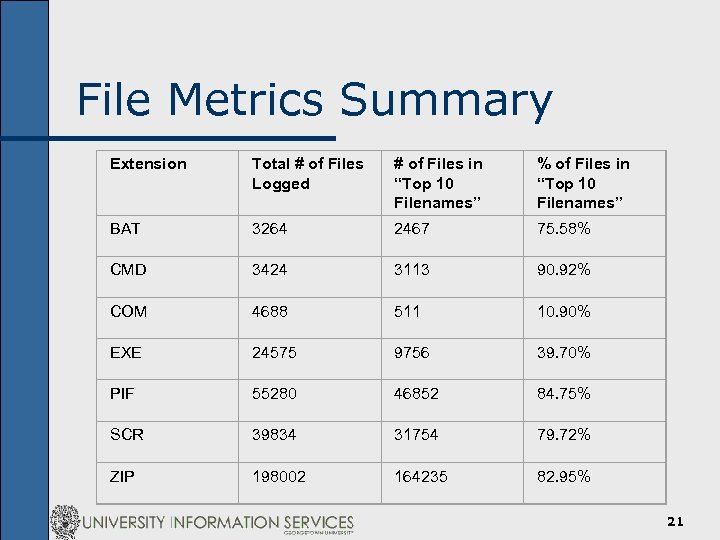
File Metrics Summary Extension Total # of Files Logged # of Files in “Top 10 Filenames” % of Files in “Top 10 Filenames” BAT 3264 2467 75. 58% CMD 3424 3113 90. 92% COM 4688 511 10. 90% EXE 24575 9756 39. 70% PIF 55280 46852 84. 75% SCR 39834 31754 79. 72% ZIP 198002 164235 82. 95% 21
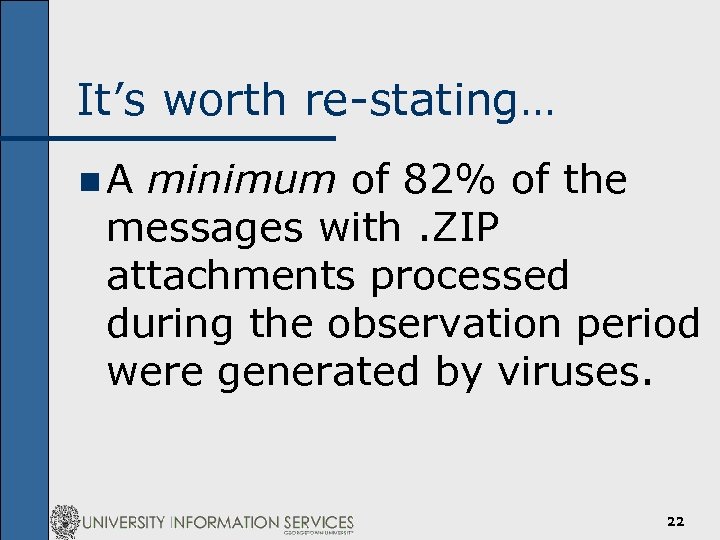
It’s worth re-stating… n. A minimum of 82% of the messages with. ZIP attachments processed during the observation period were generated by viruses. 22
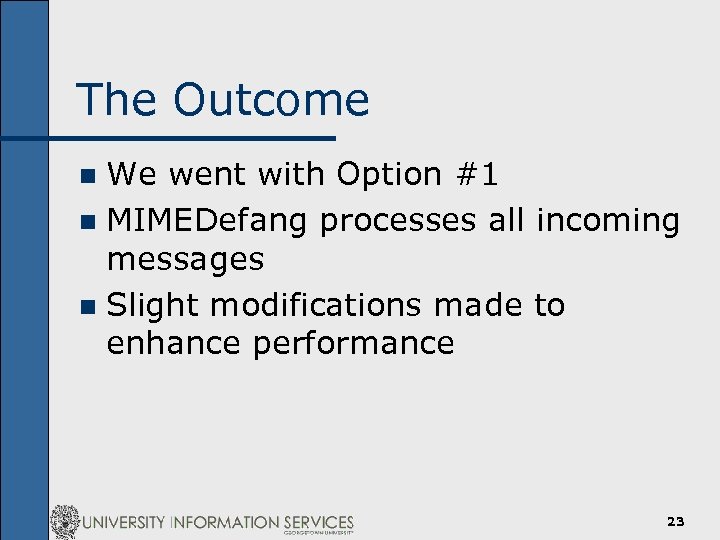
The Outcome We went with Option #1 n MIMEDefang processes all incoming messages n Slight modifications made to enhance performance n 23
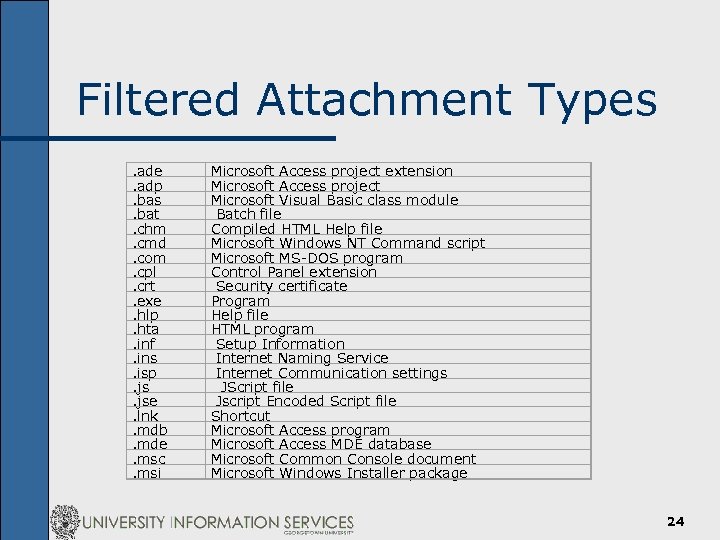
Filtered Attachment Types. ade. adp. bas. bat. chm. cmd. com. cpl. crt. exe. hlp. hta. inf. ins. isp. jse. lnk. mdb. mde. msc. msi Microsoft Access project extension Microsoft Access project Microsoft Visual Basic class module Batch file Compiled HTML Help file Microsoft Windows NT Command script Microsoft MS-DOS program Control Panel extension Security certificate Program Help file HTML program Setup Information Internet Naming Service Internet Communication settings JScript file Jscript Encoded Script file Shortcut Microsoft Access program Microsoft Access MDE database Microsoft Common Console document Microsoft Windows Installer package 24
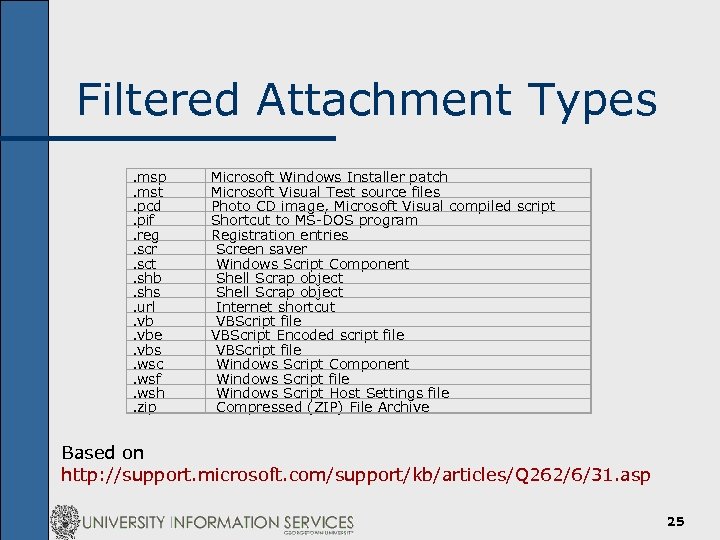
Filtered Attachment Types. msp. mst. pcd. pif. reg. scr. sct. shb. shs. url. vbe. vbs. wsc. wsf. wsh. zip Microsoft Windows Installer patch Microsoft Visual Test source files Photo CD image, Microsoft Visual compiled script Shortcut to MS-DOS program Registration entries Screen saver Windows Script Component Shell Scrap object Internet shortcut VBScript file VBScript Encoded script file VBScript file Windows Script Component Windows Script file Windows Script Host Settings file Compressed (ZIP) File Archive Based on http: //support. microsoft. com/support/kb/articles/Q 262/6/31. asp 25
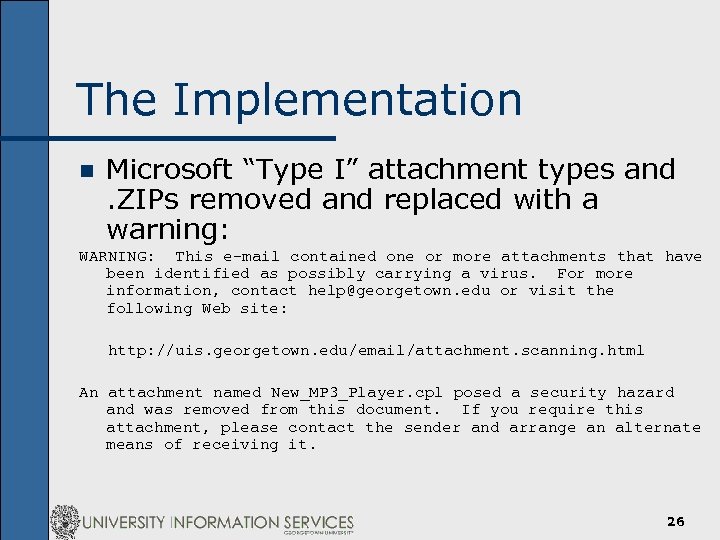
The Implementation n Microsoft “Type I” attachment types and. ZIPs removed and replaced with a warning: WARNING: This e-mail contained one or more attachments that have been identified as possibly carrying a virus. For more information, contact help@georgetown. edu or visit the following Web site: http: //uis. georgetown. edu/email/attachment. scanning. html An attachment named New_MP 3_Player. cpl posed a security hazard and was removed from this document. If you require this attachment, please contact the sender and arrange an alternate means of receiving it. 26
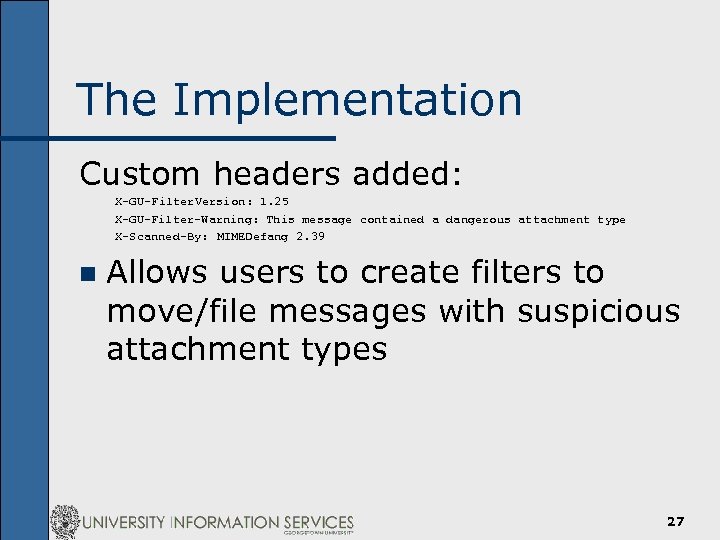
The Implementation Custom headers added: X-GU-Filter. Version: 1. 25 X-GU-Filter-Warning: This message contained a dangerous attachment type X-Scanned-By: MIMEDefang 2. 39 n Allows users to create filters to move/file messages with suspicious attachment types 27
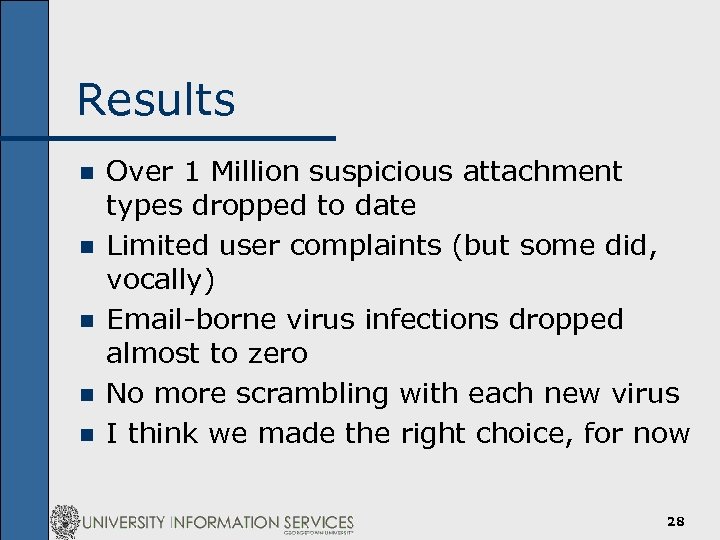
Results n n n Over 1 Million suspicious attachment types dropped to date Limited user complaints (but some did, vocally) Email-borne virus infections dropped almost to zero No more scrambling with each new virus I think we made the right choice, for now 28
What’s to come? n The Bad n n More Windows CLSID viruses More social engineering, e. g. “Please re-name the file urgent. foo to urgent. exe, and open it for important information about Anna Kournikova. ” n n The Good n n n Other means of infection, e. g. hostile URLs More savvy, informed users More secure Operating Systems and email clients ? ? 29
Summary Sometimes you need that watershed event for things to change n Do the analysis and look at the numbers – they may surprise you n There no perfect or one-size-fits-all solution n For us, attachment filtering has been very successful n 30
Any Questions? Contact me: Brian Reilly <reillyb@georgetown. edu> More information: http: //security. georgetown. edu http: //uis. georgetown. edu/email/attachment. scanning. html 31
Скачать презентацию Email Attachment Filtering Strategies and Lessons Learned Brian
c1d59f18a1e61153eb2d25347fd39de1.ppt