 Скачать презентацию Electronic Signature Your subtitle goes here Electronic
elec-signature.pptx
- Количество слайдов: 11



Electronic Signature Your subtitle goes here
Electronic Signature Static title slide
Your text goes here Main point one Main point two Your text goes here. Your text goes here. Tablet comparison animated Your text goes here. The animation automatically begins.
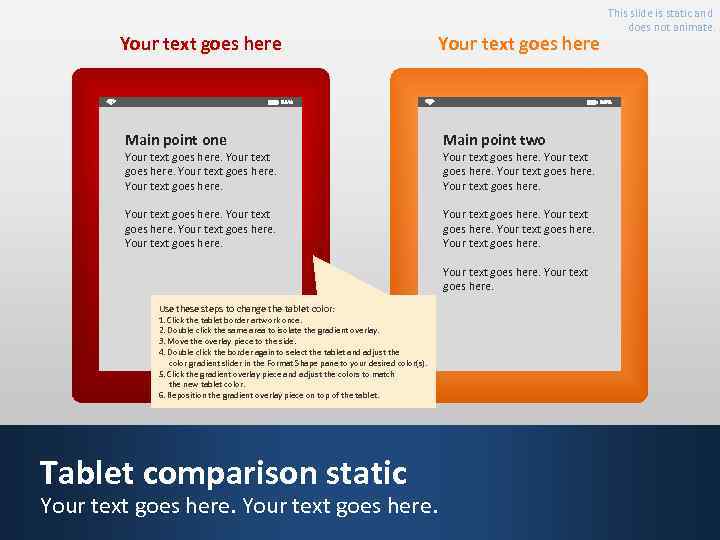
Your text goes here Main point one Main point two Your text goes here. Your text goes here. Use these steps to change the tablet color: 1. Click the tablet border artwork once. 2. Double click the same area to isolate the gradient overlay. 3. Move the overlay piece to the side. 4. Double click the border again to select the tablet and adjust the color gradient slider in the Format Shape pane to your desired color(s). 5. Click the gradient overlay piece and adjust the colors to match the new tablet color. 6. Reposition the gradient overlay piece on top of the tablet. Tablet comparison static Your text goes here. This slide is static and does not animate.
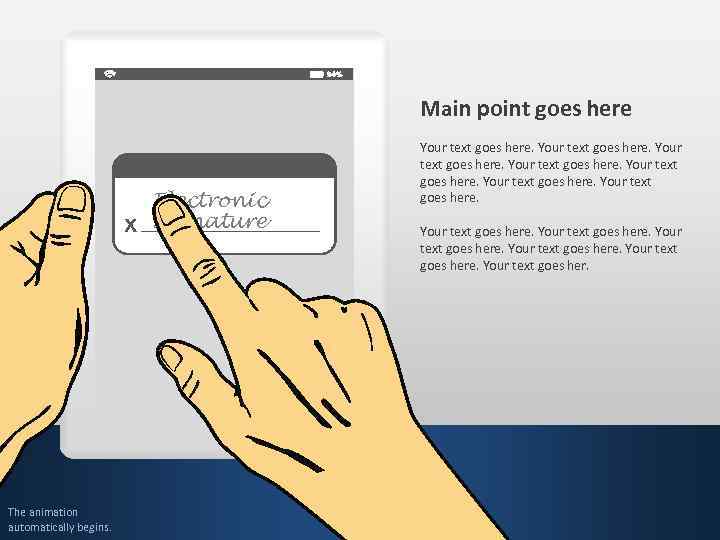
Main point goes here Electronic Signature The animation automatically begins. Your text goes here. Your text goes her.
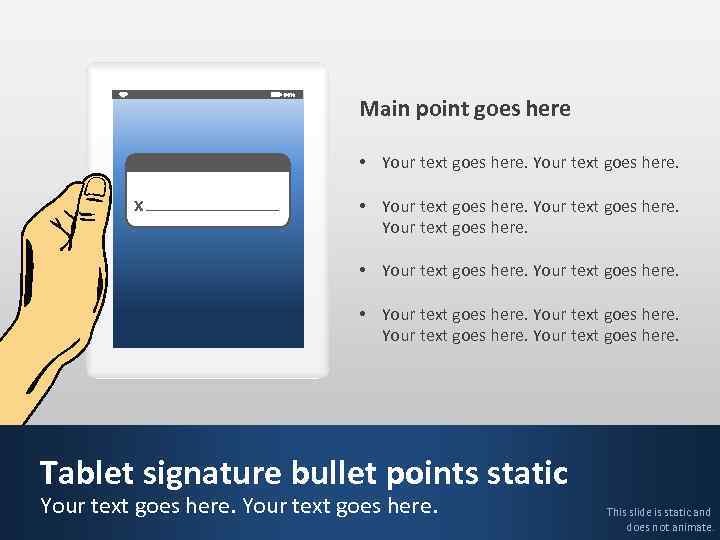
Main point goes here • Your text goes here. Tablet signature bullet points static Your text goes here. This slide is static and does not animate.
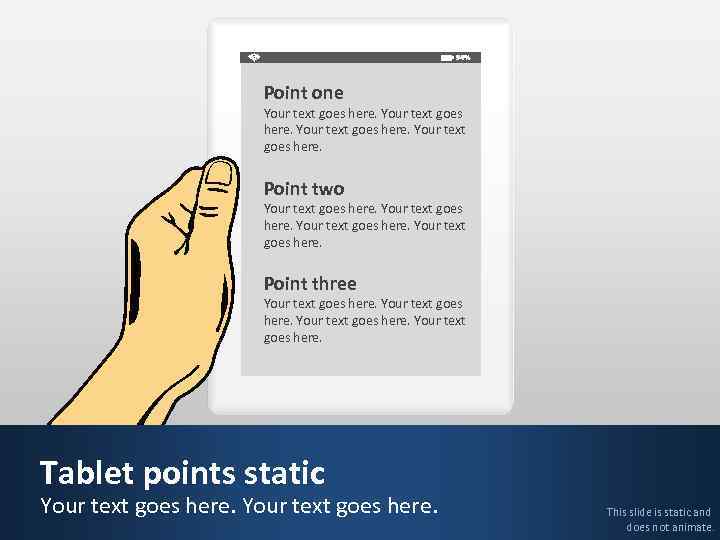
Point one Your text goes here. Point two Your text goes here. Point three Your text goes here. Tablet points static Your text goes here. This slide is static and does not animate.
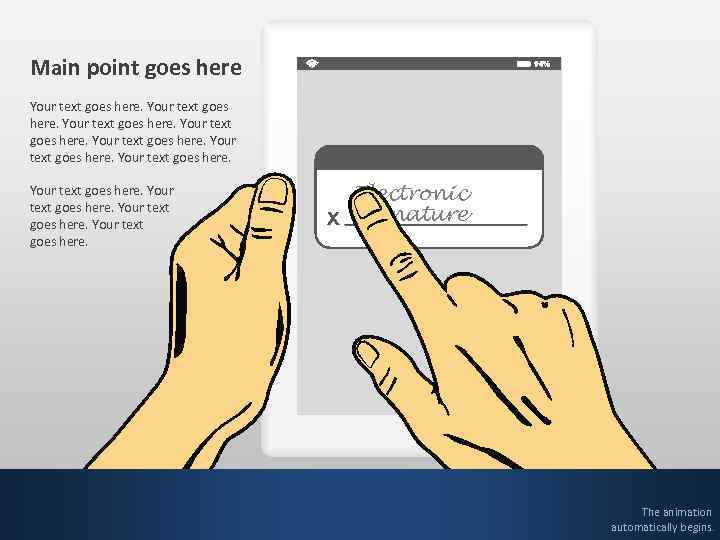
Main point goes here Your text goes here. Electronic Signature The animation automatically begins.
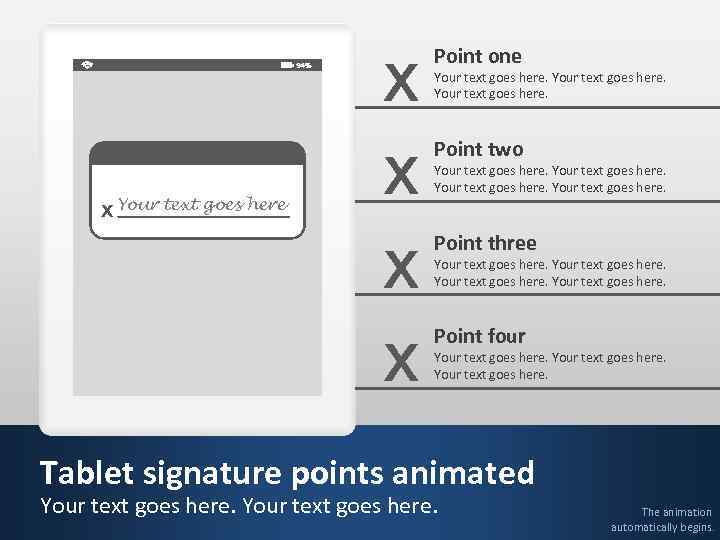
Point one Your text goes here. Point two Your text goes here. Point three Your text goes here. Point four Your text goes here. Tablet signature points animated Your text goes here. The animation automatically begins.
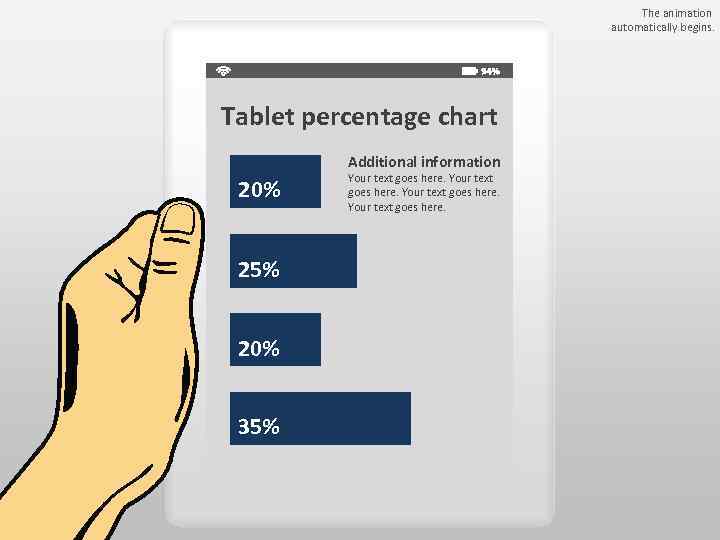
The animation automatically begins. Tablet percentage chart Additional information 20% 25% 20% 35% Your text goes here.
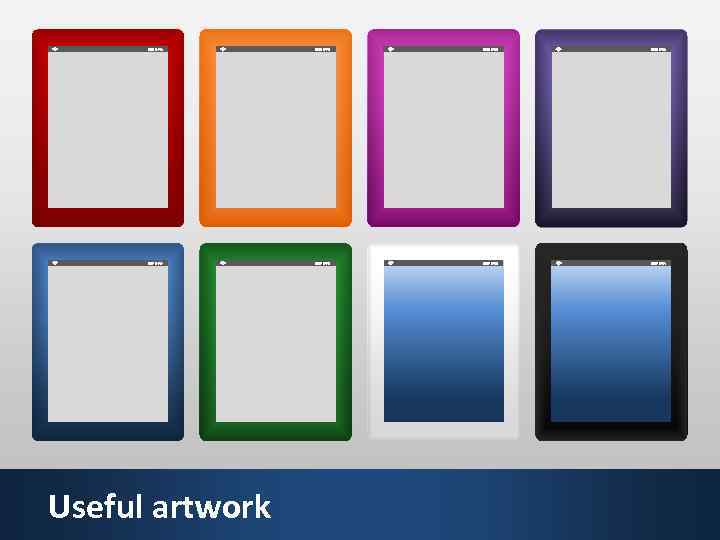
Useful artwork
Скачать презентацию Electronic Signature Your subtitle goes here Electronic
elec-signature.pptx