 Скачать презентацию Electronic Health Records Robert A Jenders MD MS
94d0884d378eb3fe1fce34a56d3ab795.ppt
- Количество слайдов: 76



Electronic Health Records Robert A. Jenders, MD, MS, FACP Associate Professor, Department of Medicine Cedars-Sinai Medical Center University of California, Los Angeles Co-Chair, Clinical Decision Support Technical Committee, HL 7 6 October 2005 http: //jenders. bol. ucla. edu -> Documents & Presentations

Overview: EMRs • Using the EMR: Why we need it • History & aspects of the EMR • Adoption: – Barriers – Improving adoption: standards, interoperability • Case study: CSMC – Demonstration: Centricity
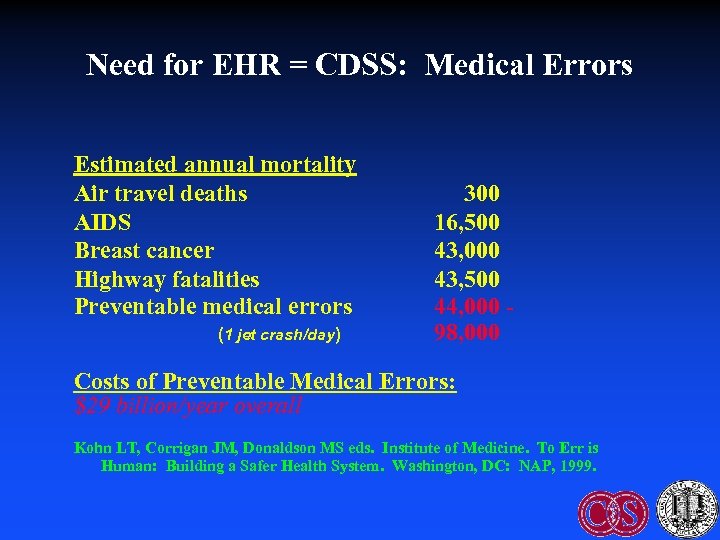
Need for EHR = CDSS: Medical Errors Estimated annual mortality Air travel deaths AIDS Breast cancer Highway fatalities Preventable medical errors (1 jet crash/day) 300 16, 500 43, 000 43, 500 44, 000 98, 000 Costs of Preventable Medical Errors: $29 billion/year overall Kohn LT, Corrigan JM, Donaldson MS eds. Institute of Medicine. To Err is Human: Building a Safer Health System. Washington, DC: NAP, 1999.
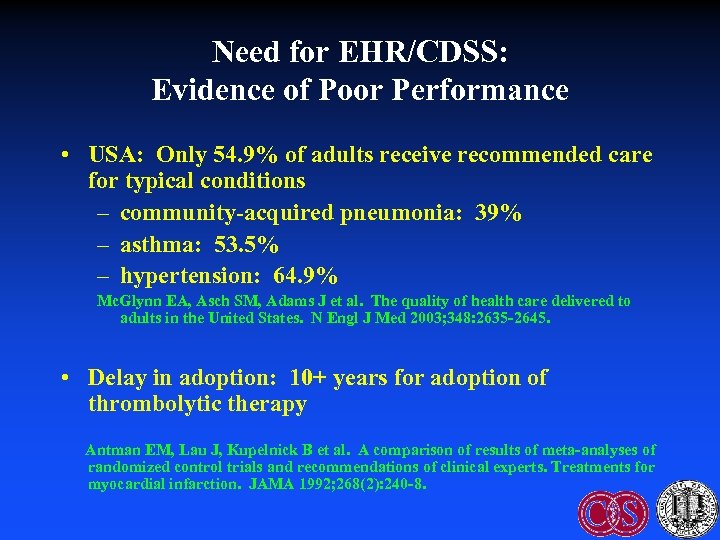
Need for EHR/CDSS: Evidence of Poor Performance • USA: Only 54. 9% of adults receive recommended care for typical conditions – community-acquired pneumonia: 39% – asthma: 53. 5% – hypertension: 64. 9% Mc. Glynn EA, Asch SM, Adams J et al. The quality of health care delivered to adults in the United States. N Engl J Med 2003; 348: 2635 -2645. • Delay in adoption: 10+ years for adoption of thrombolytic therapy Antman EM, Lau J, Kupelnick B et al. A comparison of results of meta-analyses of randomized control trials and recommendations of clinical experts. Treatments for myocardial infarction. JAMA 1992; 268(2): 240 -8.
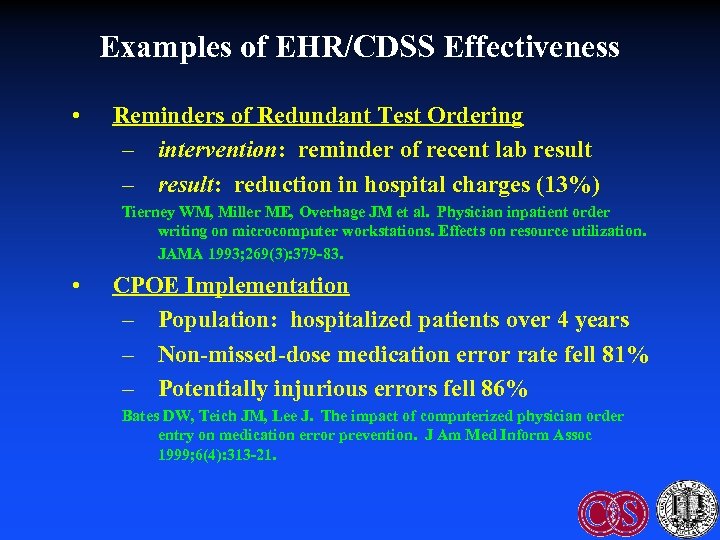
Examples of EHR/CDSS Effectiveness • Reminders of Redundant Test Ordering – intervention: reminder of recent lab result – result: reduction in hospital charges (13%) Tierney WM, Miller ME, Overhage JM et al. Physician inpatient order writing on microcomputer workstations. Effects on resource utilization. JAMA 1993; 269(3): 379 -83. • CPOE Implementation – Population: hospitalized patients over 4 years – Non-missed-dose medication error rate fell 81% – Potentially injurious errors fell 86% Bates DW, Teich JM, Lee J. The impact of computerized physician order entry on medication error prevention. J Am Med Inform Assoc 1999; 6(4): 313 -21.
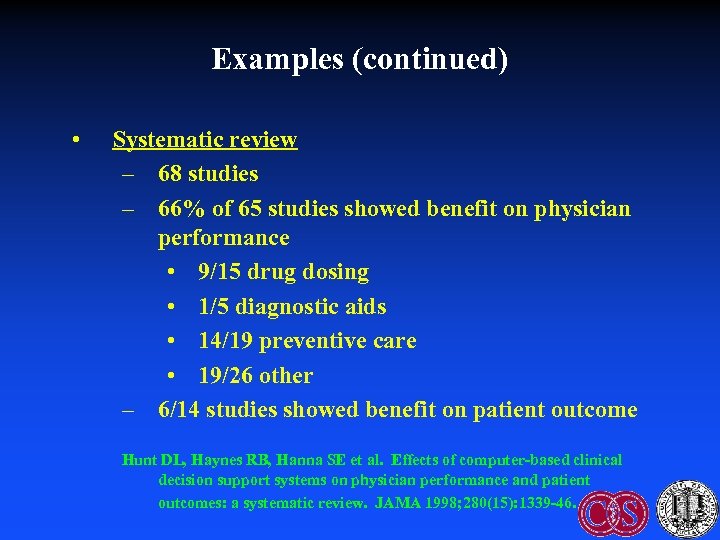
Examples (continued) • Systematic review – 68 studies – 66% of 65 studies showed benefit on physician performance • 9/15 drug dosing • 1/5 diagnostic aids • 14/19 preventive care • 19/26 other – 6/14 studies showed benefit on patient outcome Hunt DL, Haynes RB, Hanna SE et al. Effects of computer-based clinical decision support systems on physician performance and patient outcomes: a systematic review. JAMA 1998; 280(15): 1339 -46.
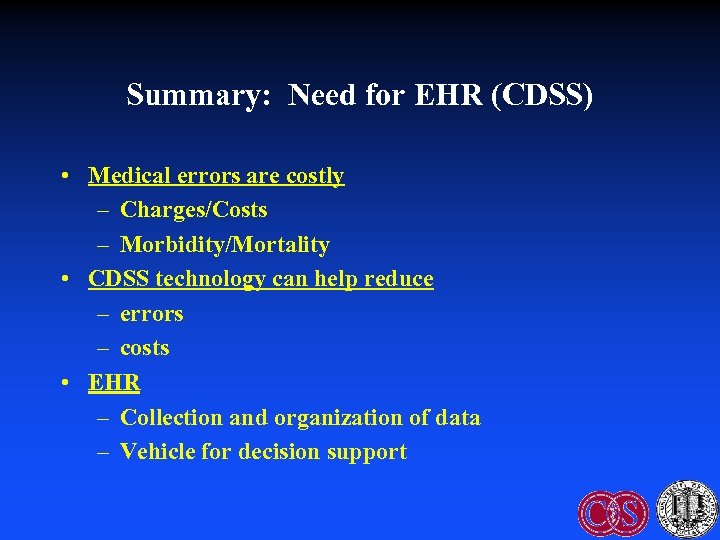
Summary: Need for EHR (CDSS) • Medical errors are costly – Charges/Costs – Morbidity/Mortality • CDSS technology can help reduce – errors – costs • EHR – Collection and organization of data – Vehicle for decision support
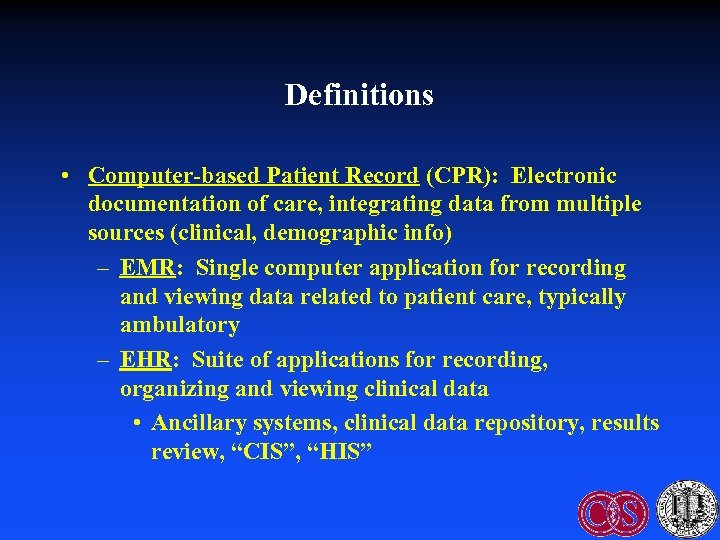
Definitions • Computer-based Patient Record (CPR): Electronic documentation of care, integrating data from multiple sources (clinical, demographic info) – EMR: Single computer application for recording and viewing data related to patient care, typically ambulatory – EHR: Suite of applications for recording, organizing and viewing clinical data • Ancillary systems, clinical data repository, results review, “CIS”, “HIS”
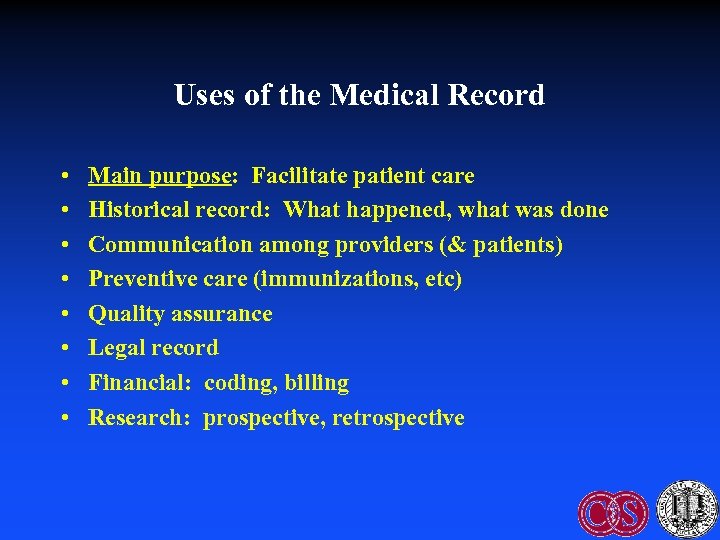
Uses of the Medical Record • • Main purpose: Facilitate patient care Historical record: What happened, what was done Communication among providers (& patients) Preventive care (immunizations, etc) Quality assurance Legal record Financial: coding, billing Research: prospective, retrospective
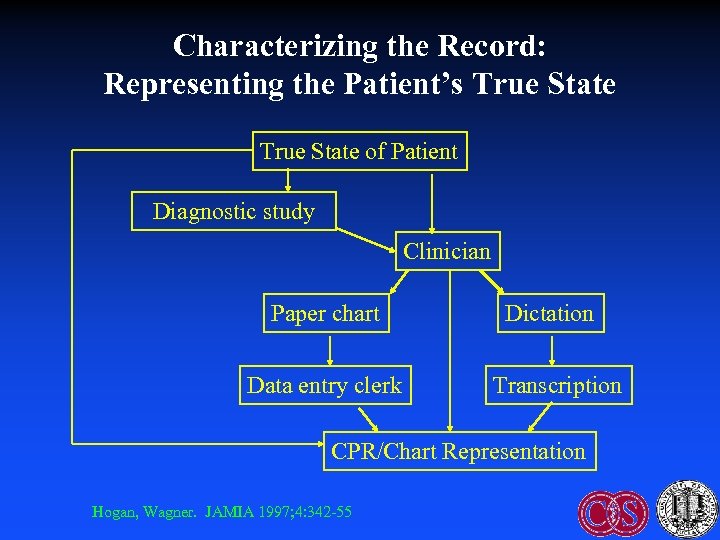
Characterizing the Record: Representing the Patient’s True State of Patient Diagnostic study Clinician Paper chart Data entry clerk Dictation Transcription CPR/Chart Representation Hogan, Wagner. JAMIA 1997; 4: 342 -55
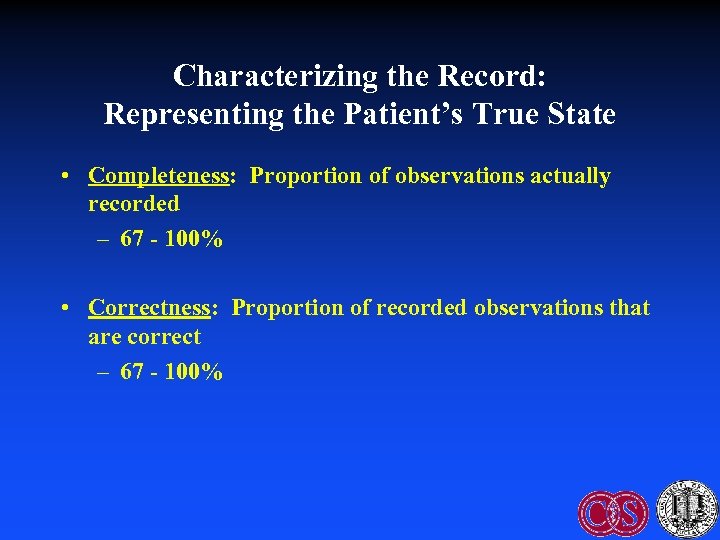
Characterizing the Record: Representing the Patient’s True State • Completeness: Proportion of observations actually recorded – 67 - 100% • Correctness: Proportion of recorded observations that are correct – 67 - 100%
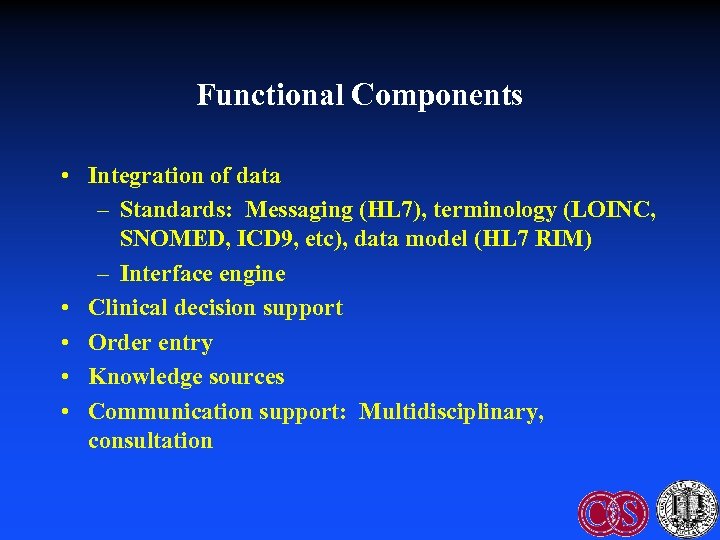
Functional Components • Integration of data – Standards: Messaging (HL 7), terminology (LOINC, SNOMED, ICD 9, etc), data model (HL 7 RIM) – Interface engine • Clinical decision support • Order entry • Knowledge sources • Communication support: Multidisciplinary, consultation
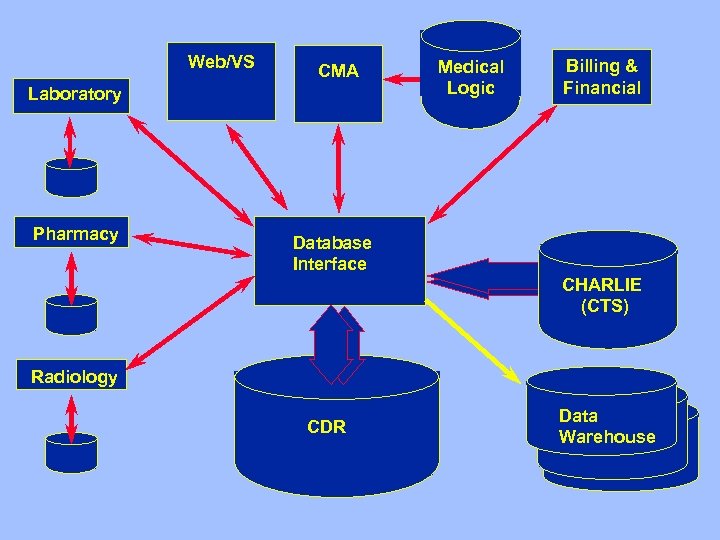
Web/VS CMA Laboratory Pharmacy Medical Logic Billing & Financial Database Interface CHARLIE (CTS) Radiology CDR Data Warehouse
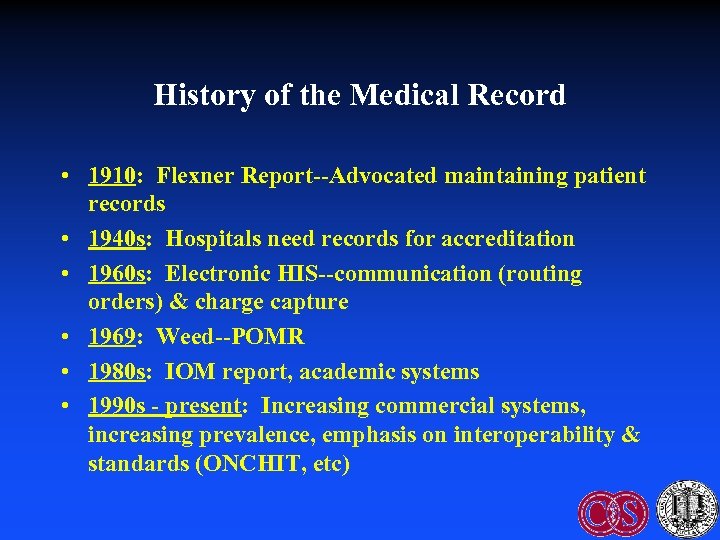
History of the Medical Record • 1910: Flexner Report--Advocated maintaining patient records • 1940 s: Hospitals need records for accreditation • 1960 s: Electronic HIS--communication (routing orders) & charge capture • 1969: Weed--POMR • 1980 s: IOM report, academic systems • 1990 s - present: Increasing commercial systems, increasing prevalence, emphasis on interoperability & standards (ONCHIT, etc)
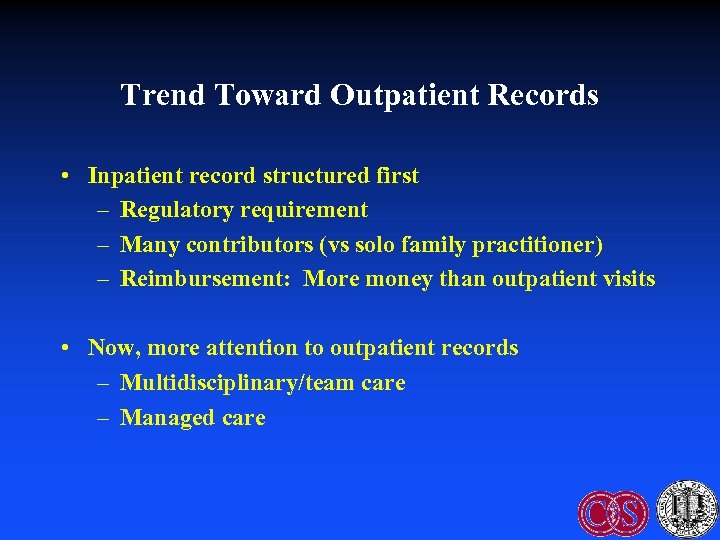
Trend Toward Outpatient Records • Inpatient record structured first – Regulatory requirement – Many contributors (vs solo family practitioner) – Reimbursement: More money than outpatient visits • Now, more attention to outpatient records – Multidisciplinary/team care – Managed care
Who Enters Data • • • Clerk Physician: Primary, consultant, extender Nurse Therapist Lab reports/ancillary systems Machines: Monitors, POC testing
Fundamental Issue: Data Entry • Data capture: External sources – Laboratory information systems, monitors, etc – Challenges: Interfaces, standards • Data input: Direct entry by clinicians & staff – Challenge: Time-consuming and expensive – “Free text” vs structured entry
Data Input • Transcription of dictation: Very expensive, errorprone • Encounter form: Various types – Free-text entry – Scannable forms • Turnaround document: Both presents & captures data • Direct electronic entry – Free-text typing – Structured entry: Pick lists, etc – Voice recognition
Weakness of Paper Record • Find the record: Lost, being used elsewhere • Find data within the record: Poorly organized, missing, fragmented • Read data: Legibility • Update data: Where to record if chart is missing (e. g. , “shadow chart”) • Only one view – Redundancy: Re-entry of data in multiple forms – Research: Difficult to search across patients • Passive: No decision support
Advantages of Computer Records • Access: Speed, remote location, simultaneous use (even if just an “electronic typewriter”) • Legibility • Reduced data entry: Reuse data, reduce redundant tests • Better organization: Structure • Multiple views: Aggregation – Example: Summary report, structured flow sheet (contrast different data types) – Alter display based on context
Advantages of Computer Records (continued) • Automated checks on data entry – Data prompts: Completeness – Range check (reference range) – Pattern check (# digits in MRN) – Computed check (CBC differential adds to 100) – Consistency check (pregnant man!) – Delta check – Spelling check
Advantages of Computer Records (continued) • Automated decision support – Reminders, alerts, calculations, ordering advice – Limited by scope/accuracy of electronic data • Tradeoff: Data specificity/depth of advice vs time/cost of completeness • Cross-patient analysis – Research – Stratify patient prognosis, treatment by risks • Data review: Avoid overlooking uncommon but important events
Advantages of Computer Records (continued) • Saves time? – 1974 study: find data 4 x faster in flow sheet vs traditional record (10% of subjects could not even find some data – 2005 systematic review • RN POC systems: decreased documentation time 24% • MD: increased documentation time 17% – CPOE: More than doubled time Poissant L, Pereira J, Tamblyn R, Kawasumi Y. The impact of electronic health records on the time efficiency of physicians and nurses: a systematic review. J Am Med Inform Assoc 2005; 12(5): 505 -16.
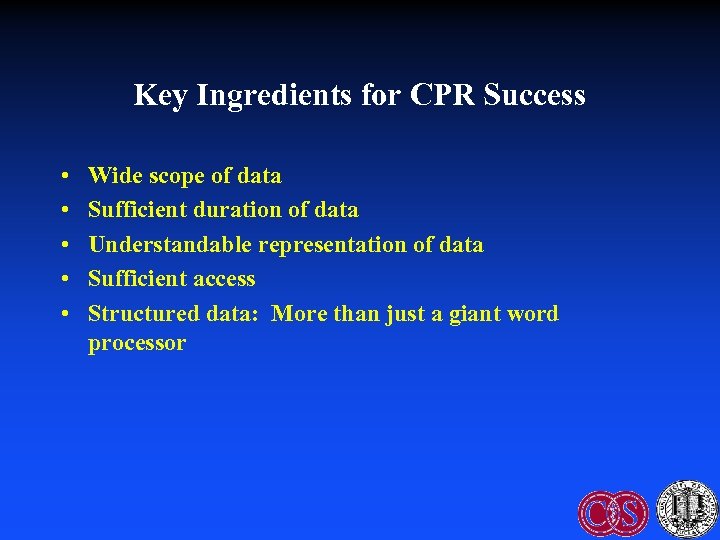
Key Ingredients for CPR Success • • • Wide scope of data Sufficient duration of data Understandable representation of data Sufficient access Structured data: More than just a giant word processor
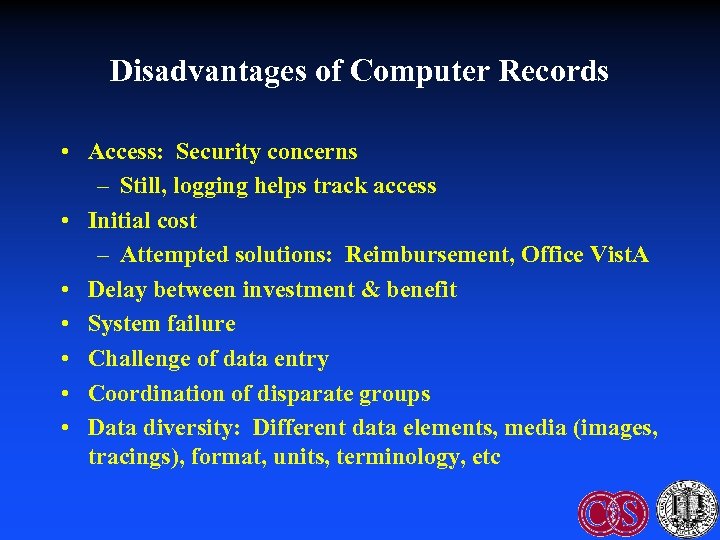
Disadvantages of Computer Records • Access: Security concerns – Still, logging helps track access • Initial cost – Attempted solutions: Reimbursement, Office Vist. A • Delay between investment & benefit • System failure • Challenge of data entry • Coordination of disparate groups • Data diversity: Different data elements, media (images, tracings), format, units, terminology, etc
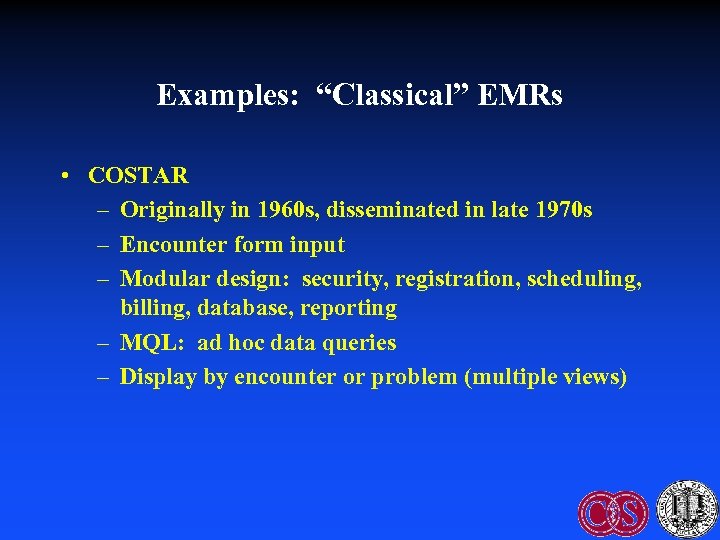
Examples: “Classical” EMRs • COSTAR – Originally in 1960 s, disseminated in late 1970 s – Encounter form input – Modular design: security, registration, scheduling, billing, database, reporting – MQL: ad hoc data queries – Display by encounter or problem (multiple views)
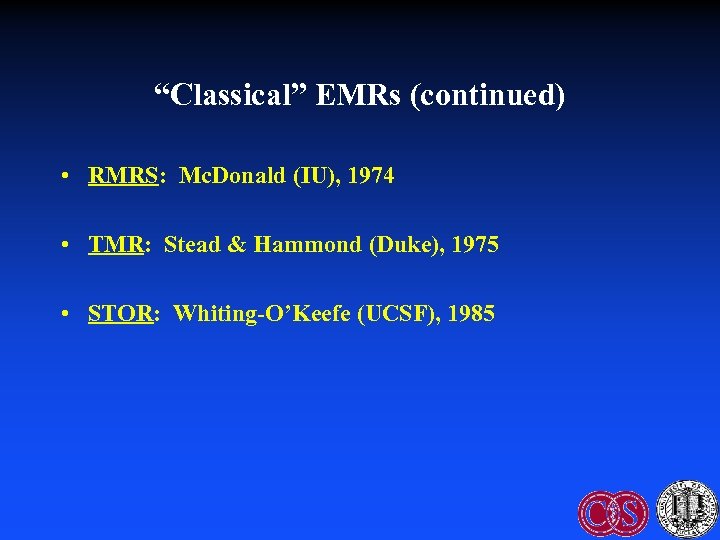
“Classical” EMRs (continued) • RMRS: Mc. Donald (IU), 1974 • TMR: Stead & Hammond (Duke), 1975 • STOR: Whiting-O’Keefe (UCSF), 1985
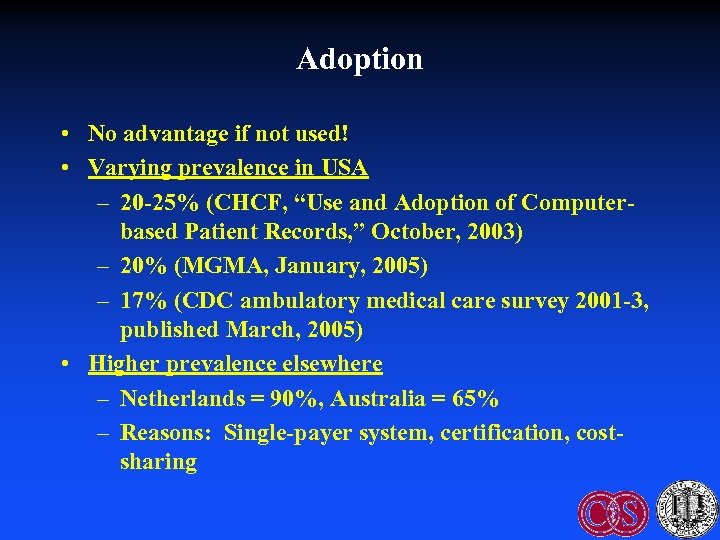
Adoption • No advantage if not used! • Varying prevalence in USA – 20 -25% (CHCF, “Use and Adoption of Computerbased Patient Records, ” October, 2003) – 20% (MGMA, January, 2005) – 17% (CDC ambulatory medical care survey 2001 -3, published March, 2005) • Higher prevalence elsewhere – Netherlands = 90%, Australia = 65% – Reasons: Single-payer system, certification, costsharing
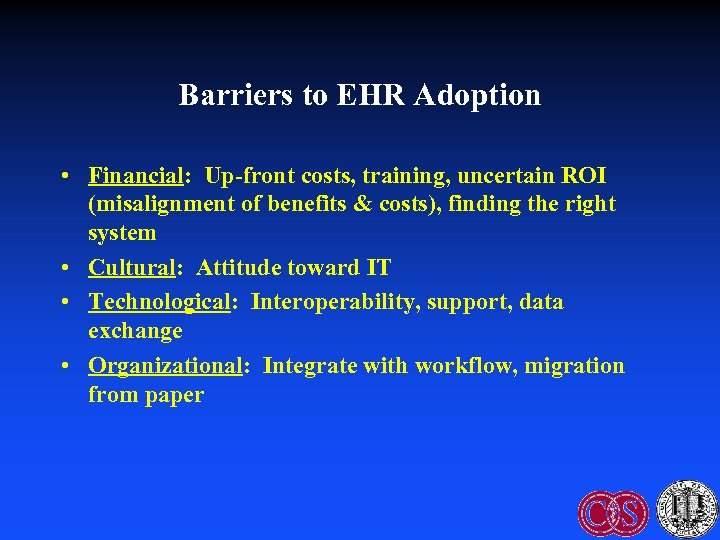
Barriers to EHR Adoption • Financial: Up-front costs, training, uncertain ROI (misalignment of benefits & costs), finding the right system • Cultural: Attitude toward IT • Technological: Interoperability, support, data exchange • Organizational: Integrate with workflow, migration from paper
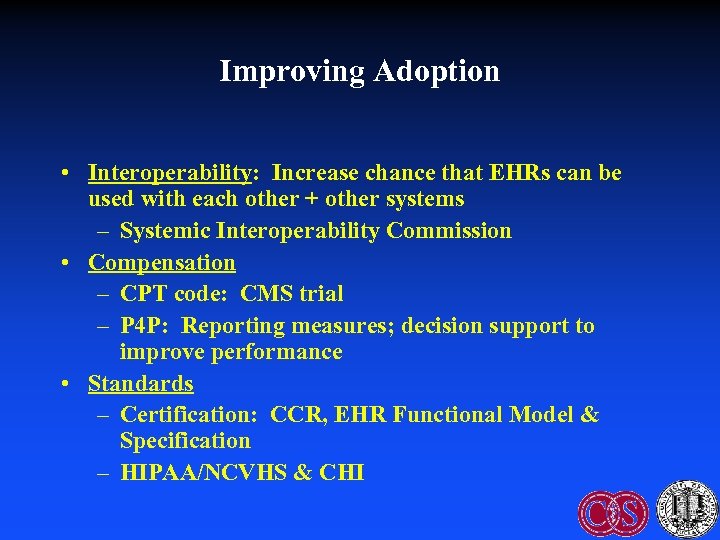
Improving Adoption • Interoperability: Increase chance that EHRs can be used with each other + other systems – Systemic Interoperability Commission • Compensation – CPT code: CMS trial – P 4 P: Reporting measures; decision support to improve performance • Standards – Certification: CCR, EHR Functional Model & Specification – HIPAA/NCVHS & CHI
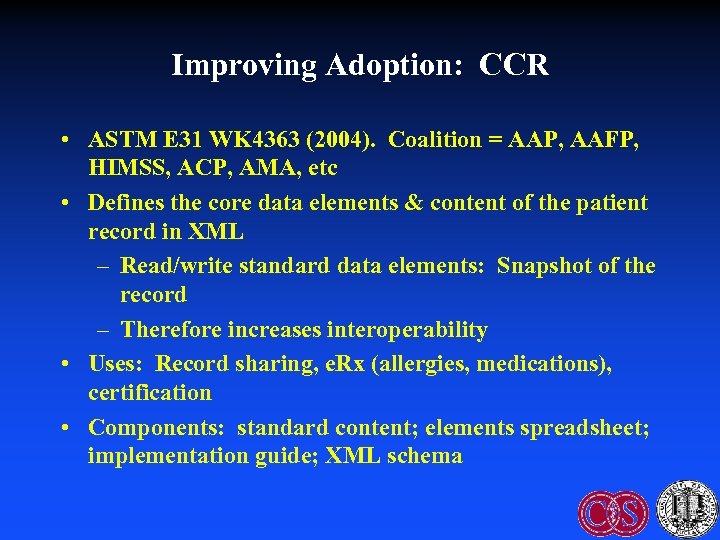
Improving Adoption: CCR • ASTM E 31 WK 4363 (2004). Coalition = AAP, AAFP, HIMSS, ACP, AMA, etc • Defines the core data elements & content of the patient record in XML – Read/write standard data elements: Snapshot of the record – Therefore increases interoperability • Uses: Record sharing, e. Rx (allergies, medications), certification • Components: standard content; elements spreadsheet; implementation guide; XML schema
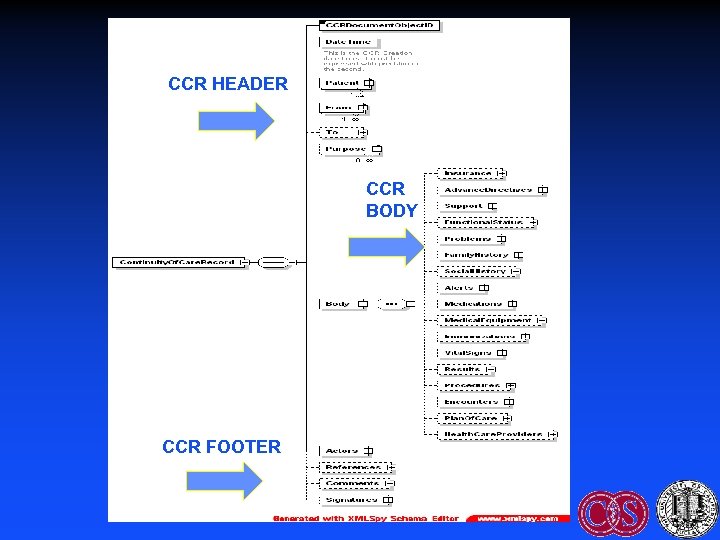
CCR HEADER CCR BODY CCR FOOTER
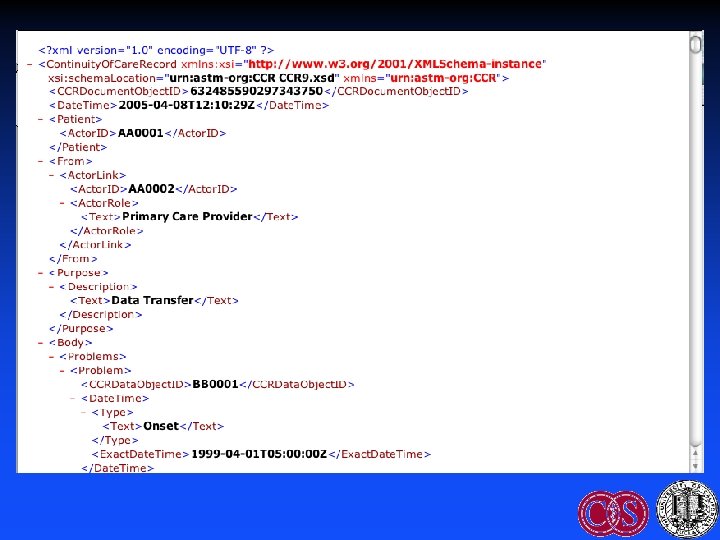
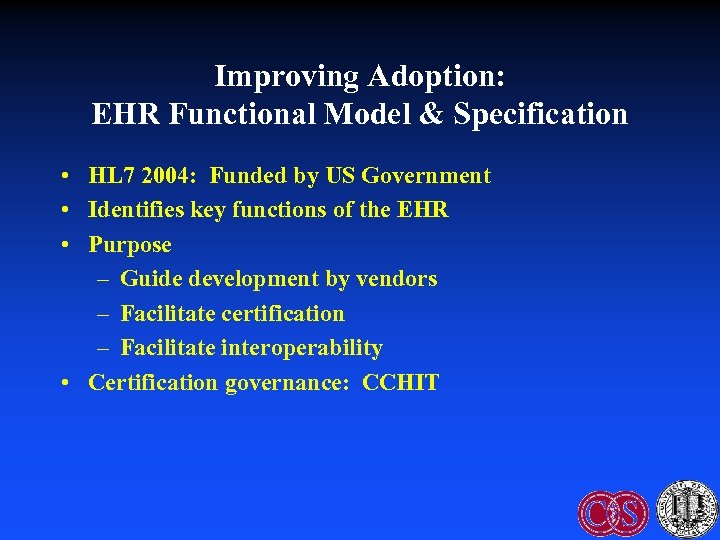
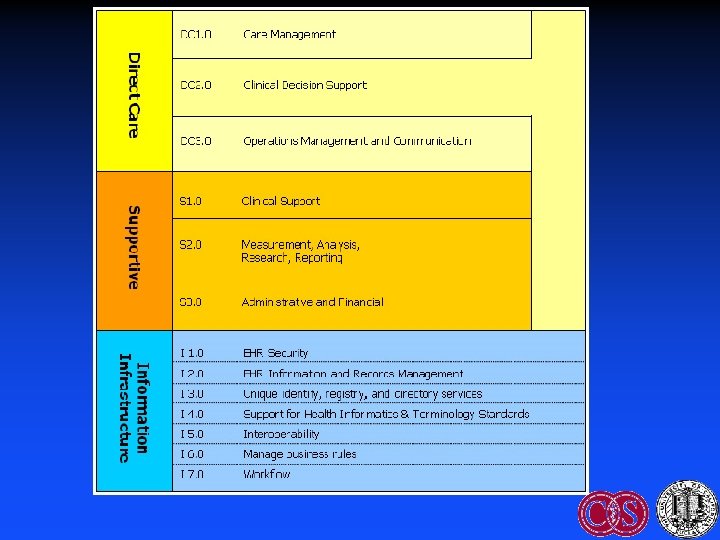
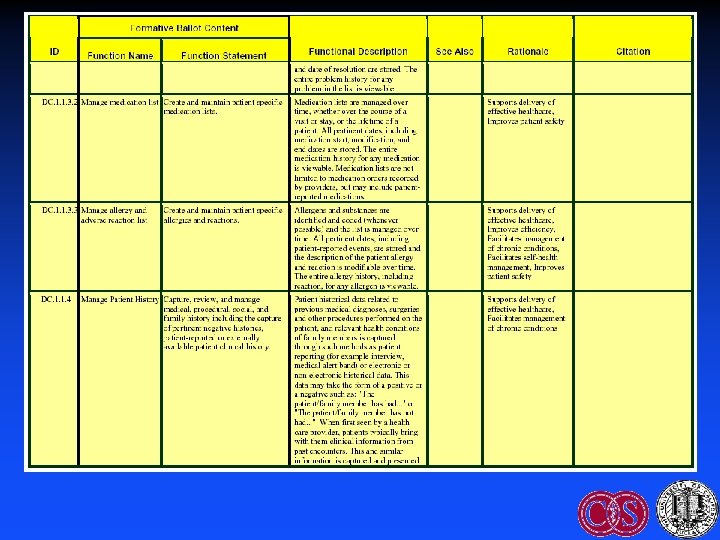
Improving Adoption: EHR Functional Model & Specification • HL 7 2004: Funded by US Government • Identifies key functions of the EHR • Purpose – Guide development by vendors – Facilitate certification – Facilitate interoperability • Certification governance: CCHIT
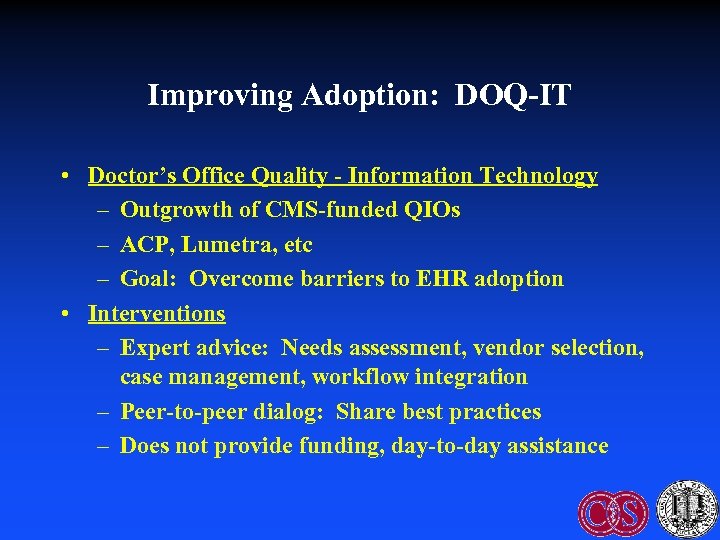
Improving Adoption: DOQ-IT • Doctor’s Office Quality - Information Technology – Outgrowth of CMS-funded QIOs – ACP, Lumetra, etc – Goal: Overcome barriers to EHR adoption • Interventions – Expert advice: Needs assessment, vendor selection, case management, workflow integration – Peer-to-peer dialog: Share best practices – Does not provide funding, day-to-day assistance
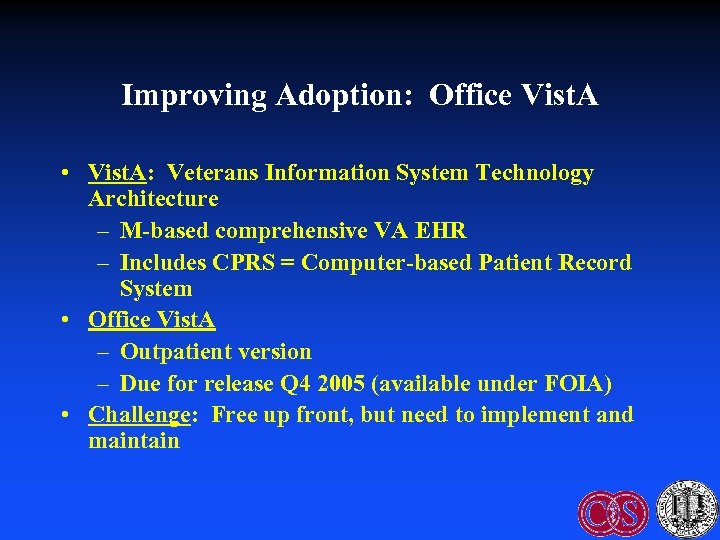
Improving Adoption: Office Vist. A • Vist. A: Veterans Information System Technology Architecture – M-based comprehensive VA EHR – Includes CPRS = Computer-based Patient Record System • Office Vist. A – Outpatient version – Due for release Q 4 2005 (available under FOIA) • Challenge: Free up front, but need to implement and maintain
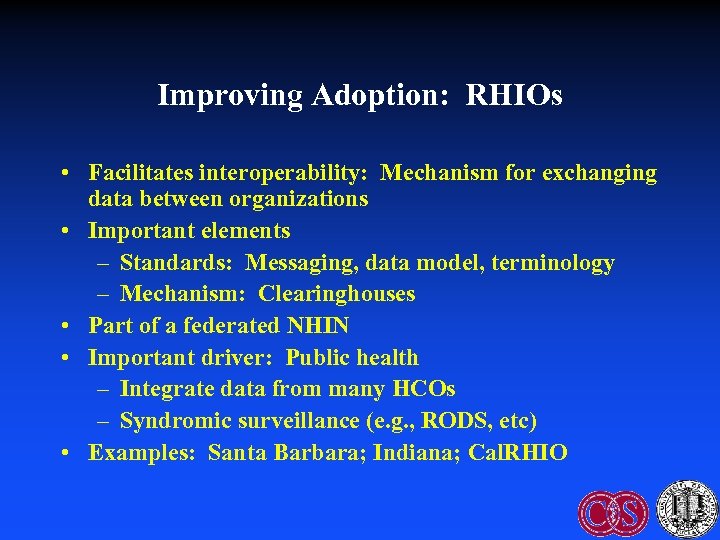
Improving Adoption: RHIOs • Facilitates interoperability: Mechanism for exchanging data between organizations • Important elements – Standards: Messaging, data model, terminology – Mechanism: Clearinghouses • Part of a federated NHIN • Important driver: Public health – Integrate data from many HCOs – Syndromic surveillance (e. g. , RODS, etc) • Examples: Santa Barbara; Indiana; Cal. RHIO
Improving Adoption through Standards: Architectural Elements to Support EHRs • Components to support decision support – Central data repository: Data models – Controlled, structured vocabulary – Data messaging (HL 7 v 2. x, v 3) • Decision Support – Knowledge acquisition – Knowledge representation (KR)
HL 7 EHR/CDSS Standards Efforts • Components – Data model: RIM – (Standard vocabularies) – CDA: documents – Access: CCOW • Knowledge representation – Common Expression Language (“GELLO”) – Arden Syntax – Clinical guidelines: GEM vs GLIF 3 vs ? – Info. Button – Order Set • EHR Functional Model and Standard
Standard Data Models • Candidates – RIM = HL 7 Reference Information Model – v. MR = Virtual Medical Record • Purpose: Promote knowledge transfer – Standardize references to patient data in “rules” – Goal: Avoid manual rewriting of data references when sharing “rules”
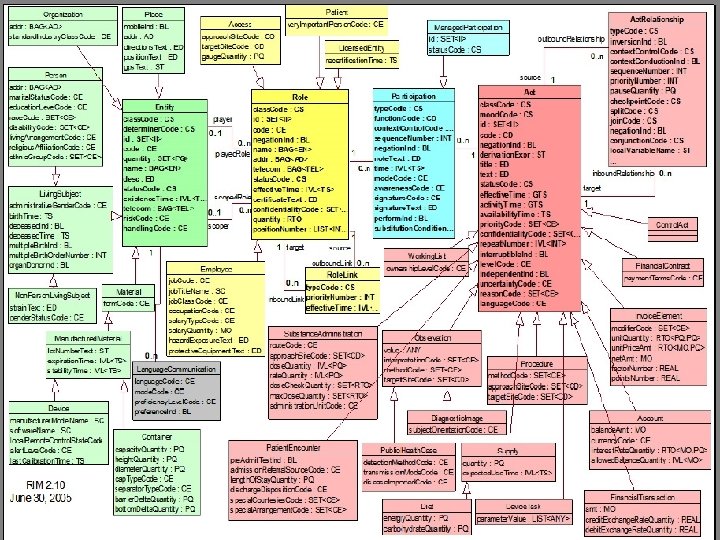
Standard Data Models: HL 7 RIM • High-level, abstract model of all exchangeable data – Concepts are objects: Act (e. g. , observations), Living Subject, etc – Object attributes – Relationship among objects • Common reference for all HL 7 v 3 standards • Facilitates interoperability: Common model for messaging, queries Schadow G, Russler DC, Mead CN, Mc. Donald CJ. Integrating medical information and knowledge in the HL 7 RIM. Proc AMIA Symp 2000; : 764 -768.
Standard Vocabularies • CHI + NCVHS efforts: Patient Medical Record Information (PMRI) terminology standards • Examples: SNOMED-CT, ICD-9, LOINC, CPT, etc • Facilitation: Free licensing of SNOMED in USA as part of UMLS • Use: HL 7 Common Terminology Services (CTS) standard
Common Expression Language (GELLO) • Purpose: Share queries and logical expressions – Query data (READ) – Logically manipulate data (IF-THEN, etc) • Current work: GELLO (BWH) = Guideline Expression Language • Current status: ANSI standard release 1, May, 2005 Ogunyemi O, Zeng Q, Boxwala A. Object-oriented guideline expression language (GELLO) specification: Brigham and Women’s Hospital, Harvard Medical School, 2002. Decision Systems Group Technical Report DSG-TR-2002 -001.
Arden Syntax • ASTM v 1 1992, HL 7 v 2 1999, v 2. 1 (ANSI) 2002, v 2. 5 2005 http: //cslxinfmtcs. csmc. edu/hl 7/arden/ • Formalism for procedural medical knowledge • Unit of representation = Medical Logic Module (MLM) – Enough logic + data to make a single decision – Generate alerts/reminders • Adopted by several major vendors Jenders RA, Dasgupta B. Challenges in implementing a knowledge editor for the Arden Syntax: knowledge base maintenance and standardization of database linkages. Proc AMIA Symp 2002; : 355 -359.
Guideline Model: GLIF • Guideline Interchange Format • Origin: Study collaboration in medical informatics • Now: GLIF 3 – Very limited implementation • Guideline = Flowchart of temporally ordered steps – Decision & action steps – Concurrency: Branch & synchronization steps Peleg M, Ogunyemi O, Tu S et al. Using features of Arden Syntax with objectoriented medical data models for guideline modeling. Proc AMIA Symp 2001; : 523 -527.
GLIF (continued): Levels of Abstraction • Conceptual: Flowchart • Computable: Patient data, algorithm flow, clinical actions specified • Implementable: Executable instructions with mappings to local data
Guideline Model: GEM • Guideline Elements Model = Current ASTM standard • Mark up of a narrative guideline into structured format using XML – Not procedural programming – Tool = GEM Cutter • Resulting structure might be used to translate to executable version Shiffman RN, Agrawal A, Deshpande AM, Gershkovich P. An approach to guideline implementation with GEM. Proc Medinfo 2001; 271 -275.
GEM (continued) • Model = 100+ discrete elements in 9 major branches – identity and developer, purpose, intended audience, development method, target population, testing, revision plan and knowledge components • Iterative refinement: Adds elements not present verbatim but needed for execution • Customization: Adding meta-knowledge – controlled vocabulary terms, input controls, prompts for data capture
Infobutton Standard • Infobutton: software that mediates between an information system (EHR) and a knowledge source (electronic textbook, drug reference, etc) • Goals – Standard interface to maximize access to knowledge sources – Tailored access to relevant bits • Status: Under development (HL 7).
Order Set Standard • Order Set: Document containing a group of orders for specific care episodes (disease states or presentations) – Examples: Admission for chest pain; communityacquired pneumonia • Features – Checklist: Remind clinicians what to do – Advice: Provide therapeutic options, dosing, etc • Goals: Allow selection of parts or all of order set within a CPOE system. Facilitate sharing. • Current status (HL 7): Under development
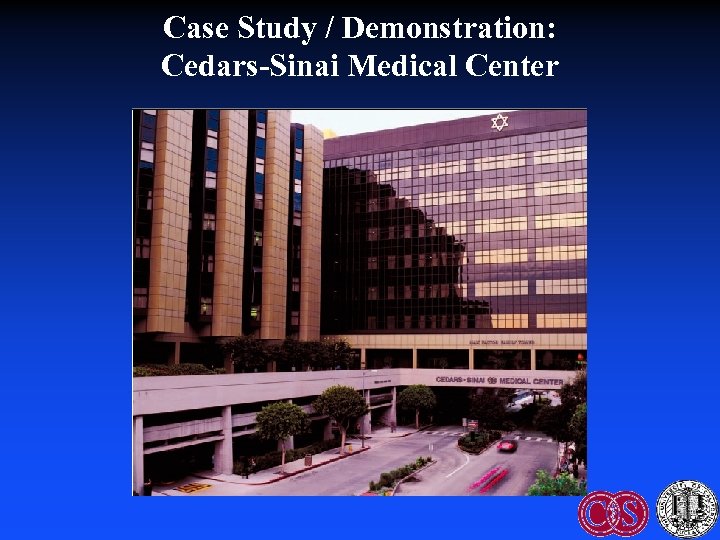
Case Study / Demonstration: Cedars-Sinai Medical Center
CSMC: Characteristics • Academic medical center: 800 -bed campus in West LA founded 1902 – 8500 employees + 1800 physicians (200 UCLA faculty) – 45, 000 discharges; 28, 000 clinic visits; 77, 000 ED visits – Rankings: USN&WR, Hospitals & Health Networks • Education – GME: 300+ residents/fellows – Health professions education: UCLA, USC, CSU • Burns & Allen Research Institute: $80 M/year
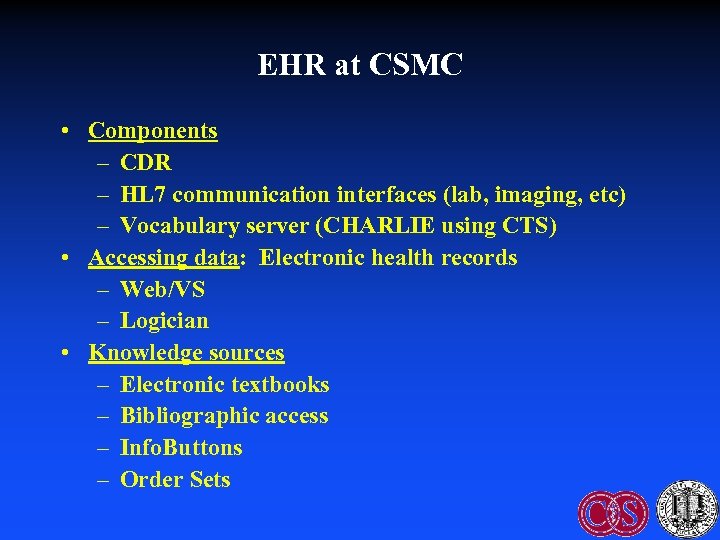
EHR at CSMC • Components – CDR – HL 7 communication interfaces (lab, imaging, etc) – Vocabulary server (CHARLIE using CTS) • Accessing data: Electronic health records – Web/VS – Logician • Knowledge sources – Electronic textbooks – Bibliographic access – Info. Buttons – Order Sets
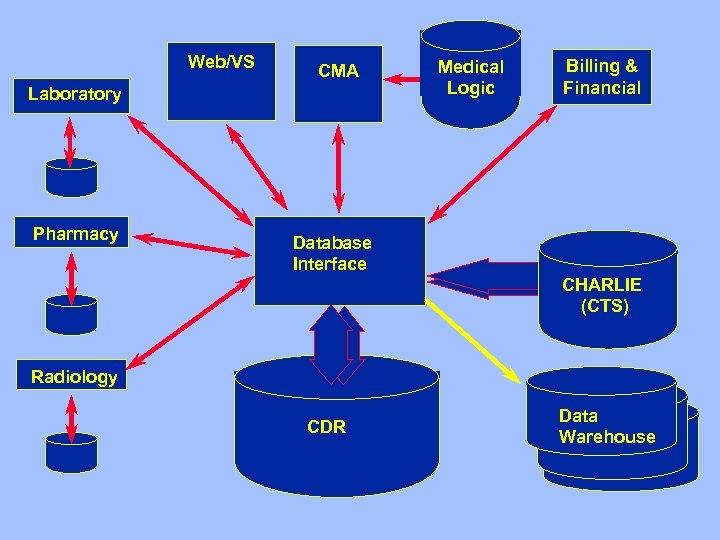
Web/VS CMA Laboratory Pharmacy Medical Logic Billing & Financial Database Interface CHARLIE (CTS) Radiology CDR Data Warehouse
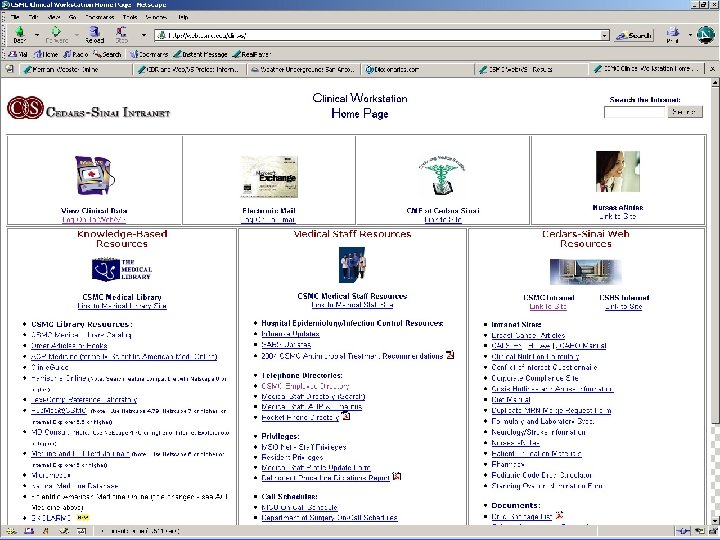
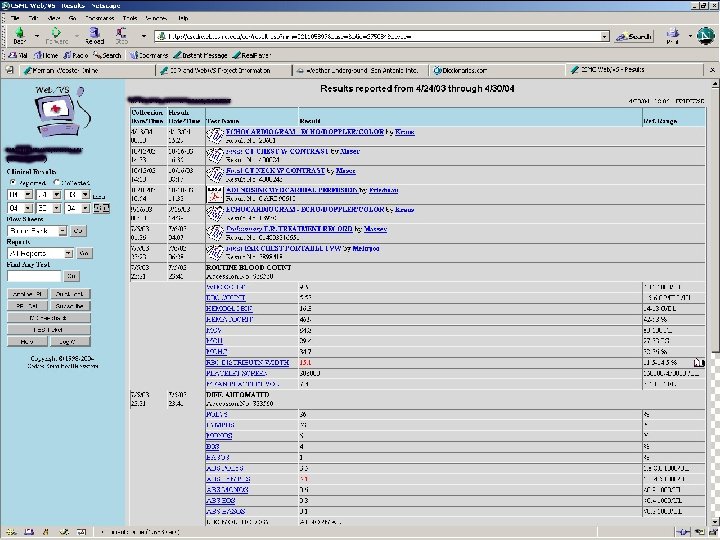
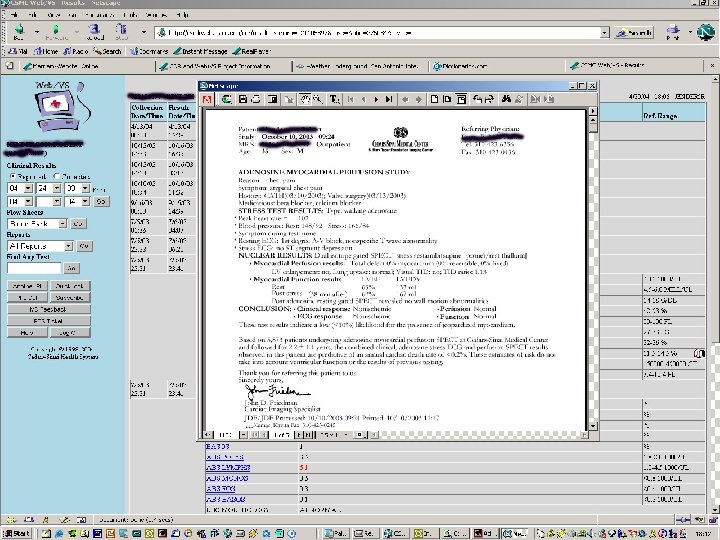
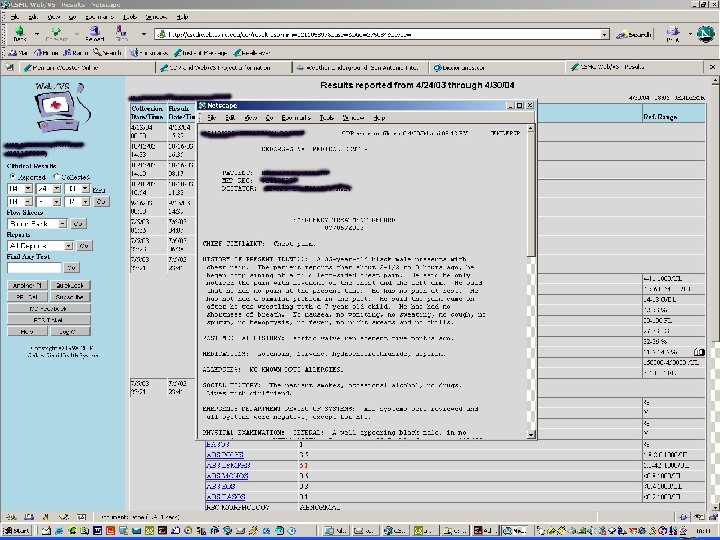
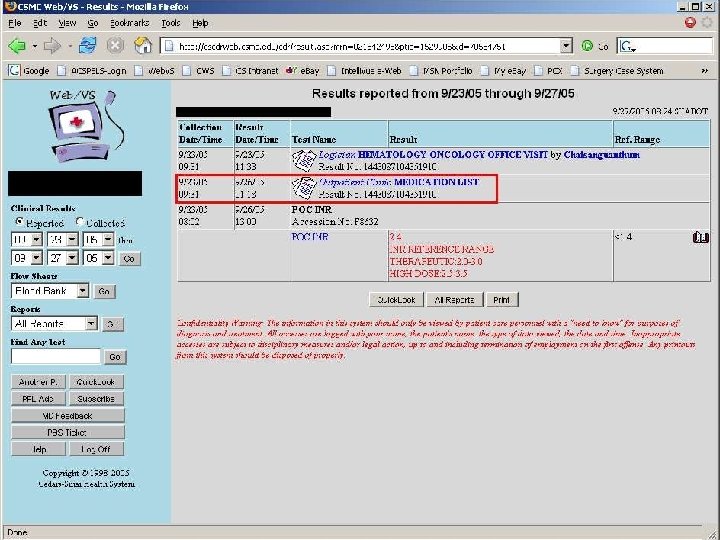
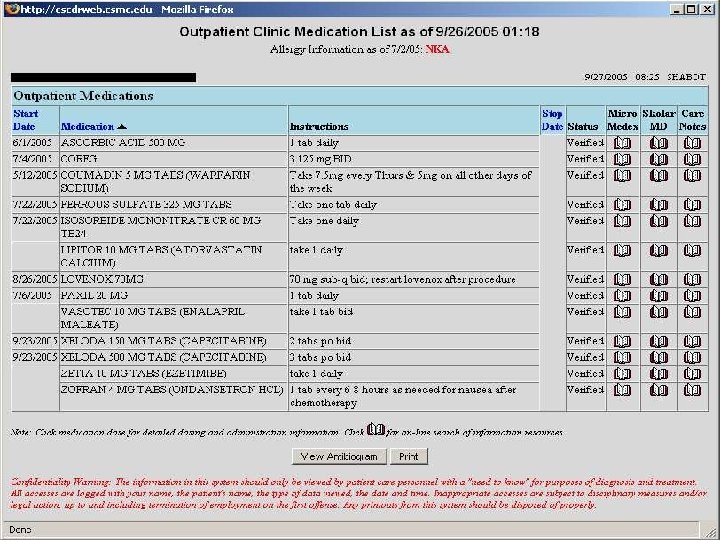
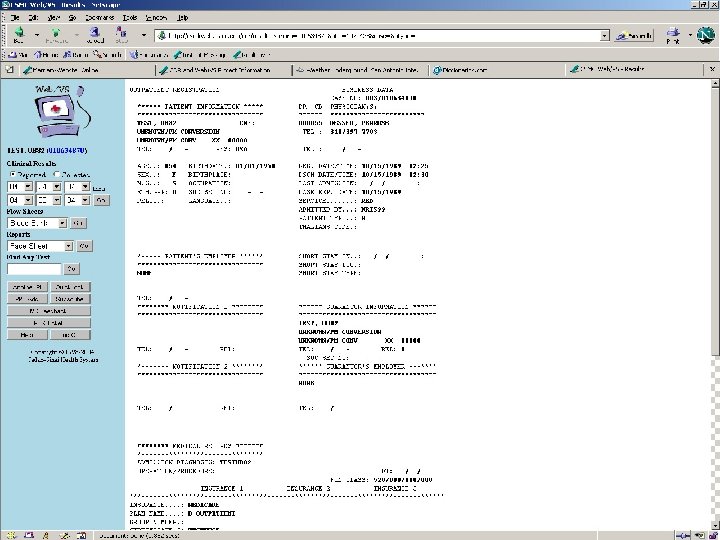
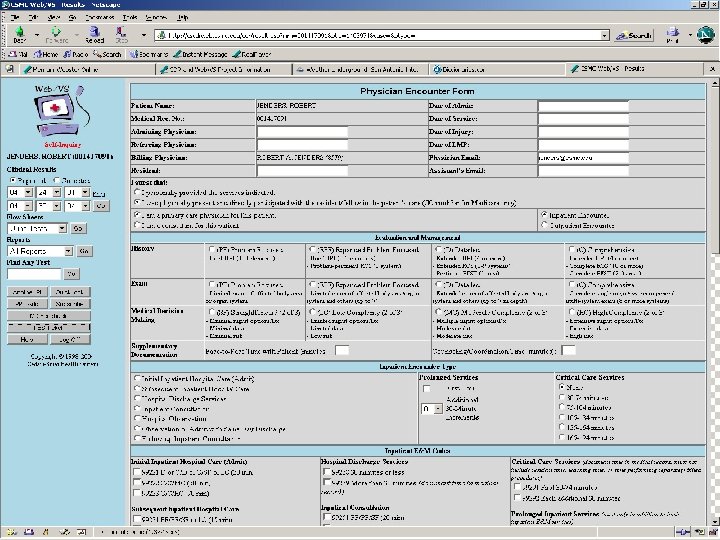
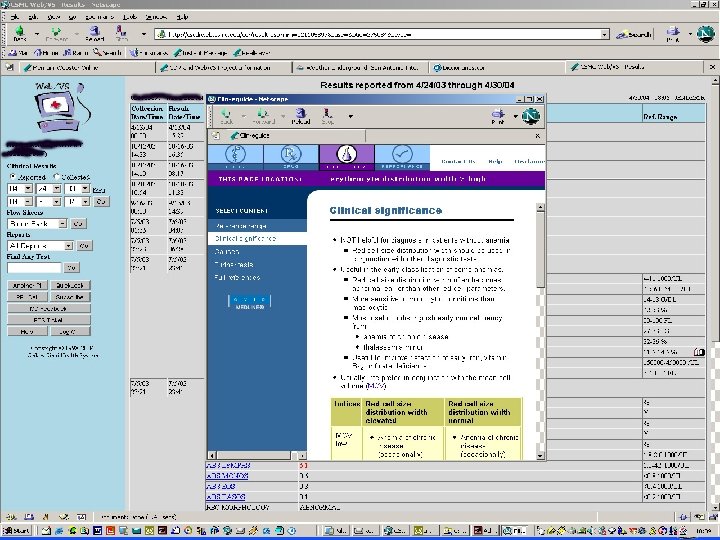
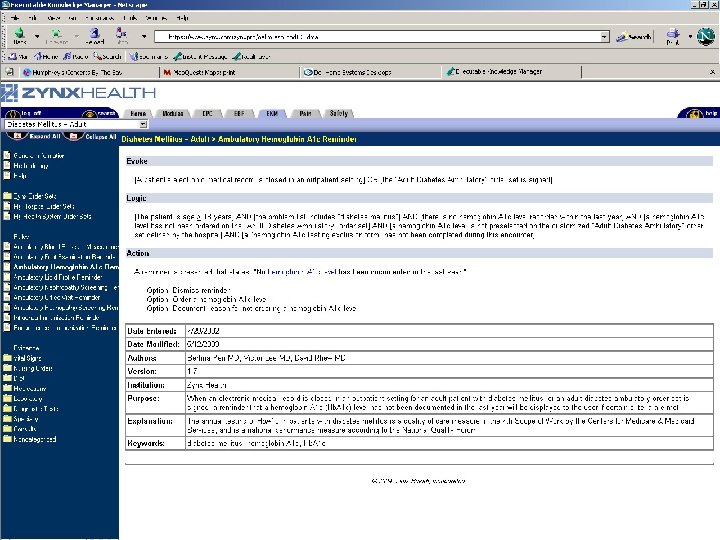
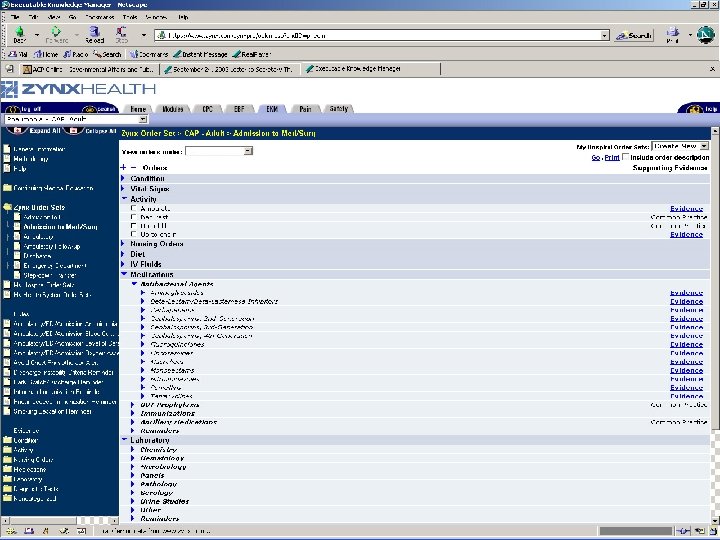
Centricity Demonstration
Summary • EHR needed – Many advantages, some disadvantages – Key: integration of data • Aspects of the EHR: Functions, advantages, disadvantages • Improving adoption – Standards, interoperability
Additional Resources • Shortliffe Chapter 9 (new edition due 2006) • Degoulet P, Fieschi M. Managing patient records. Chapter 9 in Introduction to Clinical Informaitcs. New York: Springer-Verlag, 1997; 117 -30. • van Bemmel JH, Musen MA. The patient record (chapter 7) & Structuring the computer-based patient record (chapter 29) in Handbook of Medical Informatics. Houten, Netherlands: Springer, 1997. • Bates DW, Ebell M, Gottlieb E et al. A proposal for electronic medical records U. S. primary care. J Am Med Inform Assoc 2003; 10: 1 -10.
Additional Resources: Web • www. astm. org • www. hl 7. org • www. calrhio. org • www. cchit. org
Thanks! jenders@ucla. edu http: //jenders. bol. ucla. edu -> Documents & Presentations
Скачать презентацию Electronic Health Records Robert A Jenders MD MS
94d0884d378eb3fe1fce34a56d3ab795.ppt