 Скачать презентацию Electronic Exams Jane Aitkens Associate Systems Librarian Mc
889d08624e1125350d17e3131592cba1.ppt
- Количество слайдов: 27



Electronic Exams Jane Aitkens Associate Systems Librarian Mc. Gill University Libraries July 29, 2002 – NAAUG, Boston
The Objectives – A “Mc. Gill-use only” OPAC database of previous years’ exams, with on-line access to the full text of the exam. – Quick and easy cataloguing of electronic exams by circ/reserves staff. – In-house PDF creation.
The Aleph Solutions l Create a separate logical base within Course Reserves (MUG 30), coded to require signon. (tab_base. eng) l Allow reserves staff to catalogue records for e-exams in MGU 30 via the GUI catalogue client, using templates.
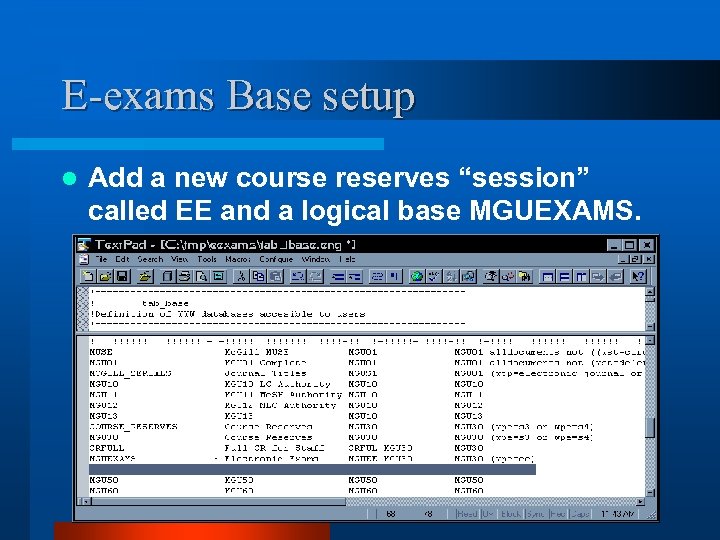
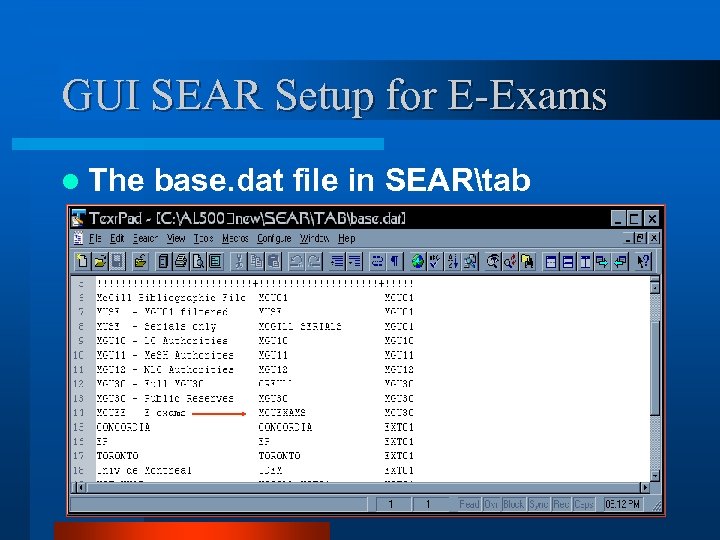
E-exams Base setup l Add a new course reserves “session” called EE and a logical base MGUEXAMS.
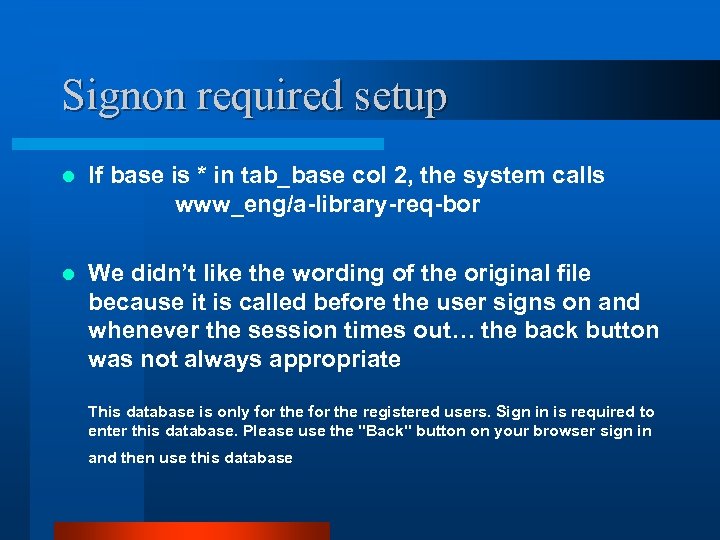
Signon required setup l If base is * in tab_base col 2, the system calls www_eng/a-library-req-bor l We didn’t like the wording of the original file because it is called before the user signs on and whenever the session times out… the back button was not always appropriate This database is only for the registered users. Sign in is required to enter this database. Please use the "Back" button on your browser sign in and then use this database
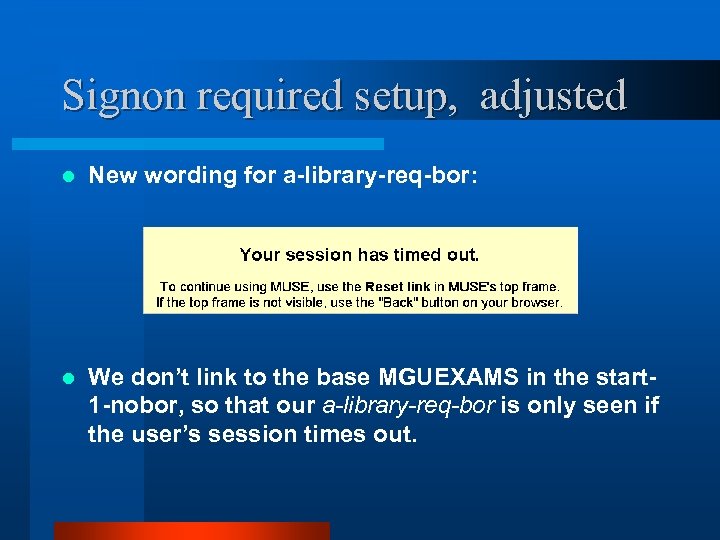
Signon required setup, adjusted l New wording for a-library-req-bor: l We don’t link to the base MGUEXAMS in the start 1 -nobor, so that our a-library-req-bor is only seen if the user’s session times out.
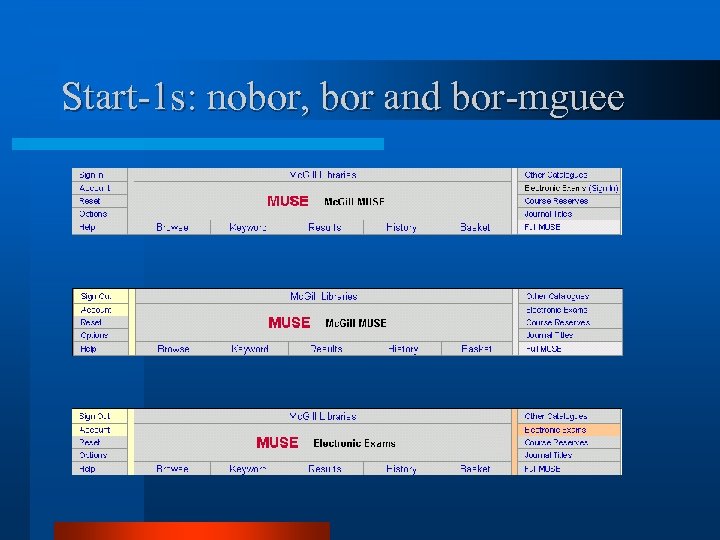
Start-1 s: nobor, bor and bor-mguee
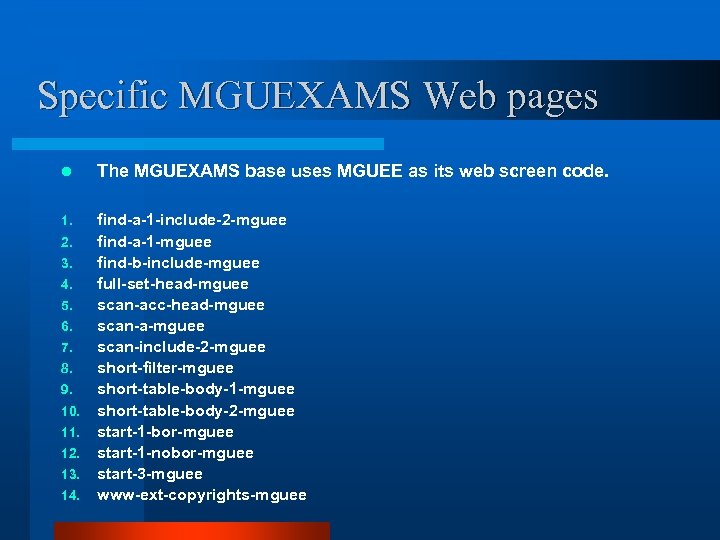
Specific MGUEXAMS Web pages l The MGUEXAMS base uses MGUEE as its web screen code. 1. find-a-1 -include-2 -mguee find-a-1 -mguee find-b-include-mguee full-set-head-mguee scan-acc-head-mguee scan-a-mguee scan-include-2 -mguee short-filter-mguee short-table-body-1 -mguee short-table-body-2 -mguee start-1 -bor-mguee start-1 -nobor-mguee start-3 -mguee www-ext-copyrights-mguee 2. 3. 4. 5. 6. 7. 8. 9. 10. 11. 12. 13. 14.
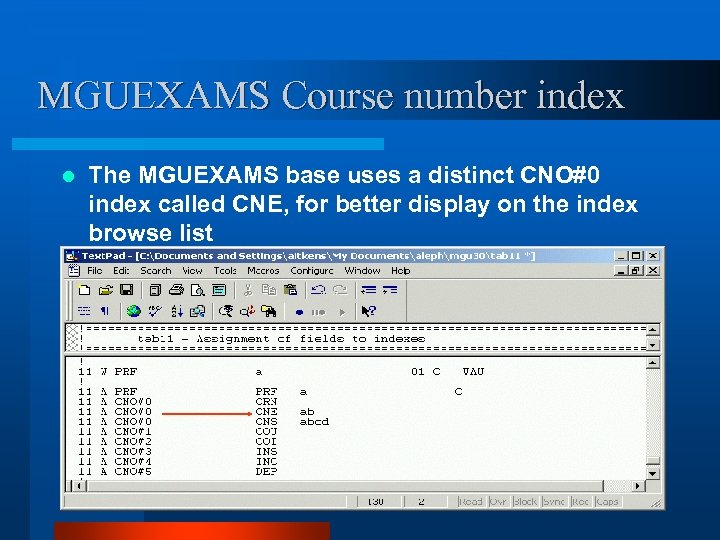
MGUEXAMS Course number index l The MGUEXAMS base uses a distinct CNO#0 index called CNE, for better display on the index browse list
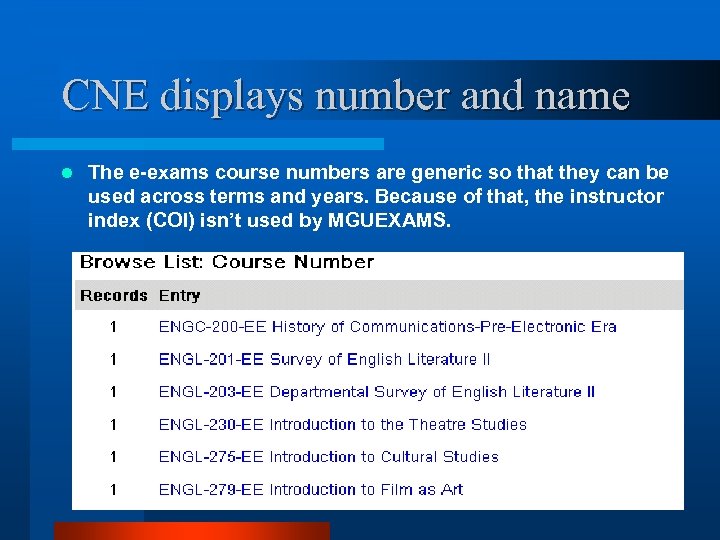
CNE displays number and name l The e-exams course numbers are generic so that they can be used across terms and years. Because of that, the instructor index (COI) isn’t used by MGUEXAMS.
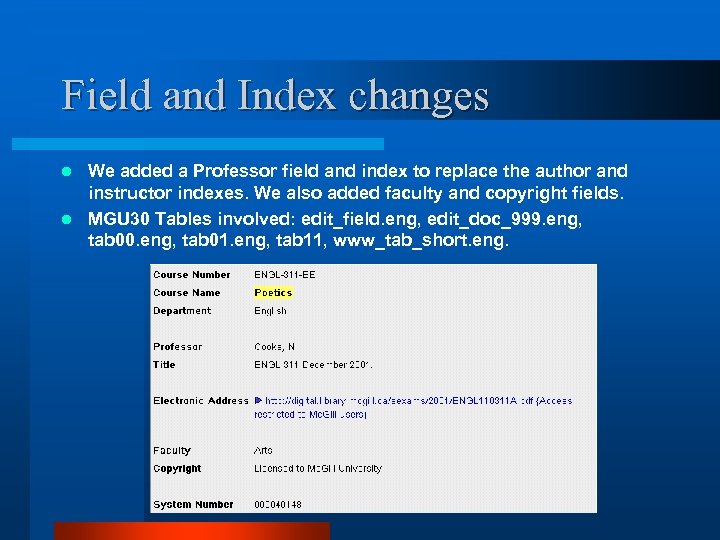
Field and Index changes We added a Professor field and index to replace the author and instructor indexes. We also added faculty and copyright fields. l MGU 30 Tables involved: edit_field. eng, edit_doc_999. eng, tab 00. eng, tab 01. eng, tab 11, www_tab_short. eng. l
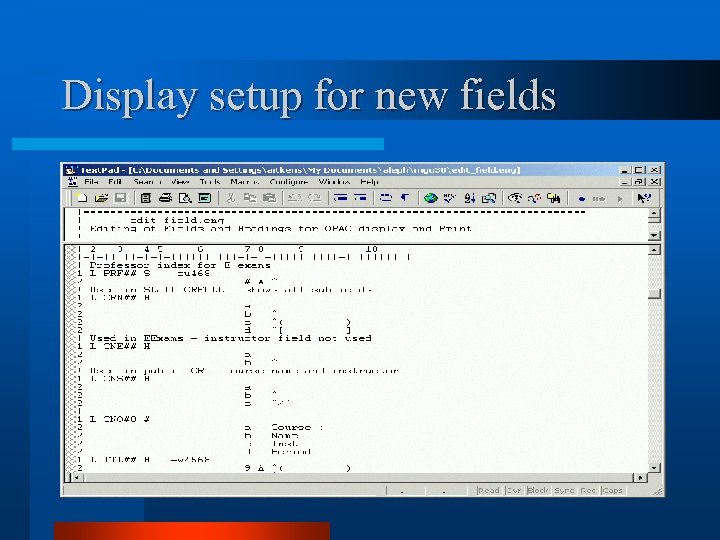
Display setup for new fields
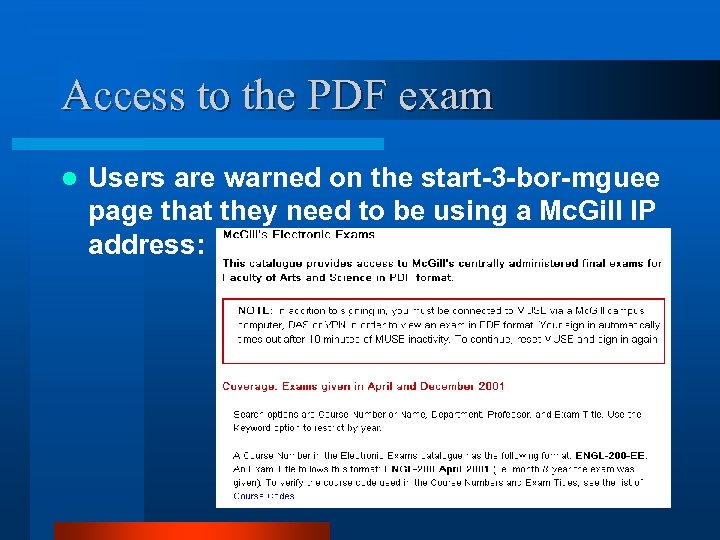
Access to the PDF exam l Users are warned on the start-3 -bor-mguee page that they need to be using a Mc. Gill IP address:
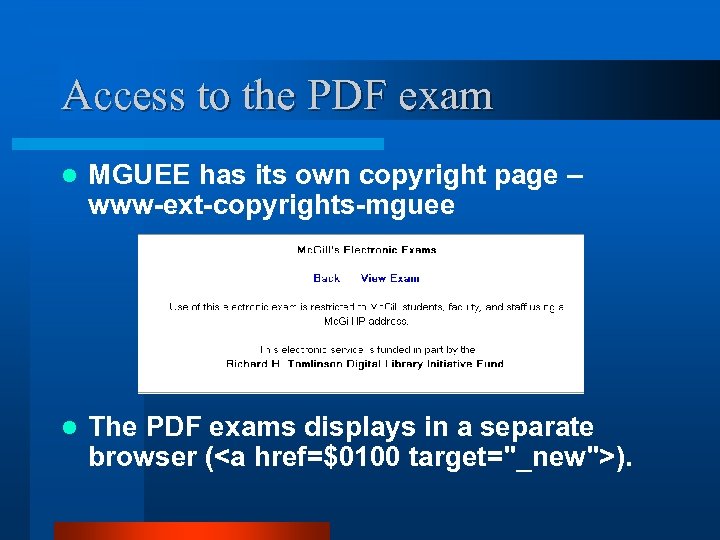
Access to the PDF exam l MGUEE has its own copyright page – www-ext-copyrights-mguee l The PDF exams displays in a separate browser (<a href=$0100 target="_new">).
Staff creation of Electronic Exams l The paper exams were scanned and the resulting PDF files stored on our digital library web server, in a Mc. Gill IP restricted directory. l The EE course lists were created via Staff Course Reserves, as usual. l We decided to use the GUI’s catalog client to create the MGU 30 BIB records. l No item records were created – not needed.
Paper to PDF l The paper exams were printed on either 8. 5” x 11” or 8. 5” x 14” sheets. They ranged in length from 2 pages (Arts) up to 20 pages (Sciences). l File size was a consideration in accessing the electronic copy of exams remotely. l Paper copies were scanned at 200 DPI insuring that print quality would be adequate, and, at the same time, insuring that file sizes remained small. On average each page was 30 KB in size
Specifics of the PDF creation l The scanning of the initial 286 exams was completed over a period of three weeks with two staff members working on a part time basis for a period of 41 hours in total. l Scanning Device: HP Scanjet 4 C flatbed scanner l Software: Acrobat Capture 5. 0
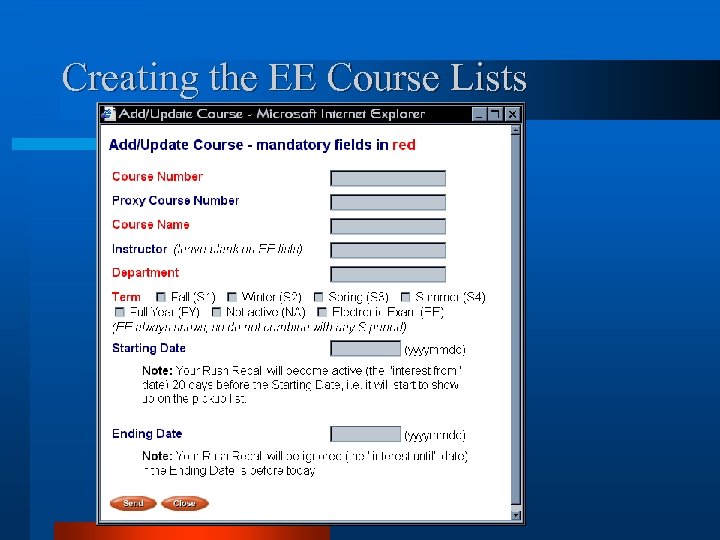
Creating the EE Course Lists
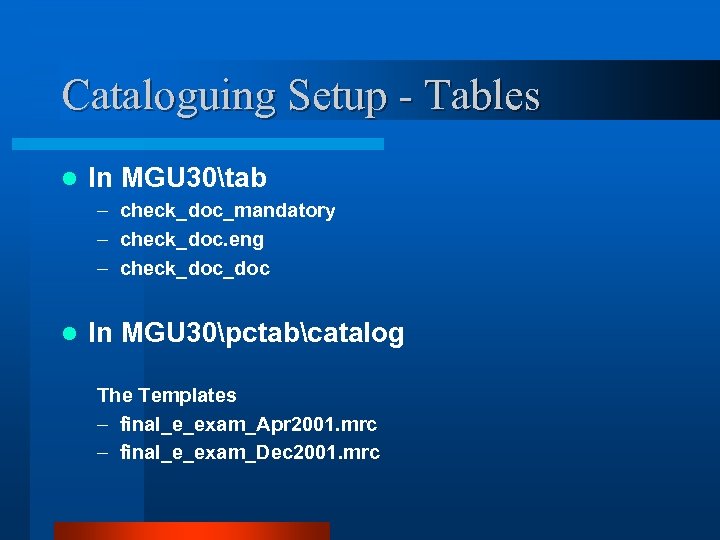
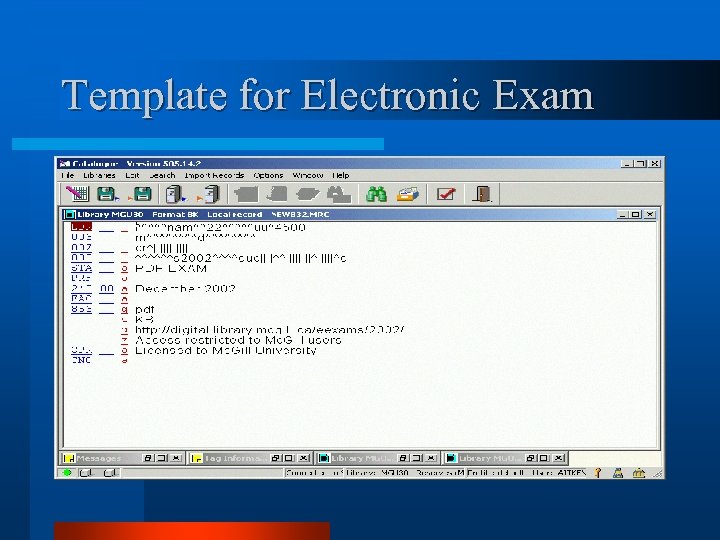
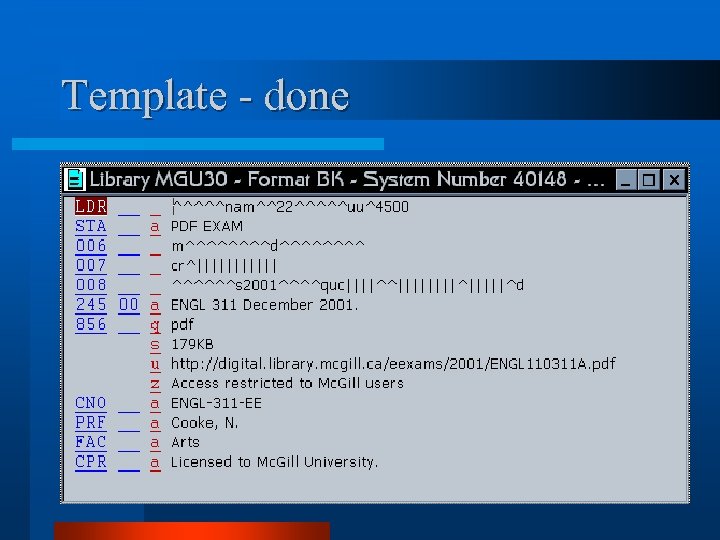
Cataloguing Setup - Tables l In MGU 30tab – check_doc_mandatory – check_doc. eng – check_doc l In MGU 30pctabcatalog The Templates – final_e_exam_Apr 2001. mrc – final_e_exam_Dec 2001. mrc
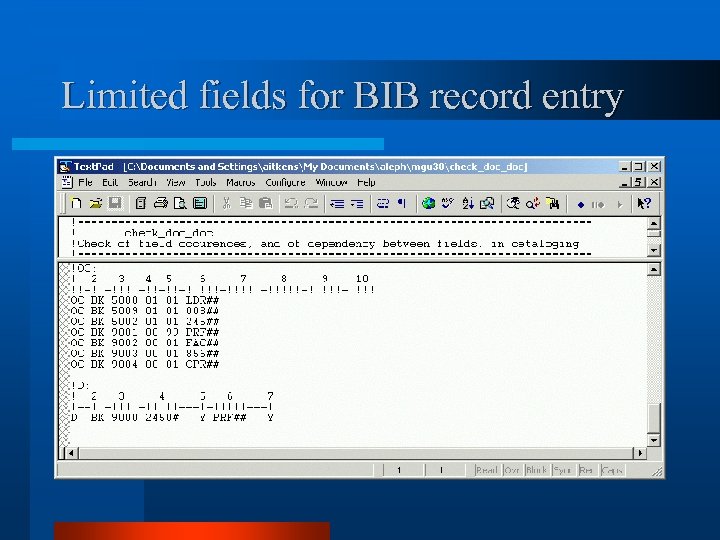
Limited fields for BIB record entry
Template for Electronic Exam
Template - done
Data Entry Instructions l A How-To for creating electronic exam lists and records was followed. l The records were created by the same circ/reserve staff member who created the EE reserve course lists. l The lists and records were all created within a week.
GUI SEAR Setup for E-Exams l The base. dat file in SEARtab
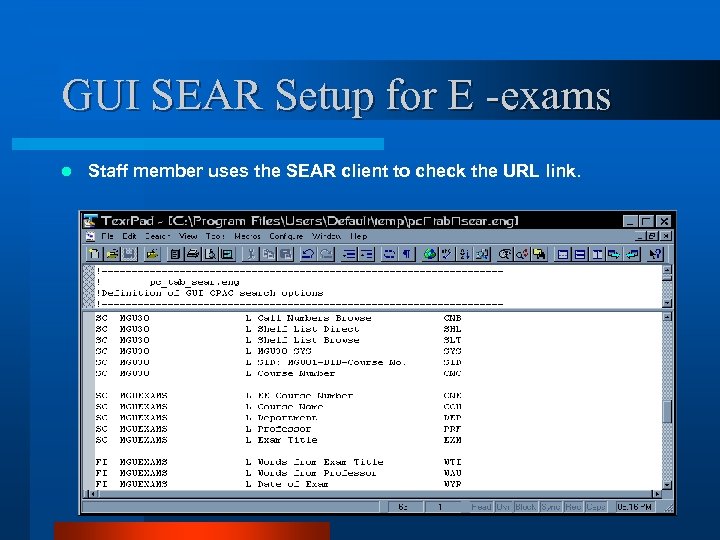
GUI SEAR Setup for E -exams l Staff member uses the SEAR client to check the URL link.
How-To for Public Services Staff l A How-To Use the new Electronic Exams Database was prepared for public services staff. Two training sessions were offered. l Several adjustments were made to the Web pages after implementation – e. g. bigger warning re IP restriction, only Arts and Sciences faculty exams. l Well received. Students are asking that exams of other faculties be added.
On the CD l The 2 How-Tos l An eexams directory with tables and files used by MGUEXAMS: – www_a_eng – www_eng – mgu 30
Скачать презентацию Electronic Exams Jane Aitkens Associate Systems Librarian Mc
889d08624e1125350d17e3131592cba1.ppt