 Скачать презентацию Electronic Briefings at a Distance Presented to the
427afde8856658e943aa687387b7a8e5.ppt
- Количество слайдов: 45



Electronic Briefings at a Distance Presented to the ABPM Conference by David Martin Chairman & CEO SMART Technologies Inc. April 4 th, 2002
Outline • Introduction • Briefing Effectively at a Distance • Problems & Solutions • Tools to Consider • Summary • Questions
SMART’s Vision To develop and sell products that help people collaborate, whether they are in the same room or located around the world. • Developer of Collaboration Products since 1990 • Effective Virtual Team workshops since 1997
Briefing Effectively at a Distance Questions for you • Who has used conferencing technologies in their Executive Briefing Program? • Has this been to connect with: – Internal presenters? – External customers? • Who has been happy with this experience?
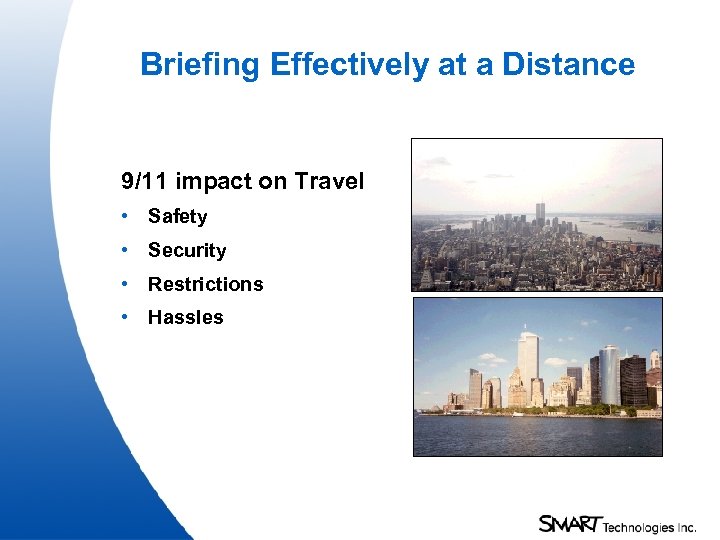
Briefing Effectively at a Distance 9/11 impact on Travel • Safety • Security • Restrictions • Hassles
Briefing Effectively at a Distance Why so important? • Travel costs • Access to busy people where they are • Need to do things faster • People are growing more aware of technology, becoming more accepting and better trained • Infrastructure is improving • Experience in using this approach is growing • Technology components for idea capture can actually be helpful in recording comments of briefing participants
Briefing Considerations • Is this the first meeting with these people? • Do we need to connect to external parties only? • Is there a need to connect internal and external parties?
Briefing issues Telling your story Capturing the dialogue => One-way presentation => Two-way dialogue => Capture decisions, tasks
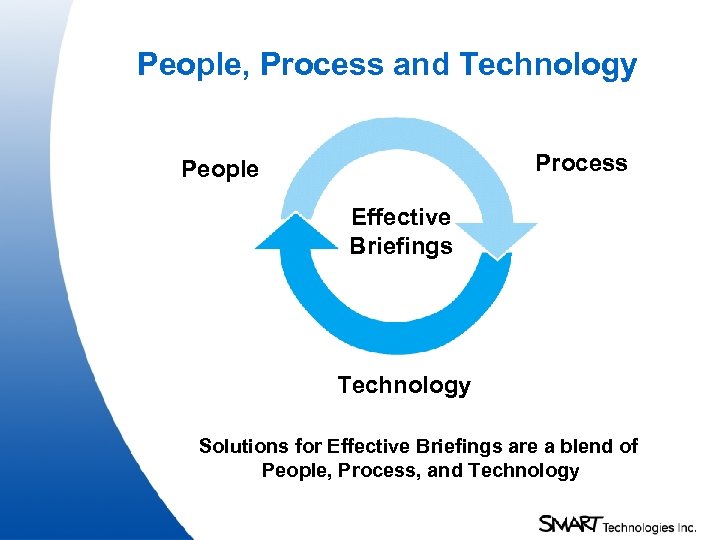
People, Process and Technology Process People Effective Briefings Technology Solutions for Effective Briefings are a blend of People, Process, and Technology
Transitioning to Electronic Work • Make infrastructure investments • Get top management buy-in • Find a product champion -- the higher up, the better • Get everyone comfortable with the new paradigm • Roll out with an extensive, ongoing training program
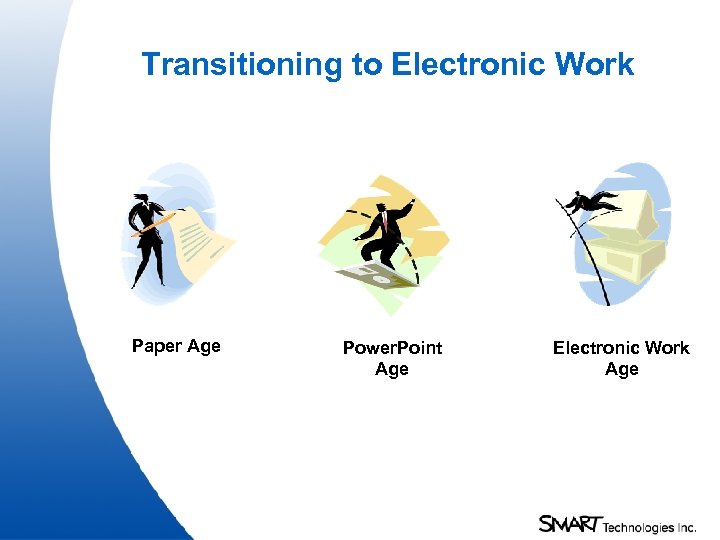
Transitioning to Electronic Work Paper Age Power. Point Age Electronic Work Age
Transitioning to Electronic Work It’s all about managing Change… Change management techniques • Best practices • Senior management buy-in • Look for win-win situations (pilots with more technically-oriented individuals)
Why Remote Briefing is more difficult than Face to Face Briefing • More difficult to determine customer level of interest • Maintaining interest more difficult because remote participants will time-share • Remote briefing will be more formal • Informal chats more difficult – (Can we solve this? )
Problems & Solutions in Electronic Briefings • Audio – The quiet talker – Audio delay • Video – Video image quality – Lighting – Following the moving presenter – Can we make the electronic briefing work without needing a production crew? • Data – Paper documents – Remote gestures – The carry-in guest notebook – Firewalls – Security • General – Capturing minutes – The multi-tasker – Getting agreement
Tools to consider • Audio conferencing • Data conferencing • Videoconferencing • Peripherals Tools to Consider
Audio • Great audio needed – Ability to interrupt in near real time – Think about using 14 Khz. audio over separate telephone or VOIP • Microphones need to be placed in correct locations • Use wireless mics so that remote participants hear clearly • Beware the quiet talker Tools to Consider • Training
Audio Conferencing • Multi-point audio conferencing calls represent a $3 billion a year industry • No-reservation conference calling is fastest growing segment • About two-thirds of all remote meetings are audio only • Audio quality is a challenge • English as second language makes for less than satisfactory experience Tools to Consider
Audio Conferencing • Audio bridging • Microphones • Mixers • Local amplification • Telephone quality or better Tools to Consider
Data Conferencing • Integrated with audio? • Browser or client? • Security – Authentication – Encryption – Getting through the firewall Tools to Consider
Data Conferencing • Data conferencing is fastest growing segment of the conferencing industry • Frost & Sullivan is forecasting a growth of 80% a year • Tool is easiest to grasp, easiest to implement • Security is a challenge • Displaying data is key for understanding Tools to Consider
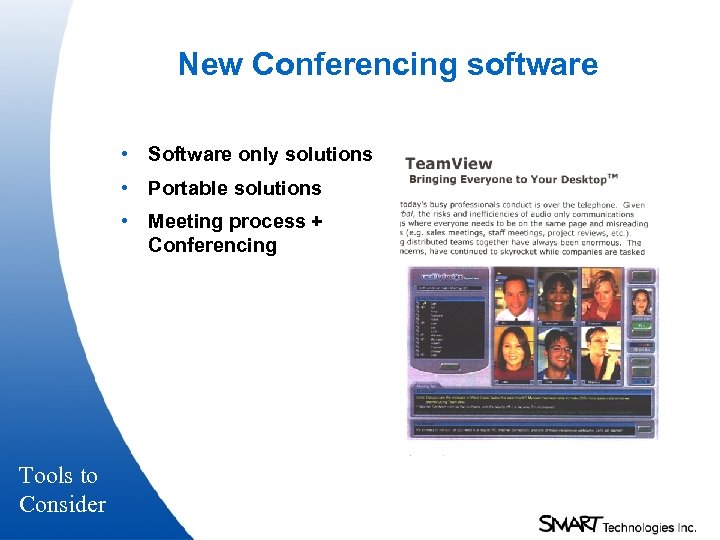
New Conferencing software • Software only solutions • Portable solutions • Meeting process + Conferencing Tools to Consider
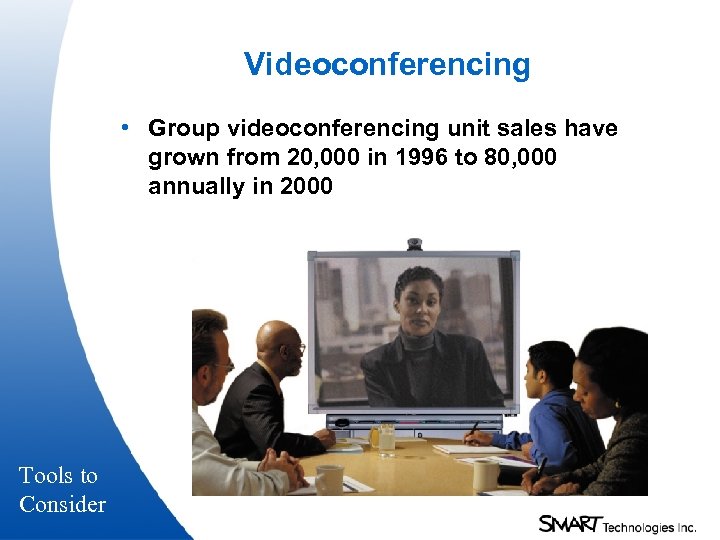
Videoconferencing • Group videoconferencing unit sales have grown from 20, 000 in 1996 to 80, 000 annually in 2000 Tools to Consider
Videoconferencing • Industry ships $700 million annually • Dissatisfaction – Connecting – Disconnects – Quality of audio • Improvements have been made • Move from ISDN to IP will take time Tools to Consider
Videoconferencing • Video can be a good adjunct for some meeting types – Product review – Exec to exec – Indicator of who is there • Select IP as the transport if internal • Choose a minimum of 384 kbps over the digital switched network (ISDN) • Restrict multiple point calls Tools to Consider
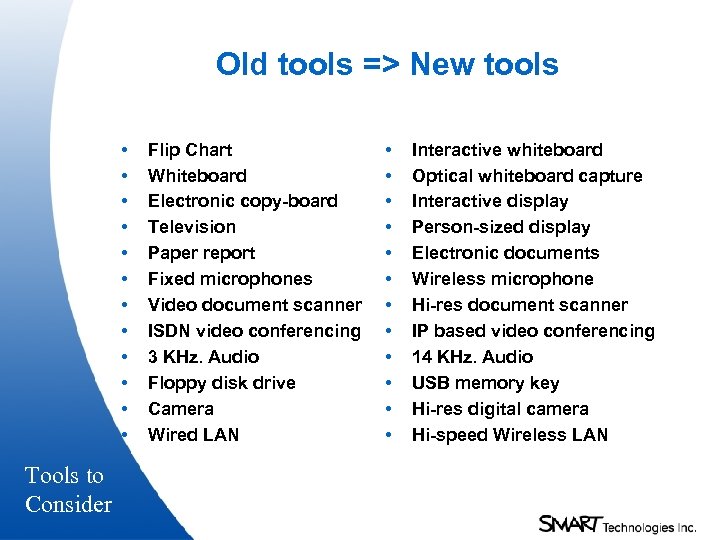
Old tools => New tools • • • Tools to Consider Flip Chart Whiteboard Electronic copy-board Television Paper report Fixed microphones Video document scanner ISDN video conferencing 3 KHz. Audio Floppy disk drive Camera Wired LAN • • • Interactive whiteboard Optical whiteboard capture Interactive display Person-sized display Electronic documents Wireless microphone Hi-res document scanner IP based video conferencing 14 KHz. Audio USB memory key Hi-res digital camera Hi-speed Wireless LAN
Peripherals • Displays • Document cameras • Scanners • Cameras • Whiteboards • Podiums Tools to Consider
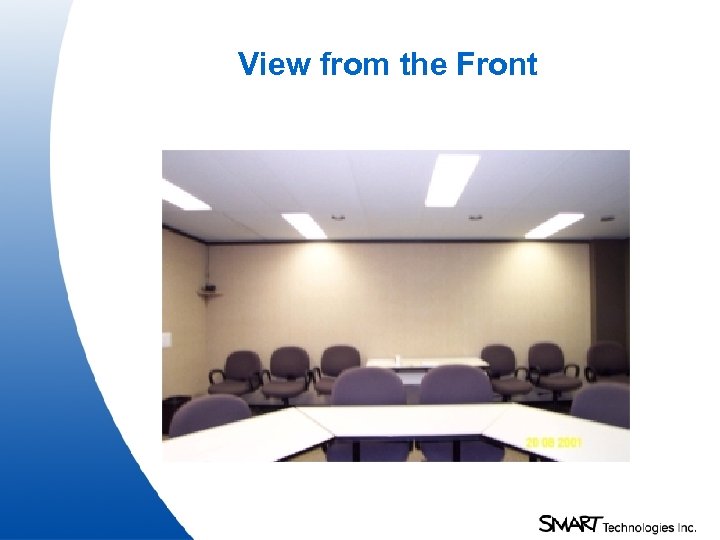
View from the Front
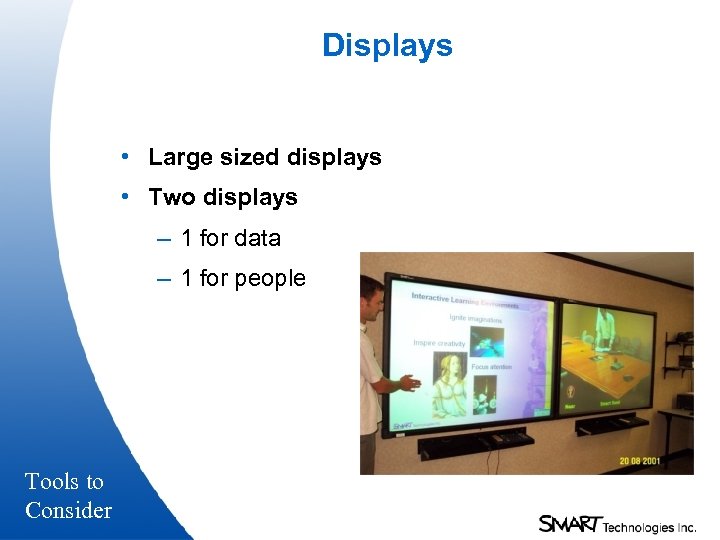
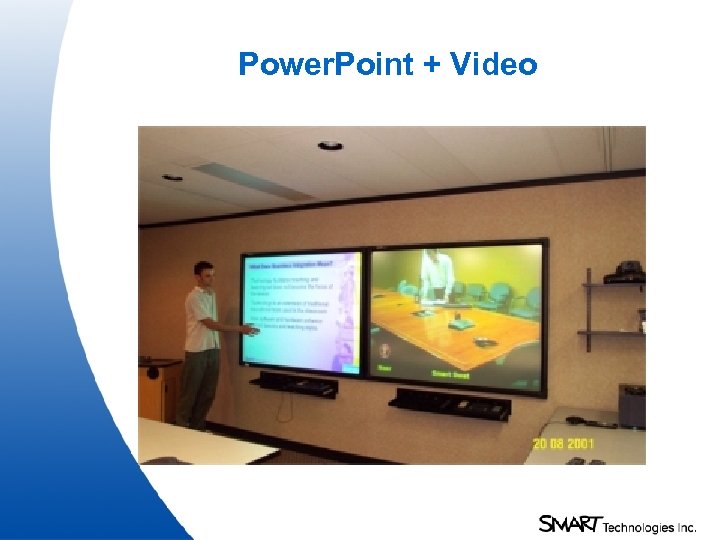
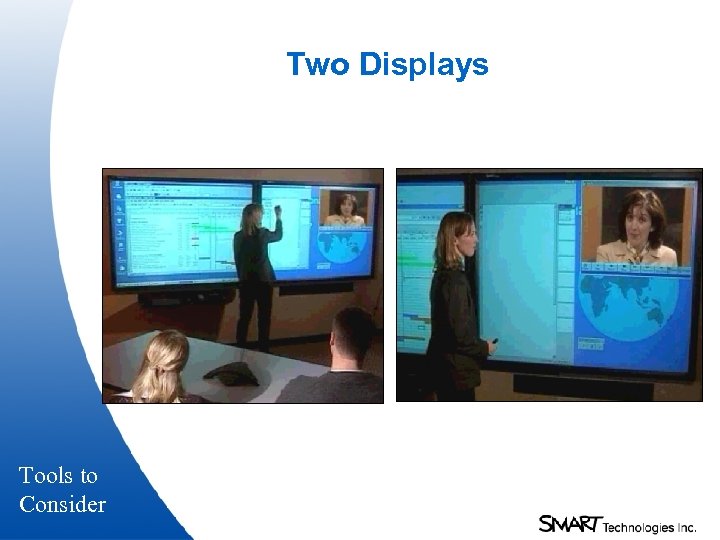
Displays • Large sized displays • Two displays – 1 for data – 1 for people Tools to Consider
Power. Point + Video
Two Displays Tools to Consider
Document Scanners • Two types – Data – Video • Use to handle – last minute documents that are paper – objects Tools to Consider
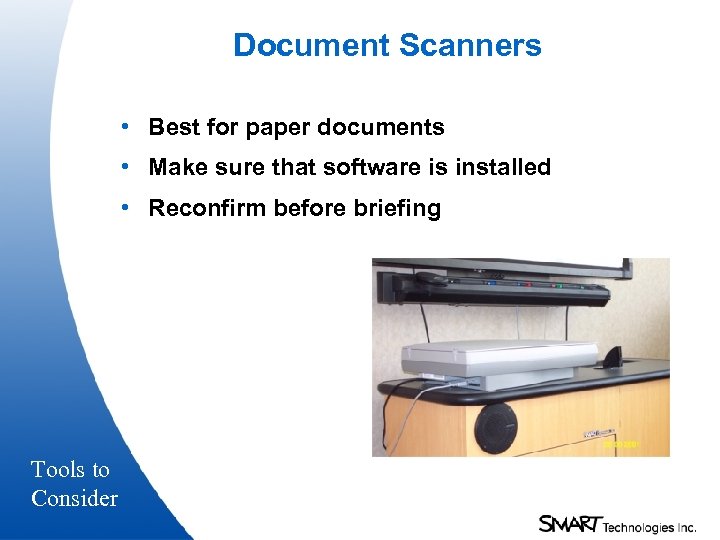
Document Scanners • Best for paper documents • Make sure that software is installed • Reconfirm before briefing Tools to Consider
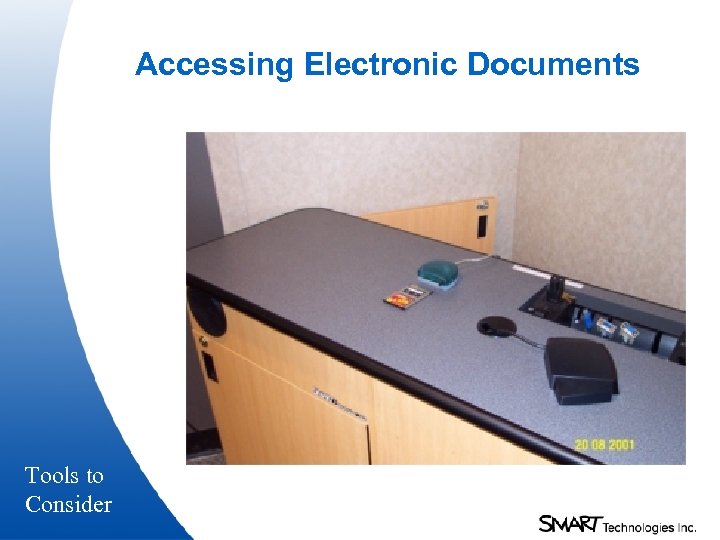
Accessing Electronic Documents Tools to Consider
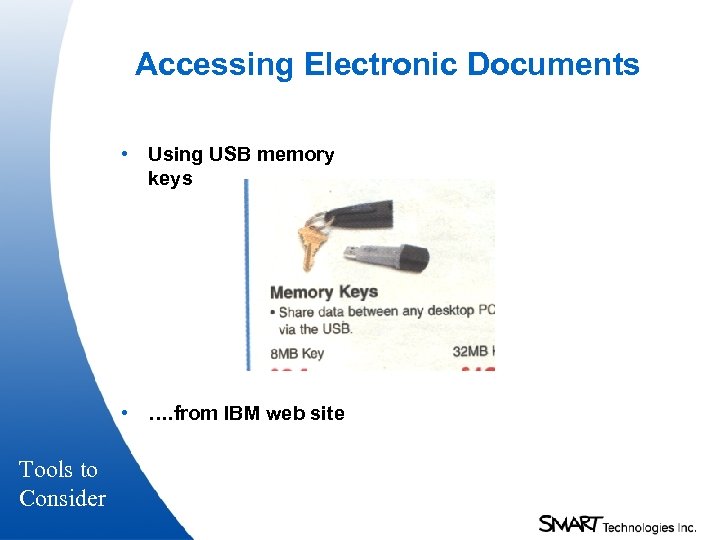
Accessing Electronic Documents • Using USB memory keys • …. from IBM web site Tools to Consider
Cameras • Multiple cameras – Quality, quality – Fixed or pan, tilt, zoom? – Front of room or back? – PC Camera for ad hoc capture Tools to Consider
Whiteboards • Electronic copy-boards – Paper capture – Multiple surfaces • Interactive whiteboards (non-projected) – Portable – Built-in • Digital capture whiteboards – Camera based Tools to Consider – Appliances versus PC peripheral+
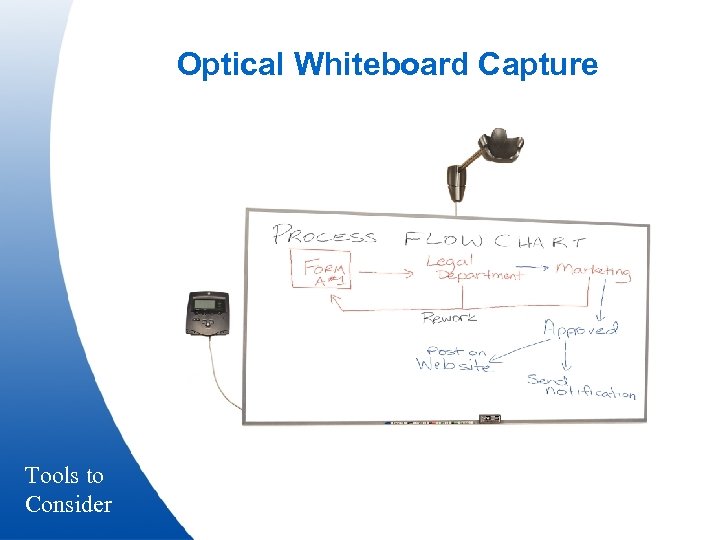
Optical Whiteboard Capture Tools to Consider
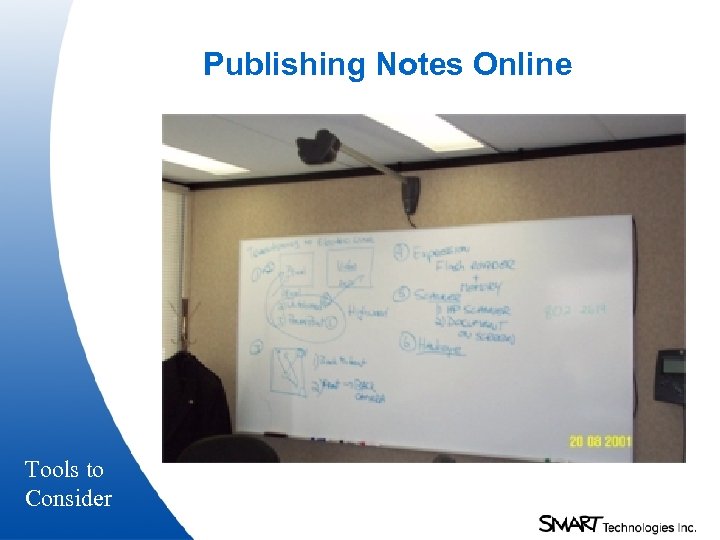
Publishing Notes Online Tools to Consider
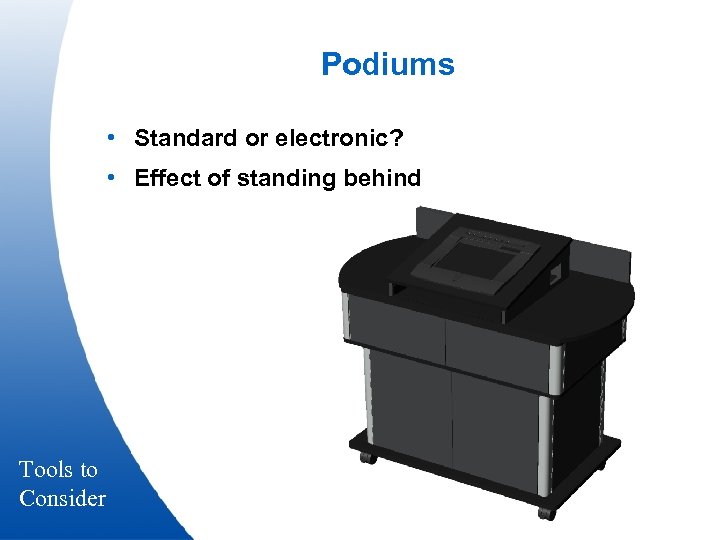
Podiums • Standard or electronic? • Effect of standing behind Tools to Consider
Mission Critical Support • What happens when something goes wrong? • Lessons learned
Training Getting comfortable with the technology – Don’t forget the remote participants – Change behavior to include remote folks – Resolution – Gesturing (remote pointer) – Announce who is speaking – Think of working with a disabled person (deaf, blind) – Follow-me presentations – Slide design
Electronic Briefing Summary • Learn from others – some best practices can be found on www. Effective. Meetings. com • Look for a suitable pilot • Make appropriate tools available • Bring all team members together • Teach the new processes as well as how to use the technology
Electronic Briefing summary • Teach when to use the tools • Bias your solution set to Audio + Data • Make infrastructure investments • Get champions on-board early • Move from Paper to Power. Point to Electronic Work Age

Questions?
Electronic Briefings at a Distance Presented to the ABPM Conference by David Martin Chairman & CEO SMART Technologies Inc. April 4 th, 2002
Скачать презентацию Electronic Briefings at a Distance Presented to the
427afde8856658e943aa687387b7a8e5.ppt