


 Скачать презентацию Effective Use of Teaching Aids Take from DCU
1218b78f53f26d84fe8435c1f3dca46a.ppt
- Количество слайдов: 19
 Effective Use of Teaching Aids Take from DCU: http: //www. dcu. ie 1
 Why use teaching aids? Teaching aids are useful to: z reinforce what you are saying, z ensure that your point is understood, z signal what is important/essential, z enable students to visualise or experience something that is impractical to see or do in real life, z engage students’ other senses in the learning process, z facilitate different learning styles. 2
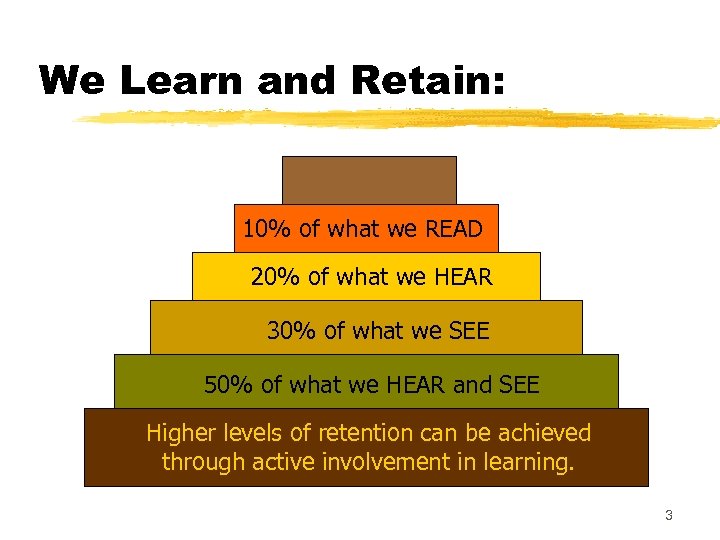 We Learn and Retain: 10% of what we READ 20% of what we HEAR 30% of what we SEE 50% of what we HEAR and SEE Higher levels of retention can be achieved through active involvement in learning. 3
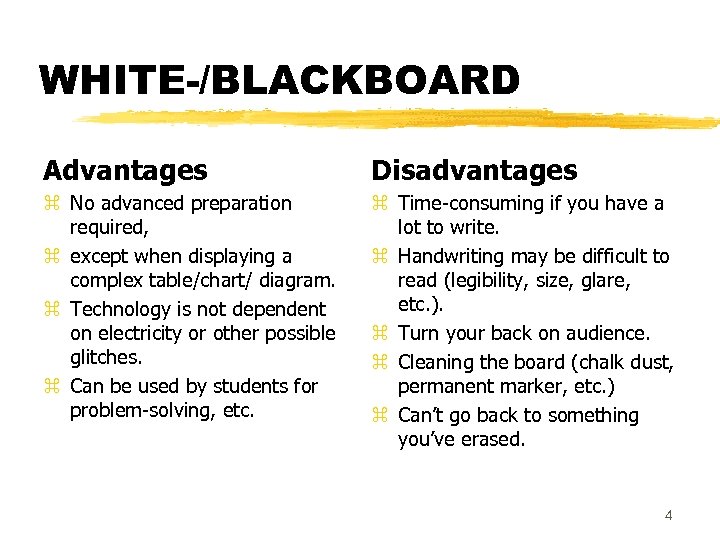 WHITE-/BLACKBOARD Advantages Disadvantages z No advanced preparation required, z except when displaying a complex table/chart/ diagram. z Technology is not dependent on electricity or other possible glitches. z Can be used by students for problem-solving, etc. z Time-consuming if you have a lot to write. z Handwriting may be difficult to read (legibility, size, glare, etc. ). z Turn your back on audience. z Cleaning the board (chalk dust, permanent marker, etc. ) z Can’t go back to something you’ve erased. 4
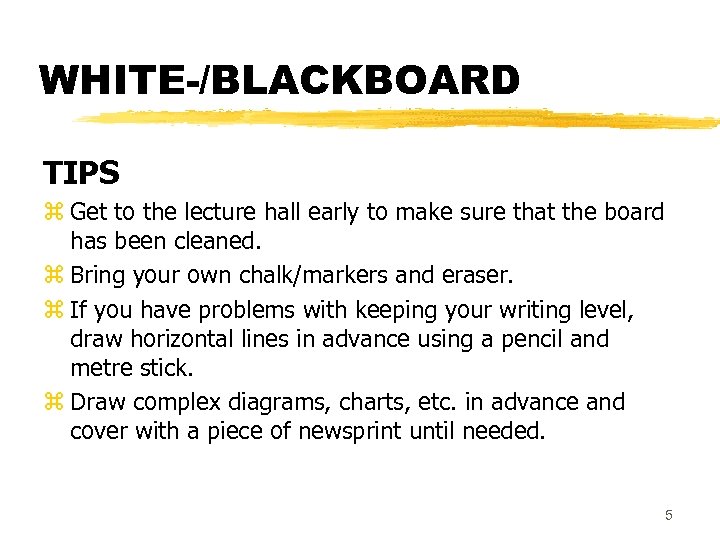 WHITE-/BLACKBOARD TIPS z Get to the lecture hall early to make sure that the board has been cleaned. z Bring your own chalk/markers and eraser. z If you have problems with keeping your writing level, draw horizontal lines in advance using a pencil and metre stick. z Draw complex diagrams, charts, etc. in advance and cover with a piece of newsprint until needed. 5
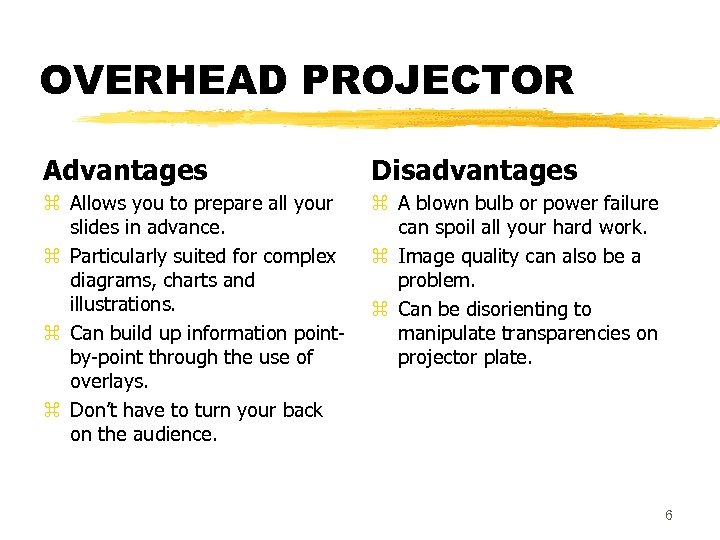 OVERHEAD PROJECTOR Advantages Disadvantages z Allows you to prepare all your slides in advance. z Particularly suited for complex diagrams, charts and illustrations. z Can build up information pointby-point through the use of overlays. z Don’t have to turn your back on the audience. z A blown bulb or power failure can spoil all your hard work. z Image quality can also be a problem. z Can be disorienting to manipulate transparencies on projector plate. 6
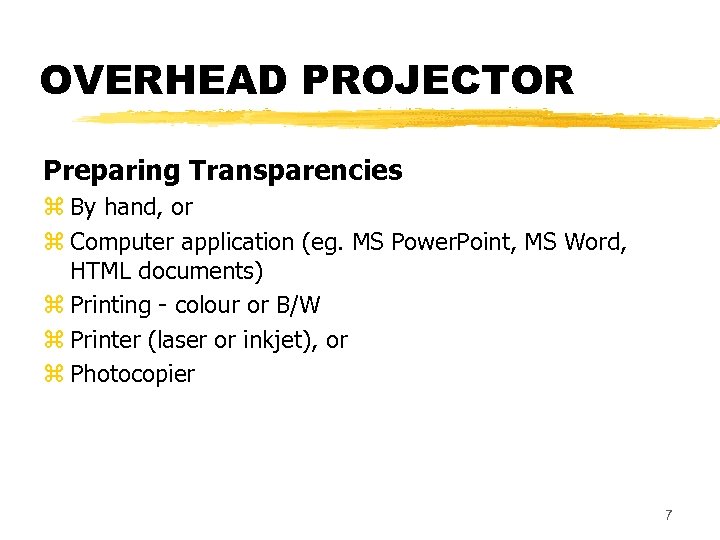 OVERHEAD PROJECTOR Preparing Transparencies z By hand, or z Computer application (eg. MS Power. Point, MS Word, HTML documents) z Printing - colour or B/W z Printer (laser or inkjet), or z Photocopier 7
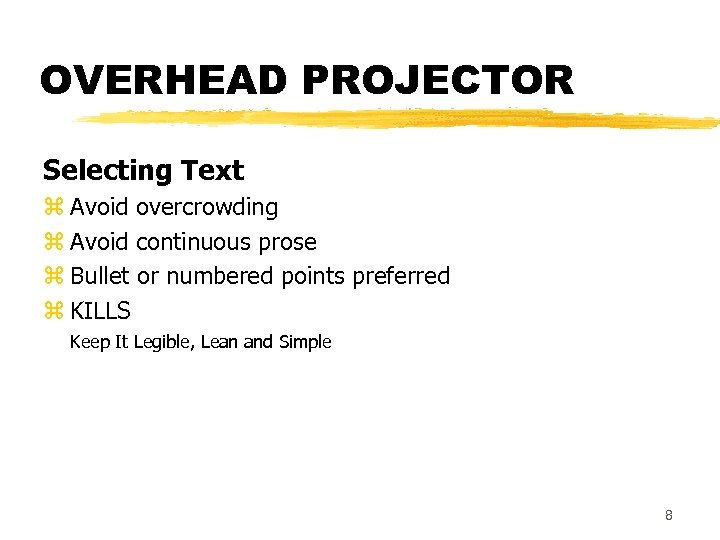 OVERHEAD PROJECTOR Selecting Text z Avoid overcrowding z Avoid continuous prose z Bullet or numbered points preferred z KILLS Keep It Legible, Lean and Simple 8
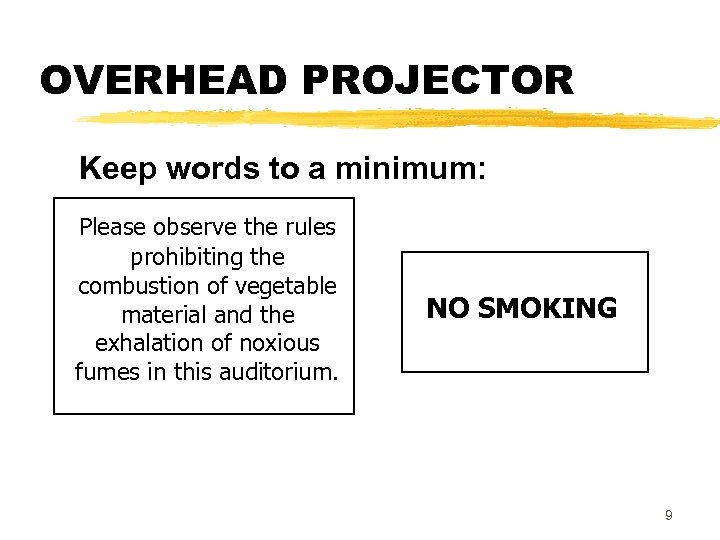 OVERHEAD PROJECTOR Keep words to a minimum: Please observe the rules prohibiting the combustion of vegetable material and the exhalation of noxious fumes in this auditorium. NO SMOKING 9
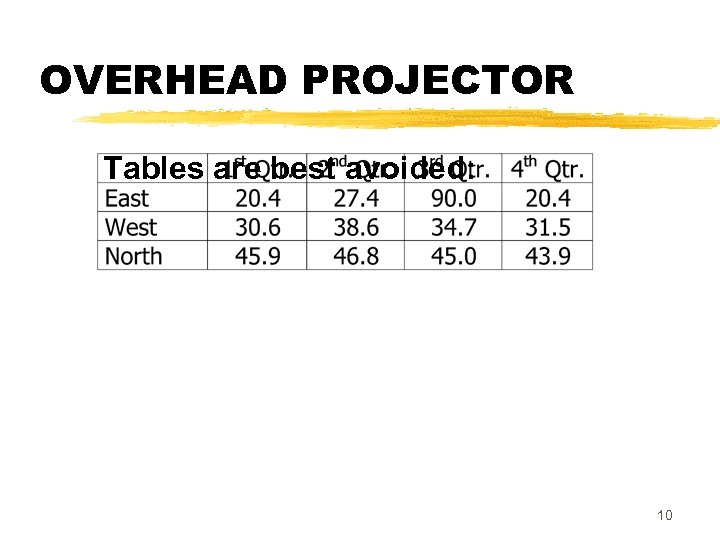 OVERHEAD PROJECTOR Tables are best avoided: 10
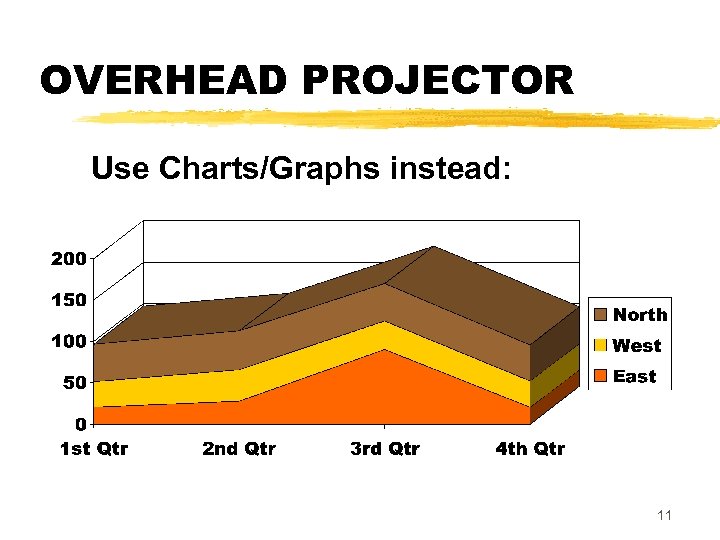 OVERHEAD PROJECTOR Use Charts/Graphs instead: 11
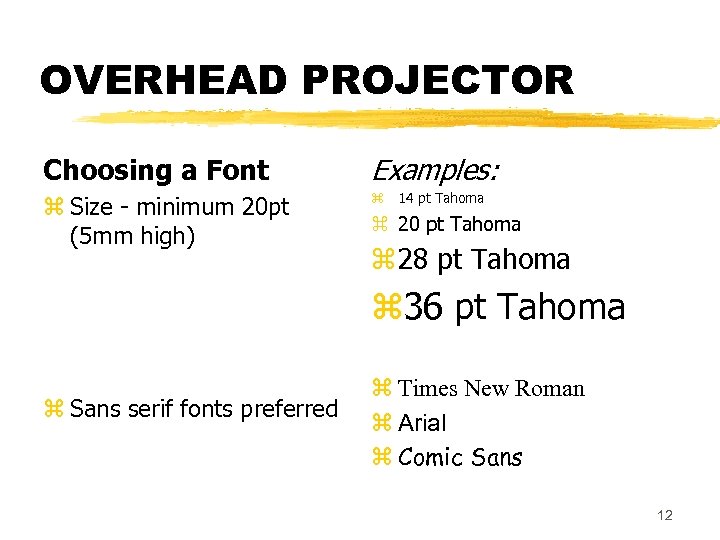 OVERHEAD PROJECTOR Choosing a Font Examples: z Size - minimum 20 pt (5 mm high) z 14 pt Tahoma z 20 pt Tahoma z 28 pt Tahoma z 36 pt Tahoma z Sans serif fonts preferred z Times New Roman z Arial z Comic Sans 12
 OVERHEAD PROJECTOR Style Notes for Transparencies z Allow a margin of 5 cm (2”) all round. z Avoid TOO MUCH UPPERCASE TEXT z For emphasis, use bold or underlining instead of italics z Keep titles systematic and consistent z Justification - left or centred z Avoid light text on dark background. 13
 OVERHEAD PROJECTOR Beforehand During the Lecture z Get to the room early to make sure the OHP is working. z Check the aim and focus. z Walk to the back of the room to see whether the smallest print is readable. z Relax (if possible). z Keep used and unused slides in separate piles. z Cover the slide with a piece of cardboard and slide it down to reveal text as you go. z Use a pen on the OHP glass rather than pointing to the screen. 14
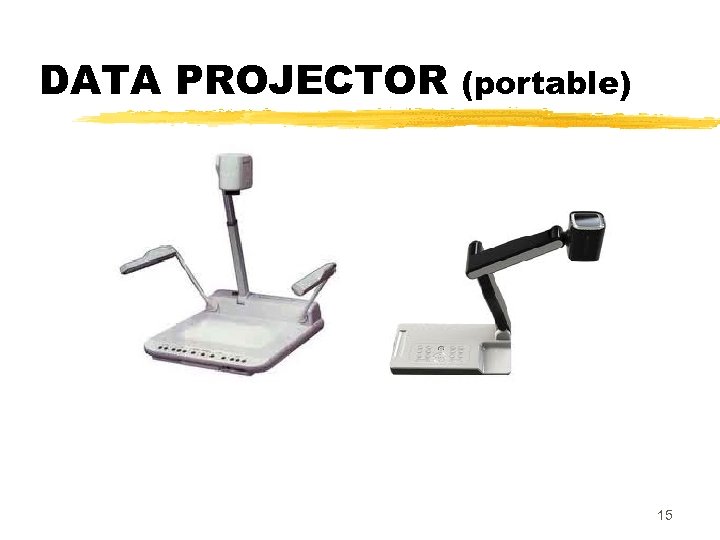 DATA PROJECTOR (portable) 15
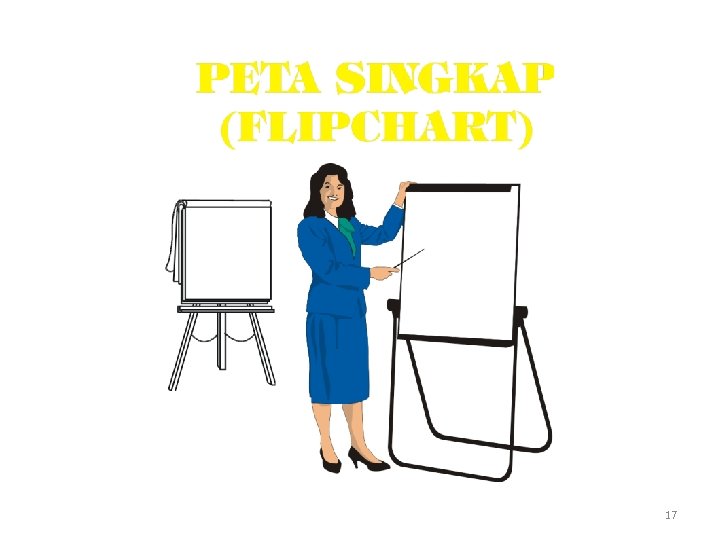
 Other Media FLIPCHART When to USE: TIPS z if electricity is unavailable, z to enable students to illustrate group reports, z to provide a written record of points made by students. z Check the room and equipment beforehand. z Get your own pad of newsprint. z Write out important pages in advance. z Don’t put too much on a page. z Carry a collection of felt-tip pens and check that they haven’t dried out. z Bring along some Blutack. 16
 17
17
 Other Media AUDIO TAPES or CDs When to USE: TIPS z Particularly suited for language learning, media studies, English literature, etc. z Valuable when referring to recorded historical events (e. g. Martin Luther King’s “I have a dream” speech). z Background music can also be played before class starts and during group activities. z Check the room and equipment beforehand. z Can it be heard from the back of the room? z Find the right spot on the tape/CD and queue it up in advance. z Don’t play more than a few minutes of audio at one time. z Break up longer clips into segments, interspersed with discussion or other activities. 18
 Other Media VIDEO TAPES or DVDs When to USE: TIPS z Adds a dimension not available through audio alone - helps students to visualise. z Essential when illustrating things that are impractical to do in real life. z Particularly suited for language learning, media studies, engineering, etc. z Valuable when referring to recorded historical events. Same as for CDs/audio tapes z Check equipment beforehand. z Can images be seen from the back of the room? z Queue up the tape in advance. z Break viewing into short segments, interspersed with discussion or activities. 19