


 Скачать презентацию EECS 317 CAD Computer Design LECTURE 5 VHDL
d75352a72c90adfa69c6b7eb572a5791.ppt
- Количество слайдов: 25
 EECS 317 CAD Computer Design LECTURE 5: VHDL SYNTHESIS with SYNOPSYS dc_shell Instructor: Francis G. Wolff wolff@eecs. cwru. edu Case Western Reserve University This presentation uses powerpoint animation: please viewshow CWRU EECS 317
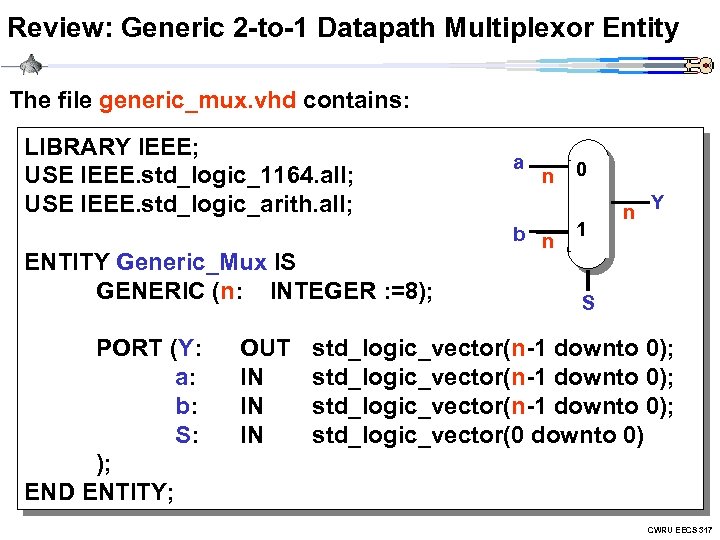 Review: Generic 2 -to-1 Datapath Multiplexor Entity The file generic_mux. vhd contains: LIBRARY IEEE; USE IEEE. std_logic_1164. all; USE IEEE. std_logic_arith. all; ENTITY Generic_Mux IS GENERIC (n: INTEGER : =8); PORT (Y: a: b: S: ); END ENTITY; OUT IN IN IN a n b n 0 1 n Y S std_logic_vector(n-1 downto 0); std_logic_vector(0 downto 0) CWRU EECS 317
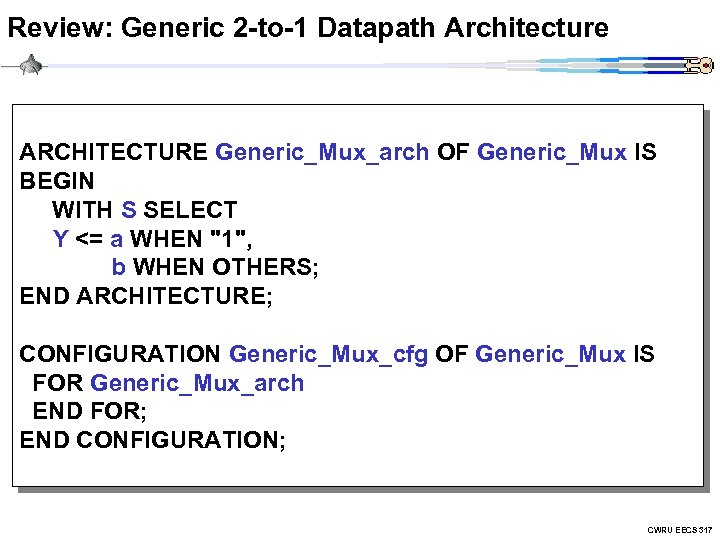 Review: Generic 2 -to-1 Datapath Architecture ARCHITECTURE Generic_Mux_arch OF Generic_Mux IS BEGIN WITH S SELECT Y <= a WHEN "1", b WHEN OTHERS; END ARCHITECTURE; CONFIGURATION Generic_Mux_cfg OF Generic_Mux IS FOR Generic_Mux_arch END FOR; END CONFIGURATION; CWRU EECS 317
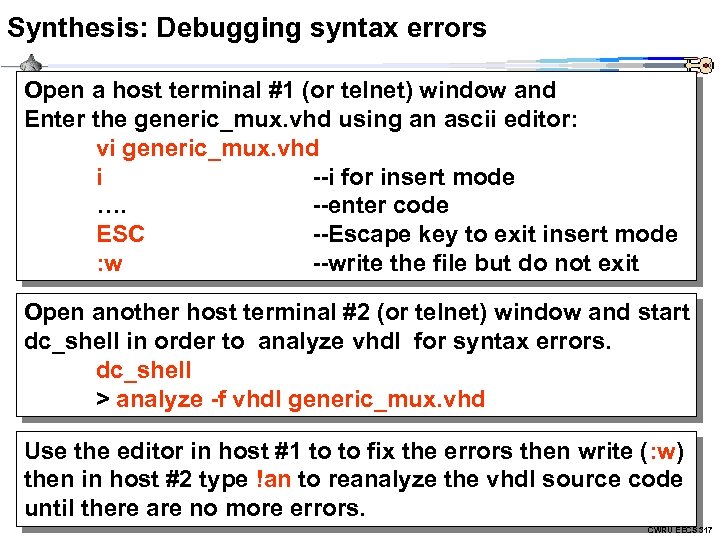 Synthesis: Debugging syntax errors Open a host terminal #1 (or telnet) window and Enter the generic_mux. vhd using an ascii editor: vi generic_mux. vhd i --i for insert mode …. --enter code ESC --Escape key to exit insert mode : w --write the file but do not exit Open another host terminal #2 (or telnet) window and start dc_shell in order to analyze vhdl for syntax errors. dc_shell > analyze -f vhdl generic_mux. vhd Use the editor in host #1 to to fix the errors then write (: w) then in host #2 type !an to reanalyze the vhdl source code until there are no more errors. CWRU EECS 317
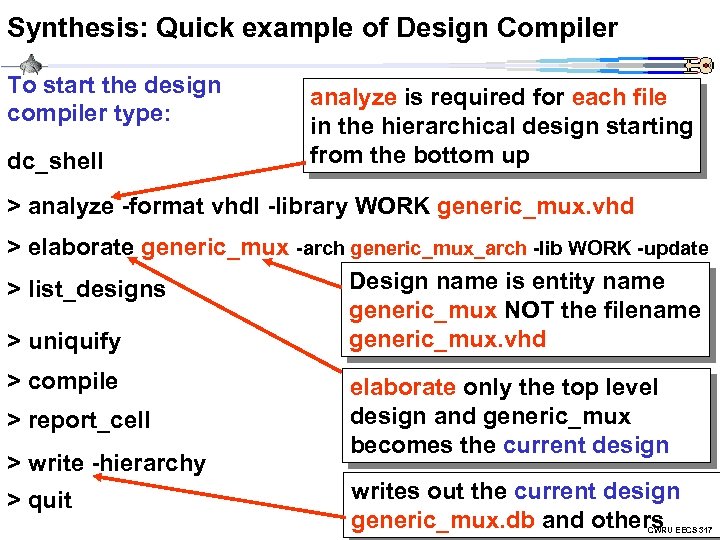 Synthesis: Quick example of Design Compiler To start the design compiler type: dc_shell analyze is required for each file in the hierarchical design starting from the bottom up > analyze -format vhdl -library WORK generic_mux. vhd > elaborate generic_mux -arch generic_mux_arch -lib WORK -update Design name is entity name > list_designs generic_mux NOT the filename generic_mux. vhd > uniquify > compile > report_cell > write -hierarchy > quit elaborate only the top level design and generic_mux becomes the current design writes out the current design generic_mux. db and others CWRU EECS 317
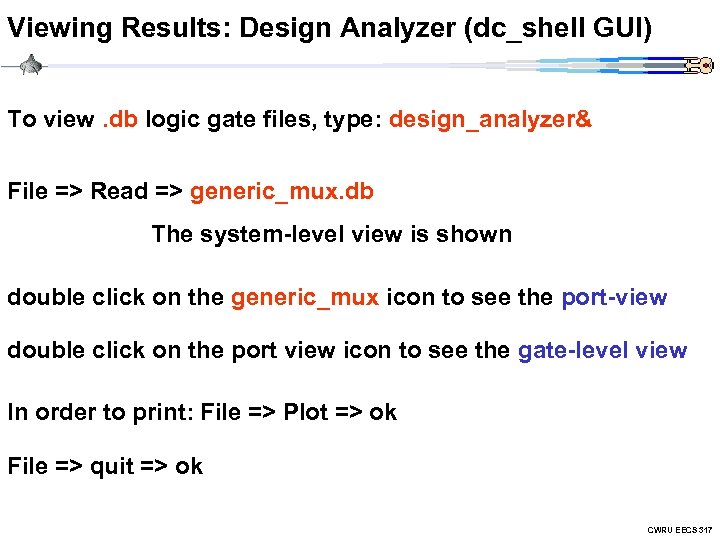 Viewing Results: Design Analyzer (dc_shell GUI) To view. db logic gate files, type: design_analyzer& File => Read => generic_mux. db The system-level view is shown double click on the generic_mux icon to see the port-view double click on the port view icon to see the gate-level view In order to print: File => Plot => ok File => quit => ok CWRU EECS 317
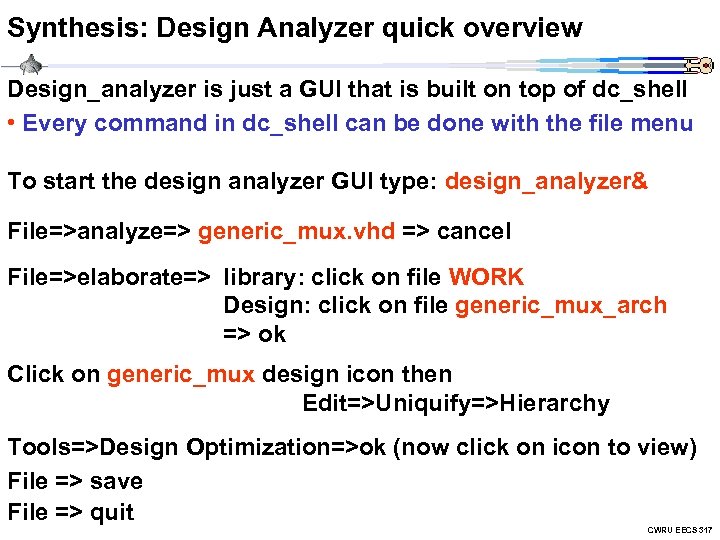 Synthesis: Design Analyzer quick overview Design_analyzer is just a GUI that is built on top of dc_shell • Every command in dc_shell can be done with the file menu To start the design analyzer GUI type: design_analyzer& File=>analyze=> generic_mux. vhd => cancel File=>elaborate=> library: click on file WORK Design: click on file generic_mux_arch => ok Click on generic_mux design icon then Edit=>Uniquify=>Hierarchy Tools=>Design Optimization=>ok (now click on icon to view) File => save File => quit CWRU EECS 317
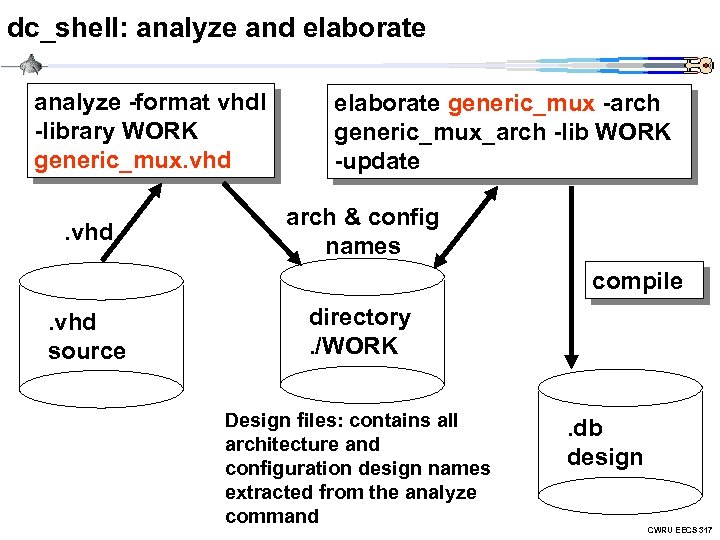 dc_shell: analyze and elaborate analyze -format vhdl -library WORK generic_mux. vhd elaborate generic_mux -arch generic_mux_arch -lib WORK -update arch & config names compile . vhd source directory. /WORK Design files: contains all architecture and configuration design names extracted from the analyze command . db design CWRU EECS 317
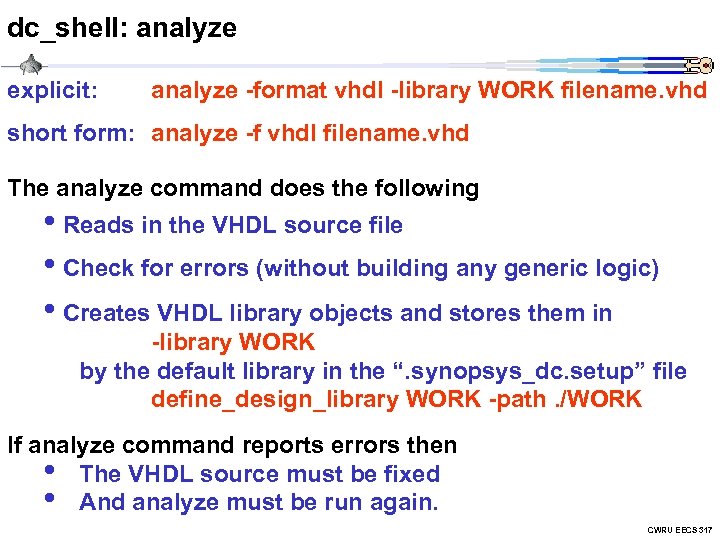 dc_shell: analyze explicit: analyze -format vhdl -library WORK filename. vhd short form: analyze -f vhdl filename. vhd The analyze command does the following • Reads in the VHDL source file • Check for errors (without building any generic logic) • Creates VHDL library objects and stores them in -library WORK by the default library in the “. synopsys_dc. setup” file define_design_library WORK -path. /WORK If analyze command reports errors then • The VHDL source must be fixed • And analyze must be run again. CWRU EECS 317
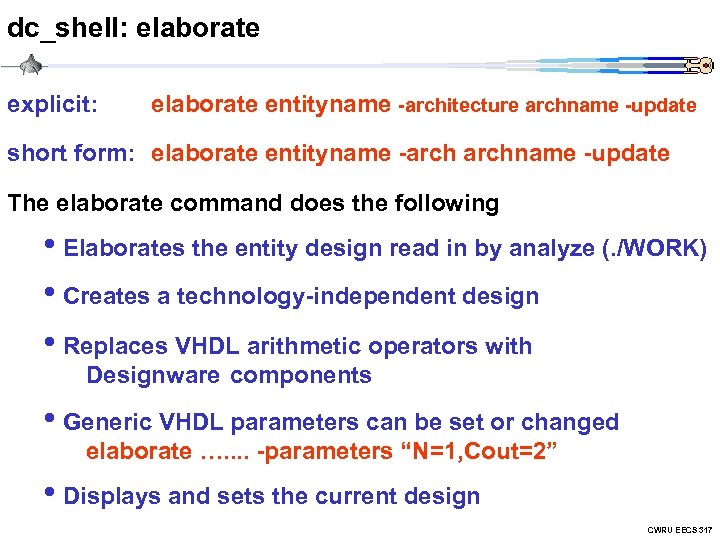 dc_shell: elaborate explicit: elaborate entityname -architecture archname -update short form: elaborate entityname -archname -update The elaborate command does the following • Elaborates the entity design read in by analyze (. /WORK) • Creates a technology-independent design • Replaces VHDL arithmetic operators with Designware components • Generic VHDL parameters can be set or changed elaborate …. . -parameters “N=1, Cout=2” • Displays and sets the current design CWRU EECS 317
![dc_shell: report_hierarchy, report_design command: report_hierarchy [-full] • Display the hierarchy of the current design](https://present5.com/presentation/d75352a72c90adfa69c6b7eb572a5791/image-11.jpg "dc_shell: report_hierarchy, report_design command: report_hierarchy [-full] • Display the hierarchy of the current design") dc_shell: report_hierarchy, report_design command: report_hierarchy [-full] • Display the hierarchy of the current design command: report_design • Displays attributes of the current design, such as: • Technology library, flip-flop types, operation conditions • Wire load model, pin delays CWRU EECS 317
dc_shell: report_hierarchy, report_design command: report_hierarchy [-full] • Display the hierarchy of the current design command: report_design • Displays attributes of the current design, such as: • Technology library, flip-flop types, operation conditions • Wire load model, pin delays CWRU EECS 317
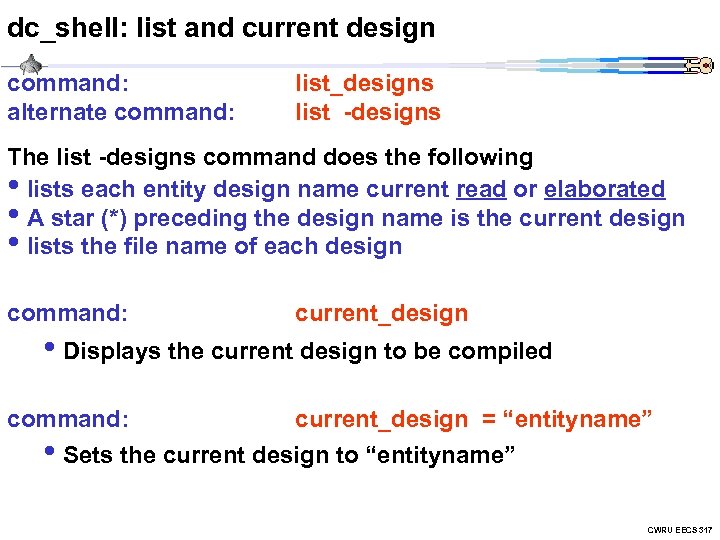 dc_shell: list and current design command: alternate command: list_designs list -designs The list -designs command does the following • lists each entity design name current read or elaborated • A star (*) preceding the design name is the current design • lists the file name of each design command: current_design • Displays the current design to be compiled command: current_design = “entityname” • Sets the current design to “entityname” CWRU EECS 317
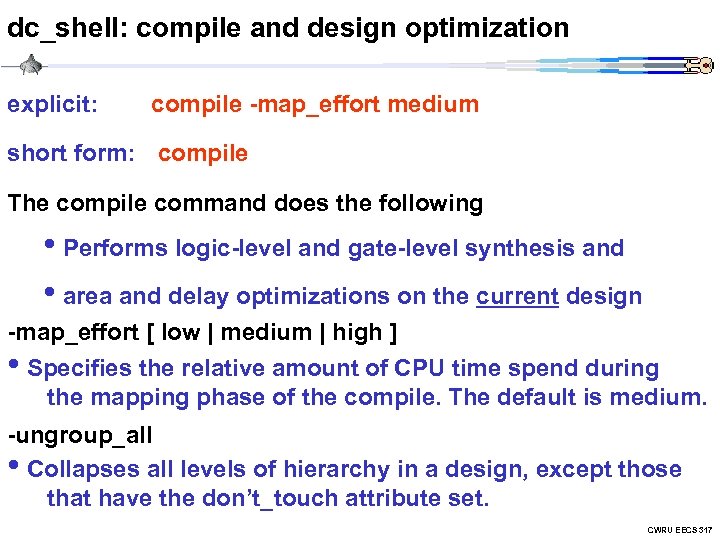 dc_shell: compile and design optimization explicit: compile -map_effort medium short form: compile The compile command does the following • Performs logic-level and gate-level synthesis and • area and delay optimizations on the current design -map_effort [ low | medium | high ] • Specifies the relative amount of CPU time spend during the mapping phase of the compile. The default is medium. -ungroup_all • Collapses all levels of hierarchy in a design, except those that have the don’t_touch attribute set. CWRU EECS 317
![dc_shell: report_cell, report_area command: report_cell [-connection] [-verbose] [>filename. txt] • Displays information about the](https://present5.com/presentation/d75352a72c90adfa69c6b7eb572a5791/image-14.jpg "dc_shell: report_cell, report_area command: report_cell [-connection] [-verbose] [>filename. txt] • Displays information about the") dc_shell: report_cell, report_area command: report_cell [-connection] [-verbose] [>filename. txt] • Displays information about the ASIC logic cells in the current design • -connection shows the netlist connections between cells • -connection -verbose shows more netlist details • Write the data to a file: report_cell >generic_mux_cell. txt command: report_area [>filename. txt] • Displays cell area information in the current design CWRU EECS 317
dc_shell: report_cell, report_area command: report_cell [-connection] [-verbose] [>filename. txt] • Displays information about the ASIC logic cells in the current design • -connection shows the netlist connections between cells • -connection -verbose shows more netlist details • Write the data to a file: report_cell >generic_mux_cell. txt command: report_area [>filename. txt] • Displays cell area information in the current design CWRU EECS 317
![dc_shell: report_port, report_timing command: report_port [-verbose] [>filename. txt] • Displays port informationin the current](https://present5.com/presentation/d75352a72c90adfa69c6b7eb572a5791/image-15.jpg "dc_shell: report_port, report_timing command: report_port [-verbose] [>filename. txt] • Displays port informationin the current") dc_shell: report_port, report_timing command: report_port [-verbose] [>filename. txt] • Displays port informationin the current design • -verbose gives Input and Output delays command: report_timing • Displays maximum delay timing in the current design command: report_timing -delay [min|max_fall|max_rise] • Displays various delay timings in the current design command: report_timing -from
dc_shell: report_port, report_timing command: report_port [-verbose] [>filename. txt] • Displays port informationin the current design • -verbose gives Input and Output delays command: report_timing • Displays maximum delay timing in the current design command: report_timing -delay [min|max_fall|max_rise] • Displays various delay timings in the current design command: report_timing -from
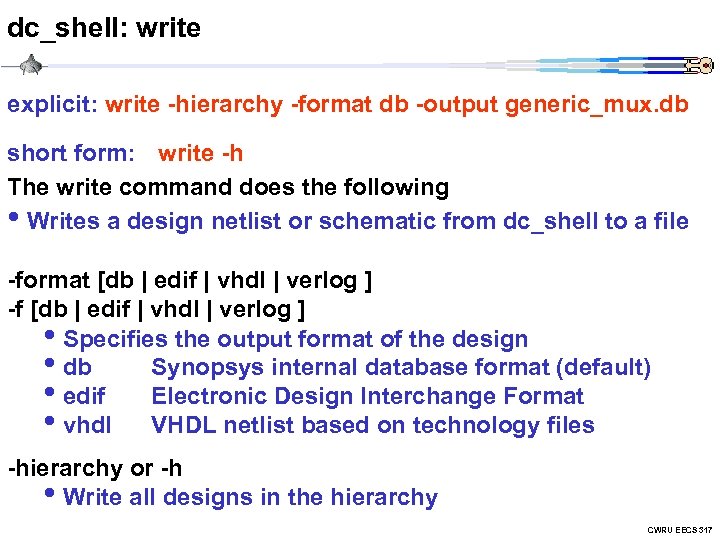 dc_shell: write explicit: write -hierarchy -format db -output generic_mux. db short form: write -h The write command does the following • Writes a design netlist or schematic from dc_shell to a file -format [db | edif | vhdl | verlog ] -f [db | edif | vhdl | verlog ] • Specifies the output format of the design • db Synopsys internal database format (default) • edif Electronic Design Interchange Format • vhdl VHDL netlist based on technology files -hierarchy or -h • Write all designs in the hierarchy CWRU EECS 317
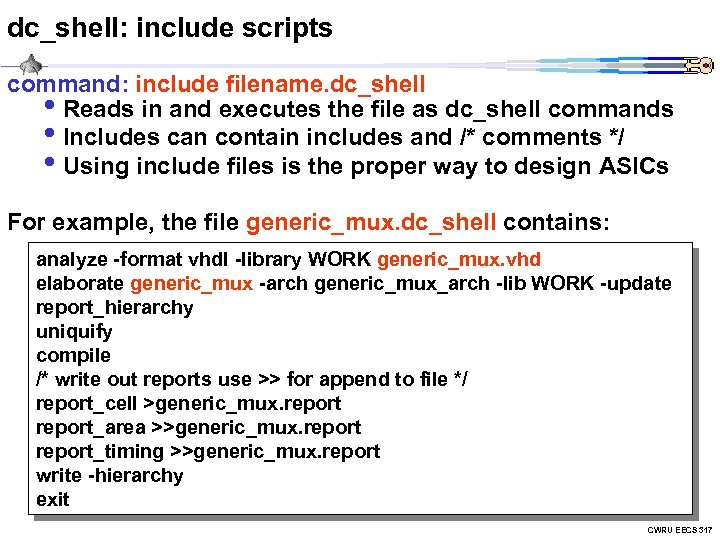 dc_shell: include scripts command: include filename. dc_shell • Reads in and executes the file as dc_shell commands • Includes can contain includes and /* comments */ • Using include files is the proper way to design ASICs For example, the file generic_mux. dc_shell contains: analyze -format vhdl -library WORK generic_mux. vhd elaborate generic_mux -arch generic_mux_arch -lib WORK -update report_hierarchy uniquify compile /* write out reports use >> for append to file */ report_cell >generic_mux. report_area >>generic_mux. report_timing >>generic_mux. report write -hierarchy exit CWRU EECS 317
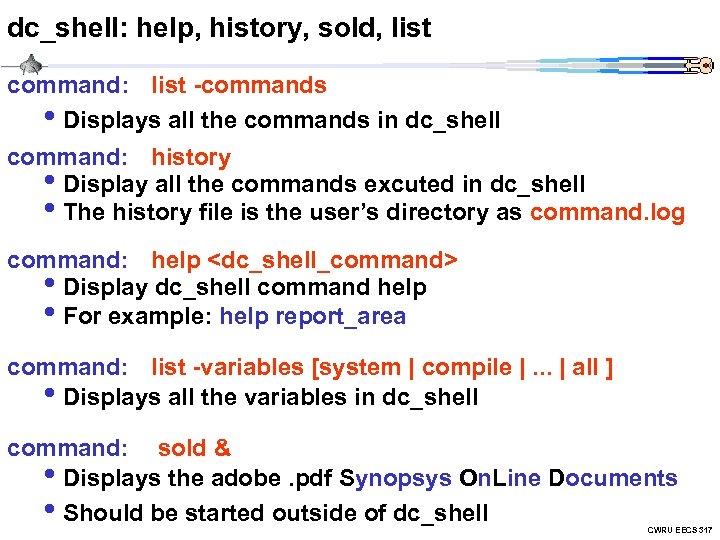 dc_shell: help, history, sold, list command: list -commands • Displays all the commands in dc_shell command: history • Display all the commands excuted in dc_shell • The history file is the user’s directory as command. log command: help
![dc_shell: internal Unix commands command: ls [ -l ] • Displays the current file](https://present5.com/presentation/d75352a72c90adfa69c6b7eb572a5791/image-19.jpg "dc_shell: internal Unix commands command: ls [ -l ] • Displays the current file") dc_shell: internal Unix commands command: ls [ -l ] • Displays the current file directory in long format command: cd
dc_shell: internal Unix commands command: ls [ -l ] • Displays the current file directory in long format command: cd
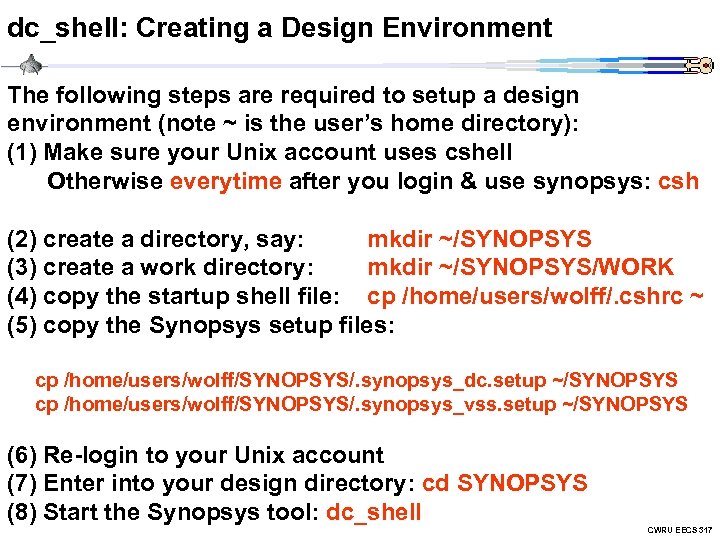 dc_shell: Creating a Design Environment The following steps are required to setup a design environment (note ~ is the user’s home directory): (1) Make sure your Unix account uses cshell Otherwise everytime after you login & use synopsys: csh (2) create a directory, say: mkdir ~/SYNOPSYS (3) create a work directory: mkdir ~/SYNOPSYS/WORK (4) copy the startup shell file: cp /home/users/wolff/. cshrc ~ (5) copy the Synopsys setup files: cp /home/users/wolff/SYNOPSYS/. synopsys_dc. setup ~/SYNOPSYS cp /home/users/wolff/SYNOPSYS/. synopsys_vss. setup ~/SYNOPSYS (6) Re-login to your Unix account (7) Enter into your design directory: cd SYNOPSYS (8) Start the Synopsys tool: dc_shell CWRU EECS 317
 dc_shell: . synopsys_dc. setup Both dc_shell and design_analyzer reads the. synopsys_dc. setup file first which contains default settings, search paths for work and technology directories For example, suppose that the following line is contain in the “. synopsys_dc. setup file” define_design_library WORK -path. /WORK then the dc_shell command analyze -format vhdl -library WORK generic_mux. vhd can be now accomplished without the -library WORK option: analyze -format vhdl generic_mux. vhd CWRU EECS 317
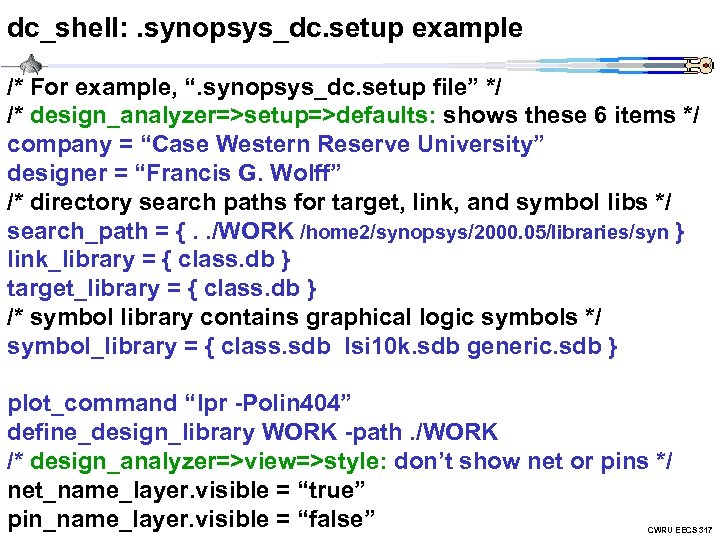 dc_shell: . synopsys_dc. setup example /* For example, “. synopsys_dc. setup file” */ /* design_analyzer=>setup=>defaults: shows these 6 items */ company = “Case Western Reserve University” designer = “Francis G. Wolff” /* directory search paths for target, link, and symbol libs */ search_path = {. . /WORK /home 2/synopsys/2000. 05/libraries/syn } link_library = { class. db } target_library = { class. db } /* symbol library contains graphical logic symbols */ symbol_library = { class. sdb lsi 10 k. sdb generic. sdb } plot_command “lpr -Polin 404” define_design_library WORK -path. /WORK /* design_analyzer=>view=>style: don’t show net or pins */ net_name_layer. visible = “true” pin_name_layer. visible = “false” CWRU EECS 317
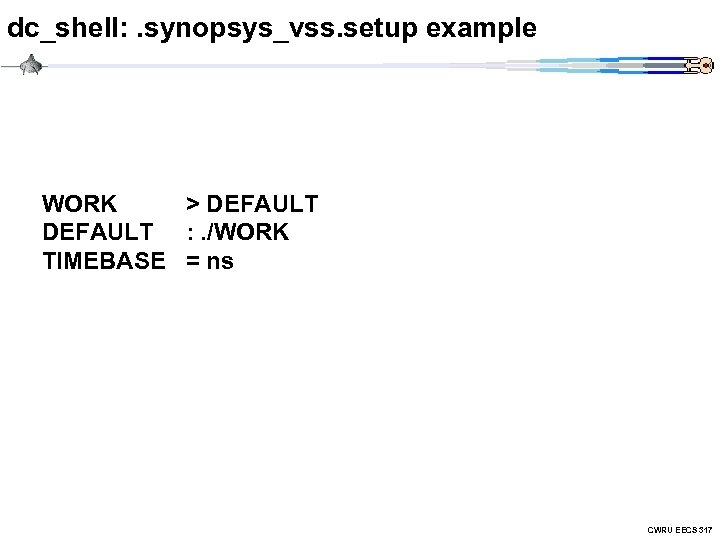 dc_shell: . synopsys_vss. setup example WORK > DEFAULT : . /WORK TIMEBASE = ns CWRU EECS 317
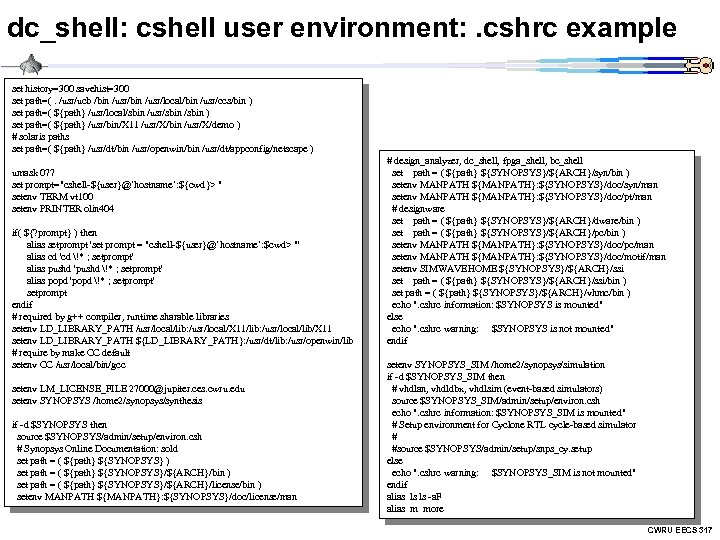 dc_shell: cshell user environment: . cshrc example set history=300 savehist=300 set path=(. /usr/ucb /bin /usr/local/bin /usr/ccs/bin ) set path=( ${path} /usr/local/sbin /usr/sbin ) set path=( ${path} /usr/bin/X 11 /usr/X/bin /usr/X/demo ) # solaris paths set path=( ${path} /usr/dt/bin /usr/openwin/bin /usr/dt/appconfig/netscape ) umask 077 set prompt="cshell-${user}@`hostname`: ${cwd}> " setenv TERM vt 100 setenv PRINTER olin 404 if( ${? prompt} ) then alias setprompt 'set prompt = "cshell-${user}@`hostname`: $cwd> "' alias cd 'cd !* ; setprompt' alias pushd 'pushd !* ; setprompt' alias popd 'popd !* ; setprompt' setprompt endif # required by g++ compiler, runtime sharable libraries setenv LD_LIBRARY_PATH /usr/local/lib: /usr/local/X 11/lib: /usr/local/lib/X 11 setenv LD_LIBRARY_PATH ${LD_LIBRARY_PATH}: /usr/dt/lib: /usr/openwin/lib # require by make CC default setenv CC /usr/local/bin/gcc setenv LM_LICENSE_FILE 27000@jupiter. ces. cwru. edu setenv SYNOPSYS /home 2/synopsys/synthesis if -d $SYNOPSYS then source $SYNOPSYS/admin/setup/environ. csh # Synopsys Online Documentation: sold set path = ( ${path} ${SYNOPSYS} ) set path = ( ${path} ${SYNOPSYS}/${ARCH}/bin ) set path = ( ${path} ${SYNOPSYS}/${ARCH}/license/bin ) setenv MANPATH ${MANPATH}: ${SYNOPSYS}/doc/license/man # design_analyzer, dc_shell, fpga_shell, bc_shell set path = ( ${path} ${SYNOPSYS}/${ARCH}/syn/bin ) setenv MANPATH ${MANPATH}: ${SYNOPSYS}/doc/syn/man setenv MANPATH ${MANPATH}: ${SYNOPSYS}/doc/pt/man # designware set path = ( ${path} ${SYNOPSYS}/${ARCH}/dware/bin ) set path = ( ${path} ${SYNOPSYS}/${ARCH}/pc/bin ) setenv MANPATH ${MANPATH}: ${SYNOPSYS}/doc/pc/man setenv MANPATH ${MANPATH}: ${SYNOPSYS}/doc/motif/man setenv SIMWAVEHOME ${SYNOPSYS}/${ARCH}/ssi set path = ( ${path} ${SYNOPSYS}/${ARCH}/ssi/bin ) set path = ( ${path} ${SYNOPSYS}/${ARCH}/vhmc/bin ) echo ". cshrc information: $SYNOPSYS is mounted" else echo ". cshrc warning: $SYNOPSYS is not mounted" endif setenv SYNOPSYS_SIM /home 2/synopsys/simulation if -d $SYNOPSYS_SIM then # vhdlan, vhdldbx, vhdlsim (event-based simulators) source $SYNOPSYS_SIM/admin/setup/environ. csh echo ". cshrc information: $SYNOPSYS_SIM is mounted" # Setup environment for Cyclone RTL cycle-based simulator # #source $SYNOPSYS/admin/setup/snps_cy. setup else echo ". cshrc warning: $SYNOPSYS_SIM is not mounted" endif alias ls ls -a. F alias m more CWRU EECS 317
 Assignment #5 a) Synthesize the N-bit ALU (default N=8) using the vhdl code of assignment #4 using dc_shell. Report the area, cells and timing information of your synthesis. Hand in the source files and session using the Unix script command. Also, hand in the design_analyzer logic diagrams of the 1 -bit alu and the 8 bit ALU. Remember you cannot synthesize the test bench. CWRU EECS 317