


 Скачать презентацию ECE 355 Software Engineering Instructor Kostas Kontogiannis 1
52a45687f05ec50a2031539e635b4e74.ppt
- Количество слайдов: 25
 ECE 355 Software Engineering Instructor Kostas Kontogiannis 1
 Welcome • Welcome to the Software Engineering course • Demanding, challenging and, rewarding course • A glimpse of what software engineering in industry is all about 2
 How to reach me • Kostas Kontogiannis – Web: www. swen. uwaterloo. ca/~kostas – E-mail: kostas@swen. uwaterloo. ca – Tel. (xt. 2840) – Office hours: • Monday 16: 00 – 17: 00 • DC 2539 3
 ECE 355: Software Engineering CHAPTER 1 Unit 1 4
 Outline for today èIntroduction • Course description • Software engineering basics 5
 Course components • 4 lectures – Section 2 RCH 302 • 10: 30 -11: 20 T, • 9: 30 -11: 20 Th – Section 1 RCH 101, RCH 103 • 15: 30 – 16: 20 T, • 14: 30 -16: 20 Th • 6 tutorials – T, Th, F • 1 project 6
 Course website • • http: //www. swen. uwaterloo. ca/~kostas/ECE 355 -05/ schedule lecture notes & slides recommended book – Object Oriented Software Engineering Using UML, Patterns and Java, 2 nd edition B. Bruegge, A. Dutoit © 2004 Prentice Hall assignments & solutions and a sample final exam project description grade allocation course news system 7
 Project component • Design and implement software for an IP Telephony application • Groups of 4 (after class request) • 25% of total grade • Three parts: – Requirements – Design – Implementation 8
 Goals of this course • Become familiar with software engineering concepts • Learn how to perform analysis, design and basic project management tasks using examples • Experience software engineering in a larger project that uses several components è Note: – “Scratching the surface of software engineering” – “Fitting you to become an amateur software engineer” 9
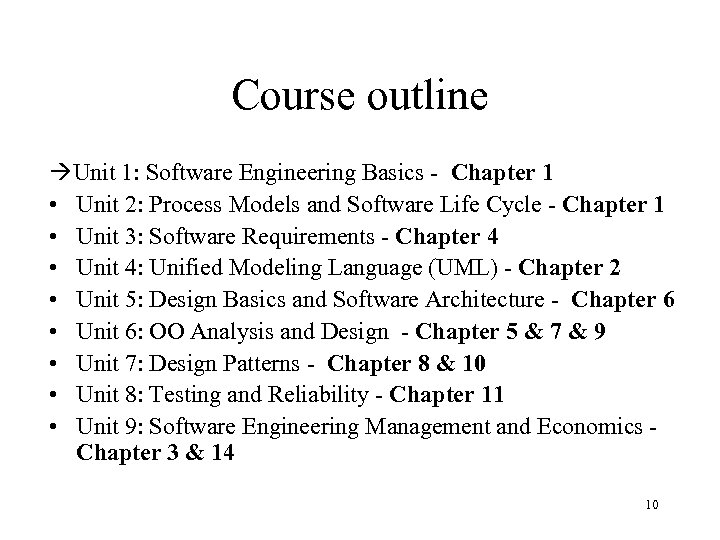 Course outline Unit 1: Software Engineering Basics - Chapter 1 • Unit 2: Process Models and Software Life Cycle - Chapter 1 • Unit 3: Software Requirements - Chapter 4 • Unit 4: Unified Modeling Language (UML) - Chapter 2 • Unit 5: Design Basics and Software Architecture - Chapter 6 • Unit 6: OO Analysis and Design - Chapter 5 & 7 & 9 • Unit 7: Design Patterns - Chapter 8 & 10 • Unit 8: Testing and Reliability - Chapter 11 • Unit 9: Software Engineering Management and Economics Chapter 3 & 14 10
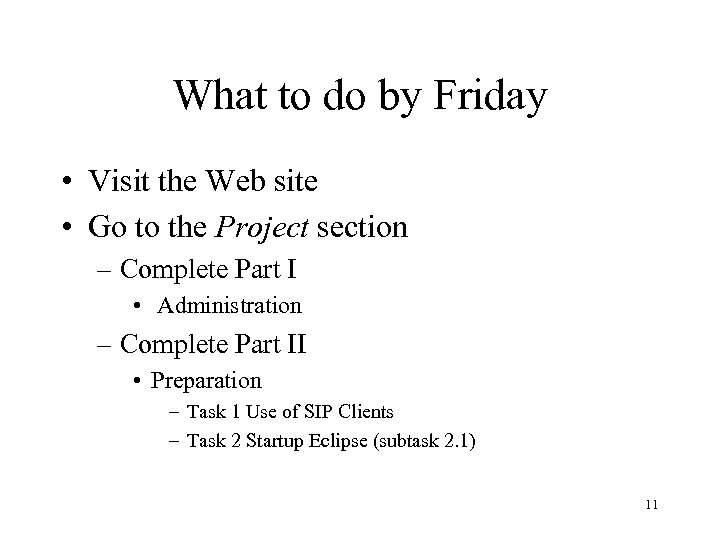 What to do by Friday • Visit the Web site • Go to the Project section – Complete Part I • Administration – Complete Part II • Preparation – Task 1 Use of SIP Clients – Task 2 Startup Eclipse (subtask 2. 1) 11
 Outline for today • Introduction • Course description èSoftware engineering basics 12
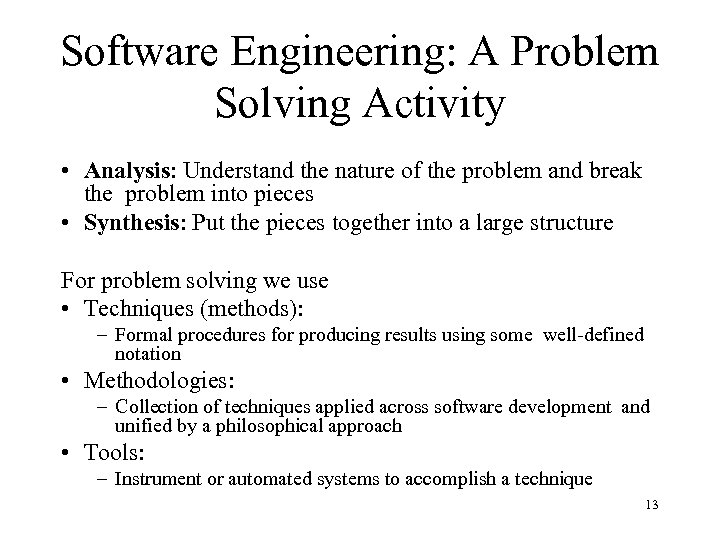 Software Engineering: A Problem Solving Activity • Analysis: Understand the nature of the problem and break the problem into pieces • Synthesis: Put the pieces together into a large structure For problem solving we use • Techniques (methods): – Formal procedures for producing results using some well-defined notation • Methodologies: – Collection of techniques applied across software development and unified by a philosophical approach • Tools: – Instrument or automated systems to accomplish a technique 13
 Software Engineering is a collection of techniques, methodologies and tools that help with the production of: • • a high quality software system with a given budget before a given deadline while change occurs. 14 20
 Scientist vs Engineer • Computer Scientist – Proves theorems about algorithms, designs languages, defines knowledge representation schemes – Has infinite time… • Engineer – Develops a solution for an application-specific problem for a client – Uses computers & languages, tools, techniques and methods • Software Engineer – Works in multiple application domains – Has only 3 months. . . – …while changes occurs in requirements and available technology 16
 Science, Engineering, Management, Human Factors • Science: empirical studies; theories characterizing aggregate system behavior (e. g. reliability) • Management: organizing teams, directing activities, correcting problems • Human factors: user task understanding and modeling; ergonomics in user interface design • Engineering: tradeoffs, canonical solutions to typical problems – Tradeoffs and representative qualities • Pick any two: – Good, fast, cheap – Scalability, functionality, performance 17 Source: Lecture Notes by Richard Taylor
 Software Engineering: Definition • The application of a systematic, disciplined, quantifiable approach to the development, operation, and maintenance of software; that is, the application of engineering to software. [IEEE Standard 610. 12] 18
 Differences from Programming • Software engineering includes, e. g. : – determining what to build – organizing teams to cooperatively build systems; – analysis and testing – lifecycle system engineering – software architecture 19 Source: Lecture Notes by Richard Taylor
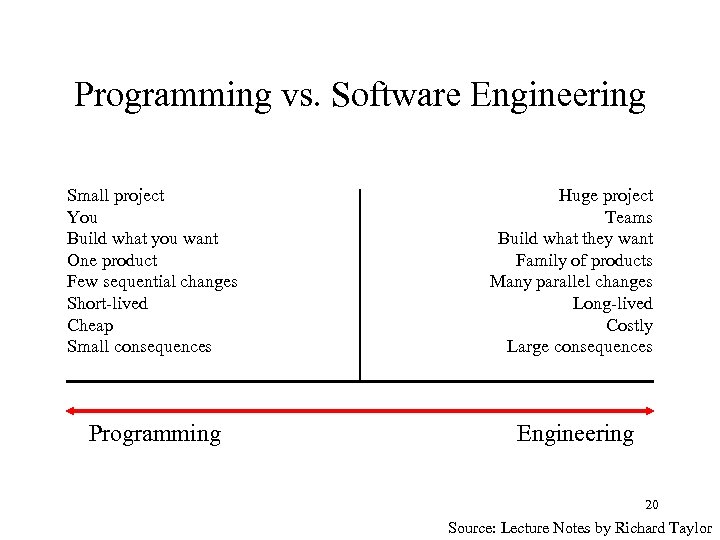 Programming vs. Software Engineering Small project You Build what you want One product Few sequential changes Short-lived Cheap Small consequences Huge project Teams Build what they want Family of products Many parallel changes Long-lived Costly Large consequences Programming Engineering 20 Source: Lecture Notes by Richard Taylor
 Prepare to be surprised. . . • Software engineers deal with a very broad range of projects, kinds of systems, organizational settings, scale, criticality, domain expertise, etc. • Think of the following examples – Embedded software controlling • • nuclear power plant airplane automobile telecom network – Information system of large corporations – Standard operating and systems software – Shrink-wrap office software 21
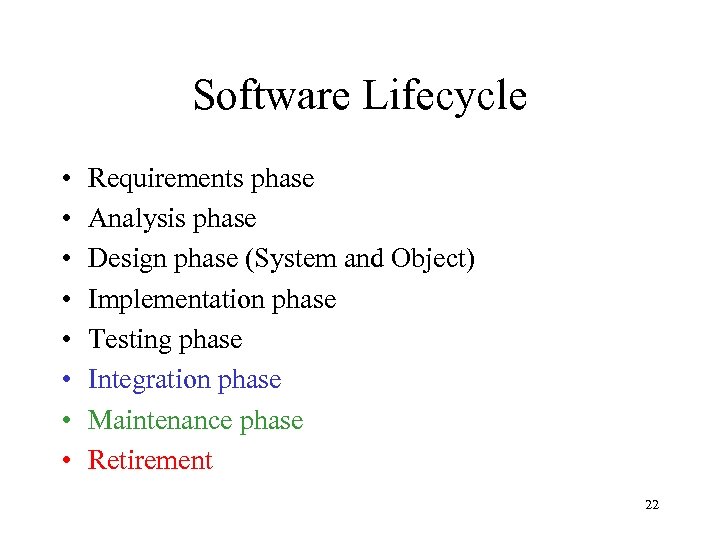 Software Lifecycle • • Requirements phase Analysis phase Design phase (System and Object) Implementation phase Testing phase Integration phase Maintenance phase Retirement 22
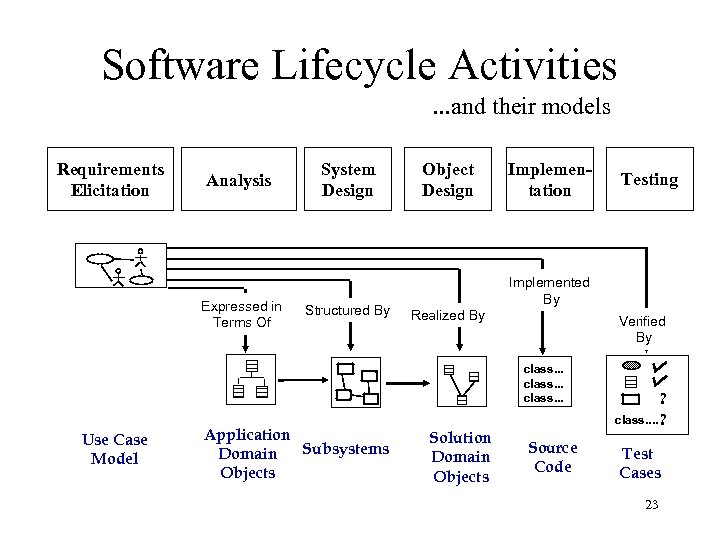 Software Lifecycle Activities. . . and their models Requirements Elicitation Analysis Expressed in Terms Of System Design Structured By Object Design Implementation Implemented By Realized By Verified By class. . . Use Case Model Application Subsystems Domain Objects Testing Solution Domain Objects Source Code ? class. . ? Test Cases 23
 Product and Process • Which is the more important corporate asset: products or development processes? – Products: the only thing that brings in revenue – Process: the only thing you retain • The asset that distinguishes you from your competitor en route to a product • The asset that gets you to your next product • The asset that determines key properties of your products 24 Source: Lecture Notes by Richard Taylor
 The order of things. . . • Better to think of the phases as activities that could occur – in parallel – in different orders • The order depends on – particular development process and method used and – the project context 25
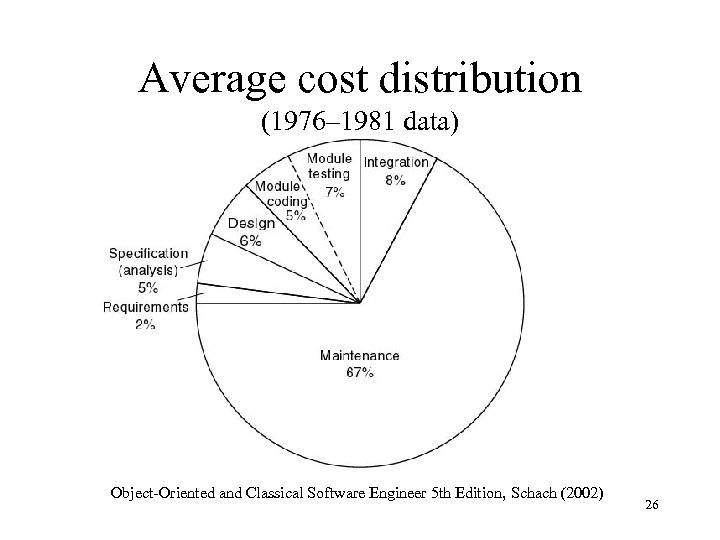 Average cost distribution (1976– 1981 data) Object-Oriented and Classical Software Engineer 5 th Edition, Schach (2002) 26