


 Скачать презентацию ECE 243 Computer Organization Prof Greg Steffan 1
76789c1123c34edec69d3c332fad68a1.ppt
- Количество слайдов: 27
 ECE 243 Computer Organization Prof. Greg Steffan 1
 ECE 243 Introduction 2
 ECE 243 • Professor Greg Steffan – Ph. D, Carnegie Mellon University – MIPS/SGI, Alpha/(DEC/Compaq/Intel) • Research: – Processor architecture and compilers – Exploiting multicore processors – FPGA-based processors and systems • Contact info: – steffan@eecg. toronto. edu – Office: EA 321 – Office hours: wednesdays 12 -1 pm 3
 "What I cannot create, I do not understand" – Richard Feynman 4
 THIS COURSE IS DIFFERENT • not about: – memorization – equations and formulae • about: – gaining experience – building systems that work • like an art class: – no mind blowing concepts or math – need attention to detail • but you need to practice! 5
 THIS COURSE IN THE CURRICULUM 6
 WHY TAKE THIS COURSE? 7
 GRADES • Grade Distribution – – Labs: 15% Design Project: 10% Midterm Exam: 20% Final Exam: 55% • EXAMS – worth 75%!! – open book/notes • Policy on regrade requests: – submit cover sheet explaining where and why – Entire exam regraded, grade may go up or down 8
 LABS • DE 2 board – FPGA with NIOS II soft processor, peripherals, host PC – peripherals: keypads, LED display, audio, video, robotic lego, other ports • 3 hours every week (except midterm week) – preparation, demo for TA – with a partner (chosen first lab) • do labs yourself anyway! • PROJECT – you decide what to do (meet minimum complexity) – last 3 lab periods – examples: printer, scanner, elevator, robots (typically involves lego) 9
 COURSE WEBSITE/Materials • No textbook, no lab manual---everything online – Use saved $$$ to buy a DE 1/DE 2 board! (~$100) • Announcements & bulletin boards: – please post all questions (rather than email) • Handouts – General: general info, policy (labs & tests), background – Lab: general info, other – supplementary materials • DESL: http: //www-ug. eecg. toronto. edu/desl – DE 2 and NIOS manuals – sample codes & diagnostic programs – getting DE 1/DE 2 working at home 10
 WHAT MAKES AN IDEAL PROF? 11
 HOW TO SUCCEED AT 243 • What makes an Ideal student: 12
 ECE 243 Number Representation There are 10 kinds of people in this world: those who understand binary and those who don't. 13
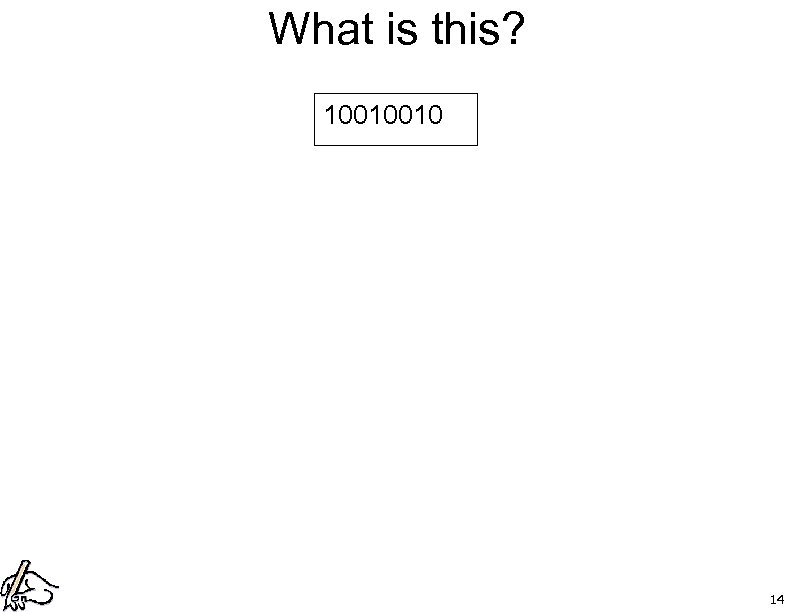 What is this? 10010010 14
 RECALL: BASE 10 (decimal) • 956 • NOTE: not all languages/cultures use base 10 – – – Ndom, Frederik Hendrik Island: base 6 nimbia: base 12 Huli, Papua New Guinea: base 15 Tzotzil, Mexico: base 20 Computers use base 2 (binary) 15
 USING BINARY (BASE 2) • denoted by ‘ 0 b’ (in this course, in C-code) • Converting from binary to decimal: • 0 b 1011 16
 Questions • How many decimal numbers can you represent with N bits? • How many binary ‘bits’ do you need to represent M decimal numbers? • NOTE: computers can only represent finite numbers 17
 TWO’S COMPLEMENT • used to reprsent negative numbers • converting to 2’s complement: – invert all the bits, then add one – NOTE: the max size in bits is very important!! • NOTE: most significant bit (MS-bit) is the ‘sign bit’ – for signed representation MS-bit=1 means negative • Example (4 -bit max size): -5 18
 SUBTRACTION USING 2’S COMP to compute A – B, add A to 2’s comp of B • example (4 -bit max size): 5 -3 19
 HEXADECIMAL (BASE 16) • large binary numbers can be a pain: 0 b 10010100010111101101 • need a more compact representation • ‘hexadecimal’ coined by IBM in 1963 • denoted by ‘ 0 x’ (this course, C-Code) 20
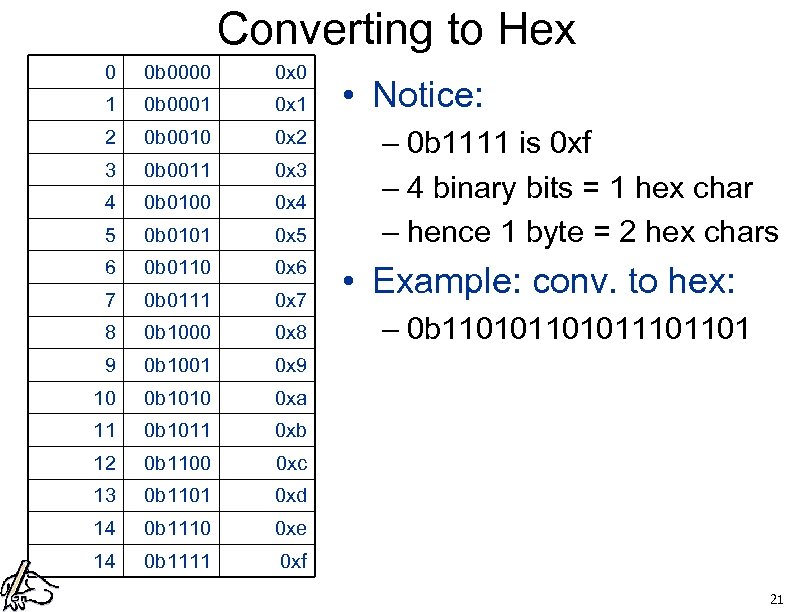 Converting to Hex 0 0 b 0000 0 x 0 1 0 b 0001 0 x 1 2 0 b 0010 0 x 2 3 0 b 0011 0 x 3 4 0 b 0100 0 x 4 5 0 b 0101 0 x 5 6 0 b 0110 0 x 6 7 0 b 0111 0 x 7 8 0 b 1000 0 x 8 9 0 b 1001 0 x 9 10 0 b 1010 0 xa 11 0 b 1011 0 xb 12 0 b 1100 0 xc 13 0 b 1101 0 xd 14 0 b 1110 0 xe 14 0 b 1111 0 xf • Notice: – 0 b 1111 is 0 xf – 4 binary bits = 1 hex char – hence 1 byte = 2 hex chars • Example: conv. to hex: – 0 b 1101011101101 21
 REPRESENTING TEXT • use binary to represent keyboard characters: – a, b, c, d…A, B, C, D, !@#$% • “ASCII” code: – 7 bits represent each character – example: ‘a’ = 65 = 0 b 100 0001 = 0 x 41 22
 REPRESENTING REAL NUMBERS • how do we represent 1. 75 using binary? • Option 1: Fixed point: – choose a point in the binary number to be the decimal point – Ex: convert fixed-pt to dec: • 5 -bit max size, 2 bits of whole, 3 bits of fractional – 0 b 01. 110 23
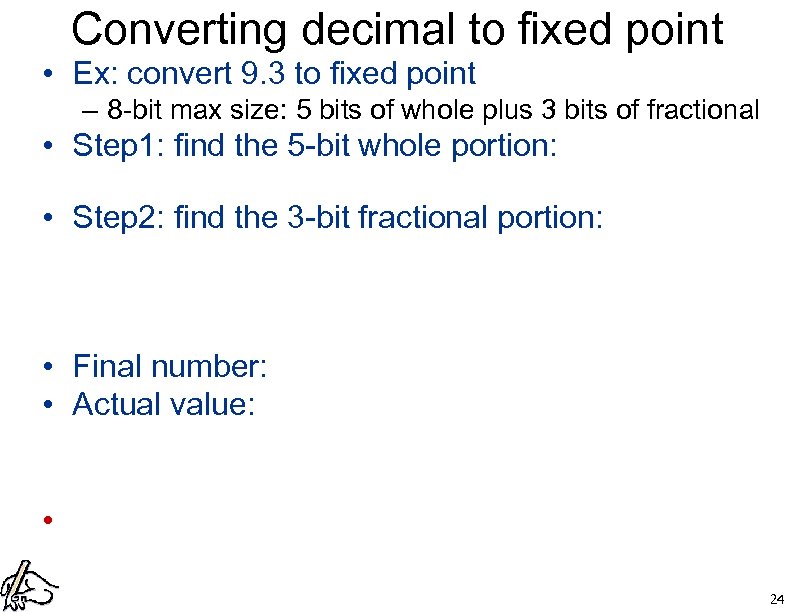 Converting decimal to fixed point • Ex: convert 9. 3 to fixed point – 8 -bit max size: 5 bits of whole plus 3 bits of fractional • Step 1: find the 5 -bit whole portion: • Step 2: find the 3 -bit fractional portion: • Final number: • Actual value: • 24
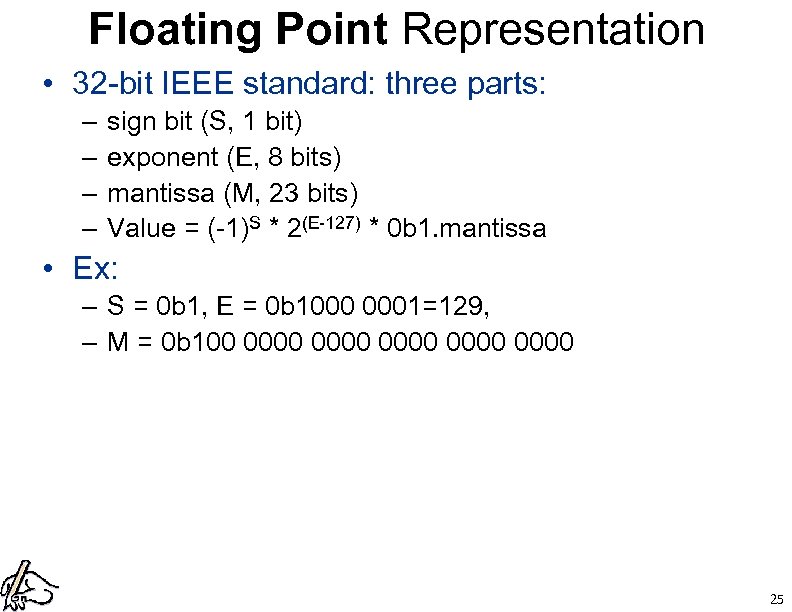 Floating Point Representation • 32 -bit IEEE standard: three parts: – – sign bit (S, 1 bit) exponent (E, 8 bits) mantissa (M, 23 bits) Value = (-1)S * 2(E-127) * 0 b 1. mantissa • Ex: – S = 0 b 1, E = 0 b 1000 0001=129, – M = 0 b 100 0000 0000 25
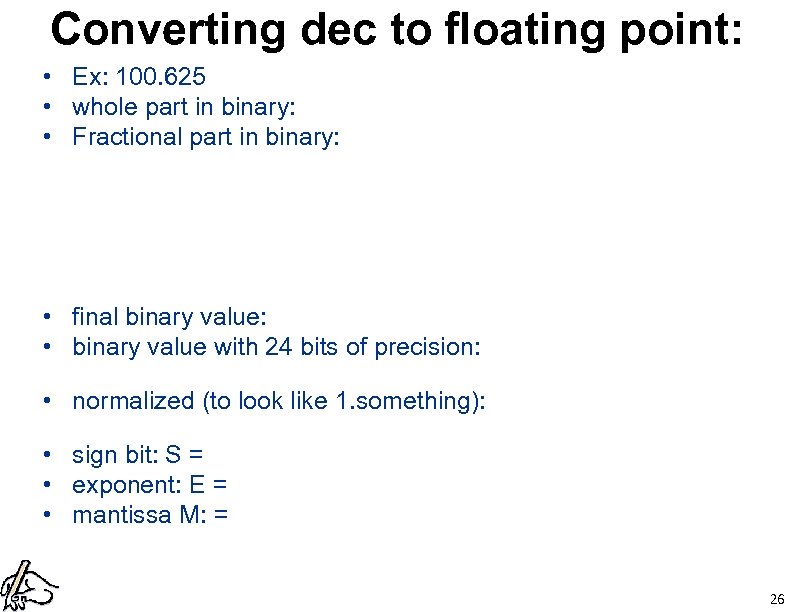 Converting dec to floating point: • Ex: 100. 625 • whole part in binary: • Fractional part in binary: • final binary value: • binary value with 24 bits of precision: • normalized (to look like 1. something): • sign bit: S = • exponent: E = • mantissa M: = 26
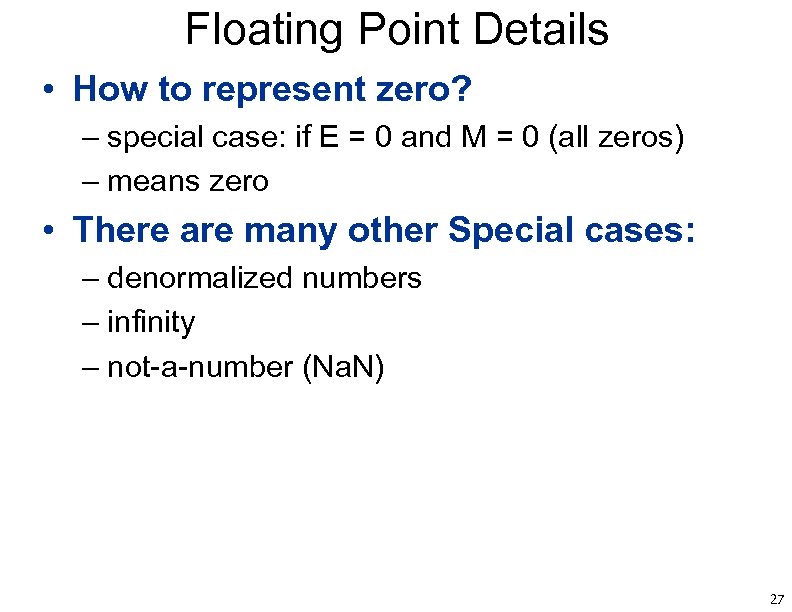 Floating Point Details • How to represent zero? – special case: if E = 0 and M = 0 (all zeros) – means zero • There are many other Special cases: – denormalized numbers – infinity – not-a-number (Na. N) 27