 Скачать презентацию Early Learning Apps in the Library WHY WHEN
e9eda292903d109f395acf93215f39e9.ppt
- Количество слайдов: 28



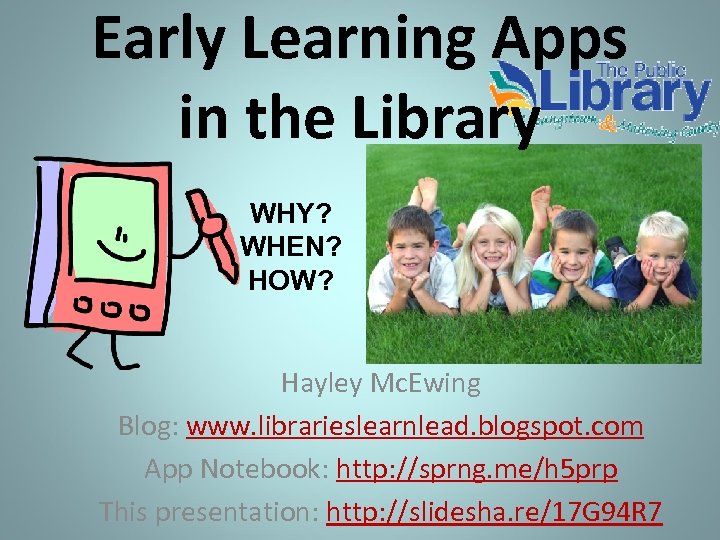
Early Learning Apps in the Library WHY? WHEN? HOW? Hayley Mc. Ewing Blog: www. librarieslearnlead. blogspot. com App Notebook: http: //sprng. me/h 5 prp This presentation: http: //slidesha. re/17 G 94 R 7
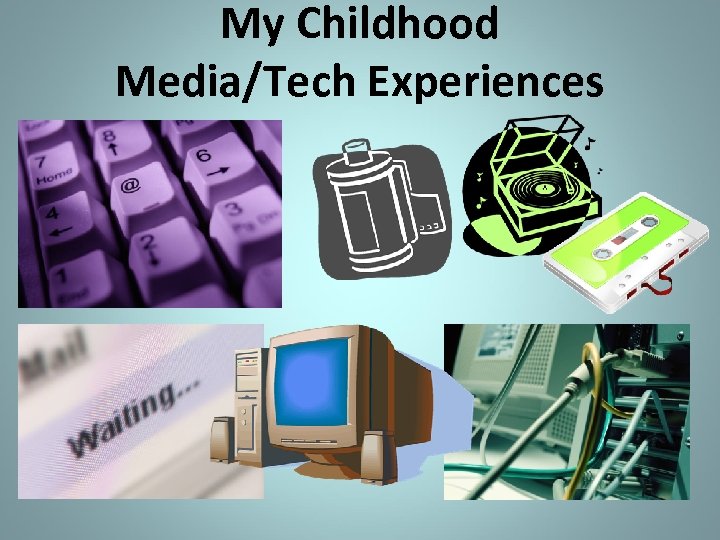
My Childhood Media/Tech Experiences
Digital Literacy Access Fun
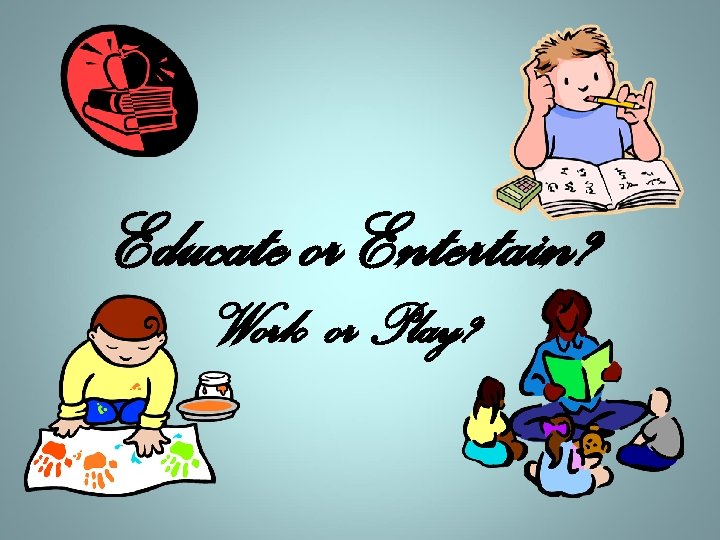
Educate or Entertain? Work or Play?
Emotions & Learning Attention “Remember: Children do not pay attention when they are bored or frustrated, and they do not learn when they are not paying attention (11). ”
Emotions & Learning Finding Meaning “. . . attuning to our feelings, according to neurological research, helps us find the meaning in data …, Emotions science now tells us, are part of rationality, not opposed to it (42). ”
Emotions & Learning (Print) Motivation and Play • ECRR = Print Motivation as a building block for reading • ECRR 2 = Play as a practice for all learning
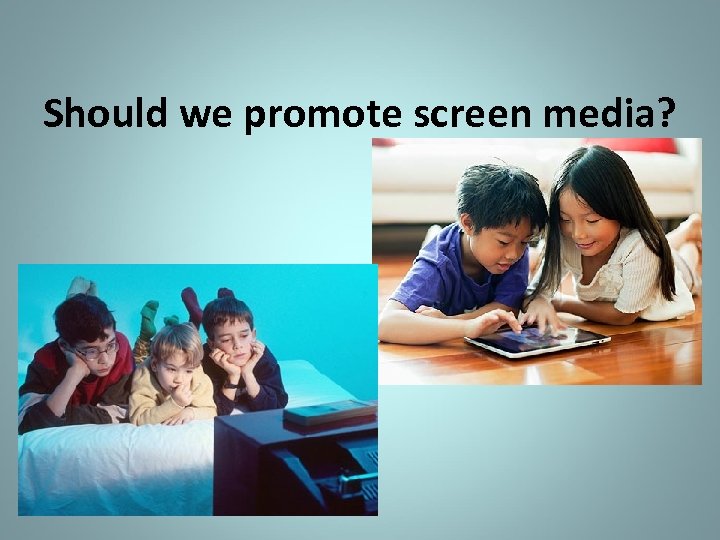
Should we promote screen media?
Media is Information How We Consume and Interact with Information Has Changed “Now we can watch a newspaper, listen to a magazine, and see a phone call. ” Chip Donahue, Director of Technology in Early Childhood (TEC) Center http: //www. erikson. edu/about/di rectory/chip-donohue/
Media is Info Creation How We Express Ourselves and Participate in Conversations Has Changed “The NAMLE vision is to help individuals of all ages develop the habits of inquiry and skills of expression that they need to be critical thinkers, effective communicators, and active citizens in today’s world. ” National Association for Media Literacy Education http: //namle. net/
Media Is an Opportunity Working with the Positive Parts of These Changes “Every new technology is an opportunity for learning. ” http: //pbskids. org/lab
Promote screen media? Support and encourage quality apps & best practices!
References • American Academy of Pediatrics (AAP): http: //www. aap. org • Caring for Our Children: National Health and Safety Performance Standards; Guidelines for Early Care and Education Settings. (2011) : http: //nrckids. org/CFOC 3/PDFVersion/list. html (Standard 2. 2. 0. 3: Limiting Screen Time – Media, Computer Time) • Dr. Patricia Kuhl • http: //librarieslearnlead. blogspot. com/2010/07/minds-brains-and-early-learninghow. html • http: //www. ted. com/talks/patricia_kuhl_the_linguistic_genius_of_babies. html • Fred Rogers Center for Early Learning and Children’s Media: http: //www. fredrogerscenter. org/ • Lisa Guernsey, author of Screen Time: http: //www. lisaguernsey. com/ • National Association for the Education of Young Children (NAEYC): http: //www. naeyc. org/content/technology-and-young-children/infants-and-toddlers • NAEYC + Fred Rogers Center Joint Statement • http: //www. naeyc. org/content/technology-and-young-children • http: //www. naeyc. org/files/naeyc/file/positions/Key. Messages_Technology. pdf • “Young Children and Media” ALSC webinar (2013) with Chip Donahue, Director of Technology in Early Childhood (TEC) Center http: //teccenter. erikson. edu/files/NAEYC_Position_Statement_slides_11_12. pdf
Best Practices for Children and Media • Limits, especially for ages 0 – 3 – Less than two hours a day and need for activity (AAP). Adding to the day’s screen time http: //www. alsc. ala. org/blog/2013/06/the-screenfree-story-time-is-the-best-story-time/ • Joint media engagement = relationship/socialbased education (e. g. physical closeness and conversation) • Intentional use 3 C’s = content (quality apps), context (how), and individual child by Guernsey
Quality Apps • Audio/Music – option to turn on/off • Ease of Use – Pop-ups for ads or ad-ons (the push to purchase more content). Can sometimes be eliminated if you buy the “full version” of the app. • Graphics/Visuals • Interactivity – Comparable or better than the real thing
Why Use Apps/i. Pads in the Library • To provide access to new technology and the information/learning that comes with it • To demonstrate best practices on using the technology, particularly joint engagement • To extend and support all learning, digital literacy included – 4 s and 5 s: Green Eggs and Ham/Fox in Socks app • To motivate/make positive emotional connections… to learning, to others, to oneself – Outreach Tweens: Singing Fingers app
When to Use Apps/i. Pads in the Library • Can’t have the real thing (e. g. cost, storage, durability, practicality, safety) – Gotta Move: Red Light, Green Light app as virtual toy • Working with large groups projector – Family: Glow Draw app for draw-and-tell story • Hands are needed to interact vs hold book – Gotta Move: Rah, Rah Radishes pics & rhythm sticks • Extra visuals (e. g. lyrics for print awareness or photographs of real object) – Gotta Move: Felt Board app + real stickers
How to Use Apps/i. Pads in the Library • Incorporated with other activities – Gotta Move: Wee Willie Winkie rhyme with toy clock and sunset backdrop – 4 s and 5 s: My First Wood Puzzles: Dinosaurs as one of the toy choices during after program play Sound Touch Lite app for sibling • With a partner – Family: Jelly Doodle app (science/print awareness) – i. Pad Play program
i. Pad Play Access, Joint (Parent) Engagement, Tweens, Motivation to Learn Hey, kids! Want to use an i. Pad? Hey, adults! Want to motivate your child to learn? Call ____ and ask for a librarian at the location you would like to visit. We'll ask for the subject area you'd like to explore with your child and schedule you for a twenty minute session with the Library's i. Pad. Registration and adult ID (valid license, state ID or library card) is required. For kids from age four to those in sixth grade. Child must be accompanied by an adult. Appointments are available from ______
Early Learning Apps: Literacy • Alphabet ØAlphabet Tracing by Oncilla Technologies Inc -- Abcs and Animals Lite by Mezmedia • Nursery Rhymes/Songs/Sounds – Hickory Dock by Mindshapes Limited ($) – Cat Dorman’s Little Red Wagon by Night & Day Studios, Inc -- Sound Touch Lite by Sound. Touch -- Rhyming Words by Grasshopper. Apps. com
Early Learning Apps: Literacy • Tell Stories/Narrative Skills – Felt Board by Software Smoothie ($) – Glow Draw by Indigo Penguin Limited – tell/draw – Guess ’em by Game. Weaver – Red Light, Green Light by the Future of Pinball, LLC – Singing Fingers by Beginner’s Mind (i. Phone apps) ØSongify by Khush Inc. ØStory Wheel by Ever. Age – create a story by yourself or with others and share with others
Early Learning Apps: Literacy • Vocabulary – Touch and Learn Emotions by Innovative Mobile Apps ØEndless Alphabet by Callaway Digital Arts • Reading Help ØEggy 100 by Blake e. Learning – sight word game – Futaba by INKids – can program with own word lists – I Can Write 2 by Innovative Net Learning Limited ØPhonics Fun 1 by Innovative Net Learning Limited ØScience Reading Comprehension by Abitalk Incorporated
Early Learning Apps: Science – Jelly Doodle by Shoe the Goose ($) – Galaxies by Kids Discover ØLive Butterfly Garden by Questsphere – when you can’t have the real thing ØPlay 123 by CJ Educations – mixing colors virtually – Osmos by Hemisphere Games ($) ØSoundrop by Develoe LLC – experiment with sound ØStar Walk by Vito Technology Inc – virtual telescope ($)
Early Learning Apps: Math & Puzzles • Numbers and Money – Kids Connect the Dots lite by Intellijoy – number sequence – Counting and Skip Counting by Ikidspad LLC Ø Motion Math Hungry Fish by Motion Math ($) – Amazing Coin by Joy Preschool Game vs toy money to lose or choke on – Counting Money by King’s Apps • Puzzles – Flow Free by Big Duck Games LLC – Rail Maze by Spooky House Studios UG – My First Wood Puzzles: Dinosaurs by Alexandre Minard
e. Book Apps Can be an interactive, new experience with literature; its own genre! Ø Cinderella by Nosy Crow ($) – Even Monsters Get Sick by Busy Bee Studios ($) – Goodnight Safari by Polk Street Press LLC Ø Numberlys by Moonbot Studios ($) – Millie Was Here by Megapops LLC – Spot the Dot by Ruckus Media Group ($) • Nonfiction – A Jazzy Day by The Melody Book ($) Ø Bobo Explores Light by Game Collage, LLC ($) – Four Seasons by Tab. Tale LLC Ø Weird but True by National Geographic Society
e. Book Apps • To motivate early readers, stressing awareness of print with interactivity and visual print prompts Ø Bob Books by Learning Touch – paper copies wear easily – http: //www. oceanhousemedia. com/ apps – touch for print • When the physical book is out of print or hard to access – Dear Zoo by Pan Macmillan Ø Flash the Dash by Auryn Inc – Meanwhile by Zarfhome Software Consulting ($) – Professor Garfield Cyber Bullying by Paws Incorporated • See list of e. Book stores – ones here can be more like a scan of the physical book
App Notebook: http: //sprng. me/h 5 prp Click on “Filter” on left hand side. Scroll down to view “Tags. ” Click on desired tag to bring up a list. OR Click on “Filter” on left hand side. Click on “Bookmark” on left hand side. “Sort: Name” on top to get links to i. Tunes.
Early Learning Apps in the Library WHY? WHEN? HOW? Hayley Mc. Ewing Blog: www. librarieslearnlead. blogspot. com App Notebook: http: //sprng. me/h 5 prp This presentation: http: //slidesha. re/17 G 94 R 7
Скачать презентацию Early Learning Apps in the Library WHY WHEN
e9eda292903d109f395acf93215f39e9.ppt