


 Скачать презентацию E-Content Service Group Virtual Meeting Digital Preservation
fcec06f8e25df248ba68db47a640e4fa.ppt
- Количество слайдов: 17
 E-Content Service Group Virtual Meeting • Digital Preservation: • How to Get Started
 Agenda • Committee Members • E-Content Purpose • Presentation by Greg Zick • Questions • Discussion for May Meeting Slide 2 of 17
 Committee Members • Elsie S. Weatherington, Chair • Shirley Baker, Co-Chair • Patrick Wilkinson, Board Representative • Greg Zick, OCLC Slide 3 of 17
 E-Content Service Group 2008 -2009 Interest Digital archives and preservation are at the forefront of the information industry today. Many libraries hold valuable archival materials, photographs and other history of their institutions and cultural organizations. There is a major focus on providing online access to these treasured artifacts and scholarly materials. The E-Content Service Group is exploring the basic processes, preservation, and best practices for digital archives. Slide 4 of 17
 Digital Collections • Trends in digital library collections • Integrated Digital Collection Services • Support for the full cycle of your digital collections Slide 5 of 17
 A complete set of solutions The Planning stage • What are your project’s goals and objectives? Do they support your vision, values and mission? • Who are your stakeholders? • Does Web access play a role? …full-text searching? • What are your end users’ needs? • Does preservation play a role? • How will you fund the project? Do you have the staff, hardware, etc. ? - Determine your organizational priorities first - Select the technical tools last Slide 6 of 17
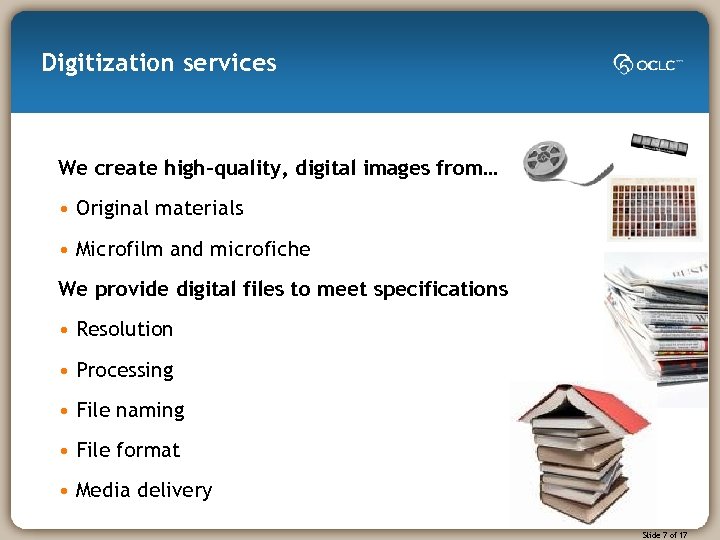 Digitization services We create high-quality, digital images from… • Original materials • Microfilm and microfiche We provide digital files to meet specifications • Resolution • Processing • File naming • File format • Media delivery Slide 7 of 17
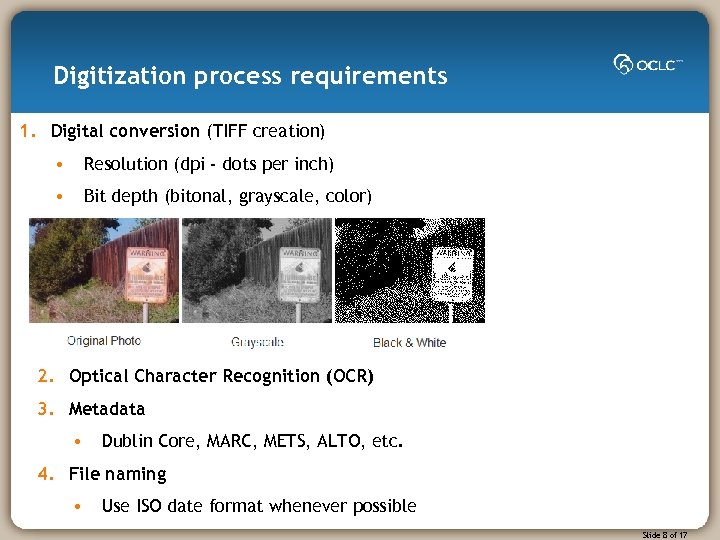 Digitization process requirements 1. Digital conversion (TIFF creation) • Resolution (dpi - dots per inch) • Bit depth (bitonal, grayscale, color) 2. Optical Character Recognition (OCR) 3. Metadata • Dublin Core, MARC, METS, ALTO, etc. 4. File naming • Use ISO date format whenever possible Slide 8 of 17
 Digitization process requirements, continued 5. Output/derivative files • TIFF archival masters, bound PDF, JPEG 2000, thumbnails 6. Image processing • De-skew, crop, sharpen, page and article segmentation, etc. 7. Delivery method • CD, DVD or hard drive 8. CONTENTdm • Digital collection building Slide 9 of 17
 CONTENTdm What is CONTENTdm Digital Collection Management Software? • A complete software solution • Stores, manages and provides Web access to digital collections • For organizations of all types and sizes Academic libraries, public libraries, historical societies, museums, state libraries, cultural heritage organizations and others • Standards-based for staff efficiencies and cost effectiveness Dublin Core, JPEG 2000, OAI Harvesting, PHP API and more • Showcases a wide range of media types Photos and documents to audio and video files • Enables you to share your digital collections on the Web Slide 10 of 17
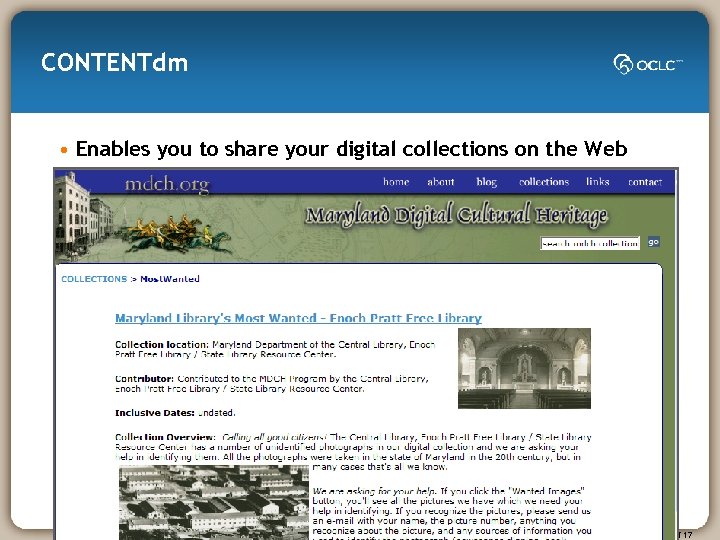 CONTENTdm • Enables you to share your digital collections on the Web Slide 11 of 17
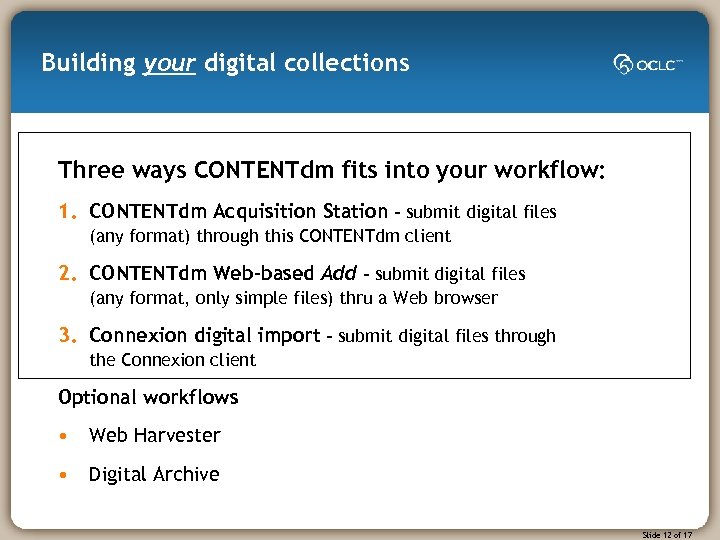 Building your digital collections Three ways CONTENTdm fits into your workflow: 1. CONTENTdm Acquisition Station – submit digital files (any format) through this CONTENTdm client 2. CONTENTdm Web-based Add – submit digital files (any format, only simple files) thru a Web browser 3. Connexion digital import – submit digital files through the Connexion client Optional workflows • Web Harvester • Digital Archive Slide 12 of 17
 Digital Archive Some challenges of preservation • Increasing volume of digital materials to manage • Some solutions for widely published materials • Few standards and not widely implemented • Limited resources to apply to preservation A preservation solution: OCLC’s Digital Archive • Secure, managed storage for digital originals and master files • Integrated with your workflow for building digital collections Slide 13 of 17
 Digital Archive Long-term storage for preservation Secure, managed storage Automated monitoring • Systems management • Manifest verification • Physical security • Virus check • Data security • Fixity check (digital fingerprinting) • Data backups • Format verification • Disaster recovery • ISO 9001 Certification Reports • Storage use and growth • File types • Accesses and disseminations "The Montana Historical Society has chosen the Digital Archive service as the storage facility for our digital collections. The ease of adding materials through Connexion and the secure, managed storage make the Digital Archive service the ideal solution for our needs. ” —Molly Kruckenberg, Research Center Director Slide 14 of 17
 User Services We can help you get to success! Professional assistance is an available option for digital collection projects: • Planning and implementation • Metadata and workflow design • CONTENTdm collection building • Training (onsite and online) Slide 15 of 17
 OCLC Digital Collection Services • Digital Collection Services provides services for libraries and other cultural heritage organizations to create, curate and manage digital collections. Our mission: • Help you create and showcase digital collections on the Web • Enable the creation of your institution’s digital repository • Facilitate contribution of your digital collections to the OCLC Digital Repository including maximum Web visibility via World. Cat • Provide long-term archiving of your digital master files • Work with you and other digital library leaders to develop and evolve new and best practices for digital collections Slide 16 of 17
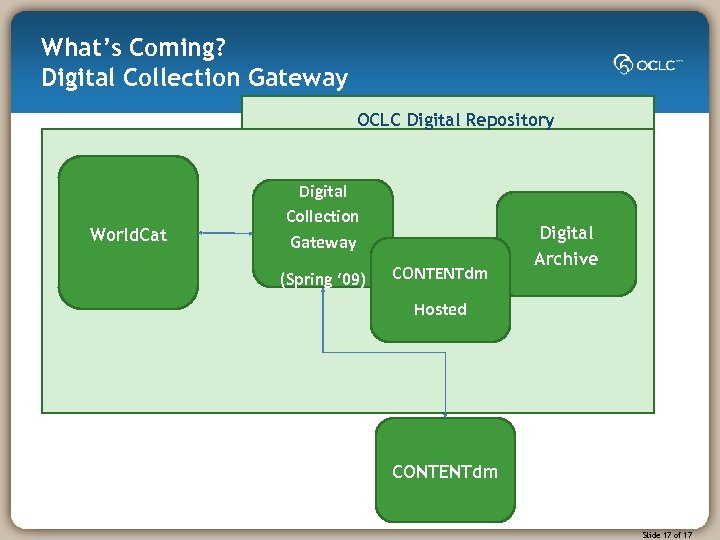 What’s Coming? Digital Collection Gateway OCLC Digital Repository World. Cat Digital Collection Gateway (Spring ‘ 09) CONTENTdm Digital Archive Hosted CONTENTdm Slide 17 of 17