


 Скачать презентацию DT 228 -3 Computer Systems Architecture and Administration
94b0953a7004e0b0da1ac6d48bb122a7.ppt
- Количество слайдов: 34
 DT 228 -3 Computer Systems’ Architecture and Administration Ronan Bradley Ronan. Bradley@dit. ie
 Aims of the CSAA Course… To introduce the student to the general principles of computer systems administration. To equip the student with a sufficient understanding of the architecture of computer systems to support systems administration activities. 19/03/2018 2
 …Aims of the CSAA Course To provide a complete coverage of the run-control system used for UNIX system start-up and shutdown To provide an introduction to user and group management techniques on Windows and UNIX systems. To provide an introduction to systems issues relating to the integration of Windows and UNIX systems. 19/03/2018 3
 Learning Outcomes On completion of the course the student will: 19/03/2018 Describe the fundamental tasks of a UNIX or a Windows systems administrator. Describe the user and group management mechanisms and tools on Windows and UNIX systems Describe the system start-up and shutdown processes on a UNIX system. Describe and modify the start-and shutdown order of services on a UNIX system. 4
 Learning Outcomes On completion of the course the student will: 19/03/2018 Implement the installation, configuration and removal of software systems on a UNIX platform Describe the configuration operation of basic file sharing mechanisms on the UNIX platform. Describe the common mechanisms used for user and group management on UNIX and Windows platforms. Describe the configuration operation of user and group sharing mechanisms on UNIX and Windows platforms Design a systems integration plan to support file sharing, identity sharing and other resource sharing between UNIX and Windows systems. 5
 Examination Semester 1 19/03/2018 Written Examination Continuous Assessment 60% 40% 6
 Reading List… Essential Reading Marty Poniatowski, 2002, UNIX User’s Handbook, 2 nd ed. , Prentice Hall PTR Steve Shah, Wale Soyinka. 2005, Linux Administration: A Beginner’s Guide. Osborne/Mc. Graw-Hill 19/03/2018 ISBN: 0 -13 -065419 -1 ISBN: 0 -07 -226259 -1 7
 CSAA Overview: System Admininstration User Management UNIX/Linux System Start-up and Shutdown Run-Levels Changing the default start-up run-level Changing the run-level once the system has started Shutting down the System Designing custom run-levels Managing System Resources on UNIX/Linux Systems on Windows Systems CPU, memory, disk I/O, disk space Security configuration 19/03/2018 Pluggable Authentication Modules (PAM) 8
 CSAA Overview: Networking Domain Naming System using bind on a UNIX/Linux system FTP for file transfer between any systems DHCP for dynamic allocation of IP addresses NFS for transparent file sharing between UNIX/linux systems Sa. MBa for file and printer sharing between UNIX/Linux and Windows systems Network Information System (NIS) for sharing of user names and passwords between systems 19/03/2018 9
 File Sharing with FTP and NFS File Transfer Protocol Basic transfer between Network File System (nfs) 19/03/2018 Transparent file sharing between UNIX/Linux systems 10
 What is Sa. MBa? Client & Server for the Common Internet File System (CIFS) Microsoft's name for its SMB protocol implementation Provides a single integrated work-group spanning Windows and Linux machines 19/03/2018 Linux based resources look identical to Windows based resources. Using Universal Naming conventions (UNC): //csaa/distrib 11
 What is Domain Name System? Internet system for associating human-friendly names with machine-friendly IP addresses Resolution of a given hostname to an IP address Supports the global domain naming hierarchy (i. e. comp. dit. ie. ) 19/03/2018 Allows machines to be grouped logically, by domain name The full name is referred to as the (FQDN) Fully Qualified Domain Name (e. g. lugh. student. comp. dit. ie or lugh) Host names map to IP addresses in a one-to-many relationship, each machine may have many IP addresses, and each IP address may be associated with many machines 12
 What is DHCP? Dynamic Host Configuration Protocol 19/03/2018 DHCP/BOOTP Clients request and are granted IP addresses (and other information about themselves and the network) Best to have only one machine on an Ethernet segment (VLAN) is designated a DHCP server 13
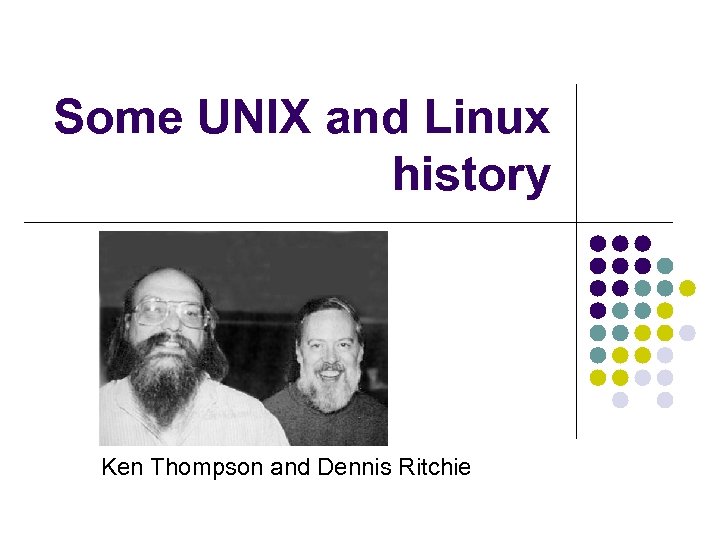 Some UNIX and Linux history Ken Thompson and Dennis Ritchie
 A Brief History of UNIX led to development of TCP/IP Numerous vendors sell different UNIX varieties Ken Thompson and Dennis Ritchie developed UNIX at Bell Labs (part of AT&T) System V UNIX source code was cheaply available from AT&T Quickly distributed to many organizations
 A Brief History of UNIX (continued) Berkeley Software Distribution (BSD): Berkeley versions of UNIX Added TCP/IP network subsystem to UNIX AT&T sold rights to UNIX Now owned by two groups: The SCO Group owns rights to UNIX source code The Open Group owns UNIX trademark
 Varieties of UNIX All flavors of UNIX share many features: Support multiple, simultaneously logged-on users Coordinate multiple, simultaneously running tasks Mount disk partitions on demand Apply permissions for file and directory access and modification Uniform method of issuing data to or receiving data from hardware devices, files, and running programs Start programs without interfering running programs
 Varieties of UNIX (continued) All flavors of UNIX share the following features (continued): Hundreds of subsystems, including dozens of programming languages Source code portability Window interfaces (e. g. , X Windows)
 Unix and Linux an be considered as a full-featured Unix clone It cannot legally be called Unix as ‘Unix’ is a registered trademark Research and development of the kernel is undertaken by thousands of volunteers over the Internet Robust version 1 was released in 1994 Combination of Kernel, tools and Daemons make up the full operating system Distributions of Linux from many sources Kernel must be packaged with commands, daemons and other software to create a useable operating system DT 249/3 - CSAA - L 01 19
 User Mode Linux
 User Mode Linux (UML) A virtualisation technology for Lunix Vmware is a common virtualisation technology Allows many ‘instances’ of an operating system to run on a single server Provides a sandbox environment 19/03/2018 “User-Mode Linux is a safe, secure way of running Linux versions and Linux processes. ” “Run buggy software, experiment with new Linux kernels or distributions, and poke around in the internals of Linux, all without risking your main Linux setup. ” 21
 User Mode Linux (UML) UML is a useful teaching tool, especially in courses where students need a dedicated machine in order to get the most out of it UML is being used to teach OS development, network administration, and more general system administration. These are all cases where having a virtual machine to practice on is far more convenient for everyone than using physical boxes. 19/03/2018 http: //user-mode-linux. sourceforge. net/ 22
 Why UML? The UML kernel runs in a virtual machine that can be configured in ways that your physical machine can't. It can have more memory, more devices, and, soon, more processors. So you can do development and testing of hardware capabilities even when you don't have the relevant hardware. Poking around inside a running system Since you have a full OS running outside UML, it's pretty easy for the terminally curious to find ways of looking inside this kernel that are impossible for a native kernel. As a secure sandbox or jail Processes inside the user-mode kernel have no access to the hosting machine or to the outside world that's not explicitly provided. So, a malicious application running inside it can do no harm to anything that matters. 19/03/2018 23
 Why UML? Virtual networking UML virtual machines are networkable, to each other, to the host, and to other physical machines. So, UML can be used to set up a virtual network that allows setting up and testing of experimental services. See the networking tutorial and virtual network screenshot for more information As a test environment Testing of some types of software requires booting up a machine. With UML, this can be very easily automated. There is a small test harness available , consisting of a small perl module implementing a UML object which provides methods to boot a virtual machine, log in to it, run commands, and shut it down. Disaster recovery practice Do you know what you would do if your machine suddenly didn't boot one day? With UML, you can set up virtual disasters and practice recovering from them. This doesn't have to be serious business - it can also be fun. Ever wonder what happens when you run UML# rm -rf / but been afraid to try it? Now you can with impunity. 19/03/2018 24
 UML at the School of Computing The School of Computing provides one system specifically for hosting UML sessions 19/03/2018 wicklow. cs. dit. ie Upgraded in 2008 25
 Wicklow UML The binary executable on wicklow. cs. dit. ie which loads the Linux kernel for the UML environment is /usr/bin/umllinux This is a script which invokes 19/03/2018 /bin/linux. nfs 26
 Wicklow UML In UML, the entire file system is contained in a single file By default the file used is root_fs in the current directory If no command-line option is specified, the executable linux kernel will look for a file called root_fs in the current directory 19/03/2018 27
 Copy On Write In UML, the entire file system is contained in a single file By default the file used is root_fs in the current directory If no command-line option is specified, the executable linux kernel will look for a file called root_fs in the /uml directory. The Copy On Write mechanism (COW) allows many users to use the same base root_fs yet still make their own changes DT 249/3 - CSAA - L 03 28
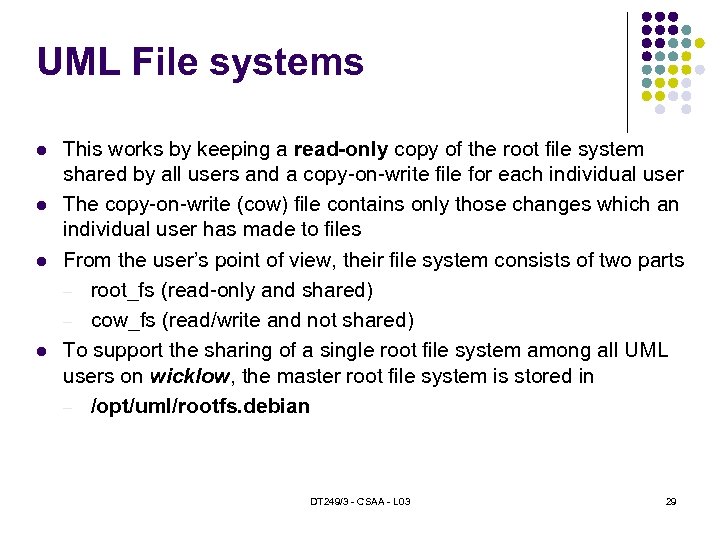 UML File systems This works by keeping a read-only copy of the root file system shared by all users and a copy-on-write file for each individual user The copy-on-write (cow) file contains only those changes which an individual user has made to files From the user’s point of view, their file system consists of two parts root_fs (read-only and shared) cow_fs (read/write and not shared) To support the sharing of a single root file system among all UML users on wicklow, the master root file system is stored in /opt/uml/rootfs. debian DT 249/3 - CSAA - L 03 29
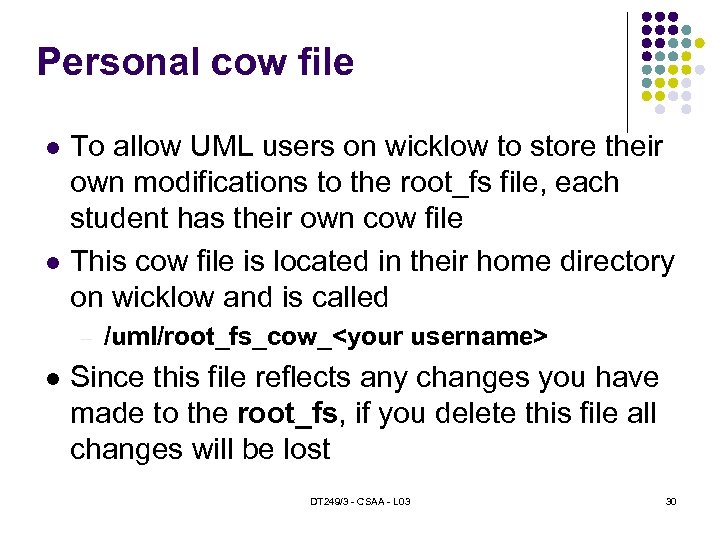 Personal cow file To allow UML users on wicklow to store their own modifications to the root_fs file, each student has their own cow file This cow file is located in their home directory on wicklow and is called /uml/root_fs_cow_
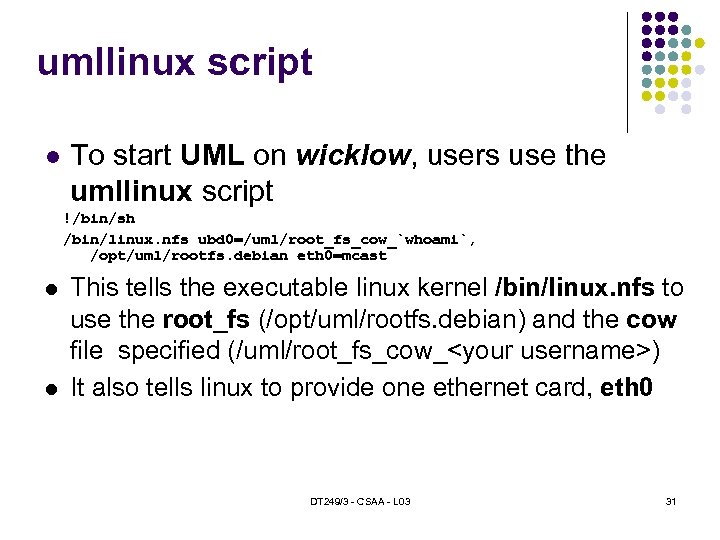 umllinux script To start UML on wicklow, users use the umllinux script !/bin/sh /bin/linux. nfs ubd 0=/uml/root_fs_cow_`whoami`, /opt/uml/rootfs. debian eth 0=mcast This tells the executable linux kernel /bin/linux. nfs to use the root_fs (/opt/uml/rootfs. debian) and the cow file specified (/uml/root_fs_cow_
 Backup your cow file If the user were to create a backup copy of their cow file at the start of each wicklow session, then they would have the ability to roll-back any changes that were made during a given session In this way users could experiment with settings and installing software in the knowledge that undoing their changes would be a simple matter DT 249/3 - CSAA - L 03 32
 host_fs How can you transfer files between the host and the UML session? As a virtual network, there is no way to access servers not on the network UML supports the use of a specialised file system driver host_fs This allows us to mount the file system of the host machine from within the UML instance There a number of ways of doing this 19/03/2018 33
 host_fs The first mechanism for mounting the host file system is to use the mount command as follows mount none /mnt/host –t hostfs This will cause the root of the host’s file system to be mounted at the /mnt/host directory (which must exist) 19/03/2018 34