


 Скачать презентацию DSL 305 Series ADSL Modem Types of
e13dbf419bd95c13efc7a86d4dfba035.ppt
- Количество слайдов: 24
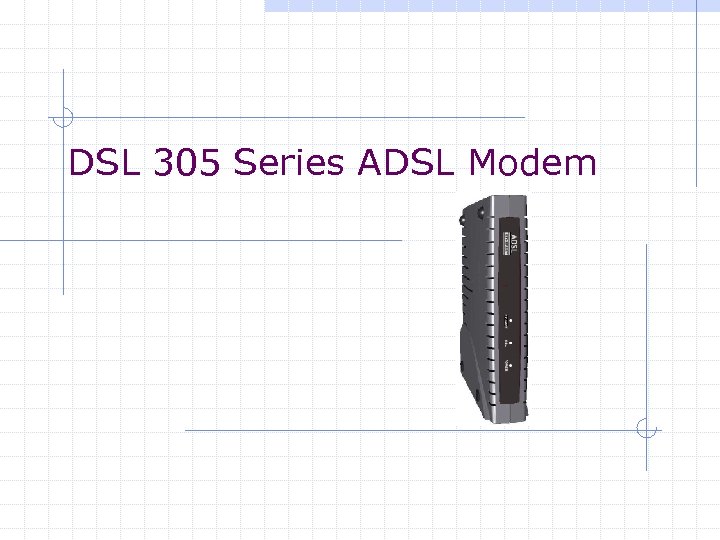 DSL 305 Series ADSL Modem
 Types of DSL 305 series DSL 305 E n ADSL Modem w PPP Half-Bridge (Default) w Transparent Bridge DSL 305 EU n ADSL Router/Modem
 DSL 305 Series Conexant Chipsets (CX 82310) Web interface management Smart. URL commands for DSL 305 E (DSL 305 EU later) Firmware upgradeable USB and Ethernet Interface
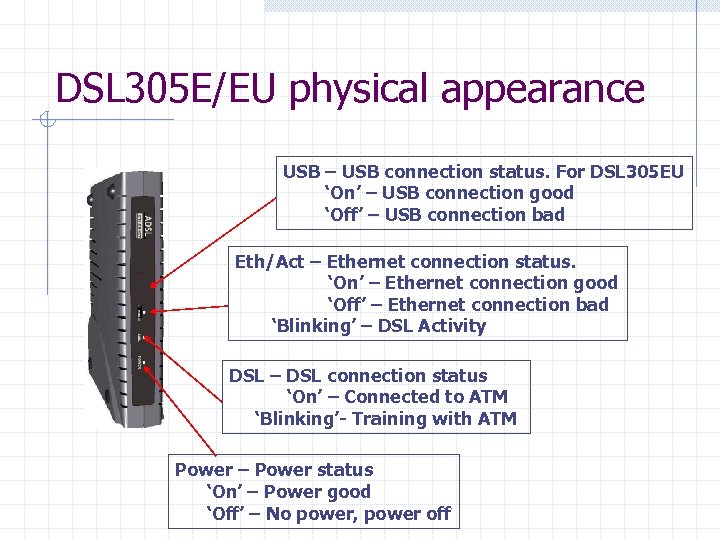 DSL 305 E/EU physical appearance USB – USB connection status. For DSL 305 EU ‘On’ – USB connection good ‘Off’ – USB connection bad Eth/Act – Ethernet connection status. ‘On’ – Ethernet connection good ‘Off’ – Ethernet connection bad ‘Blinking’ – DSL Activity DSL – DSL connection status ‘On’ – Connected to ATM ‘Blinking’- Training with ATM Power – Power status ‘On’ – Power good ‘Off’ – No power, power off
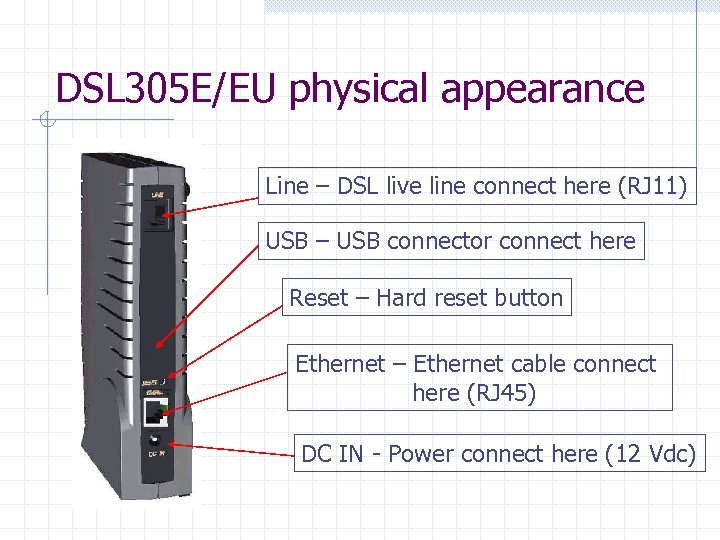 DSL 305 E/EU physical appearance Line – DSL live line connect here (RJ 11) USB – USB connector connect here Reset – Hard reset button Ethernet – Ethernet cable connect here (RJ 45) DC IN - Power connect here (12 Vdc)
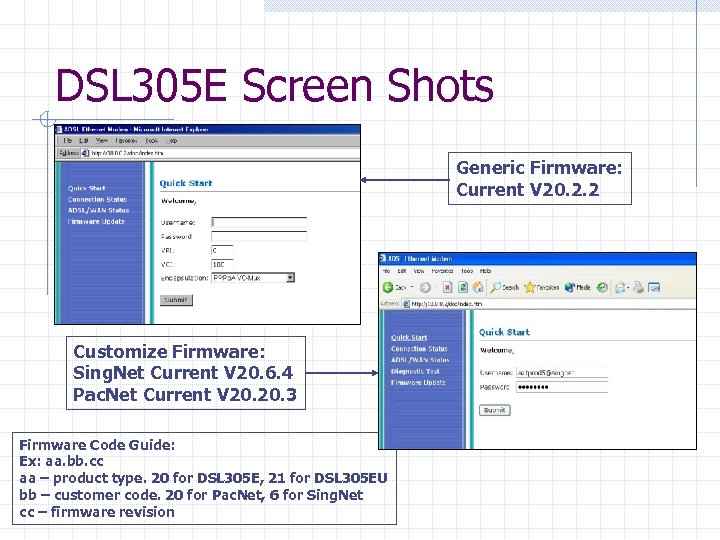 DSL 305 E Screen Shots Generic Firmware: Current V 20. 2. 2 Customize Firmware: Sing. Net Current V 20. 6. 4 Pac. Net Current V 20. 3 Firmware Code Guide: Ex: aa. bb. cc aa – product type. 20 for DSL 305 E, 21 for DSL 305 EU bb – customer code. 20 for Pac. Net, 6 for Sing. Net cc – firmware revision
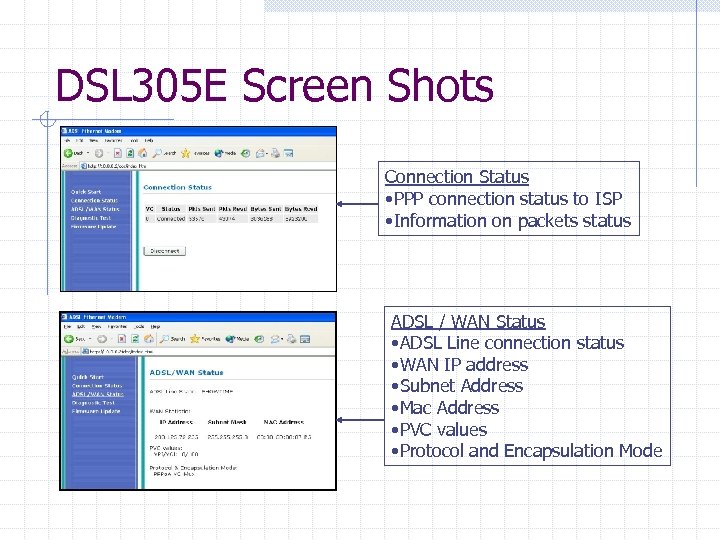 DSL 305 E Screen Shots Connection Status • PPP connection status to ISP • Information on packets status ADSL / WAN Status • ADSL Line connection status • WAN IP address • Subnet Address • Mac Address • PVC values • Protocol and Encapsulation Mode
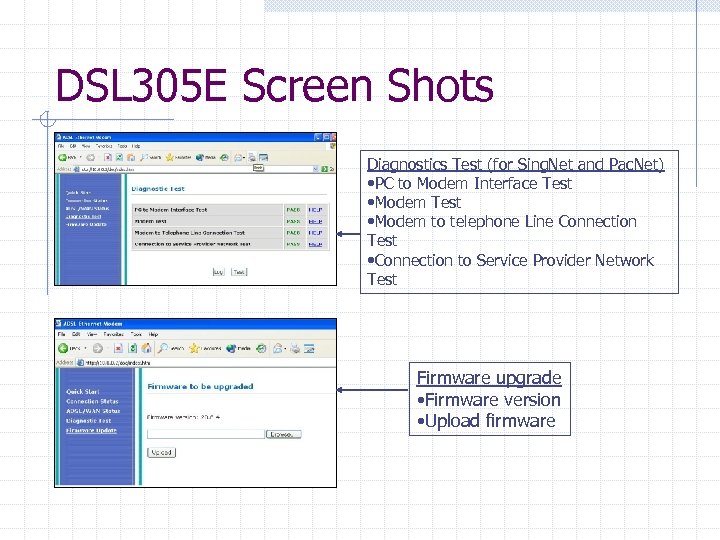 DSL 305 E Screen Shots Diagnostics Test (for Sing. Net and Pac. Net) • PC to Modem Interface Test • Modem to telephone Line Connection Test • Connection to Service Provider Network Test Firmware upgrade • Firmware version • Upload firmware
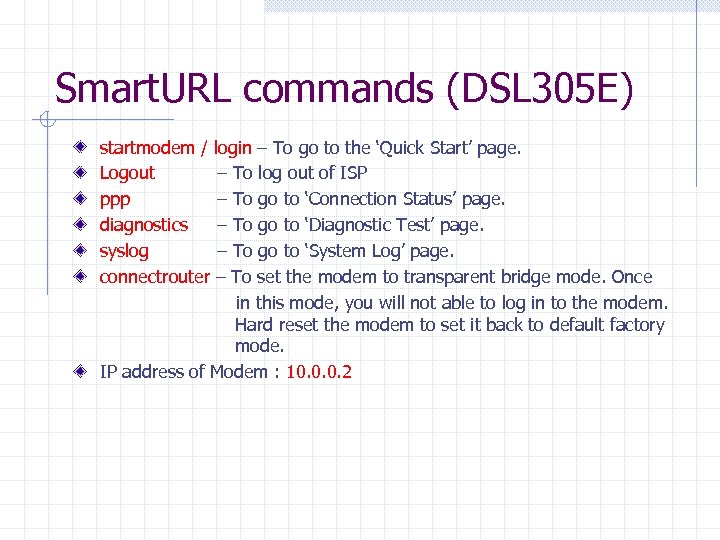 Smart. URL commands (DSL 305 E) startmodem / login – To go to the ‘Quick Start’ page. Logout – To log out of ISP ppp – To go to ‘Connection Status’ page. diagnostics – To go to ‘Diagnostic Test’ page. syslog – To go to ‘System Log’ page. connectrouter – To set the modem to transparent bridge mode. Once in this mode, you will not able to log in to the modem. Hard reset the modem to set it back to default factory mode. IP address of Modem : 10. 0. 0. 2
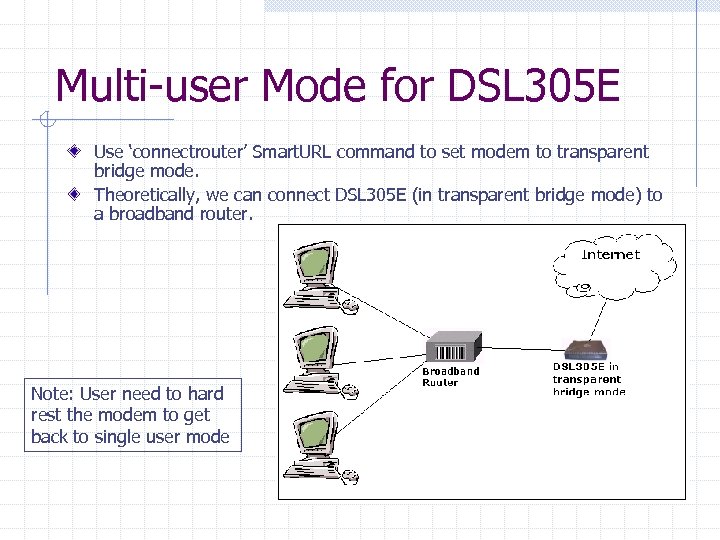 Multi-user Mode for DSL 305 E Use ‘connectrouter’ Smart. URL command to set modem to transparent bridge mode. Theoretically, we can connect DSL 305 E (in transparent bridge mode) to a broadband router. Note: User need to hard rest the modem to get back to single user mode
 Pros and Cons of DSL 305 E CONS n Slow to connect to ISP. Take about 50 sec to 60 sec to get connected. The cause is due to the half-bridge mode of this modem. The modem will take some time to transfer the WAN IP address to the PC. n Need external power source. Pros n No driver is needed. n Ethernet interface.
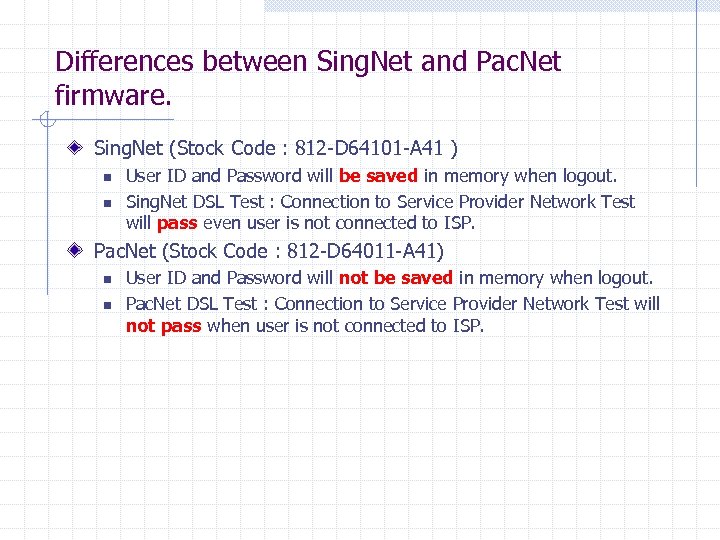 Differences between Sing. Net and Pac. Net firmware. Sing. Net (Stock Code : 812 -D 64101 -A 41 ) n n User ID and Password will be saved in memory when logout. Sing. Net DSL Test : Connection to Service Provider Network Test will pass even user is not connected to ISP. Pac. Net (Stock Code : 812 -D 64011 -A 41) n n User ID and Password will not be saved in memory when logout. Pac. Net DSL Test : Connection to Service Provider Network Test will not pass when user is not connected to ISP.
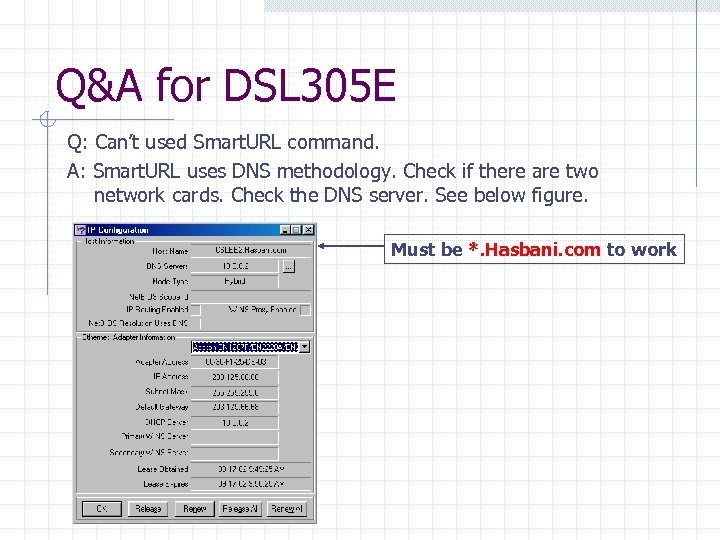 Q&A for DSL 305 E Q: Can’t used Smart. URL command. A: Smart. URL uses DNS methodology. Check if there are two network cards. Check the DNS server. See below figure. Must be *. Hasbani. com to work
 Q&A for DSL 305 E Q: Cannot Surf the Internet even connected to ISP. A: Check proxy is turn off. Make sure proxy is off. Q: Ethernet light is on but I can’t log in to the modem A: Check if the NIC is assign to Obtain an IP automatically. Q: Ethernet light is not on even cable is plug in. A: Check the type of cable used. Should be straight if connect to PC. Check driver of the NIC is properly installed.
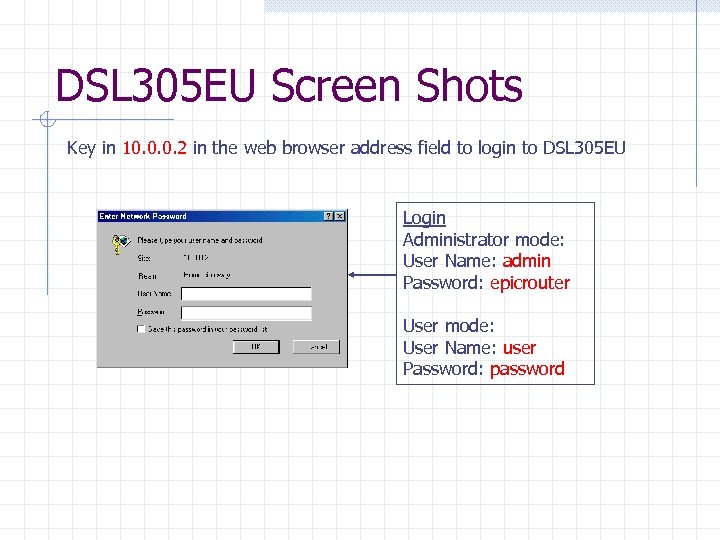 DSL 305 EU Screen Shots Key in 10. 0. 0. 2 in the web browser address field to login to DSL 305 EU Login Administrator mode: User Name: admin Password: epicrouter User mode: User Name: user Password: password
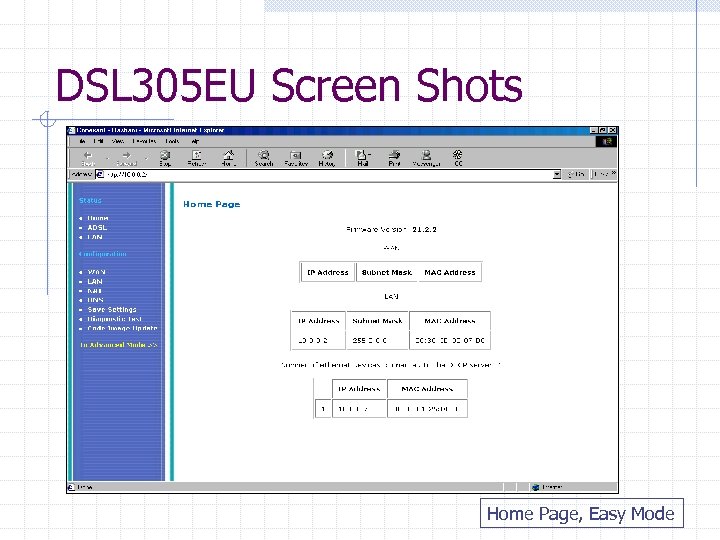 DSL 305 EU Screen Shots Home Page, Easy Mode
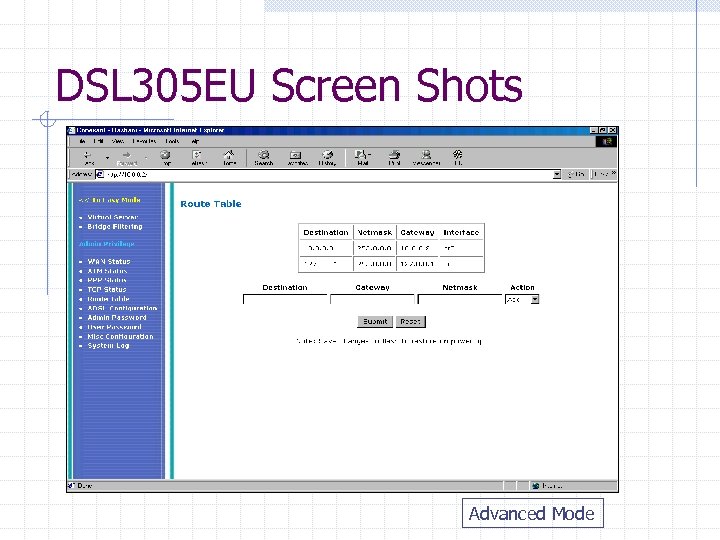 DSL 305 EU Screen Shots Advanced Mode
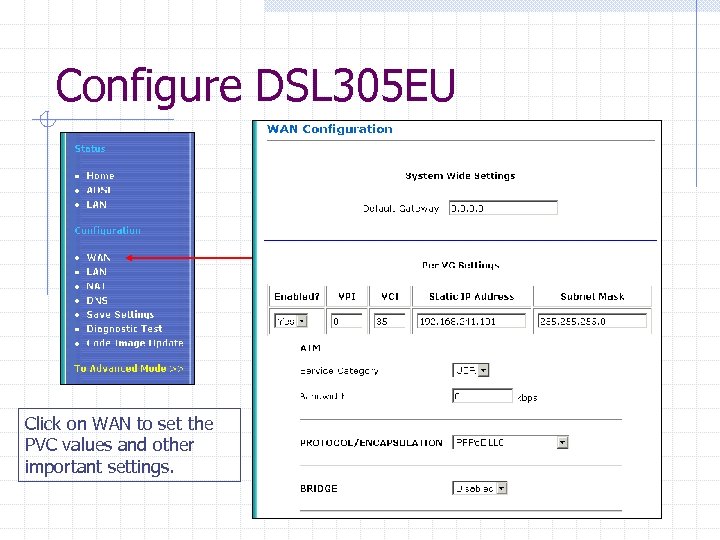 Configure DSL 305 EU Click on WAN to set the PVC values and other important settings.
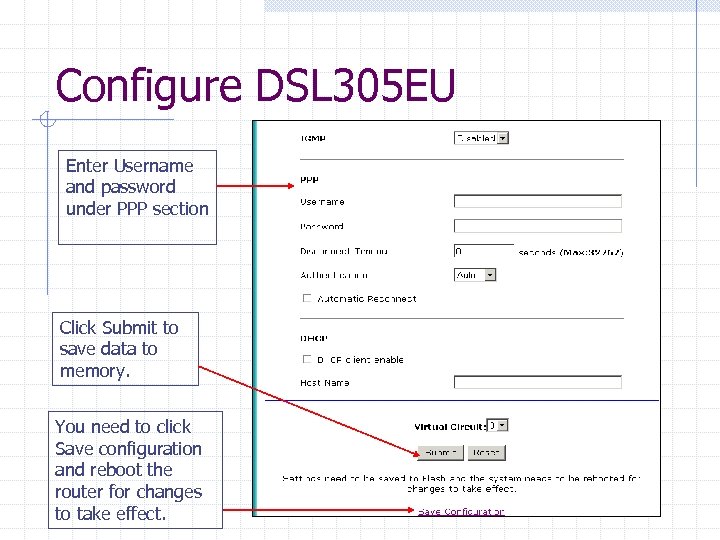 Configure DSL 305 EU Enter Username and password under PPP section Click Submit to save data to memory. You need to click Save configuration and reboot the router for changes to take effect.
 Other Configuration Please refer to hand-out notes for detail configuration.
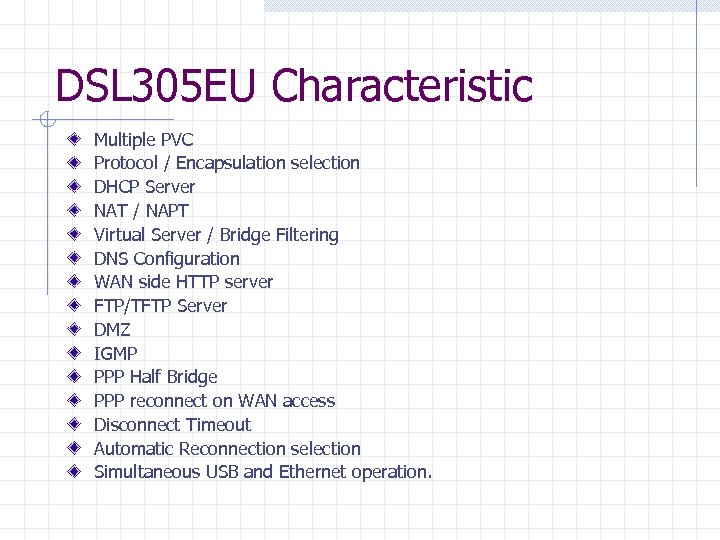 DSL 305 EU Characteristic Multiple PVC Protocol / Encapsulation selection DHCP Server NAT / NAPT Virtual Server / Bridge Filtering DNS Configuration WAN side HTTP server FTP/TFTP Server DMZ IGMP PPP Half Bridge PPP reconnect on WAN access Disconnect Timeout Automatic Reconnection selection Simultaneous USB and Ethernet operation.
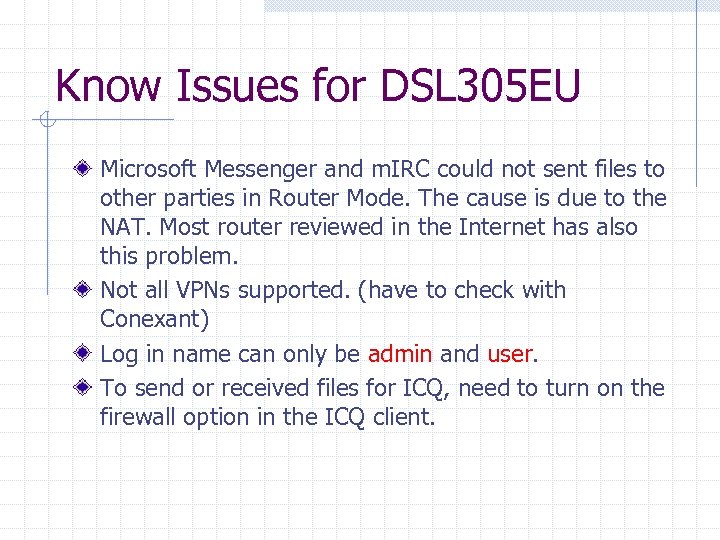 Know Issues for DSL 305 EU Microsoft Messenger and m. IRC could not sent files to other parties in Router Mode. The cause is due to the NAT. Most router reviewed in the Internet has also this problem. Not all VPNs supported. (have to check with Conexant) Log in name can only be admin and user. To send or received files for ICQ, need to turn on the firewall option in the ICQ client.
 Q&A for DSL 305 EU The common Q&As are the same as DSL 305 E please refer to the section “Q&A for DSL 305 E” If you have any enquiry or question, please drop a mail or call Chee Soon. lee. chee. soon@aztech. com or ext 556
 Thank You…