


 Скачать презентацию Domain-Specific Languages in Automated Testing Tools Thursday March
29d16e979a788d10b15aeae34d05eb92.ppt
- Количество слайдов: 42
 Domain-Specific Languages in Automated Testing Tools Thursday March 6, 2008 8: 30 - 10: 00 am Presenters: Mickey Phoenix Senior Software Engineer Solutions IQ Seattle, Washington mphoenix@solutionsiq. com Rand Huso Senior Software Engineer Solutions IQ Seattle, Washington rhuso@solutionsiq. com
 What is a Domain-Specific Language? • Concise and Expressive • Specific • Consistent in Granularity
 Concise and Expressive • Written in the user's language • Relative to the level the user is thinking at • Thorough coverage at that level
 Specific • Domain-specific; often, project-specific • Portability and re-usability are not goals • Customized for each client, project, and domain
 Consistent Granularity • Assists logical decomposition • Avoids getting lost in the details • Matches the way people give instructions to each other – “How do you brush your teeth? ”
 . . . Oooops.
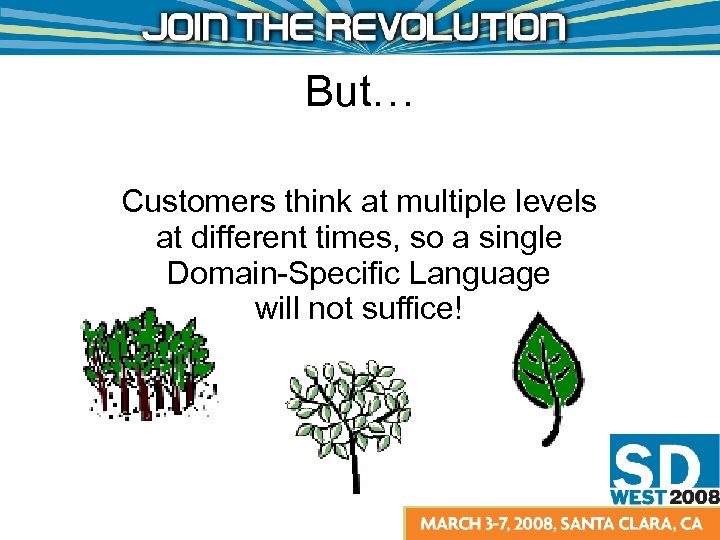 But… Customers think at multiple levels at different times, so a single Domain-Specific Language will not suffice!
 Why do we want multiple levels of DSL? • Test at multiple levels • Avoid hiding too much information inside DSL commands • Compose higher-level DSL commands from lower-level DSL commands – not from the native commands of the testing tool • Keep the core testing tool simple at all levels
 Selling Domain-Specific Languages • Up-front costs to the customer • Additional effort by the developer How do we get Customer and Developer Buy-In?
 Why Customers Love DSLs • Customers can participate fully • Customers can write tests in their own language (no lossy translations) • Customers can validate tests just by reading them -- “executable documentation”
 Customers Are Full Participants • Customers pair with developers to write tests • Customers understand developer-written tests just by reading them
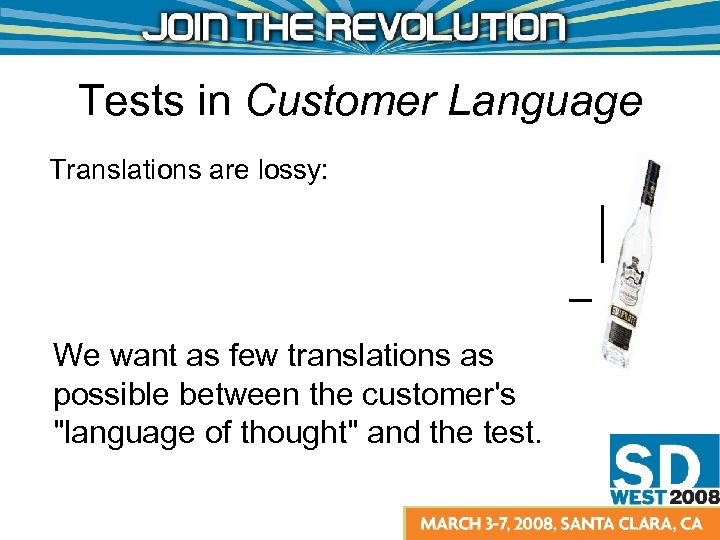 Tests in Customer Language Translations are lossy: We want as few translations as possible between the customer's "language of thought" and the test.
 Tests As Executable Documentation • The goal of Agile testing is "executable documentation“ • A test written in a DSL is like self-documenting code – It requires minimal comments, because the test is written in a language the users can read
 Why Developers Love DSLs • Easier and faster to write at appropriate granularity • Abstraction reduces test maintenance cost • Keeps the core testing tool simple
 Appropriate Granularity Makes Tests: • Faster to Write – fewer, bigger statements • Easier to Read – comprehension by “chunking” • Easier to Verify – don’t get lost in the details • Easier to Maintain – all of the above T nk hi OD O
 Abstraction Reduces Maintenance Cost • Tests must change with changes to the spec • Abstracting out common actions keeps changes to a single point – “once and only once”
 Core Testing Tool Stays Simple • Every client and project will have some unique needs • Easy per-client and per-project extensibility keeps changes local to those who need them Extensibility minimizes feature creep in the core tool
 What Do We Expect of an Automated Testing Tool? • Presupposed: a testing tool which has a written "script" – as opposed to a keystroke/click/etc. recorder • Provides extension mechanisms – allows us to define new statements in the DSL(s) that can then be used in the test scripts • Provides hierarchical abstraction mechanisms – the ability to define test script "subroutines" which can be invoked by name
 Extension Mechanisms • Used by the developer – Need not be accessible to the customer • Allow multiple implementation languages where practical (plugins, etc. ) • Support several granularities of DSL • Can be customized and overridden at the client and project levels independently
 Hierarchical Abstraction WALK: Step forward with right foot Step forward with left foot STEP FORWARD: Shift weight to opposing foot Bend knee Swing foot forward Set foot down in advance of body’s center of mass
 DSL Examples We will review: • • • A low-level test written without DSL The same low-level test written in a DSL The definition of the low-level DSL A mid-level test written in a low-level DSL The same mid-level test written in a mid-level DSL
 Low-Level Test (no DSL)
 Low-Level Test (with DSL)
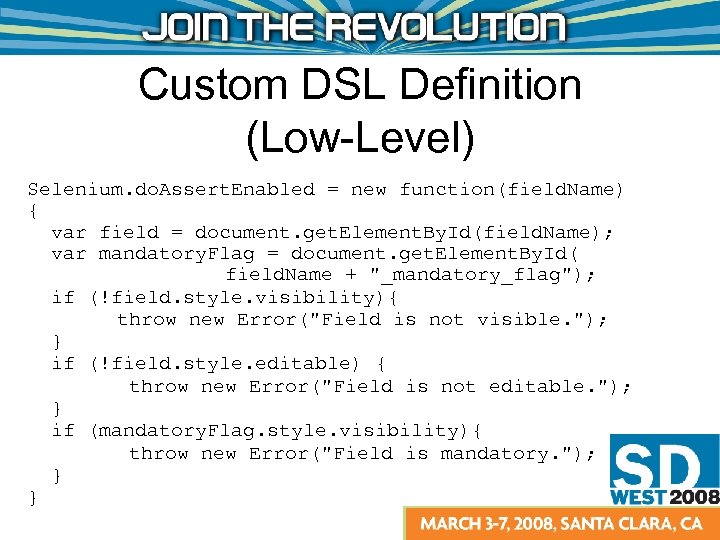 Custom DSL Definition (Low-Level) Selenium. do. Assert. Enabled = new function(field. Name) { var field = document. get. Element. By. Id(field. Name); var mandatory. Flag = document. get. Element. By. Id( field. Name + "_mandatory_flag"); if (!field. style. visibility){ throw new Error("Field is not visible. "); } if (!field. style. editable) { throw new Error("Field is not editable. "); } if (mandatory. Flag. style. visibility){ throw new Error("Field is mandatory. "); } }
 Mid-Level Test (Low-Level DSL)
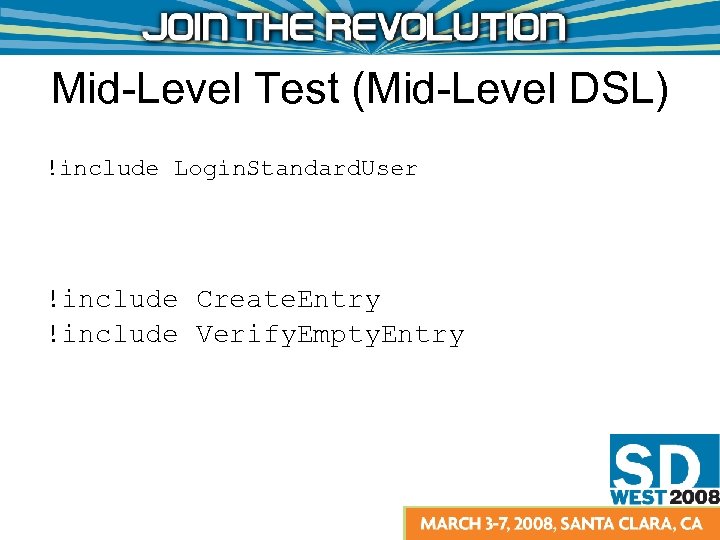 Mid-Level Test (Mid-Level DSL) !include Login. Standard. User !include Create. Entry !include Verify. Empty. Entry
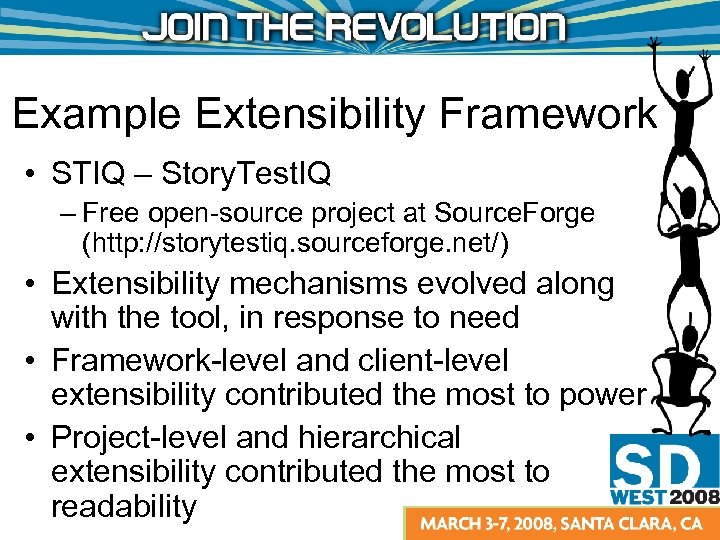 Example Extensibility Framework • STIQ – Story. Test. IQ – Free open-source project at Source. Forge (http: //storytestiq. sourceforge. net/) • Extensibility mechanisms evolved along with the tool, in response to need • Framework-level and client-level extensibility contributed the most to power • Project-level and hierarchical extensibility contributed the most to readability
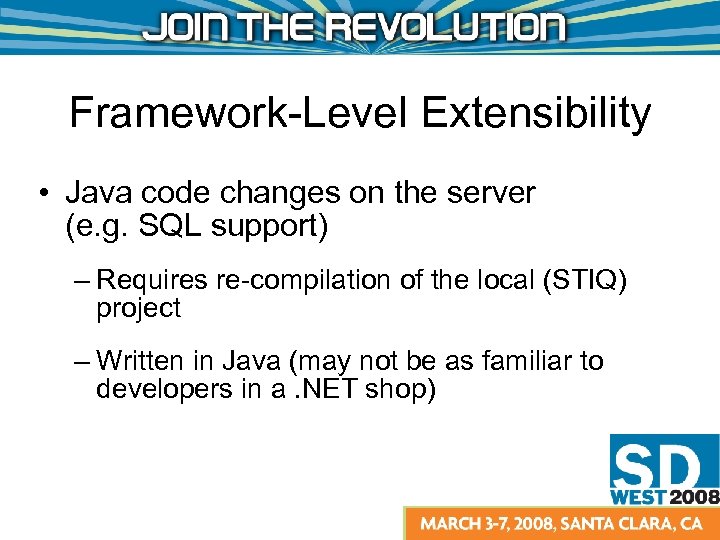 Framework-Level Extensibility • Java code changes on the server (e. g. SQL support) – Requires re-compilation of the local (STIQ) project – Written in Java (may not be as familiar to developers in a. NET shop)
 Client-Specific Extensibility • client-extensions. js Allows corporate-level testing support people to add features that are useful for all projects – Requires re-compilation of the local (STIQ) project – Written in Javascript (familiar to all web developers)
 Project-Specific Extensibility • project-extensions. js Allows individual projects to have added features (in the browser) that will be useful only for their project – Requires reloading the browser page, but does not require re-compiling – Written in Javascript (familiar to all web developers)
 Hierarchical Extensibility • !include syntax allows hierarchical decomposition of tests, including tests written in low-level DSL terms defined in: – client-extensions. js source – project-extensions. js source
 Conclusion • Providing DSL support in your automated testing tool has many advantages – to you – to the project developers and testers – to the user • . . . ? • Profit!
 Questions?
 Small-Group Discussions
 Discussion Questions • One implementation language or many implementation languages? – You can write Java code on the server, or Javascript code or SQL on the client, to augment the tests (in STIQ). Should a testing tool provide customization support in multiple implementation languages?
 Discussion Questions • Are some implementation languages more suited to certain levels of granularity than others? – Will some levels of DSL be easier to implement/customize in low-level vs. highlevel languages? Which languages are most suitable to implement which levels of DSL, and why?
 Discussion Questions • Should a customizable testing tool define its own, custom implementation language, or should it use a standard language like Java or Javascript?
 Discussion Questions • Which agents should be able to customize? Testers? Developers? Only the team tasked with supporting the testing tool?
 Discussion Questions • How do DSLs affect customer transparency? – A single-line DSL statement makes the test more readable, but also obscures the actions taking place within that single-line command, which may potentially be quite complex. Doesn't this just bring us back to the same old problem of the customer having to "take it on faith" that the test asserts the behavior they desire?
 Discussion Time
 Working Group Presentations
 Authors: