 Скачать презентацию Document Object Model Back to the DOM
850c674a1d6b94c7292f41c7f17d77a8.ppt
- Количество слайдов: 55




Document Object Model
Back to the DOM…
Javascript and the DOM w Originally, the Document Object Model (DOM) and Javascript were tightly bound w Each major browser line (IE and Netscape) had their own overlapping DOM implementation w There's also some jargon issues, eg. DHTML… w Now, the DOM is a separate standard, and can be manipulated by other languages (eg Java, server side javascript, python, etc) w Browsers still differ in what parts of the standard they support, but things are much better now
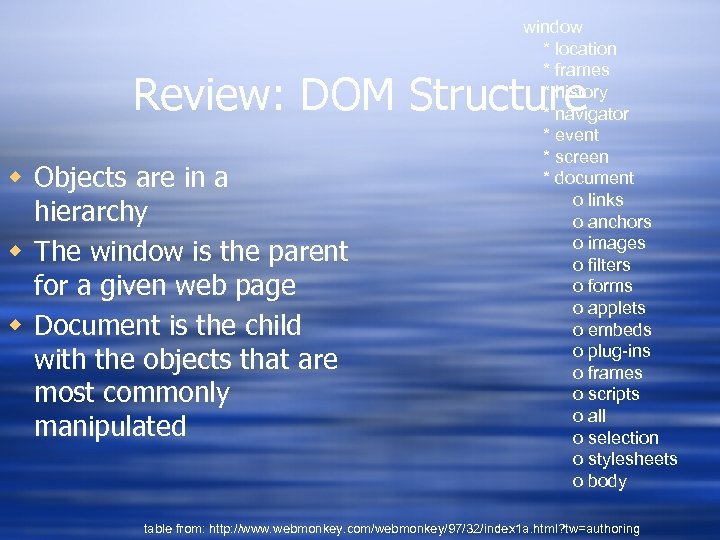
window * location * frames * history * navigator * event * screen * document o links o anchors o images o filters o forms o applets o embeds o plug-ins o frames o scripts o all o selection o stylesheets o body Review: DOM Structure w Objects are in a hierarchy w The window is the parent for a given web page w Document is the child with the objects that are most commonly manipulated table from: http: //www. webmonkey. com/webmonkey/97/32/index 1 a. html? tw=authoring
DOM Tree w The usual parent/child relationship between node w Like any other tree, you can walk this diagram from http: //www. w 3 schools. com/htmldom/default. asp
Referencing Objects w Objects can be referenced w by their id or name (this is the easiest way, but you need to make sure a name is unique in the hierarchy) w by their numerical position in the hierarchy, by walking the array that contains them w by their relation to parent, child, or sibling (parent. Node, previous. Sibling, next. Sibling, first. Child, last. Child or the child. Nodes array
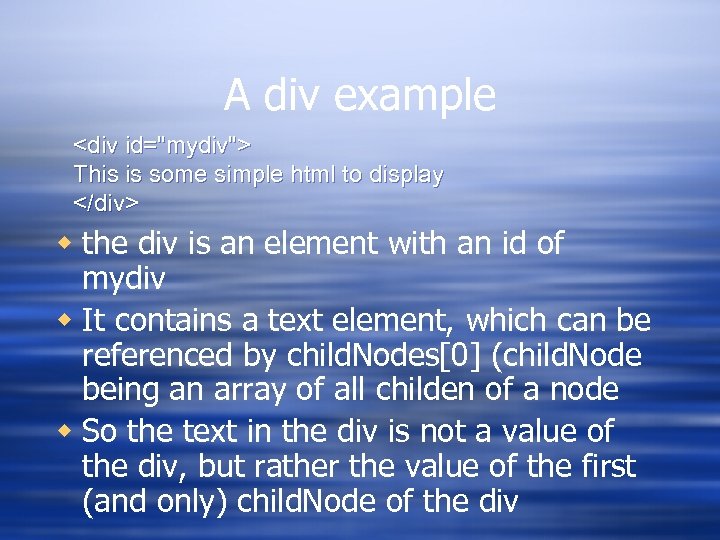
A div example <div id="mydiv"> This is some simple html to display </div> w the div is an element with an id of mydiv w It contains a text element, which can be referenced by child. Nodes[0] (child. Node being an array of all childen of a node w So the text in the div is not a value of the div, but rather the value of the first (and only) child. Node of the div
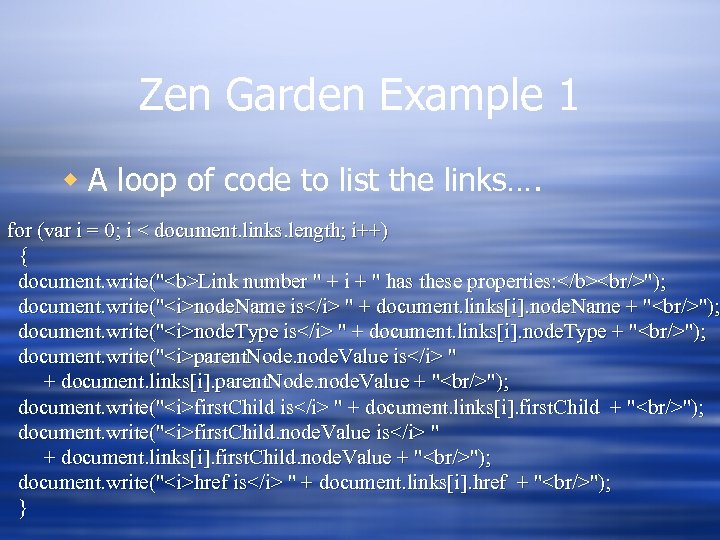
Zen Garden Example 1 w A loop of code to list the links…. for (var i = 0; i < document. links. length; i++) { document. write("<b>Link number " + i + " has these properties: </b><br/>"); document. write("<i>node. Name is</i> " + document. links[i]. node. Name + "<br/>"); document. write("<i>node. Type is</i> " + document. links[i]. node. Type + "<br/>"); document. write("<i>parent. Node. node. Value is</i> " + document. links[i]. parent. Node. node. Value + "<br/>"); document. write("<i>first. Child is</i> " + document. links[i]. first. Child + "<br/>"); document. write("<i>first. Child. node. Value is</i> " + document. links[i]. first. Child. node. Value + "<br/>"); document. write("<i>href is</i> " + document. links[i]. href + "<br/>"); }
Zen Garden Example 2 w Same as example one, but with another loop to look for all span tags….
Zen Garden Example 2 w I added a little javascript to the sample file from zen garden w This will search for a given tag using the get. Elements. By. Tag. Name() method w The result of this method is an array, and we can walk that array and then write out different properties and values for the elements found by get. Elements. By. Tag. Name() w There's also a get. Elements. By. Id() method
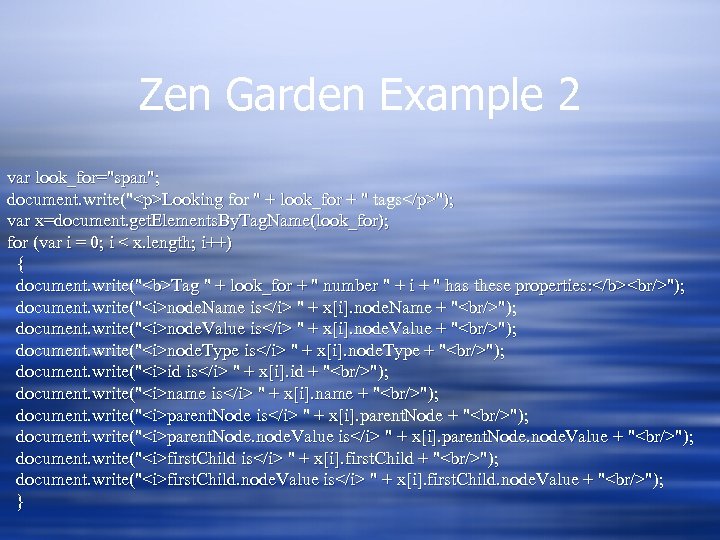
Zen Garden Example 2 var look_for="span"; document. write("<p>Looking for " + look_for + " tags</p>"); var x=document. get. Elements. By. Tag. Name(look_for); for (var i = 0; i < x. length; i++) { document. write("<b>Tag " + look_for + " number " + i + " has these properties: </b><br/>"); document. write("<i>node. Name is</i> " + x[i]. node. Name + "<br/>"); document. write("<i>node. Value is</i> " + x[i]. node. Value + "<br/>"); document. write("<i>node. Type is</i> " + x[i]. node. Type + "<br/>"); document. write("<i>id is</i> " + x[i]. id + "<br/>"); document. write("<i>name is</i> " + x[i]. name + "<br/>"); document. write("<i>parent. Node is</i> " + x[i]. parent. Node + "<br/>"); document. write("<i>parent. Node. node. Value is</i> " + x[i]. parent. Node. node. Value + "<br/>"); document. write("<i>first. Child is</i> " + x[i]. first. Child + "<br/>"); document. write("<i>first. Child. node. Value is</i> " + x[i]. first. Child. node. Value + "<br/>"); }
Learning The DOM w The only way is to read and try things out w Build a test document, with things you've learned w Gecko_test. html is an example adapted from the mozilla site….
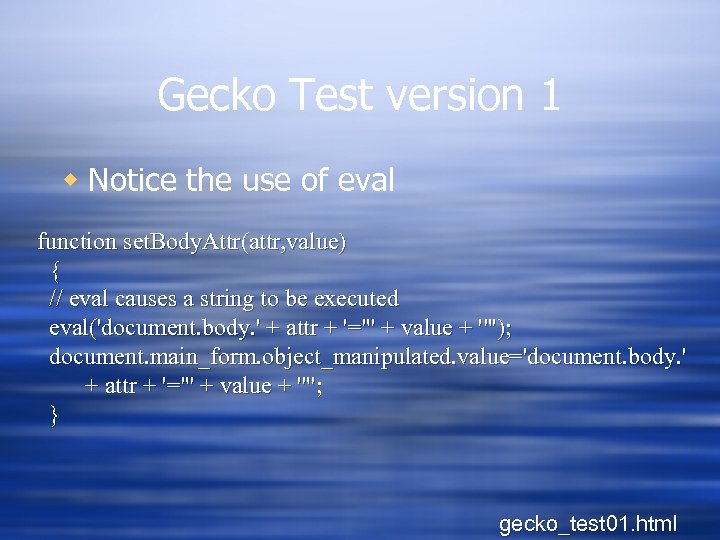
Gecko Test version 1 w Notice the use of eval function set. Body. Attr(attr, value) { // eval causes a string to be executed eval('document. body. ' + attr + '="' + value + '"'); document. main_form. object_manipulated. value='document. body. ' + attr + '="' + value + '"'; } gecko_test 01. html
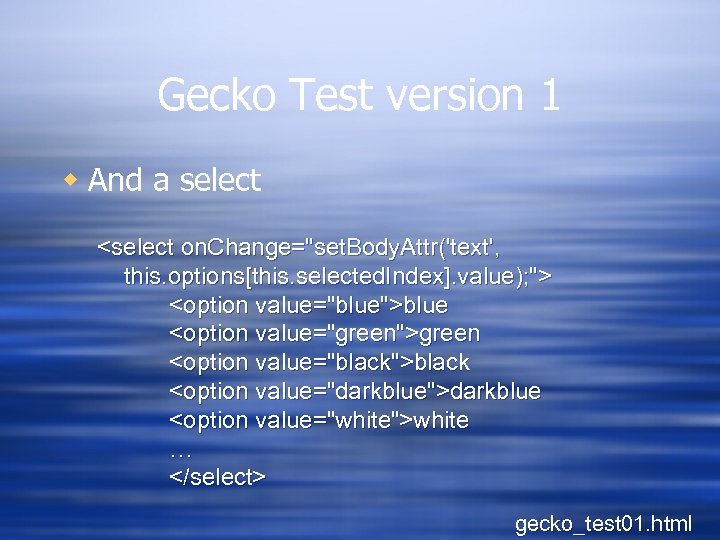
Gecko Test version 1 w And a select <select on. Change="set. Body. Attr('text', this. options[this. selected. Index]. value); "> <option value="blue">blue <option value="green">green <option value="black">black <option value="darkblue">darkblue <option value="white">white … </select> gecko_test 01. html
Gecko Test version 1 w What's wrong with this? (hint: I'm violating a basic rule of coding…) gecko_test 01. html
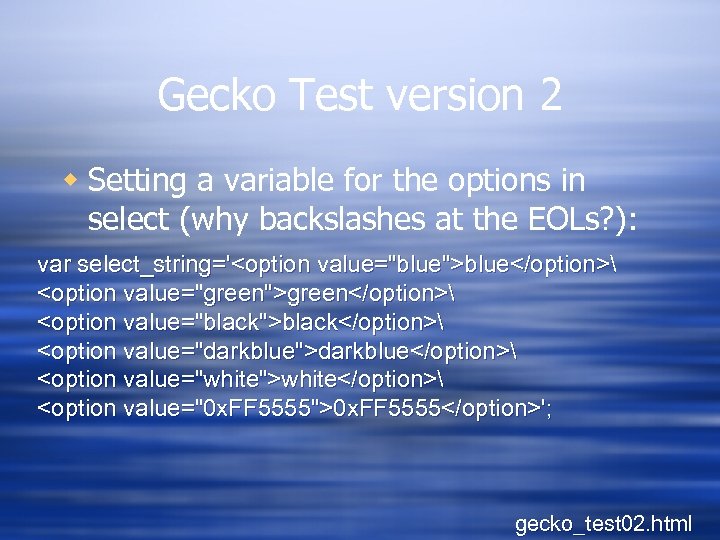
Gecko Test version 2 w Setting a variable for the options in select (why backslashes at the EOLs? ): var select_string='<option value="blue">blue</option> <option value="green">green</option> <option value="black">black</option> <option value="darkblue">darkblue</option> <option value="white">white</option> <option value="0 x. FF 5555">0 x. FF 5555</option>'; gecko_test 02. html
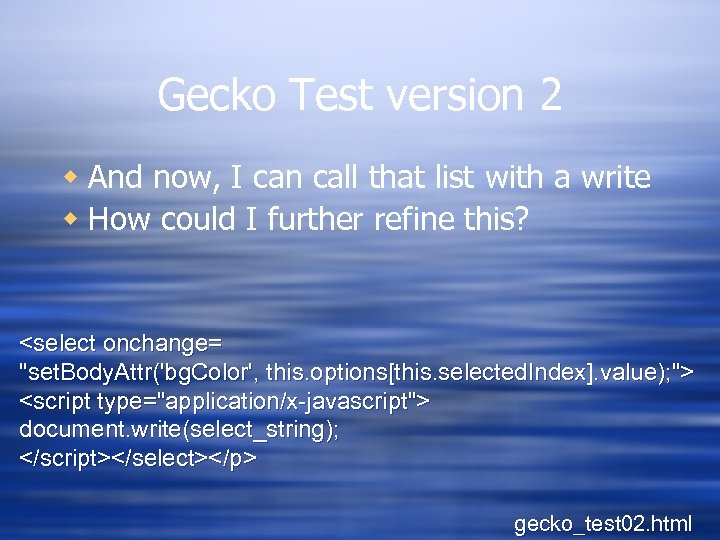
Gecko Test version 2 w And now, I can call that list with a write w How could I further refine this? <select onchange= "set. Body. Attr('bg. Color', this. options[this. selected. Index]. value); "> <script type="application/x-javascript"> document. write(select_string); </script></select></p> gecko_test 02. html
Manipulating Objects w As said, it's easiest to reference objects by id w To do this easily, use get. Element. By. Id(), which returns the element with the given id w For example, if you want to find a div with the id of "my_cool_div", use get. Element. By. Id("my_cool_div") w Keep in mind that it's the element itself that's returned, not any particular property
Using divs w Div properties can be dynamically manipulated w You can use this to make menus more dynamic
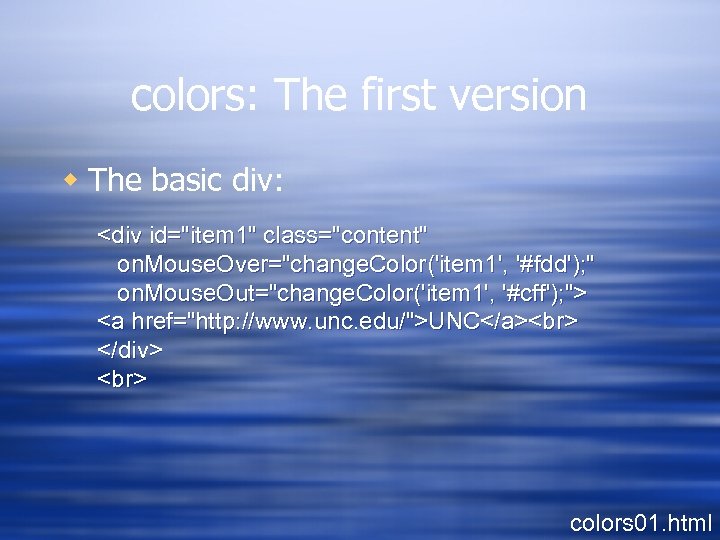
colors: The first version w The basic div: <div id="item 1" class="content" on. Mouse. Over="change. Color('item 1', '#fdd'); " on. Mouse. Out="change. Color('item 1', '#cff'); "> <a href="http: //www. unc. edu/">UNC</a> </div> colors 01. html
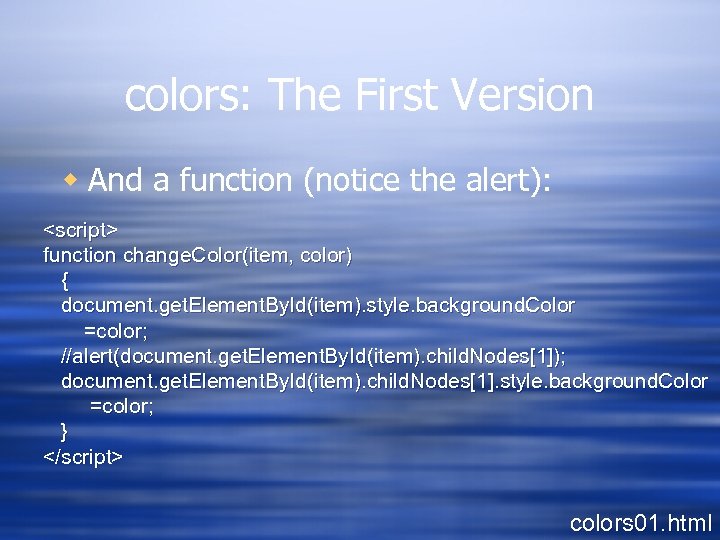
colors: The First Version w And a function (notice the alert): <script> function change. Color(item, color) { document. get. Element. By. Id(item). style. background. Color =color; //alert(document. get. Element. By. Id(item). child. Nodes[1]); document. get. Element. By. Id(item). child. Nodes[1]. style. background. Color =color; } </script> colors 01. html
In Action w colors 01. html w What's wrong with this? What would be better?
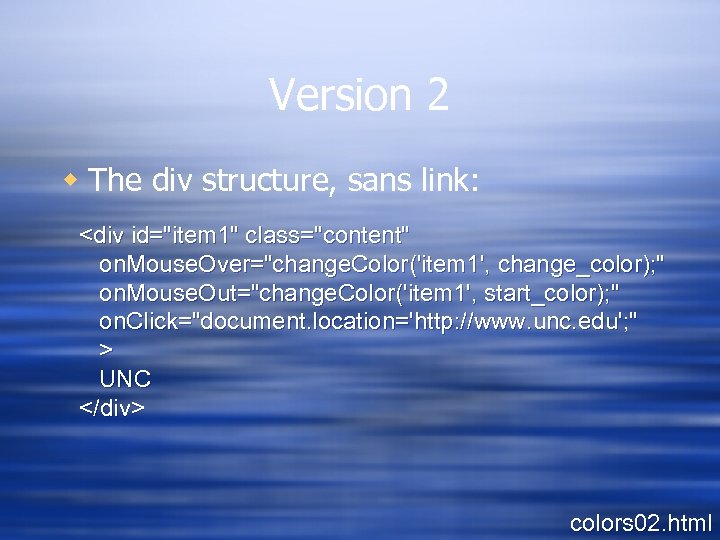
Version 2 w The div structure, sans link: <div id="item 1" class="content" on. Mouse. Over="change. Color('item 1', change_color); " on. Mouse. Out="change. Color('item 1', start_color); " on. Click="document. location='http: //www. unc. edu'; " > UNC </div> colors 02. html
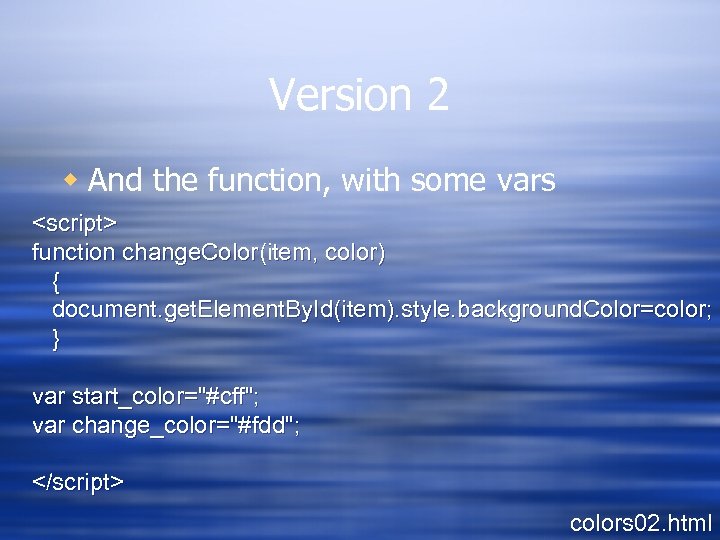
Version 2 w And the function, with some vars <script> function change. Color(item, color) { document. get. Element. By. Id(item). style. background. Color=color; } var start_color="#cff"; var change_color="#fdd"; </script> colors 02. html
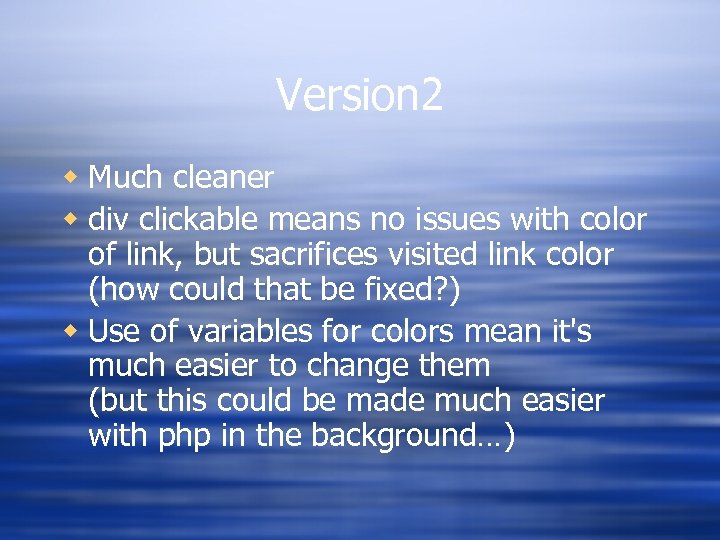
Version 2 w Much cleaner w div clickable means no issues with color of link, but sacrifices visited link color (how could that be fixed? ) w Use of variables for colors mean it's much easier to change them (but this could be made much easier with php in the background…)
inner. HTML w inner. HTML is a property of any document element that contains all of the html source and text within that element w This is not a standard property, but widely supported--it's the old school way to manipulate web pages w Much easier than building actual dom subtrees, so it's a good place to start w Very important--inner. HTML treats everything as a string, not as DOM objects (that's one reason it's not part of the DOM standard)
Using These…. w You can reference any named element with get. Element. By. Id() w You can read from or write to that element with inner. HTML w For example: get. Element. By. Id("mydiv"). inner. HTML ="new text string";
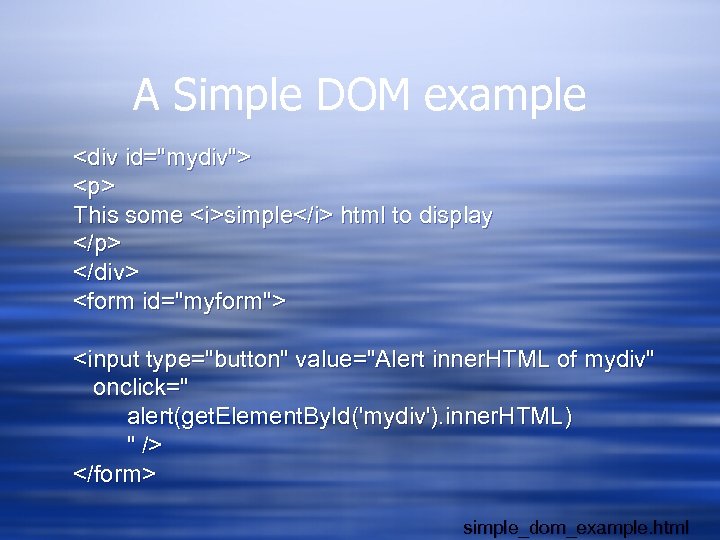
A Simple DOM example <div id="mydiv"> <p> This some <i>simple</i> html to display </p> </div> <form id="myform"> <input type="button" value="Alert inner. HTML of mydiv" onclick=" alert(get. Element. By. Id('mydiv'). inner. HTML) " /> </form> simple_dom_example. html
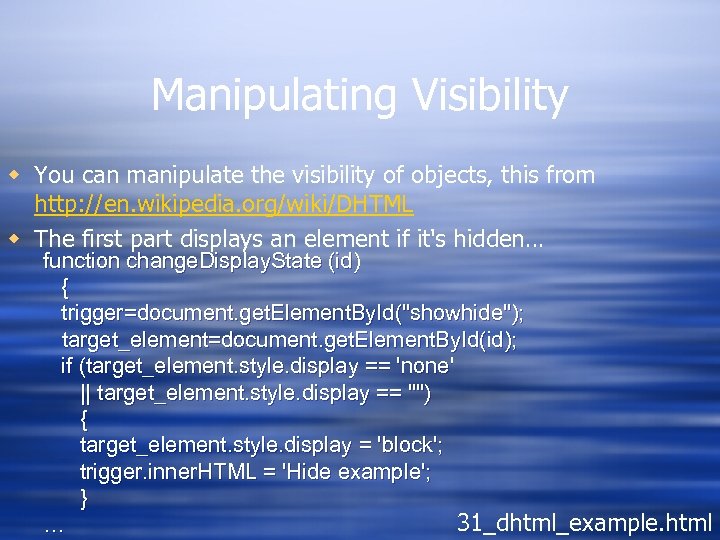
Manipulating Visibility w You can manipulate the visibility of objects, this from http: //en. wikipedia. org/wiki/DHTML w The first part displays an element if it's hidden… function change. Display. State (id) { trigger=document. get. Element. By. Id("showhide"); target_element=document. get. Element. By. Id(id); if (target_element. style. display == 'none' || target_element. style. display == "") { target_element. style. display = 'block'; trigger. inner. HTML = 'Hide example'; } 31_dhtml_example. html …
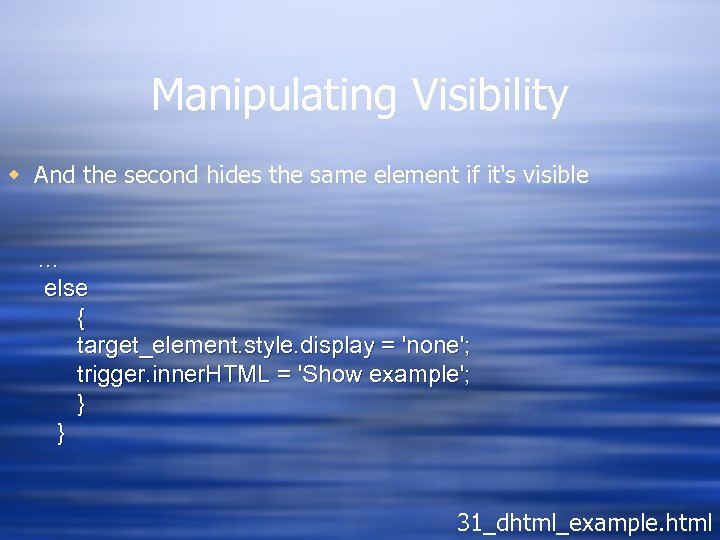
Manipulating Visibility w And the second hides the same element if it's visible … else { target_element. style. display = 'none'; trigger. inner. HTML = 'Show example'; } } 31_dhtml_example. html
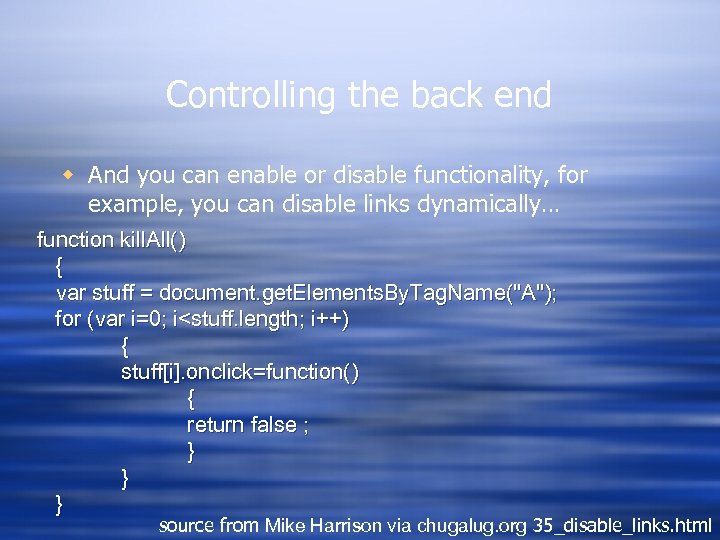
Controlling the back end w And you can enable or disable functionality, for example, you can disable links dynamically… function kill. All() { var stuff = document. get. Elements. By. Tag. Name("A"); for (var i=0; i<stuff. length; i++) { stuff[i]. onclick=function() { return false ; } } } source from Mike Harrison via chugalug. org 35_disable_links. html
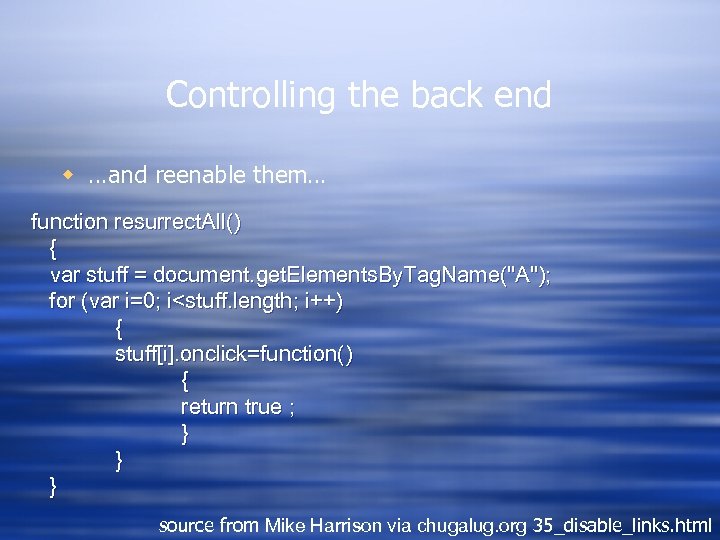
Controlling the back end w …and reenable them… function resurrect. All() { var stuff = document. get. Elements. By. Tag. Name("A"); for (var i=0; i<stuff. length; i++) { stuff[i]. onclick=function() { return true ; } } } source from Mike Harrison via chugalug. org 35_disable_links. html

Getting fancier w check out Nifty Corners Cube: http: //www. html. it/articoli/niftycube/index. ht ml w And zoom: http: //valid. tjp. hu/zoom/index_en. html
What else can you do? w Ant

Getting Started with Ajax w Jesse James Garrett coined the term, Asynchronous Javascript And XML w It's not a language or program, but rather an approach
Garrett's take on what Ajax is w Standards-based presentation using XHTML and CSS w Dynamic display and interaction using the Document Object Model w Data interchange and manipulation using XML and XSLT w Asynchronous data retrieval using XMLHttp. Request w And Java. Script binding everything together
What Ajax is not w An acronym w A monolith or unified technology (it is rather an approach based on a number of disparate technologies) w A standard (and it's not likely to become one, although it will influence standards, since it's really just an approach) w A product (although you can buy a lot of it these days --but most of that are really frameworks)
Ok, but what IS Ajax? w When you load a web page and then w Use the XMLHttp. Request object to get some more data, and then w Use Javascript to change some of the data on your web page (but not all of it, and not by reloading the page), then w What you're doing is Ajax
Ajax Model w Ajax inserts a chunk of code in the browser that handles server queries for small chunks of data used to update a document diagram from http: //www. adaptivepath. com/ideas/essays/archives/000385. php
But remember… w Javascript has no concept of I/O, nor can it access sockets w But Netscape/Mozilla and MS both worked out an object in the browser that can submit data requests via the web w In MS, this is done via Active. X, via the Microsoft. XMLHTTP object w In Gecko, it's the XMLHttp. Request() object, and that's what we'll play with
Objects and Events w Remember, Javascript and the DOM are OOP, so objects have properties, with values, and can receive messages, based on events, and send messages via methods w In most of the examples so far, the user is the one that causes an event to occur--eg. the nav buttons in the slideshow call functions based on an event initiated by a carbon unit w Other events don't require human interaction--these type of events are called "listeners"… w You can create your own listeners if you need to
XMLHttp. Request Object w An object that can load web resources from within javascript w So you create an instance of this object w Call the open method from that object with a url and a method to use (GET or POST) w It makes the HTTP request, and as it does so, one of it's properties cycles through the states of the HTTP request w You watch that, and when the request is complete, you can get the data that was retrieved
XMLHttp. Request Methods w abort() w get. All. Response. Headers() w get. Response. Header(header) w open(method, url): method is POST, GET, or PUT) w send(body): body is the content of a post…. w set. Request. Header(header, value)
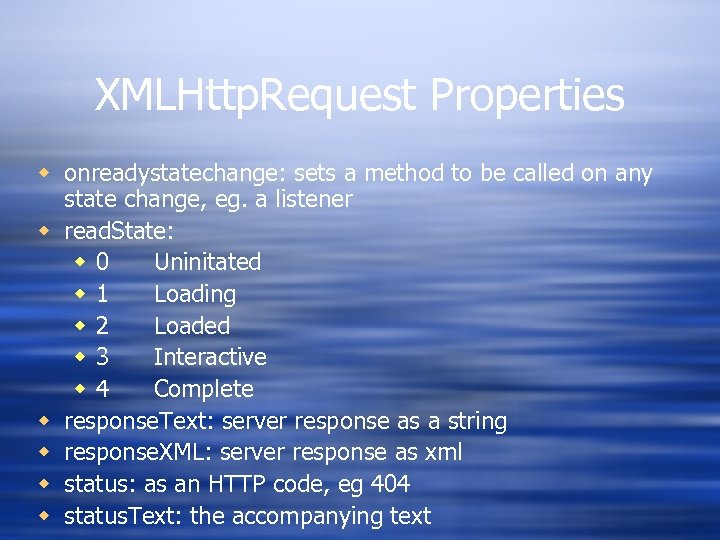
XMLHttp. Request Properties w onreadystatechange: sets a method to be called on any state change, eg. a listener w read. State: w 0 Uninitated w 1 Loading w 2 Loaded w 3 Interactive w 4 Complete w response. Text: server response as a string w response. XML: server response as xml w status: as an HTTP code, eg 404 w status. Text: the accompanying text
An Example…
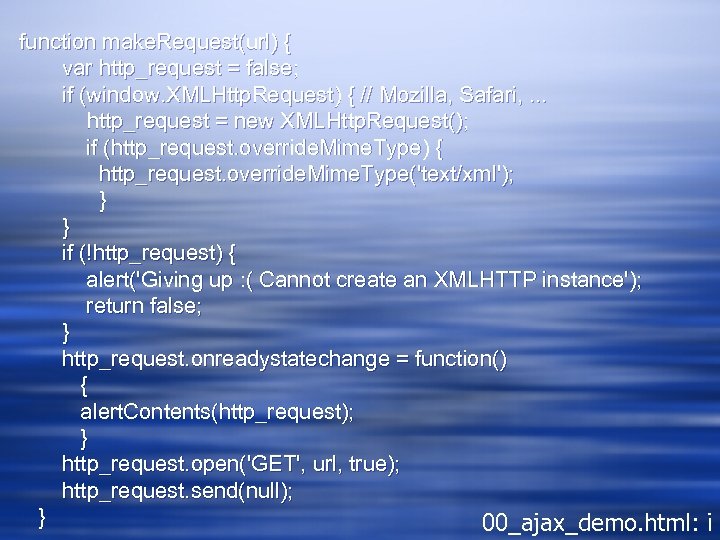
function make. Request(url) { var http_request = false; if (window. XMLHttp. Request) { // Mozilla, Safari, . . . http_request = new XMLHttp. Request(); if (http_request. override. Mime. Type) { http_request. override. Mime. Type('text/xml'); } } if (!http_request) { alert('Giving up : ( Cannot create an XMLHTTP instance'); return false; } http_request. onreadystatechange = function() { alert. Contents(http_request); } http_request. open('GET', url, true); http_request. send(null); } 00_ajax_demo. html: i
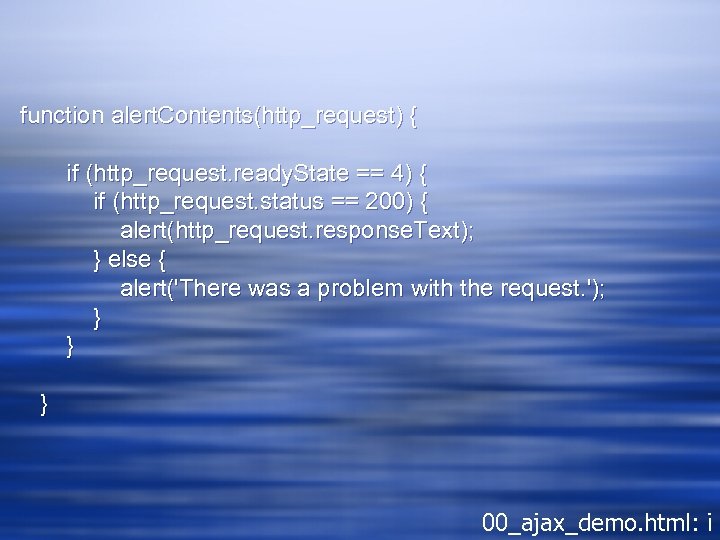
function alert. Contents(http_request) { if (http_request. ready. State == 4) { if (http_request. status == 200) { alert(http_request. response. Text); } else { alert('There was a problem with the request. '); } } } 00_ajax_demo. html: i
Security Concerns w At first, this kind of call wasn't restricted w But that meant that if one could inject javascript into a web page, eg. via a comment form, one could pull live data into a users brower, and thus escape the sandbox w So now, this method is generally restricted to the same named server…
Some Examples w 00_ajax_demo. html: in this one, I'm just pulling some data from the server, and stuffing the results into an alert

Jah and Ajah and Ahah: HA! w After Garret's coining of the term ajax, several people independently presented similar systems--this is to be expected, since XMLHttp. Request has been around a while w Most of these used the same basic approach to pull html or other data types than xml, or didn't use the dom specification
Jah w Jah is the work of Kevin Marks w Jah relies on two simple functions, one to open the request, and the other to change the data w Instead of manipulating the dom directly, jah uses the inner. HTML property to manipulate the page w See: http: //homepage. mac. com/kevinmarks/staticjah. html for an example (or the copy I've got in the lessons folder)
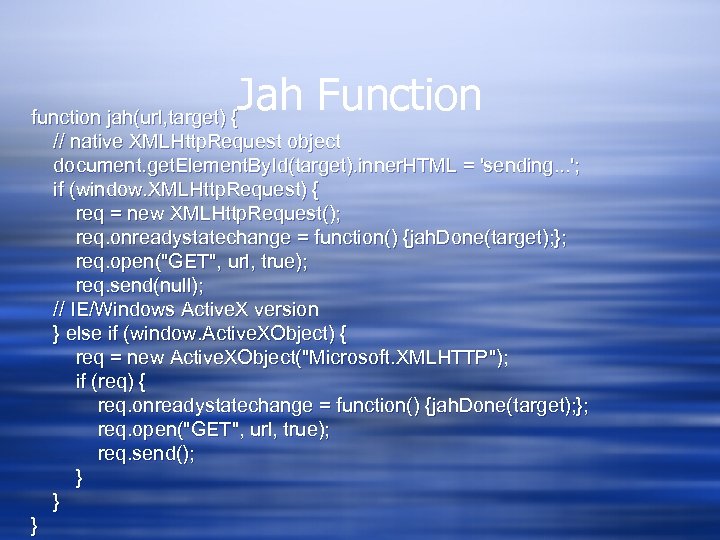
Jah Function function jah(url, target) { // native XMLHttp. Request object document. get. Element. By. Id(target). inner. HTML = 'sending. . . '; if (window. XMLHttp. Request) { req = new XMLHttp. Request(); req. onreadystatechange = function() {jah. Done(target); }; req. open("GET", url, true); req. send(null); // IE/Windows Active. X version } else if (window. Active. XObject) { req = new Active. XObject("Microsoft. XMLHTTP"); if (req) { req. onreadystatechange = function() {jah. Done(target); }; req. open("GET", url, true); req. send(); } } }
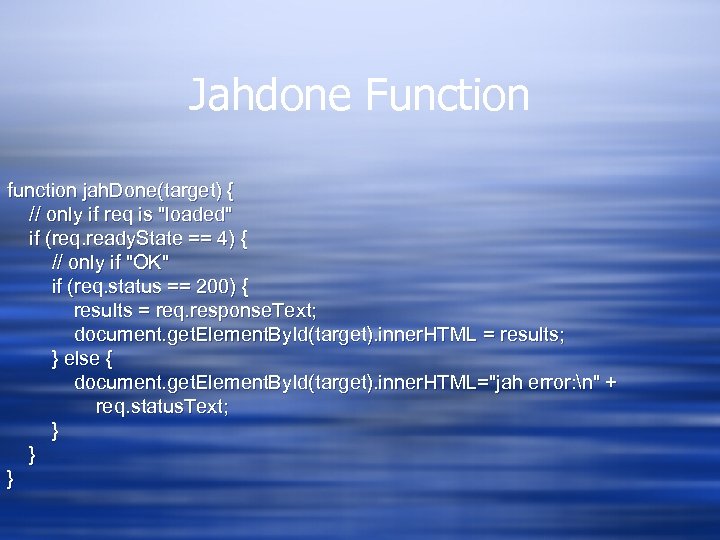
Jahdone Function function jah. Done(target) { // only if req is "loaded" if (req. ready. State == 4) { // only if "OK" if (req. status == 200) { results = req. response. Text; document. get. Element. By. Id(target). inner. HTML = results; } else { document. get. Element. By. Id(target). inner. HTML="jah error: n" + req. status. Text; } } }

Jah in Action
So how can we use this? w Make live insertions into a page via the DOM w We'll do more of this next week
Скачать презентацию Document Object Model Back to the DOM
850c674a1d6b94c7292f41c7f17d77a8.ppt