 Скачать презентацию Document Assembly How To Get Started Kate Bladow
b18e40c960fe8b6cfeea1d73d20e90f8.ppt
- Количество слайдов: 42



Document Assembly: How To Get Started Kate Bladow, Pro Bono Net Claudia Johnson, Pro Bono Net Rachel Medina, A 2 J Author
Agenda Overview Building a Program Introduction to Software Resources
Document Assembly Is. . . Document assembly software helps users answer questions and uses those answers to fill out forms, which can be printed or filed electronically. The advantages of document assembly include providing additional informational support to people who complete the forms, eliminating the repeated entry of information, and focusing a user on the information that they need to fill out the form. The process of filling out the forms also educates the litigants and advocates on what is relevant to the claim and what should therefore be presented in court.
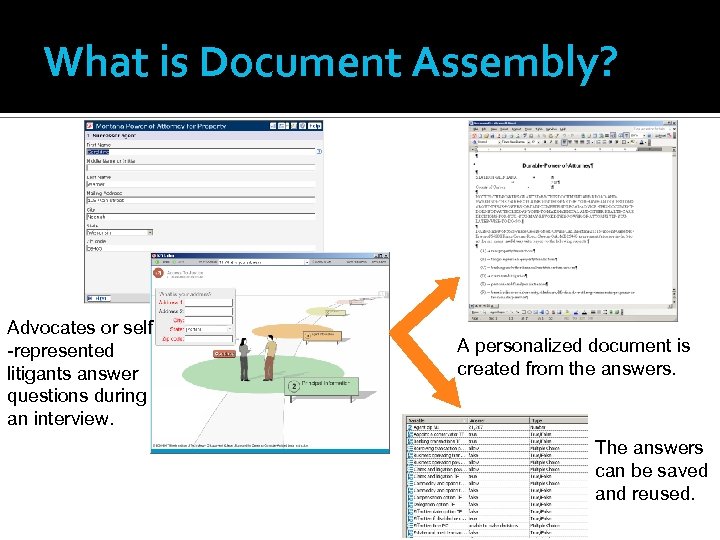
What is Document Assembly? Advocates or self -represented litigants answer questions during an interview. A personalized document is created from the answers. The answers can be saved and reused.
Document Assembly Examples
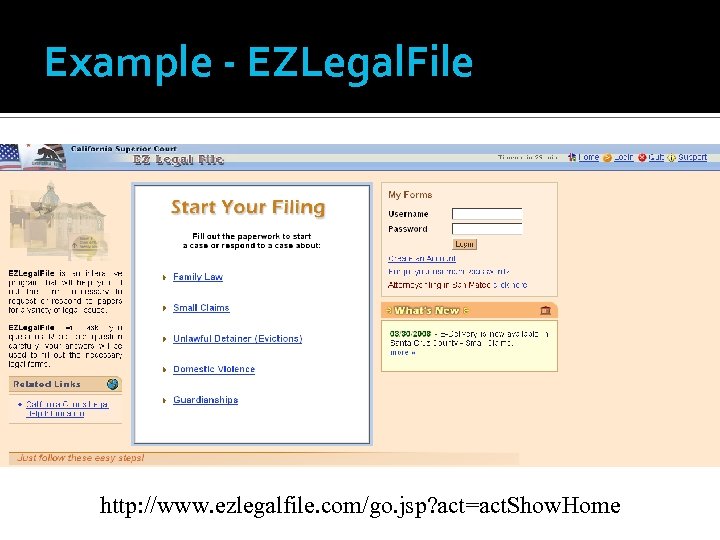
Example - EZLegal. File http: //www. ezlegalfile. com/go. jsp? act=act. Show. Home
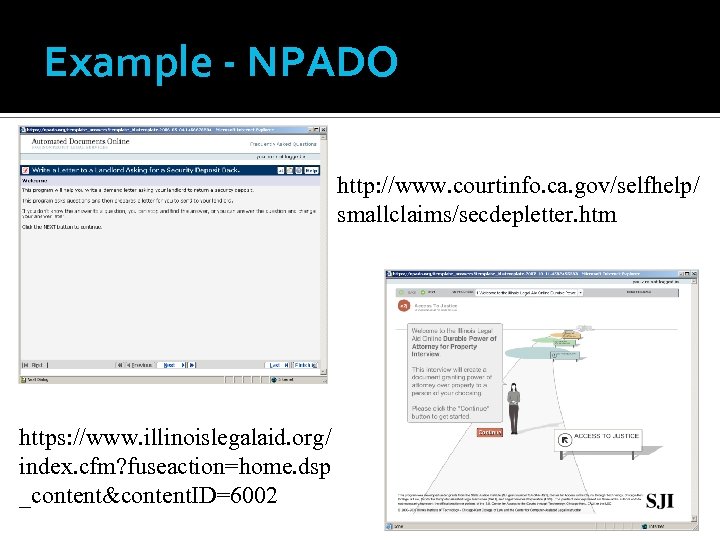
Example - NPADO http: //www. courtinfo. ca. gov/selfhelp/ smallclaims/secdepletter. htm https: //www. illinoislegalaid. org/ index. cfm? fuseaction=home. dsp _content&content. ID=6002
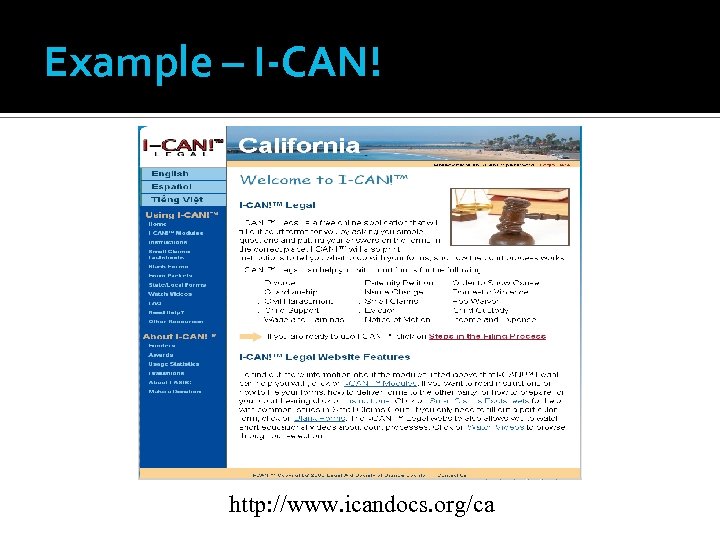
Example – I-CAN! http: //www. icandocs. org/ca
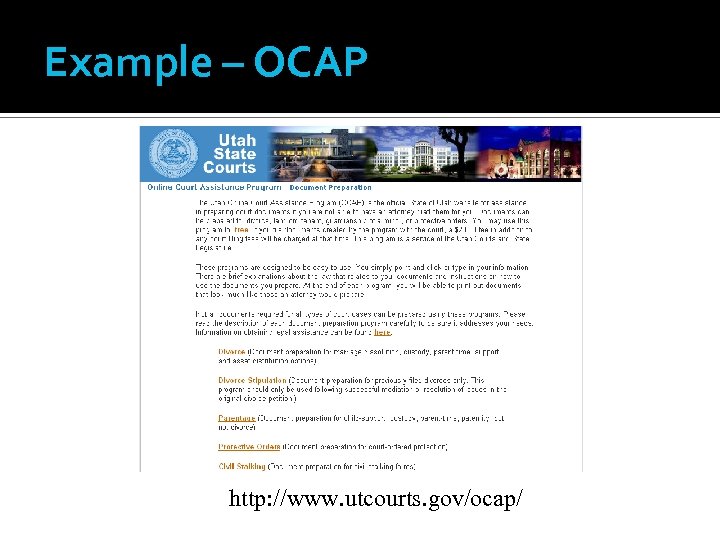
Example – OCAP http: //www. utcourts. gov/ocap/
Document Assembly’s Impact
Impact on Access Document assembly makes filling out forms easier gives meaningful guidance and information at convenient times and locations frees resources for who in need of more help
Impact on Effectiveness Document assembly generates forms that are correct, complete, and formatted according to court requirements improves the quality of staff and volunteer work boosts staff morale
Impact on Efficiency Document assembly reduces the amount of time needed to draft documents decreases processing time allows judges to handle more cases
Agenda Overview Building a Program Introduction to Software Resources
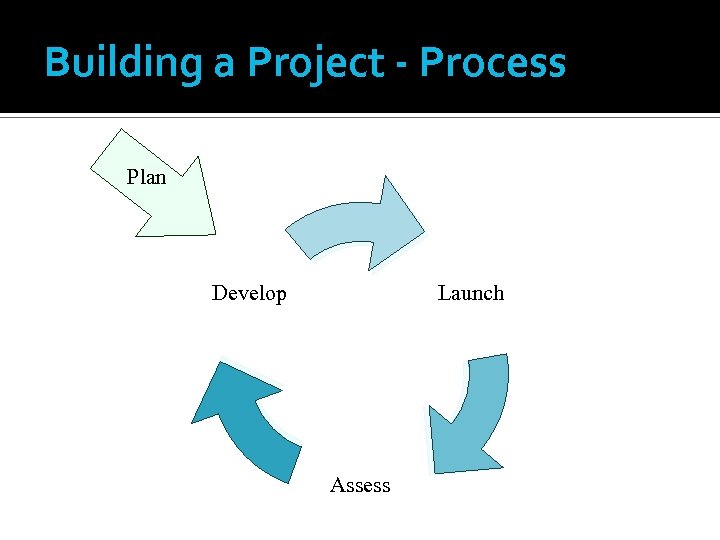
Building a Project - Process Plan Launch Develop Assess
Building a Program – Essentials Forms Support and Buy-In Project Manager
Partnerships: Why? Successful document assembly projects are done in partnership with: courts private bar client groups legal aid staff
Partners Can Help You With Getting everyone to agree on the form, use the form, and accept the form Testing the templates Outreach Evaluation Resource identification and sharing Tracking filed forms and outcomes
Partnering Communicate often—keep your partners appraised of development, including obstacles Gather feedback from partners at the beginning of project (baseline), during, and after the project is implemented When you create an outreach strategy, include your partners
First steps Identify the area of law and the form Bring in template developer in house outside contractor Test the template Post the template on website Test some more Post for the public/outreach
Time Considerations Be ready to change your time frame—allow room for the unexpected Be open to modify your outreach after implementation If you are incorporating court kiosks, start discussion of staffing and maintenance w/the courts early—before templates are posted
How Do You Get Started? “Just do it” After you have identified the person who will develop the template, carve out time for that person to work in Hot. Docs and A 2 J Author. Give them room to learn if beginners, or to create templates if advanced. Don’t delay after training
Evaluating the Program 1. Draft an evaluation plan. 2. Design and test data collection instruments. 3. Collect baseline data. 4. Collect additional data. 5. Analyze data and report findings. 6. Repeat steps 4 and 5.
Sustaining the Program Evaluation Partnerships Minimized Maintenance Creative Thinking
Agenda Overview Building a Program Introduction to Software Resources
Hot. Docs® & A 2 J Author ® Automate documents using Hot. Docs® & A 2 J Author ® Together they provide a solution for both advocateassisted and self-help document production Each presents its own set of benefits and limitations
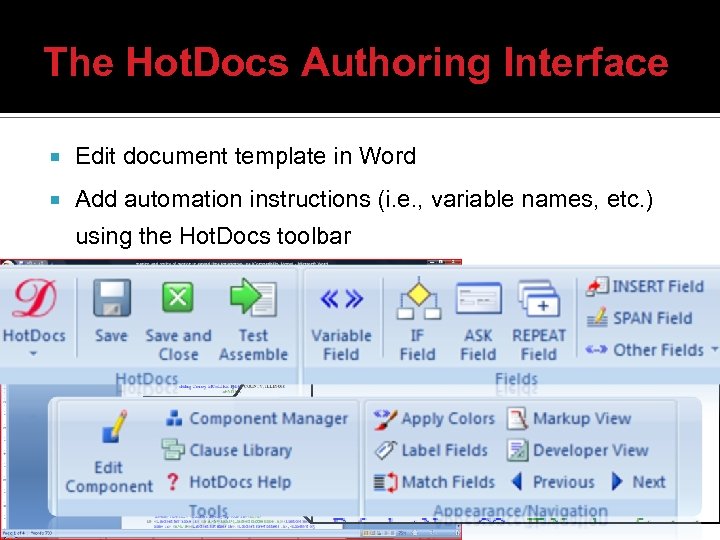
The Hot. Docs Authoring Interface Edit document template in Word Add automation instructions (i. e. , variable names, etc. ) using the Hot. Docs toolbar
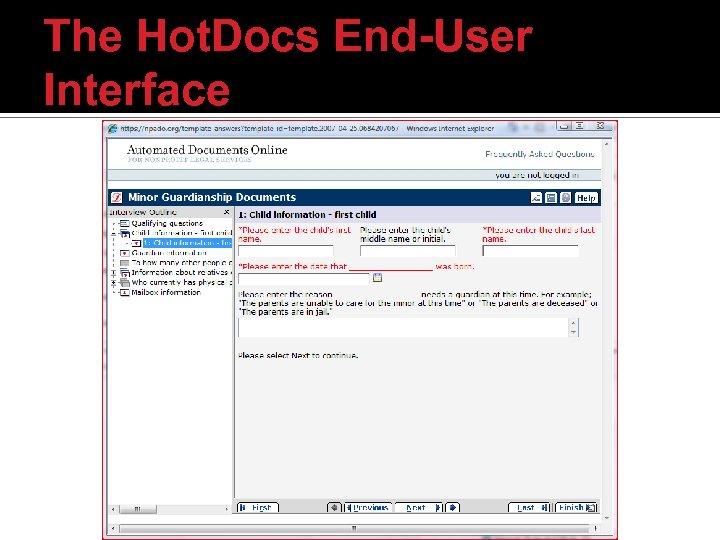
The Hot. Docs End-User Interface
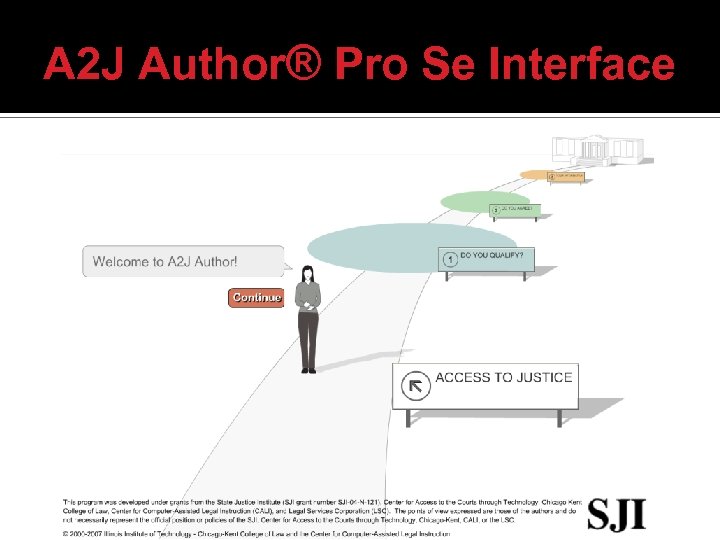
A 2 J Author® Pro Se Interface
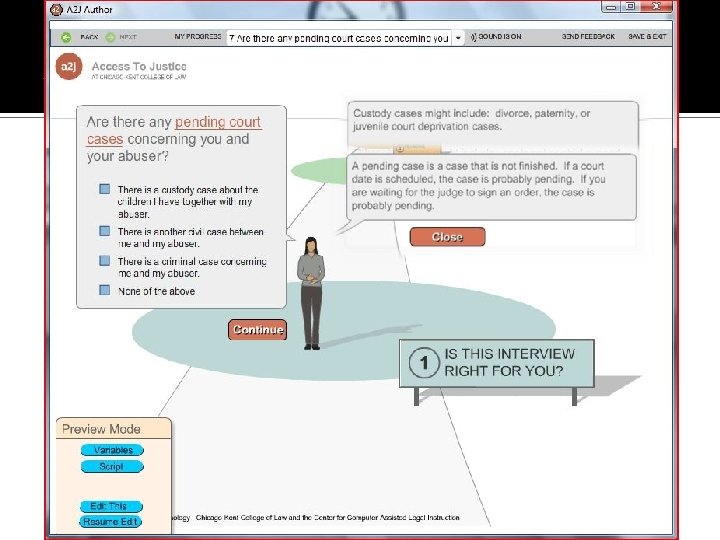
A 2 J Author® Pro Se Interface
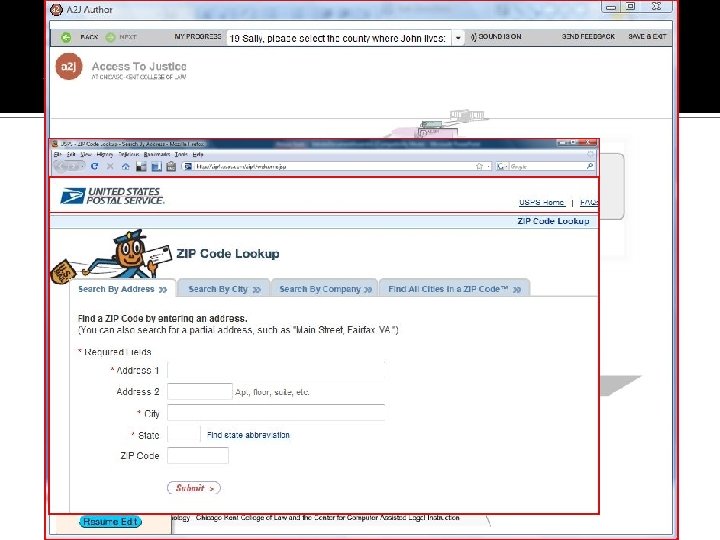
A 2 J Author® Pro Se Interface
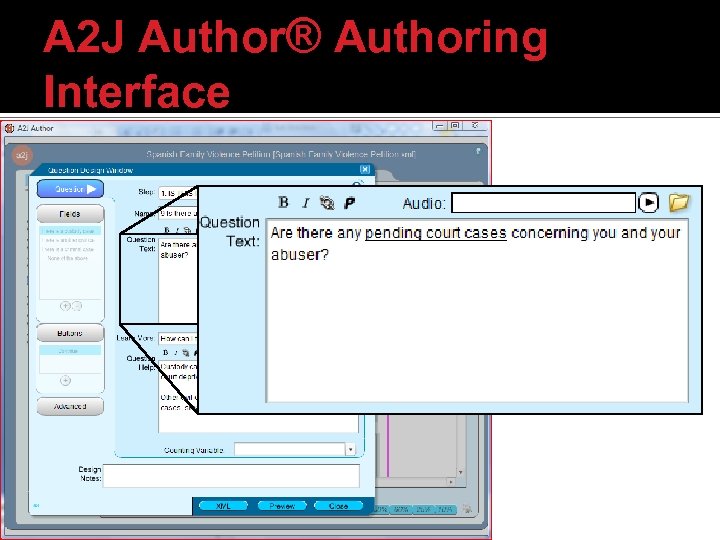
A 2 J Author® Authoring Interface
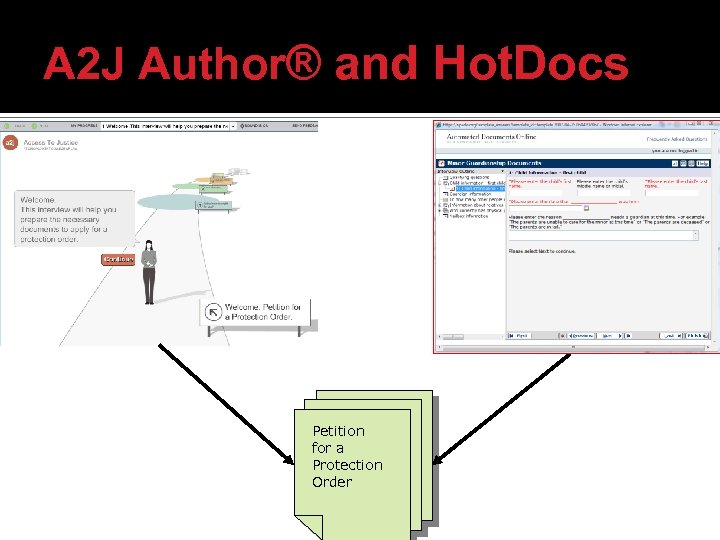
A 2 J Author® and Hot. Docs Petition for a Protection Order
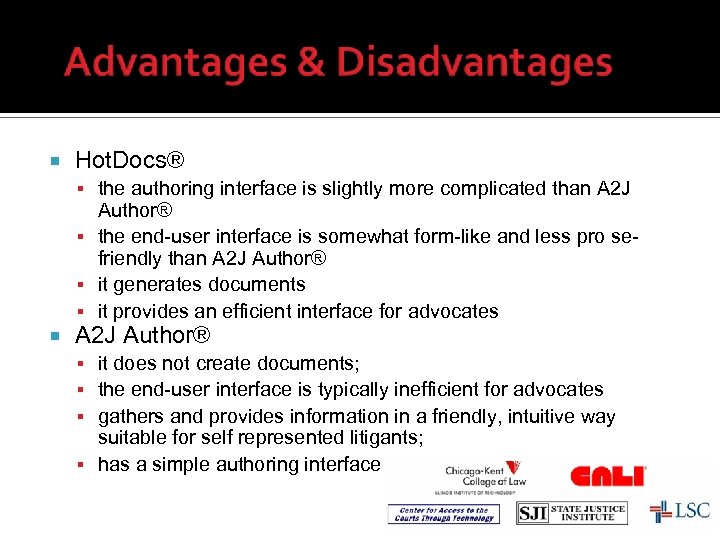
Hot. Docs® the authoring interface is slightly more complicated than A 2 J Author® the end-user interface is somewhat form-like and less pro sefriendly than A 2 J Author® it generates documents it provides an efficient interface for advocates A 2 J Author® it does not create documents; the end-user interface is typically inefficient for advocates gathers and provides information in a friendly, intuitive way suitable for self represented litigants; has a simple authoring interface
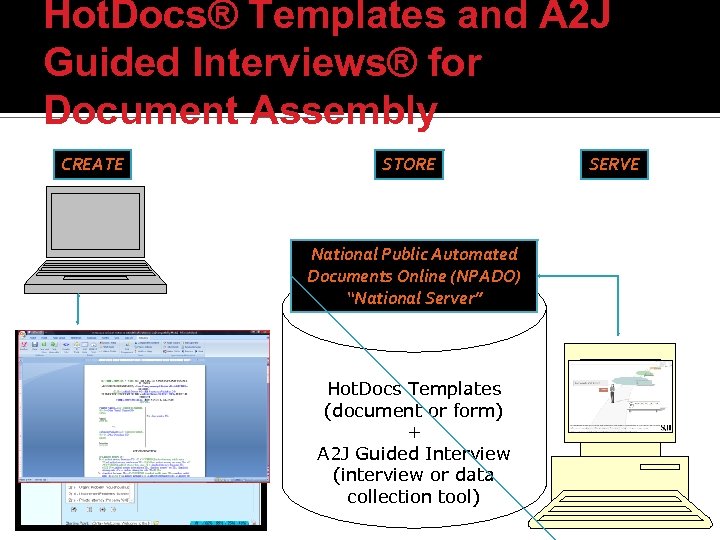
Hot. Docs® Templates and A 2 J Guided Interviews® for Document Assembly CREATE STORE National Public Automated Documents Online (NPADO) “National Server” Hot. Docs Templates (document or form) + A 2 J Guided Interview (interview or data collection tool) SERVE
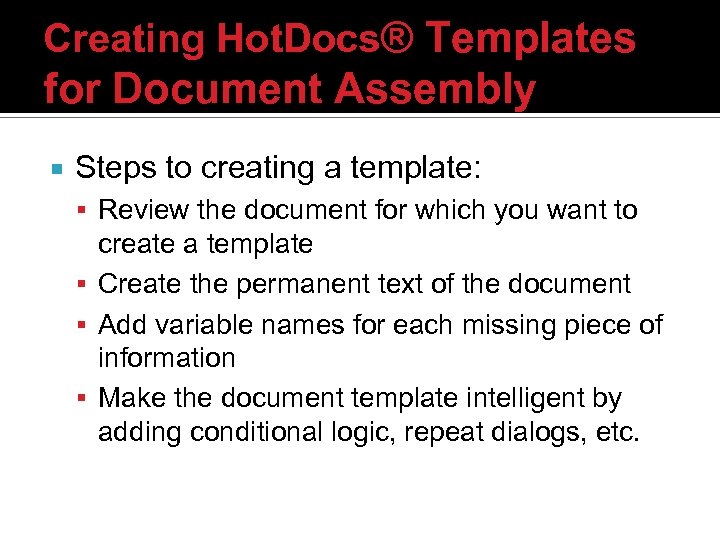
Creating Hot. Docs® Templates for Document Assembly Steps to creating a template: Review the document for which you want to create a template Create the permanent text of the document Add variable names for each missing piece of information Make the document template intelligent by adding conditional logic, repeat dialogs, etc.
Creating A 2 J Guided Interviews® for Document Assembly Create a Hot. Docs template or at least review the document for which you want to create an interview Create various variable names for each piece of data that should be collected Add questions to the interview Add fields to each question ▪ For each field define the appropriate variable name
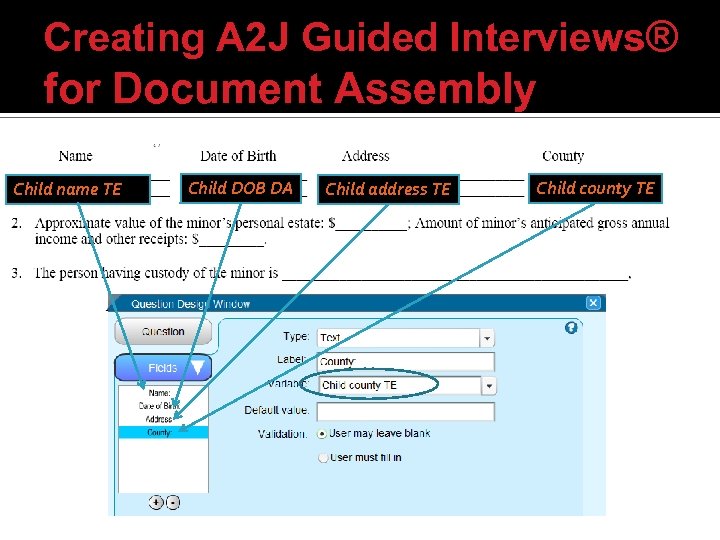
Creating A 2 J Guided Interviews® for Document Assembly Child name TE Child DOB DA Child address TE Child county TE
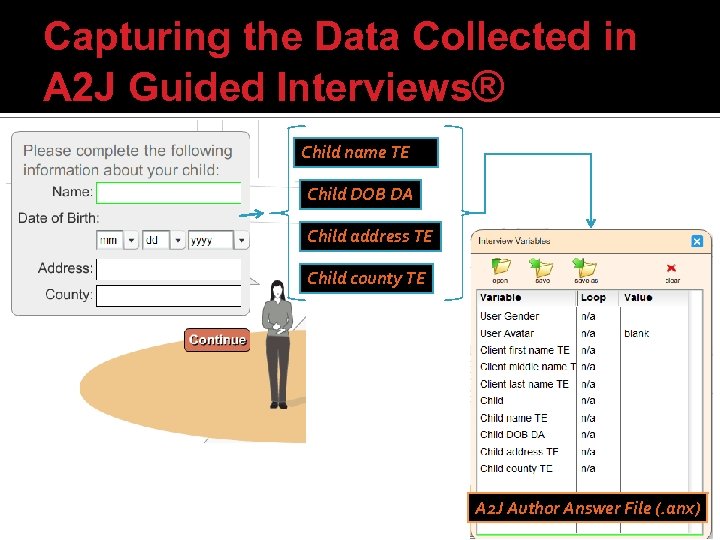
Capturing the Data Collected in A 2 J Guided Interviews® Child name TE Child DOB DA Child address TE Child county TE A 2 J Author Answer File (. anx)
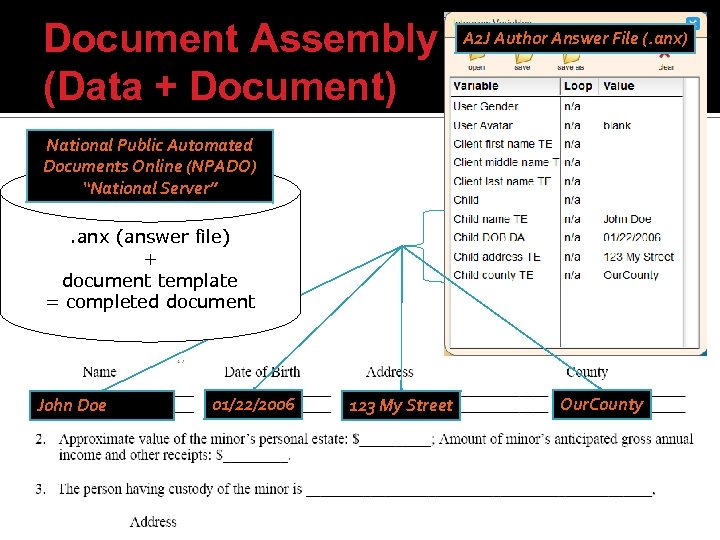
Document Assembly (Data + Document) A 2 J Author Answer File (. anx) National Public Automated Documents Online (NPADO) “National Server”. anx (answer file) + document template = completed document John Doe 01/22/2006 123 My Street Our. County
Agenda Overview Building a Program Introduction to Software Resources
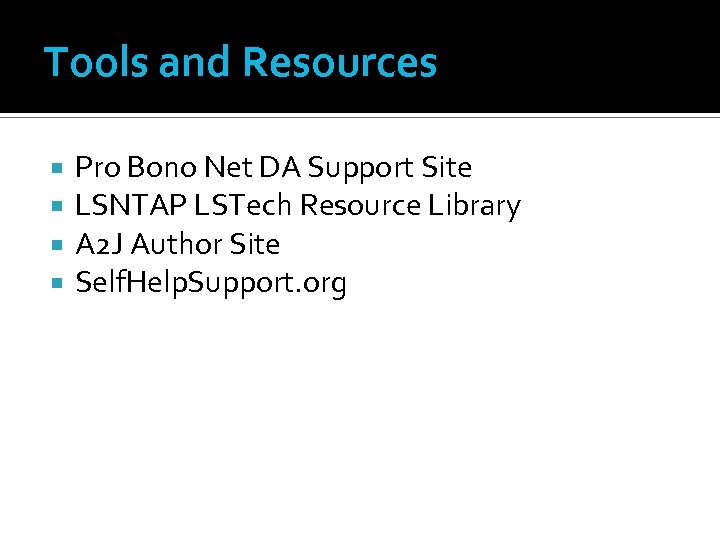
Tools and Resources Pro Bono Net DA Support Site LSNTAP LSTech Resource Library A 2 J Author Site Self. Help. Support. org
Скачать презентацию Document Assembly How To Get Started Kate Bladow
b18e40c960fe8b6cfeea1d73d20e90f8.ppt