 Скачать презентацию Do it yourself Building an Enterprise Class Surveillance
ccaee0aed087dc91168ef2e8e4702c56.ppt
- Количество слайдов: 32



Do it yourself: Building an Enterprise Class Surveillance System Joel Wilbanks Information Systems Director Craighead County Sheriff’s Department and Detention Center

Agenda • Why? • Budget • Timeline • Requirements • Construction • What’s Next? • Advice • Question
Why build surveillance • Safety of all occupants is the primary goal of a detention facility. • It serves as an unbiased witness to all events so that justice can better be served
Why did we do it in-house • Knowledge that the requirements were grater then our funding • If the cost was not within our budget then the project would have been halted
Building it ourselves Advantages: • Our timetable • We understand our needs better then anyone • 24/7/365 support is inherent • We have total control
Built by a vendor Disadvantages: • Would not have used Pelco: – Less scalability – Disparate control and integration • Would not have been installed the way we wanted it. • Security concerns • Additional cost
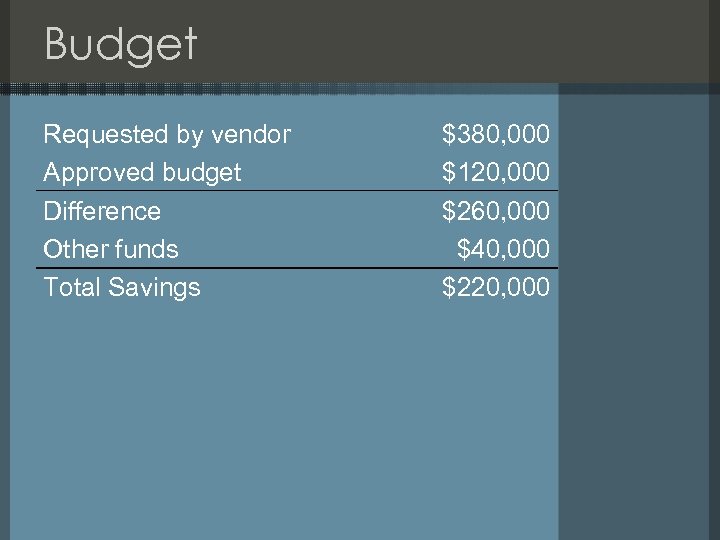
Budget Requested by vendor Approved budget Difference Other funds Total Savings $380, 000 $120, 000 $260, 000 $40, 000 $220, 000
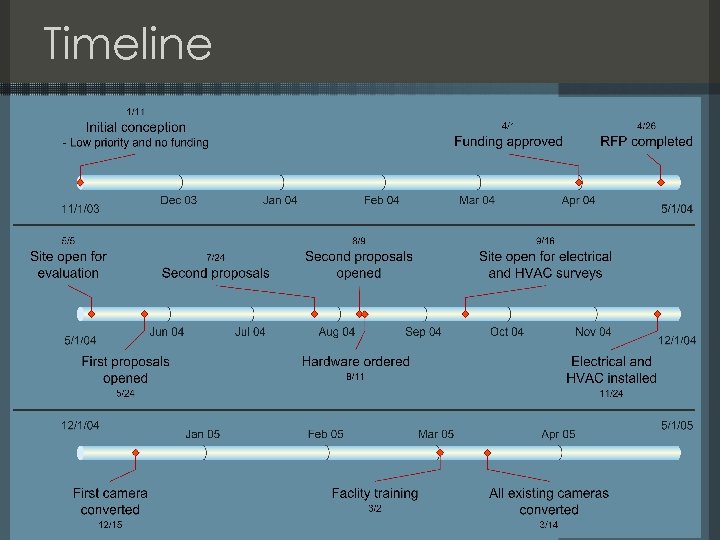
Timeline
Requirements • Replacement of all coax cable with CAT 5 e to a central location • Central primary control – Department based control – Independent from recording system • Remote computer control – Web, desktop, PDA • Digital Video Recorder – Appliance based – Audio recording • Extreme Upgradeability • High availability (24 x 7)
CCTV vs. IP • Why was an IP solution not considered? – At the time IP was in it’s infancy and did not offer the scalability required on our budget – Reuse of current hardware • But the integration and migration to an IP solution was planned
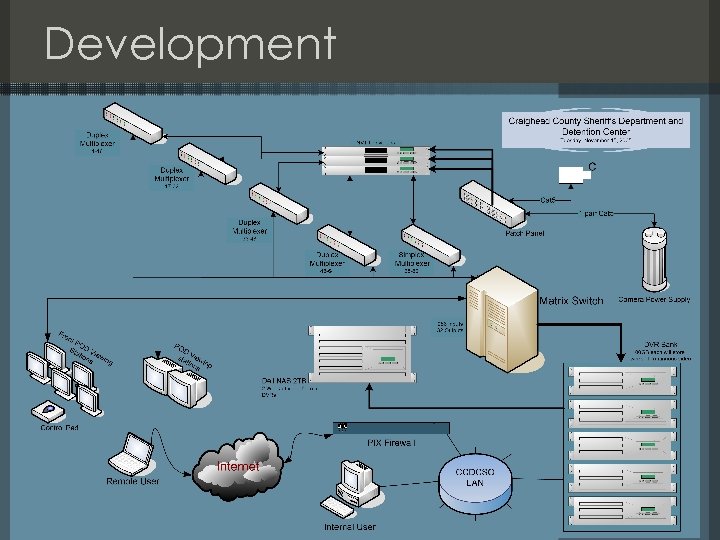
Development
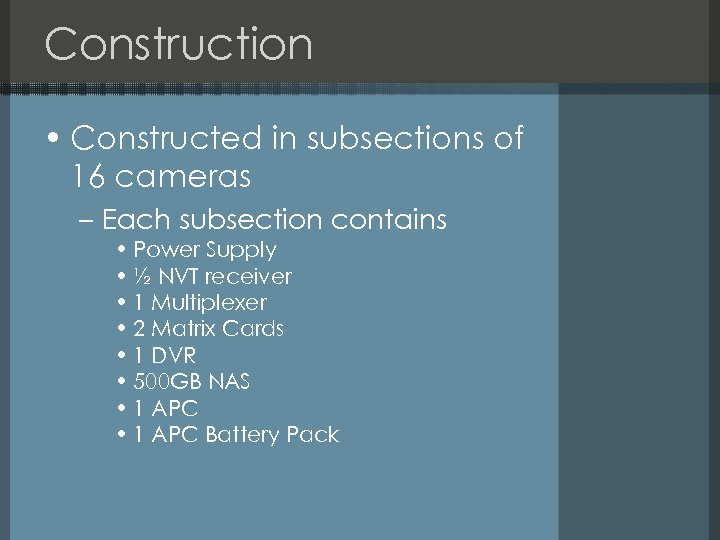
Construction • Constructed in subsections of 16 cameras – Each subsection contains • Power Supply • ½ NVT receiver • 1 Multiplexer • 2 Matrix Cards • 1 DVR • 500 GB NAS • 1 APC Battery Pack
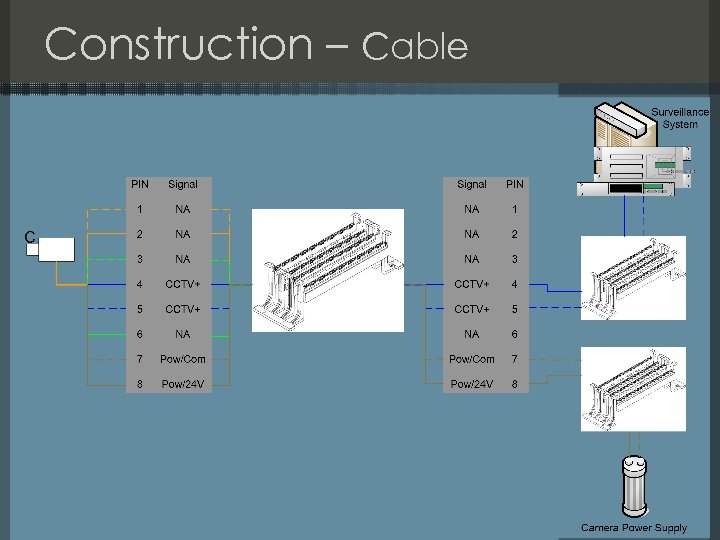
Construction – Cable
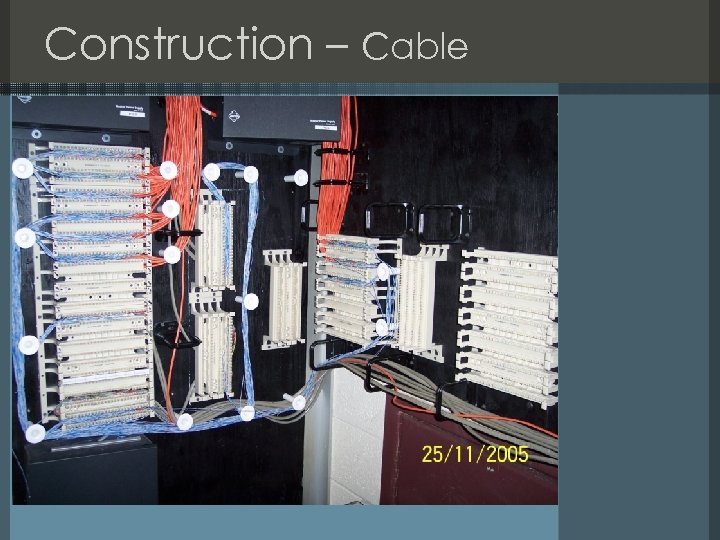
Construction – Cable
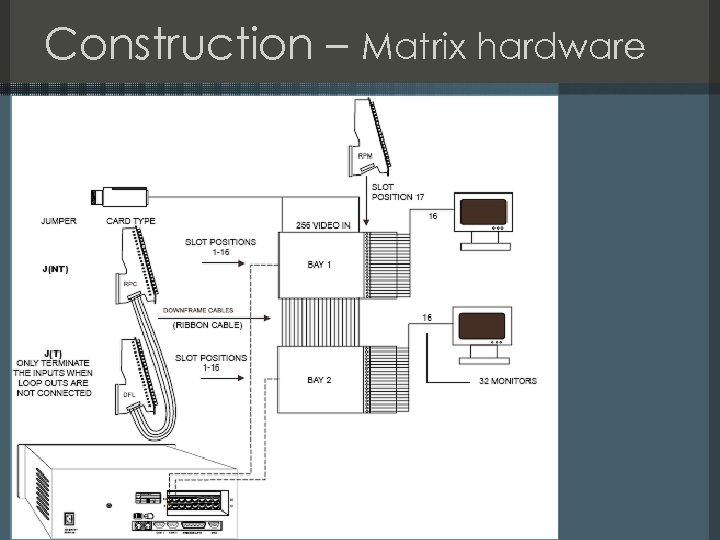
Construction – Matrix hardware
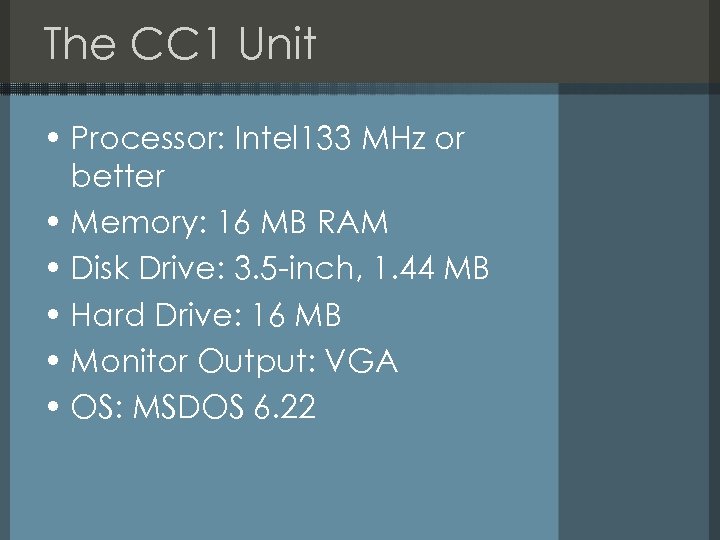
The CC 1 Unit • Processor: Intel 133 MHz or better • Memory: 16 MB RAM • Disk Drive: 3. 5 -inch, 1. 44 MB • Hard Drive: 16 MB • Monitor Output: VGA • OS: MSDOS 6. 22
Construction – Matrix Software • Serial RS-232 connection to a Windows PC • Has it’s own config application • Very extensive features – PIN access control – Micros – Internal auditing – Get the PDF on Pelco’s website
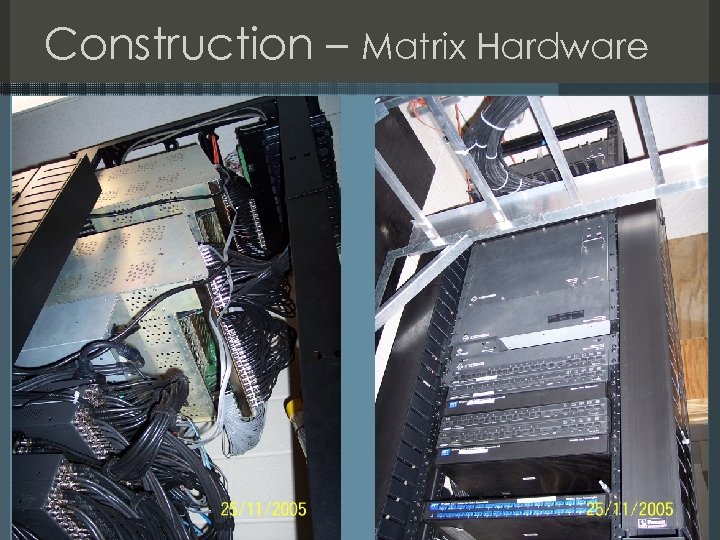
Construction – Matrix Hardware
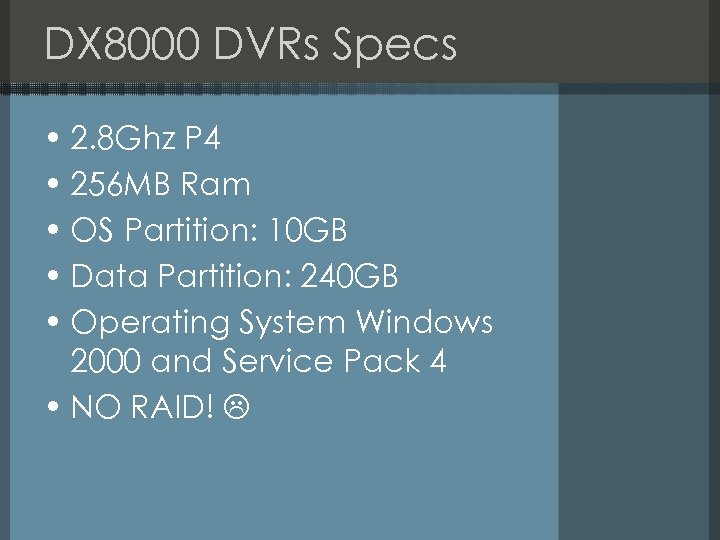
DX 8000 DVRs Specs • 2. 8 Ghz P 4 • 256 MB Ram • OS Partition: 10 GB • Data Partition: 240 GB • Operating System Windows 2000 and Service Pack 4 • NO RAID!
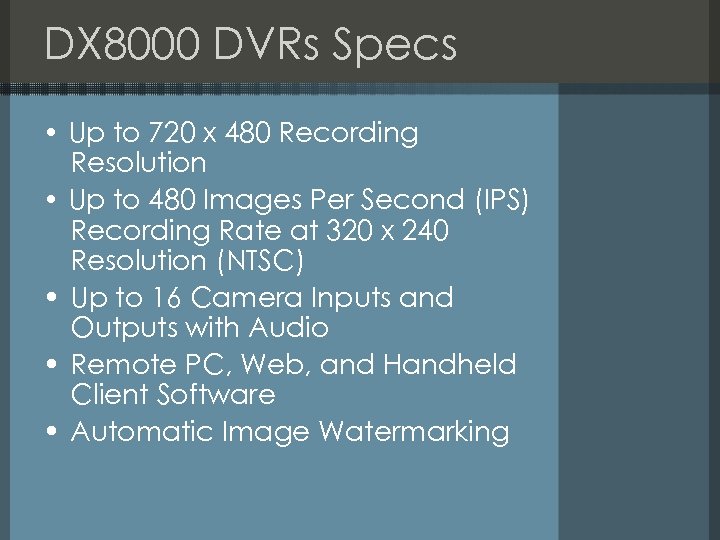
DX 8000 DVRs Specs • Up to 720 x 480 Recording Resolution • Up to 480 Images Per Second (IPS) Recording Rate at 320 x 240 Resolution (NTSC) • Up to 16 Camera Inputs and Outputs with Audio • Remote PC, Web, and Handheld Client Software • Automatic Image Watermarking
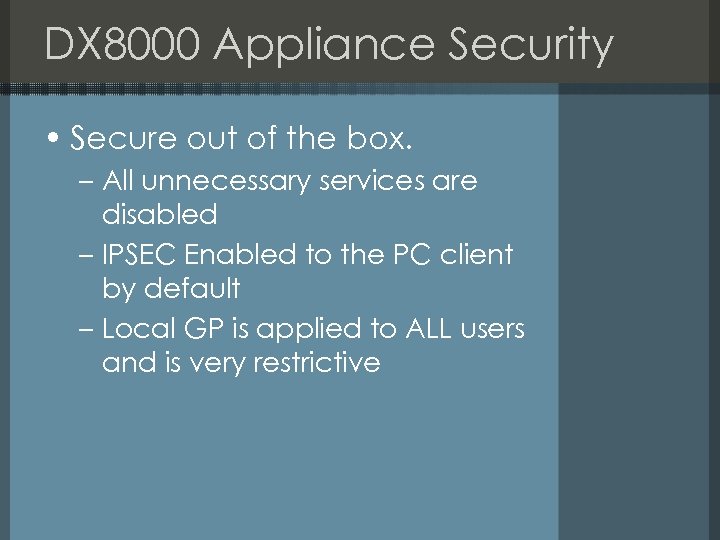
DX 8000 Appliance Security • Secure out of the box. – All unnecessary services are disabled – IPSEC Enabled to the PC client by default – Local GP is applied to ALL users and is very restrictive
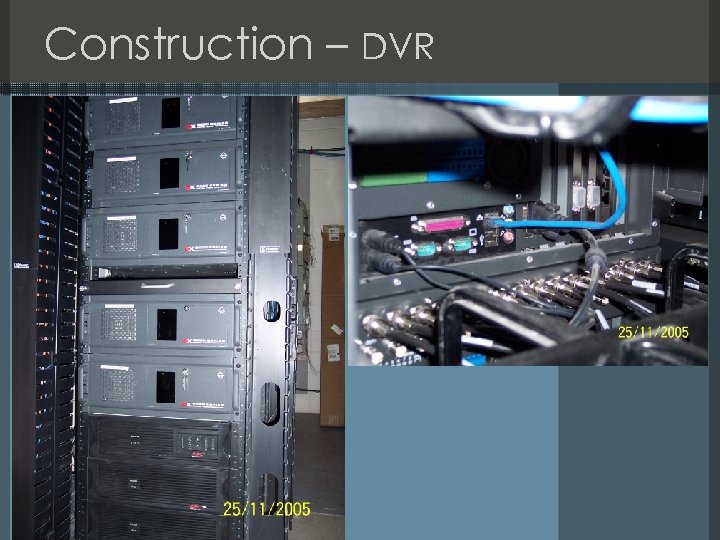
Construction – DVR
Demo of DVR software Live Demo
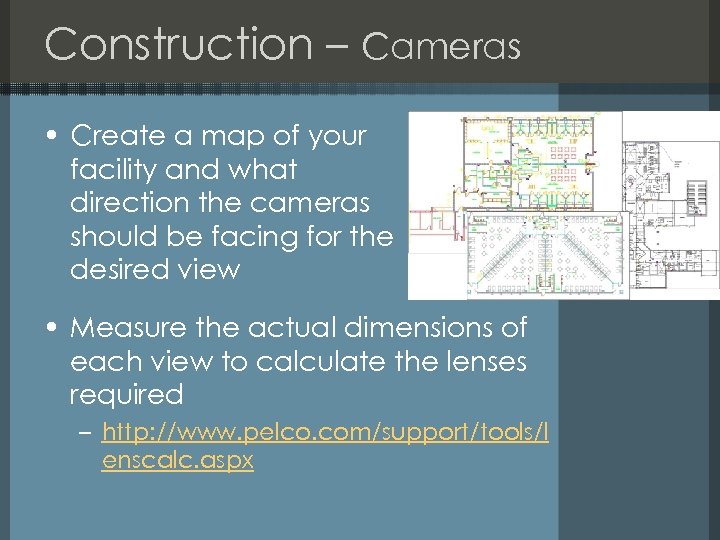
Construction – Cameras • Create a map of your facility and what direction the cameras should be facing for the desired view • Measure the actual dimensions of each view to calculate the lenses required – http: //www. pelco. com/support/tools/l enscalc. aspx
Cameras • Pan, Tilt, Zoom (PTZ) – 4 programmable patterns with 8 zones within the camera – 23 x optical and 10 x digital zoom – Window Blanking • Stationary – Explosion proof enclosures – High resolution
System resilience • Power failure – All circuits are wired to the onsite generator – Network, clients, and surveillance system have battery backup for a max of 2 hrs • Device failure – If the matrix hardware fails then the DVRs will still record • 6 Weeks of archived video (~2. 4 TB)

Pelco support • 100% satisfaction guaranteed! • Less then 1 min on hold at anytime for any product without a contract • The most helpful and knowledgeable support I have ever had the pleasure of receiving
What’s Next? • Convergence of CCTV and IP technologies – Allows for the monitoring of remote substations across the county • Addition of night vision PTZ cameras on the perimeter with 1 strand fiber • Implementation of a microcontroller for emergency recording • Addition of 2 subsections for a total of 122 cameras
Advice • Clear about 4 months off your calendar if you are ambitious enough to do this by yourself • Use 3 part crimp-on BNC connectors for your jumper cables (~$2 ea. ) • Use a uniform color for your cabling • Make sure the shipper closed the door to his truck • Use patch panels with punch down blocks
Products Used • NVT – www. nvt. com • Pelco – www. pleco. com • Panduit • Tatung • • • AIM Electronics APC Cisco Dell CIP Ø You can find both RFPs at: – http: //www. craigheadso. org/Procure ment/procurement. php Ø Special thanks to Bluff City Electronics – http: //www. bluffcityelectronics. com/

Questions
Links Contact jwilbanks@craigheadso. org First RFP: http: //www. craigheadso. org/Procurement/ Completed RFP. zip Second RFP: http: //www. craigheadso. org/Procurement/ Updated New Bid (August). zip Notes: http: //www. craigheadso. org/shmoocon 2/ notes. doc
Скачать презентацию Do it yourself Building an Enterprise Class Surveillance
ccaee0aed087dc91168ef2e8e4702c56.ppt