 Скачать презентацию DISTRIBUTED AND HIGH-PERFORMANCE COMPUTING Chapter 9 Distributed
d956426006b2bd021c7332abccb16961.ppt
- Количество слайдов: 40



DISTRIBUTED AND HIGH-PERFORMANCE COMPUTING Chapter 9 : Distributed Computing
Outline for Distributed Computing n Will discuss some practical aspects of designing and implementing distributed systems. n Address distributed and concurrent programming on loosely coupled systems. n Main concept is distributed services – these can be anything from standard services (e. g. file serving, mail, printing) to specialised HPC applications. n Focus on client/server model of computation; distributed file stores; performance aspects of distributed computing. n Software architecture; OS support. n Redundancy and fault tolerance.
Outline for Distributed Computing n Then a more detailed look at a few interesting issues in distributed computing, including issues of distributed time and communications protocols. n Distributed applications on local area networks (LAN) are common; medium/metropolitan area networks (MAN) becoming fairly common; wide area networks (WAN) (e. g. between cities or international) still a research area but becoming more common.
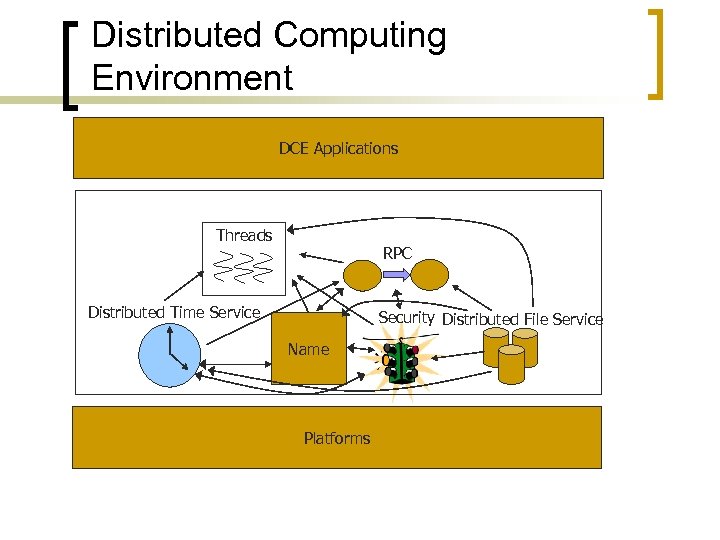
Distributed Computing Environment DCE Applications Threads RPC Distributed Time Service Security Distributed File Service Name Platforms
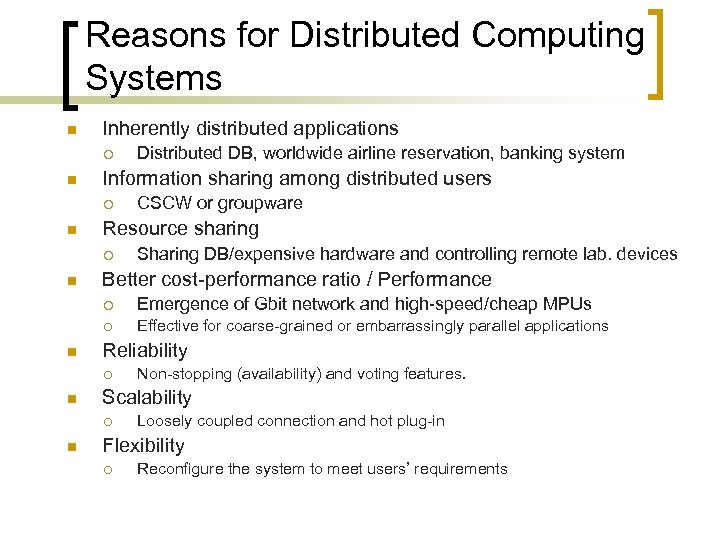
Reasons for Distributed Computing Systems n Inherently distributed applications ¡ n Information sharing among distributed users ¡ n CSCW or groupware Resource sharing ¡ n Distributed DB, worldwide airline reservation, banking system Sharing DB/expensive hardware and controlling remote lab. devices Better cost-performance ratio / Performance ¡ ¡ n Emergence of Gbit network and high-speed/cheap MPUs Effective for coarse-grained or embarrassingly parallel applications Reliability ¡ n Scalability ¡ n Non-stopping (availability) and voting features. Loosely coupled connection and hot plug-in Flexibility ¡ Reconfigure the system to meet users’ requirements
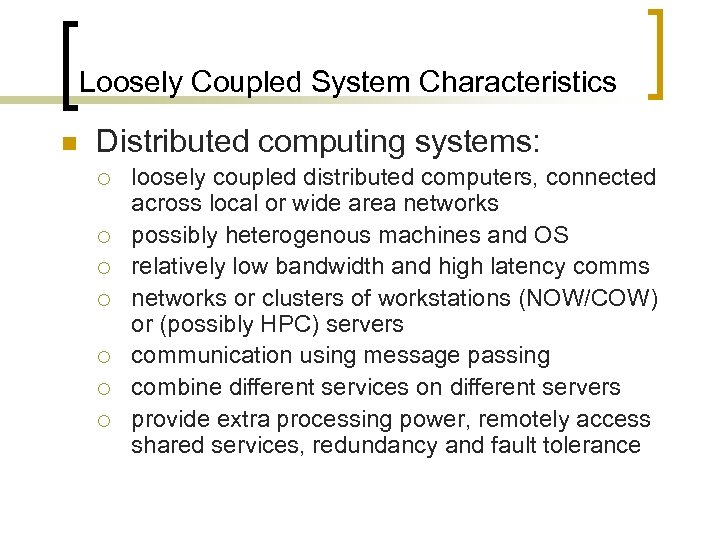
Loosely Coupled System Characteristics n Distributed computing systems: ¡ ¡ ¡ ¡ loosely coupled distributed computers, connected across local or wide area networks possibly heterogenous machines and OS relatively low bandwidth and high latency comms networks or clusters of workstations (NOW/COW) or (possibly HPC) servers communication using message passing combine different services on different servers provide extra processing power, remotely access shared services, redundancy and fault tolerance
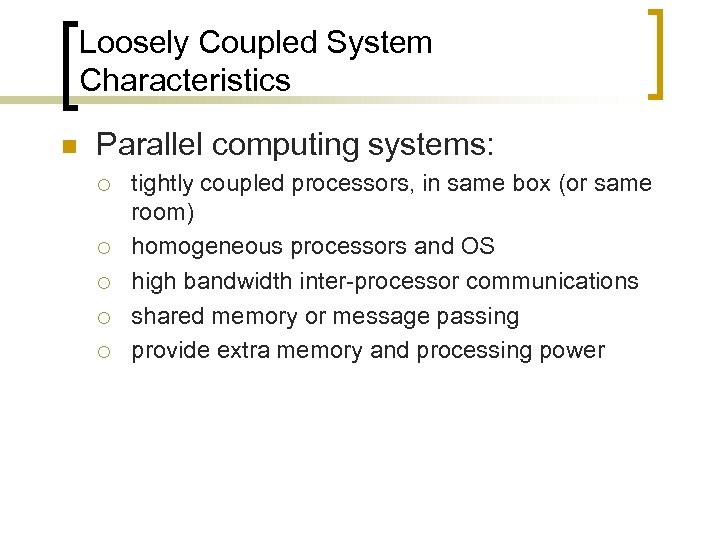
Loosely Coupled System Characteristics n Parallel computing systems: ¡ ¡ ¡ tightly coupled processors, in same box (or same room) homogeneous processors and OS high bandwidth inter-processor communications shared memory or message passing provide extra memory and processing power
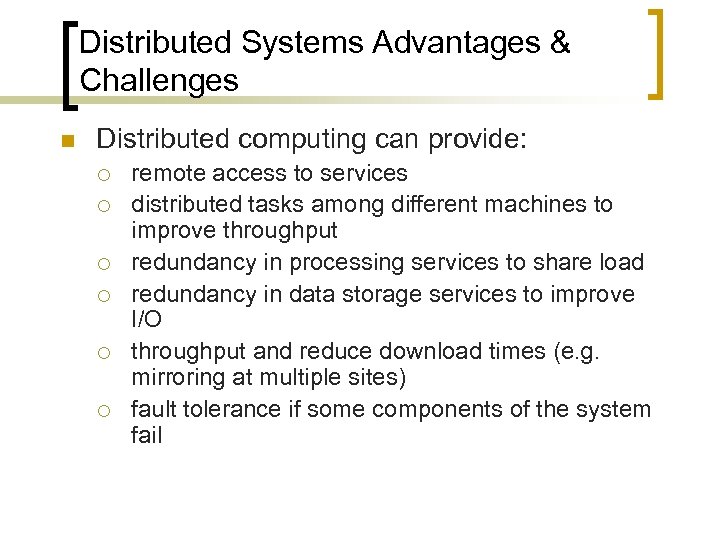
Distributed Systems Advantages & Challenges n Distributed computing can provide: ¡ ¡ ¡ remote access to services distributed tasks among different machines to improve throughput redundancy in processing services to share load redundancy in data storage services to improve I/O throughput and reduce download times (e. g. mirroring at multiple sites) fault tolerance if some components of the system fail
Distributed Systems Advantages & Challenges n NOW easily upgraded - just buy more machines. n Modern OS like Unix or NT allows fairly easy construction of a basic NOW. n Distributed computing not so simple for legacy applications. n Transparent distribution still a research area. n Various issues still problematic – reliability, fault tolerance, scheduling of processes, process monitoring, security and authentication. n Achieving performance non-trivial – high communications overhead; load balancing often hard.
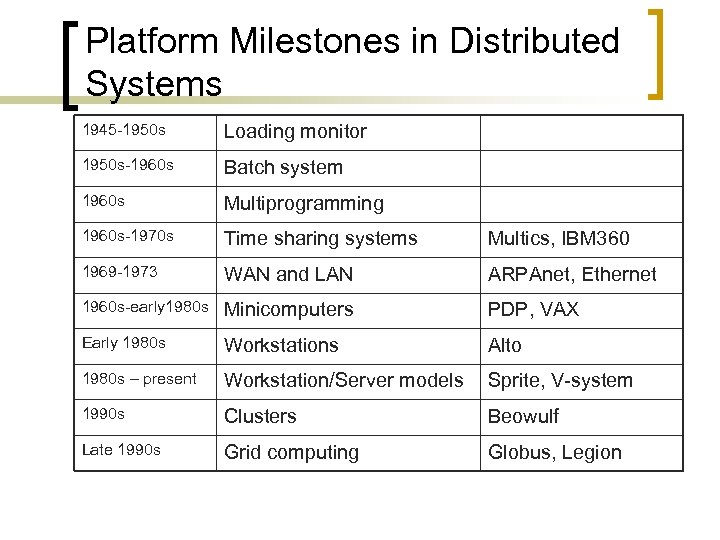
Platform Milestones in Distributed Systems 1945 -1950 s Loading monitor 1950 s-1960 s Batch system 1960 s Multiprogramming 1960 s-1970 s Time sharing systems Multics, IBM 360 1969 -1973 WAN and LAN ARPAnet, Ethernet 1960 s-early 1980 s Minicomputers PDP, VAX Early 1980 s Workstations Alto 1980 s – present Workstation/Server models Sprite, V-system 1990 s Clusters Beowulf Late 1990 s Grid computing Globus, Legion
Historical perspective n Work in distributed systems started with workstations n Cheap microprocessors and workstations/PCs, modern OS (Unix and NT), and rise of LANs (e. g. Ethernet) led to replacement of mainframe model by distributed network of workstations n Ideas from Xerox Palo Alto in early 1980’s n Idle cycles on workstations could be exploited via shared file system – any process can run on any available system n Significant complications for the file system – concurrency control problems n XDFS first implemented on Xerox D Series W/S
Historical perspective n Unique network wide file identifiers (integers) allow retrieval of files from anywhere on network n Mapping from human readable name to FID by directory server (itself a distributed application) n System was transparent, but slow and fault intolerant n Sun took core functionality of XDFS into NFS (1987) n NFS evolved into de facto standard, fairly robust, efficient and transparent n Very wide area transparent file store still a research area (Web. FS, Globus, DWor. FS, etc)
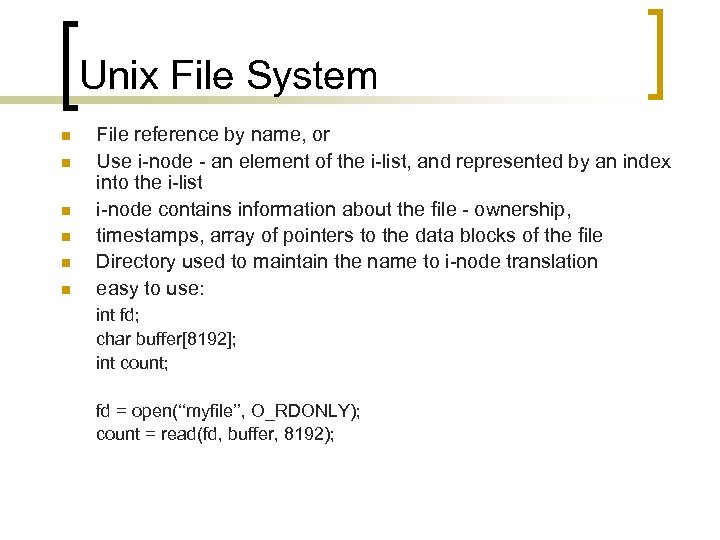
Unix File System n n n File reference by name, or Use i-node - an element of the i-list, and represented by an index into the i-list i-node contains information about the file - ownership, timestamps, array of pointers to the data blocks of the file Directory used to maintain the name to i-node translation easy to use: int fd; char buffer[8192]; int count; fd = open(‘‘myfile’’, O_RDONLY); count = read(fd, buffer, 8192);
Unix File System n n open system call does name to i-node translation Users manipulate file descriptors which refer to i-nodes For transparency, above code must also work for NFS mounted file Need to preserve the Unix filesystem semantics (same paradigm) (an inode is a data structure on a traditional Unix-style file system such as UFS. An inode stores basic information about a regular file, directory, or other file system object. )
NFS Layers n For NFS implementation, new representation – v-nodes n v-node triple: (computer-ID, FS number, i-node) n Also allows support foreign (i. e. non Unix) file systems n Client/server model used to communicate across network n Allows NFS to look like normal Unix file system to applications n NFS is stateless - no server retains information about clients
NFS Layers n If client crashes, no effect on server n If server crashes, client blocks until server returns n Client computations delayed but not damaged (blocking communications) n Stateless costs some performance n NFS optimized for transferring lots of small blocks, so not optimal for bulk data transfer (e. g. in HPC applications), some research work is addressing this problem
NFS Problems n Consequence of statelessness is lack of file locking n Normal Unix allows files to be locked for reading/writing n In normal Unix kernel, file blocks are cached in kernel n NFS speeds up operations by caching at both client and server ends n This creates problems - clients may have inconsistent view of data n Client reads from its own cache n Some other client may have modified that part of the file already, i. e. file has been changed on server
NFS Problems n NFS approach is to request new copy if data is more than some number of seconds old (3 sec) n This is costly and not very effective n No locking means writes must be synchronous, so write operations complete only when server has written data n Writes are therefore much slower than reads (which can be from cache ) n NFS addresses problem as best as possible given the constraints - so we still use it.
Architecture Models n Three basic architectural models for distributed systems: ¡ ¡ ¡ workstations/servers model; processor pool (thin client) model; integrated model.
Workstation Model n Each user has a workstation n Application programs run on the workstation n Specialised servers perform designated services (e. g. file, directory, authentication, news, printing, gateway, mail, specialist processing) n Workstations integrated by sharing common set of resources and common interface n Usually user ID is unique across whole network of W/S and any user may use any W/S n System wide filestore is mandatory
Workstation Model n Some W/S may in addition have private filestores – must be exported to allow transparent access from other machines n User can also run application programs remotely on other workstations n Cluster Management Systems (CMS) allow user to submit jobs transparently to the NOW, rather than have to manually choose a specific machine to run on n CMS handles resource allocation, scheduling, queueing
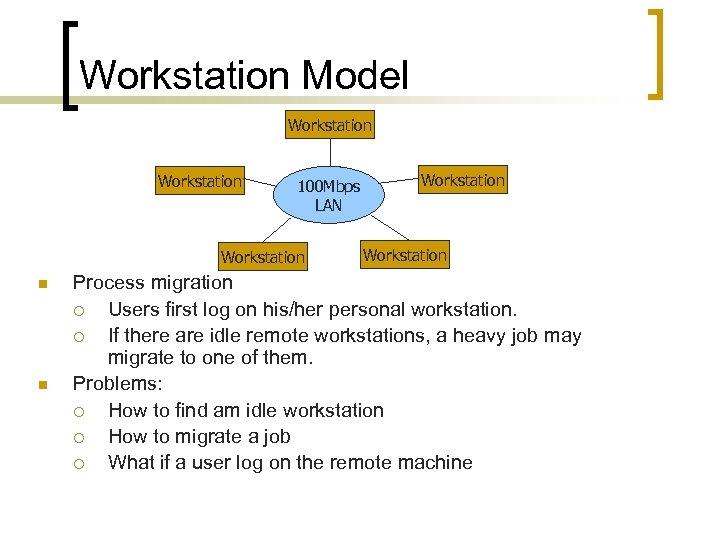
Workstation Model Workstation 100 Mbps LAN Workstation n n Workstation Process migration ¡ Users first log on his/her personal workstation. ¡ If there are idle remote workstations, a heavy job may migrate to one of them. Problems: ¡ How to find am idle workstation ¡ How to migrate a job ¡ What if a user log on the remote machine
Processor Pool Model n Collection of terminals for access to the system n Pool of processors which run user tasks – can be distributed memory cluster or shared memory SMP server n Other servers (e. g. fileservers) n Model more common now with advent of X-Terminals, Sun. Rays, thin clients, network interface computers (NICs) n Few pure pool systems around – usually a hybrid with workstation approach – but becoming more popular
Processor Pool Model n Advantages: ¡ ¡ ¡ Easier to manage centralised hardware and software Easy to add or remove pool processors without affecting users Old pool processors never die, just gradually out live their usefulness Software licensing costs are reduced Good processor utilisation (unlike workstation model where usually less than 10% of cycles are used) Migration to new hardware platforms is easier, cheaper and can be evolutionary/continuous
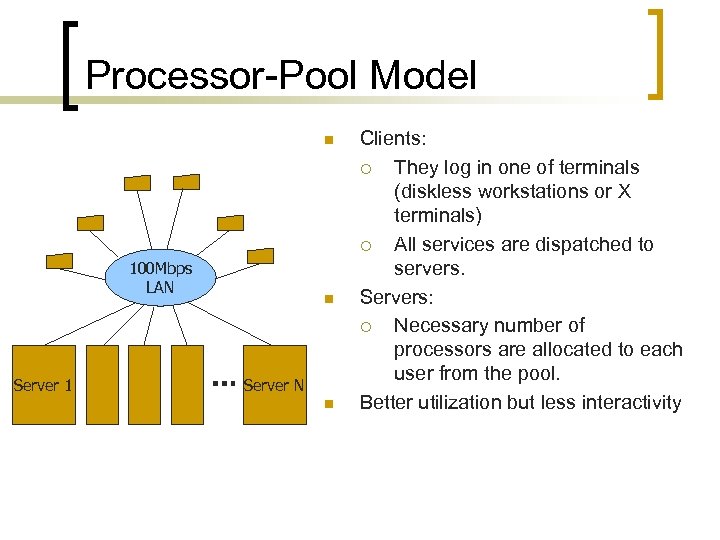
Processor-Pool Model n 100 Mbps LAN Server 1 n Server N n Clients: ¡ They log in one of terminals (diskless workstations or X terminals) ¡ All services are dispatched to servers. Servers: ¡ Necessary number of processors are allocated to each user from the pool. Better utilization but less interactivity
The Integrated Model n In the totally integrated model all platforms are on single network-wide distributed OS ¡ ¡ ¡ n completely seamless completely transparent completely mythical Some small local area networked system might appear close, one day, perhaps. . .
Transparency Would like access to services to be transparent, i. e. an application in a distributed system just has to request a service, but does not need to know where it is performed. Advantages are: ¡ Ease of programming – application does not need to worry about specifying a particular server to perform the service. ¡ Redundancy and fault tolerance – multiple servers can provide the same service, if one is down the application uses another. ¡ Efficiency – if multiple servers offer the same service, the application can use one which is less loaded and/or has faster network connection.
Transparency n Some issues in providing transparency: ¡ ¡ discovery – how to find remote services (or objects)? access – how to access remote objects? (and distinguish between accessing local and remote objects)? failure – how to maintain the service with some component failures? replication – maintain multiple copies of objects, but must treat them as a single object (e. g. for updating)
Location of Services n Location of services and service (or resource) discovery is a major problem for distributed systems n In TCP/IP the notion of the “well-known service” – this is effectively hardwired (using port numbers) n More generally how do you find the service you want? n Require clients to request a given service, either from the OS or a broker n Locate the service in a service registry (directory), which provides a mapping from service names to machines and programs that provide the service, and program interface n Either directly (via OS) or by using a broker or a trader to access the registry
Location of Services n DC system binds a particular server instance to the client n Directory or registry services are hard to build properly for distributed systems – potential problems with scalability, performance, uniqueness or names, etc n Trader should ideally be able to allocate the best instance of the service (least loaded, highest bandwidth etc) for the client, but this is usually not done by default – programmer has to sort it out
Consistency n Behaviour of a distributed system must be predictable n Hope that response is (almost) as fast and robust as standalone desktop system n Failure modes - rest of system continues to operate when one part fails (an independent failure mode) n Good in that can carry on using remaining system and do work n Bad in that some services or part of a database might now be inaccessible (unless have redundancy and failover) n User interface consistency - want same user interface present n Response times need to be well managed – careful choices on responses and timeouts n Want some idea of what is delay if more than a second for example n Mouse movement must be smooth n Screen update must be fast (transferring bitmaps forwhole screen)
Performance and Effectiveness n Speed of response - avoid lumpy response times by proper distribution of workload n Extensibility - add more processors/servers/bandwidth to the system when it starts to become overloaded n Need good instrumentation to know where to add resources n Need to be able to add resources transparently (and incrementally - not have to take system down) n Reliability - modulo independent failure modes, should have greater reliability of the system n Distributed systems need fault tolerance – more components to fail n This is well researched in field of file stores, but still an active research area for many other services
Performance/Scalability Unlike parallel systems, distributed systems involves OS intervention and slow network medium for data transfer ¡ Send messages in a batch: n ¡ Cache data n ¡ Avoid OS intervention (= zero-copy messaging). Avoid centralized entities and algorithms n ¡ Avoid repeating the same data transfer Minimizing data copy n ¡ Avoid OS intervention for every message transfer. Avoid network saturation. Perform post operations on client sides n Avoid heavy traffic between clients and servers
Redundancy and Fault Tolerance n Distributed computing allows redundancy, where multiple servers offer the same service n This improves throughput and also offers potential for fault tolerance if DC system supports transparency of service location n If a server is down, service requests can be sent to other servers n If a server crashes during a transaction, client can time out and then request to be reconnected, and will be connected to another server (failover) n This is easy to implement unless services use a persistent data store which can be updated, e. g. for enabling transactions, in which case all servers must have the same view of the data n Implementing efficient, coherent distributed databases is a challenging problem n Fault tolerance is also a major issue - if a server crashes, must be able to roll back any transactions that have been started but not completed and return to a consistent state.
Security n n n Lack of a single point of control Security concerns: ¡ Messages may be stolen by an enemy. ¡ Messages may be plagiarized by an enemy. ¡ Messages may be changed by an enemy. ¡ Services may be denied by an enemy. Cryptography is the only known practical mechanism.
Latency n In a tightly coupled distributed memory parallel computer, communications latency is fairly constant n In a loosely coupled network (e. g. a NOW), latency is usually higher and has greater variance n Intrinsic latency comes from hardware, speed-of-light constraints, and message passing software overhead n Standard transport protocols for unreliable networks (e. g. TCP/IP) have high latency (heavyweight) n Latency is much more variable due to non-deterministic delivery times n Latency in distributed computing is an even bigger overhead than for parallel computing – hence usually have coarse-grained services Measuring Latency: n usually measure by the return trip time (RTT) n not safe to assume latency is fixed and the same for all packets n packets may take different routes through the network, especially over a WAN n also network traffic is bursty and this leads to variance in the return trip time
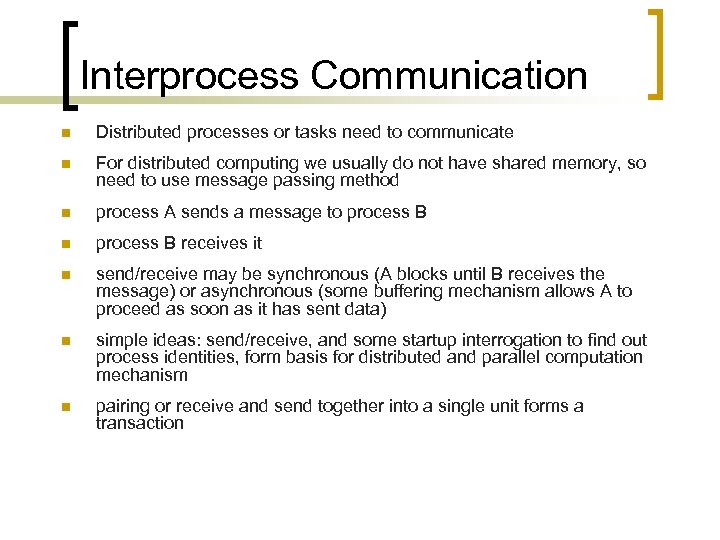
Interprocess Communication n Distributed processes or tasks need to communicate n For distributed computing we usually do not have shared memory, so need to use message passing method n process A sends a message to process B n process B receives it n send/receive may be synchronous (A blocks until B receives the message) or asynchronous (some buffering mechanism allows A to proceed as soon as it has sent data) n simple ideas: send/receive, and some startup interrogation to find out process identities, form basis for distributed and parallel computation mechanism n pairing or receive and send together into a single unit forms a transaction
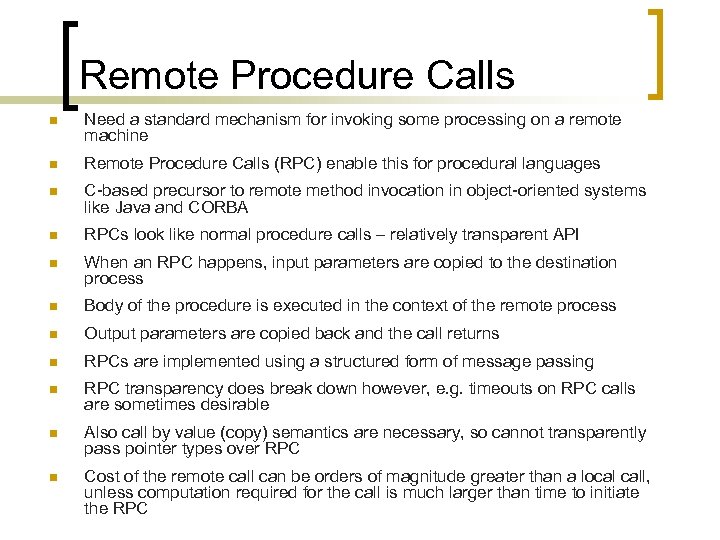
Remote Procedure Calls n Need a standard mechanism for invoking some processing on a remote machine n Remote Procedure Calls (RPC) enable this for procedural languages n C-based precursor to remote method invocation in object-oriented systems like Java and CORBA n RPCs look like normal procedure calls – relatively transparent API n When an RPC happens, input parameters are copied to the destination process n Body of the procedure is executed in the context of the remote process n Output parameters are copied back and the call returns n RPCs are implemented using a structured form of message passing n RPC transparency does break down however, e. g. timeouts on RPC calls are sometimes desirable n Also call by value (copy) semantics are necessary, so cannot transparently pass pointer types over RPC n Cost of the remote call can be orders of magnitude greater than a local call, unless computation required for the call is much larger than time to initiate the RPC
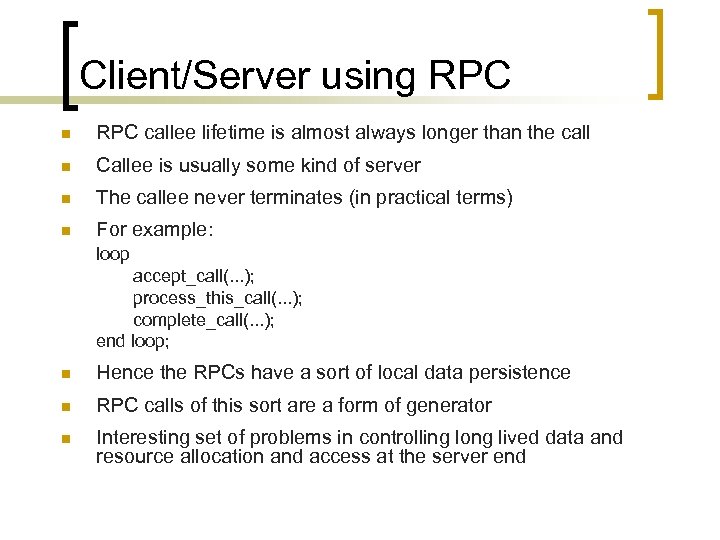
Client/Server using RPC n RPC callee lifetime is almost always longer than the call n Callee is usually some kind of server n The callee never terminates (in practical terms) n For example: loop accept_call(. . . ); process_this_call(. . . ); complete_call(. . . ); end loop; n Hence the RPCs have a sort of local data persistence n RPC calls of this sort are a form of generator n Interesting set of problems in controlling long lived data and resource allocation and access at the server end
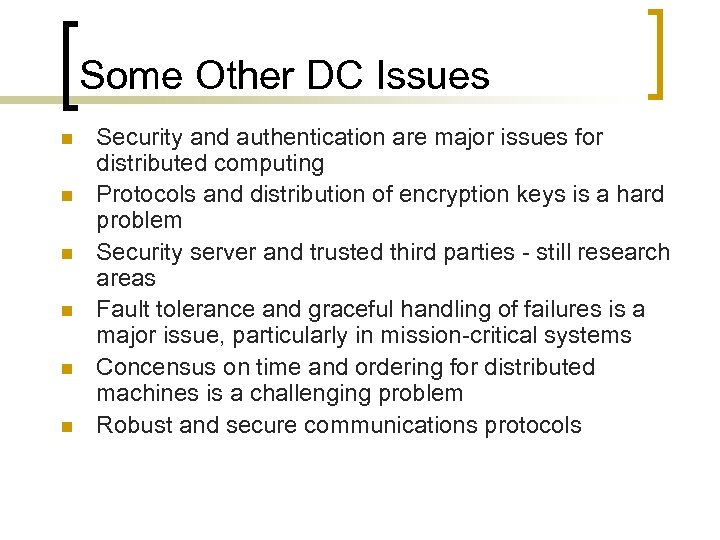
Some Other DC Issues n n n Security and authentication are major issues for distributed computing Protocols and distribution of encryption keys is a hard problem Security server and trusted third parties - still research areas Fault tolerance and graceful handling of failures is a major issue, particularly in mission-critical systems Concensus on time and ordering for distributed machines is a challenging problem Robust and secure communications protocols
Скачать презентацию DISTRIBUTED AND HIGH-PERFORMANCE COMPUTING Chapter 9 Distributed
d956426006b2bd021c7332abccb16961.ppt