


 Скачать презентацию Distance Advising and Technology Using multimedia to create
4a07345981ed2ca227262c7db3ef793c.ppt
- Количество слайдов: 28
 Distance Advising and Technology: Using multimedia to create a new student orientation for an online degree program Dawn Marie Gaid Oregon State University NACADA Region 8 Annual Conference Tuesday, April 30, 2013
 Presentation Outline • Background • Literature Review • What is multimedia? • The Process • The Online Orientation • Applications • Lessons learned • Questions? 1 16 March 2018
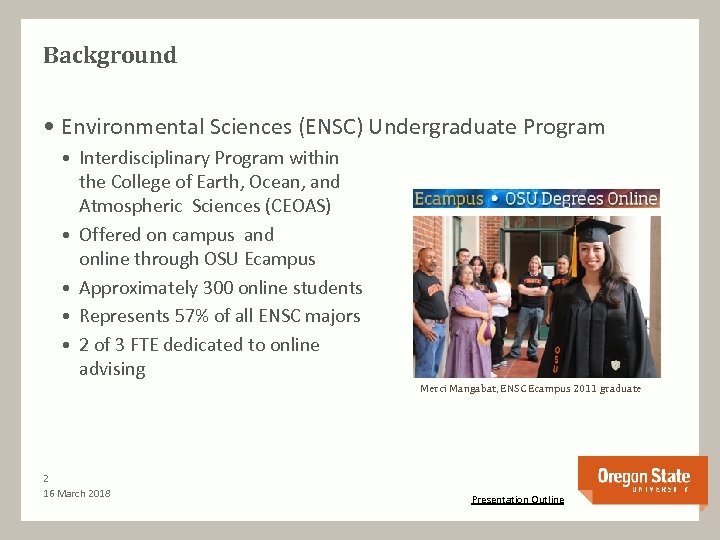 Background • Environmental Sciences (ENSC) Undergraduate Program • Interdisciplinary Program within the College of Earth, Ocean, and Atmospheric Sciences (CEOAS) • Offered on campus and online through OSU Ecampus • Approximately 300 online students • Represents 57% of all ENSC majors • 2 of 3 FTE dedicated to online advising Merci Mangabat, ENSC Ecampus 2011 graduate 2 16 March 2018 Presentation Outline
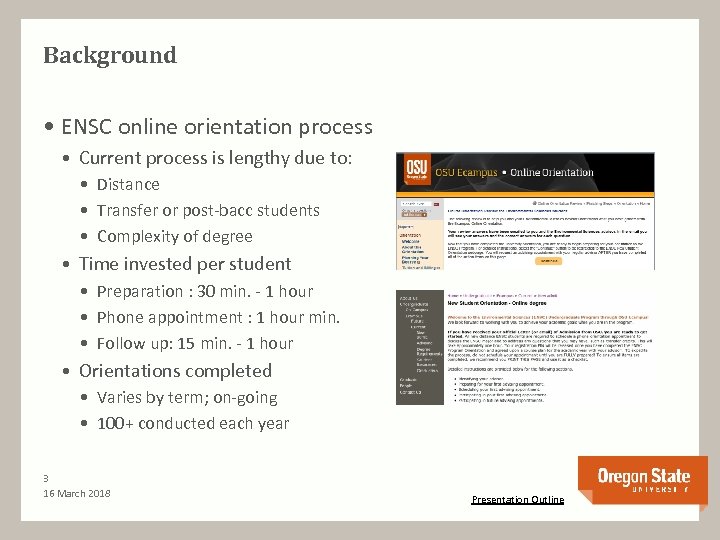 Background • ENSC online orientation process • Current process is lengthy due to: • Distance • Transfer or post-bacc students • Complexity of degree • Time invested per student • Preparation : 30 min. - 1 hour • Phone appointment : 1 hour min. • Follow up: 15 min. - 1 hour • Orientations completed • Varies by term; on-going • 100+ conducted each year 3 16 March 2018 Presentation Outline
 Rationale for creating an online orientation using multimedia. • A Problem to solve and an Opportunity to solve it! • Efficiency • Not the highest/best use of advisors’ time • Rote information repeated • Early efforts not significant by themselves • Effectiveness • Orientation materials are text-heavy • Students are not retaining information • Advisor morale • Research suggests this makes sense. 4 16 March 2018 Presentation Outline
 Literature review Good practice in undergraduate education: 1. Encourages contact between students and faculty 2. Develops reciprocity and cooperation among students 3. Encourages active learning. 4. Gives prompt feedback. 5. Emphasizes time on task. 6. Communicates high expectations. 7. Respects diverse talents and ways of learning. Chickering, A. W. , and Gamson, Z. F. (1987) 5 April 30, 2013 Presentation Outline
 Literature review • Academic Advising and Distance Learning “Academic advising is always important for student success in online learning where … the students are usually older, working full-time, and interacting with the institution only through their advisor. ” Curry, R. F. and P. D. Barnham, (2007) as cited in West, R. E. , (2011). Study results “indicate the need to establish practices and tools that would make student-advisor interactions more developmental. ” Gravel, C. A. , (2012) 6 16 March 2018 Presentation Outline
 Literature review • Cognitive Perspectives on Distance Learning “Online learning is not inherently motivating and can even be demotivating due to technological … intrapersonal … and interpersonal hurdles. ” Hannafin et al, (2007) as cited in West, R. E. , (2011) “However, online learning can be made more motivating through the effective use of multimedia …” Hee Jun and Johnson (2005) as cited in West, R. E. , (2011) 7 16 March 2018 Presentation Outline
![Literature review • Effective education using multimedia “[T]he most effective learning takes place when](https://present5.com/presentation/4a07345981ed2ca227262c7db3ef793c/image-9.jpg "Literature review • Effective education using multimedia “[T]he most effective learning takes place when") Literature review • Effective education using multimedia “[T]he most effective learning takes place when content (what we want Students to learn), pedagogy, (what we do to help them learn), and technology reinforce each other in a balanced manner. ” “Video’s most obvious strength as a teaching medium is that it compresses time and space to focus on essentials” Moore, D. S. , (1997) 8 16 March 2018 Presentation Outline
Literature review • Effective education using multimedia “[T]he most effective learning takes place when content (what we want Students to learn), pedagogy, (what we do to help them learn), and technology reinforce each other in a balanced manner. ” “Video’s most obvious strength as a teaching medium is that it compresses time and space to focus on essentials” Moore, D. S. , (1997) 8 16 March 2018 Presentation Outline
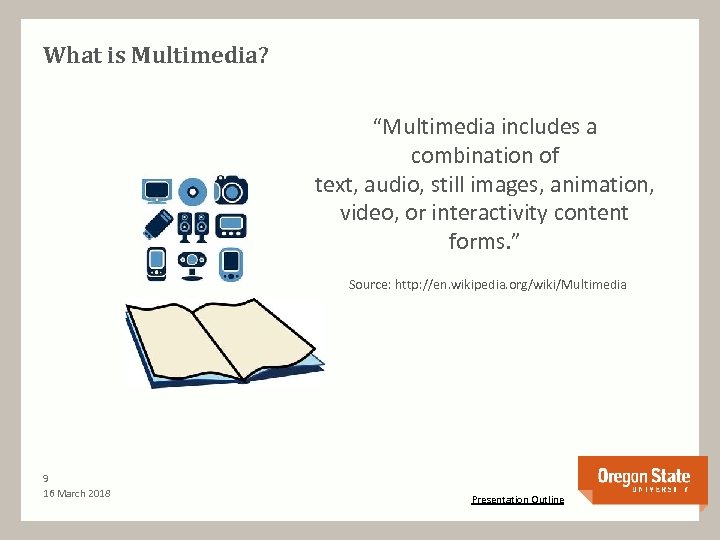 What is Multimedia? “Multimedia includes a combination of text, audio, still images, animation, video, or interactivity content forms. ” Source: http: //en. wikipedia. org/wiki/Multimedia 9 16 March 2018 Presentation Outline
 The Process 1. Explore problem and solutions 2. Organize yourself 3. Assess multimedia resource needs 4. Choose a theme 5. Create a presentation outline 6. Write the narrative 7. Create bookmarks for navigation 10 16 March 2018 8. Create multimedia products 9. Embed multimedia in presentation 10. Record the narrative 11. Convert to Adobe Presenter 12. Implement 13. Assess/evaluate 14. Improve it Presentation Outline
 Explore the problem and possible solutions • A Basic Process for Resolving Conflict • What is the situation and how did it get to be that way? • What are the worst outcomes of the situation if unresolved? And, how do you feel about it? • What are all the reasons why this should be resolved? • What are all the reasons why not? • What are the best outcomes of the situation if resolved? And, how would you feel about it? • What strategies and actions will foster the best outcomes? • What beliefs and behaviors will foster the best outcomes? • What is one idea you would be willing to take action on? Robert J. "Bob" Chadwick, Consensus Associates, consensusinstitutes. com 11 16 March 2018 Presentation Outline The Process
 Organize yourself • Have a process to follow for the project. • Create an system to manage paperwork. • Binders more efficient than folders. • Create an system to manage electronic files. • File/Folder naming conventions matter. • Start an reference document to collect ideas, links etc. • Ideas can be fleeting. • Touch it once. • Keep good notes on progress and next steps. • Useful if you step away from the project for an extended time 12 16 March 2018 Presentation Outline The Process
 Assess multimedia resource needs • Current level of knowledge • Do you have training needs? • Accessibility • Technical support • Microsoft Office • University, college, department • Financial support • University, college, department 13 16 March 2018 • Software • Freeware • Purchases (ed. discount) • Equipment • Video • Audio • Talent • Video • Audio Presentation Outline The Process
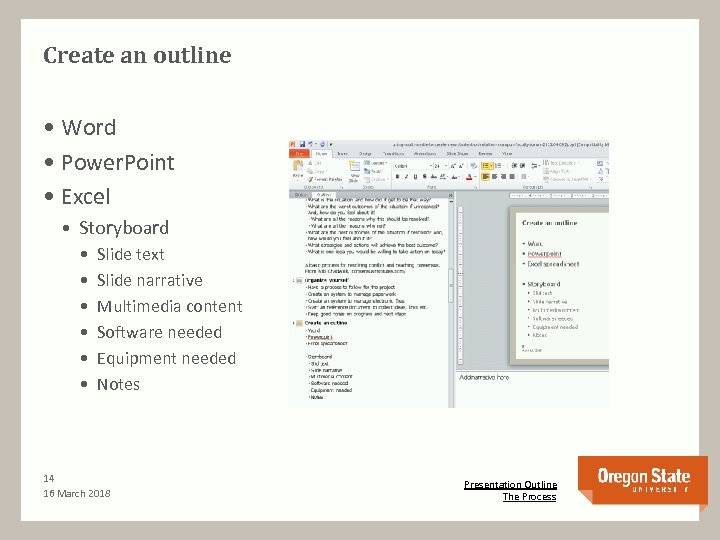 Create an outline • Word • Power. Point • Excel • Storyboard • • • Slide text Slide narrative Multimedia content Software needed Equipment needed Notes 14 16 March 2018 Presentation Outline The Process
 Write the Narrative • Why should you script your presentation? • Sets the pace of the presentation • Helps control length by eliminating unnecessary words in editing. • Accessibility – notes will be used for screen readers Source: Ecampus Course Development and Training Blog, April 8, 2013 15 16 March 2018 Presentation Outline The Process
 Choose a Theme (Design and Layout) • Templates • Available through PPT, or downloadable. • University, program, department “brand” templates • Create your own • Microsoft Support • 12 tips for creating better Power. Point presentations http: //tinyurl. com/cpx 97 gq 16 16 March 2018 Presentation Outline The Process
 Create bookmarks for navigation • Why should you create bookmarks? • Allows the user to jump to the section of interest easily. • Create bookmarks to: • • • A slide in the same presentation. A slide in a different presentation. An email address. A page or file on the web. A new file. 17 16 March 2018 Presentation Outline The Process
 Create multimedia products • Screen capture (aka screenshot) • Irfanview (free), irfanview. com • Snagit, techsmith. com/Snagit • Video recording • With video cameras (multiple devices) • With Skype – Super. Tintin (free), supertintin. com • Screen casting • Jing (free), techsmith. com/Jing • Snagit (Version 11) 18 16 March 2018 Presentation Outline The Process
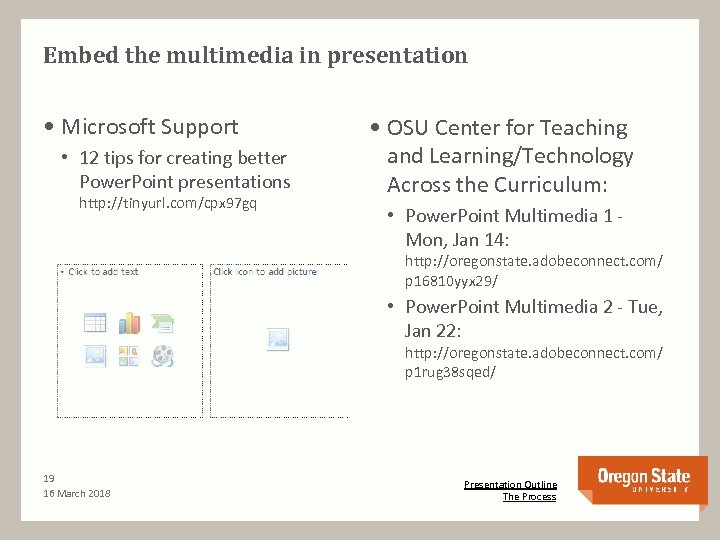 Embed the multimedia in presentation • Microsoft Support • 12 tips for creating better Power. Point presentations http: //tinyurl. com/cpx 97 gq • OSU Center for Teaching and Learning/Technology Across the Curriculum: • Power. Point Multimedia 1 Mon, Jan 14: http: //oregonstate. adobeconnect. com/ p 16810 yyx 29/ • Power. Point Multimedia 2 - Tue, Jan 22: http: //oregonstate. adobeconnect. com/ p 1 rug 38 sqed/ 19 16 March 2018 Presentation Outline The Process
 Record the narrative • Power. Point • Narration feature is available, http: //tinyurl. com/cot 5 r 4 q • Who will be the voice of your presentation? • Do you have the necessary equipment? • Audacity • Free, open source, cross-platform software for recording and editing sounds, http: //audacity. sourceforge. net/ 20 16 March 2018 Presentation Outline The Process
 Convert to Adobe Presenter • Power. Point add-in • Converts PPT to Presenter (flash file) • Addresses compatibility issues • Address accessibility issues • Purchase or contact technical support 21 16 March 2018 Presentation Outline The Process
 The Online Orientation: Presentation Elements Outline • About the orientation • About the college • About the program • Overview • Policies of note • Curriculum • Academic Planning • Academic Success • Resources for Students • Test your knowledge 22 16 March 2018 Binder organization • Outline • Content • Accessibility • Record video – Skype • Screen capture • Screen casting • Navigation • Narration • Presenter Presentation Outline The Process
 The Online Orientation: Enhancing the current process • Will be added as a new step in preparation action items. http: //envsci. science. oregonstate. edu/e_campus/current/newstudent *Note: the ENSC website is being relocated from our former college to the new college site: http: //ceoas. oregonstate. edu/ Relevant principles 1. Encourages active learning. 2. Emphasizes time on task. 3. Communicates high expectations. 4. Respects diverse talents and ways of learning. 23 16 March 2018 Presentation Outline The Process
 Applications • Advisors • New Student Orientation • Academic Planning Guide • Career Guidance • Instructors • Virtual syllabus • Other ideas? 24 16 March 2018 Presentation Outline The Process
 Lessons along the way. . . Go slow to go fast! • Start early • Organize yourself • Get feedback • Keep generic whenever possible • Leave room for adaptability • Structure time to work on project • Use your resources • Practice makes perfect Plan your work. Work your plan! 25 16 March 2018 Presentation Outline The Process
 References Bibliography • Chickering, A. W. , and Gamson, Z. F. (1987). Seven Principles for Good Practice in Undergraduate Education. AAHE Bulletin, 39(7) • Curry, R. F. and P. D. Barnham, (2007). Academic advising in degree programs. In Handbook of distance education, ed. M. G. Moore, 181 -192. Mahwah, NJ; Erlbaum • Hannafin, M. J. , J. R. Hill, L. Song, and R. E. West, (2007). Cognitive Perspectives on technology-enhanced distance learning environments. In Handbook of distance education, ed. M. G. Moore, 123 -136. Mahwah, NJ; Erlbaum • Moore, D. S. , (1997). New Pedagogy and New Content: The Case of Statistics. International Statistical Review, 62, 123 -165 • West, R. E. , (2011). Insights from Research on Distance Education Learners, Learning and Learner Support. American Journal of Distance Education, 25(3), 135 -151 • Gravel, C. A. , (2012). Student-Advisor Interaction in Undergraduate Online Degree Programs: A Factor in Student Retention. NACADA Journal. 32(2), 56 -67. Resources • See companion document on NADACA Blog (will be posted following presentation) 26 16 March 2018
 Questions? Dawn Marie Gaid Academic Advisor Environmental Sciences Undergraduate Program 102 Wilkinson Hall 541 -737 -2833 dawn. gaid@oregonstate. edu http: //ceoas. oregonstate. edu/ Thank you for attending! 27 16 March 2018 Presentation Outline The Process