


 Скачать презентацию Discovering Computers 2008 Chapter 3 Application Software
d01f49421124b182c650bc4324d1397c.ppt
- Количество слайдов: 34
 Discovering Computers 2008 Chapter 3 Application Software
 Chapter 3 Objectives Identify the categories of application software Identify the key features of widely used home, personal, and educational programs Explain ways software is distributed Identify the types of application software used in communications Explain how to work with application software Describe the function of several utility programs Identify the key features of widely used business programs Discuss the advantages of using Web-based software Identify the key features of widely used graphics and multimedia programs Describe the learning aids available for application software Next
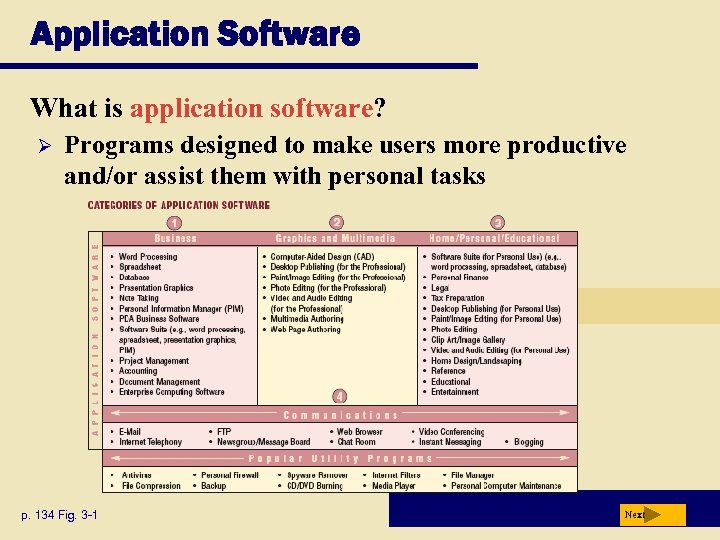 Application Software What is application software? Ø Programs designed to make users more productive and/or assist them with personal tasks p. 134 Fig. 3 -1 Next
 Application Software How is software distributed? Ø Packaged software, mass-produced Ø Custom software, performs functions specific to a business or industry Ø Web-based software, hosted by a Web site Ø Open source software, provided for use, modification, and redistribution Ø Shareware, copyrighted software that is distributed free for trial period Ø Freeware, copyrighted software provided at no cost Ø Public-domain software, freeware with no copyright restrictions p. 134 - 135 Next
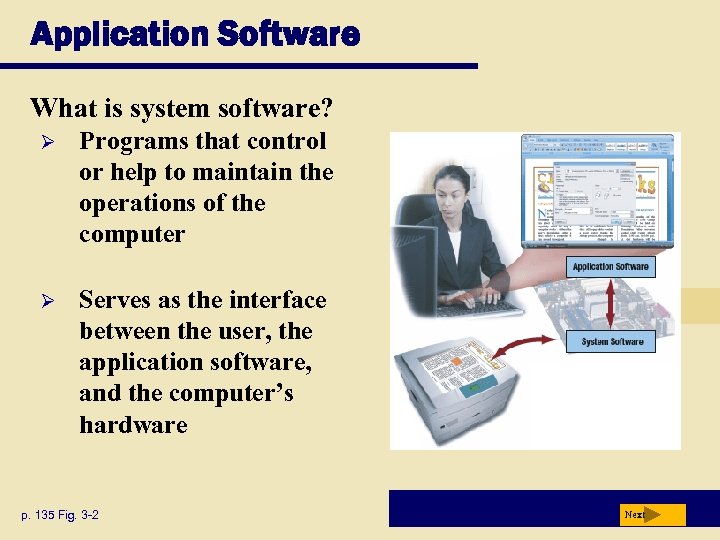 Application Software What is system software? Ø Programs that control or help to maintain the operations of the computer Ø Serves as the interface between the user, the application software, and the computer’s hardware p. 135 Fig. 3 -2 Next
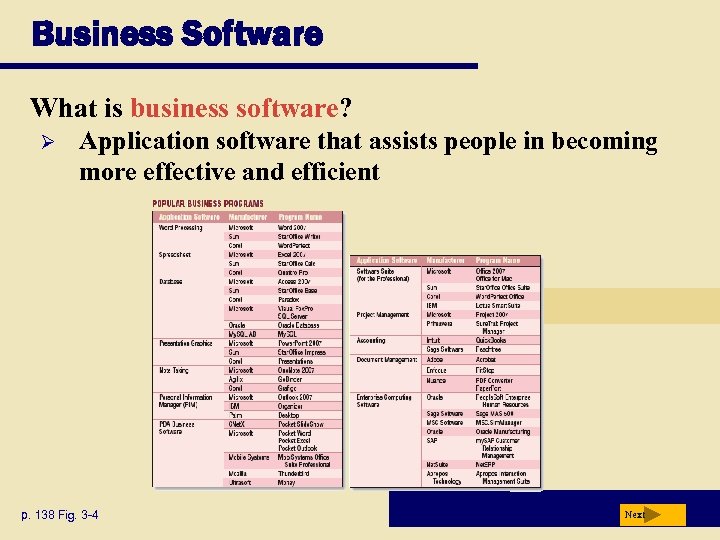 Business Software What is business software? Ø Application software that assists people in becoming more effective and efficient p. 138 Fig. 3 -4 Next
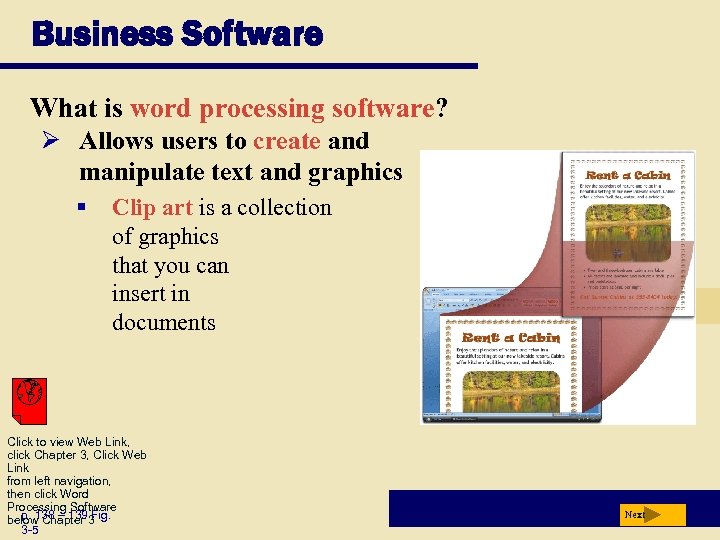 Business Software What is word processing software? Ø Allows users to create and manipulate text and graphics § Clip art is a collection of graphics that you can insert in documents Click to view Web Link, click Chapter 3, Click Web Link from left navigation, then click Word Processing Software p. 138 – 139 Fig. below Chapter 3 3 -5 Next
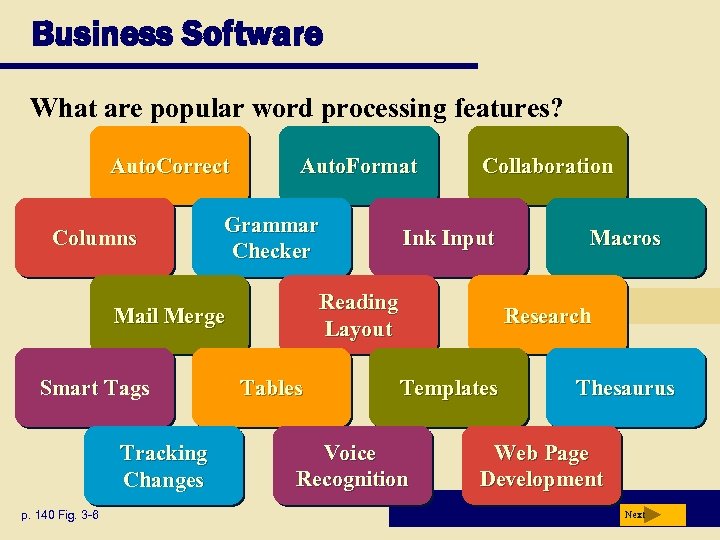 Business Software What are popular word processing features? Auto. Correct Columns Auto. Format Grammar Checker Tracking Changes p. 140 Fig. 3 -6 Ink Input Reading Layout Mail Merge Smart Tags Collaboration Tables Macros Research Templates Voice Recognition Thesaurus Web Page Development Next
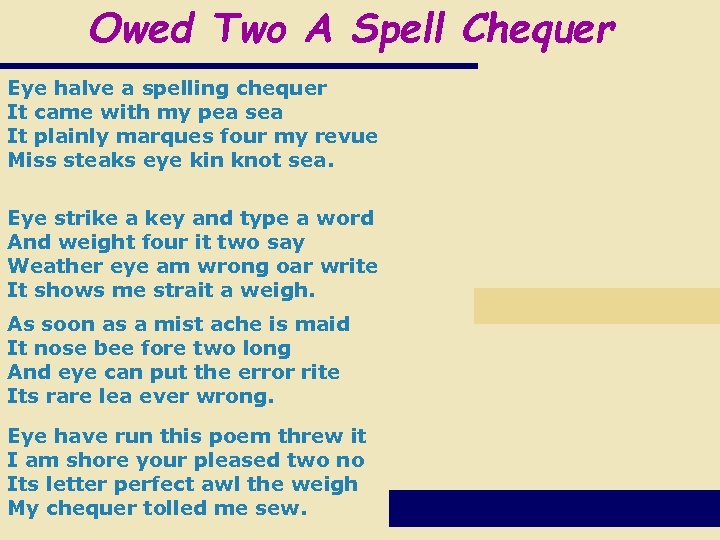 Owed Two A Spell Chequer Eye halve a spelling chequer It came with my pea sea It plainly marques four my revue Miss steaks eye kin knot sea. Eye strike a key and type a word And weight four it two say Weather eye am wrong oar write It shows me strait a weigh. As soon as a mist ache is maid It nose bee fore two long And eye can put the error rite Its rare lea ever wrong. Eye have run this poem threw it I am shore your pleased two no Its letter perfect awl the weigh My chequer tolled me sew.
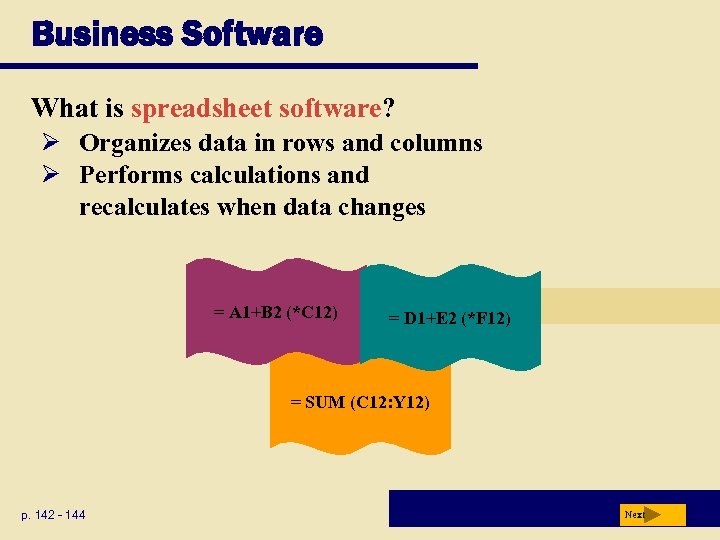 Business Software What is spreadsheet software? Ø Organizes data in rows and columns Ø Performs calculations and recalculates when data changes = A 1+B 2 (*C 12) = D 1+E 2 (*F 12) = SUM (C 12: Y 12) p. 142 - 144 Next
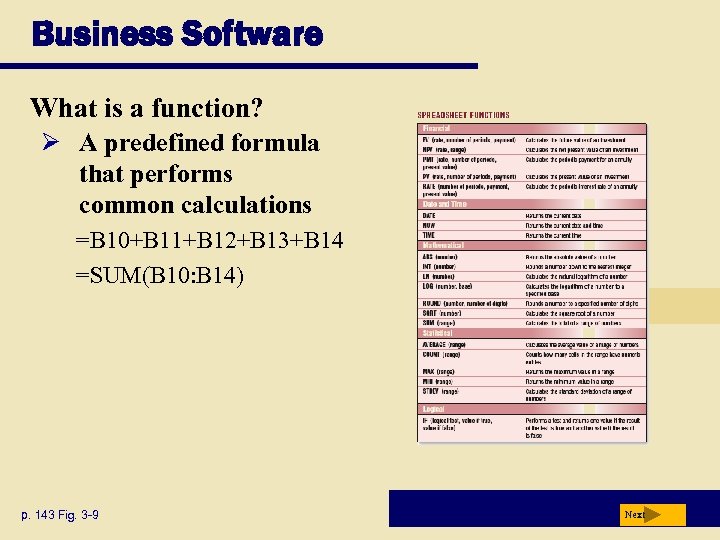 Business Software What is a function? Ø A predefined formula that performs common calculations =B 10+B 11+B 12+B 13+B 14 =SUM(B 10: B 14) p. 143 Fig. 3 -9 Next
 Business Software What is database software? Allows you to create, access, and manage data Add, change, delete, sort, and retrieve data p. 145 Next
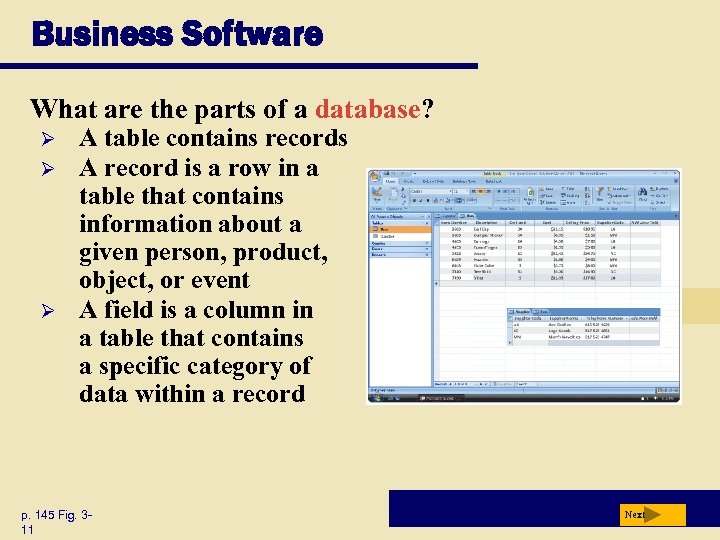 Business Software What are the parts of a database? Ø Ø Ø A table contains records A record is a row in a table that contains information about a given person, product, object, or event A field is a column in a table that contains a specific category of data within a record p. 145 Fig. 311 Next
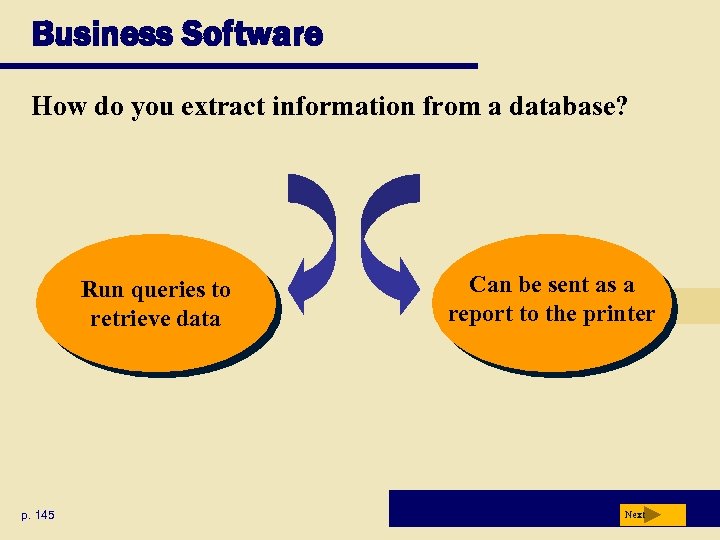 Business Software How do you extract information from a database? Run queries to retrieve data p. 145 Can be sent as a report to the printer Next
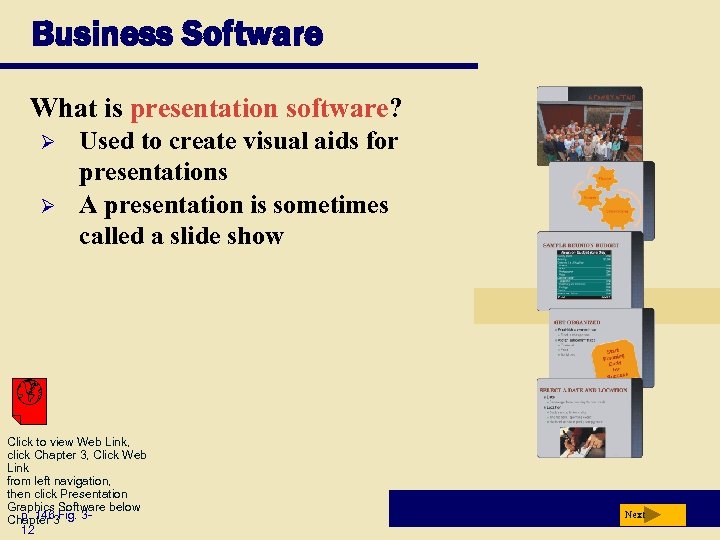 Business Software What is presentation software? Ø Ø Used to create visual aids for presentations A presentation is sometimes called a slide show Click to view Web Link, click Chapter 3, Click Web Link from left navigation, then click Presentation Graphics Software below p. 146 Chapter 3 Fig. 312 Next
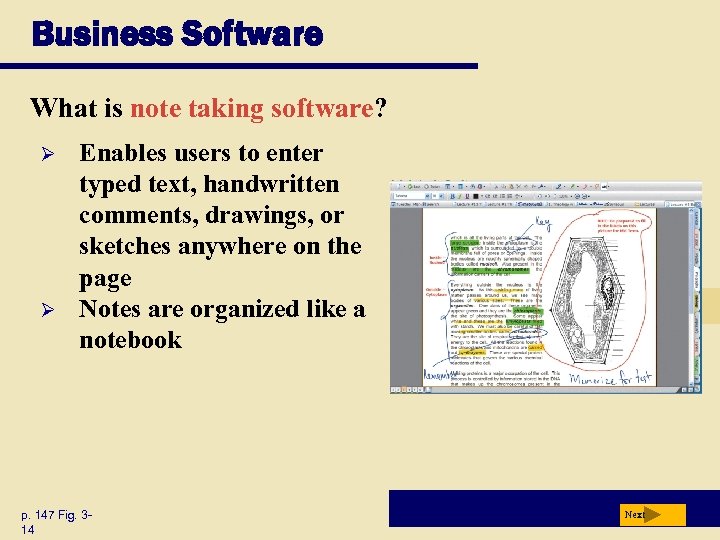 Business Software What is note taking software? Ø Ø Enables users to enter typed text, handwritten comments, drawings, or sketches anywhere on the page Notes are organized like a notebook p. 147 Fig. 314 Next
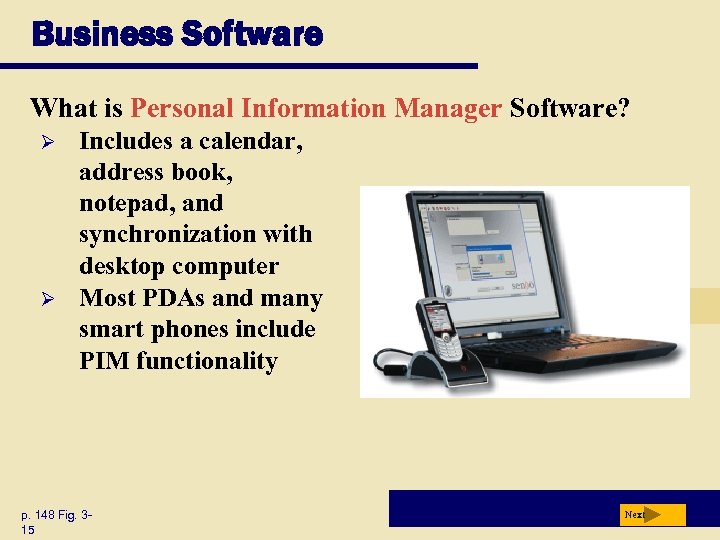 Business Software What is Personal Information Manager Software? Ø Ø Includes a calendar, address book, notepad, and synchronization with desktop computer Most PDAs and many smart phones include PIM functionality p. 148 Fig. 315 Next
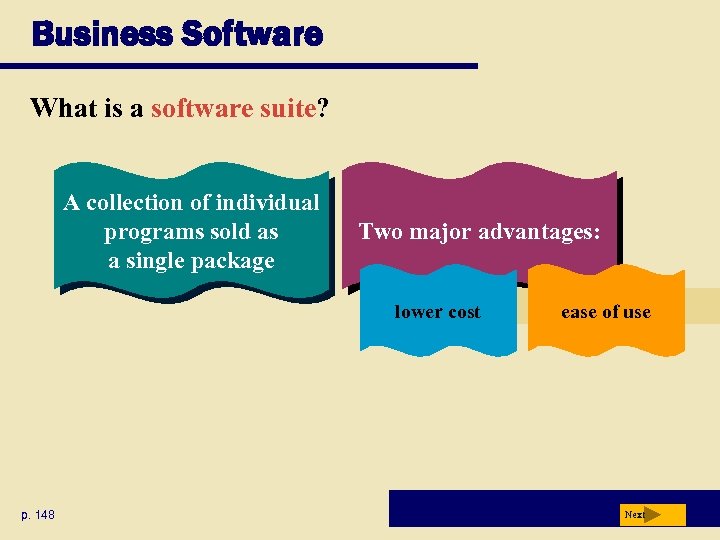 Business Software What is a software suite? A collection of individual programs sold as a single package Two major advantages: lower cost p. 148 ease of use Next
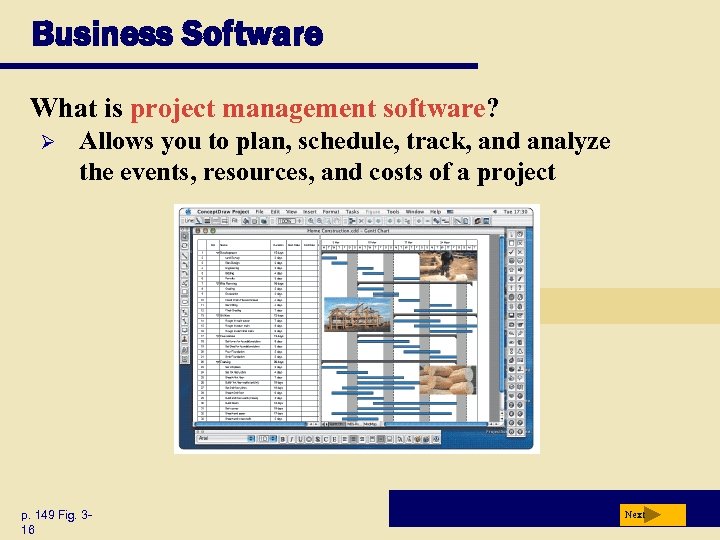 Business Software What is project management software? Ø Allows you to plan, schedule, track, and analyze the events, resources, and costs of a project p. 149 Fig. 316 Next
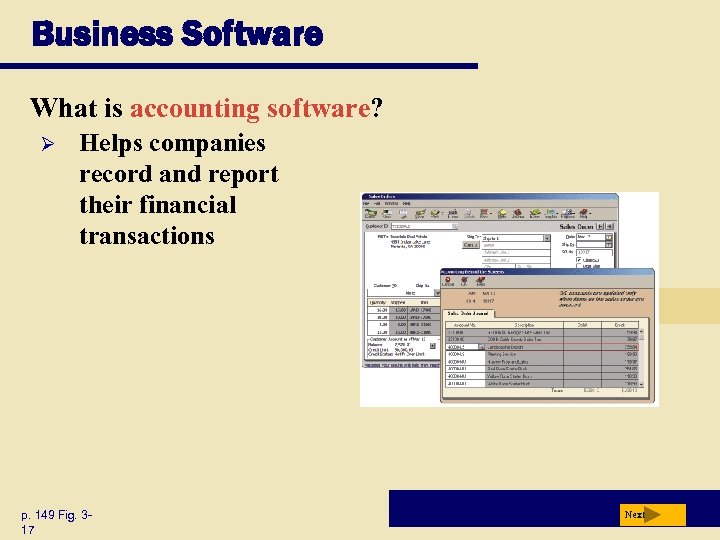 Business Software What is accounting software? Ø Helps companies record and report their financial transactions p. 149 Fig. 317 Next
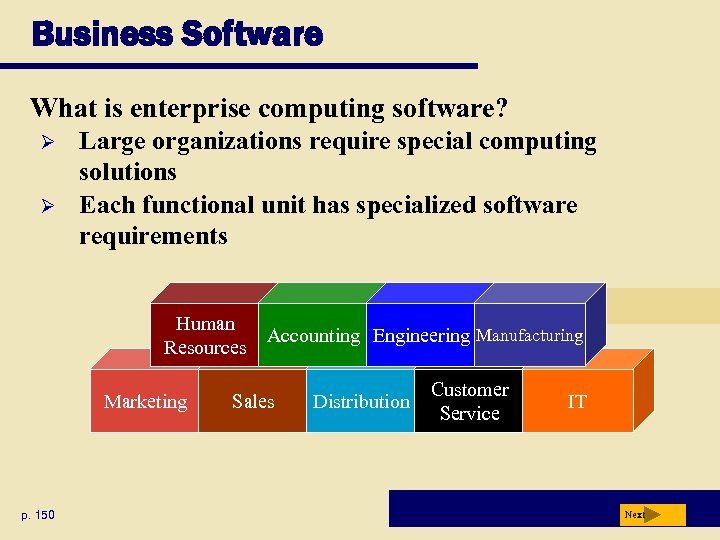 Business Software What is enterprise computing software? Ø Ø Large organizations require special computing solutions Each functional unit has specialized software requirements Human Resources Marketing p. 150 Accounting Engineering Manufacturing Sales Distribution Customer Service IT Next
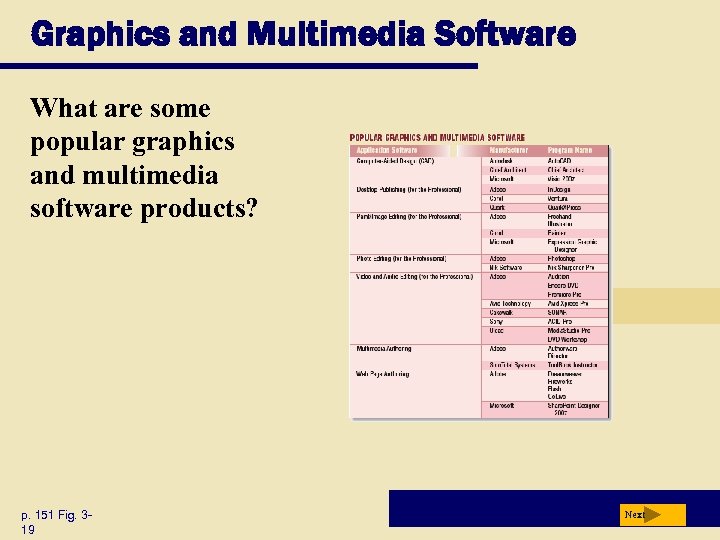 Graphics and Multimedia Software What are some popular graphics and multimedia software products? p. 151 Fig. 319 Next
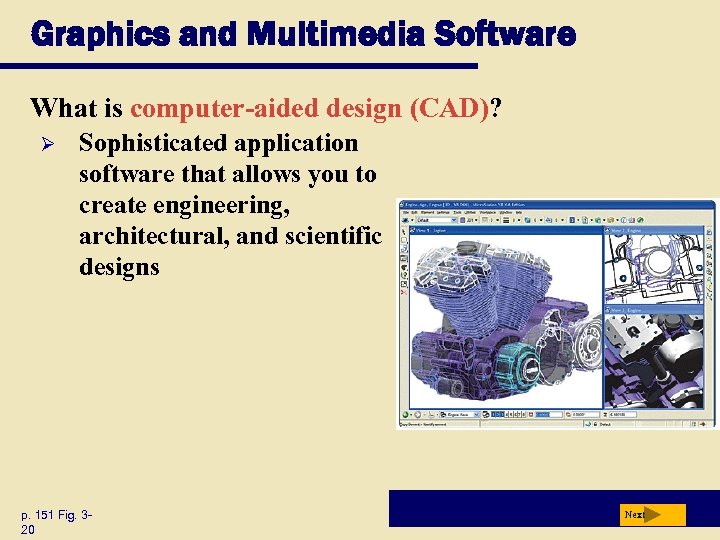 Graphics and Multimedia Software What is computer-aided design (CAD)? Ø Sophisticated application software that allows you to create engineering, architectural, and scientific designs p. 151 Fig. 320 Next
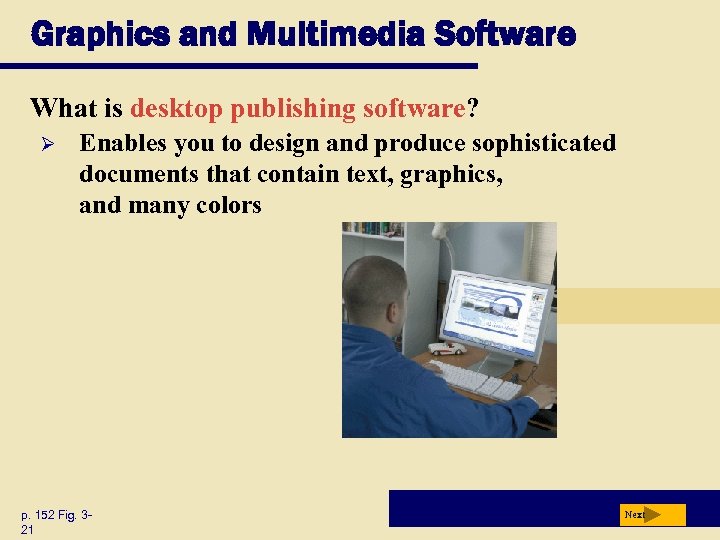 Graphics and Multimedia Software What is desktop publishing software? Ø Enables you to design and produce sophisticated documents that contain text, graphics, and many colors p. 152 Fig. 321 Next
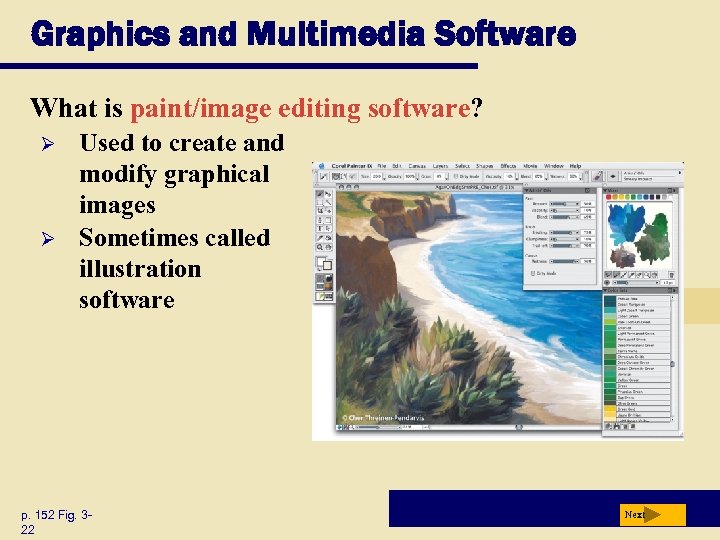 Graphics and Multimedia Software What is paint/image editing software? Ø Ø Used to create and modify graphical images Sometimes called illustration software p. 152 Fig. 322 Next
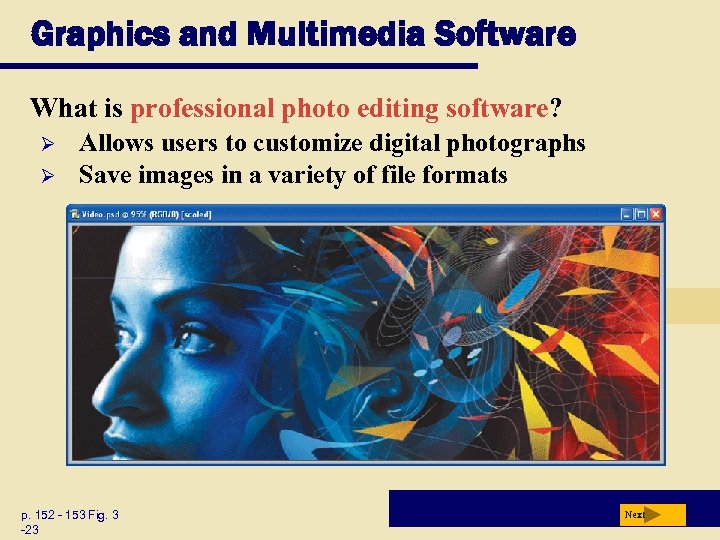 Graphics and Multimedia Software What is professional photo editing software? Ø Ø Allows users to customize digital photographs Save images in a variety of file formats p. 152 - 153 Fig. 3 -23 Next
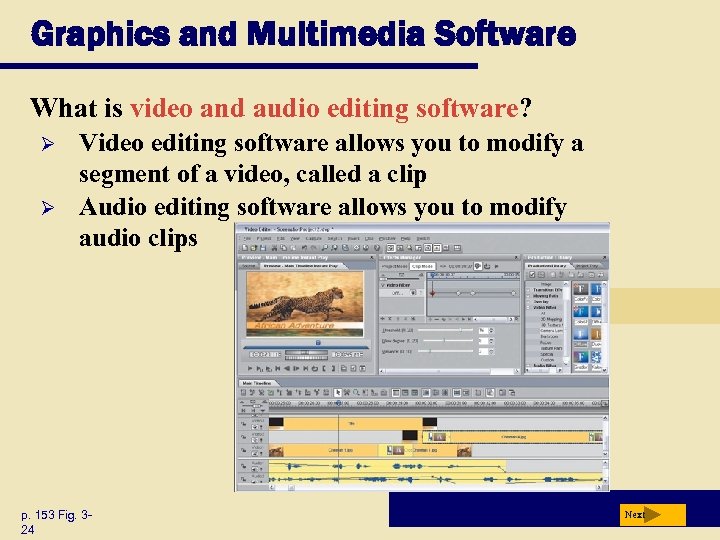 Graphics and Multimedia Software What is video and audio editing software? Ø Ø Video editing software allows you to modify a segment of a video, called a clip Audio editing software allows you to modify audio clips p. 153 Fig. 324 Next
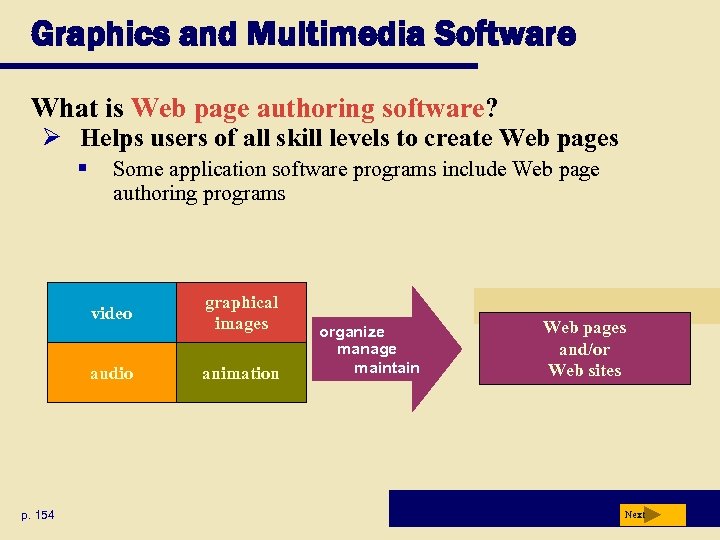 Graphics and Multimedia Software What is Web page authoring software? Ø Helps users of all skill levels to create Web pages § Some application software programs include Web page authoring programs video audio p. 154 graphical images animation organize manage maintain Web pages and/or Web sites Next
 Software for Home, Personal, and Educational Use Video: Your Very Own Video Game Oracle CLICK TO START Next
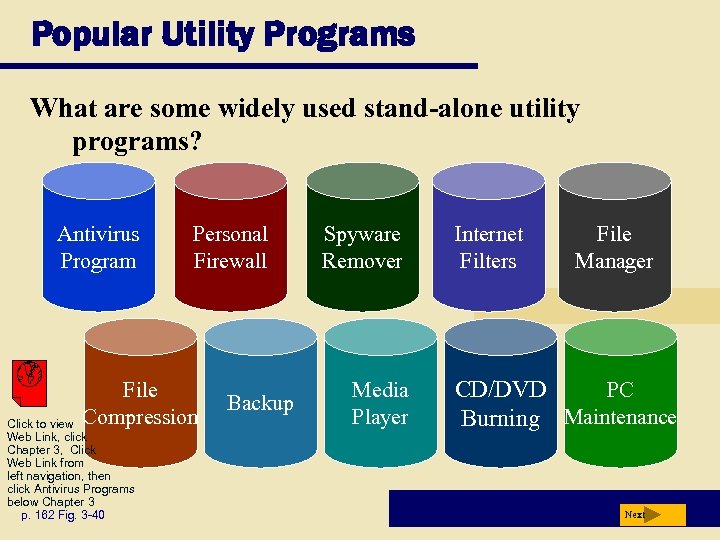 Popular Utility Programs What are some widely used stand-alone utility programs? Antivirus Program Personal Firewall File Compression Click to view Web Link, click Chapter 3, Click Web Link from left navigation, then click Antivirus Programs below Chapter 3 p. 162 Fig. 3 -40 Backup Spyware Remover Media Player Internet Filters File Manager CD/DVD PC Burning Maintenance Next
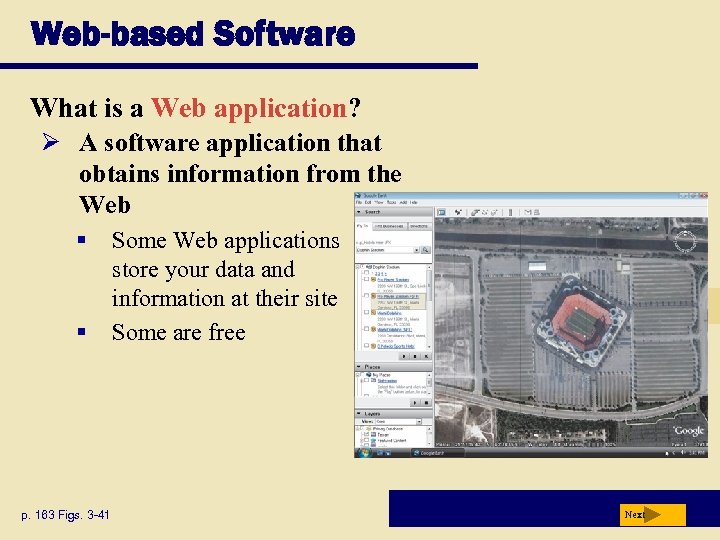 Web-based Software What is a Web application? Ø A software application that obtains information from the Web § § p. 163 Figs. 3 -41 Some Web applications store your data and information at their site Some are free Next
 Web-based Software What is an application service provider (ASP)? Third-party organization that manages and distributes software and services on the Web p. 164 Allows companies to outsource information technology (IT) needs Next
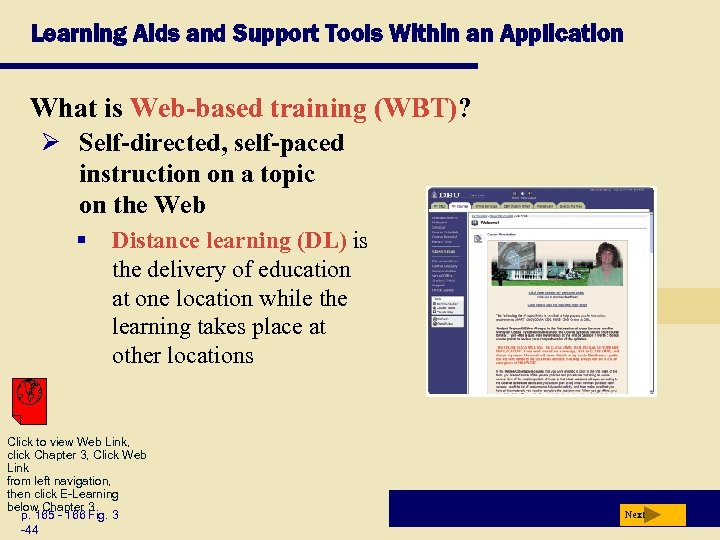 Learning Aids and Support Tools Within an Application What is Web-based training (WBT)? Ø Self-directed, self-paced instruction on a topic on the Web § Distance learning (DL) is the delivery of education at one location while the learning takes place at other locations Click to view Web Link, click Chapter 3, Click Web Link from left navigation, then click E-Learning below Chapter 3 p. 165 - 166 Fig. 3 -44 Next
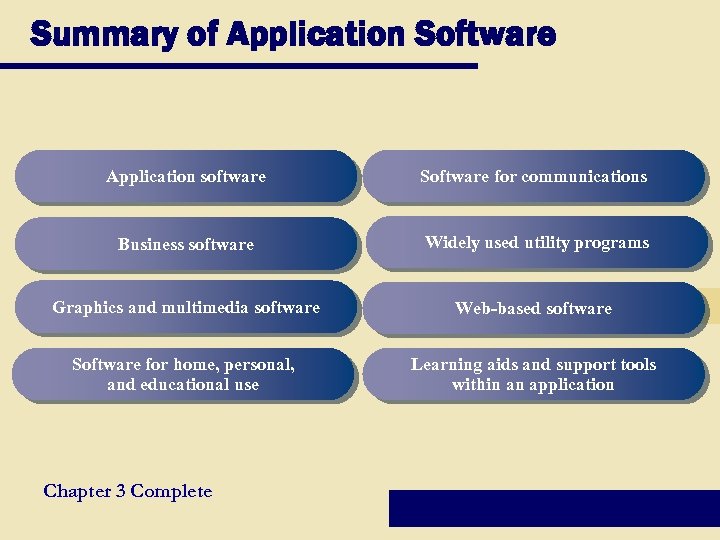 Summary of Application Software Application software Software for communications Business software Widely used utility programs Graphics and multimedia software Web-based software Software for home, personal, and educational use Learning aids and support tools within an application Chapter 3 Complete