


 Скачать презентацию Digital Repository Making use of handles Introduction
bd27d42c7b5ee9deed542eaab2a93f6f.ppt
- Количество слайдов: 24
 Digital Repository Making use of handles
 Introduction • Digital Repository launched in June 2007 http: //repository. unimelb. edu. au • Handle Server Setup and Configuration • Digi. Tool Server Setup and Configuration • Handle Service Administration • Handle Resolution Service
 Objectives Persistent identifiers for • referencing/citation purposes • application independence • integration with existing systems • reliability
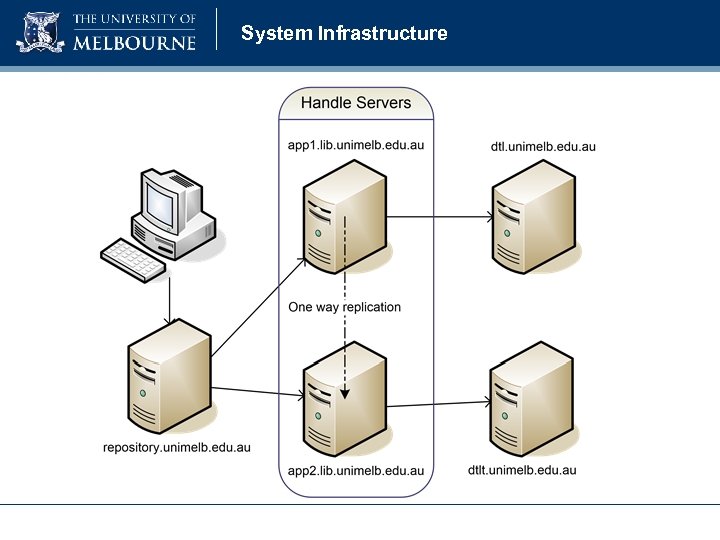 System Infrastructure
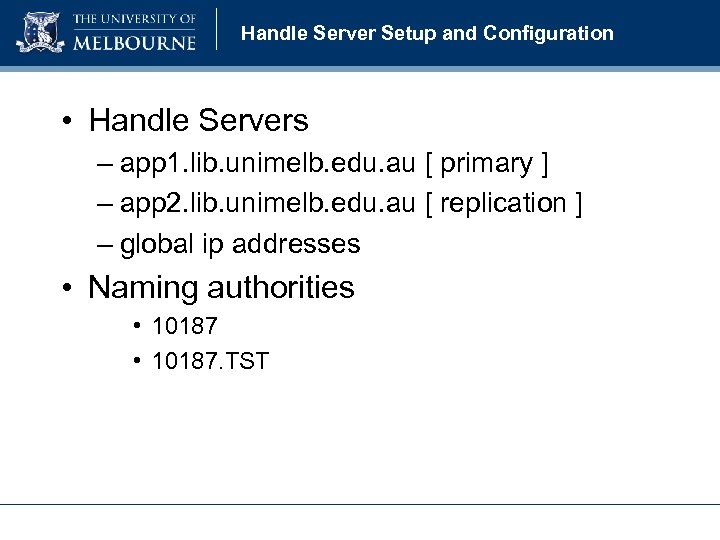 Handle Server Setup and Configuration • Handle Servers – app 1. lib. unimelb. edu. au [ primary ] – app 2. lib. unimelb. edu. au [ replication ] – global ip addresses • Naming authorities • 10187. TST
 Handle Replication • Handle Replication – app 2. lib. unimelb. edu. au [ replication ] – using Handle Server software replication – acts as a resolution service only, i. e. no administrative tasks
 Handle Server Storage • Backend storage using My. SQL database – more powerful querying capabilities – flexibility in generating and publishing handles – application development and integration – enables improved disaster recovery, e. g. backup, restore and replication
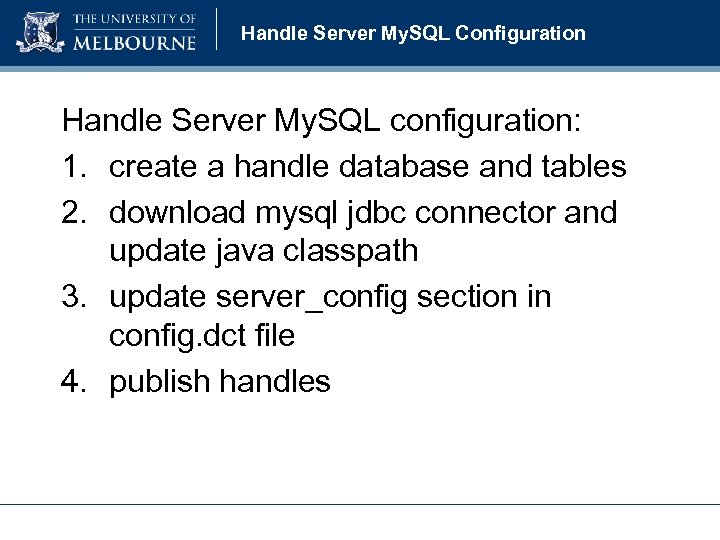 Handle Server My. SQL Configuration Handle Server My. SQL configuration: 1. create a handle database and tables 2. download mysql jdbc connector and update java classpath 3. update server_config section in config. dct file 4. publish handles
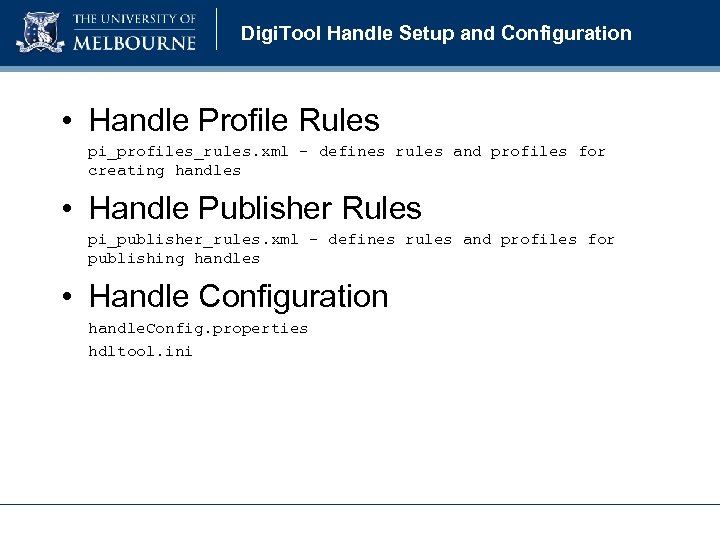 Digi. Tool Handle Setup and Configuration • Handle Profile Rules pi_profiles_rules. xml – defines rules and profiles for creating handles • Handle Publisher Rules pi_publisher_rules. xml – defines rules and profiles for publishing handles • Handle Configuration handle. Config. properties hdltool. ini
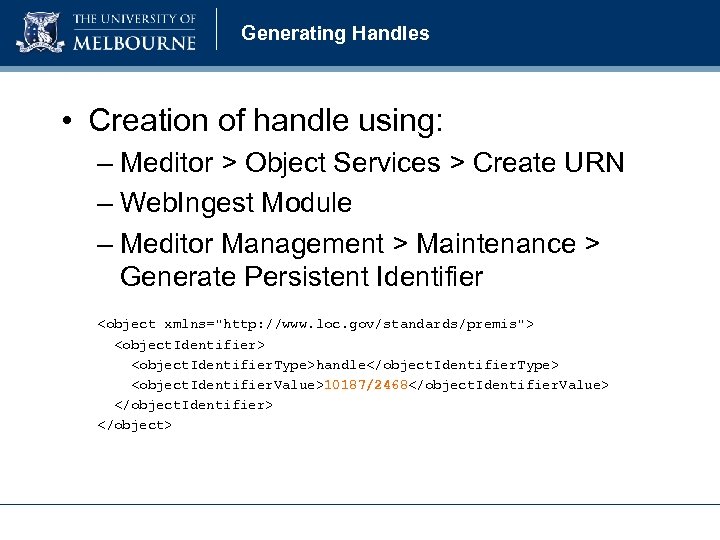 Generating Handles • Creation of handle using: – Meditor > Object Services > Create URN – Web. Ingest Module – Meditor Management > Maintenance > Generate Persistent Identifier
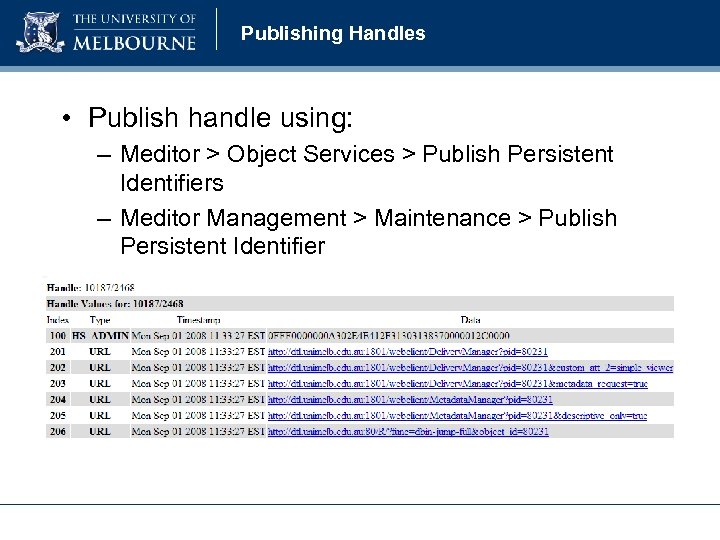 Publishing Handles • Publish handle using: – Meditor > Object Services > Publish Persistent Identifiers – Meditor Management > Maintenance > Publish Persistent Identifier
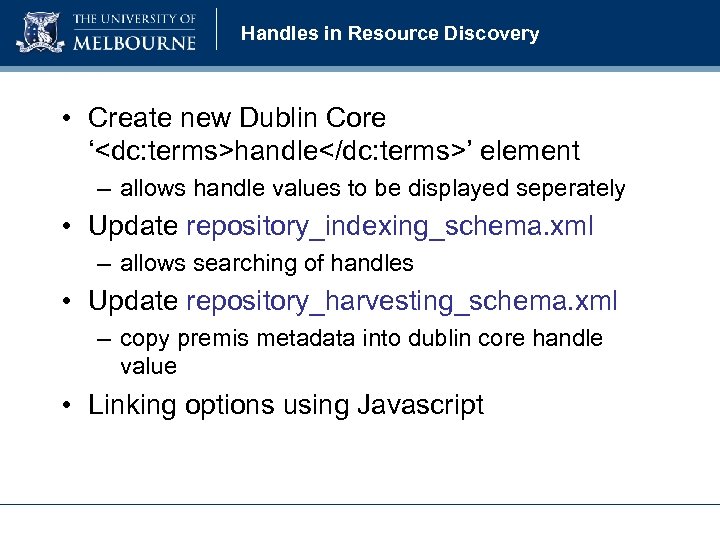 Handles in Resource Discovery • Create new Dublin Core ‘
 Handle Server Administration • CNRI Handle Administration Tools – available as part of HANDLE. NET software – query, update, modify, remove. . . etc. . . • Meditor – creating, updating and publish handles – cannot unpublish from handle server • Handle Manager – custom developed tool – create, update, publish, unpublish handles – schedule
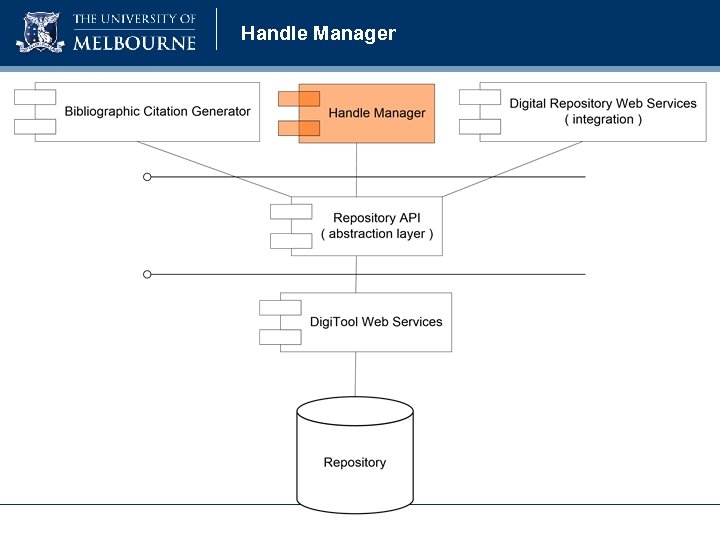 Handle Manager
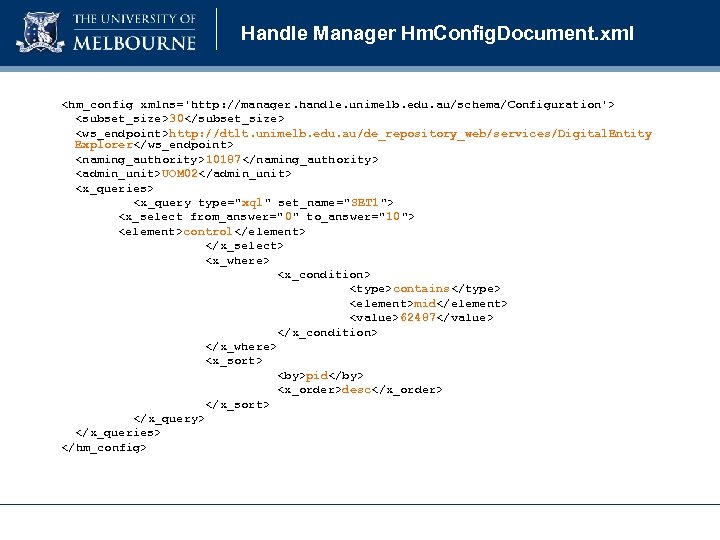 Handle Manager Hm. Config. Document. xml
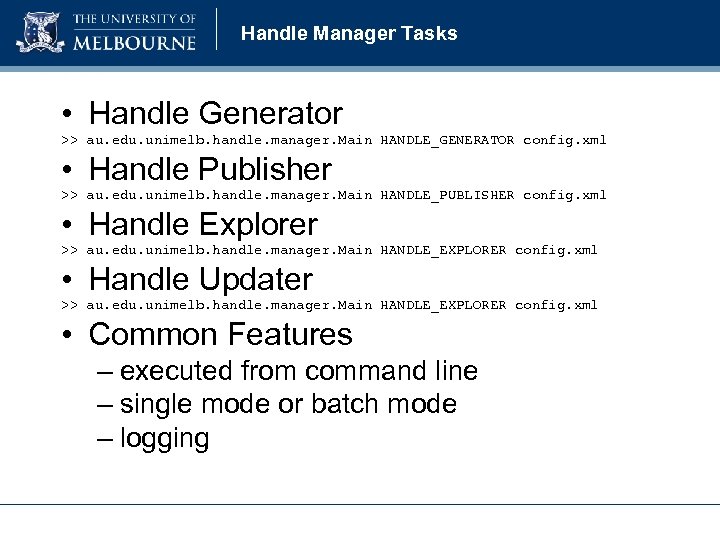 Handle Manager Tasks • Handle Generator >> au. edu. unimelb. handle. manager. Main HANDLE_GENERATOR config. xml • Handle Publisher >> au. edu. unimelb. handle. manager. Main HANDLE_PUBLISHER config. xml • Handle Explorer >> au. edu. unimelb. handle. manager. Main HANDLE_EXPLORER config. xml • Handle Updater >> au. edu. unimelb. handle. manager. Main HANDLE_EXPLORER config. xml • Common Features – executed from command line – single mode or batch mode – logging
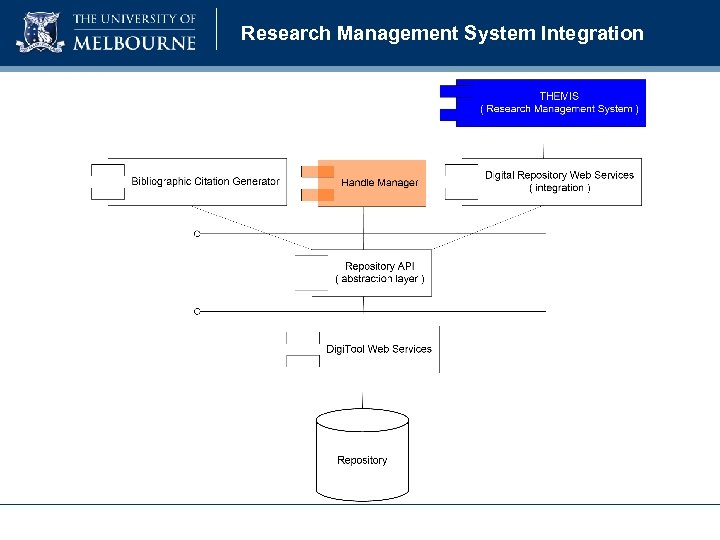 Research Management System Integration
 Digital Repository Web Services • Digital Repository Web Services provides: – foundation for integrating the research management system – used to create, update and delete objects – objects pushed into repository – automated mapping of Dublin Core metadata between systems
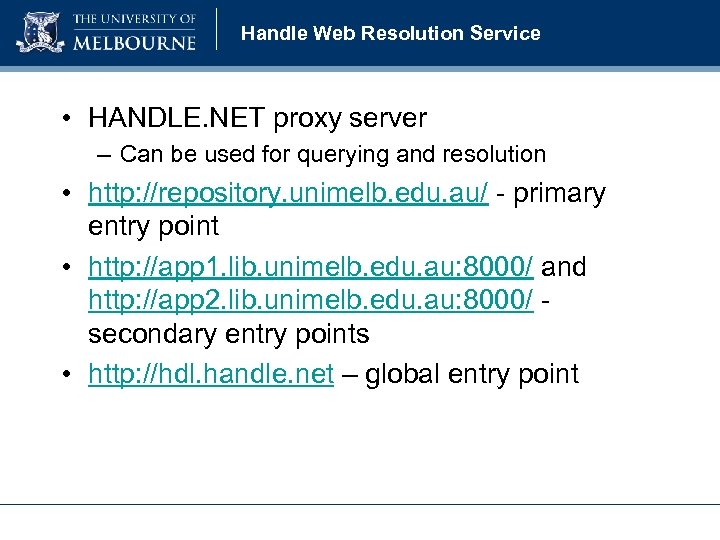 Handle Web Resolution Service • HANDLE. NET proxy server – Can be used for querying and resolution • http: //repository. unimelb. edu. au/ - primary entry point • http: //app 1. lib. unimelb. edu. au: 8000/ and http: //app 2. lib. unimelb. edu. au: 8000/ secondary entry points • http: //hdl. handle. net – global entry point
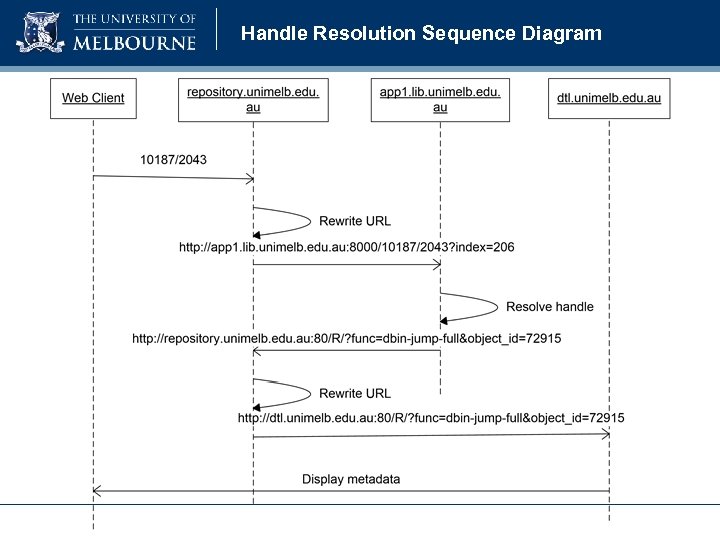 Handle Resolution Sequence Diagram
 © Copyright The University of Melbourne 2008