 Скачать презентацию Digital Photography Max Hobson Network Computer
137ae7ead0cfcf7837d02d1dc57287d2.ppt
- Количество слайдов: 59



Digital Photography Max Hobson Network & Computer Repair, AVCTC
Learner Objectives § Learn Digital Photography Terms § Learn the Pros and Cons of Digital Photography § Learn the uses of digital cameras § Learn how digital cameras work § Learn the differences in types of image storage
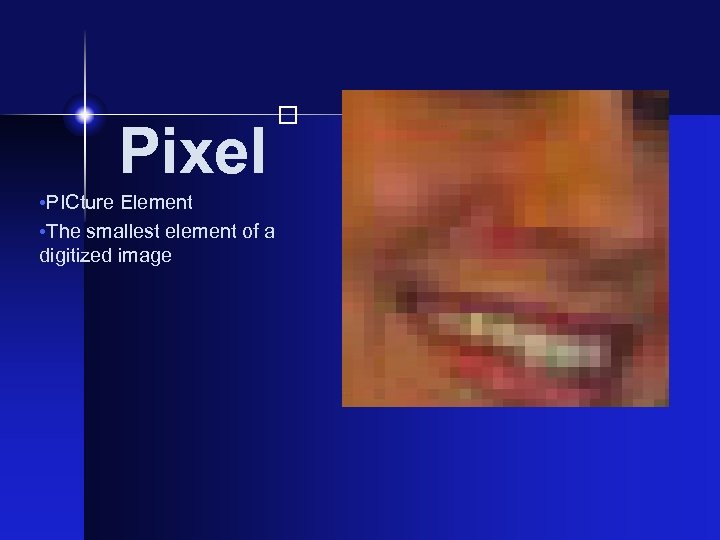
• PICture Element • The smallest element of a digitized image Pixel
Megapixel A unit equal to 1 million pixels Resolution The number of Pixels in an image DPI Dots Per Inch - The number of dots a printer or device, such as a monitor can display per linear inch. Most monitors are at 72 dpi. Most Laser Printers are from 300 to 1200 dpi.
JPEG Joint Photographic Experts Group - A format used by many digital cameras for storing images. This format is also used for images on the web and as email attachments. Caution, this is a lossy compression that can damage image quality.
The Pros & Cons of Going Digital
Advantage of Film Availability - you can always stop in a store and buy film, memory cards aren’t always available. Greater picture detail in film - to get the same detail you would need to buy a high end digital camera Film is easy to store - Negatives hold a lot of information in a small place.
Longevity - Film is a consistent format that does not change or deteriorate. Digital formats and media can change making your photos inaccessible in a few years. Media can degrade and loose data. Film cameras are cheaper - Disposable cameras cost little more than film A mechanical camera does not need batteries Film can be scanned if you want to manipulate images on a computer.
Advantages of Digital Photos can quickly and easily be emailed Once you invest in a digital camera, memory, etc. pictures are essentially free Instant Feedback -You get better pictures faster Making exact duplicates of pictures is quick and easy Print only the best pictures or only the pictures you want
Cons of Digital Traditional film cameras are very reliable Shutter Lag - All but very expensive digital cameras are slow. Batteries, BATTERIES! - Digital cameras love em!
Editing Digital Photos Free Software Available Shareware Software Commercial Software
Free Software
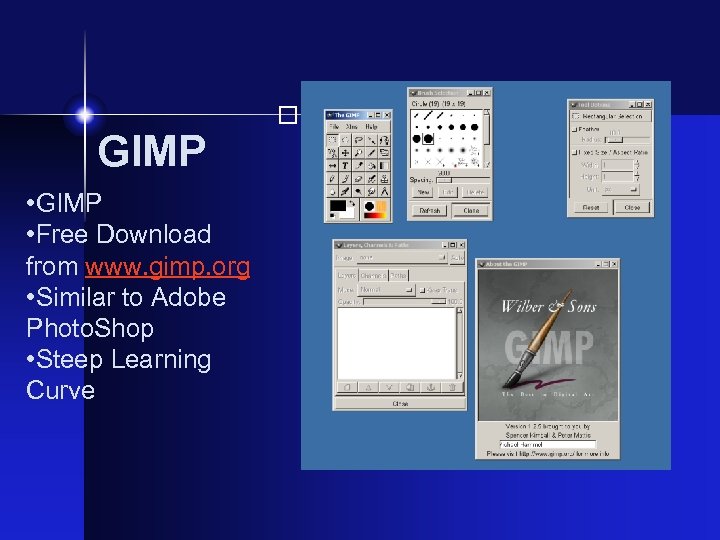
GIMP • Free Download from www. gimp. org • Similar to Adobe Photo. Shop • Steep Learning Curve
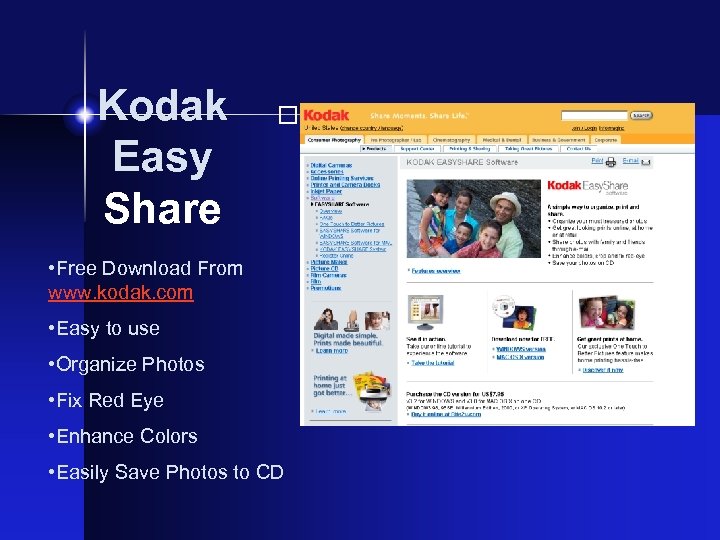
Kodak Easy Share • Free Download From www. kodak. com • Easy to use • Organize Photos • Fix Red Eye • Enhance Colors • Easily Save Photos to CD
Commercial Software
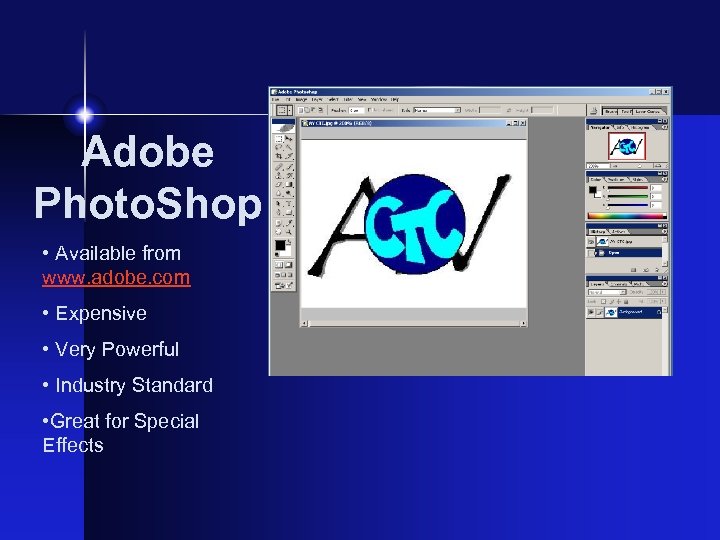
Adobe Photo. Shop • Available from www. adobe. com • Expensive • Very Powerful • Industry Standard • Great for Special Effects
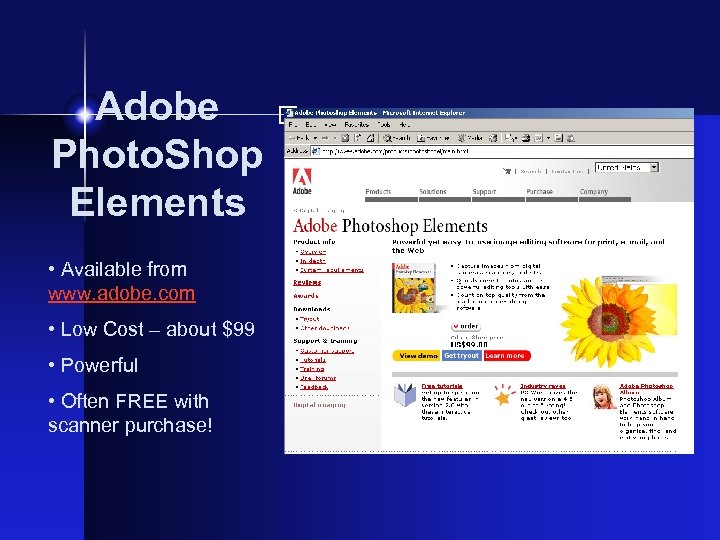
• Available from www. adobe. com • Low Cost – about $99 • Powerful • Often FREE with scanner purchase! Adobe Photo. Shop Elements
What Can You Do With Digital?
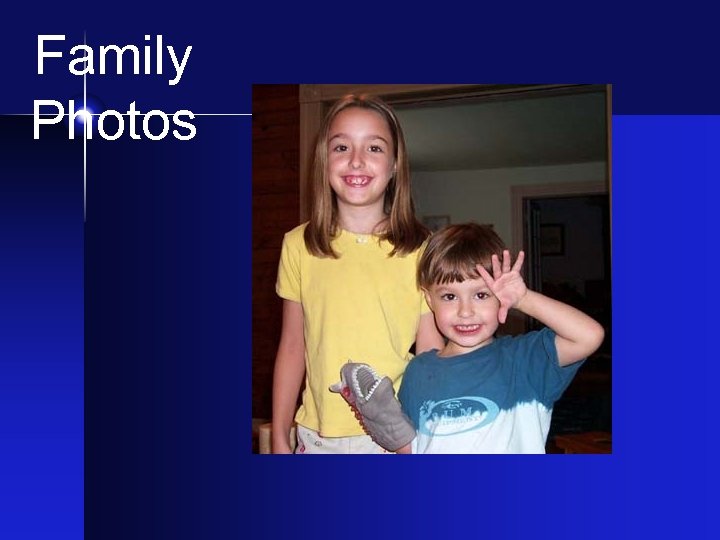
Family Photos

More family… Vacation Pictures. . .

Student Projects
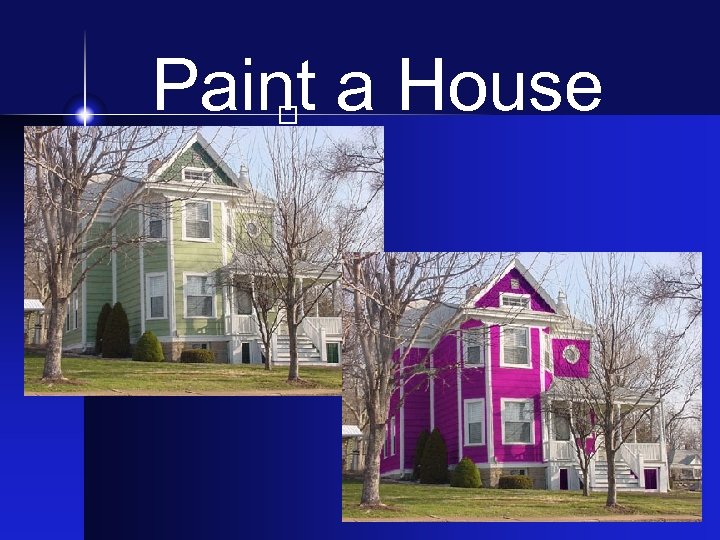
Paint a House
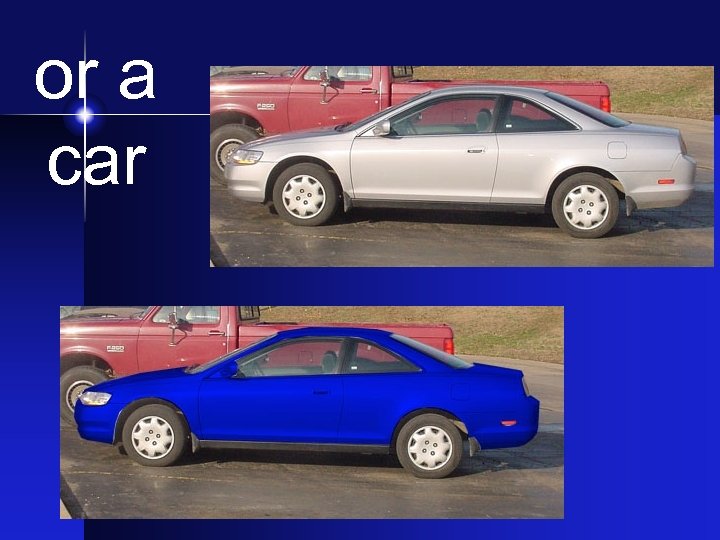
or a car

Alter Reality!
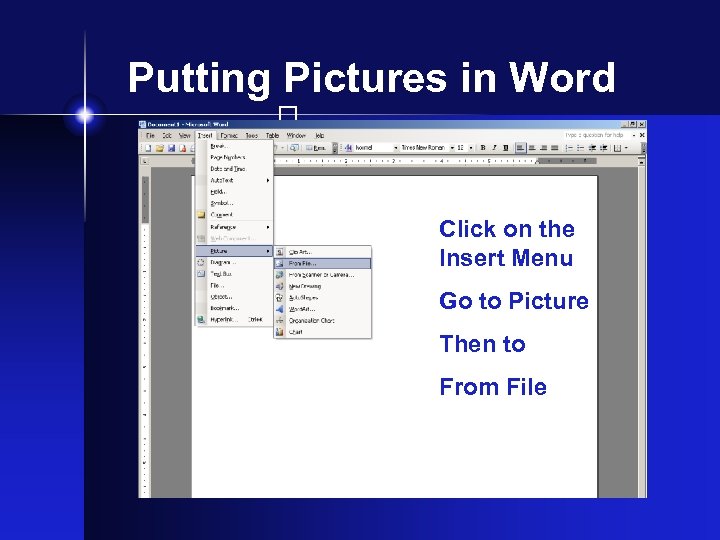
Putting Pictures in Word Click on the Insert Menu Go to Picture Then to From File
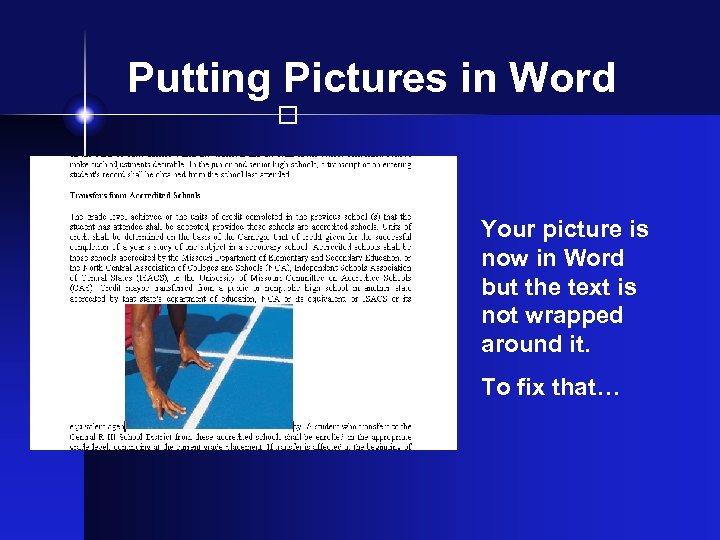
Putting Pictures in Word Your picture is now in Word but the text is not wrapped around it. To fix that…
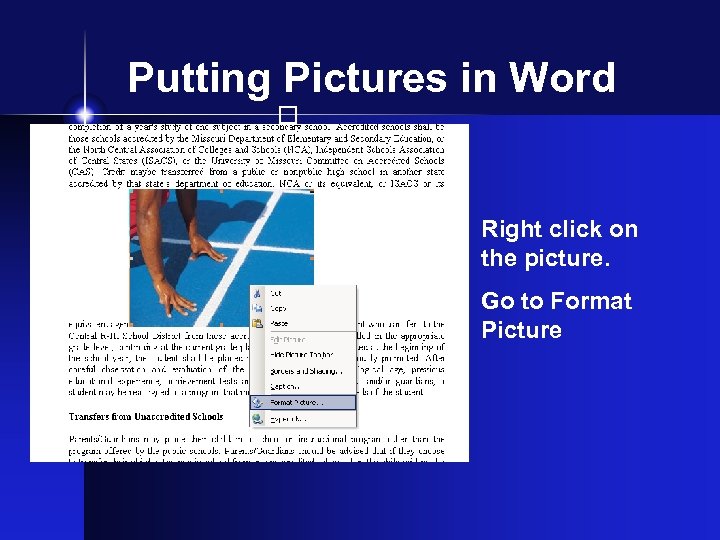
Putting Pictures in Word Right click on the picture. Go to Format Picture
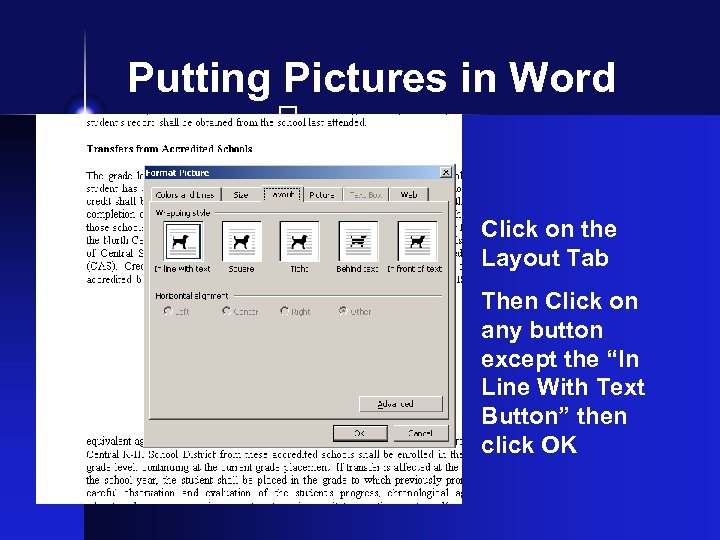
Putting Pictures in Word Click on the Layout Tab Then Click on any button except the “In Line With Text Button” then click OK
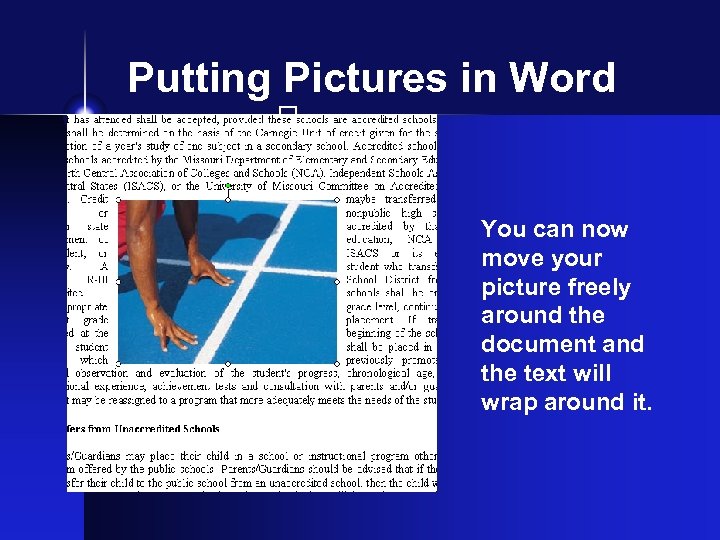
Putting Pictures in Word You can now move your picture freely around the document and the text will wrap around it.
How do Digital Cameras Work?
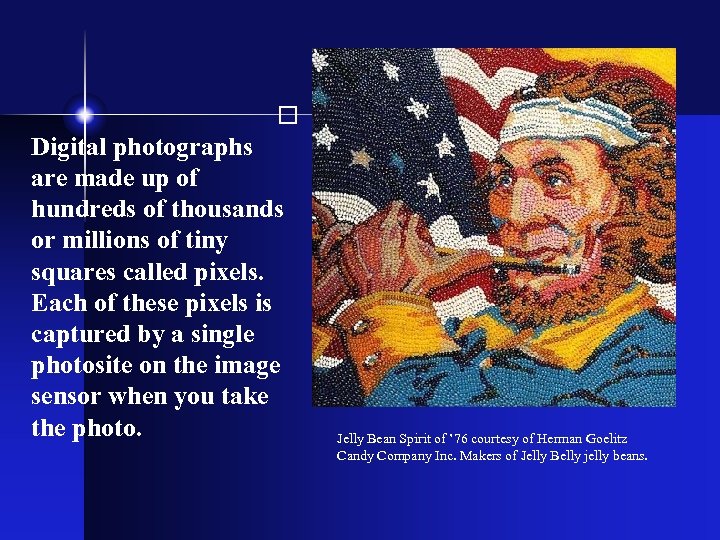
Digital photographs are made up of hundreds of thousands or millions of tiny squares called pixels. Each of these pixels is captured by a single photosite on the image sensor when you take the photo. Jelly Bean Spirit of ’ 76 courtesy of Herman Goelitz Candy Company Inc. Makers of Jelly Belly jelly beans.
The quality of a digital image, whether printed or displayed on a screen, depends in part on the number of pixels used to create the image (sometimes referred to as resolution).
Some cameras additional pixels to artificially inflate the size of the image. You can do the same thing in an imageediting program. In most cases this upsizing only makes the image larger without making it better
More pixels add detail and sharpen edges. If you enlarge any digital image enough, the pixels will begin to show-an effect called pixelization.
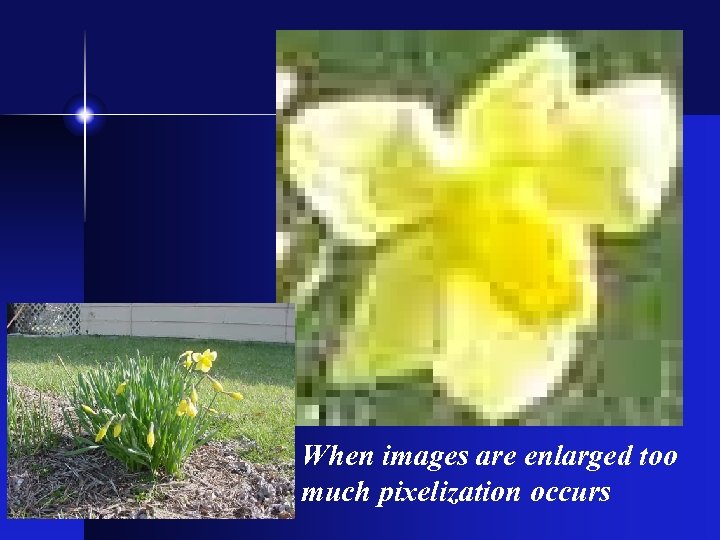
When images are enlarged too much pixelization occurs
The size of a photograph is specified in one of two ways § Dimensions in pixels § Total number of pixels it contains For example, the same image can be said to have 1800 x 1600 pixels or to contain 2. 88 -million pixels (1800 multiplied by 1600).
Low-end cameras currently have resolutions around 640 x 480 pixels, although this number constantly improves. Better cameras, those with one million or more pixels, are called megapixel cameras and those with over two million pixels are called multimegapixel cameras.
To make large image files smaller and more manageable, digital cameras store images in a format called JPEG after its developer, the Joint Photographic Experts Group
The JPEG file format not only compresses images, it also allows you to specify how much they are compressed. This is a useful feature because there is a tradeoff between compression and image quality. Lossy Format
IMPORTANT! Do not save JPEG images as JPEG images if you will be modifying it. Use TIFF.
The Raw image file format An uncompressed format that preserves as much detail as possible. • BIG files • Some cameras use proprietary format
TIFF Tag Image File Format was developed by Aldus Corp. to save images created by scanners. • Lossless format • BIG files
MPEG format Motion Picture Export Group A compressed audio/video format for computers. DVDs and digital satellite TV use MPEG 2
Compression
Lossless Compression Lossless compression uncompresses an image so its quality matches the original source • LZW - Lempel-Ziv-Welch • Used for GIF & TIFF files • Compresses from 50% to 90%
Lossy Compression Images loose some data because they are compressed so much. • JPEG • Compression ratios of 10: 1 and 40: 1 are common • Do not work with images in JPEG format

Image Storage
With traditional cameras, the film is used both to record and store the image. With digital cameras, separate devices perform these two functions. The image is captured by the image sensor, then stored in the camera on a storage device of some kind.
Both memory cards and magnetic disks are widely used in digital cameras. Both types of storage devices share some outstanding features.
§They are erasable and reusable. § They are usually removable, so you can remove one and plug in another so storage is limited only by the number of devices you have § They can be removed from the camera and plugged into the computer or printer to transfer the images.
Despite their similarities, they also have some significant differences: § Magnetic disks have moving parts while flash memory cards don't. § Magnetic disks are usually cheaper (per picture) and faster. § Flash memory cards are smaller, lighter, and less prone to damage.
Types of Memory Cards § PC Cards § Compact Flash § Smart Media § Memory Sticks § Multimedia Cards
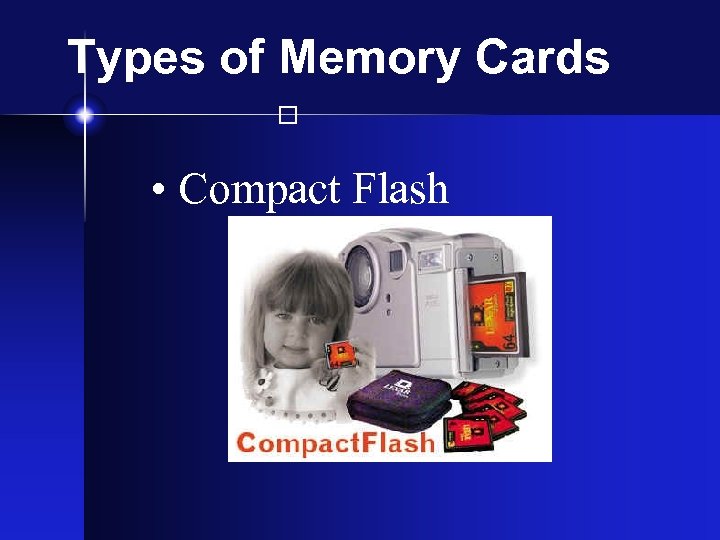
Types of Memory Cards • Compact Flash
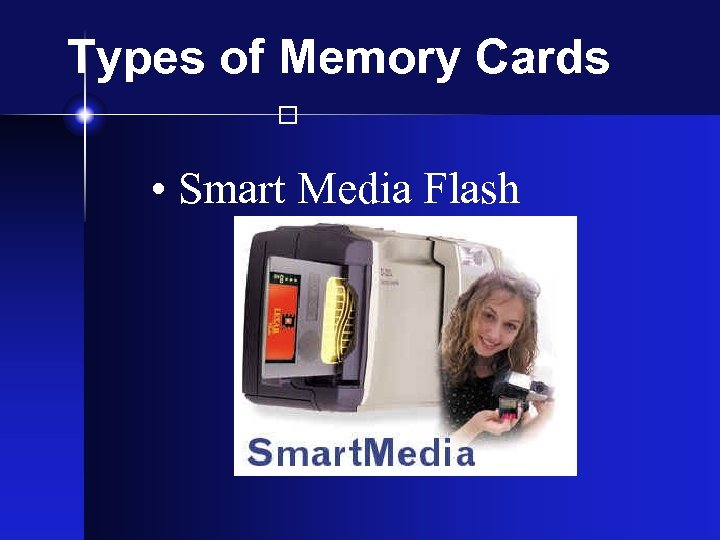
Types of Memory Cards • Smart Media Flash
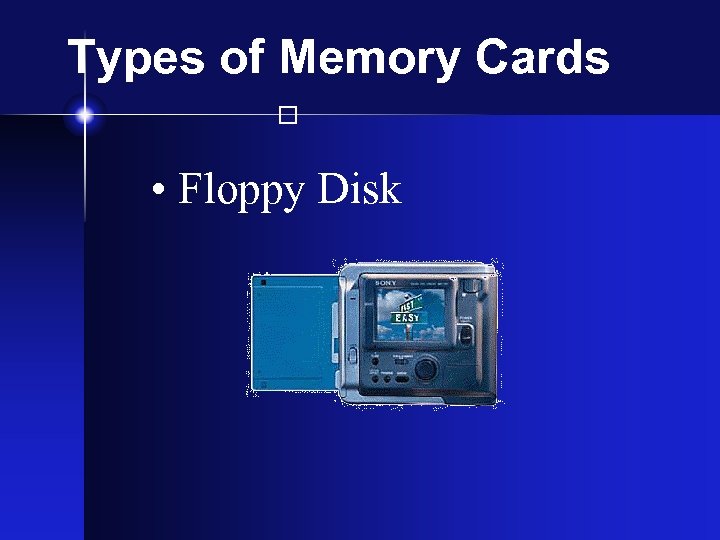
Types of Memory Cards • Floppy Disk
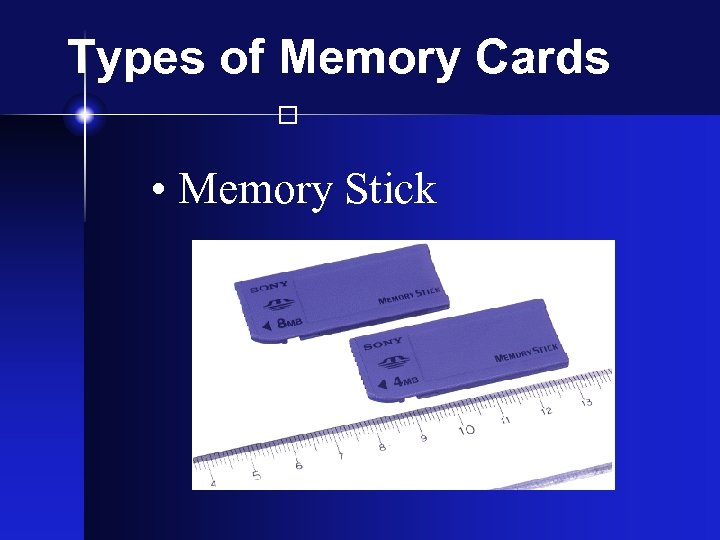
Types of Memory Cards • Memory Stick
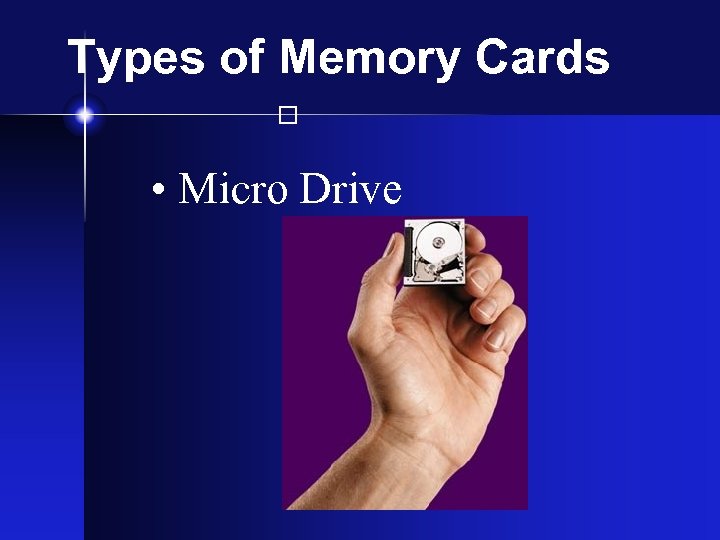
Types of Memory Cards • Micro Drive
Ready to Buy a Digital Camera?

Decide Your Needs § Print, on screen viewing or for the Web § Price § Features § Indoors or Outdoors
Скачать презентацию Digital Photography Max Hobson Network Computer
137ae7ead0cfcf7837d02d1dc57287d2.ppt