 Скачать презентацию DIGITAL PHOTOGRAPHY 1 CAMERA BASICS These basics
b8b2034dc26e88e63775789a08c10443.ppt
- Количество слайдов: 37



DIGITAL PHOTOGRAPHY 1
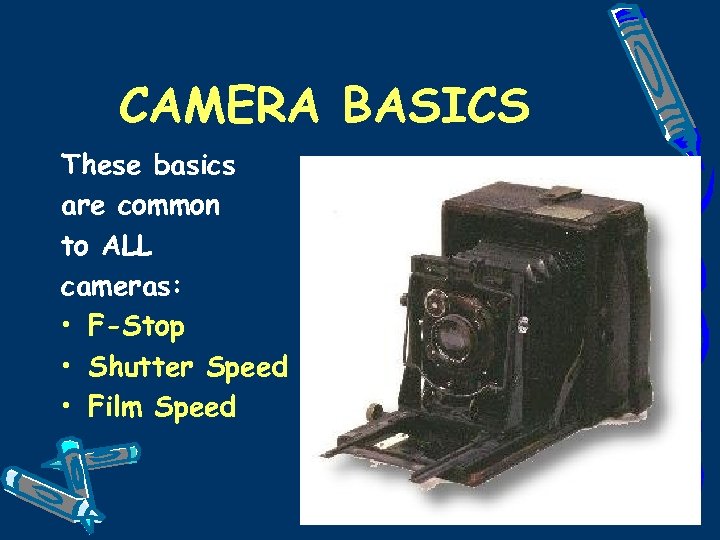
CAMERA BASICS These basics are common to ALL cameras: • F-Stop • Shutter Speed • Film Speed 2
CAMERA BASICS • F-Stop (how much light is seen, how much the aperture is open) • Shutter Speed (how long the light is seen in the aperture) • FILM SPEED (how fast the film itself responds to this light) 3
F-STOP HOW MUCH LIGHT IS SEEN • Sometimes known as ‘aperture’ • Ranges from about 1. 8 to 32 • A higher number (i. e. 32) means less light is ‘seen’. • A lower number (i. e. 1. 8) means more light is ‘seen’. 4
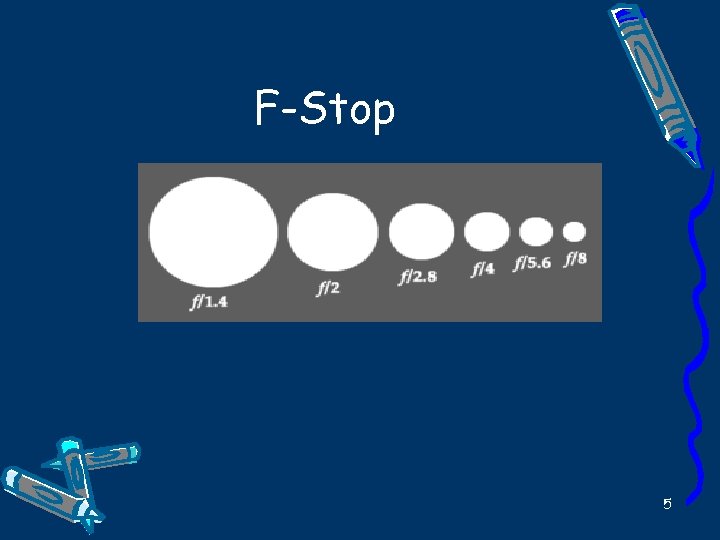
F-Stop 5
F-STOP HIGHER F-stop (i. e. 32) ADVANTAGES • Increased depth of field, i. e. image background is not blurry DISADVANTAGES • Needs more light, i. e. slower shutter speed. 6
F-STOP LOWER F-STOP (i. e. F 1. 8) ADVANTAGES • Lets plenty of light in! Better to use in darker settings. • Less blurry since faster shutter speed may be needed to compensate for more light. DISADVANTAGES • No depth of field, i. e. background of image likely out of focus. 7
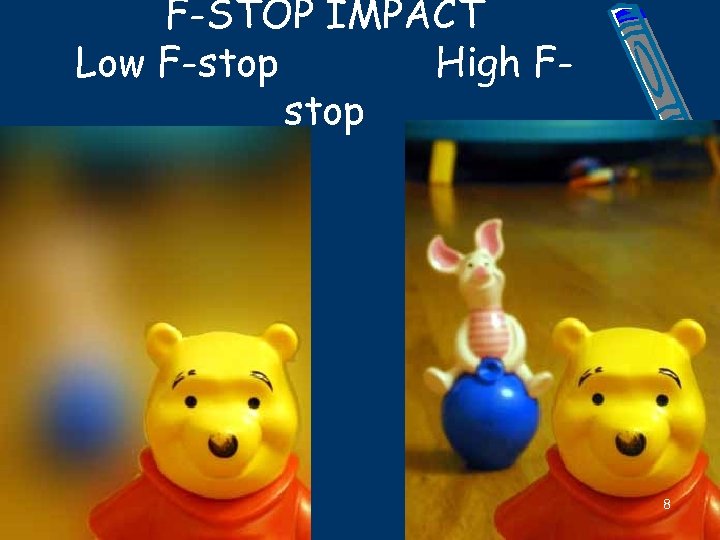
F-STOP IMPACT Low F-stop High Fstop 8
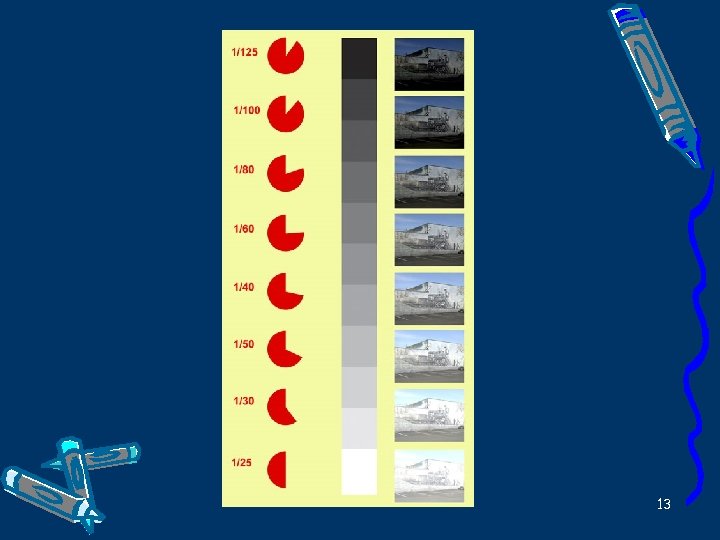
SHUTTER SPEED MEASURES HOW LONG LIGHT IS LET INTO THE FILM/CAMERA • Common values include ½ sec, 1/8 second, 1/1000 second etc • Shorter time means less time for light to get into the camera • Shorter time reduces blurriness 9
SHUTTER SPEED FASTER SPEED ADVANTAGES • Reduces blurriness as image is ‘seen’ only briefly – great for sports events. DISADVANTAGES • Less time for light to enter camera • Requires bright conditions 10
SHUTTER SPEED SLOWER SPEED ADVANTAGES • Great for darker conditions (more time for light to enter the camera) DISADVANTAGES • Increased chance of blurriness • Often requires a tripod be used for steadiness. 11
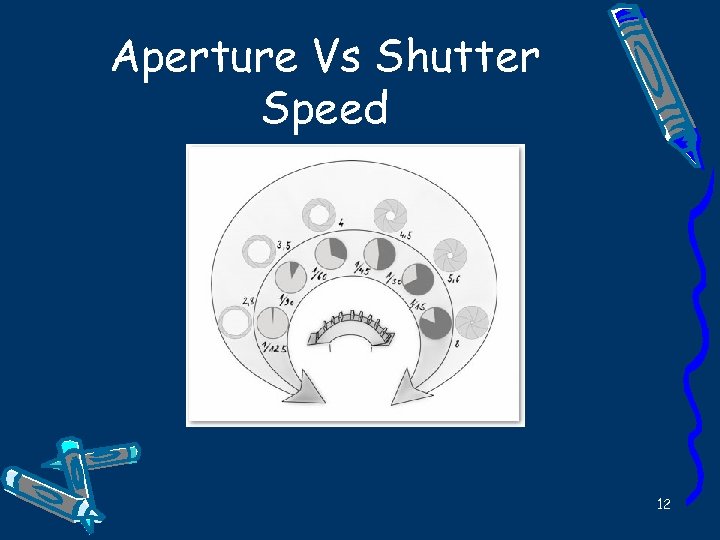
Aperture Vs Shutter Speed 12
13
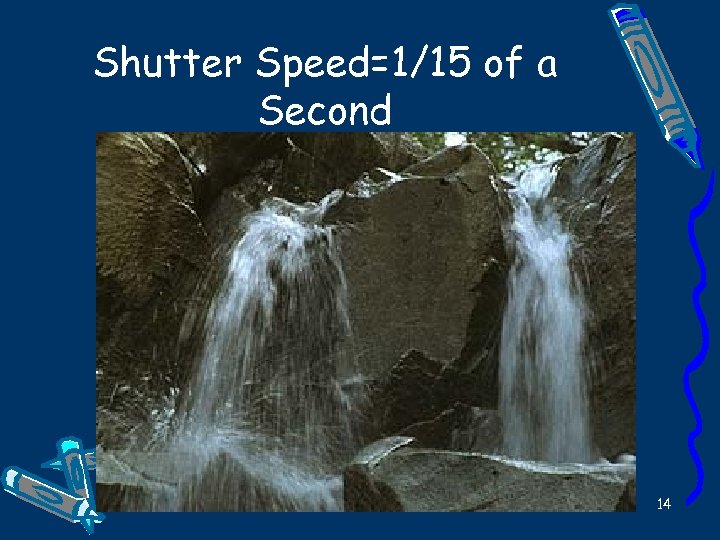
Shutter Speed=1/15 of a Second 14
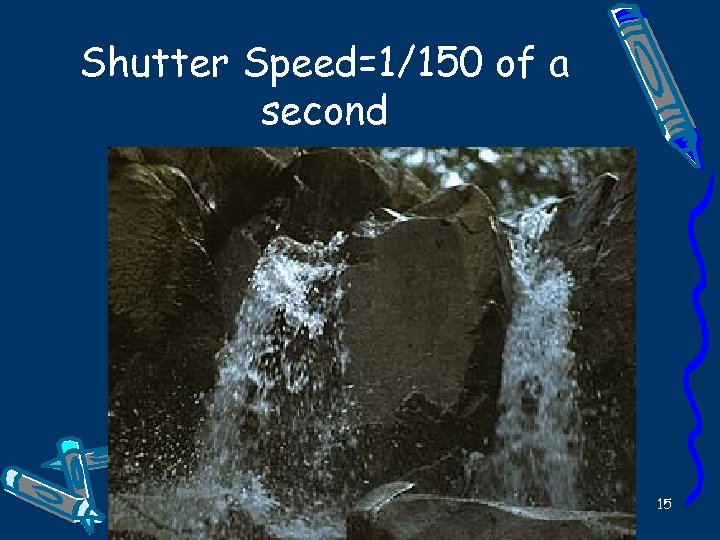
Shutter Speed=1/150 of a second 15
FILM SPEED • Traditional cameras use film of different sensitivities. It is measured by its ISO number, i. e. 64, 100 400 • Slower speed (i. e. 64) is good for enlarging but requires bright light and/or slow shutter speed and/or lower F-stop. • Faster Film (i. e. 400) is poor for enlarging but needs less light and thus good for indoor photography. • Digital Cameras do not use film per se. They use a technology called CCD (Charge Coupled Device) which senses images. 16
TIPS ON TAKING PHOTOS – Be aware of ‘backlighting’, i. e. a bright background will make your subject appear ‘dark’. – Best to have the light on the subject from behind you for proper lighting. – Take photos in early morning/late afternoon for dramatic shadows. – Frame your subject in the viewfinder and use the ‘rule of thirds’ when framing your subject. See the next slide. 17

18
DIGITAL PHOTOGRAPHY The concepts are generally the same – The F-stop (‘Aperture’) is sometimes ‘fixed’ within the digital camera. – The digital camera then adjusts the shutter speed (and if possible, the aperture) based on light conditions. – The film speed is the same for all photos within the camera, i. e. it is not chemical based but usually uses CCD technology – The main important concept is PIXELs 19
DIGITAL PHOTOGRAPHY PIXELS – short for PICTURE ELEMENT. The more PIXELS a camera has, the better the picture quality, i. e. level of resolution or details in each picture. Some typical values: • 640 x 480 pixels - This is the low end on most "real" cameras. This resolution is okay if you plan to e-mail most of your pictures to friends or post them on a Web site. This is 307, 000 total pixels. But you will not be happy with this resolution if you print it. • 1216 x 912 pixels - If you are planning to print your images, this is a good resolution. This is a "megapixel" image size -1, 109, 000 total pixels. • 1600 x 1200 pixels - This is "high resolution. " Images taken with this resolution can be printed in larger sizes, such as 8 x 10 inches, with good results. This is almost 2 million total 20 pixels. You can find cameras today with up to 10. 2 million
DIGITAL PHOTOGRAPHY How it works • A picture is taken and the camera automatically converts the pixels from analog to digital format. • The camera then converts the digital pixels to color images. • Then they are stored in digital memory within the camera and/or on memory cards/sticks and so on. • Pictures can then be subsequently transferred from the digital camera either by serial cables or more recently via a USB port. 21
Optical/Digital Zoom • Digital cameras usually allow for some zooming. • Optical zoom is often better; the camera makes adjustments within the lens themselves. • Digital zoom is whereby the camera calculates how to adjust the pixels, adding them or removing them. Interpolation is used when adding them. • Macro mode is another type of zoom and allows close-up pictures, i. e. flowers. 22
Advantages of Digital Cameras • The pictures do not need to be developed at the store, saving money and time. • The picture you took can be viewed within a few seconds of taking it. • You can readily delete photos within the camera that are done improperly or by mistake. • You can upload to a computer and use software to enhance the photo further. 23
BATTERIES • The best batteries are known as Nickel Metal Hydride, i. e. Ni. MH • They are rechargeable. • They last about as long as alkaline batteries. • You can buy batteries and charger at BJs, Radio Shack and so on. 24
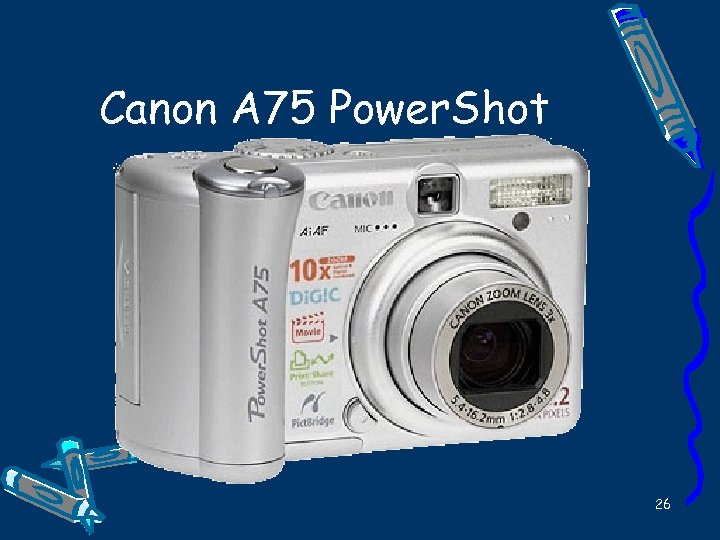
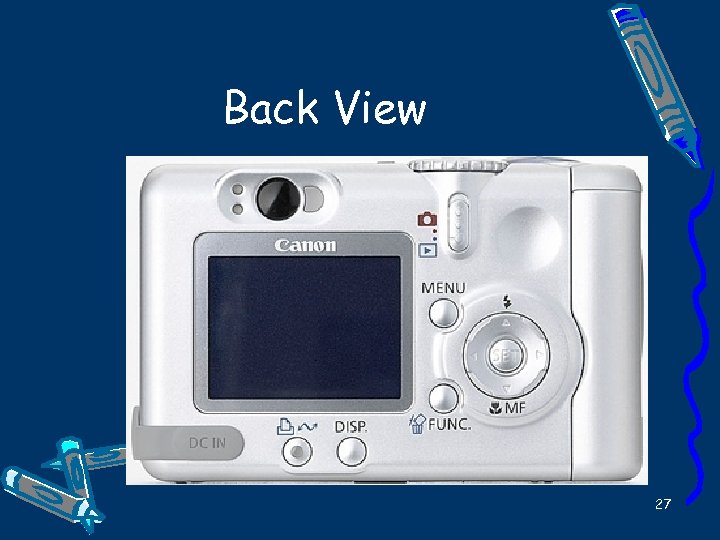
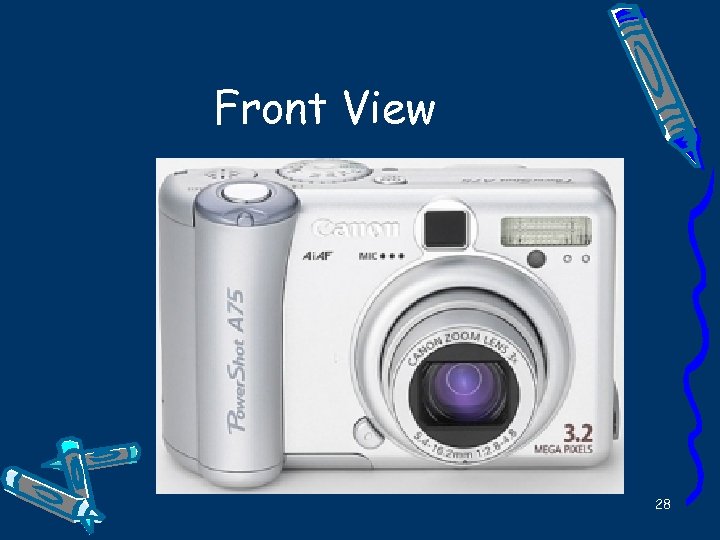
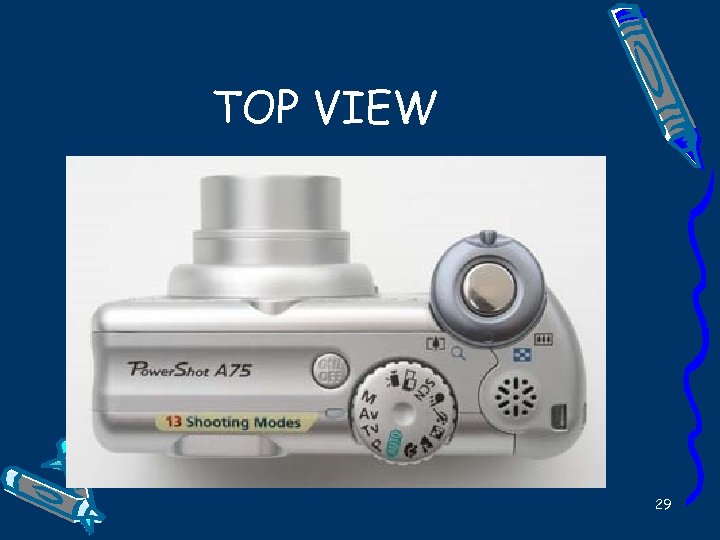
A DIGITAL CAMERA • The CANON A 75 Powershot is a capable and sophisticated digital camera. • Street price is about $225. (Others can be had for as little as $29. 95). • It connects to your computer via the standard USB interface. • I will highlight this camera as one example of digital cameras. 25
Canon A 75 Power. Shot 26
Back View 27
Front View 28
TOP VIEW 29
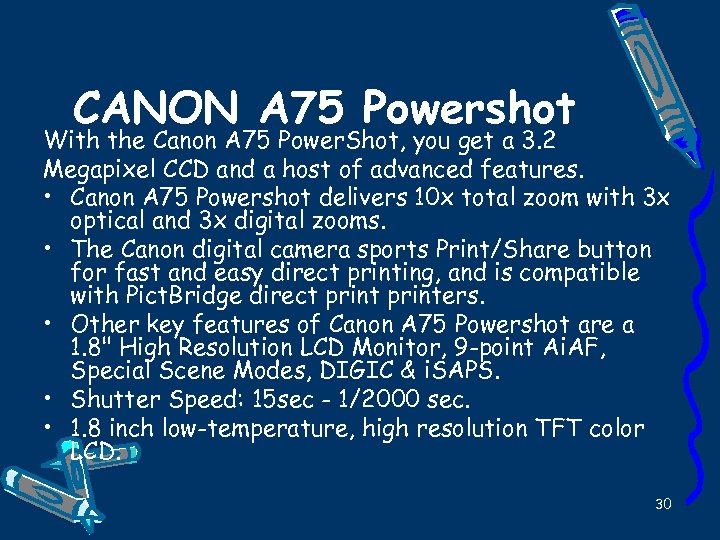
CANON A 75 Powershot With the Canon A 75 Power. Shot, you get a 3. 2 Megapixel CCD and a host of advanced features. • Canon A 75 Powershot delivers 10 x total zoom with 3 x optical and 3 x digital zooms. • The Canon digital camera sports Print/Share button for fast and easy direct printing, and is compatible with Pict. Bridge direct printers. • Other key features of Canon A 75 Powershot are a 1. 8" High Resolution LCD Monitor, 9 -point Ai. AF, Special Scene Modes, DIGIC & i. SAPS. • Shutter Speed: 15 sec - 1/2000 sec. • 1. 8 inch low-temperature, high resolution TFT color LCD. 30
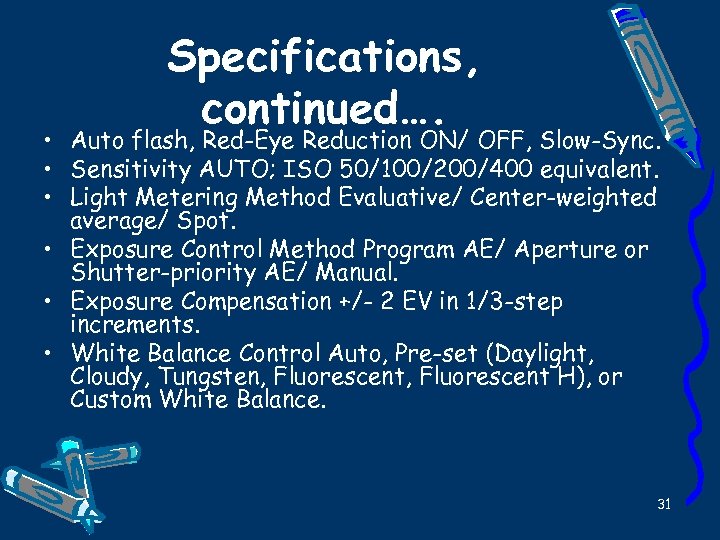
Specifications, continued…. • Auto flash, Red-Eye Reduction ON/ OFF, Slow-Sync. • Sensitivity AUTO; ISO 50/100/200/400 equivalent. • Light Metering Method Evaluative/ Center-weighted average/ Spot. • Exposure Control Method Program AE/ Aperture or Shutter-priority AE/ Manual. • Exposure Compensation +/- 2 EV in 1/3 -step increments. • White Balance Control Auto, Pre-set (Daylight, Cloudy, Tungsten, Fluorescent H), or Custom White Balance. 31
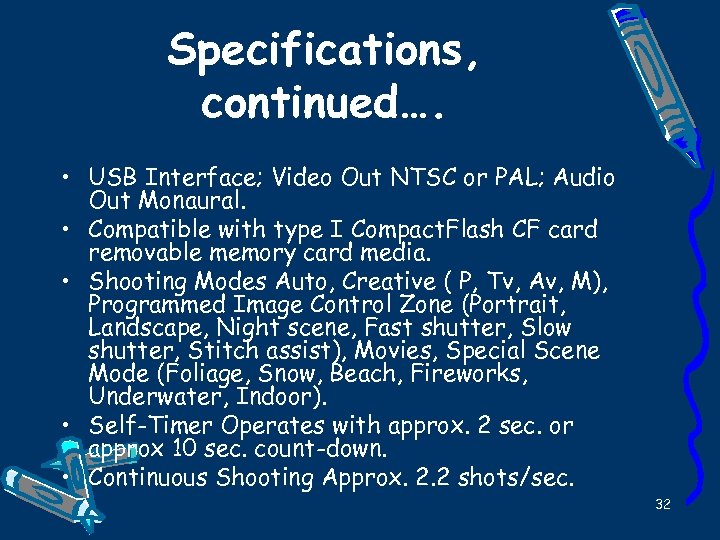
Specifications, continued…. • USB Interface; Video Out NTSC or PAL; Audio Out Monaural. • Compatible with type I Compact. Flash CF card removable memory card media. • Shooting Modes Auto, Creative ( P, Tv, Av, M), Programmed Image Control Zone (Portrait, Landscape, Night scene, Fast shutter, Slow shutter, Stitch assist), Movies, Special Scene Mode (Foliage, Snow, Beach, Fireworks, Underwater, Indoor). • Self-Timer Operates with approx. 2 sec. or approx 10 sec. count-down. • Continuous Shooting Approx. 2. 2 shots/sec. 32
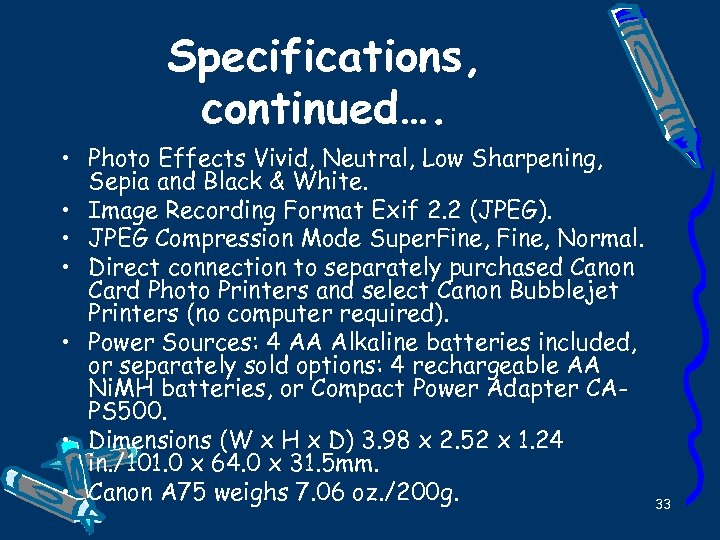
Specifications, continued…. • Photo Effects Vivid, Neutral, Low Sharpening, Sepia and Black & White. • Image Recording Format Exif 2. 2 (JPEG). • JPEG Compression Mode Super. Fine, Normal. • Direct connection to separately purchased Canon Card Photo Printers and select Canon Bubblejet Printers (no computer required). • Power Sources: 4 AA Alkaline batteries included, or separately sold options: 4 rechargeable AA Ni. MH batteries, or Compact Power Adapter CAPS 500. • Dimensions (W x H x D) 3. 98 x 2. 52 x 1. 24 in. /101. 0 x 64. 0 x 31. 5 mm. • Canon A 75 weighs 7. 06 oz. /200 g. 33
DIGITAL CAMERAS • I will now show you two more digital cameras. • The 1 st is just $29 and perhaps not worth it – minimal quality. • The 2 nd one is better but not as good as the Canon – only 2. 1 megapixel – this camera costs about $100. 34
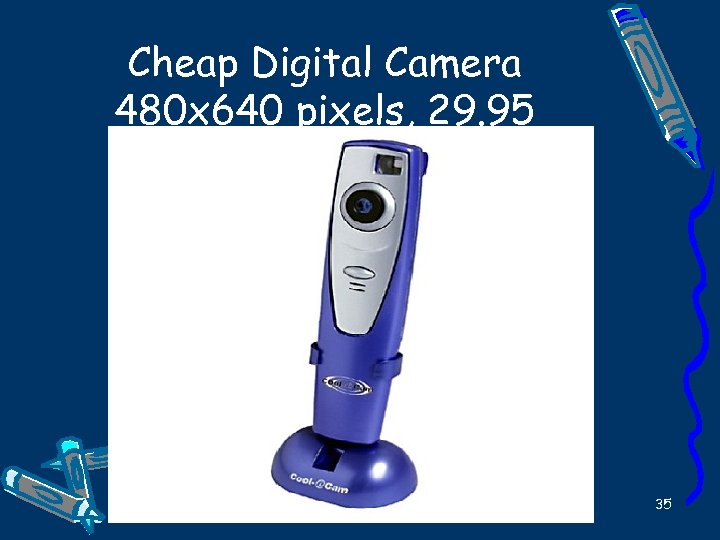
Cheap Digital Camera 480 x 640 pixels, 29. 95 35
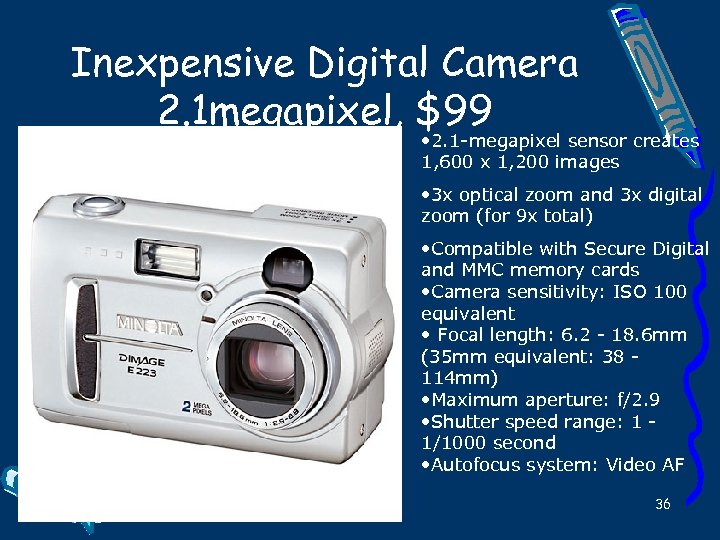
Inexpensive Digital Camera 2. 1 megapixel, $99 • 2. 1 -megapixel sensor creates 1, 600 x 1, 200 images • 3 x optical zoom and 3 x digital zoom (for 9 x total) • Compatible with Secure Digital and MMC memory cards • Camera sensitivity: ISO 100 equivalent • Focal length: 6. 2 - 18. 6 mm (35 mm equivalent: 38 114 mm) • Maximum aperture: f/2. 9 • Shutter speed range: 1 1/1000 second • Autofocus system: Video AF 36

QUESTIONS/DISCUSS ION • How to reach me via email: • joec_49@hotmail. com • Please say: ”WORKSHOP” in subject line • This Powerpoint presentation will soon be available for download at: • http: //www. collins-consulting. org/downloads. html • Next seminar is 8/2 • “Come Learn Microsoft Powerpoint” • Note: This presentation is written in Powerpoint 37
Скачать презентацию DIGITAL PHOTOGRAPHY 1 CAMERA BASICS These basics
b8b2034dc26e88e63775789a08c10443.ppt