 Скачать презентацию Digital Formats Factors for Sustainability Functionality and Quality
ccb9d2dce27bb6abb6f25ce87dab225d.ppt
- Количество слайдов: 39



Digital Formats: Factors for Sustainability, Functionality, and Quality Caroline R. Arms Carl Fleischhauer DLF Forum November 17, 2003 Temporary URL for this slide show and related documents: http: //memory. loc. gov/ammem/techdocs/digform/
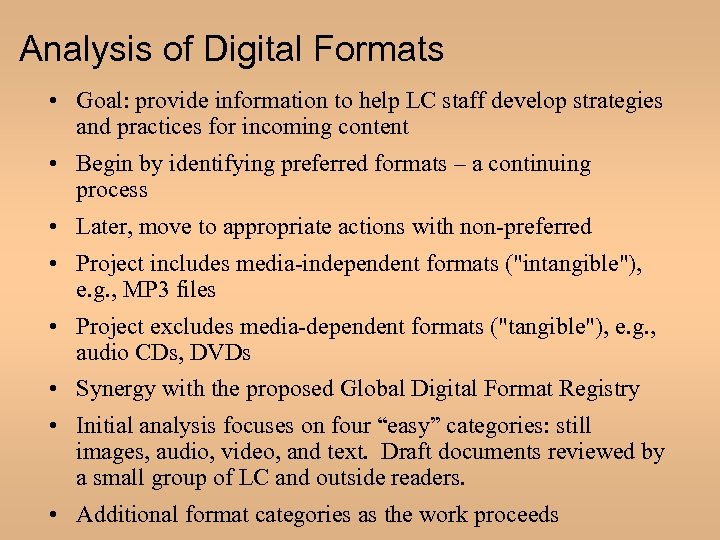
Analysis of Digital Formats • Goal: provide information to help LC staff develop strategies and practices for incoming content • Begin by identifying preferred formats – a continuing process • Later, move to appropriate actions with non-preferred • Project includes media-independent formats ("intangible"), e. g. , MP 3 files • Project excludes media-dependent formats ("tangible"), e. g. , audio CDs, DVDs • Synergy with the proposed Global Digital Format Registry • Initial analysis focuses on four “easy” categories: still images, audio, video, and text. Draft documents reviewed by a small group of LC and outside readers. • Additional format categories as the work proceeds

Section I. Factors for Evaluation
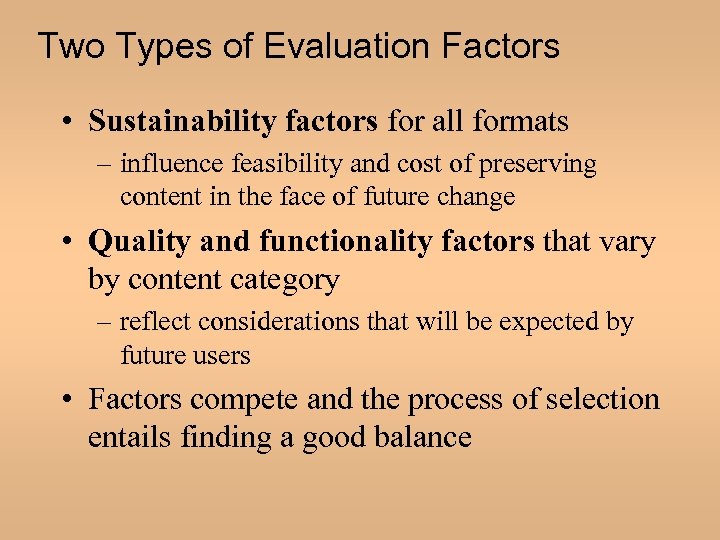
Two Types of Evaluation Factors • Sustainability factors for all formats – influence feasibility and cost of preserving content in the face of future change • Quality and functionality factors that vary by content category – reflect considerations that will be expected by future users • Factors compete and the process of selection entails finding a good balance
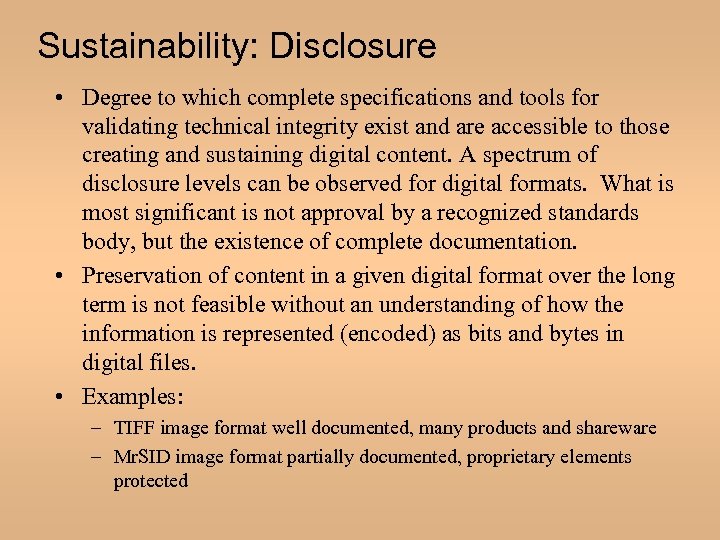
Sustainability: Disclosure • Degree to which complete specifications and tools for validating technical integrity exist and are accessible to those creating and sustaining digital content. A spectrum of disclosure levels can be observed for digital formats. What is most significant is not approval by a recognized standards body, but the existence of complete documentation. • Preservation of content in a given digital format over the long term is not feasible without an understanding of how the information is represented (encoded) as bits and bytes in digital files. • Examples: – TIFF image format well documented, many products and shareware – Mr. SID image format partially documented, proprietary elements protected
Sustainability: Adoption • Degree to which the format is already used by the primary creators, disseminators, or users of information resources. This includes use as a master format, for delivery to end users, and as a means of interchange between systems. If a format is widely adopted, it is less likely to become obsolete rapidly, and tools for migration and emulation are more likely to emerge from industry without specific investment by archival institutions. Examples: • • – – PDF text format very widely used Microsoft e. Book Reader not widely used
Sustainability: Transparency • Degree to which the digital representation is open to direct analysis with basic tools, such as human readability using a text-only editor. Digital formats in which the underlying information is represented simply and directly will be easier to migrate to new formats and more susceptible to digital archaeology; easier development of rendering software for new technical environments. Examples: • • – – Uncompressed raster image bitstream easy to interpret Lossy compressed image bitstream requires complex decoding
Sustainability: Self-documentation • Self-documenting digital objects contain basic descriptive, technical, and other administrative metadata. Self-documenting digital objects are likely to be easier to sustain over the long term and to transfer reliably from one archival system to another, including a successor system. LC wants to take advantage of the trend towards embedded metadata for business reasons. Some metadata will be extracted to support discovery and collection management. Examples: • • – – – JPEG (. jpg) image files contain very scant metadata EXIF JPEG wraps JPEG compression with richer metadata JPEG 2000 (. jpx) image files may contain metadata ‘boxes’ – can include an extensive DIG 35 record
Sustainability: External Dependencies • • Degree to which a particular format depends on particular hardware, operating system, or software for rendering or use and the predicted complexity of dealing with those dependencies in future technical environments. Some interactive digital content is designed for use with specific hardware, such as a joystick. Scientific datasets built from sensor data may require specialized software for analysis and visualization. External dependencies will make content more difficult and costly to sustain than static content. The specialized software required by some scientific datasets may itself be very difficult to sustain. Examples: • • Adobe e. Books require a Microsoft Passport account. Open e. Book format is free of external dependencies
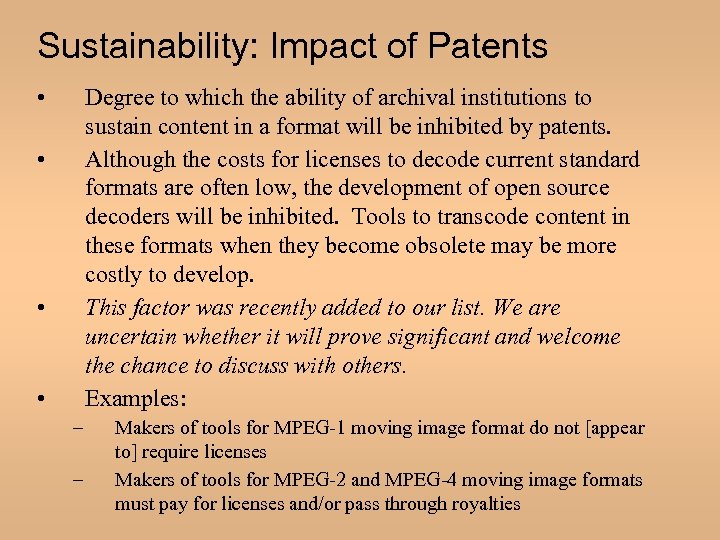
Sustainability: Impact of Patents • Degree to which the ability of archival institutions to sustain content in a format will be inhibited by patents. Although the costs for licenses to decode current standard formats are often low, the development of open source decoders will be inhibited. Tools to transcode content in these formats when they become obsolete may be more costly to develop. This factor was recently added to our list. We are uncertain whether it will prove significant and welcome the chance to discuss with others. Examples: • • • – – Makers of tools for MPEG-1 moving image format do not [appear to] require licenses Makers of tools for MPEG-2 and MPEG-4 moving image formats must pay for licenses and/or pass through royalties
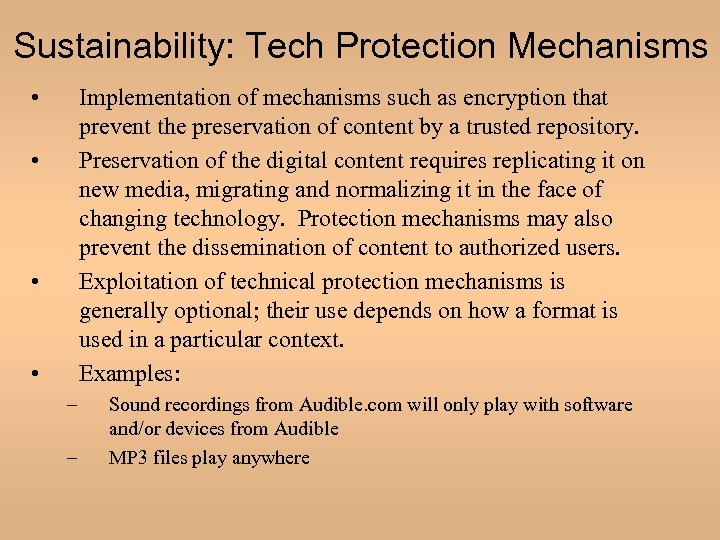
Sustainability: Tech Protection Mechanisms • Implementation of mechanisms such as encryption that prevent the preservation of content by a trusted repository. Preservation of the digital content requires replicating it on new media, migrating and normalizing it in the face of changing technology. Protection mechanisms may also prevent the dissemination of content to authorized users. Exploitation of technical protection mechanisms is generally optional; their use depends on how a format is used in a particular context. Examples: • • • – – Sound recordings from Audible. com will only play with software and/or devices from Audible MP 3 files play anywhere
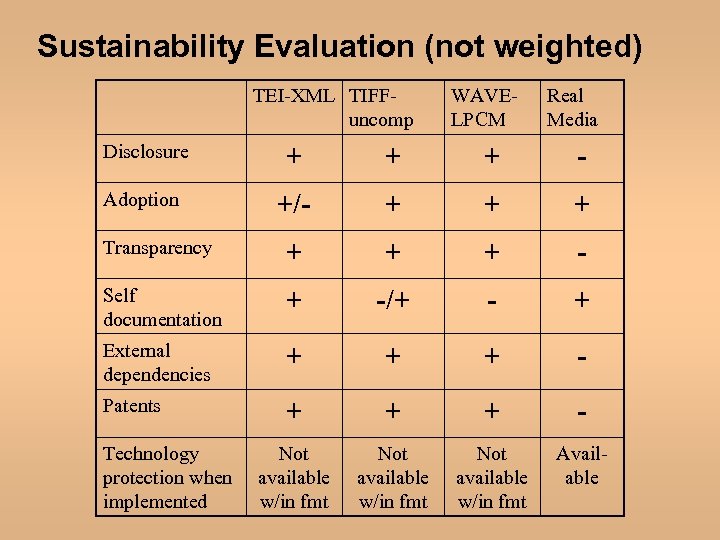
Sustainability Evaluation (not weighted) TEI-XML TIFFuncomp WAVELPCM Real Media Disclosure + + + - Adoption +/- + + + Transparency + + + - Self documentation + -/+ - + External dependencies + + + - Patents + + + - Not available w/in fmt Available Technology protection when implemented
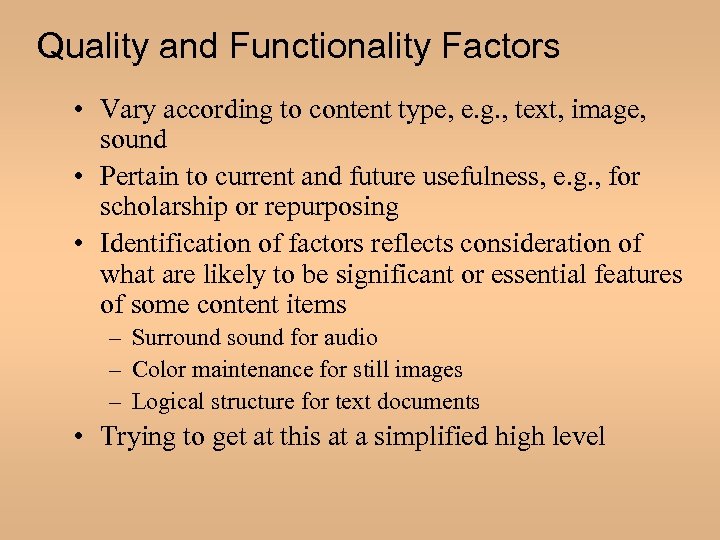
Quality and Functionality Factors • Vary according to content type, e. g. , text, image, sound • Pertain to current and future usefulness, e. g. , for scholarship or repurposing • Identification of factors reflects consideration of what are likely to be significant or essential features of some content items – Surround sound for audio – Color maintenance for still images – Logical structure for text documents • Trying to get at this at a simplified high level
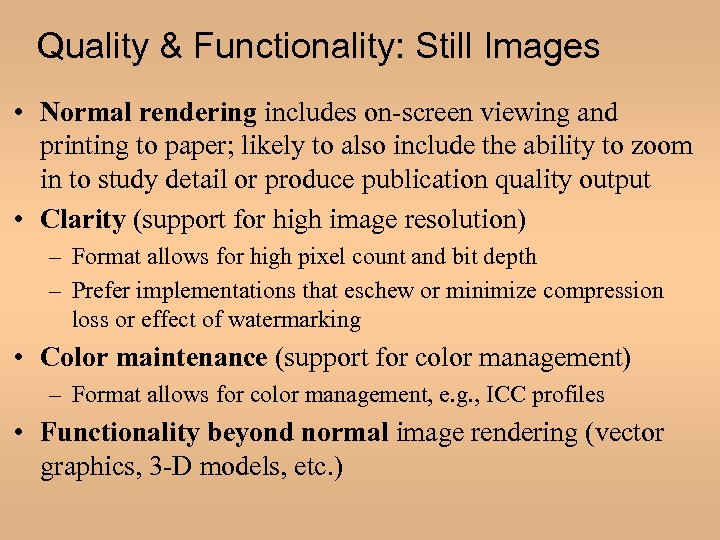
Quality & Functionality: Still Images • Normal rendering includes on-screen viewing and printing to paper; likely to also include the ability to zoom in to study detail or produce publication quality output • Clarity (support for high image resolution) – Format allows for high pixel count and bit depth – Prefer implementations that eschew or minimize compression loss or effect of watermarking • Color maintenance (support for color management) – Format allows for color management, e. g. , ICC profiles • Functionality beyond normal image rendering (vector graphics, 3 -D models, etc. )
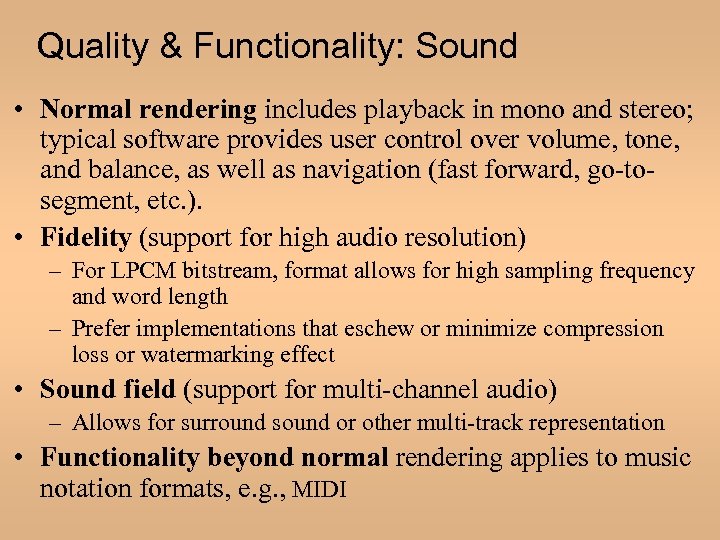
Quality & Functionality: Sound • Normal rendering includes playback in mono and stereo; typical software provides user control over volume, tone, and balance, as well as navigation (fast forward, go-tosegment, etc. ). • Fidelity (support for high audio resolution) – For LPCM bitstream, format allows for high sampling frequency and word length – Prefer implementations that eschew or minimize compression loss or watermarking effect • Sound field (support for multi-channel audio) – Allows for surround sound or other multi-track representation • Functionality beyond normal rendering applies to music notation formats, e. g. , MIDI
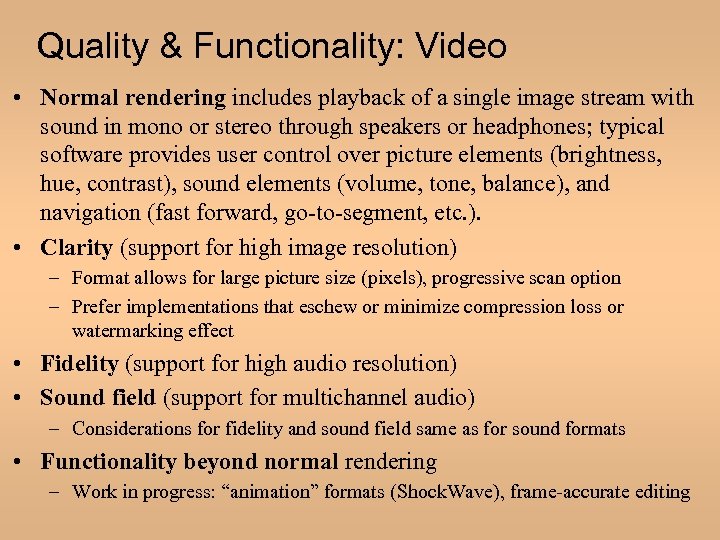
Quality & Functionality: Video • Normal rendering includes playback of a single image stream with sound in mono or stereo through speakers or headphones; typical software provides user control over picture elements (brightness, hue, contrast), sound elements (volume, tone, balance), and navigation (fast forward, go-to-segment, etc. ). • Clarity (support for high image resolution) – Format allows for large picture size (pixels), progressive scan option – Prefer implementations that eschew or minimize compression loss or watermarking effect • Fidelity (support for high audio resolution) • Sound field (support for multichannel audio) – Considerations for fidelity and sound field same as for sound formats • Functionality beyond normal rendering – Work in progress: “animation” formats (Shock. Wave), frame-accurate editing
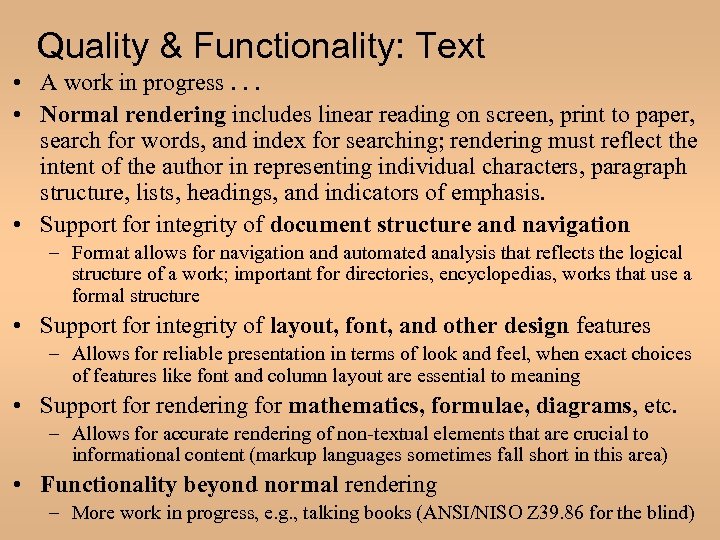
Quality & Functionality: Text • A work in progress. . . • Normal rendering includes linear reading on screen, print to paper, search for words, and index for searching; rendering must reflect the intent of the author in representing individual characters, paragraph structure, lists, headings, and indicators of emphasis. • Support for integrity of document structure and navigation – Format allows for navigation and automated analysis that reflects the logical structure of a work; important for directories, encyclopedias, works that use a formal structure • Support for integrity of layout, font, and other design features – Allows for reliable presentation in terms of look and feel, when exact choices of features like font and column layout are essential to meaning • Support for rendering for mathematics, formulae, diagrams, etc. – Allows for accurate rendering of non-textual elements that are crucial to informational content (markup languages sometimes fall short in this area) • Functionality beyond normal rendering – More work in progress, e. g. , talking books (ANSI/NISO Z 39. 86 for the blind)
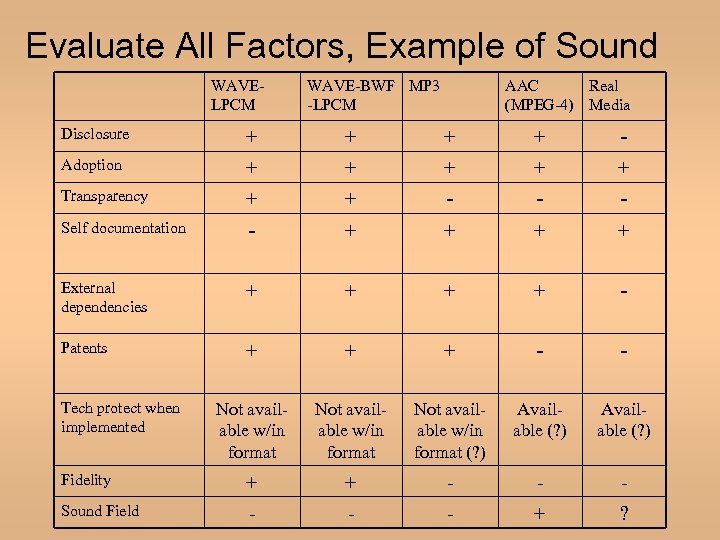
Evaluate All Factors, Example of Sound WAVELPCM WAVE-BWF MP 3 -LPCM AAC Real (MPEG-4) Media Disclosure + + - Adoption + + + Transparency + + - - - Self documentation - + + External dependencies + + - Patents + + + - - Not available w/in format (? ) Available (? ) Fidelity + + - - - Sound Field - - - + ? Tech protect when implemented
Section II. Relationships
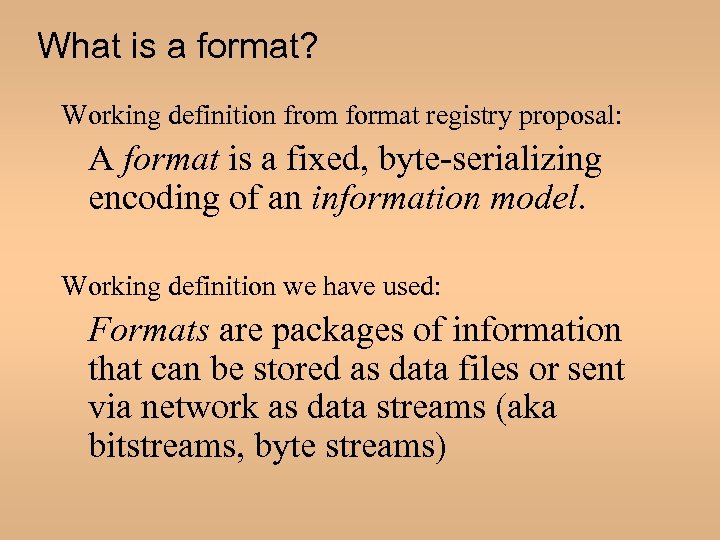
What is a format? Working definition from format registry proposal: A format is a fixed, byte-serializing encoding of an information model. Working definition we have used: Formats are packages of information that can be stored as data files or sent via network as data streams (aka bitstreams, byte streams)
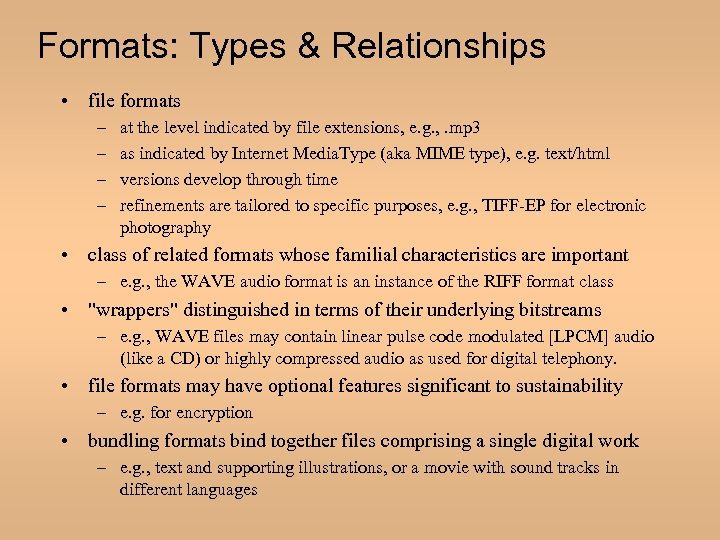
Formats: Types & Relationships • file formats – – at the level indicated by file extensions, e. g. , . mp 3 as indicated by Internet Media. Type (aka MIME type), e. g. text/html versions develop through time refinements are tailored to specific purposes, e. g. , TIFF-EP for electronic photography • class of related formats whose familial characteristics are important – e. g. , the WAVE audio format is an instance of the RIFF format class • "wrappers" distinguished in terms of their underlying bitstreams – e. g. , WAVE files may contain linear pulse code modulated [LPCM] audio (like a CD) or highly compressed audio as used for digital telephony. • file formats may have optional features significant to sustainability – e. g. for encryption • bundling formats bind together files comprising a single digital work – e. g. , text and supporting illustrations, or a movie with sound tracks in different languages
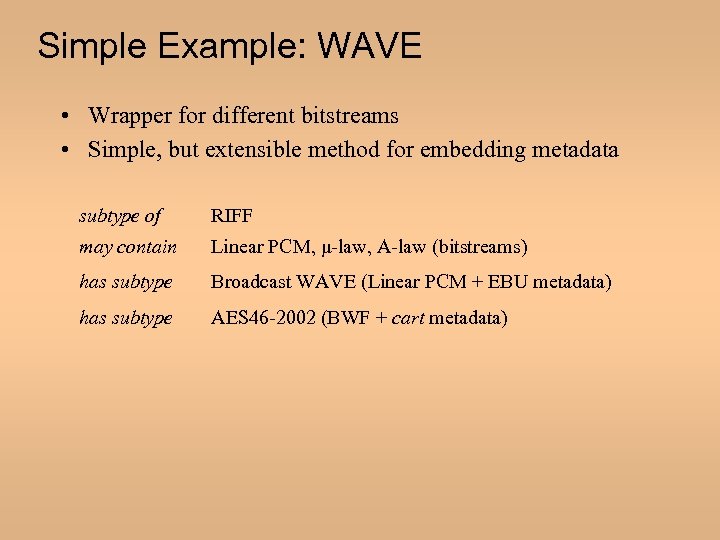
Simple Example: WAVE • Wrapper for different bitstreams • Simple, but extensible method for embedding metadata subtype of RIFF may contain Linear PCM, μ-law, A-law (bitstreams) has subtype Broadcast WAVE (Linear PCM + EBU metadata) has subtype AES 46 -2002 (BWF + cart metadata)
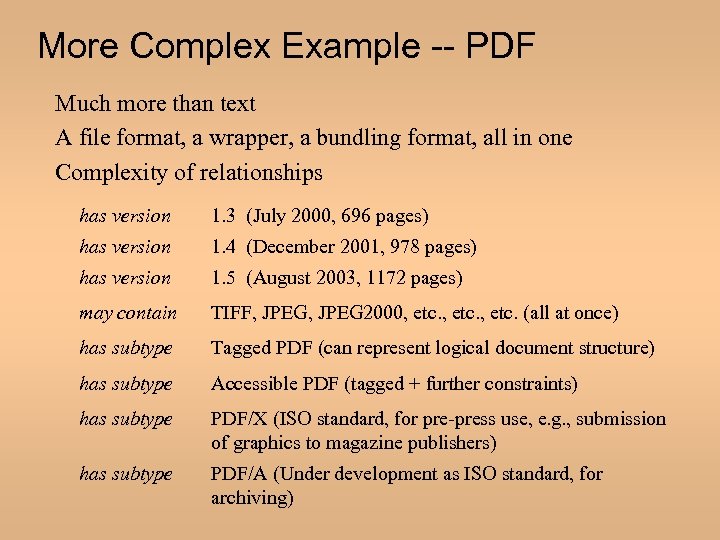
More Complex Example -- PDF Much more than text A file format, a wrapper, a bundling format, all in one Complexity of relationships has version 1. 3 (July 2000, 696 pages) has version 1. 4 (December 2001, 978 pages) has version 1. 5 (August 2003, 1172 pages) may contain TIFF, JPEG 2000, etc. (all at once) has subtype Tagged PDF (can represent logical document structure) has subtype Accessible PDF (tagged + further constraints) has subtype PDF/X (ISO standard, for pre-press use, e. g. , submission of graphics to magazine publishers) has subtype PDF/A (Under development as ISO standard, for archiving)
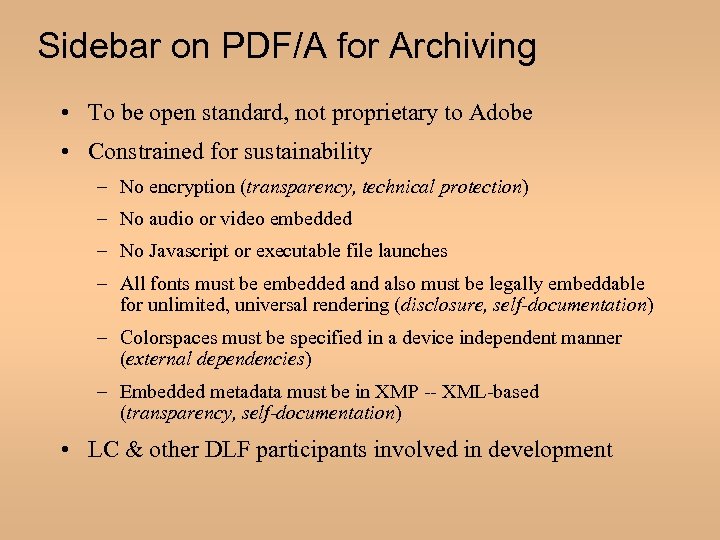
Sidebar on PDF/A for Archiving • To be open standard, not proprietary to Adobe • Constrained for sustainability – No encryption (transparency, technical protection) – No audio or video embedded – No Javascript or executable file launches – All fonts must be embedded and also must be legally embeddable for unlimited, universal rendering (disclosure, self-documentation) – Colorspaces must be specified in a device independent manner (external dependencies) – Embedded metadata must be in XMP -- XML-based (transparency, self-documentation) • LC & other DLF participants involved in development
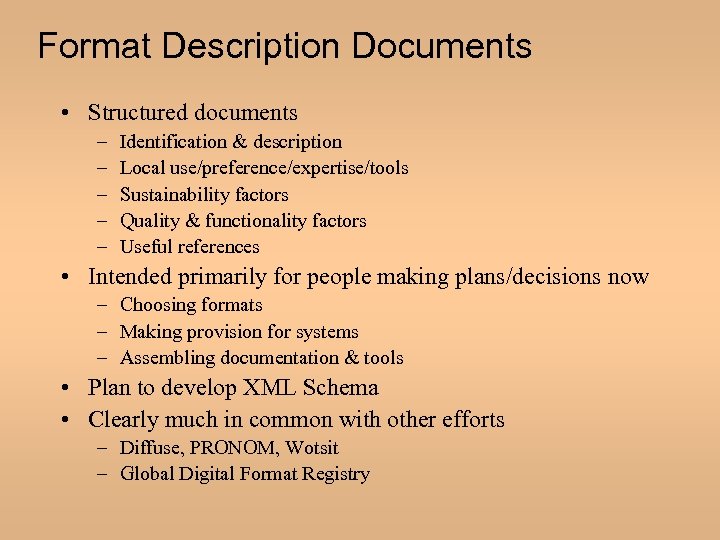
Format Description Documents • Structured documents – – – Identification & description Local use/preference/expertise/tools Sustainability factors Quality & functionality factors Useful references • Intended primarily for people making plans/decisions now – Choosing formats – Making provision for systems – Assembling documentation & tools • Plan to develop XML Schema • Clearly much in common with other efforts – Diffuse, PRONOM, Wotsit – Global Digital Format Registry
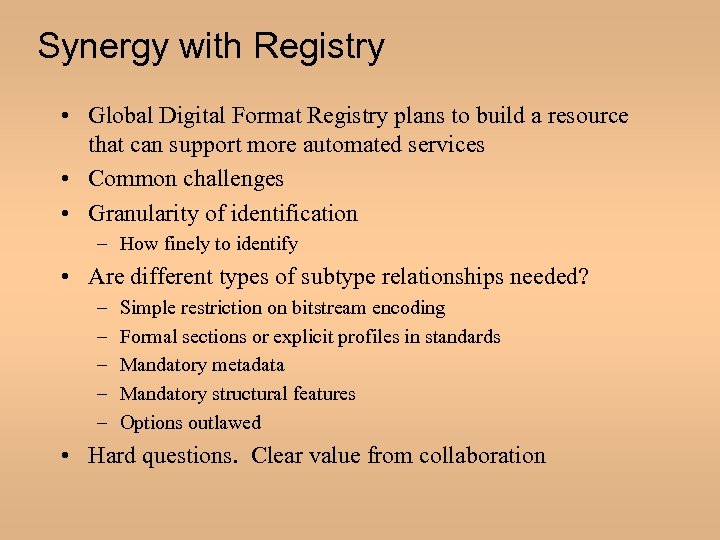
Synergy with Registry • Global Digital Format Registry plans to build a resource that can support more automated services • Common challenges • Granularity of identification – How finely to identify • Are different types of subtype relationships needed? – – – Simple restriction on bitstream encoding Formal sections or explicit profiles in standards Mandatory metadata Mandatory structural features Options outlawed • Hard questions. Clear value from collaboration
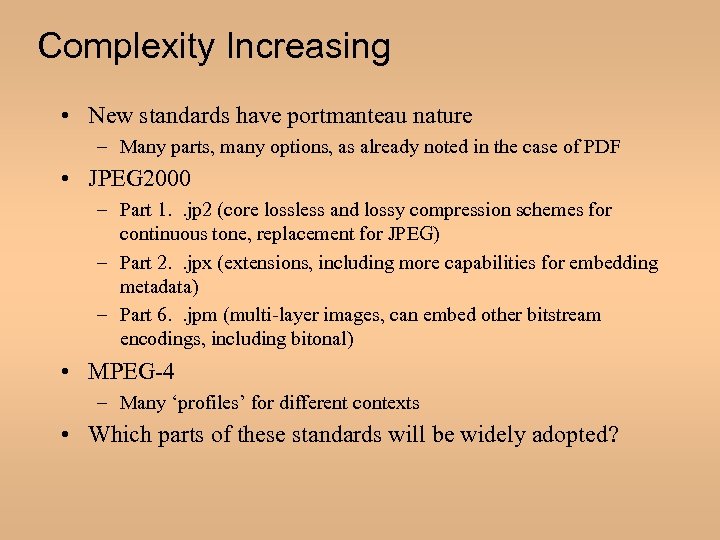
Complexity Increasing • New standards have portmanteau nature – Many parts, many options, as already noted in the case of PDF • JPEG 2000 – Part 1. . jp 2 (core lossless and lossy compression schemes for continuous tone, replacement for JPEG) – Part 2. . jpx (extensions, including more capabilities for embedding metadata) – Part 6. . jpm (multi-layer images, can embed other bitstream encodings, including bitonal) • MPEG-4 – Many ‘profiles’ for different contexts • Which parts of these standards will be widely adopted?
Section III. Content States in a Production and Distribution Cycle
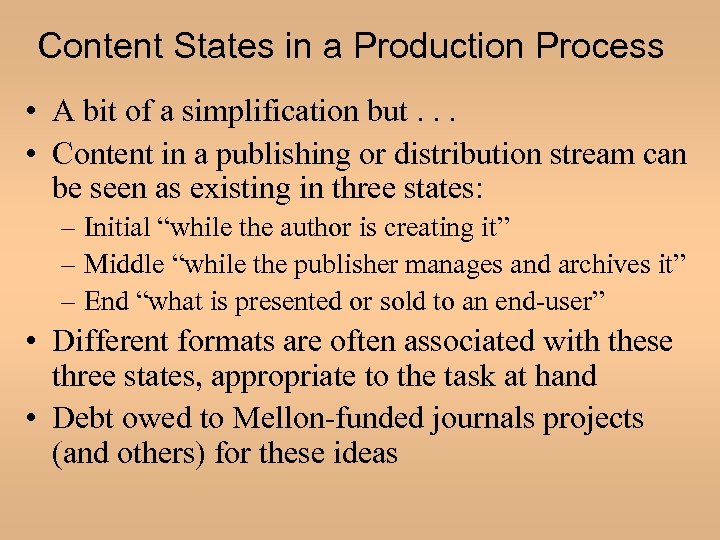
Content States in a Production Process • A bit of a simplification but. . . • Content in a publishing or distribution stream can be seen as existing in three states: – Initial “while the author is creating it” – Middle “while the publisher manages and archives it” – End “what is presented or sold to an end-user” • Different formats are often associated with these three states, appropriate to the task at hand • Debt owed to Mellon-funded journals projects (and others) for these ideas
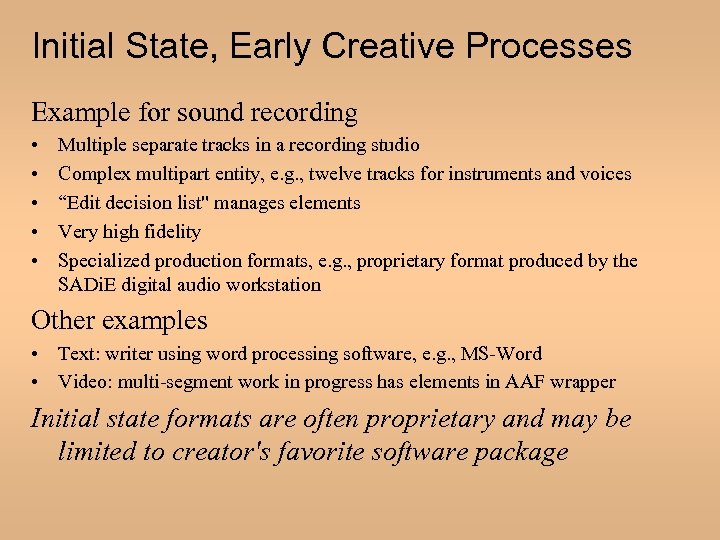
Initial State, Early Creative Processes Example for sound recording • • • Multiple separate tracks in a recording studio Complex multipart entity, e. g. , twelve tracks for instruments and voices “Edit decision list" manages elements Very high fidelity Specialized production formats, e. g. , proprietary format produced by the SADi. E digital audio workstation Other examples • Text: writer using word processing software, e. g. , MS-Word • Video: multi-segment work in progress has elements in AAF wrapper Initial state formats are often proprietary and may be limited to creator's favorite software package
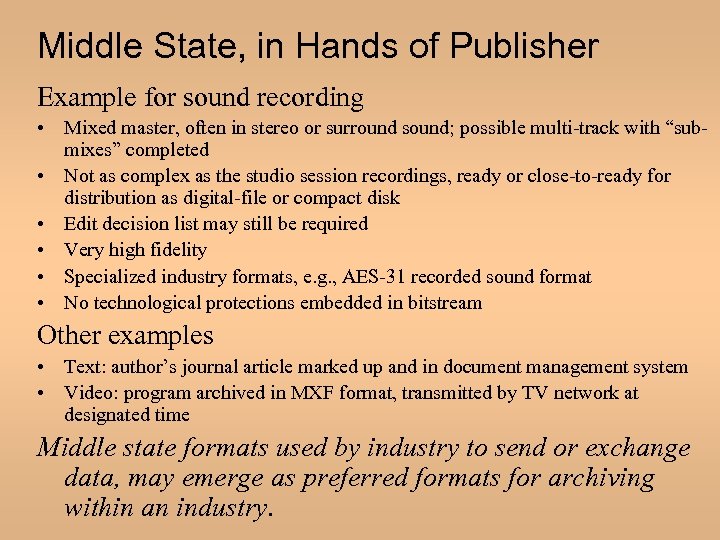
Middle State, in Hands of Publisher Example for sound recording • Mixed master, often in stereo or surround sound; possible multi-track with “submixes” completed • Not as complex as the studio session recordings, ready or close-to-ready for distribution as digital-file or compact disk • Edit decision list may still be required • Very high fidelity • Specialized industry formats, e. g. , AES-31 recorded sound format • No technological protections embedded in bitstream Other examples • Text: author’s journal article marked up and in document management system • Video: program archived in MXF format, transmitted by TV network at designated time Middle state formats used by industry to send or exchange data, may emerge as preferred formats for archiving within an industry.
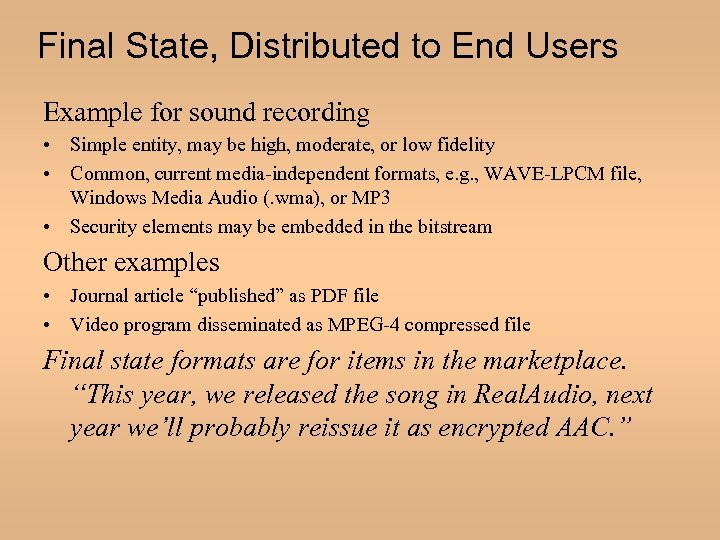
Final State, Distributed to End Users Example for sound recording • Simple entity, may be high, moderate, or low fidelity • Common, current media-independent formats, e. g. , WAVE-LPCM file, Windows Media Audio (. wma), or MP 3 • Security elements may be embedded in the bitstream Other examples • Journal article “published” as PDF file • Video program disseminated as MPEG-4 compressed file Final state formats are for items in the marketplace. “This year, we released the song in Real. Audio, next year we’ll probably reissue it as encrypted AAC. ”
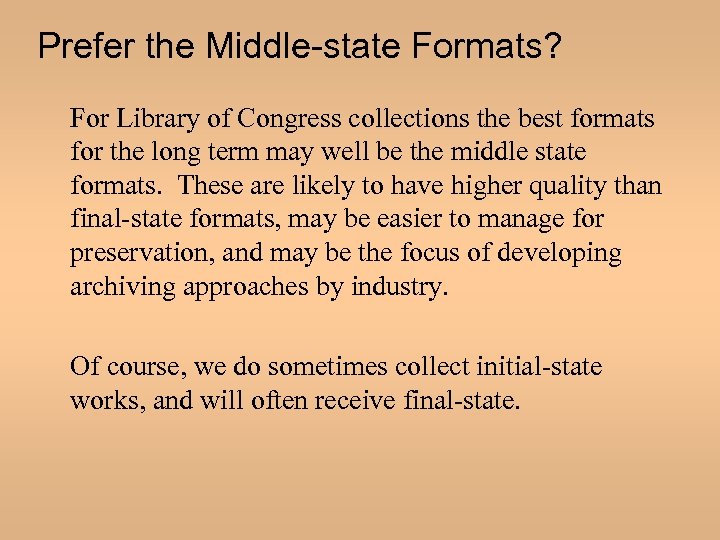
Prefer the Middle-state Formats? For Library of Congress collections the best formats for the long term may well be the middle state formats. These are likely to have higher quality than final-state formats, may be easier to manage for preservation, and may be the focus of developing archiving approaches by industry. Of course, we do sometimes collect initial-state works, and will often receive final-state.
Middle-state Preference Challenges Seeking middle-state digital formats for LC collections would be different than the most widespread current practice. The selection of best editions authorized by copyright law and LC practices today is generally limited to works in their final state.
Section IV. Curator’s Judgment
Putting Format Preferences to Work • Illustration from the realm of sound recordings • How a curator might – analyze significant or essential characteristics for categories of content – combine that analysis with technical information about formats, and – develop format-preference statements for content subcategories.
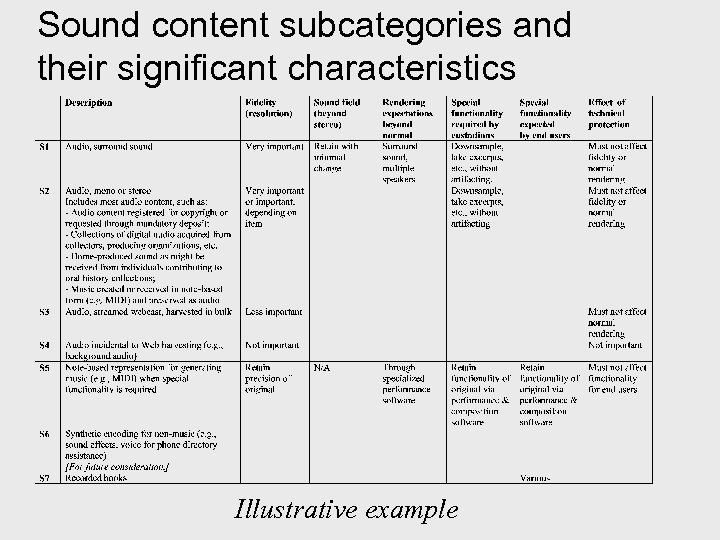
Sound content subcategories and their significant characteristics Illustrative example
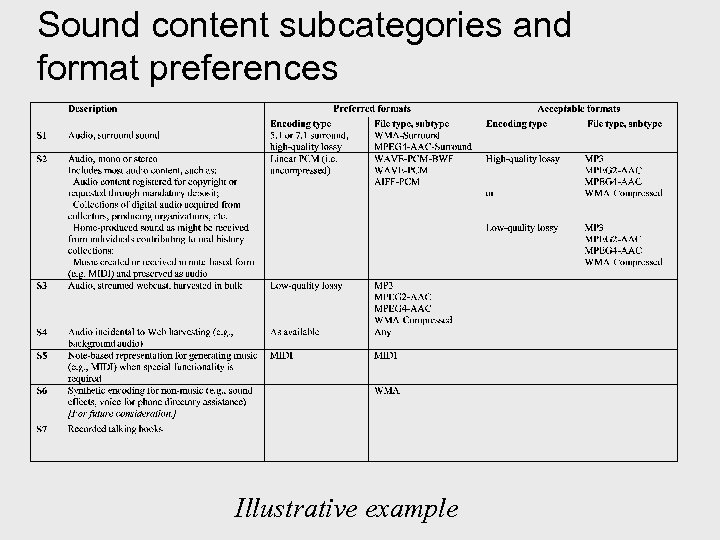
Sound content subcategories and format preferences Illustrative example
Project Next Steps • Continuing inside and outside expert review – we want YOUR comments! • Plan to work with registry as it takes shape • Implementation at LC: – Develop web site for LC staff – Launch process to identify which formats to analyze next
Скачать презентацию Digital Formats Factors for Sustainability Functionality and Quality
ccb9d2dce27bb6abb6f25ce87dab225d.ppt