


 Скачать презентацию Digital Data Acquisition Plug-N-Play The Future Is Now
f98a7612a8198071b51af8f91012710c.ppt
- Количество слайдов: 33
 Digital Data Acquisition Plug-N-Play The Future Is Now. . . For the Digital Millennium H 2 NS Environmental Inc. Austin, Texas USA
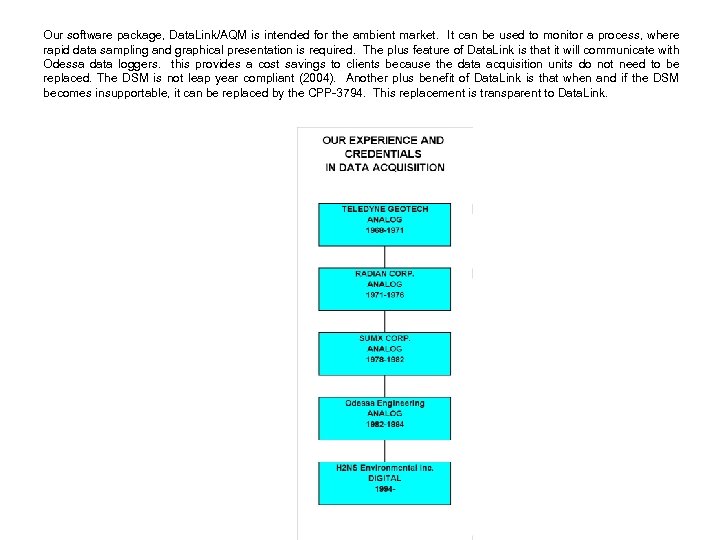
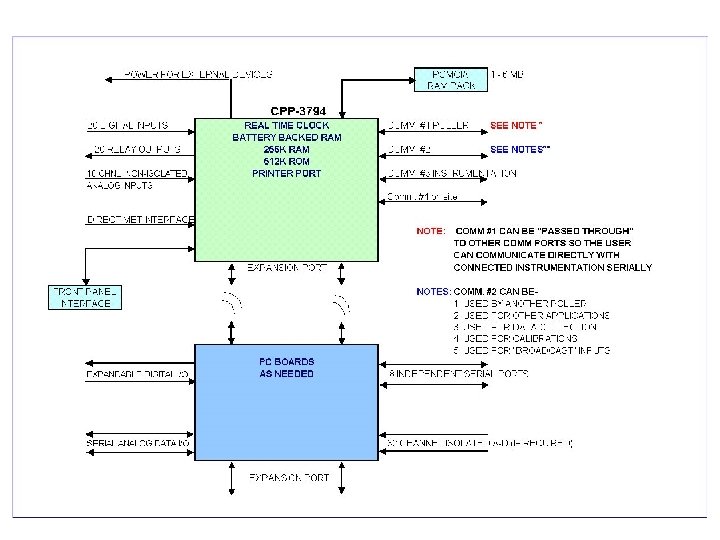
 12108 -A Roxie Drive Austin, Texas 78729 u. SA Phone: (512)-918 -8035 Fax: (512)-918 -9684 Email "sales@h 2 ns. com" Home: www. h 2 ns. com H 2 NS Environmental Inc was formed in 1994. The founders of H 2 NS are the previous founders of Odessa Engineering. Experience in the environmental data acquisition field is depicted in the figure on page 2. Early on, H 2 Ns Inc. was contacted by many Odessa Engineering clients in order to obtain support for their Odessa Hardware and software. Through word of mouth we built a reputation of rapid response with reasonable rates and soon had a respectable customer base. We performed system expansion and upgrades on existing Odessa systems. The original designers of the Odessa data logger, the DSM series, set out on a quest to design and produce a data acquisition unit capable to meet today’s challenges and flexible enough to meet the unknown after Y 2 K. The environmental instrumentation manufacturers of today have harnessed the power of a central processing unit (CPU) and imbedded it into their instrumentation. This modernization produced features previously unavailable to an operator. Now diagnostics could be run over a serial port, set-up or set-up changes made with a keystroke, digitized data was available for direct download into a database. However, there was one drawback. All manufacturers had different protocols, hence the digital data download could not be automated. H 2 NS Inc. recognized this sign of the future and began designing a data acquisition device with the capability of communicating with an array of manufacturers instrumentation and combining that data into a common database. This concept also allowed operators, at a remote location, to communicate with an individual instrument to perform diagnostics and routine “state-of-health checks. The capability to perform this type of testing led to “Predictive Maintenance”, where an operator could envision a failing instrument component, perform maintenance and restore the instrument before it failed completely. While connected the CPP-3794, data collection continues uninterrupted while an operator is exercising inherent features of an instrument. As not all users had 100% new-smart instrumentation but rather a mixture of old and new so we implemented an analog front end for the CPP-3794 in order to maintain backward compatibility.
 Our software package, Data. Link/AQM is intended for the ambient market. It can be used to monitor a process, where rapid data sampling and graphical presentation is required. The plus feature of Data. Link is that it will communicate with Odessa data loggers. this provides a cost savings to clients because the data acquisition units do not need to be replaced. The DSM is not leap year compliant (2004). Another plus benefit of Data. Link is that when and if the DSM becomes insupportable, it can be replaced by the CPP-3794. This replacement is transparent to Data. Link.
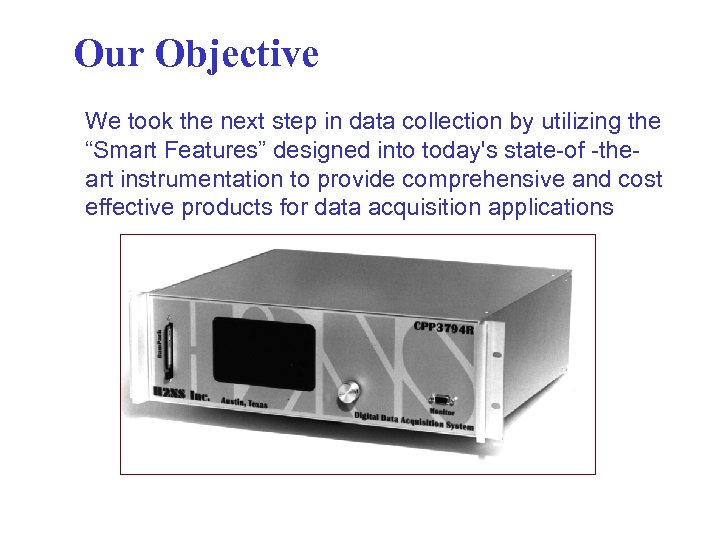 Our Objective We took the next step in data collection by utilizing the “Smart Features” designed into today's state-of -theart instrumentation to provide comprehensive and cost effective products for data acquisition applications
 Typical Features Available Over the RS-232 Port Of A “Smart Instrument” § § § § Conduct Diagnostic Routines (Predictive Maintenance) Read Internal Flows Read Internal Pressure Read Lamp Intensities Conduct Calibrations Adjust Operating Parameters Retrieve Stored Data Check / Reset Alarms § And…. . the List Goes On!!
 What are the advantages of this approach? $$. . Significant Cost Savings in System Implementation § § § Only one standard cable, no wiring errors No potential ground loops No isolated current loops Simplified training Simplified documentation No Conversion Errors
 Advantages Significant increase in system up time §On Line Diagnostics §Predict Upcoming Failures (Predictive Maintenance) §Field Technicians Leave prepared §Distribution of Stored Data §Distribution of Responsibilities
 CPP-4794 FEATURES 30 -40 Channel Unit Each Channel Can Be: Ø Connected to a “Smart” Instrument (Comm Port. Baud Rate) Ø Get Data From the A/D Ø Set Up as a Computed Channel Ø Set Up as a Rolling Average Channel Ø Set Up to be Linearized Ø Set Up for Meteorological Input Ø Operator Entered Constants Ø MORE…. . .
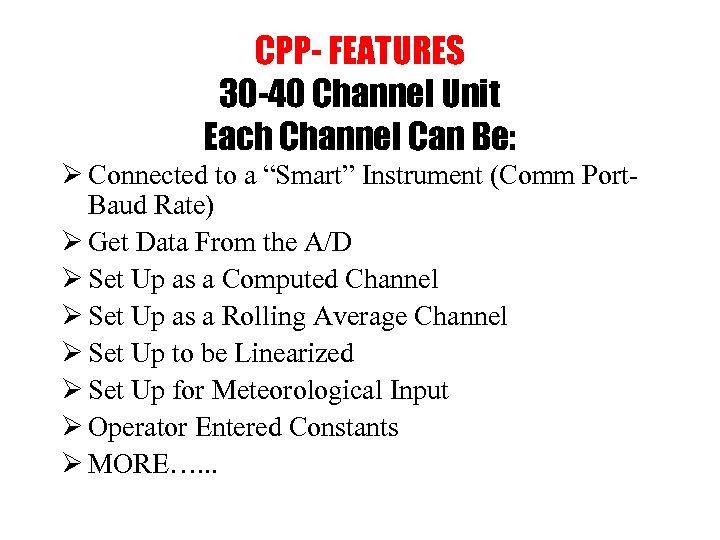 CPP- FEATURES 30 -40 Channel Unit Each Channel Can Be: Ø Connected to a “Smart” Instrument (Comm Port. Baud Rate) Ø Get Data From the A/D Ø Set Up as a Computed Channel Ø Set Up as a Rolling Average Channel Ø Set Up to be Linearized Ø Set Up for Meteorological Input Ø Operator Entered Constants Ø MORE…. . .
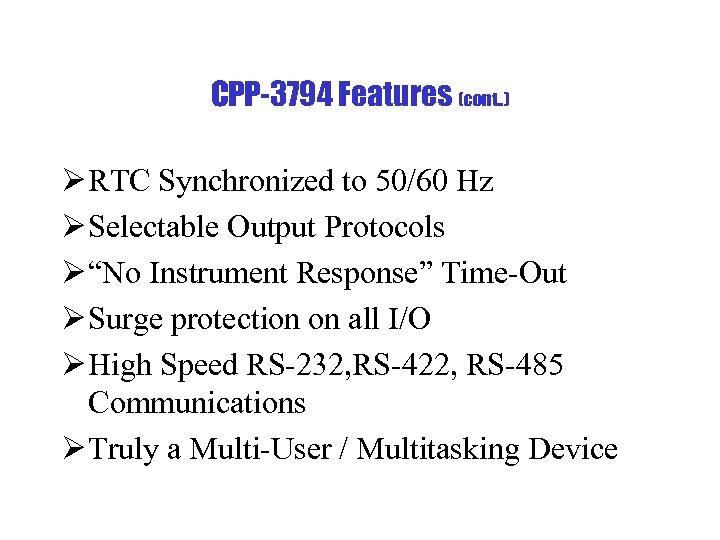 CPP-3794 Features (cont. . ) Ø RTC Synchronized to 50/60 Hz Ø Selectable Output Protocols Ø “No Instrument Response” Time-Out Ø Surge protection on all I/O Ø High Speed RS-232, RS-422, RS-485 Communications Ø Truly a Multi-User / Multitasking Device
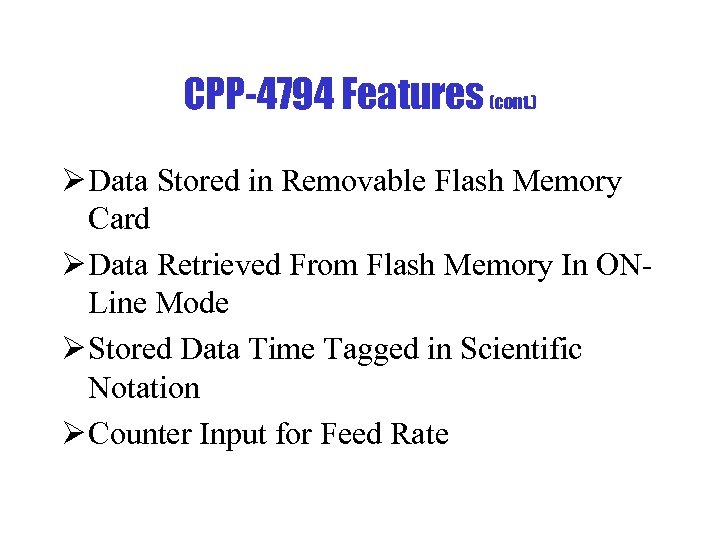 CPP-4794 Features (cont. ) Ø Data Stored in Removable Flash Memory Card Ø Data Retrieved From Flash Memory In ONLine Mode Ø Stored Data Time Tagged in Scientific Notation Ø Counter Input for Feed Rate
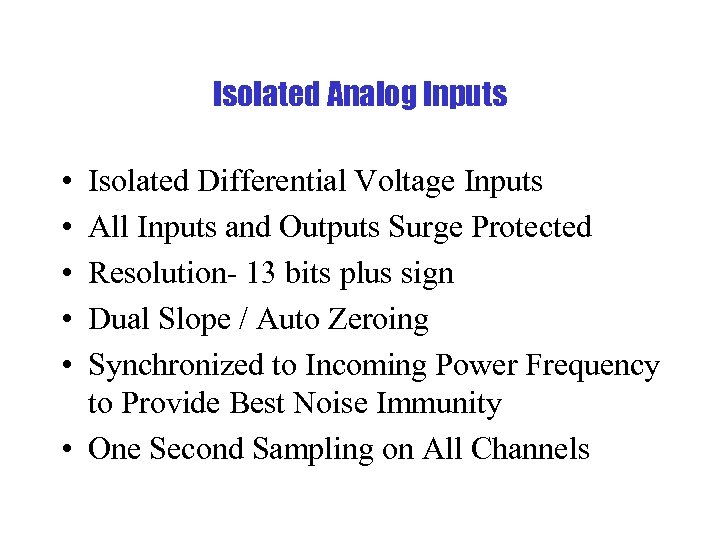 Isolated Analog Inputs • • • Isolated Differential Voltage Inputs All Inputs and Outputs Surge Protected Resolution- 13 bits plus sign Dual Slope / Auto Zeroing Synchronized to Incoming Power Frequency to Provide Best Noise Immunity • One Second Sampling on All Channels
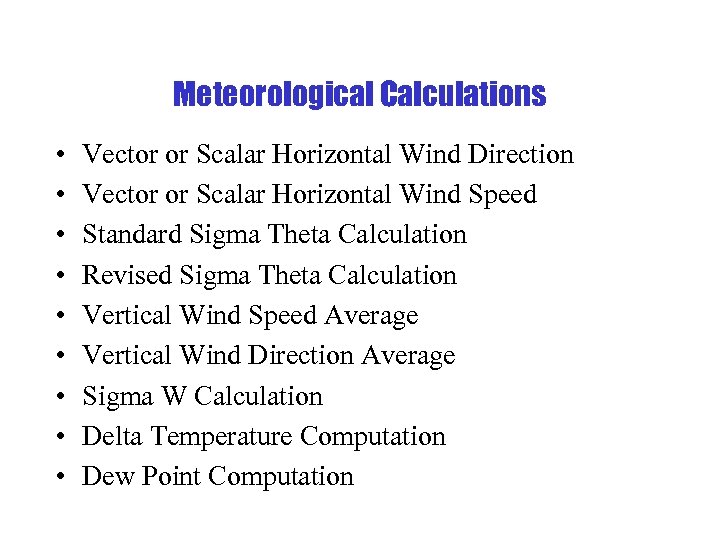 Meteorological Calculations • • • Vector or Scalar Horizontal Wind Direction Vector or Scalar Horizontal Wind Speed Standard Sigma Theta Calculation Revised Sigma Theta Calculation Vertical Wind Speed Average Vertical Wind Direction Average Sigma W Calculation Delta Temperature Computation Dew Point Computation
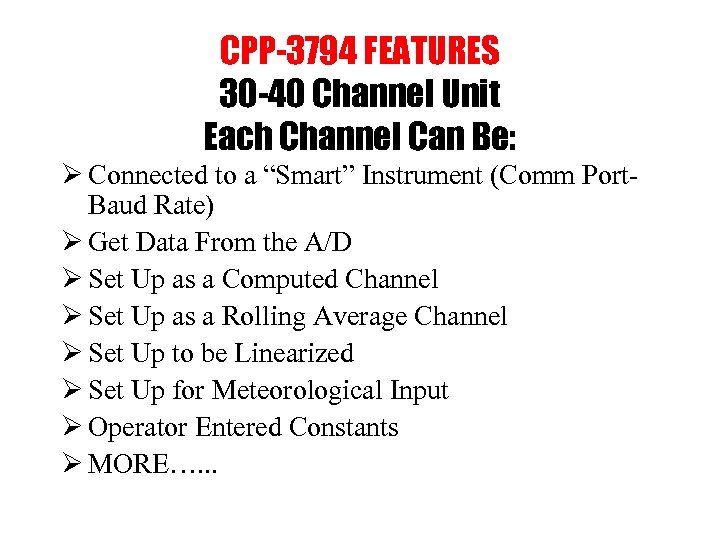 CPP-3794 FEATURES 30 -40 Channel Unit Each Channel Can Be: Ø Connected to a “Smart” Instrument (Comm Port. Baud Rate) Ø Get Data From the A/D Ø Set Up as a Computed Channel Ø Set Up as a Rolling Average Channel Ø Set Up to be Linearized Ø Set Up for Meteorological Input Ø Operator Entered Constants Ø MORE…. . .
 Texas Electronics
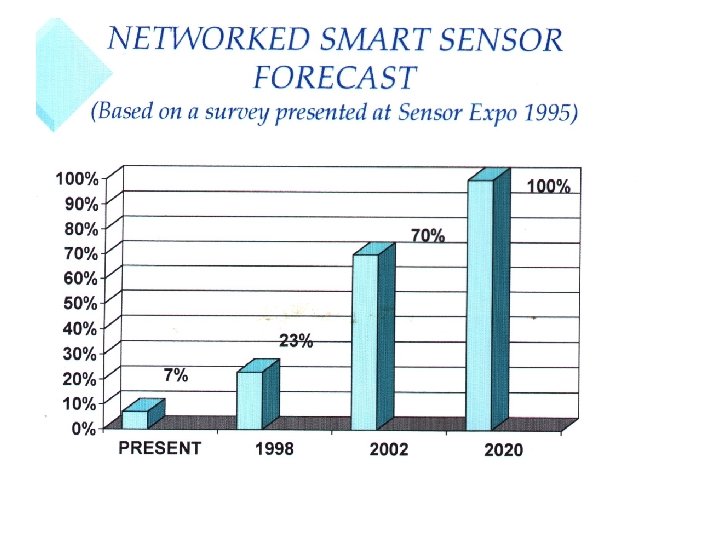
 Times, They Are A-Changing The New Millennium Will be the Digital Millennium • • TV’s Home Electronics-Firewire Digital Offers Significant Savings Digital Offers Improved Operation Digital Eliminates Many Sources of Error Don’t Purchase Antiquity The CPP-3794 is The Only Logger That Offers Future Compatibility (Digital) and Supports Backwards Compatibility (Analog)
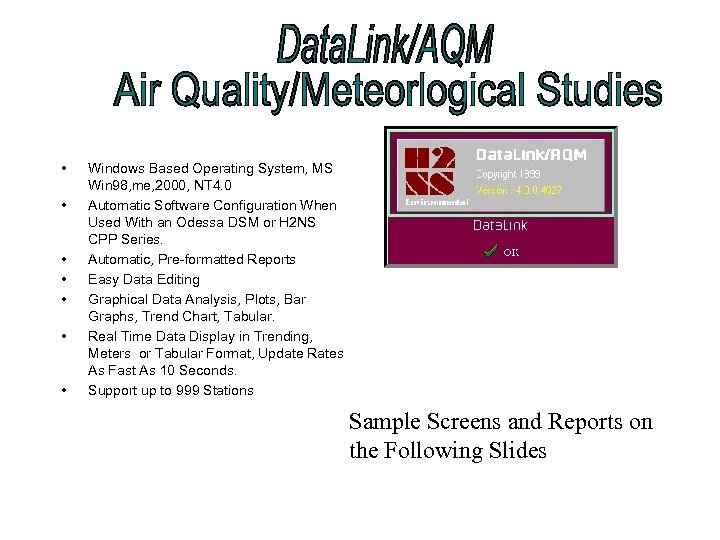 • • Windows Based Operating System, MS Win 98, me, 2000, NT 4. 0 Automatic Software Configuration When Used With an Odessa DSM or H 2 NS CPP Series. Automatic, Pre-formatted Reports Easy Data Editing Graphical Data Analysis, Plots, Bar Graphs, Trend Chart, Tabular. Real Time Data Display in Trending, Meters or Tabular Format, Update Rates As Fast As 10 Seconds. Support up to 999 Stations Sample Screens and Reports on the Following Slides
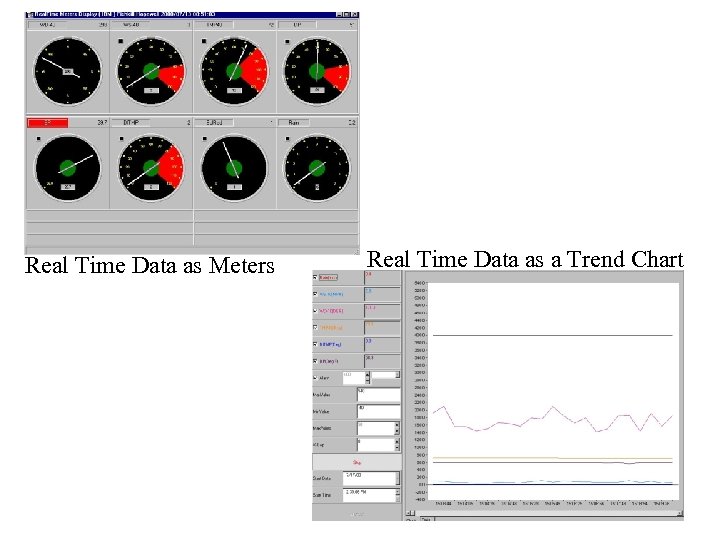 Real Time Data as Meters Real Time Data as a Trend Chart
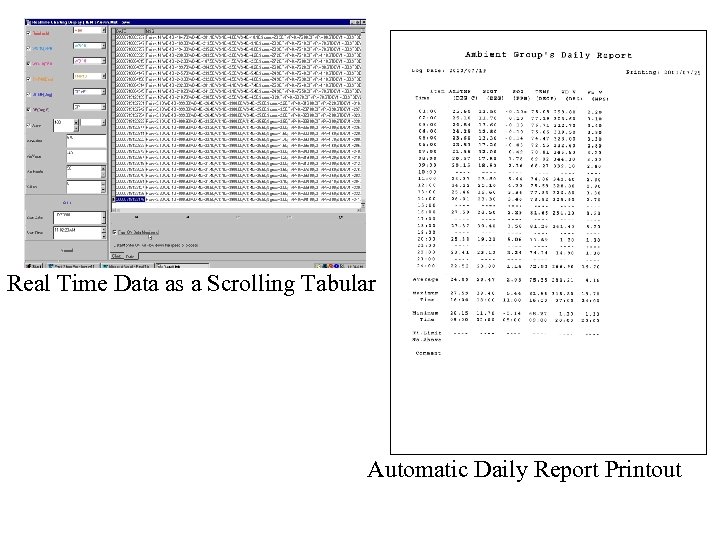 Real Time Data as a Scrolling Tabular Automatic Daily Report Printout
 • • • Windows 95, 98, ME, 2000, NT 4. 0 Operating System Easy Configuration Reliable Data Collection Clear Data Presentation with Customizable Screens Flexible and Powerful Report Generator Open Data Structure with Easy Export to Microsoft Excel, Access and Corporate Data Bases Drivers for Odessa DSM 3260 and H 2 NS CPP-3794 40 CFR 60, 64, and 503; 40 CFR 75, CAM, NOX Budgeting Direct Replacement for Odessa EA 1 series software. (ENVICOM, ENVAID, REPORT, ALARM and Scheduler) Custom State Reporting Formats and Telemetry available
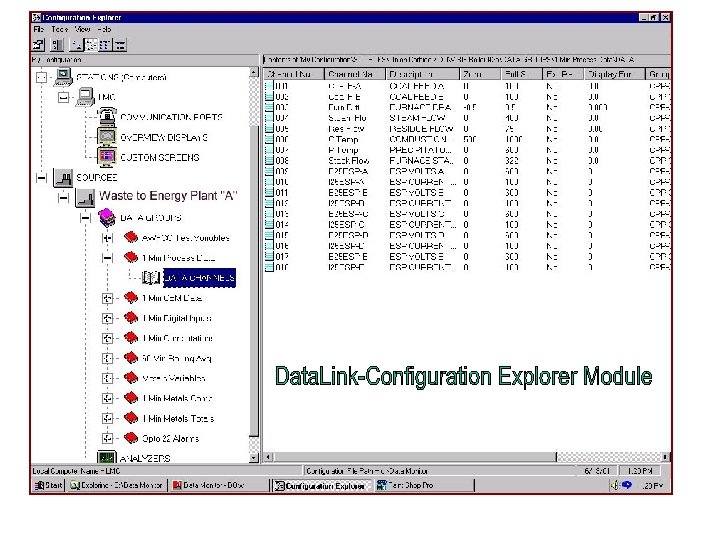
 Configuration Explorer utilizes a familiar Windows Explorer type interface. This module allows the user to create and edit a system configuration. Configuration Explorer provides for setup of basic system configuration including: Administrative / Company information, data file paths, user authorization, network stations, communications ports, data displays, sources, data groups/channels and connected Edit Channels / Configuration analyzers “On-The-Fly” SEE THE NEXT SLIDE FOR A SCREEN CAPTURE OF CONFIGURATION EXPLORER
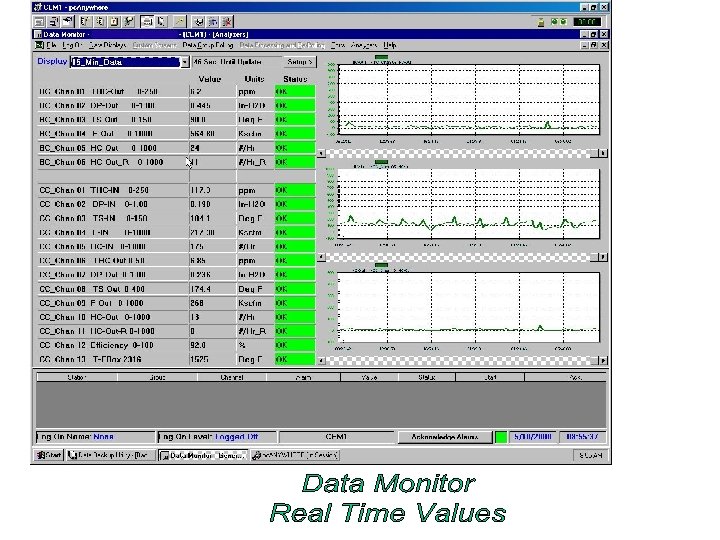
 This module performs the physical polling of the CPP 3794 or Odessa DSM that is gathering the environmental and process related data. It also performs the data computations for long term data points, such as the Lbs. per Hour data and even totals such as the Lbs. or Tons per day/month/qtr/year. It displays viewer selectable data points in real time. It also displays alarms and allows for alarm acknowledgment with reason and action statements. Data gathered can be displayed in tabular and trend graph view. Polling of individual data groups can be controlled. Communications between the data loggers can be monitored in real time. Data Monitor can produce, on demand, current calibration and current and historical alarm reports. If required, Custom Screens that are customer configurable are available. The Next Slide Shows a Typical Data Monitoring Screen.
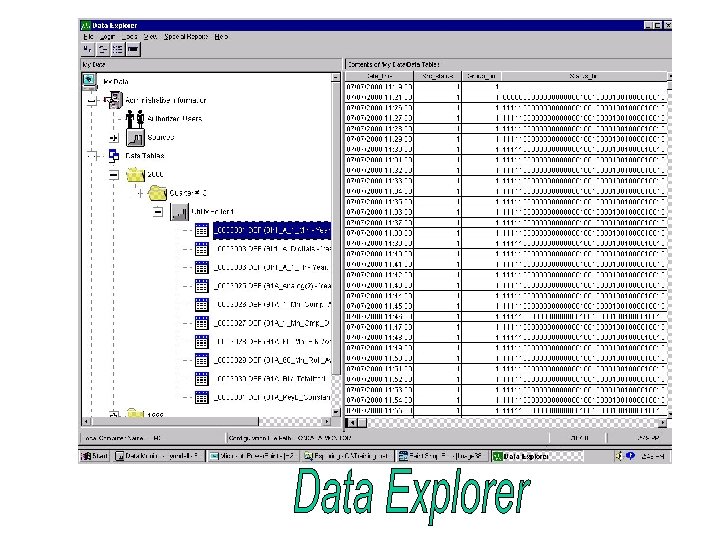
 This powerful program is used to report data gathered using the Data Monitor program. Data values and statuses may be viewed and edited. Data can be from polled data groups, analyzer calibration drift tests and alarms. Various standard reports are available as well as the powerful fullfeatured Ad-Hoc query manager for making customized reports. The Ad-Hoc Query Maker is a powerful tool for creation of custom reports. The Next Slide Shows the Data Explorer Set Up Screen
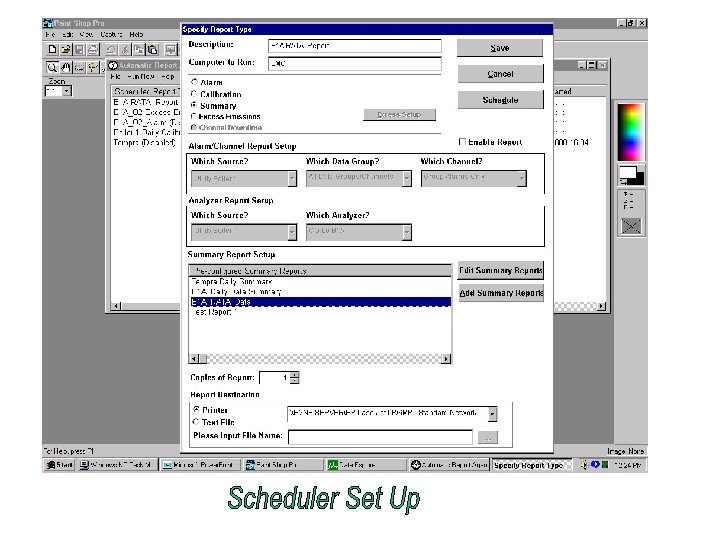
 Automatic Report Agent (Scheduler) The Automatic Report Agent is provided as a means to schedule report generation on a regular basis. Alarm, calibration or summary reports may be scheduled to write to a "Text File" or "Print" to a specified printer. The Automatic Report Agent can be used to run reports already configured in Data Explore, or create new reports. Refer to the next slide to view the “Scheduler” set up window.
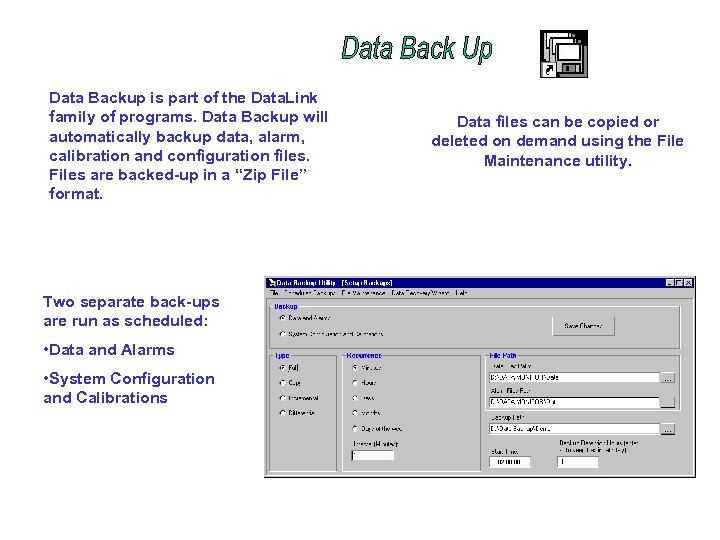 Data Backup is part of the Data. Link family of programs. Data Backup will automatically backup data, alarm, calibration and configuration files. Files are backed-up in a “Zip File” format. Two separate back-ups are run as scheduled: • Data and Alarms • System Configuration and Calibrations Data files can be copied or deleted on demand using the File Maintenance utility.
 Please Visit Our Web Site at www. h 2 ns. com